



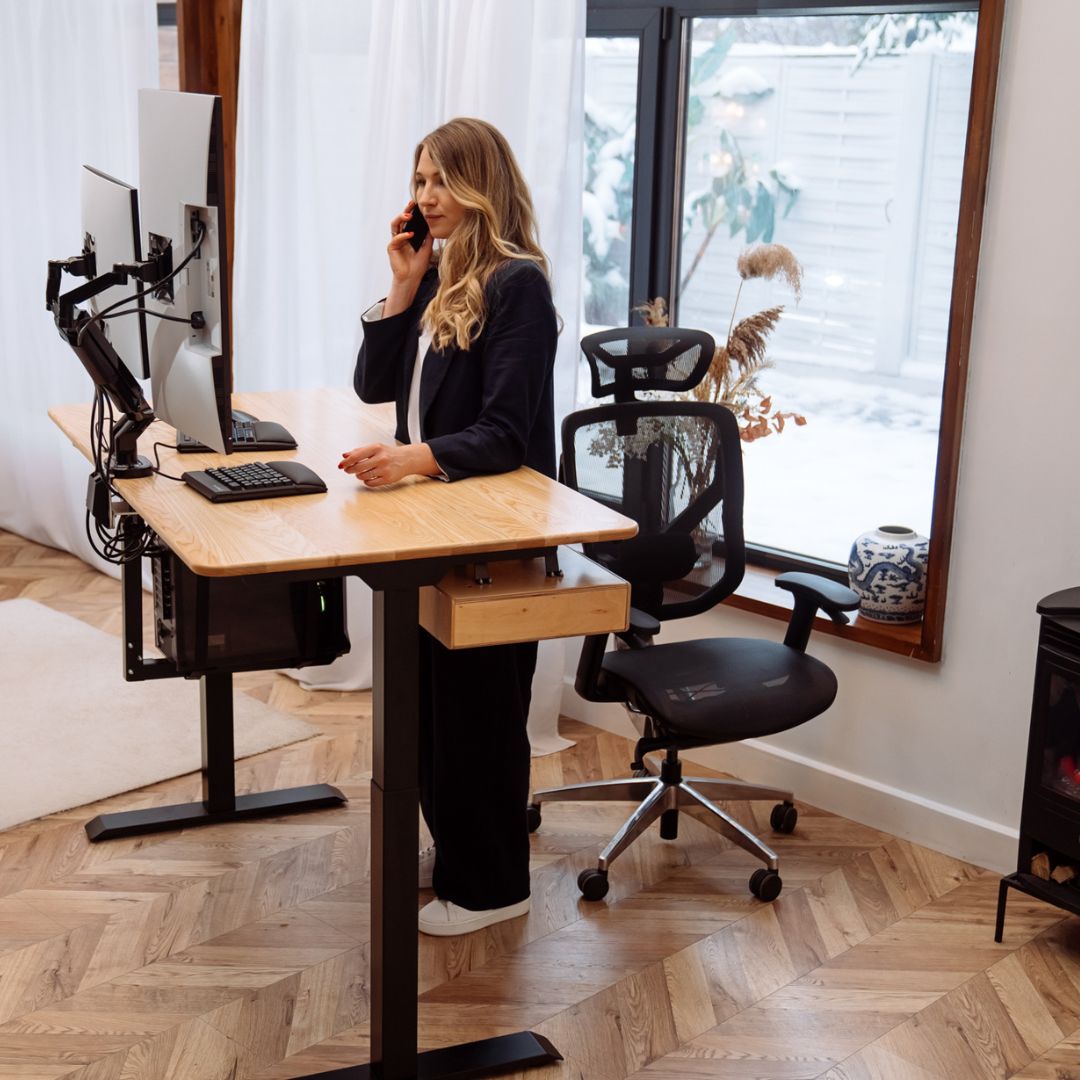
Create the height-adjustable desk of your dreams
With our hands!
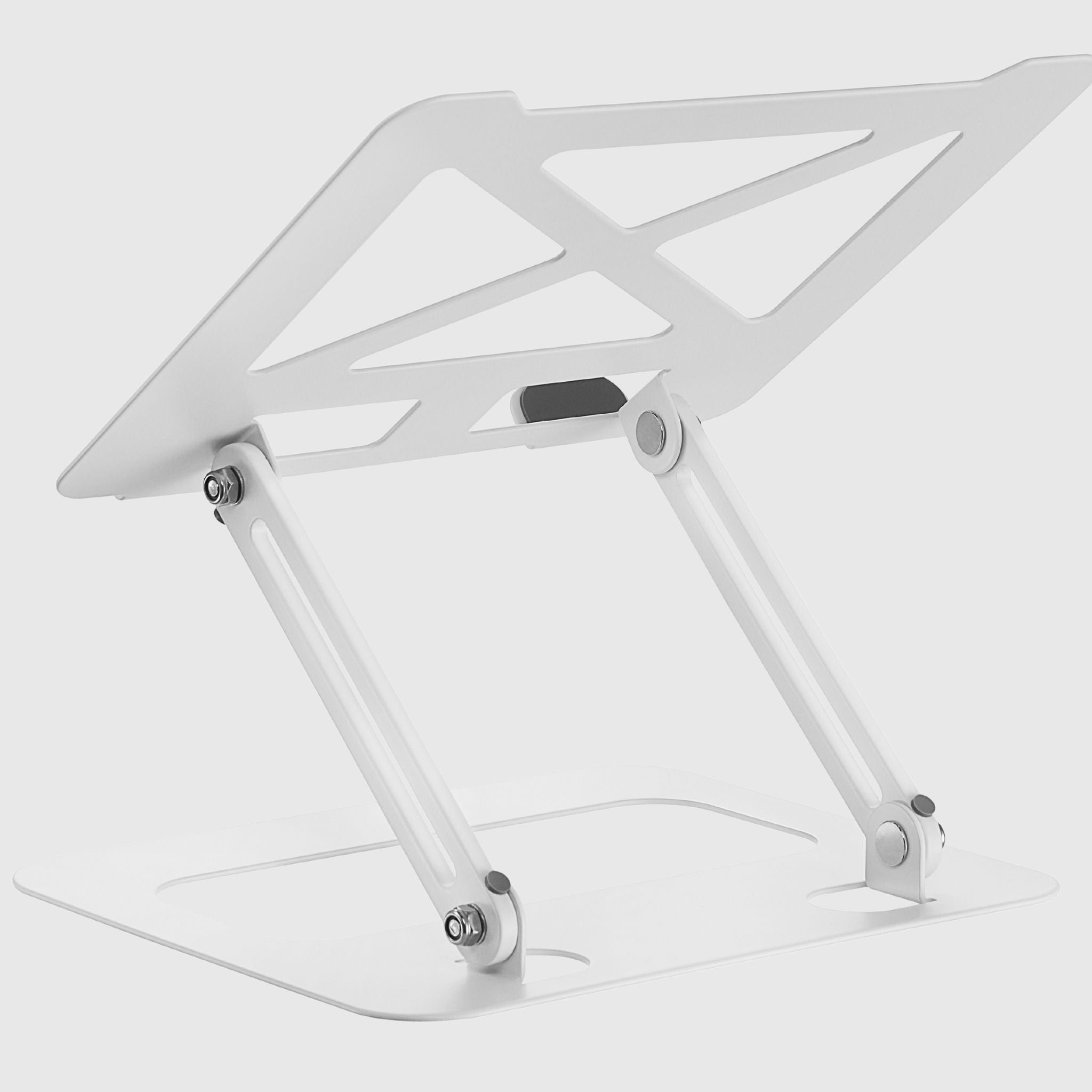
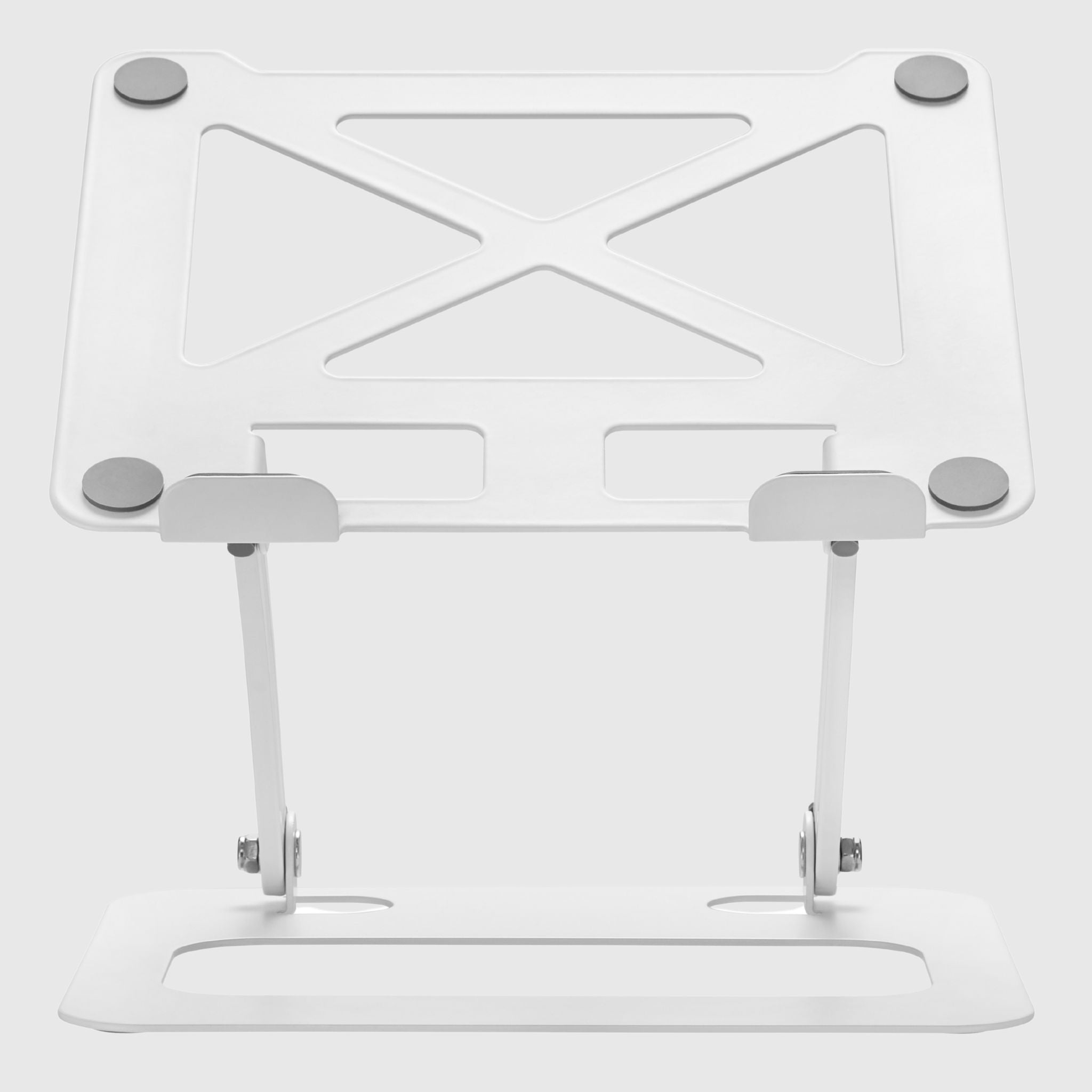
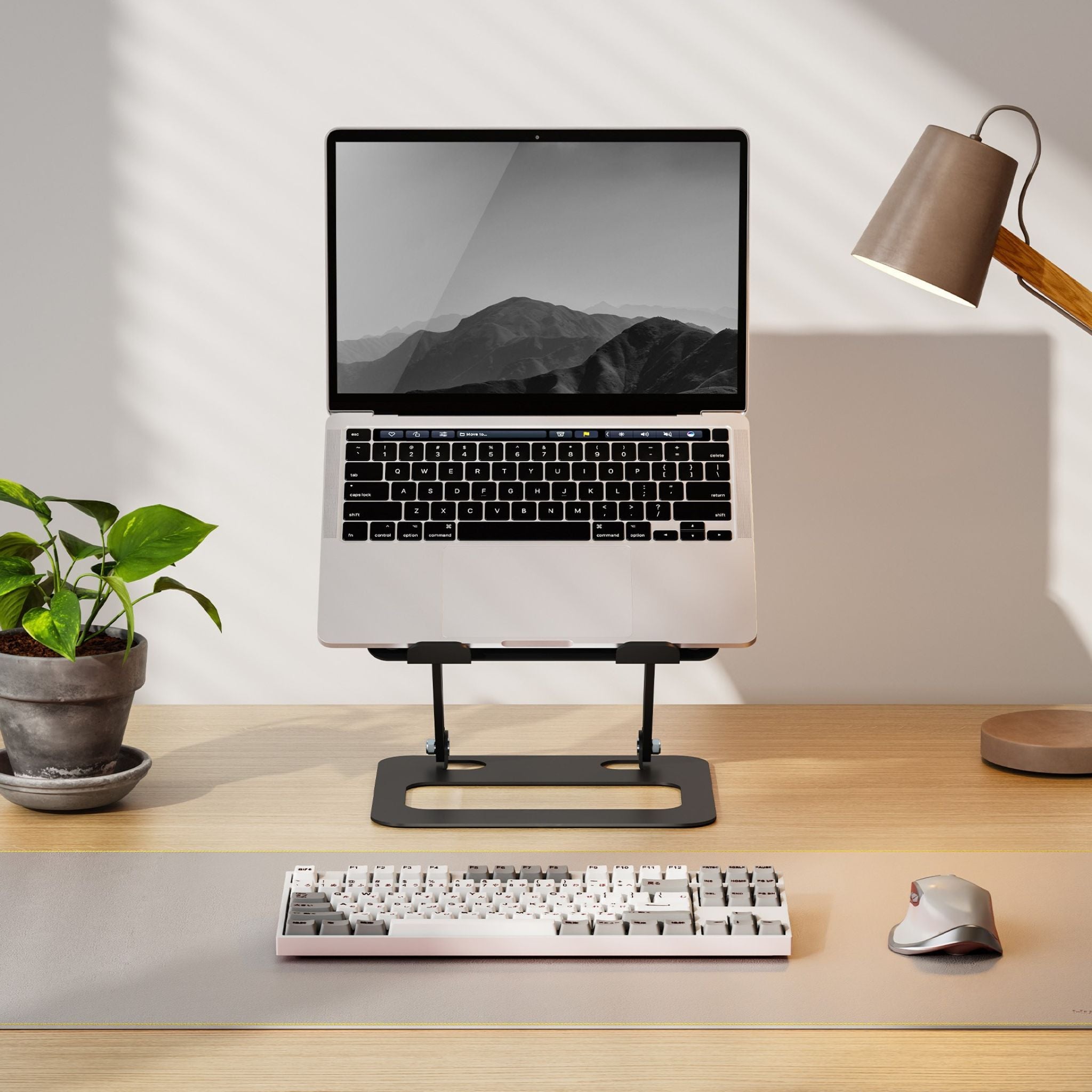
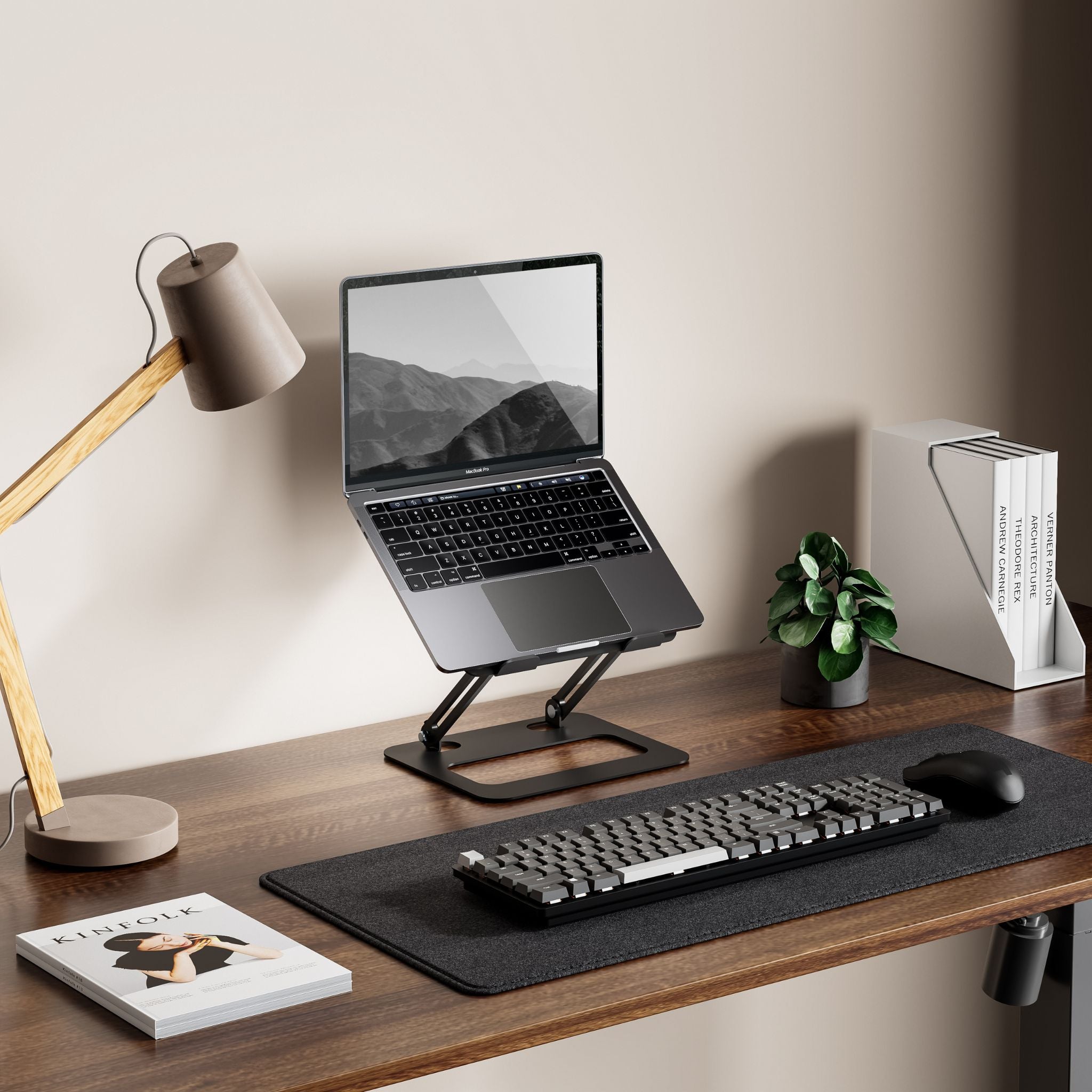
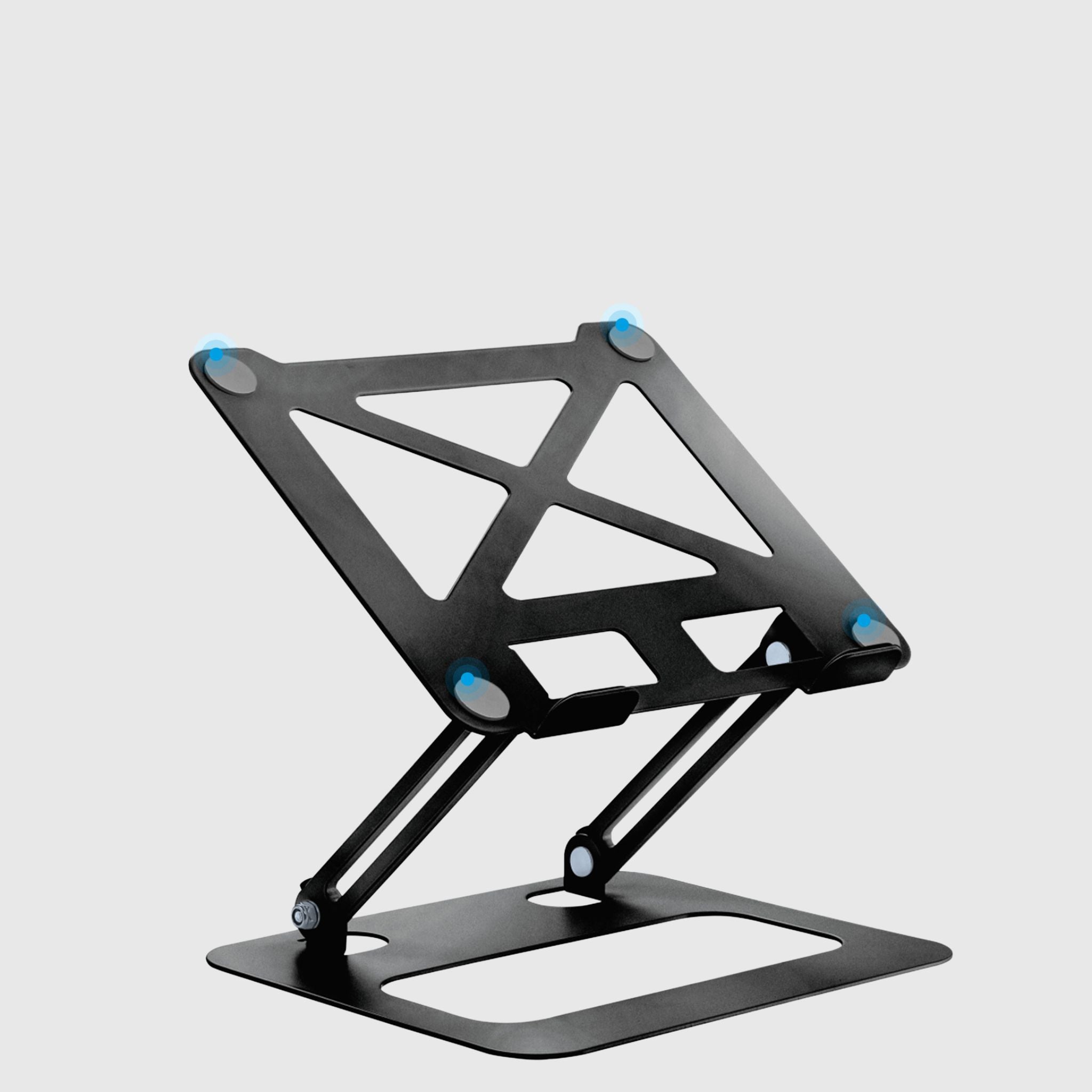
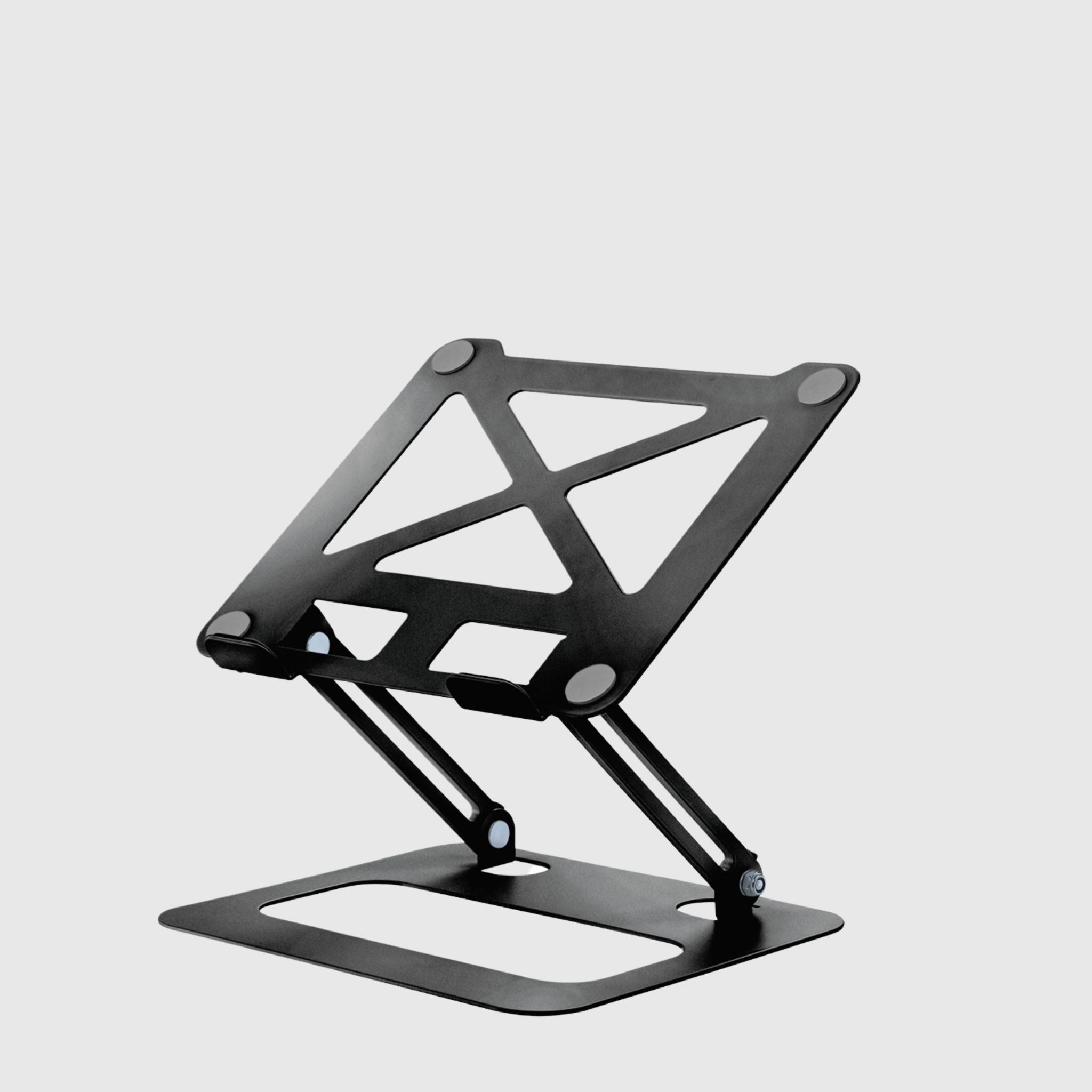
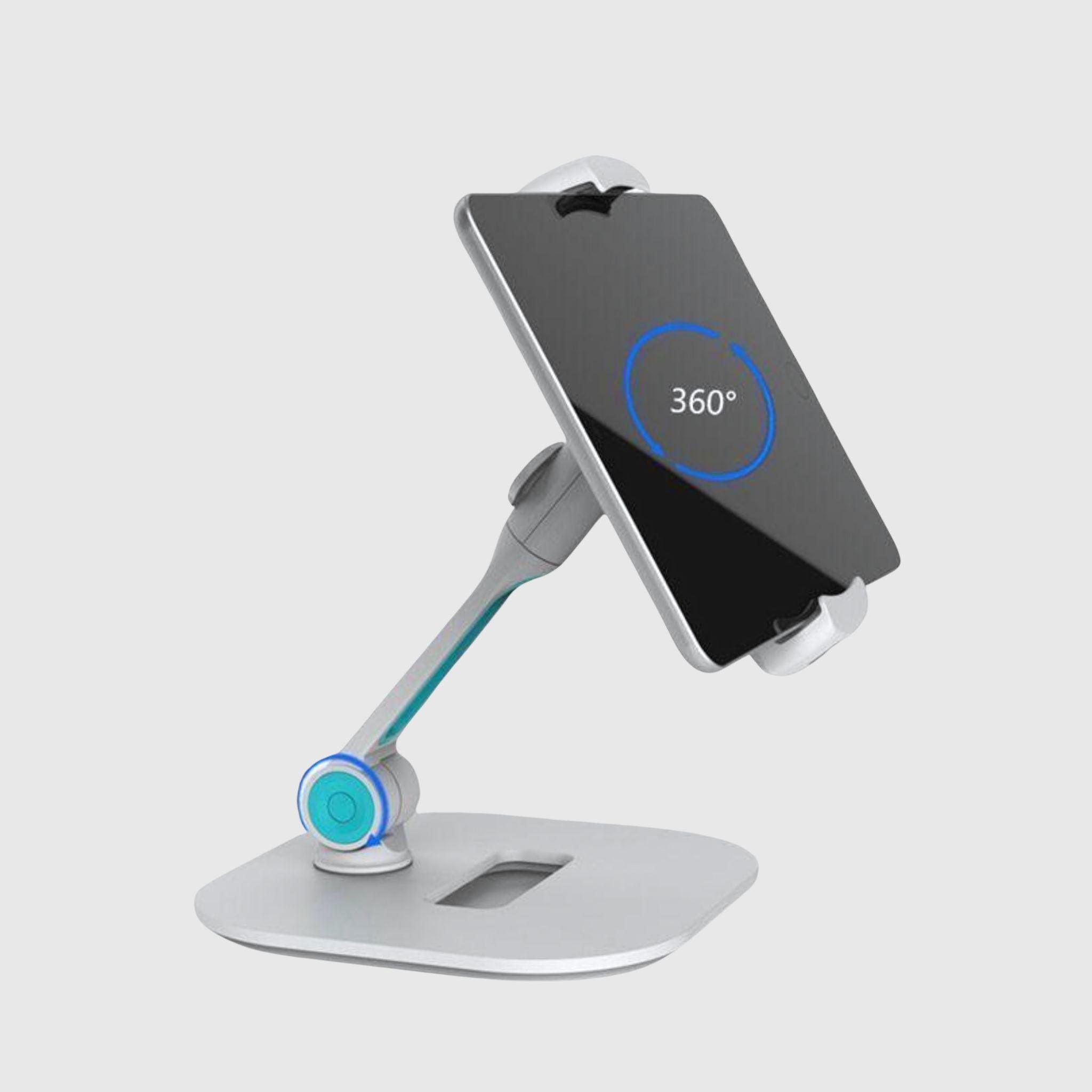
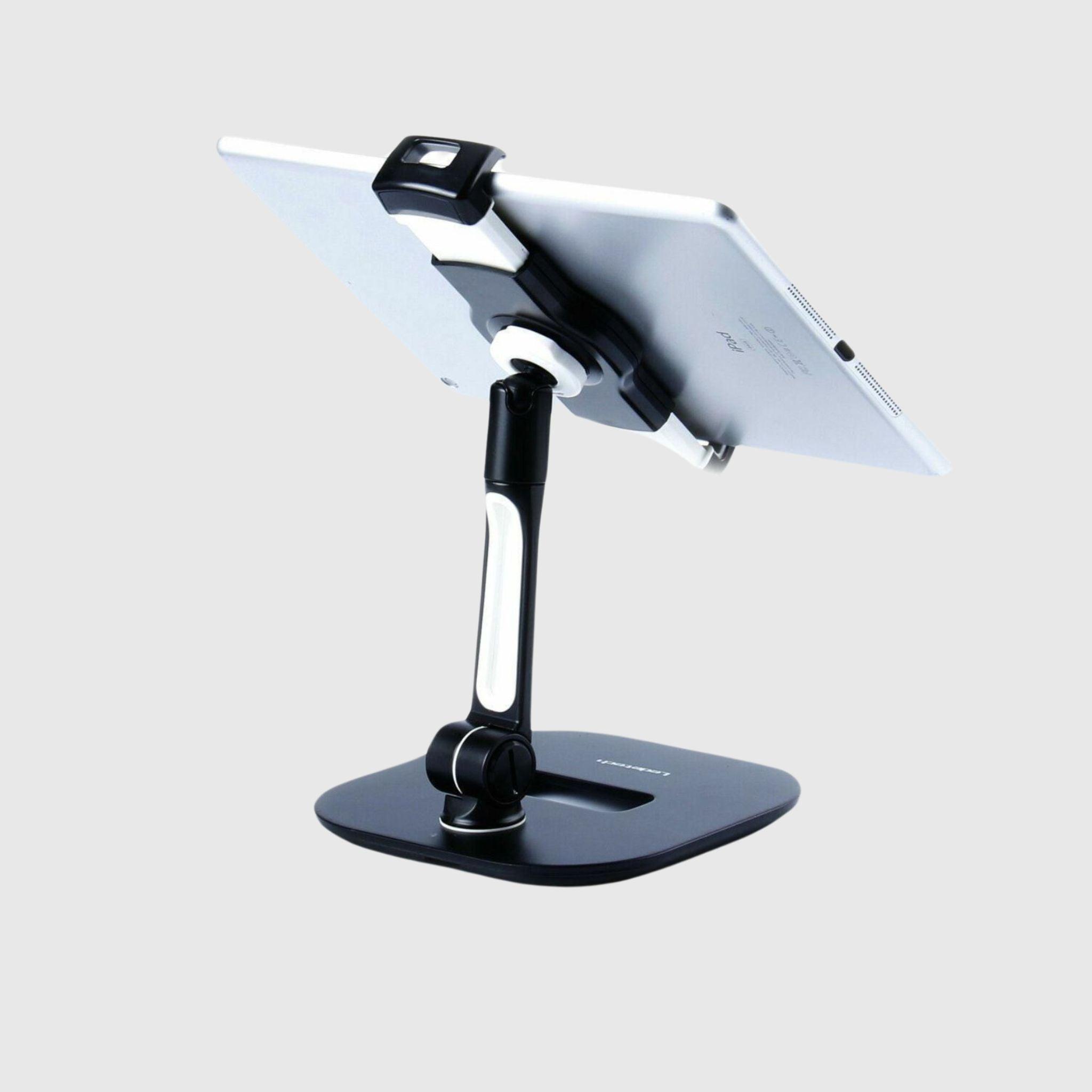
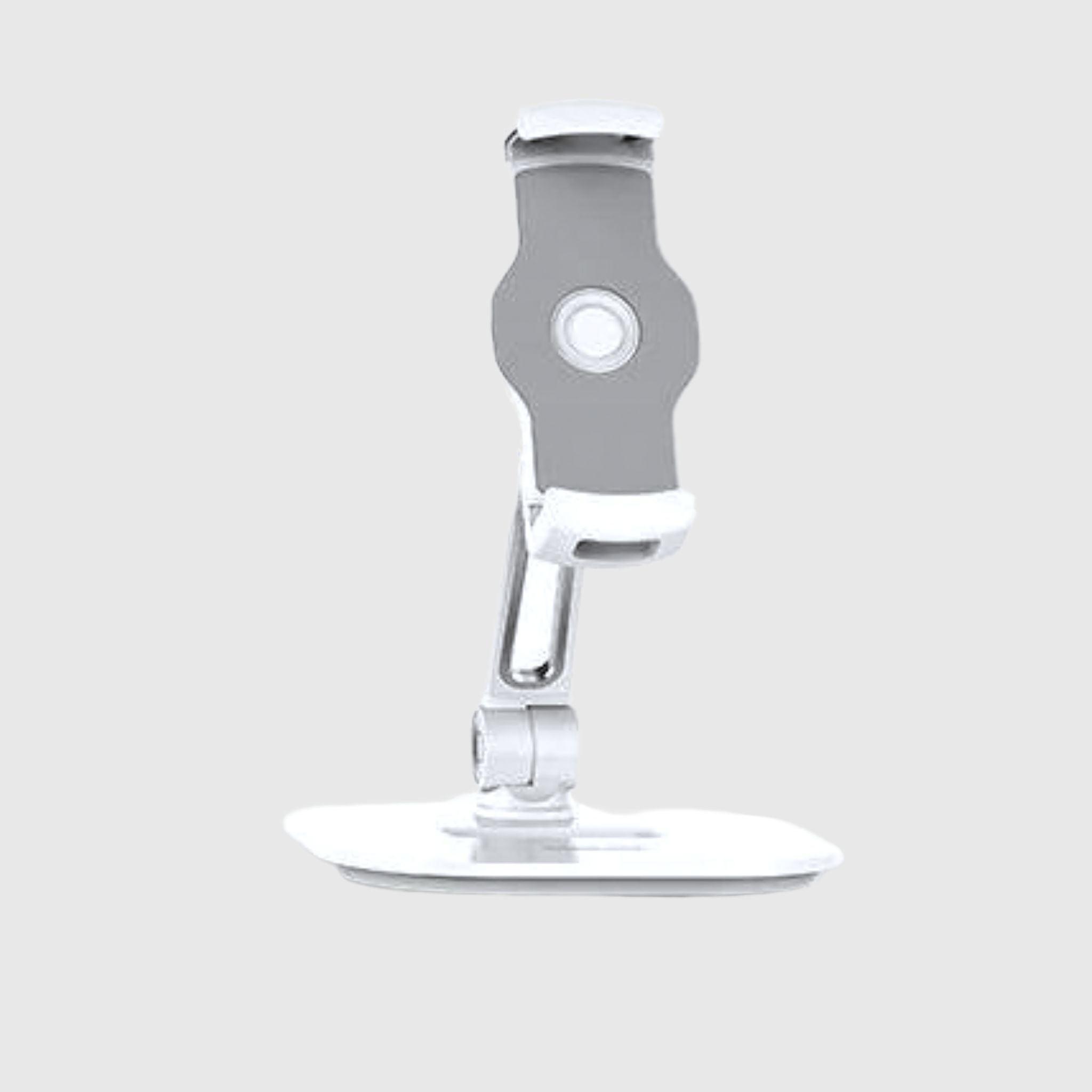
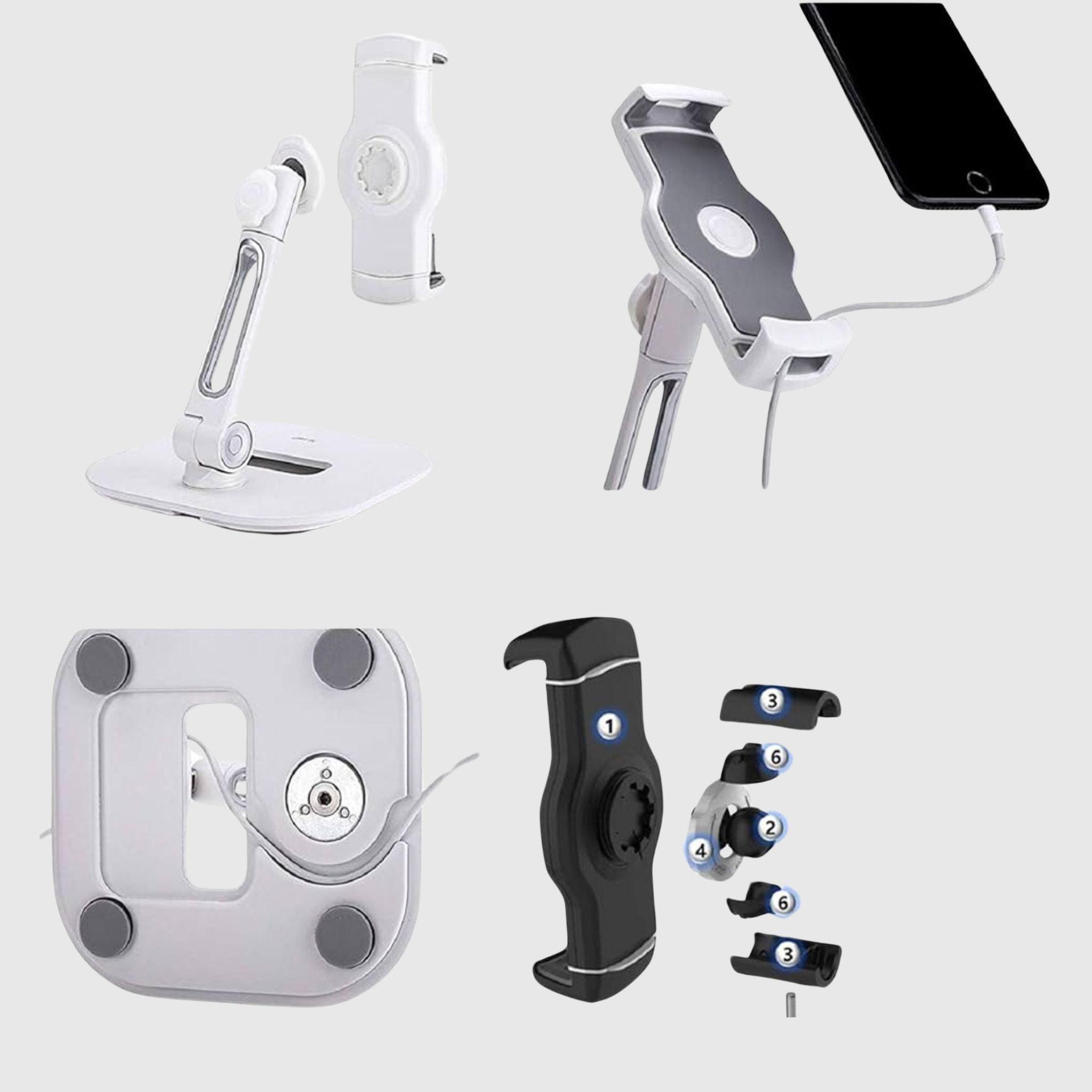
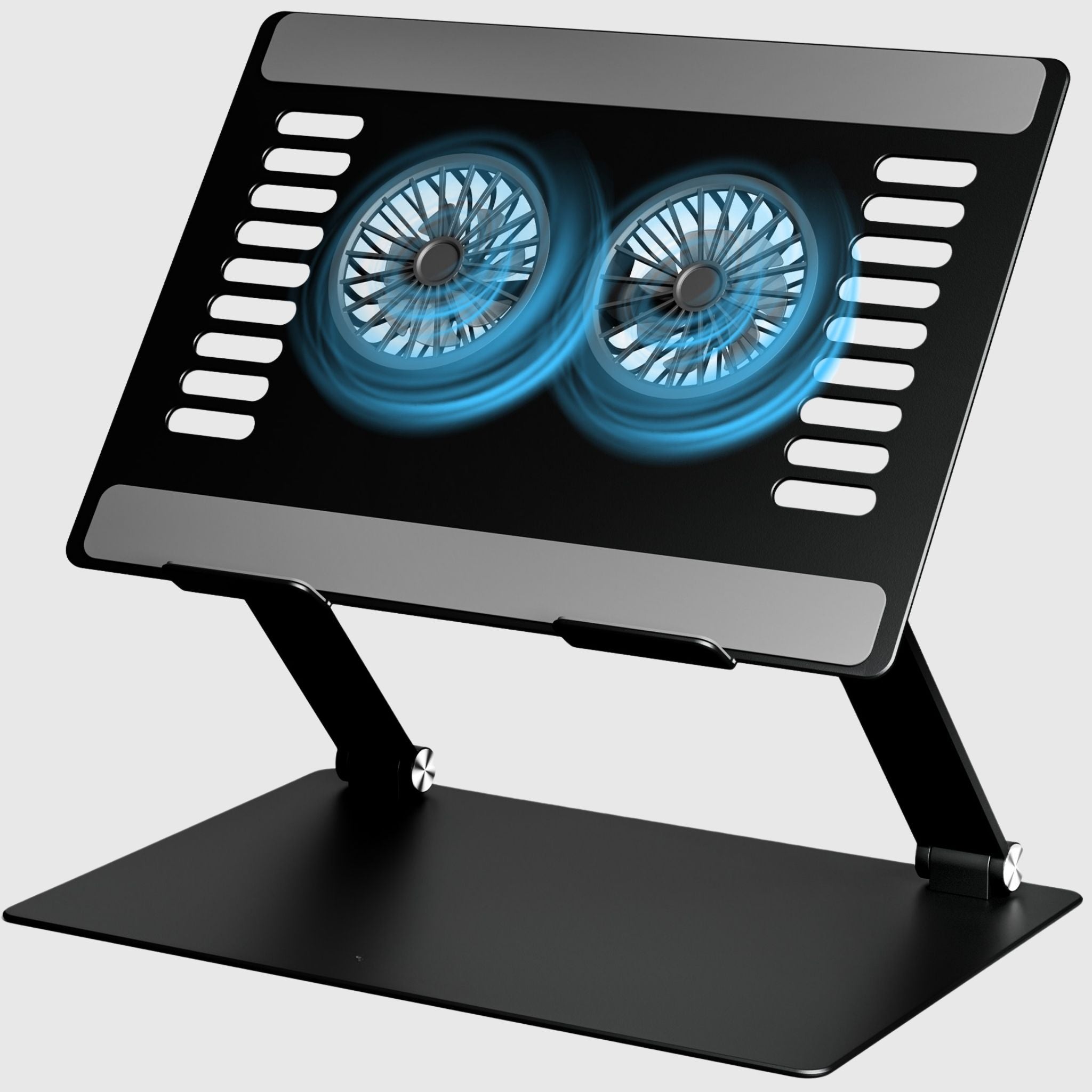
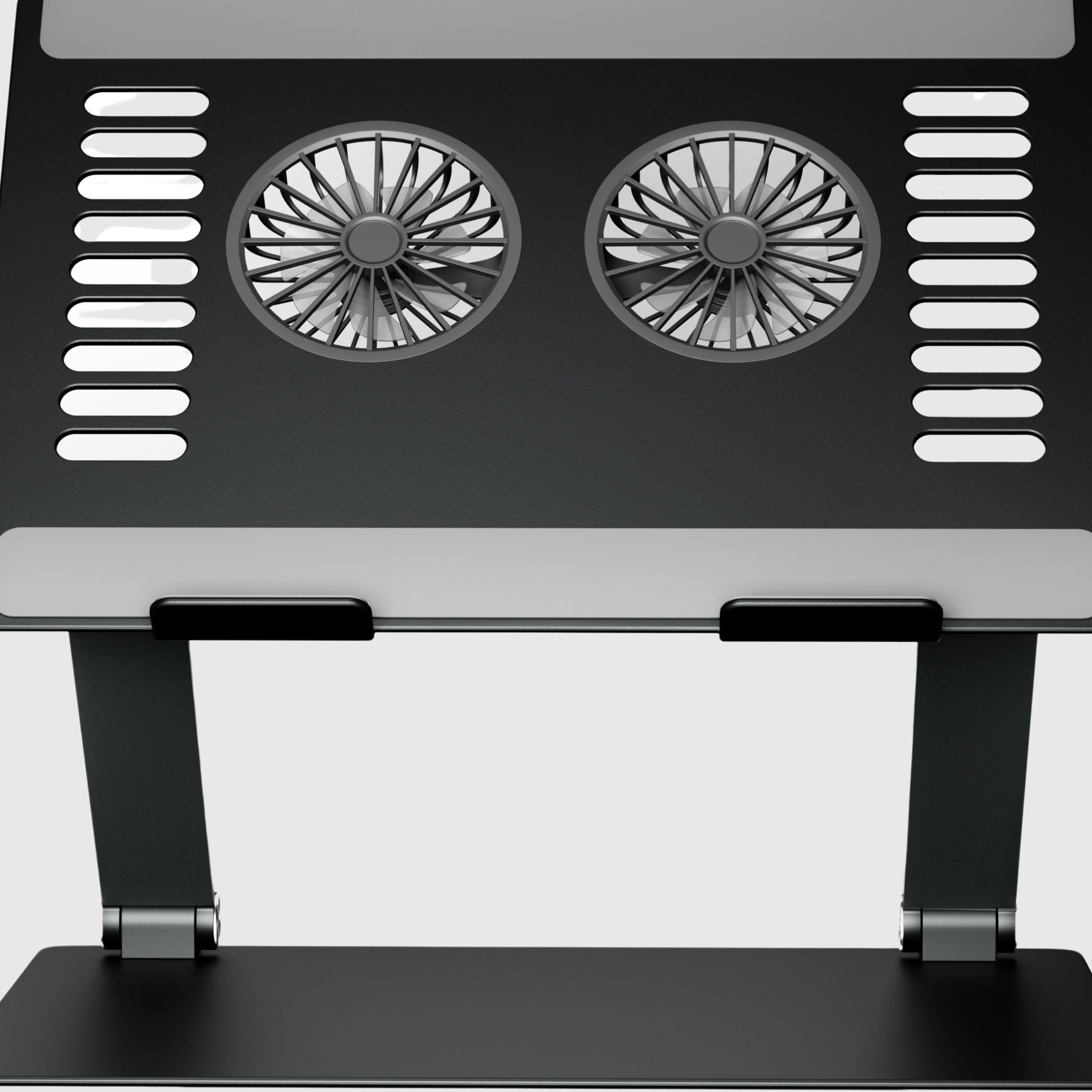
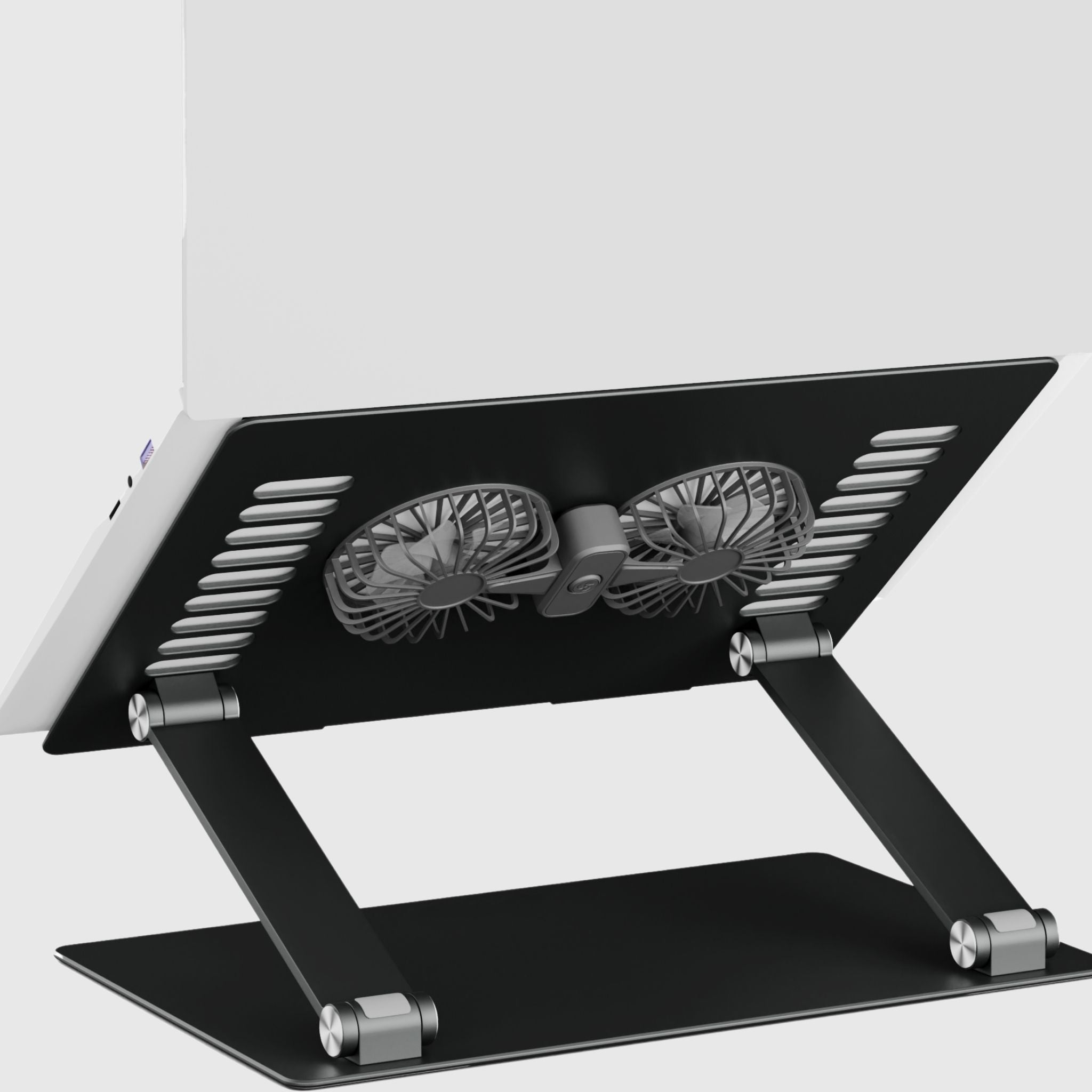
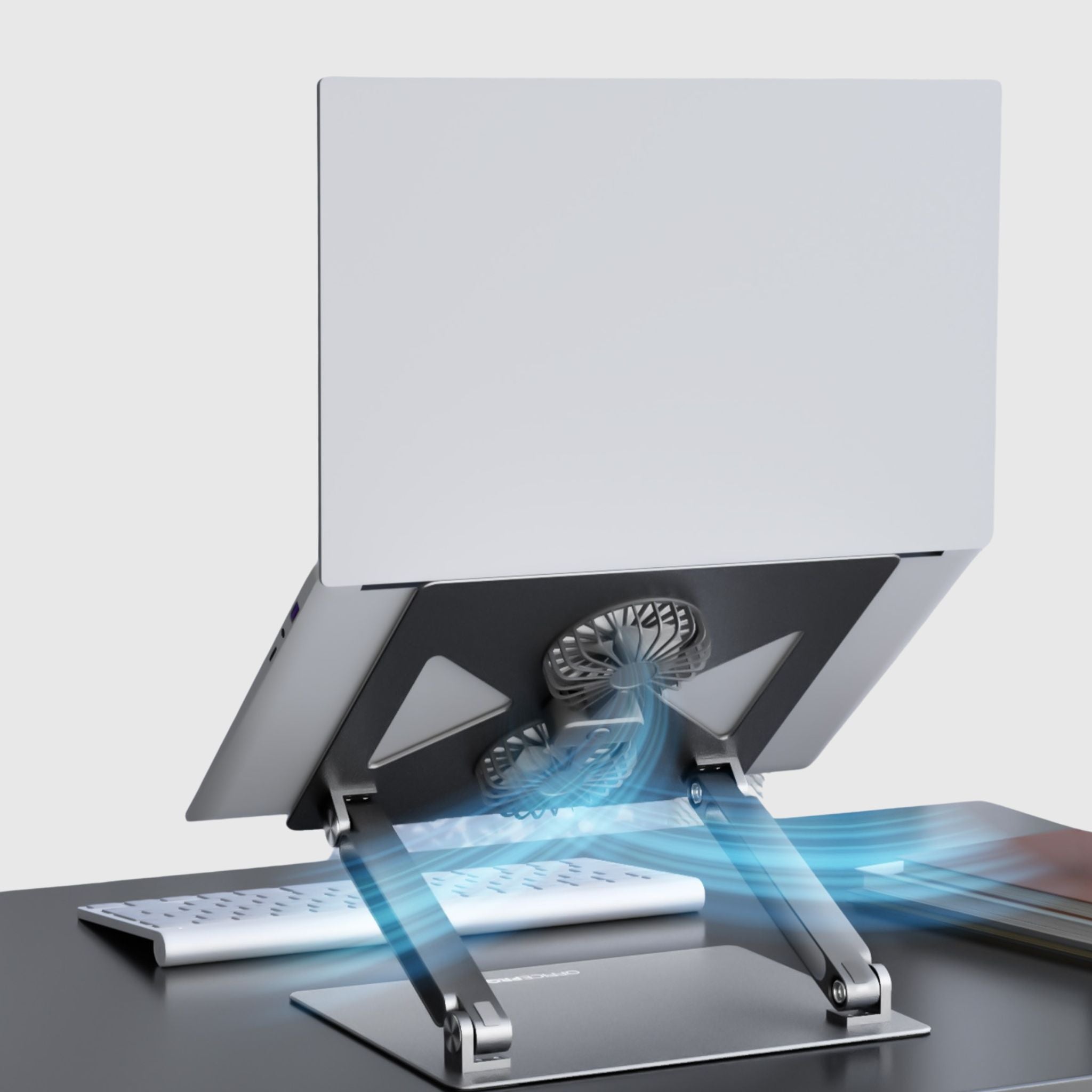
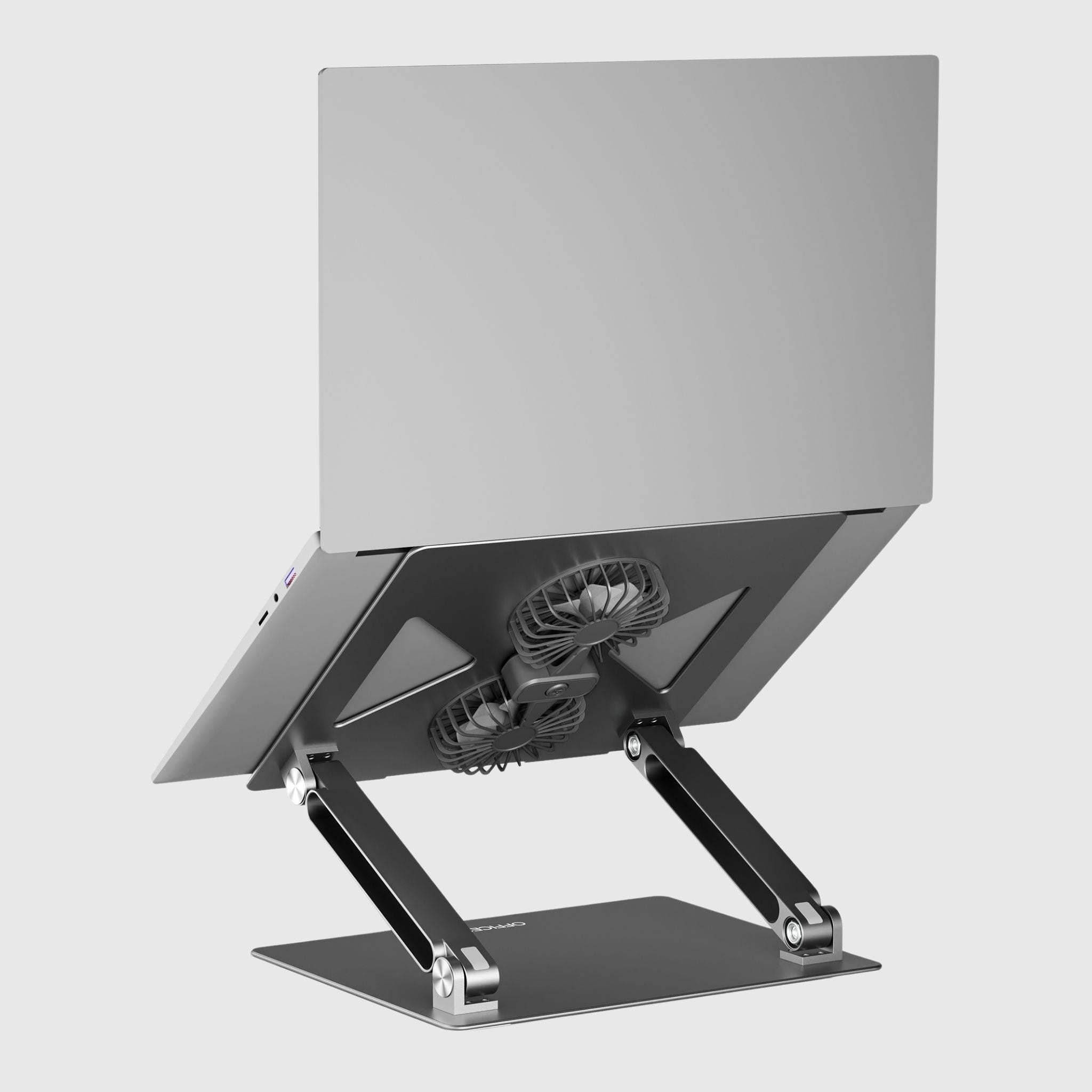
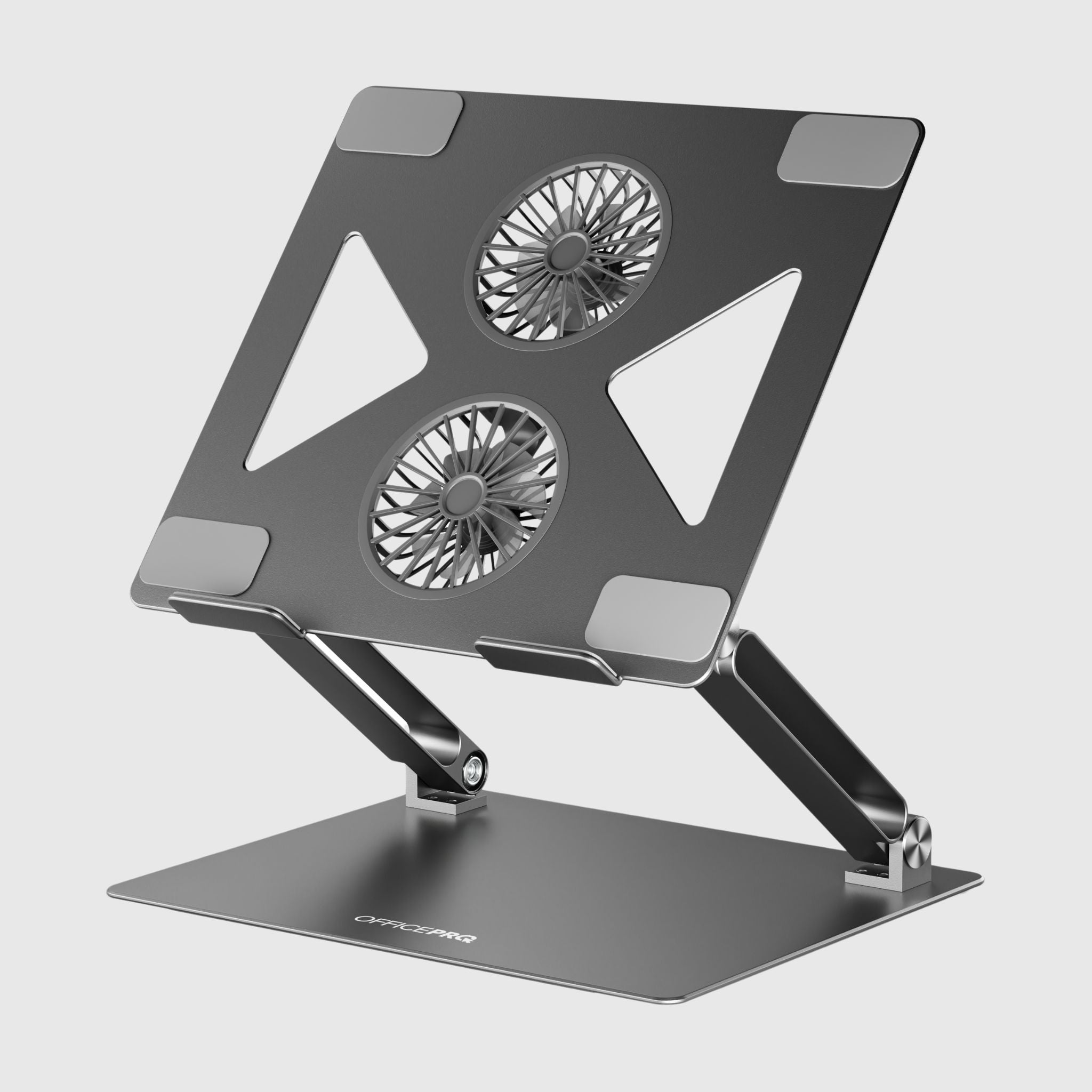
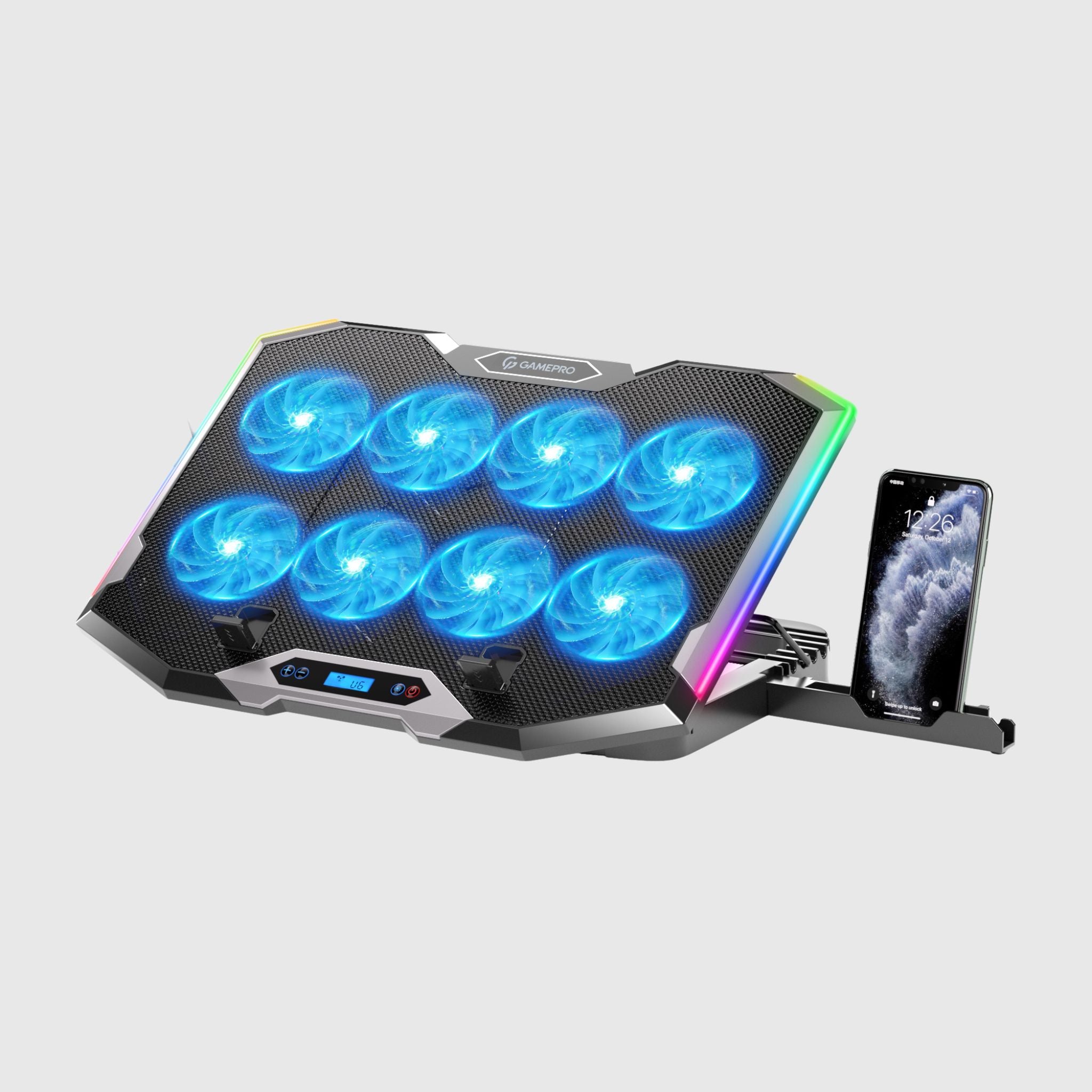
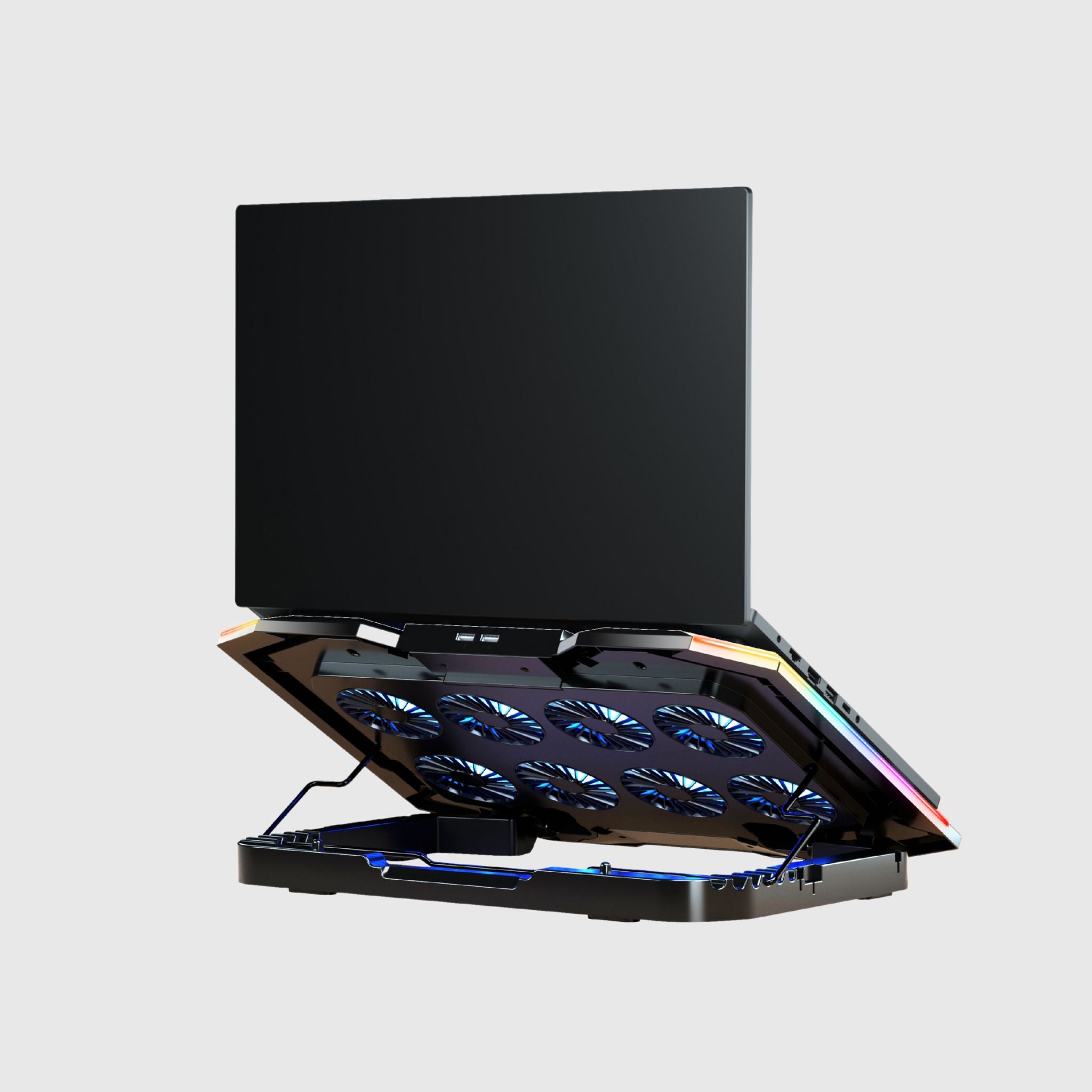
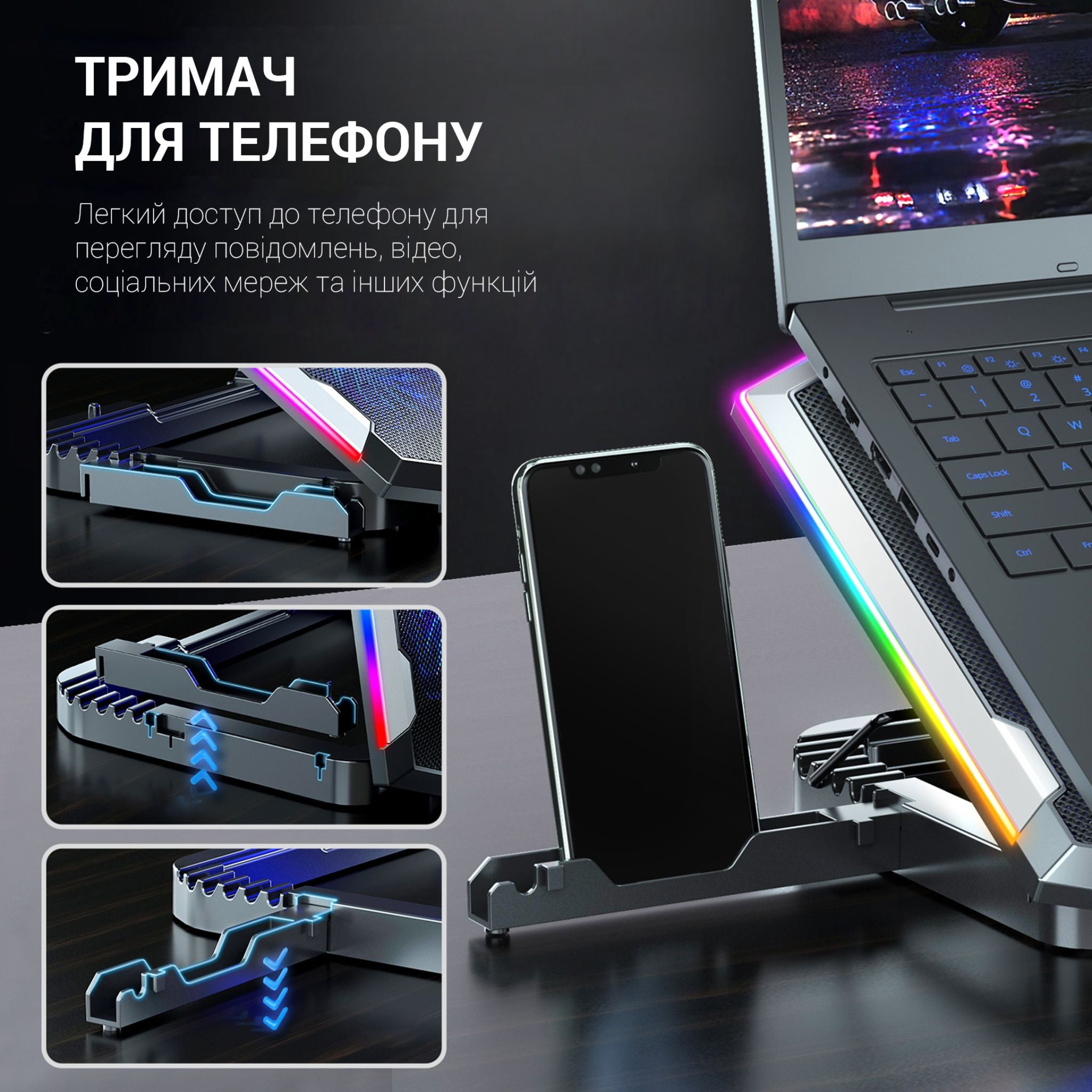
Adjustable laptop cooling stand
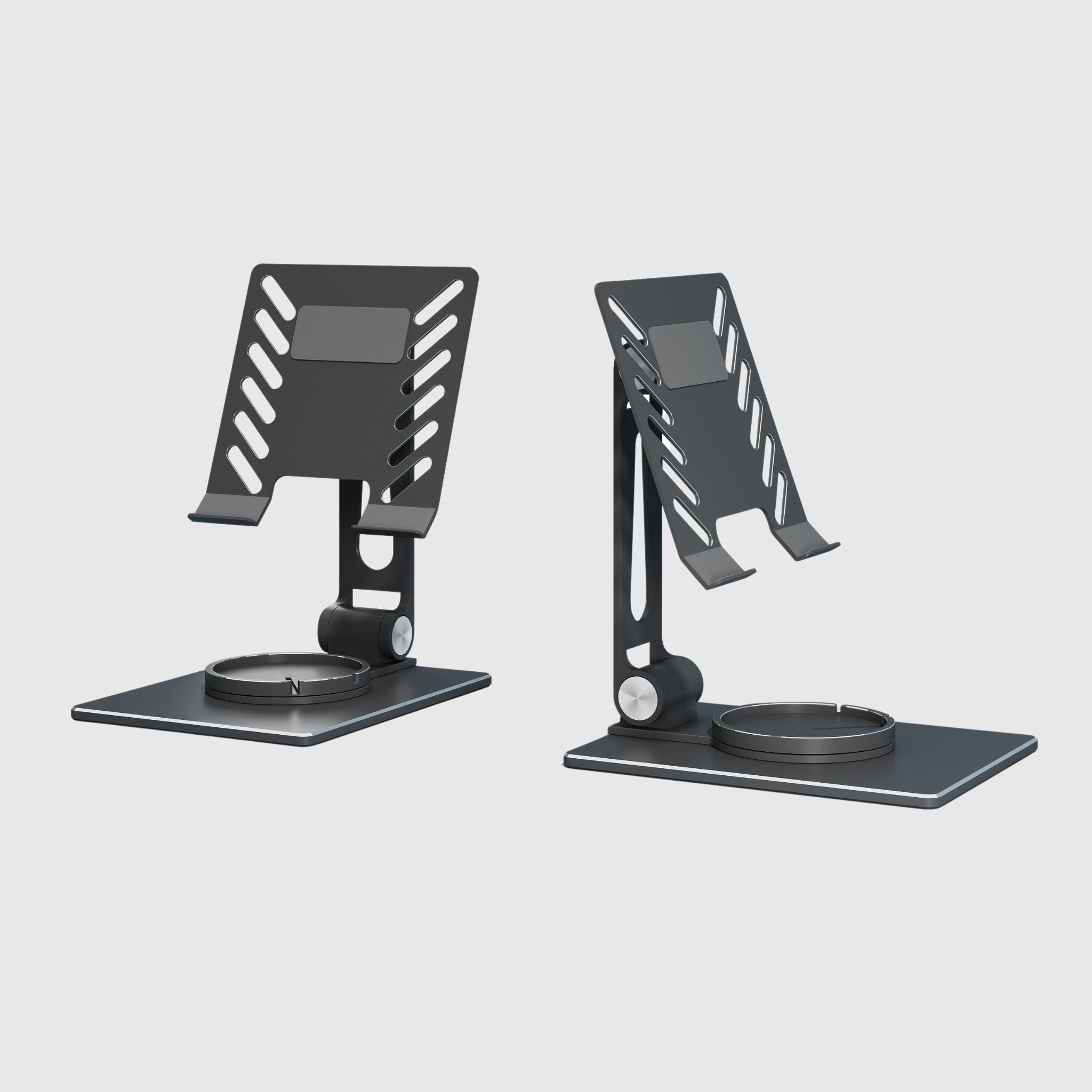
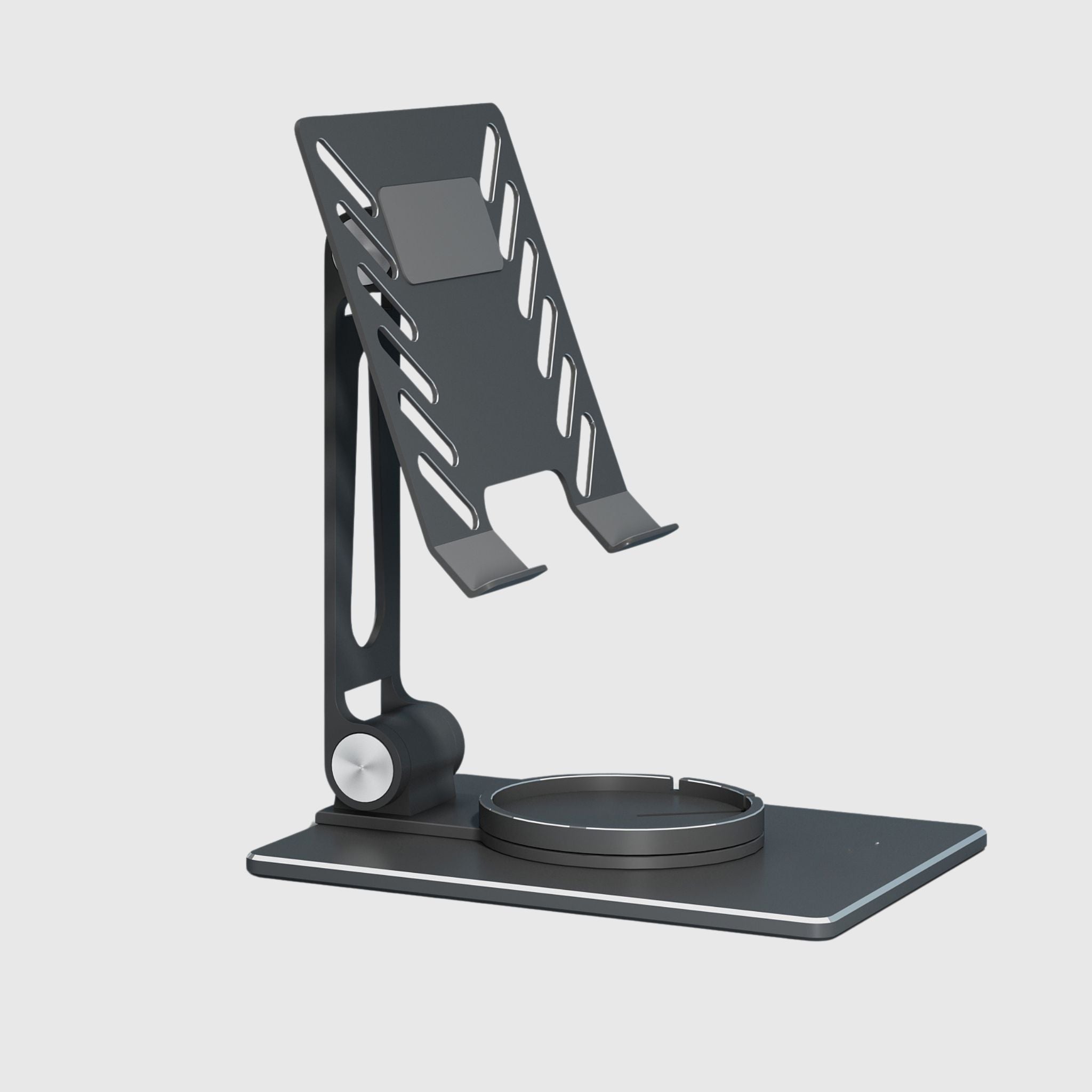
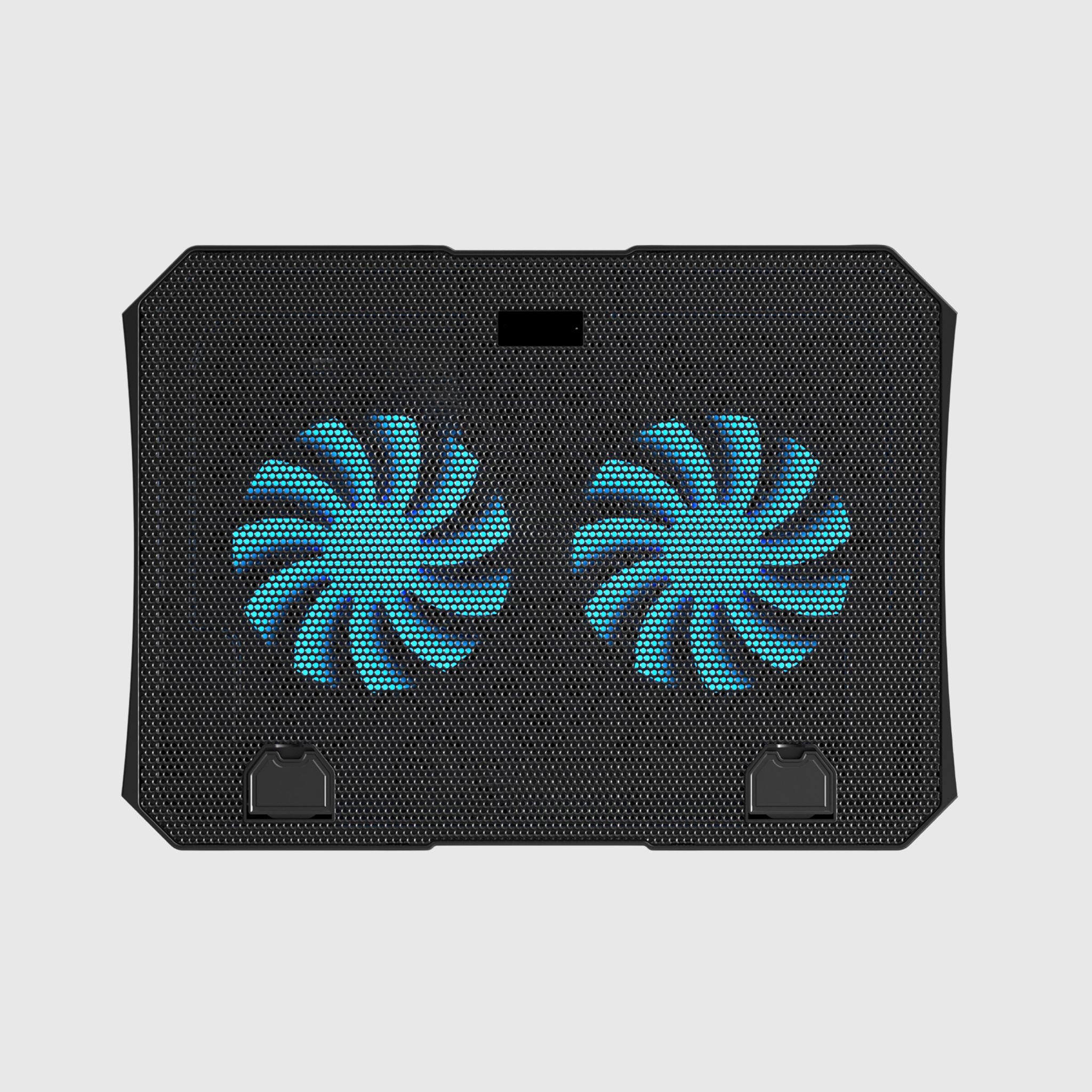
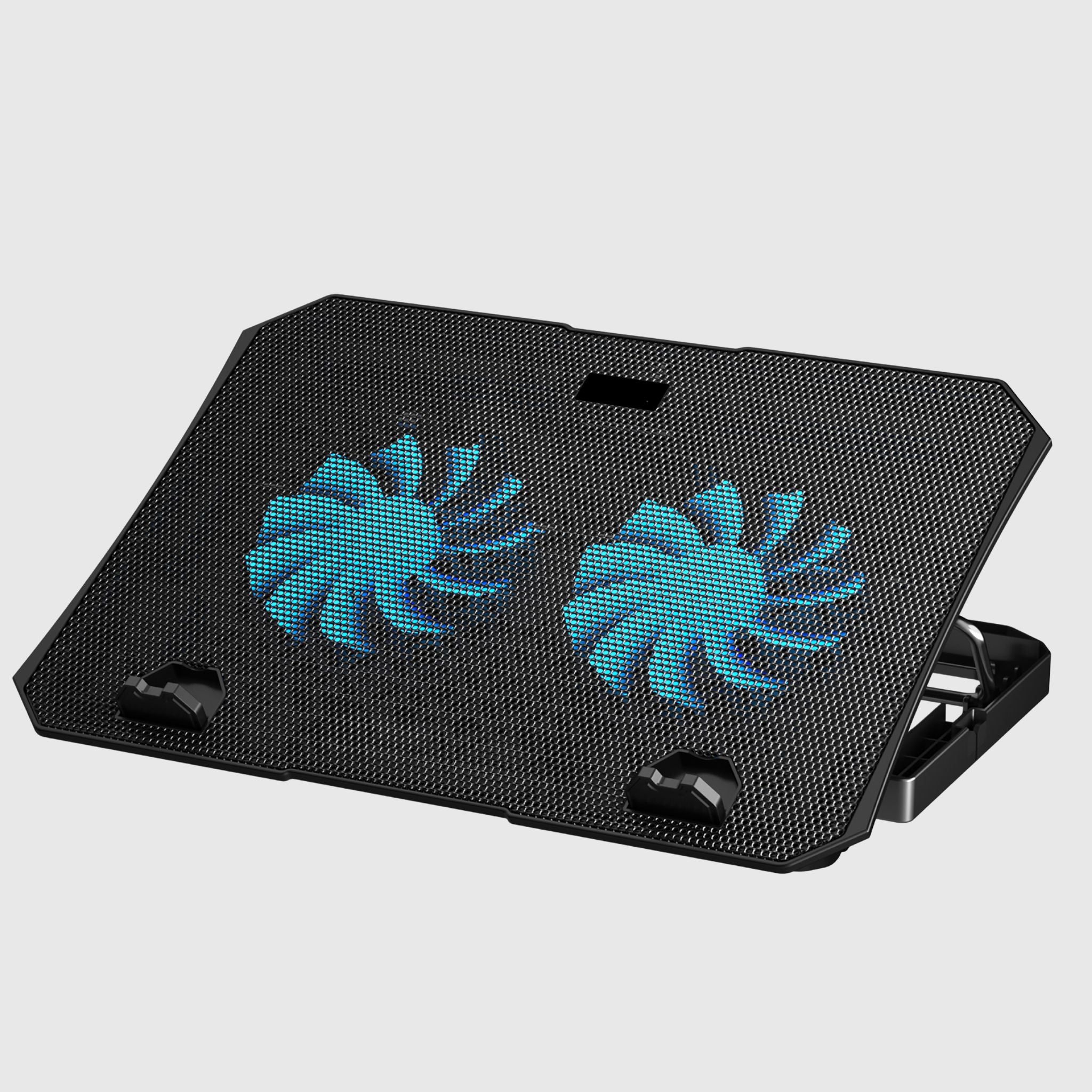
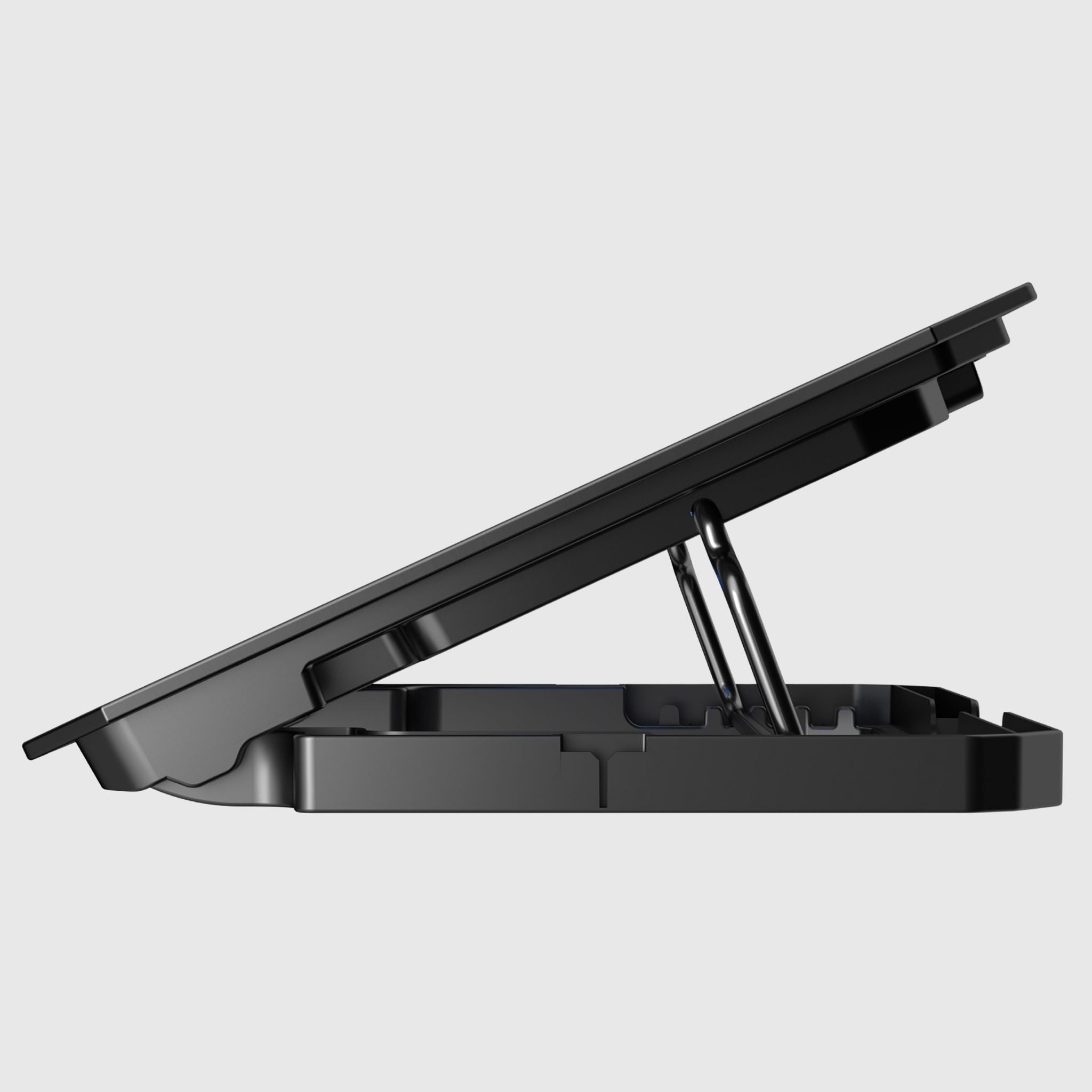
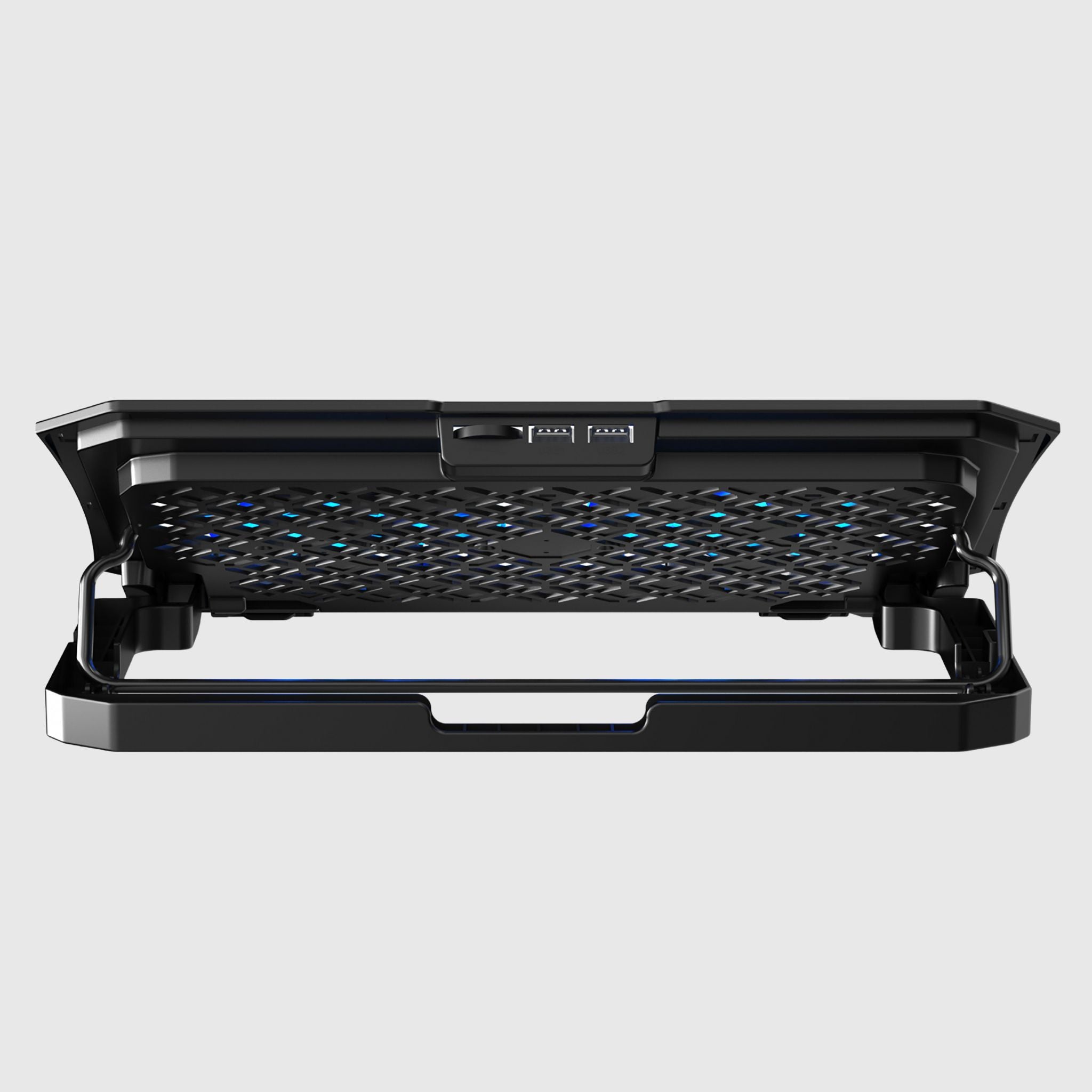




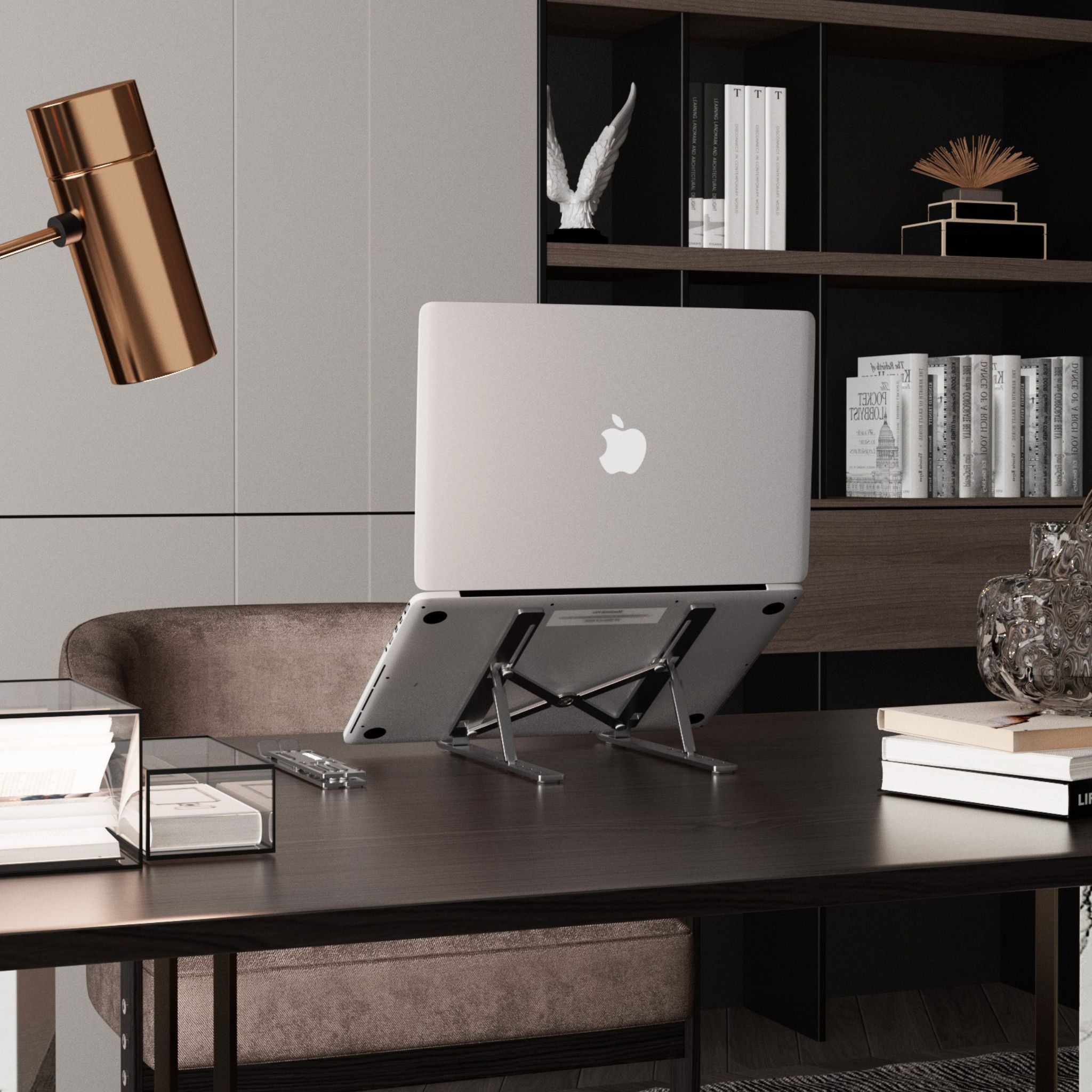
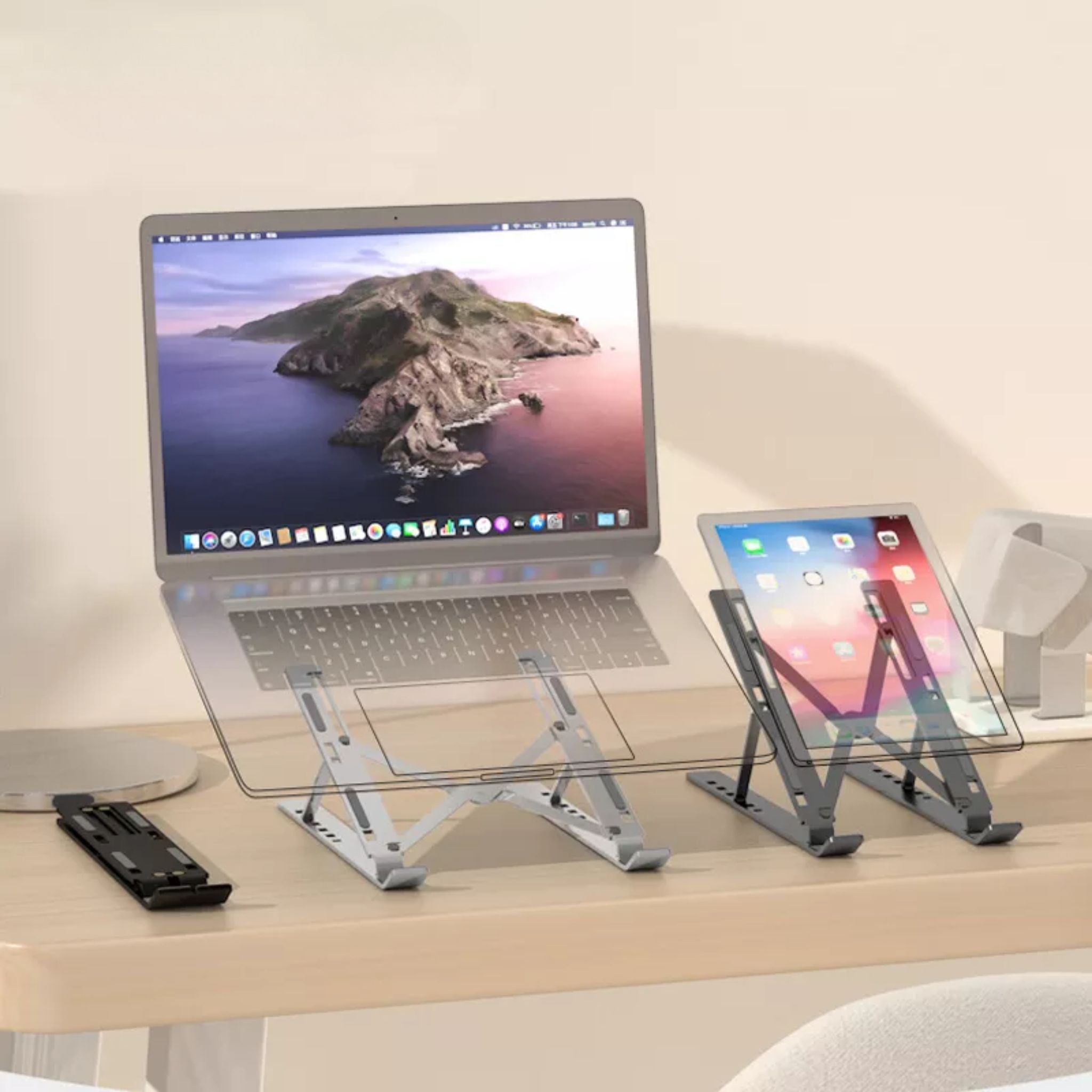
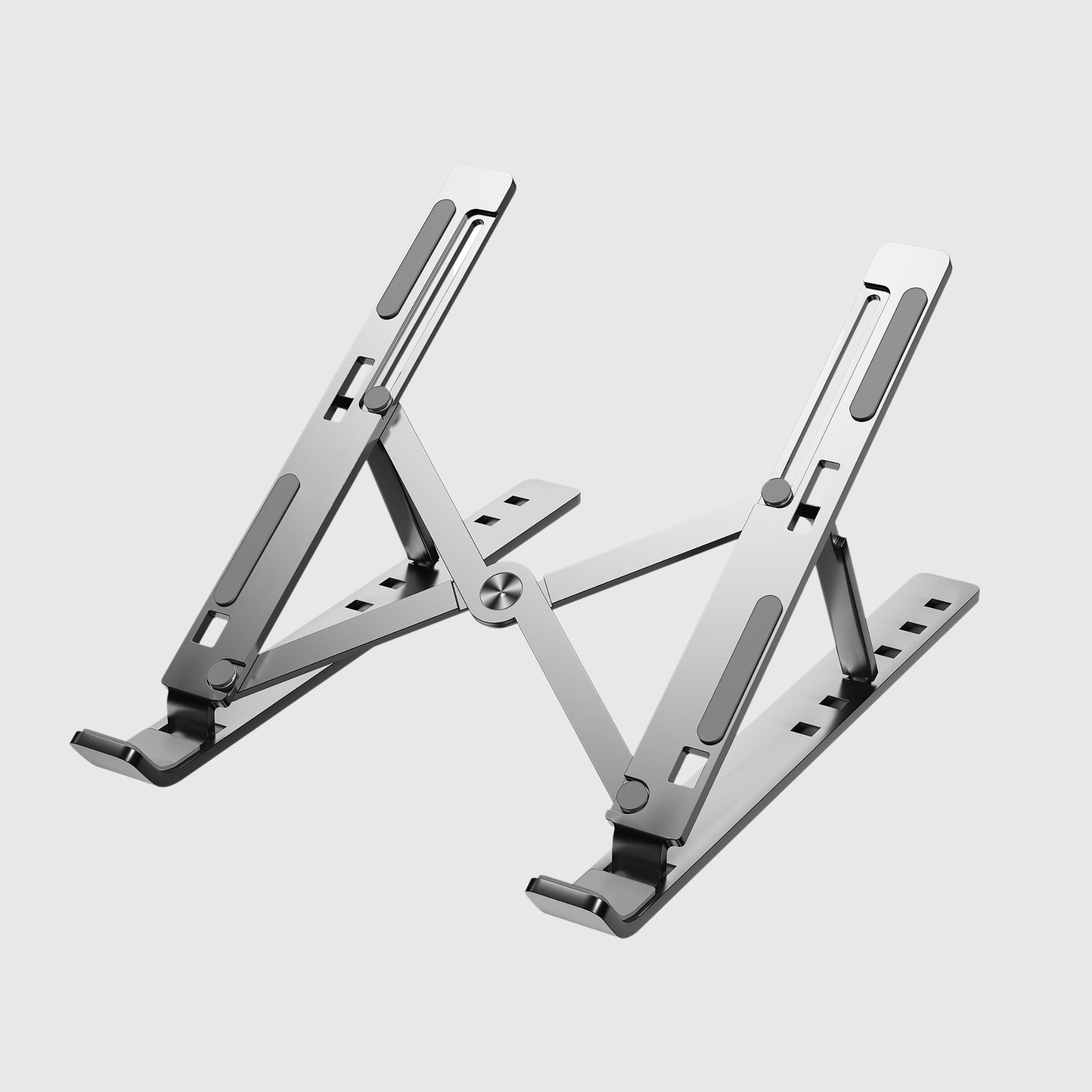
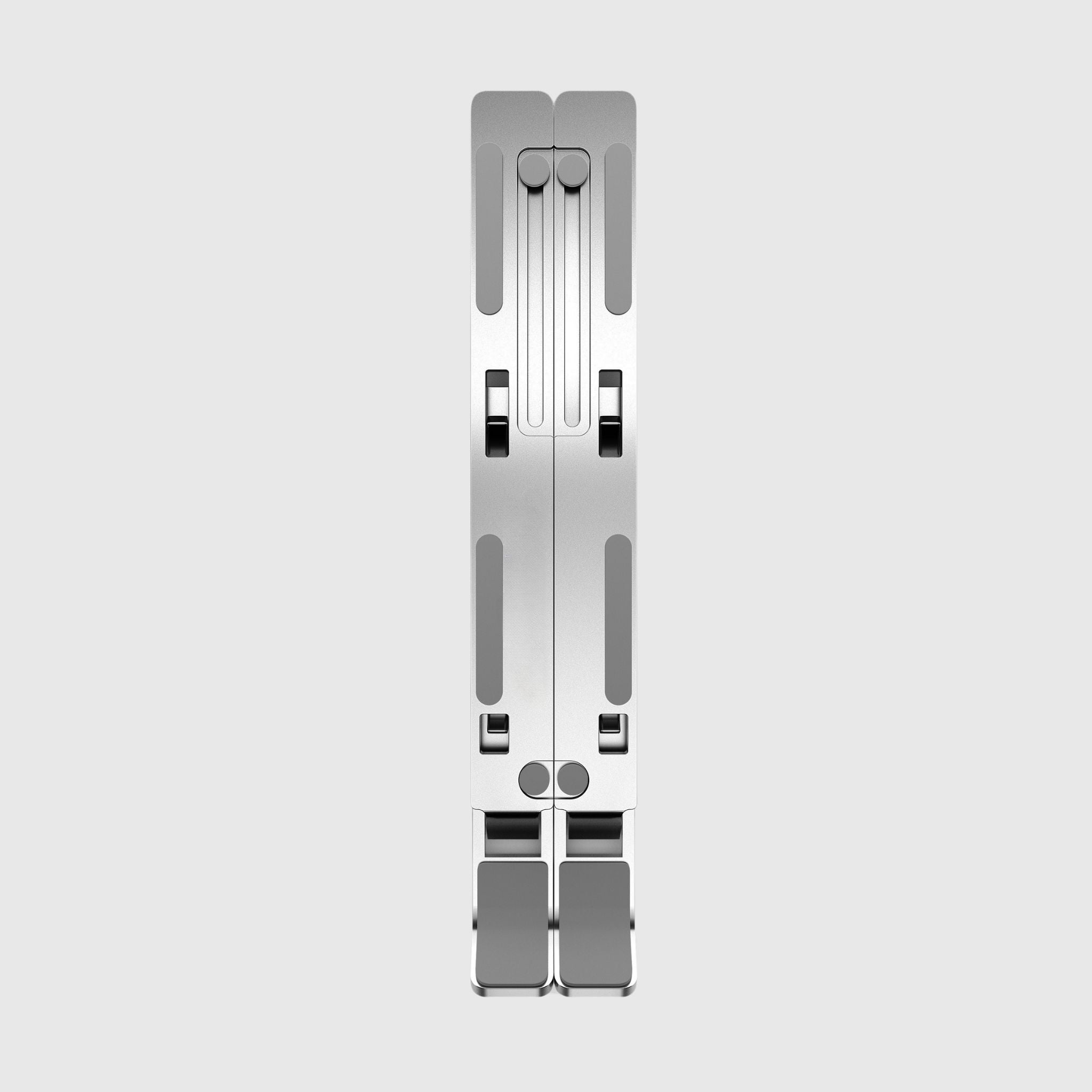
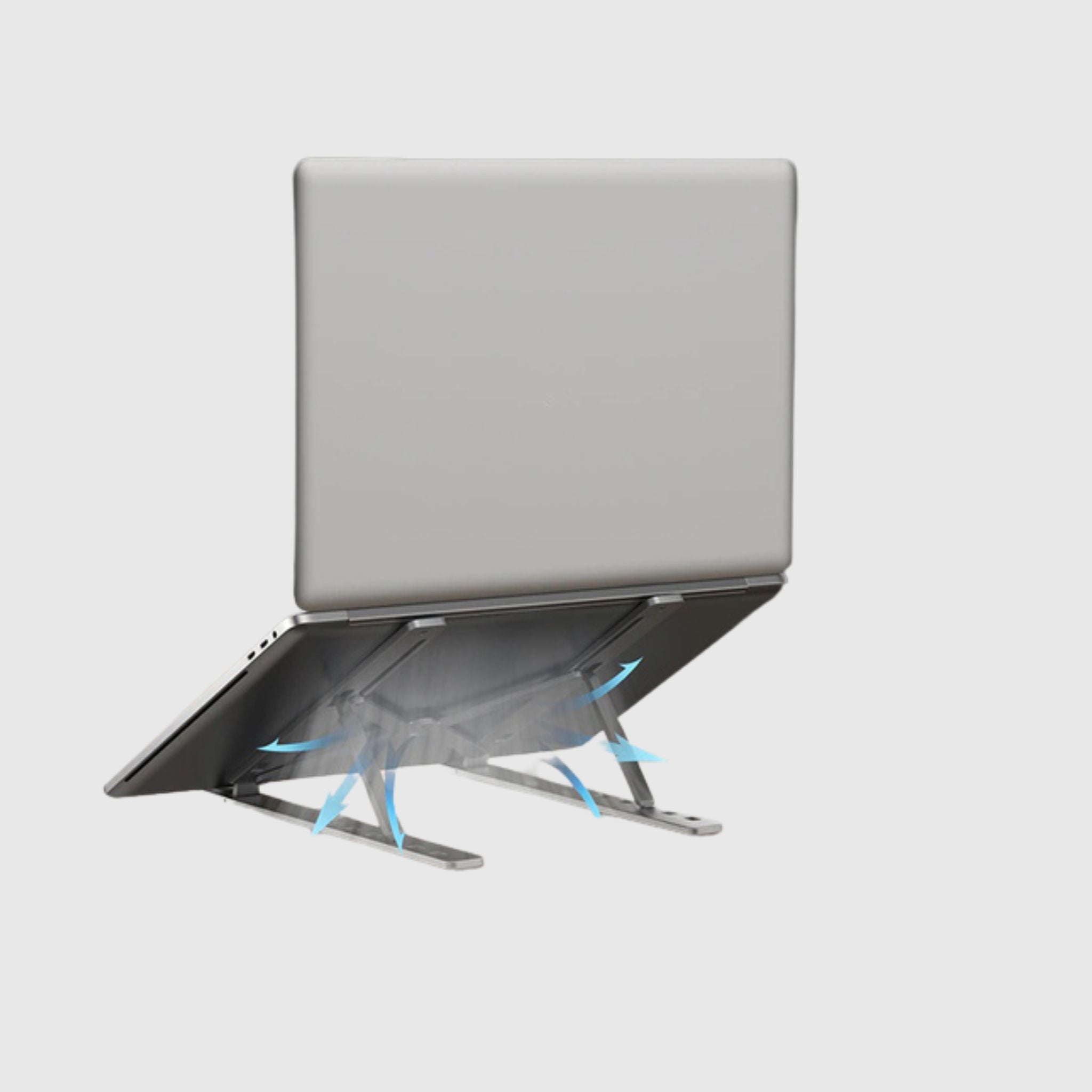
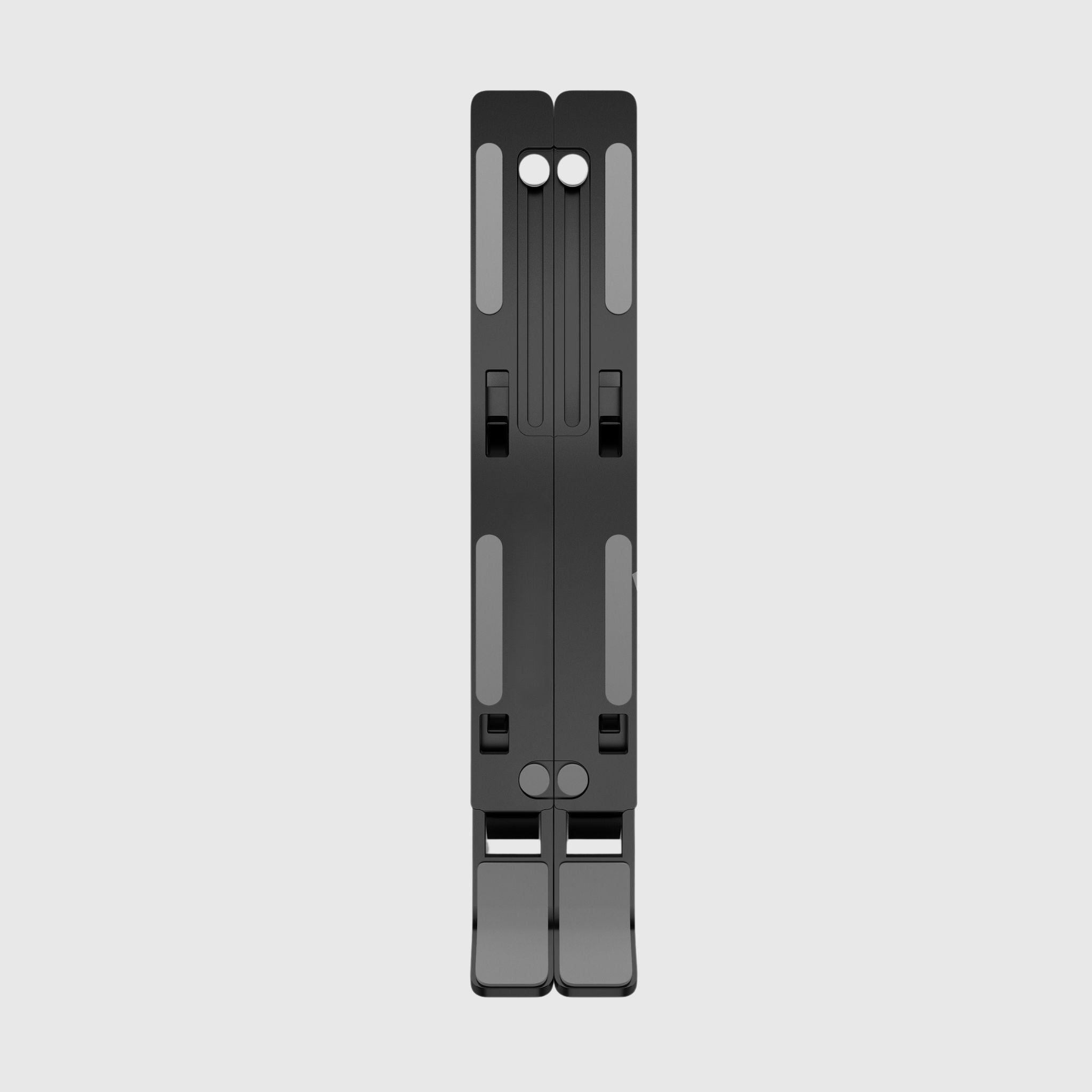
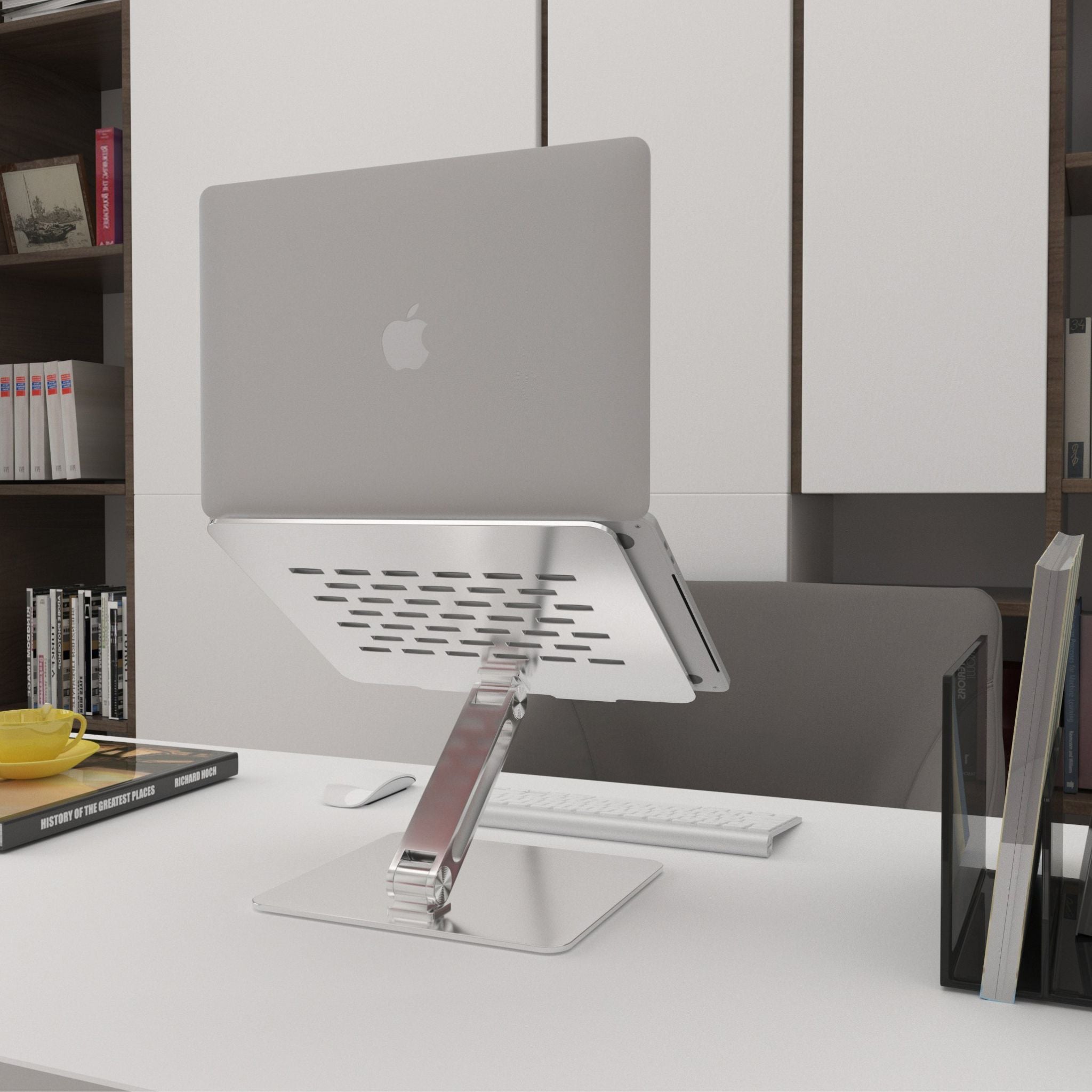
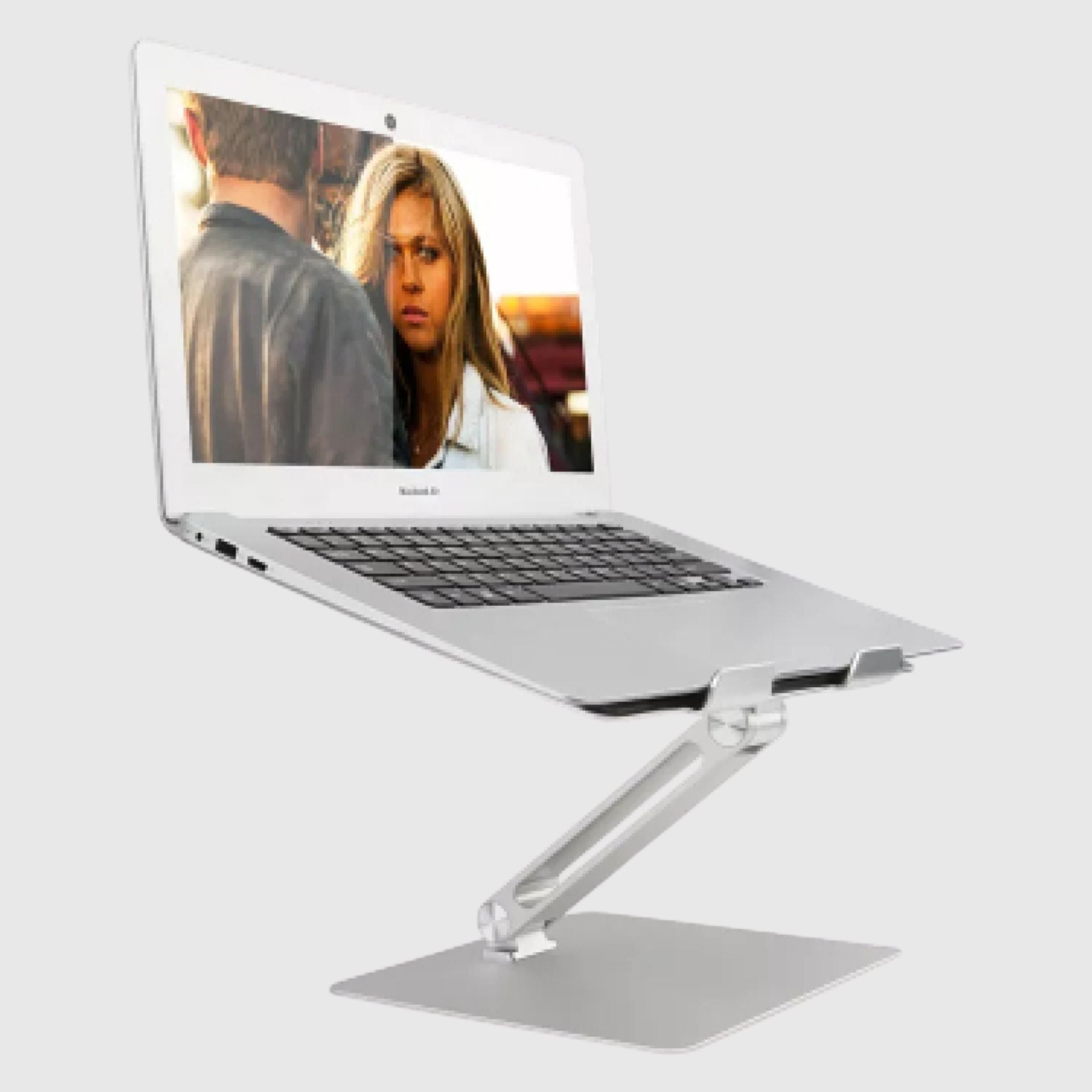
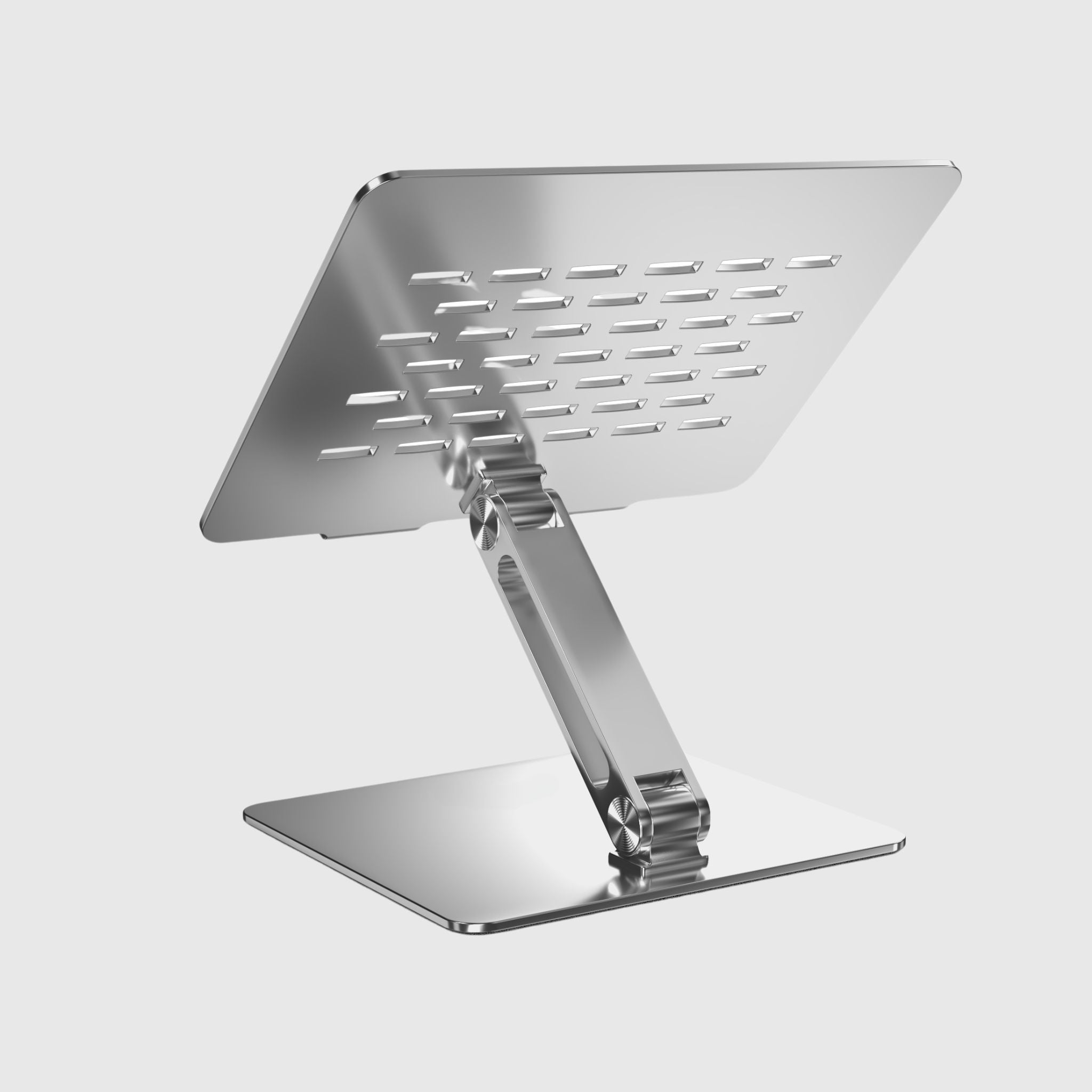
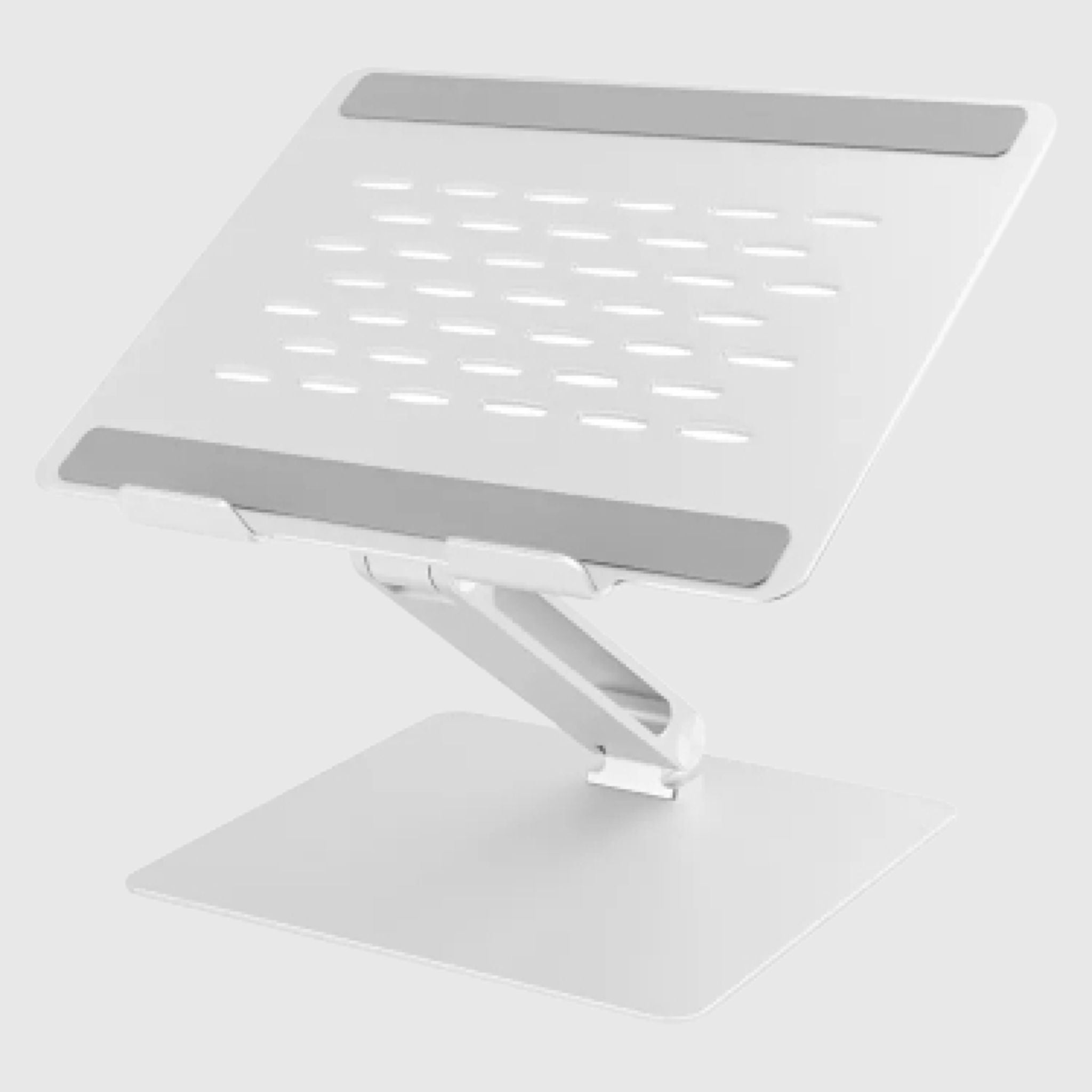
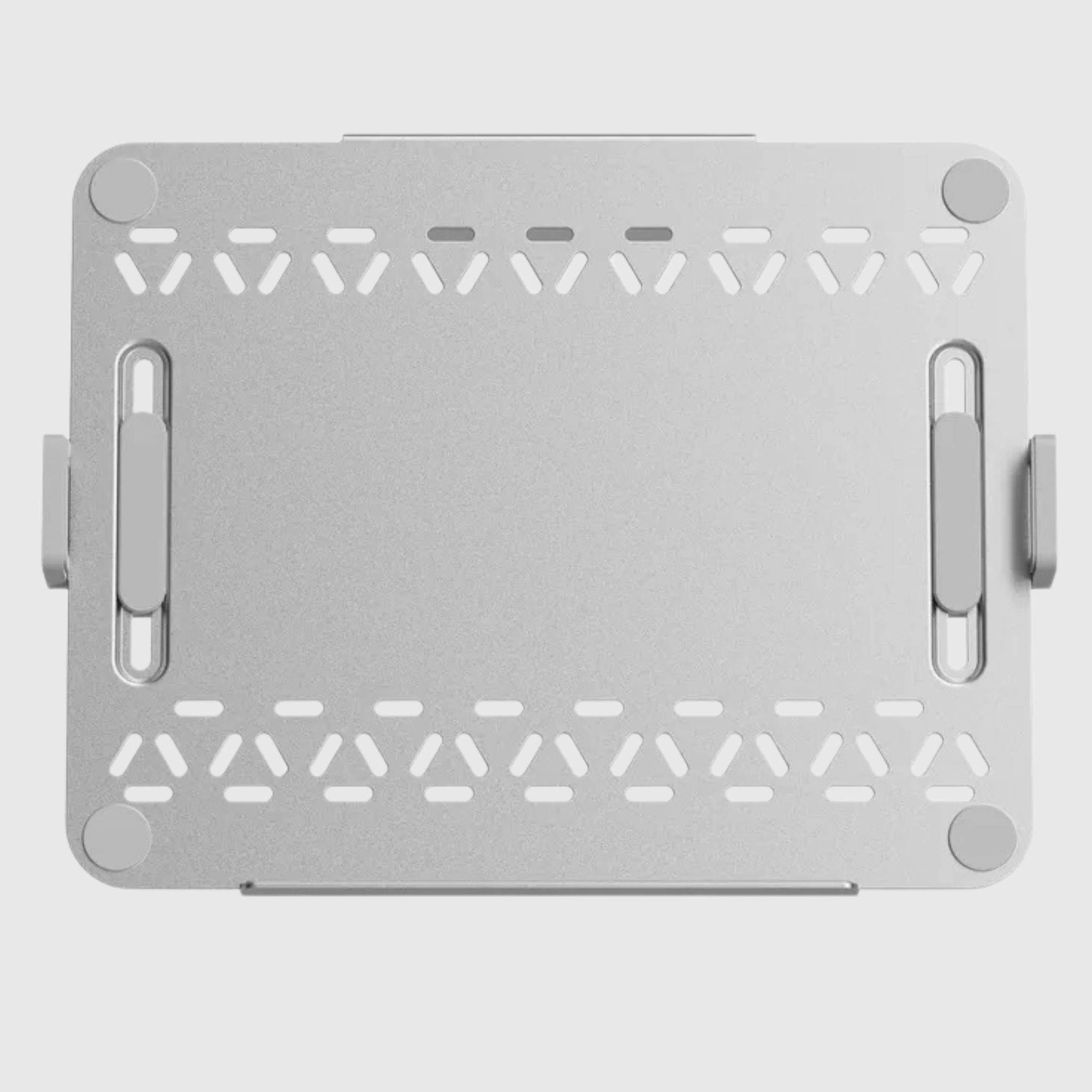
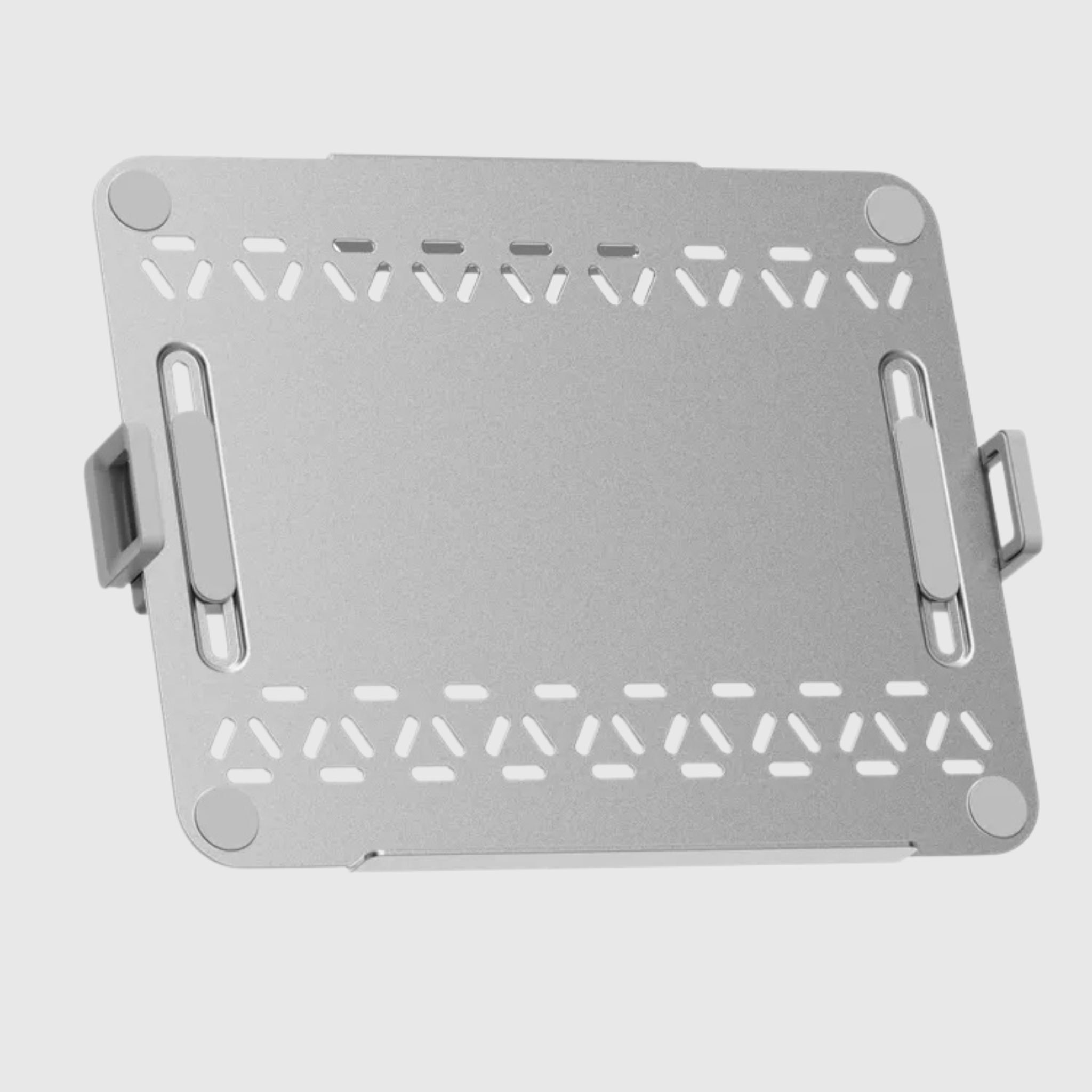
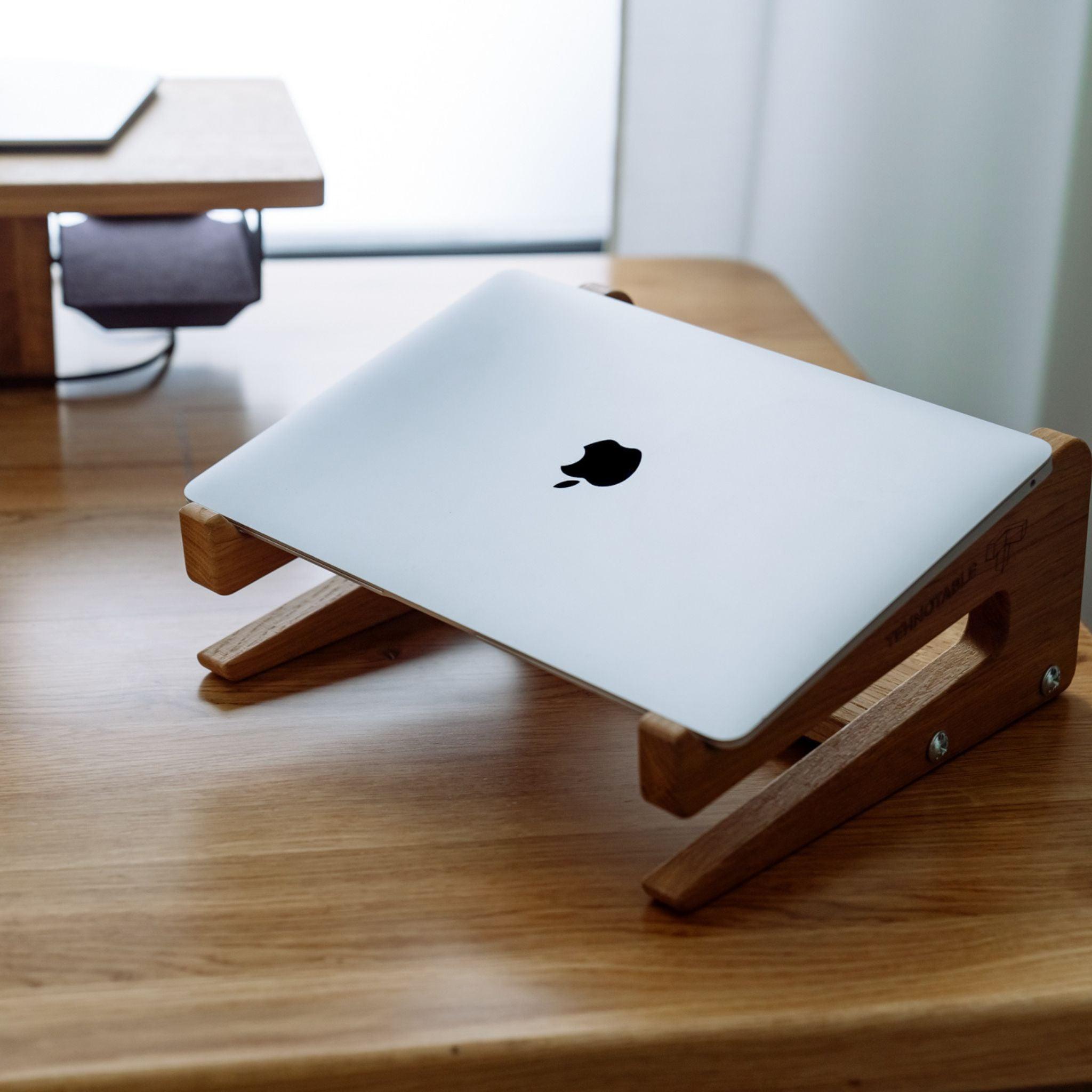
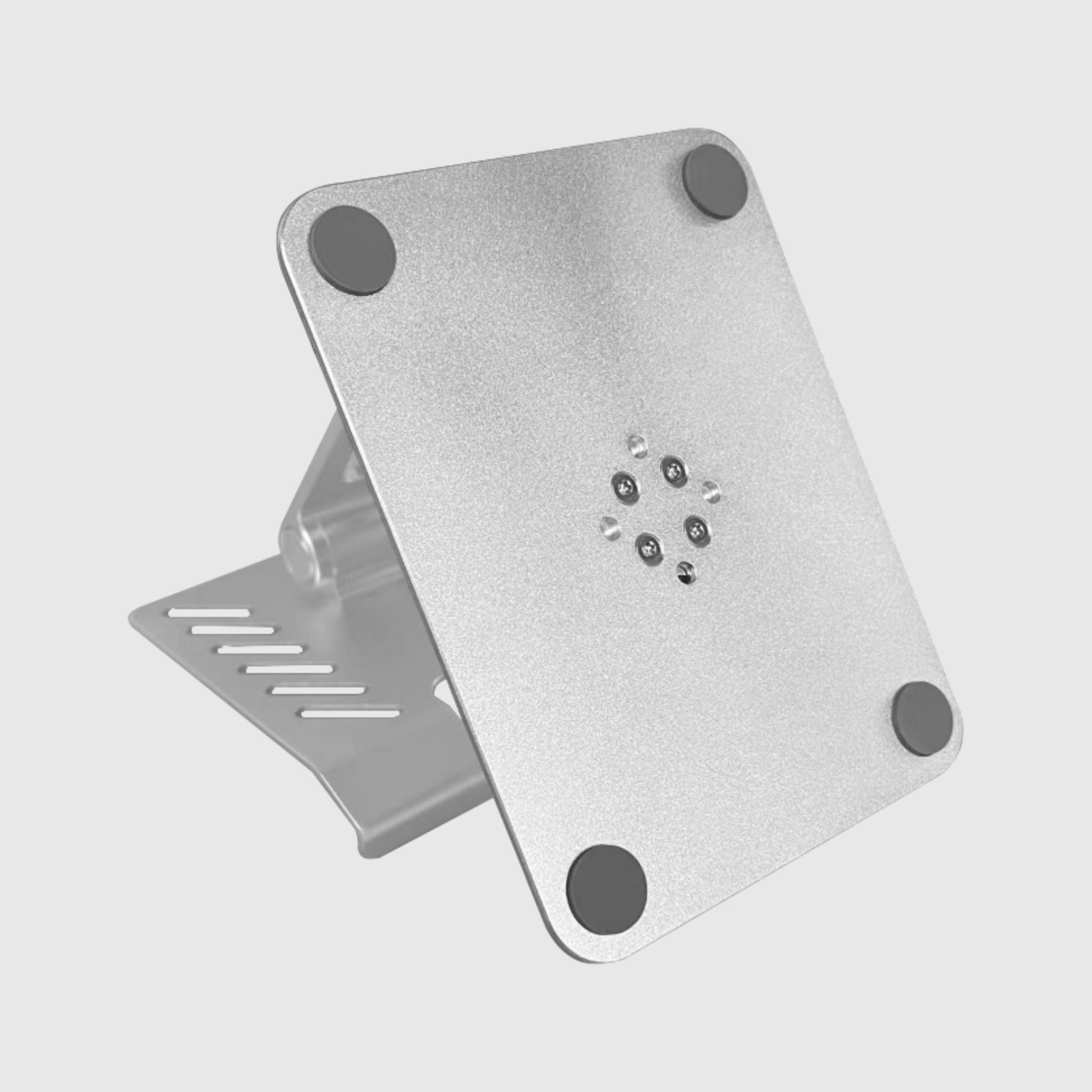
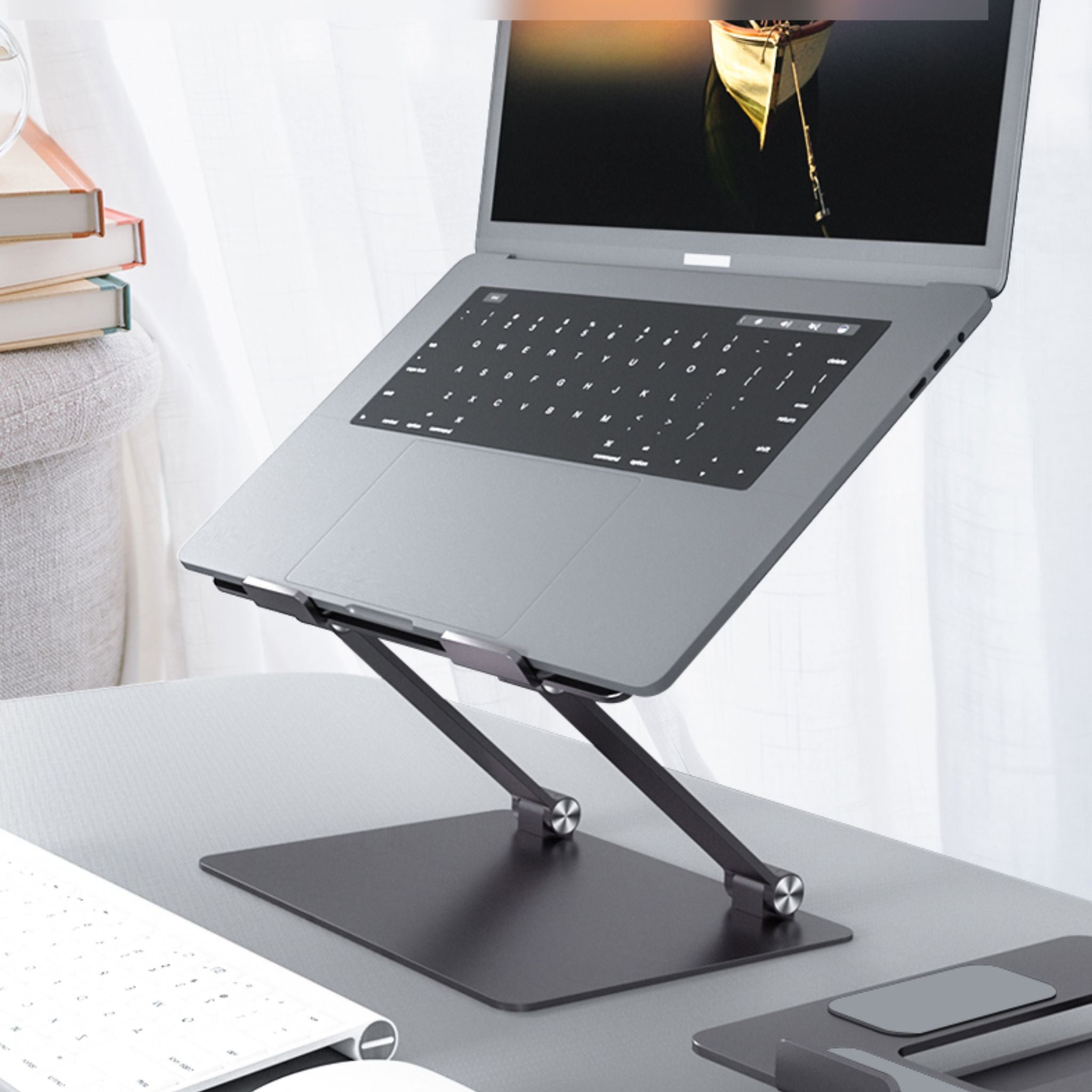
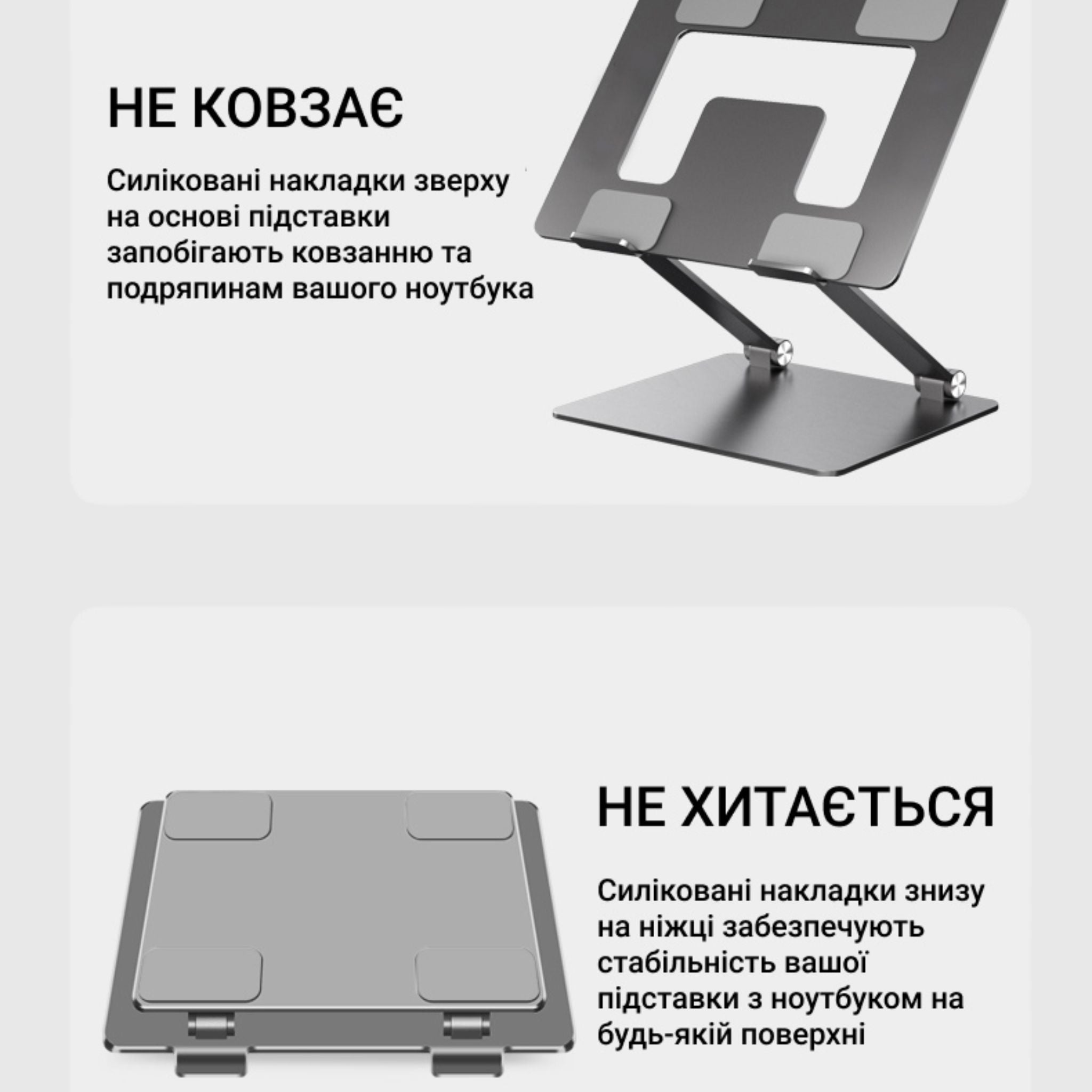
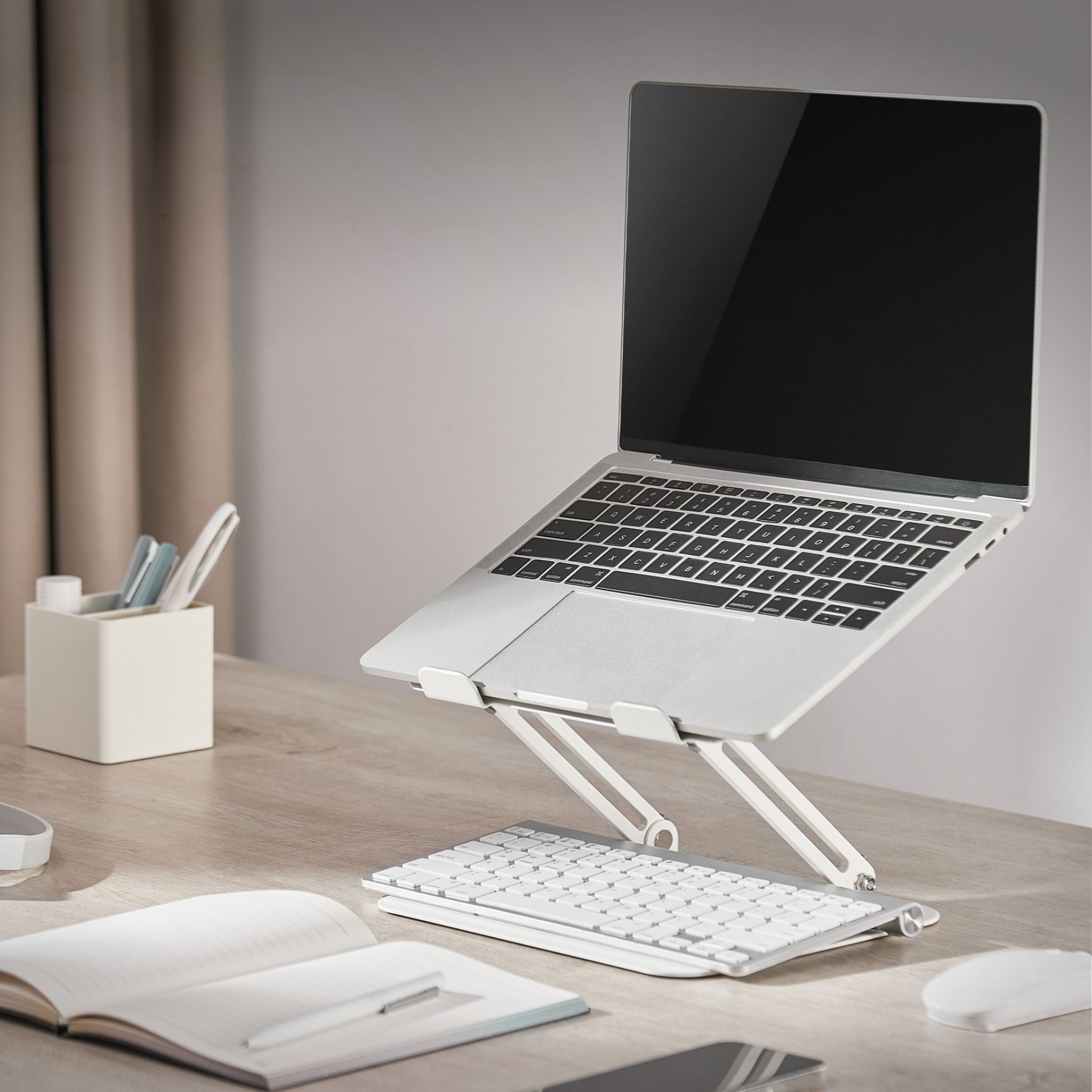
Laptop platform with adjustable bracket mount White with passive cooling
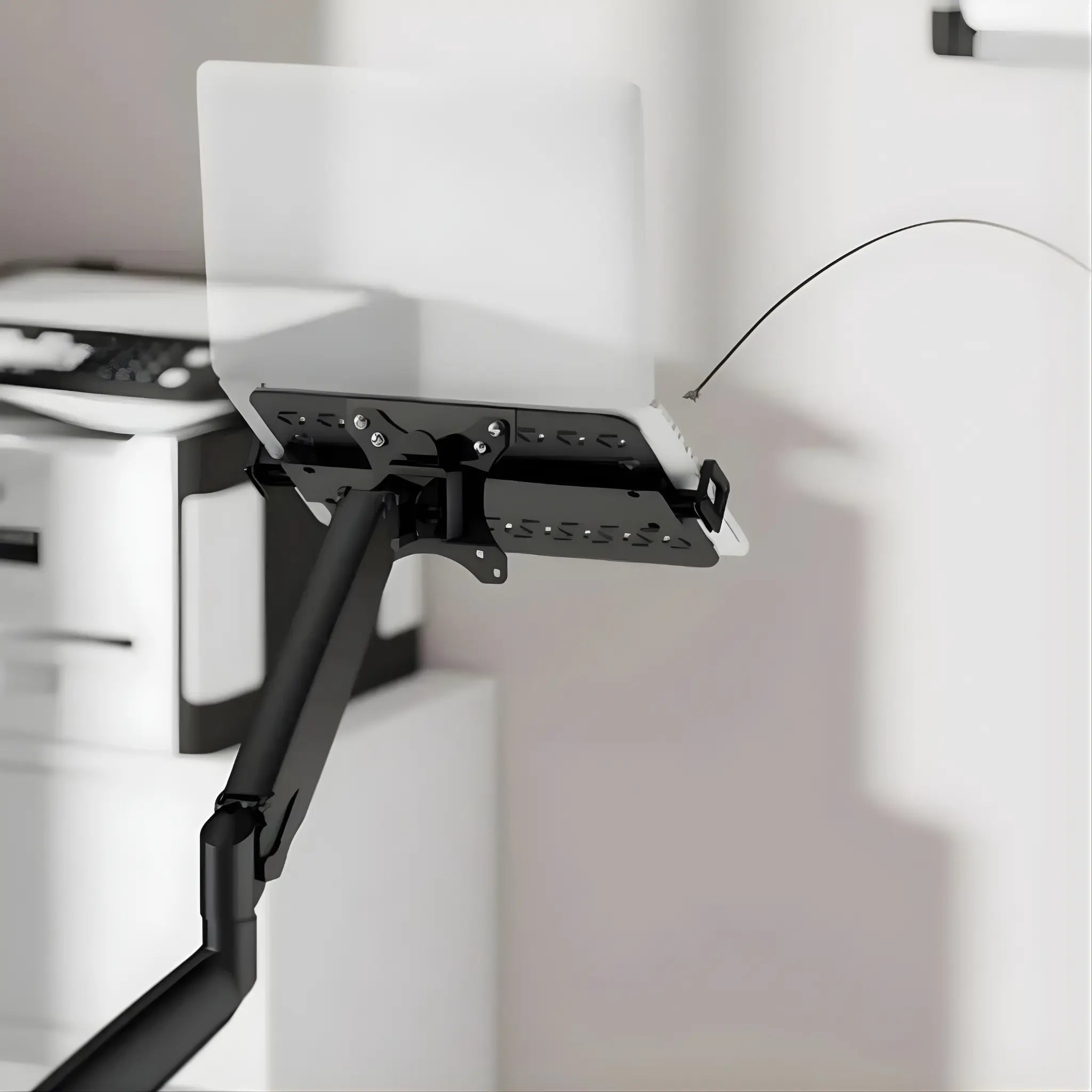
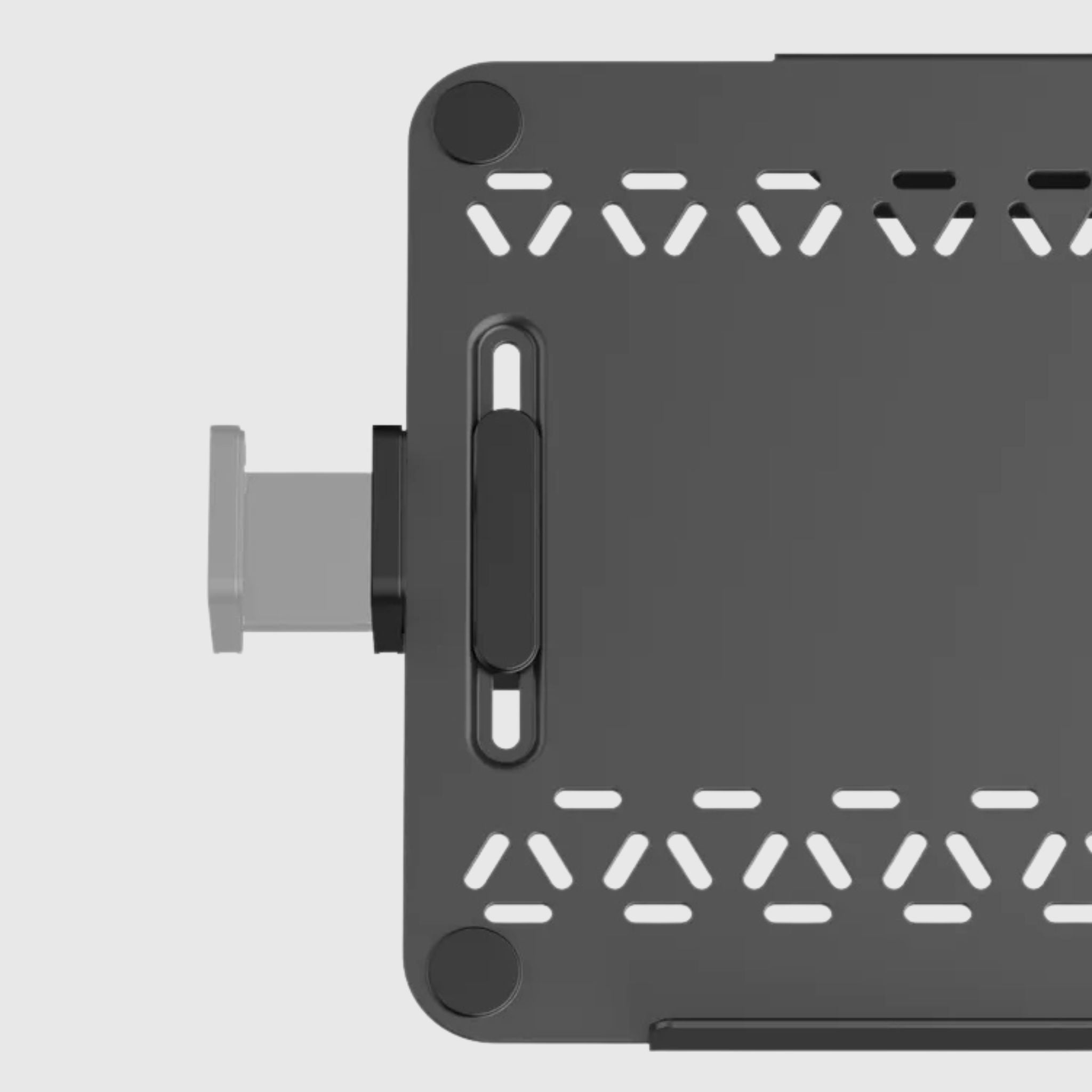
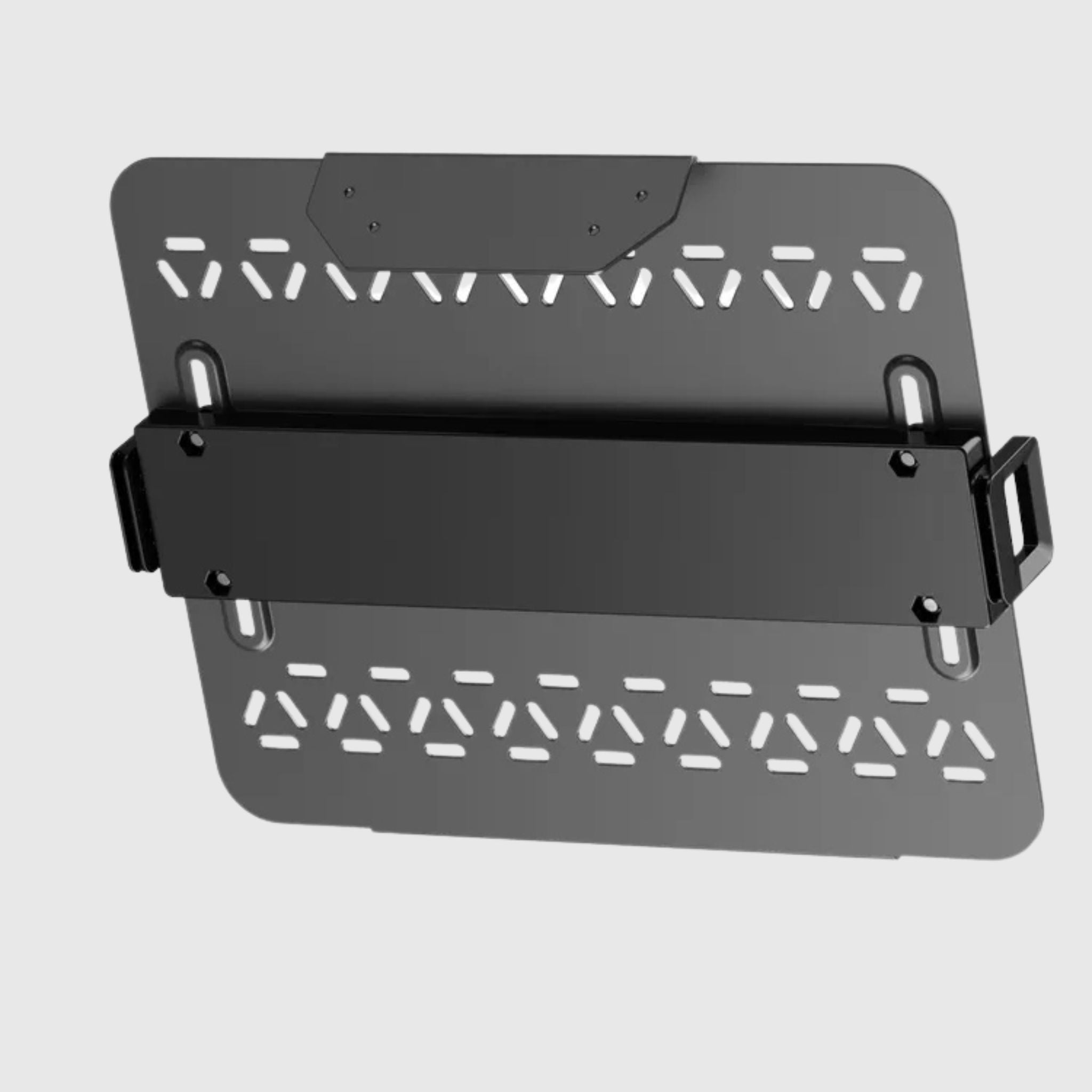
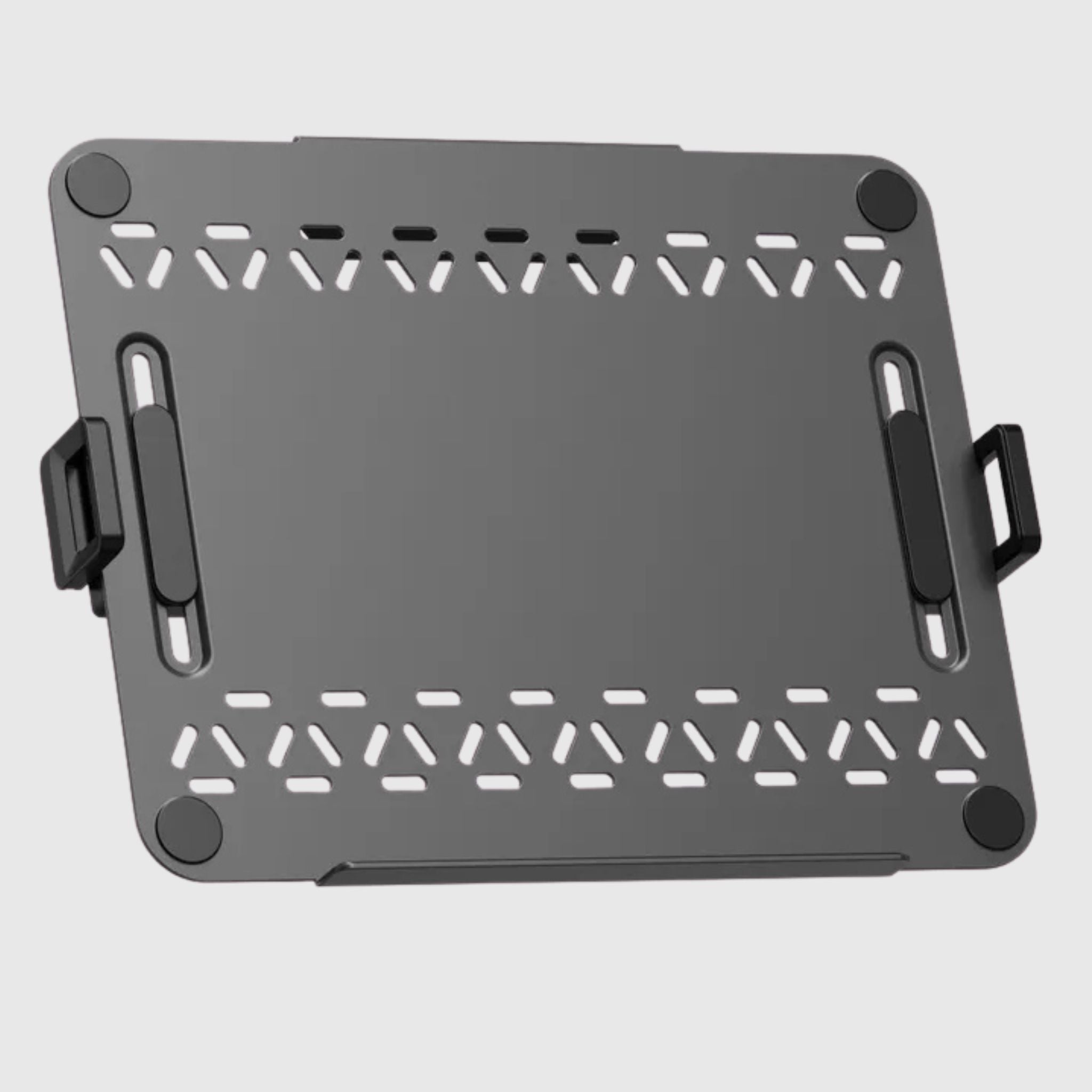
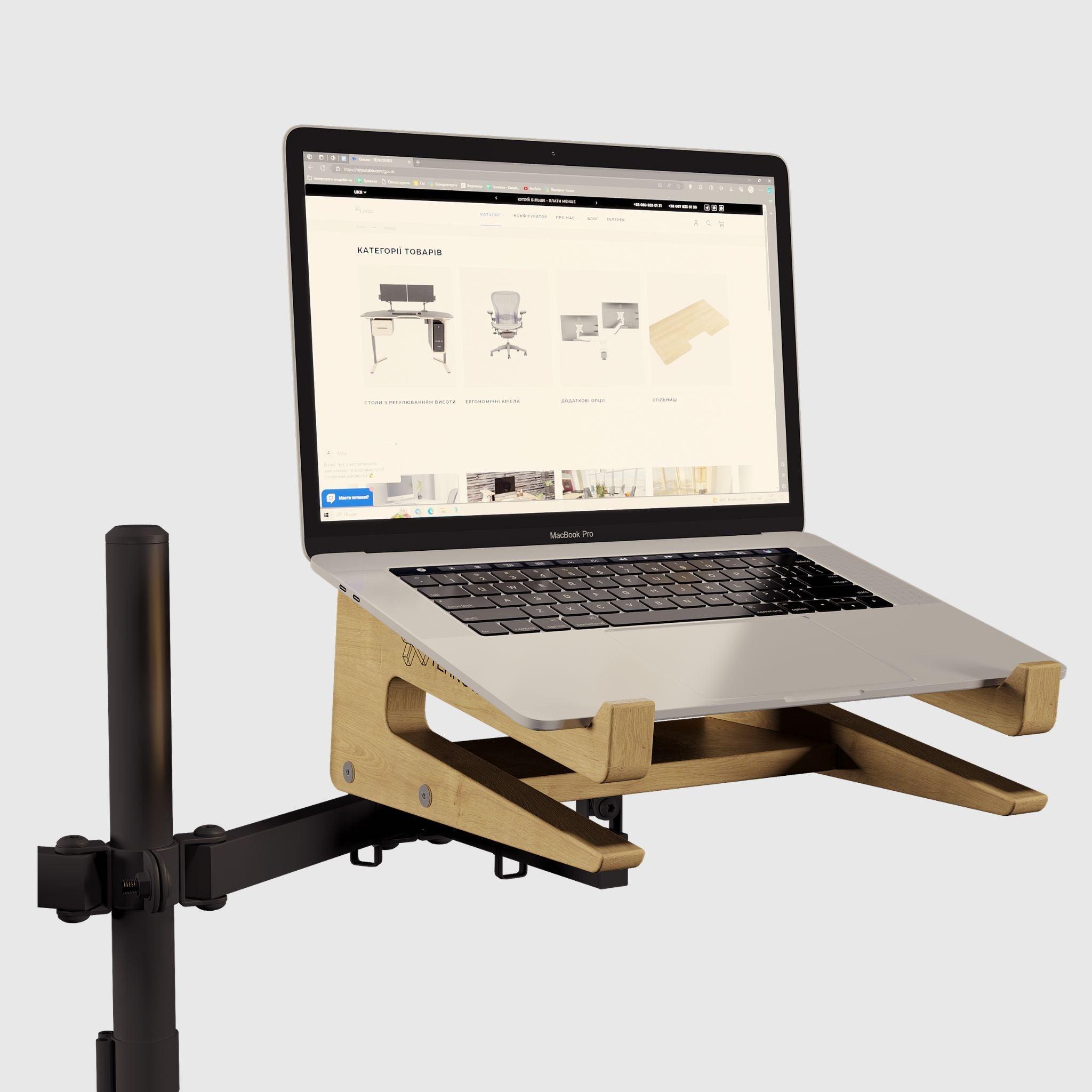
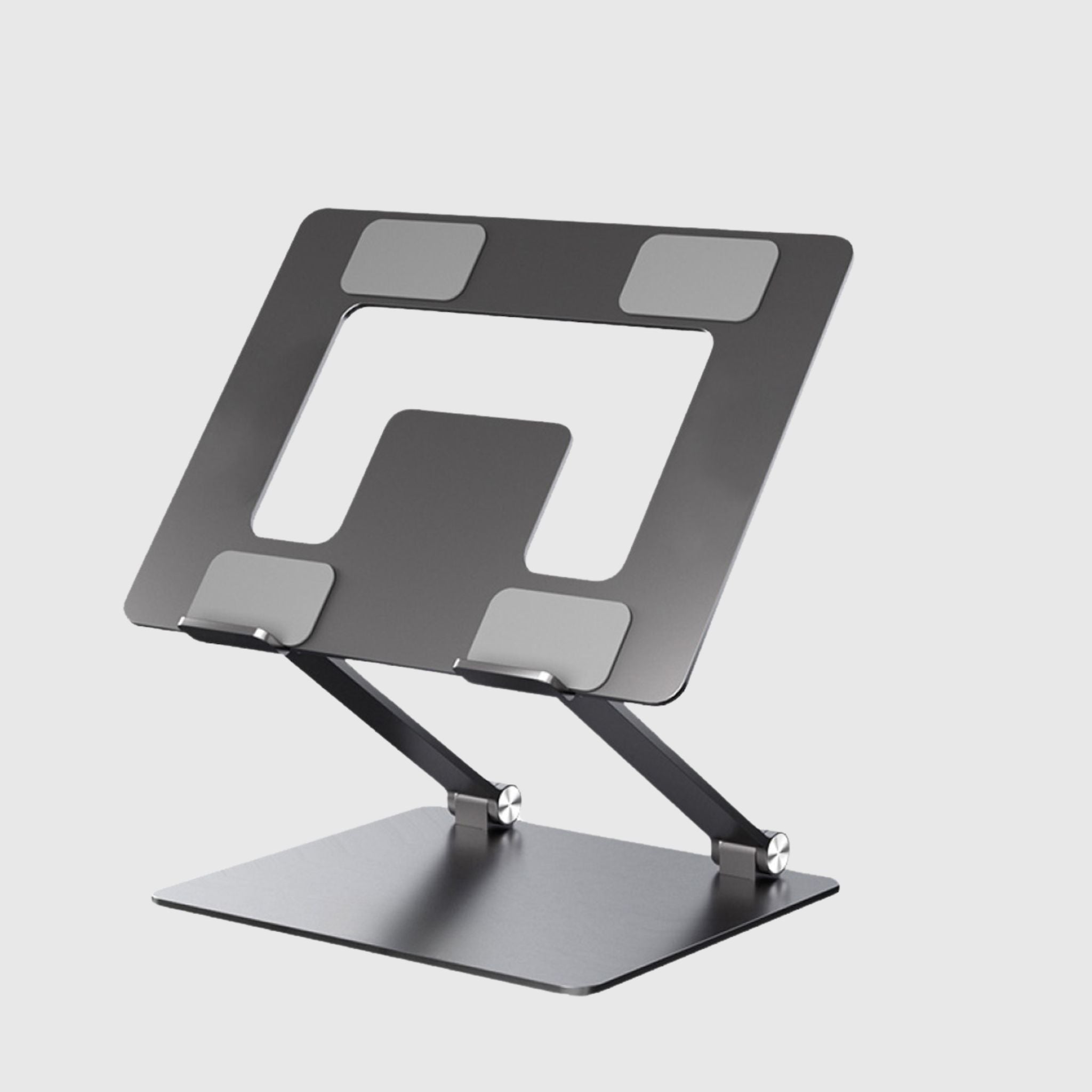
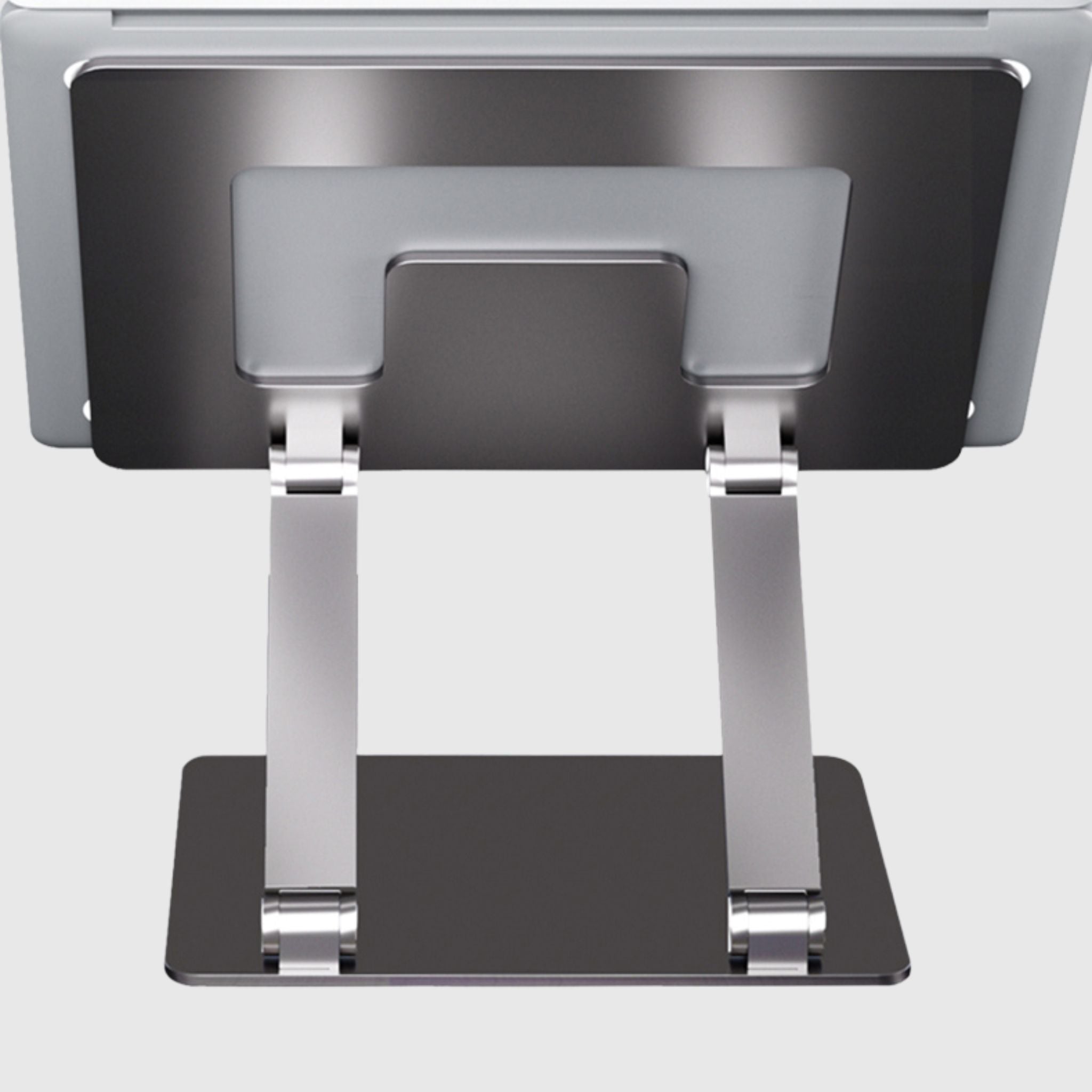
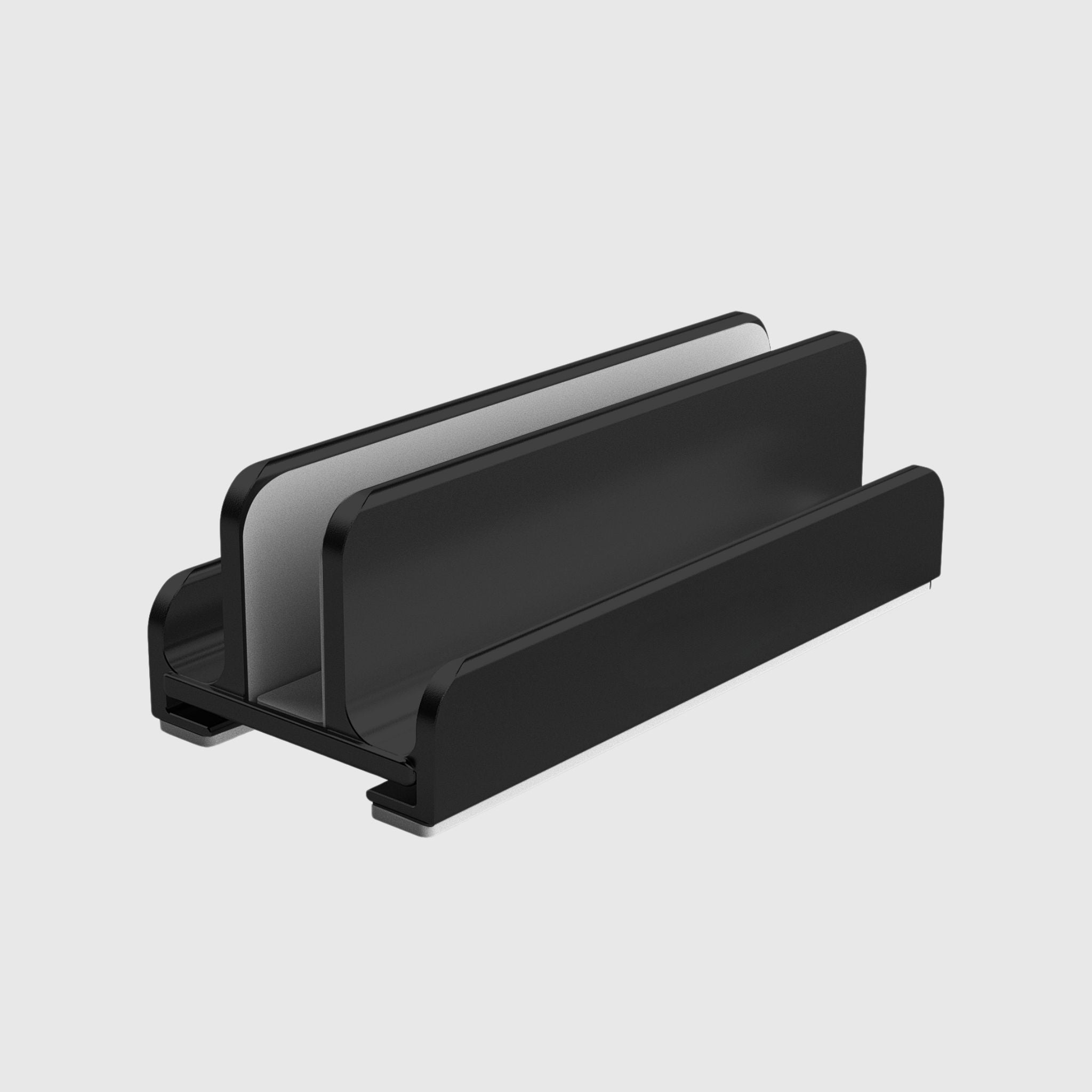
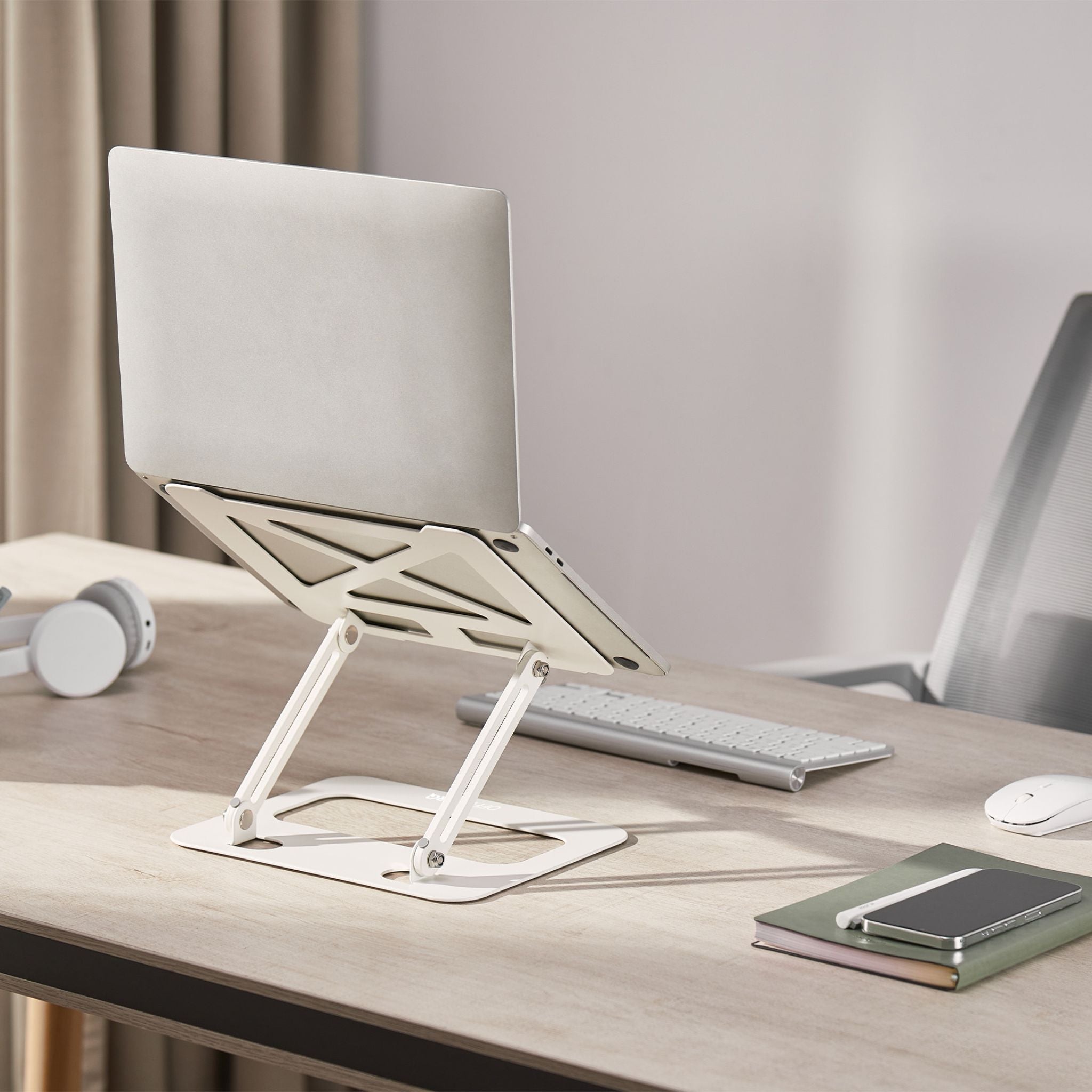
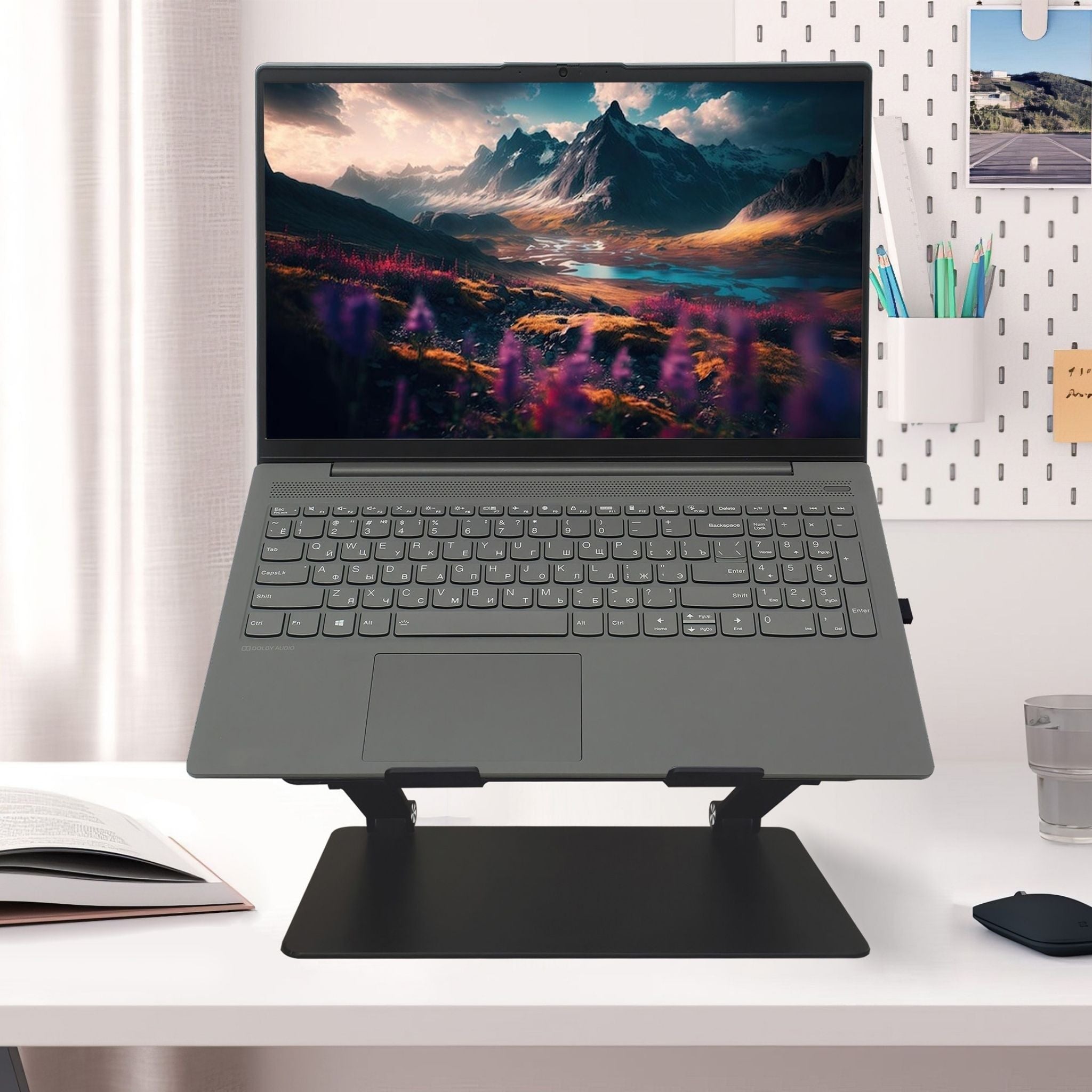
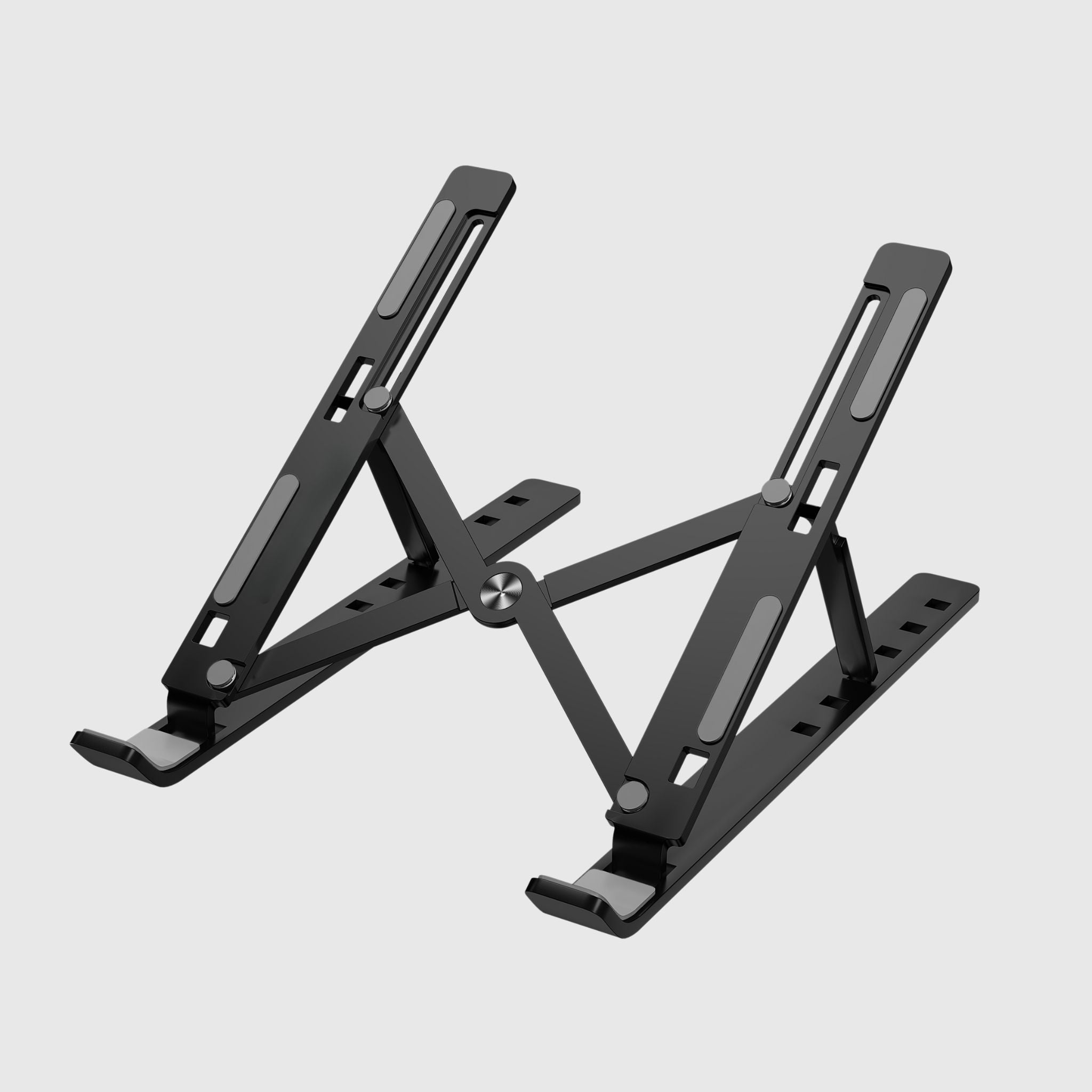
Laptop stand with adjustable bracket Black
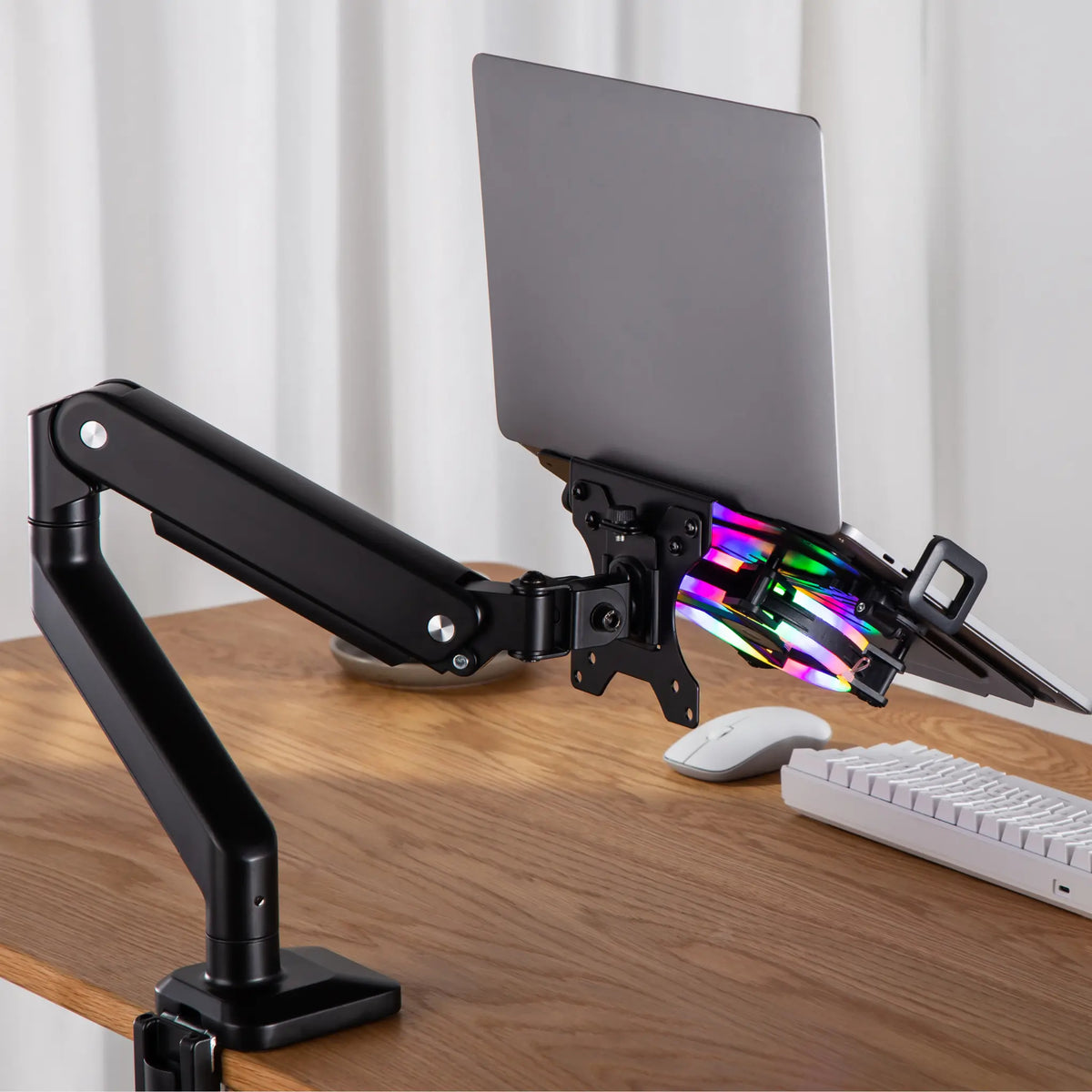
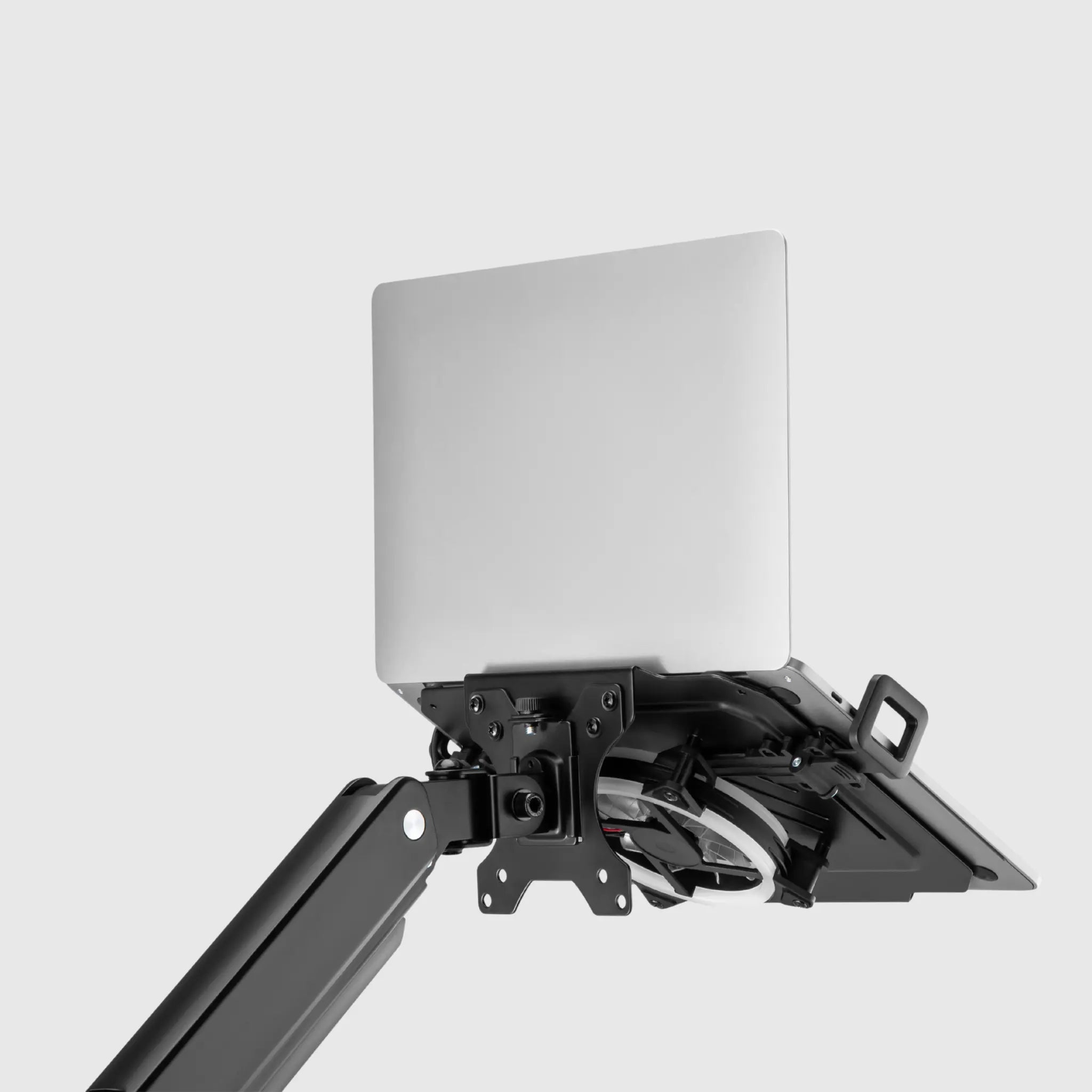
Підставка-тримач для ноутбука на кронштейн
Gadget stands: why are they needed, what they are and how to choose
Laptop, Tablet, and Phone Stands: Raise Your Screen – and Your Back
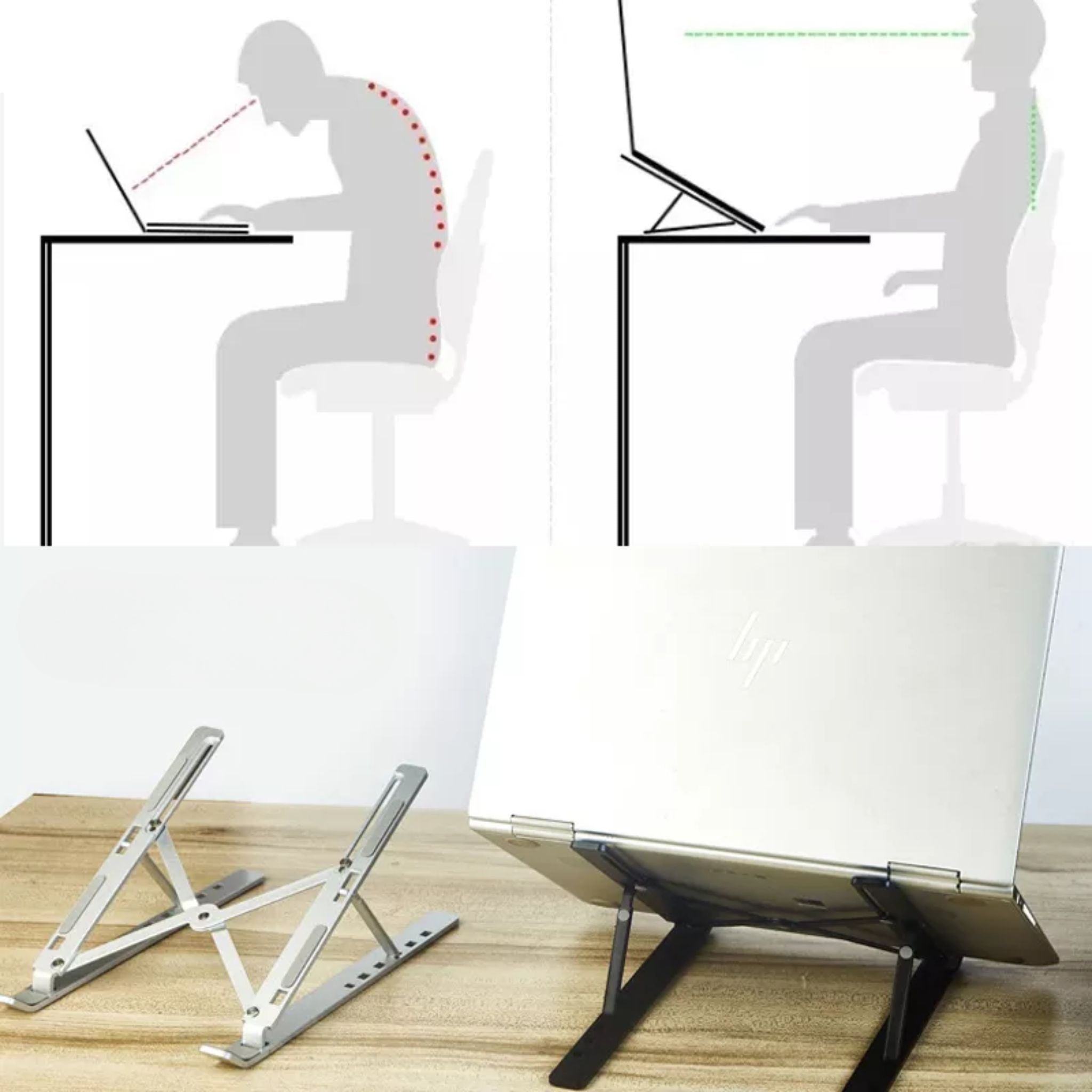
When you work on a laptop placed on a desk, the screen is significantly below eye level – and you unconsciously tilt your head forward. Hour after hour, this strain accumulates in your neck, shoulders, and lower back. A stand solves the problem at its root: it raises the screen to eye level, sets the correct angle, and at the same time opens up space under the device for ventilation. This is the cheapest way to make working on a laptop as ergonomic as with a full-sized monitor – especially when paired with a height-adjustable desk and an external keyboard.
Types of Stands and Who They Suit
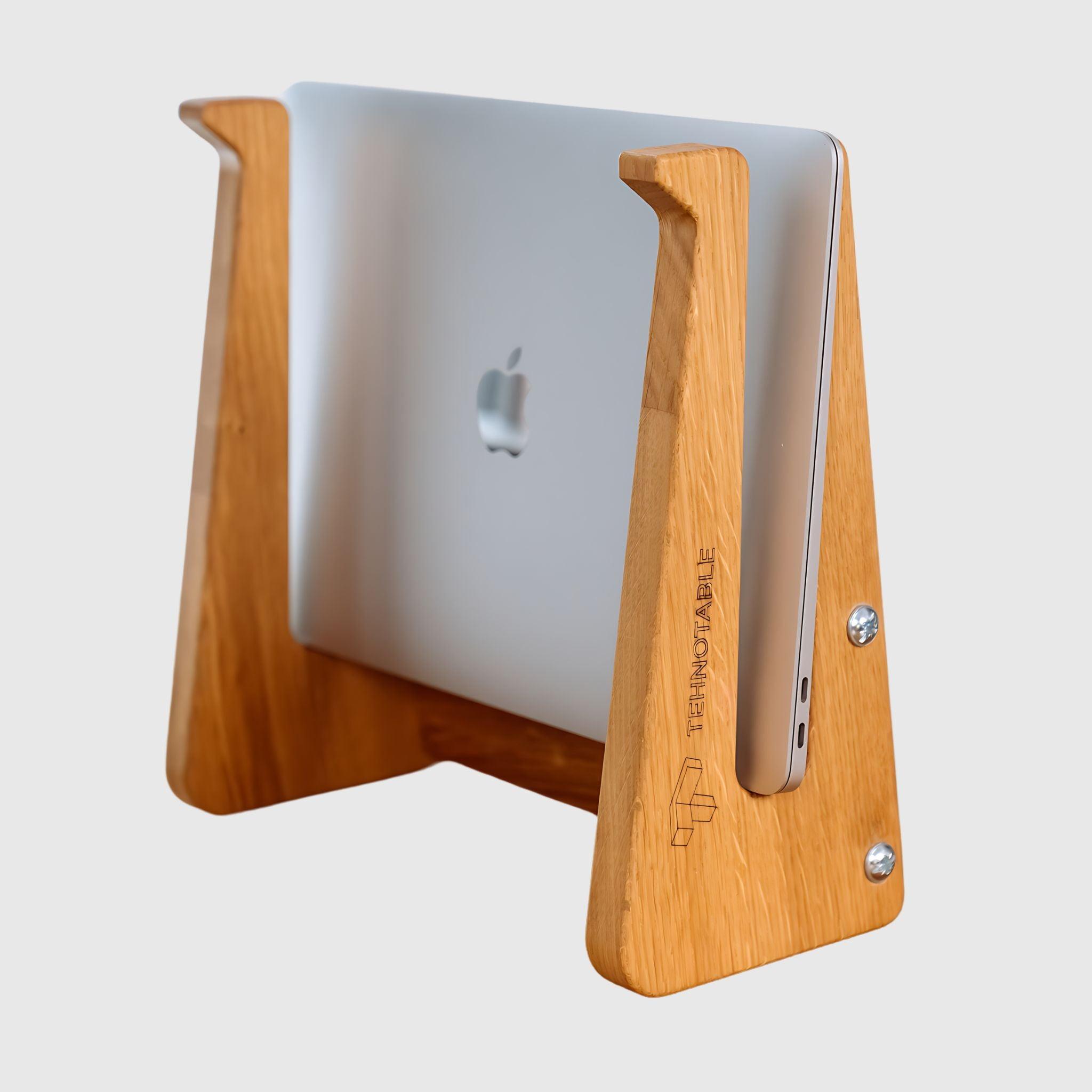
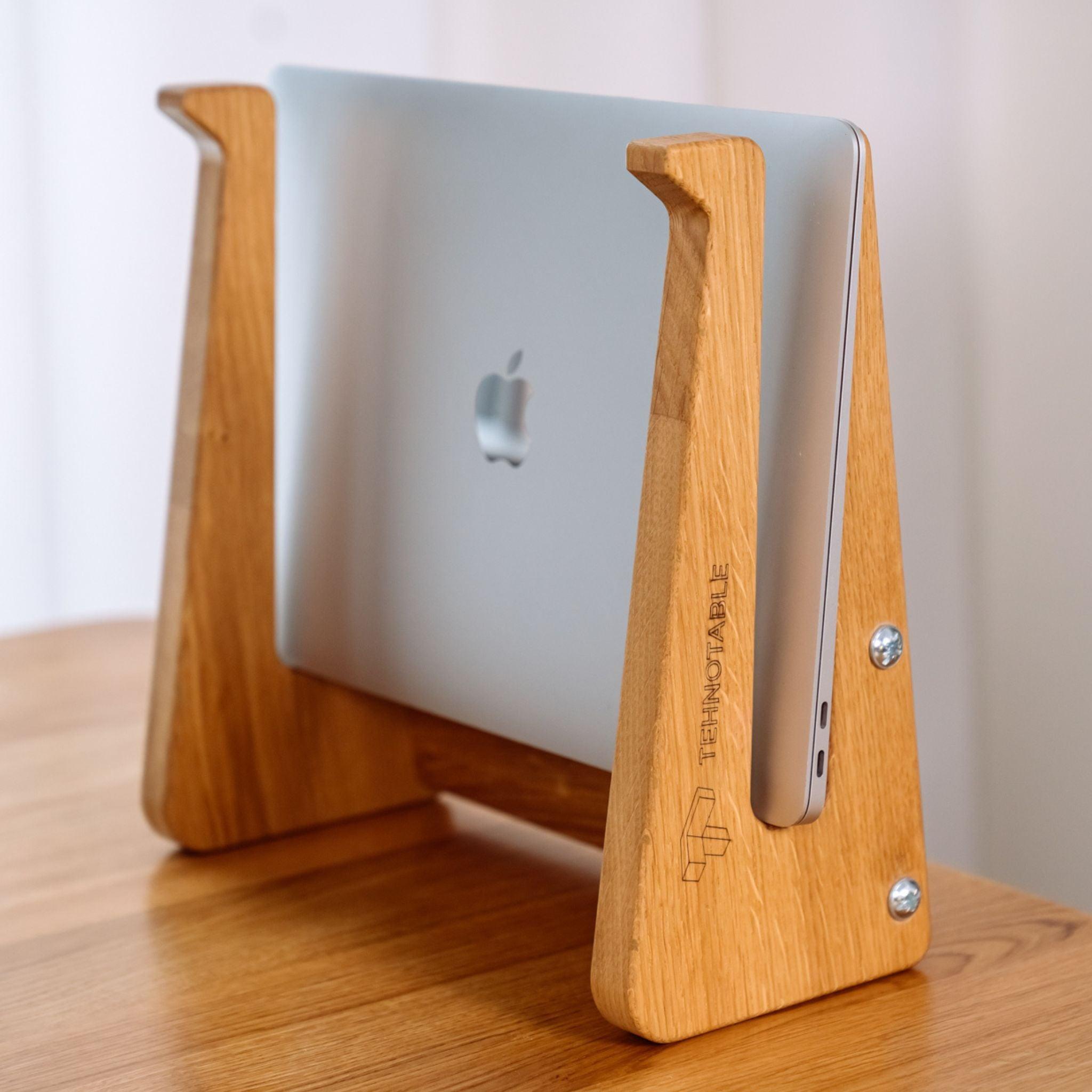
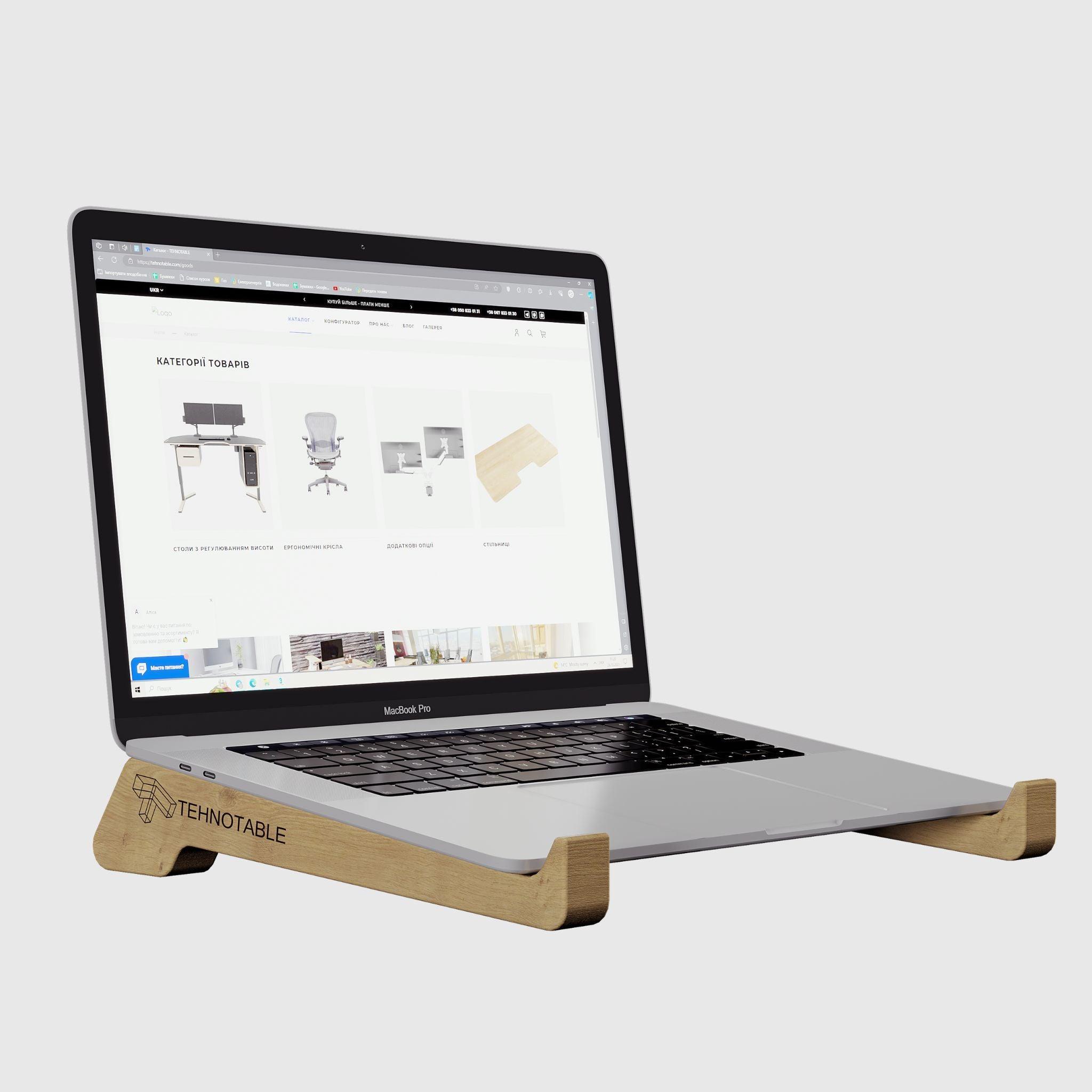
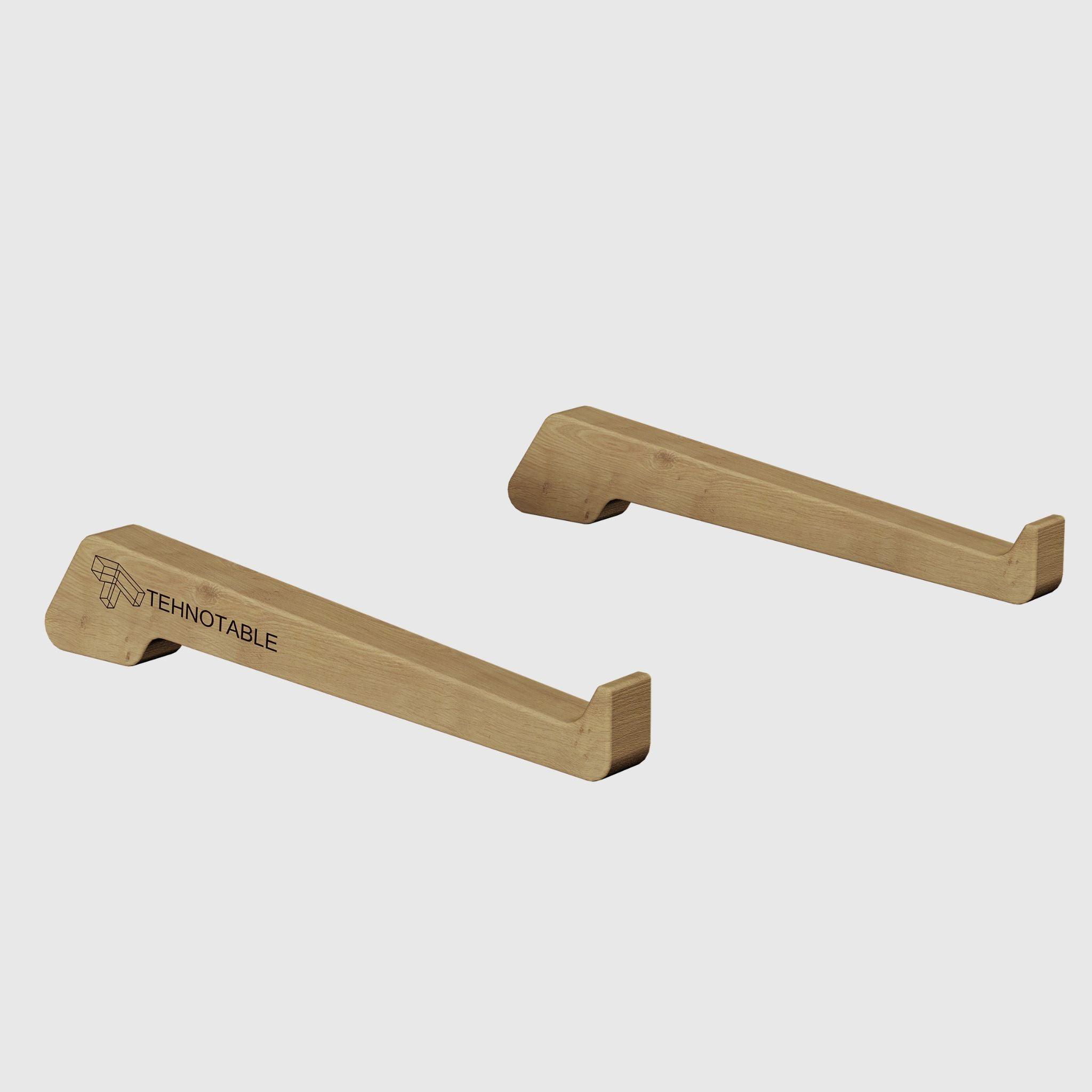
- Wooden – made from ash, oak, or walnut: pleasant to the touch, complement any interior, ideal for home and a presentable office. The choice when the look of your workspace matters.
- Metal with passive cooling – an aluminum body dissipates heat itself without fans, working completely silently. Optimal for daily use.
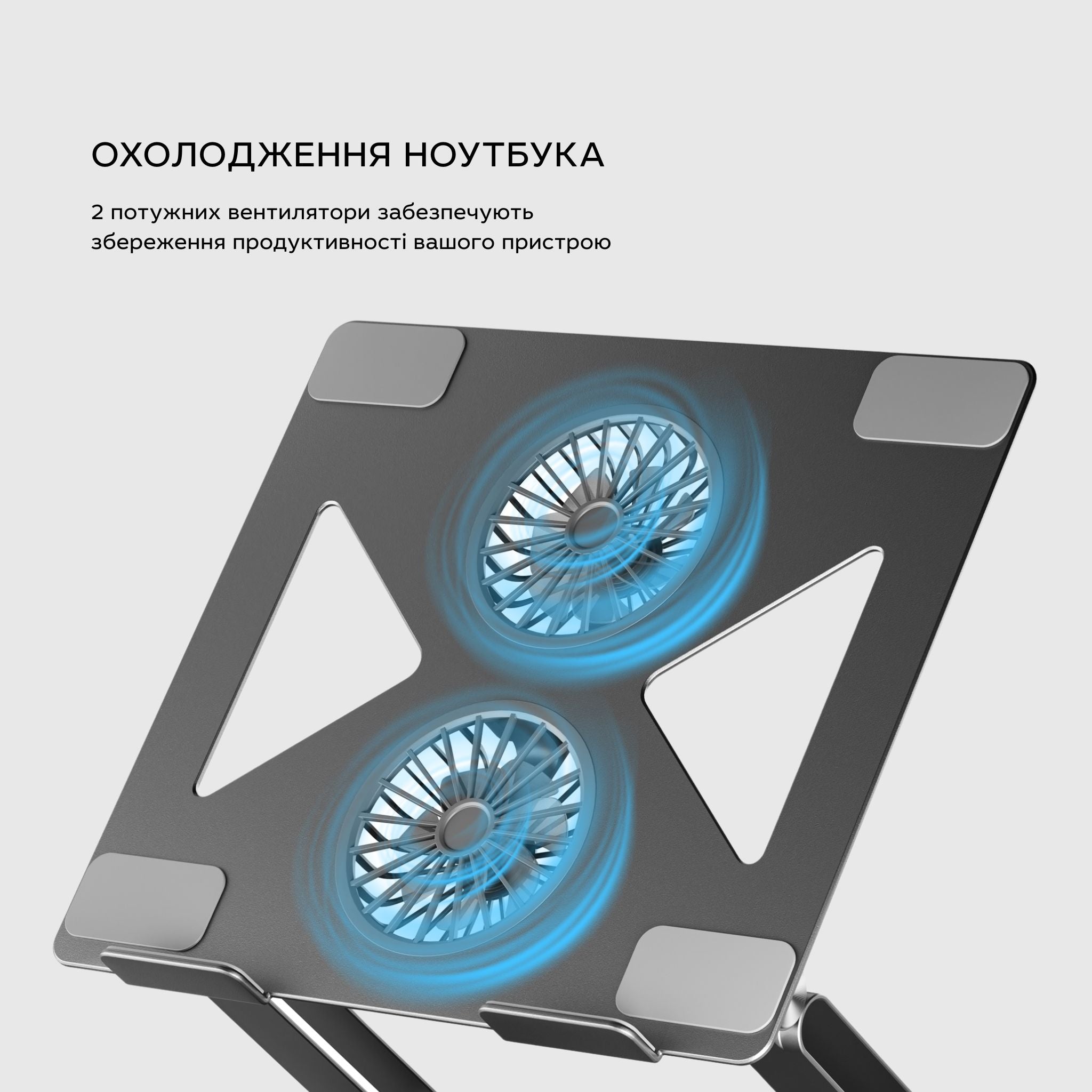
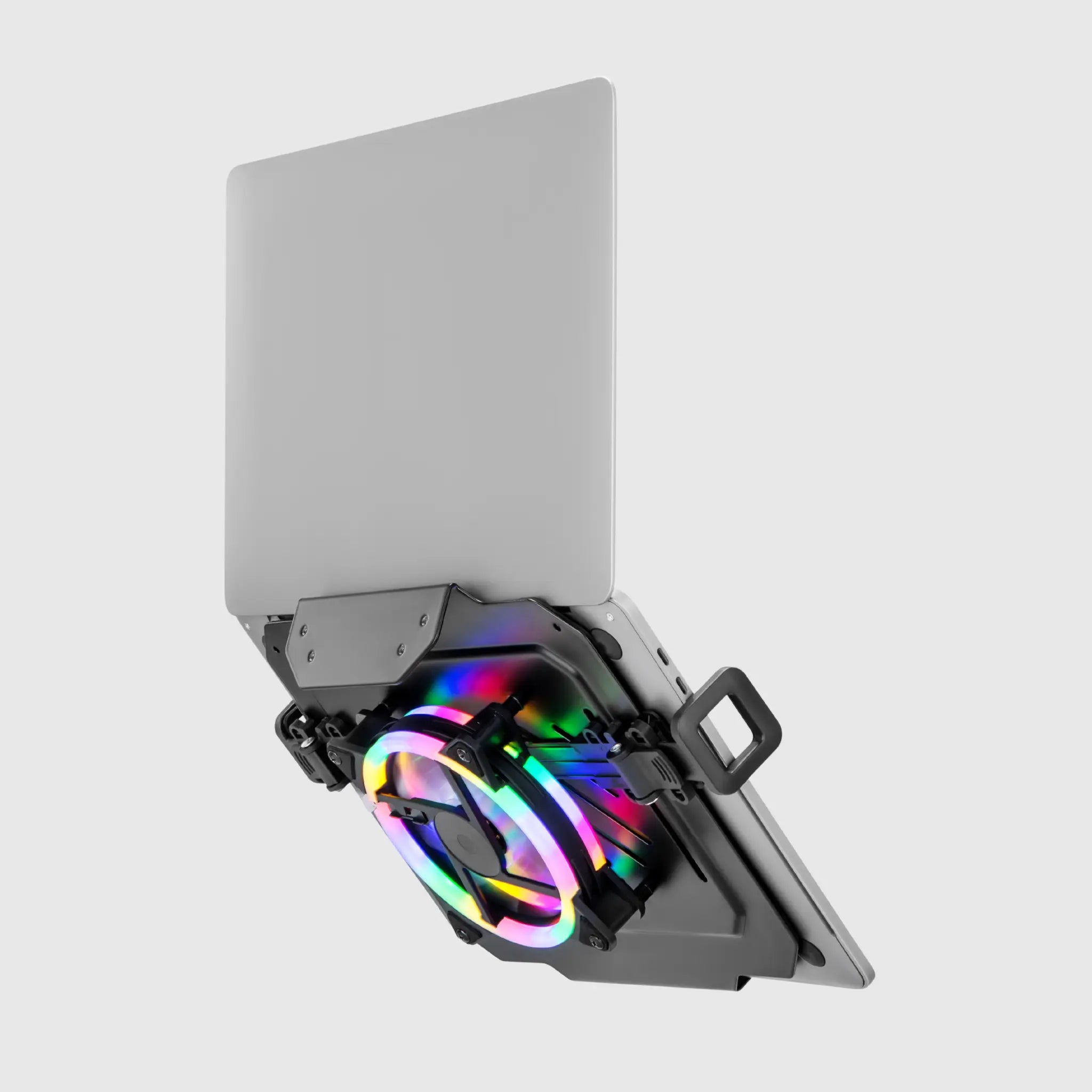
- With active cooling – with built-in fans: indispensable for powerful laptops under load – gaming, rendering, video editing, when passive heat dissipation is no longer enough.
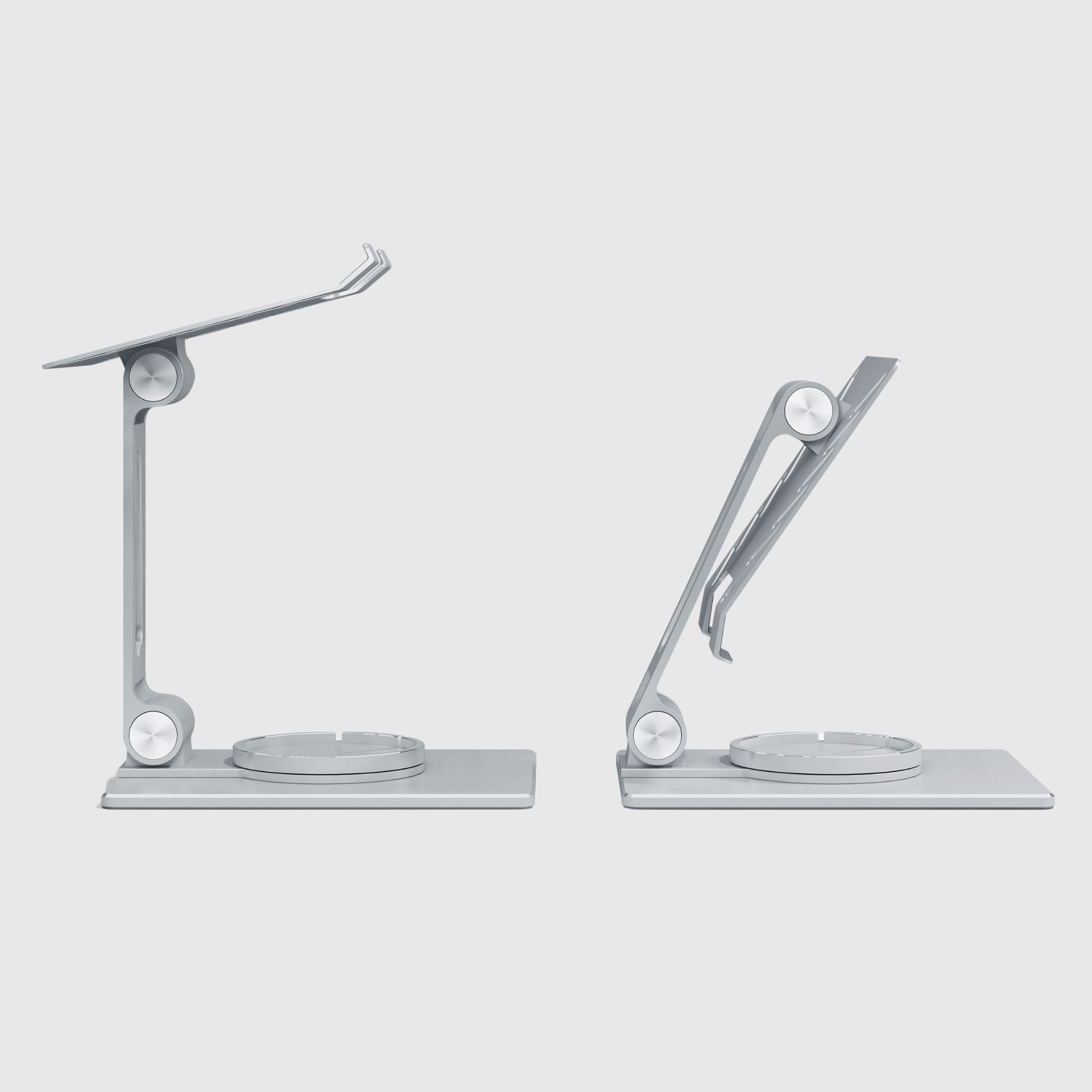
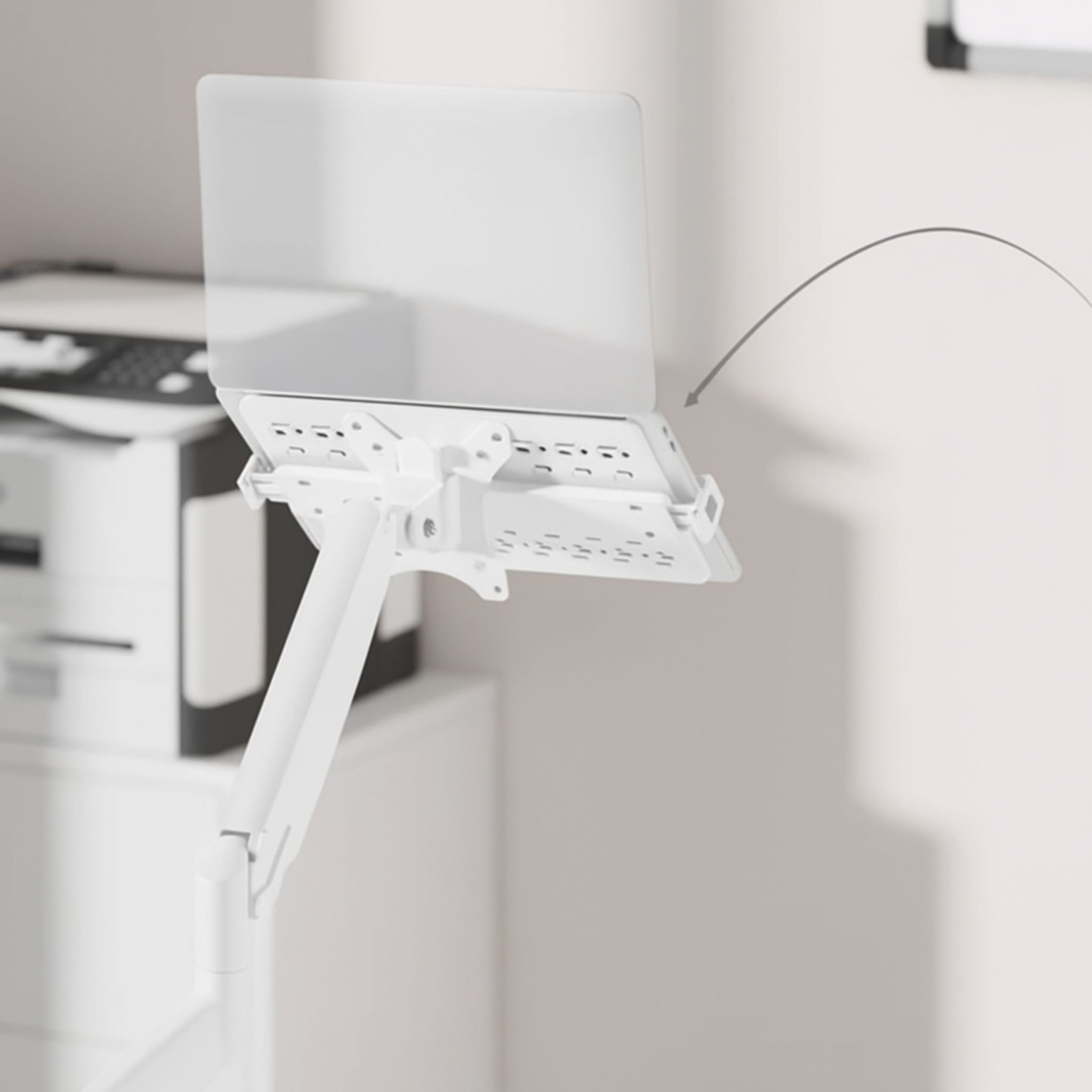
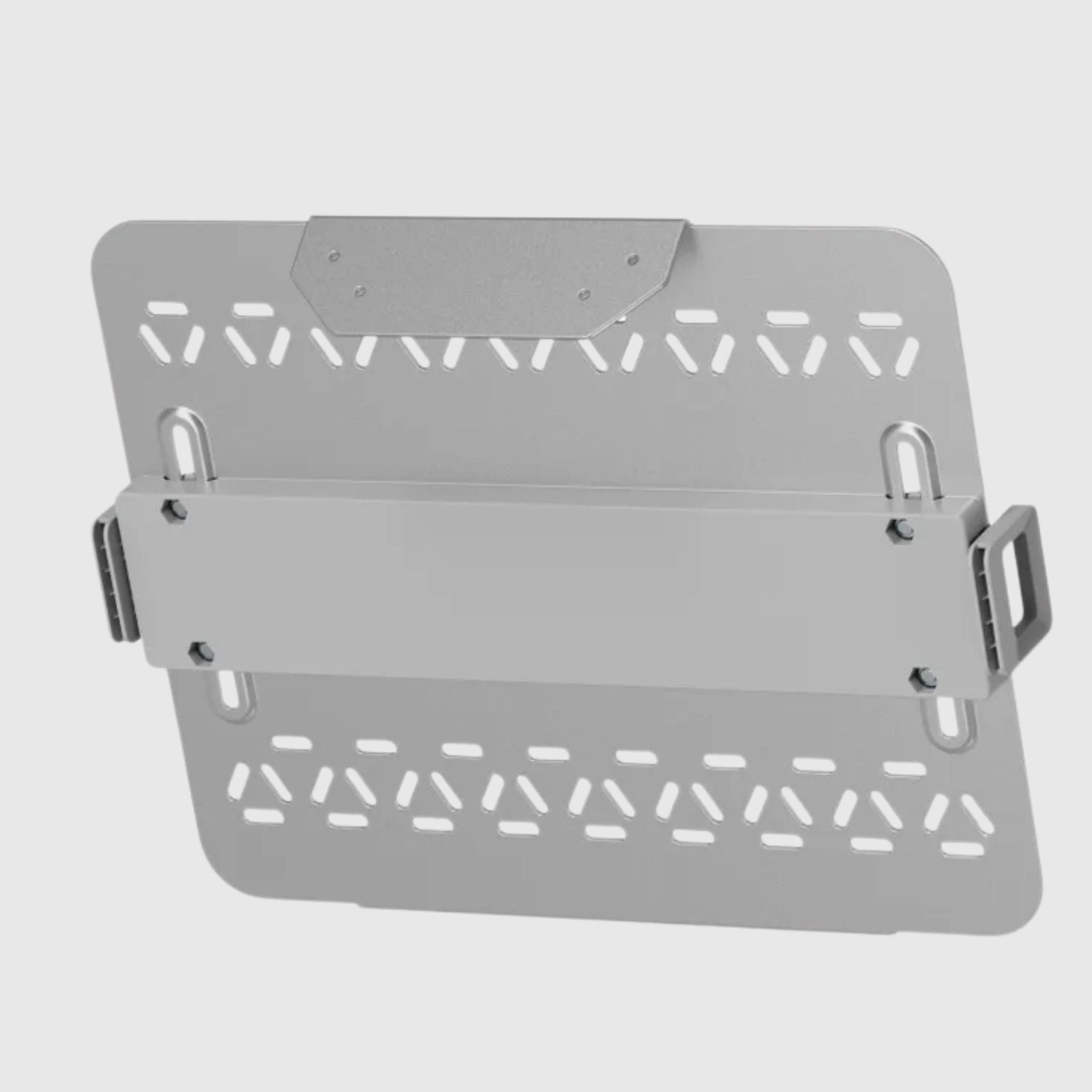
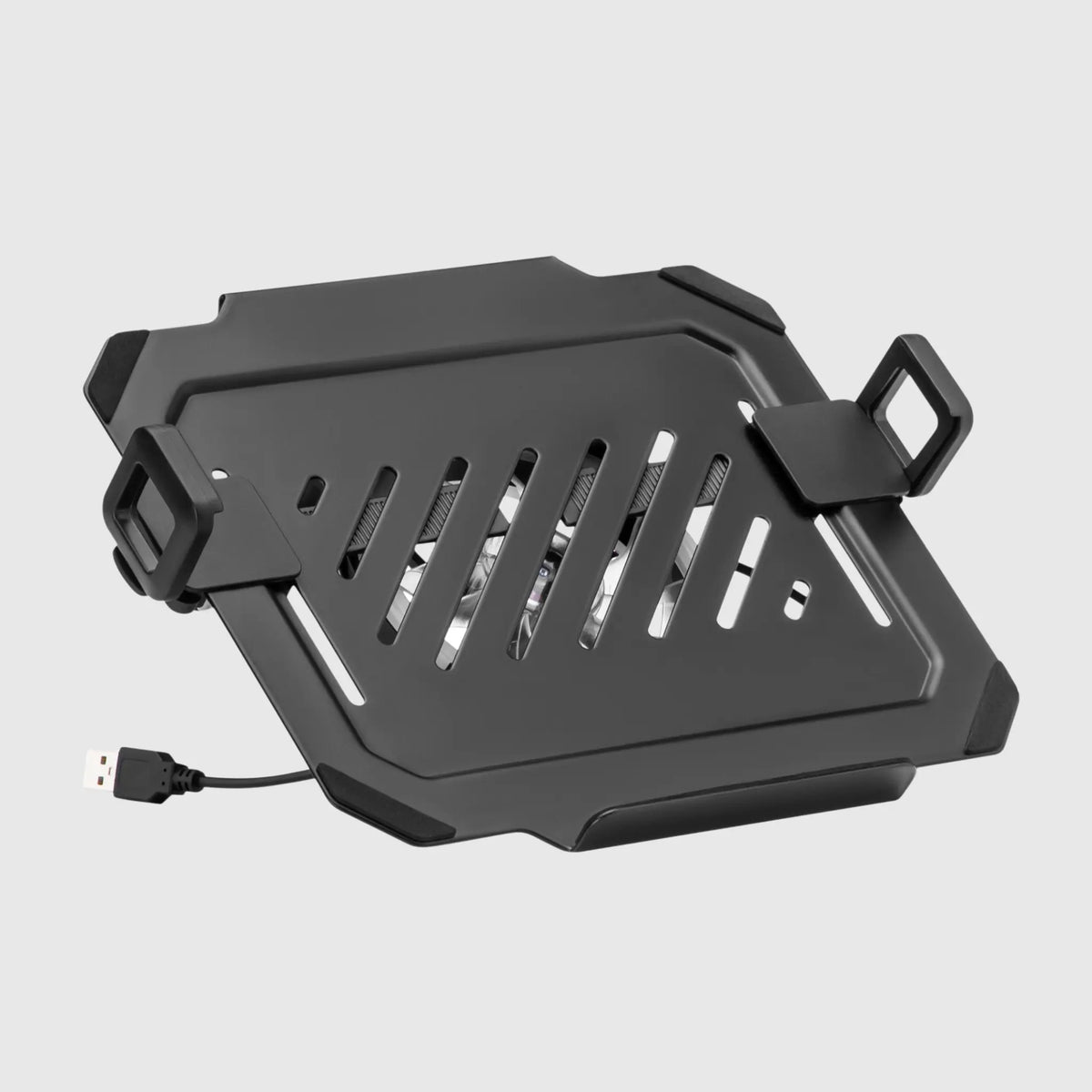
- Platform stands with monitor arm mounts – lift the laptop into the air next to the monitor on an arm; free up the entire desk surface.
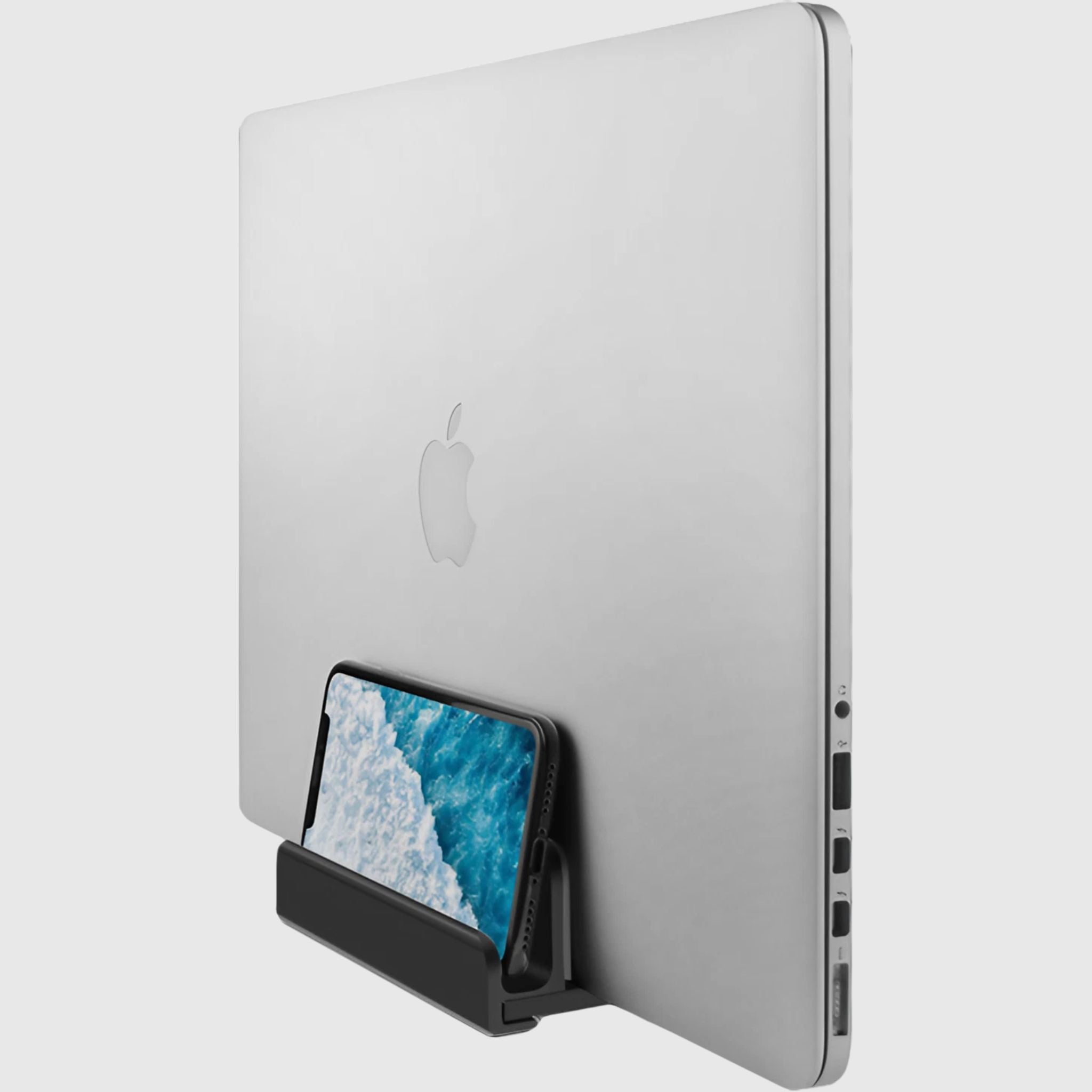
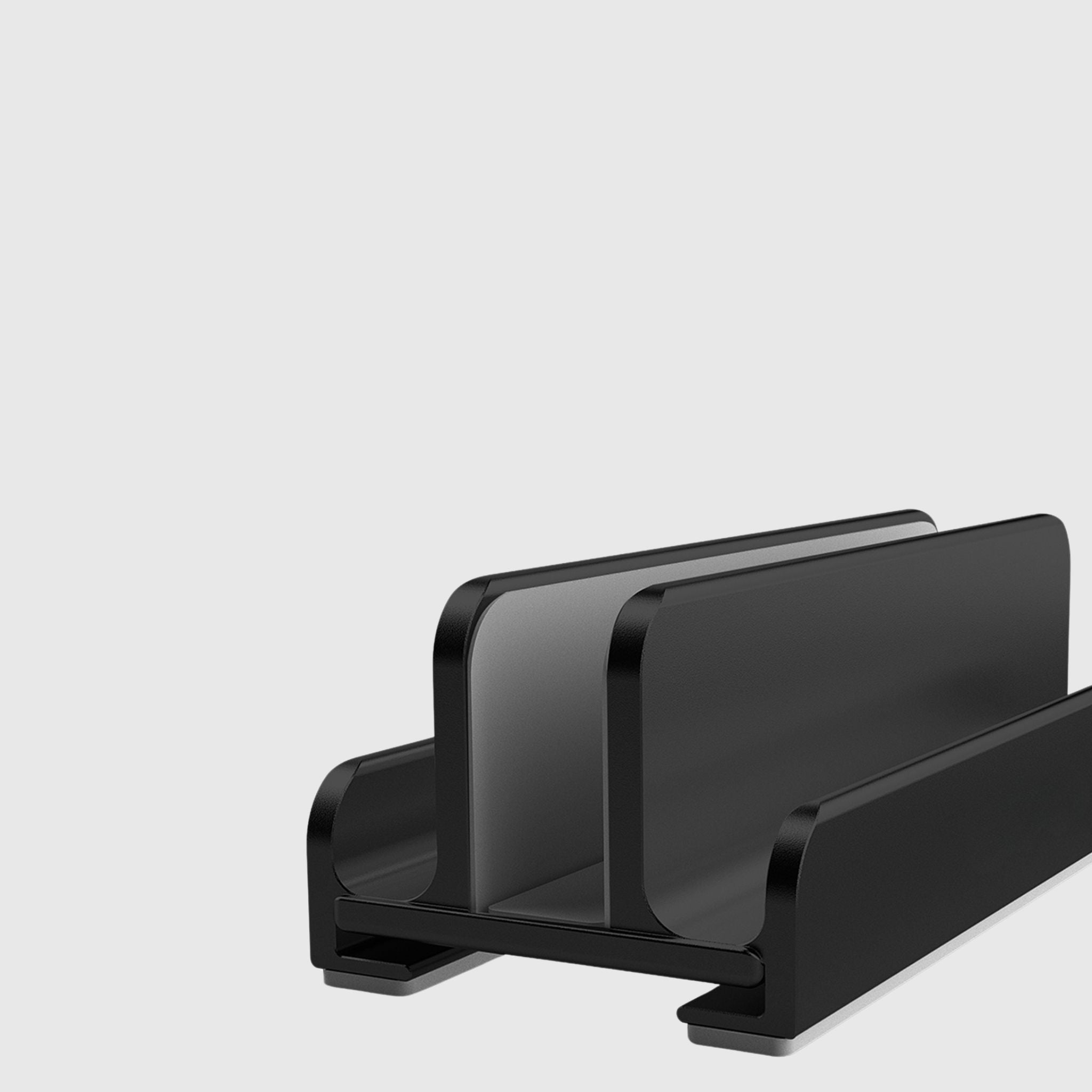
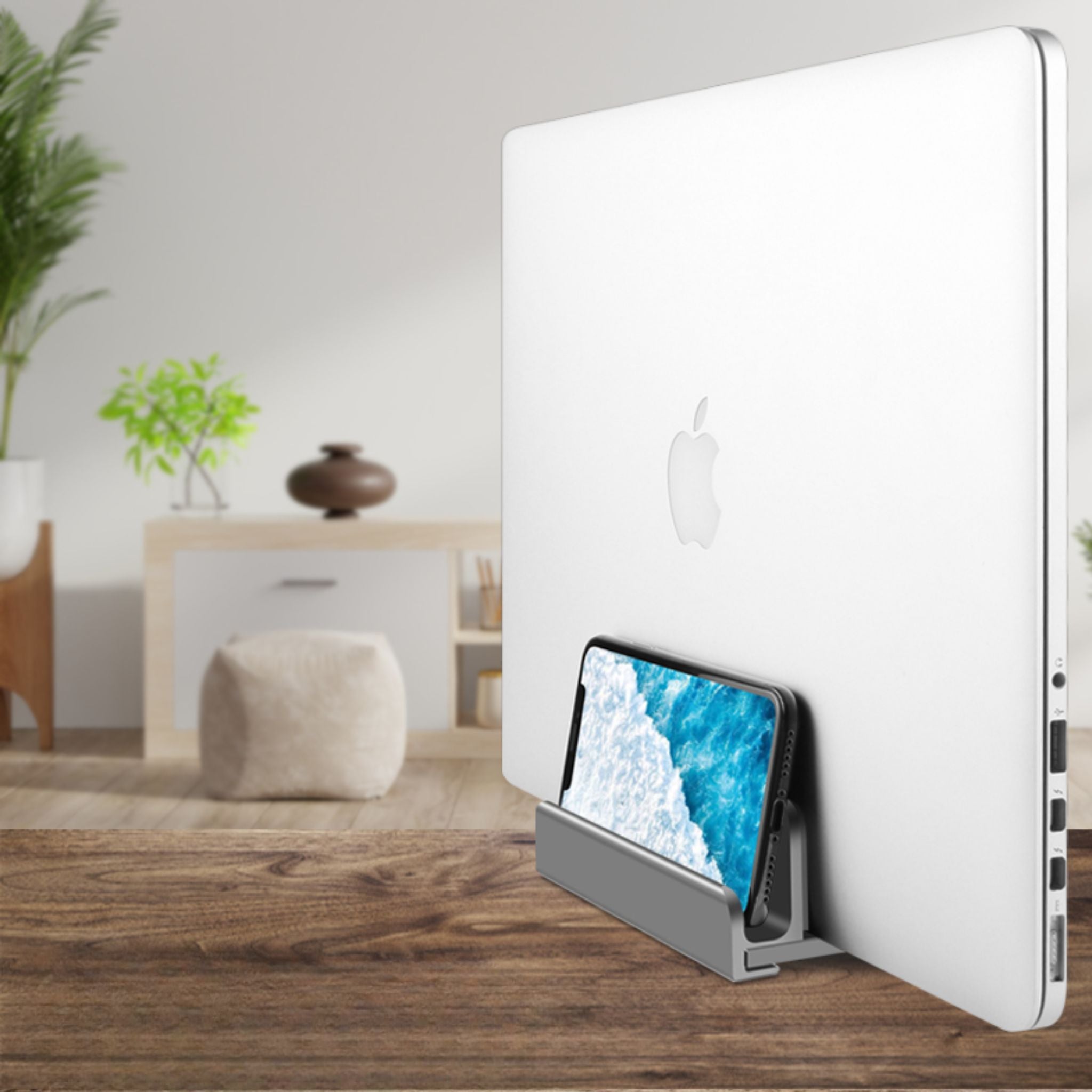
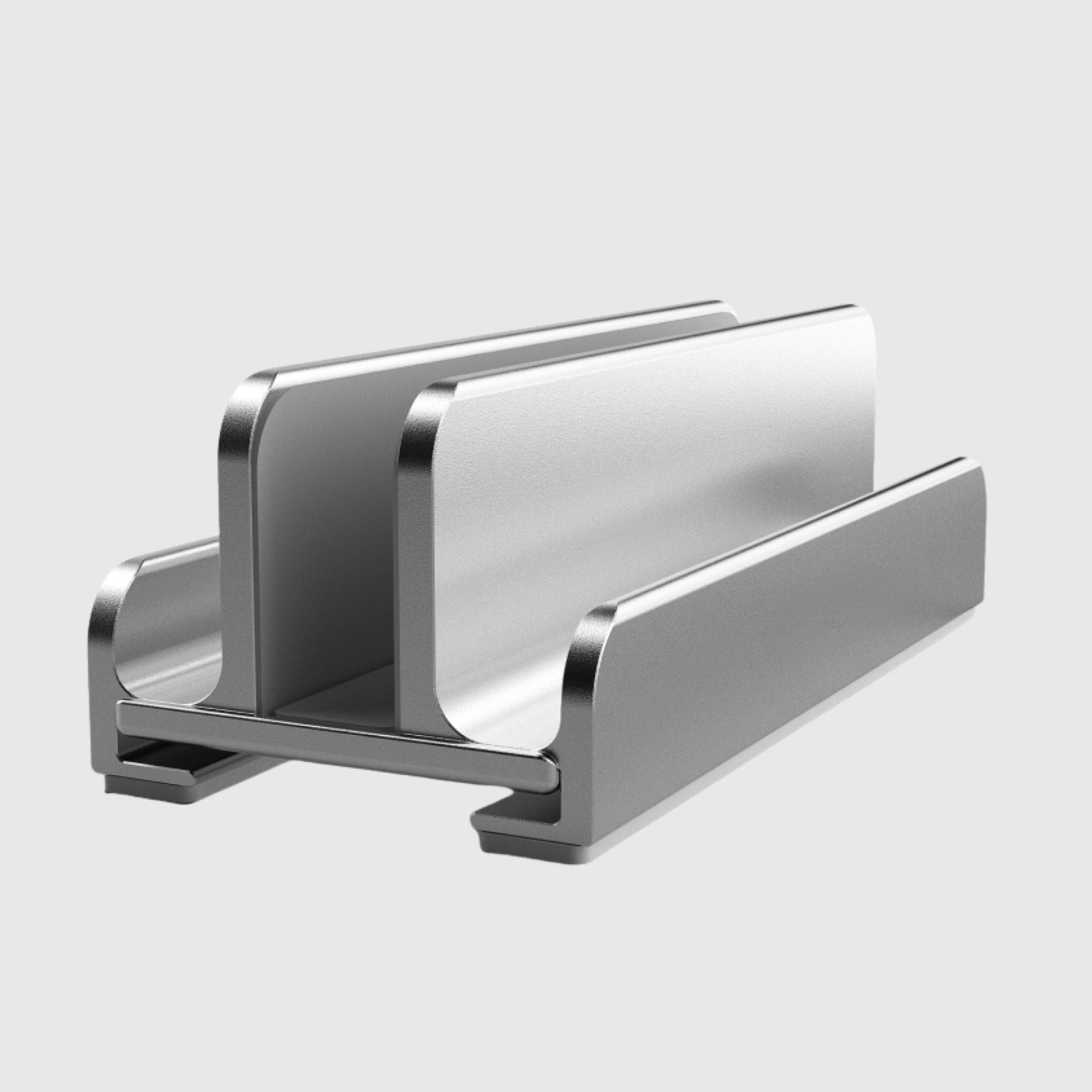
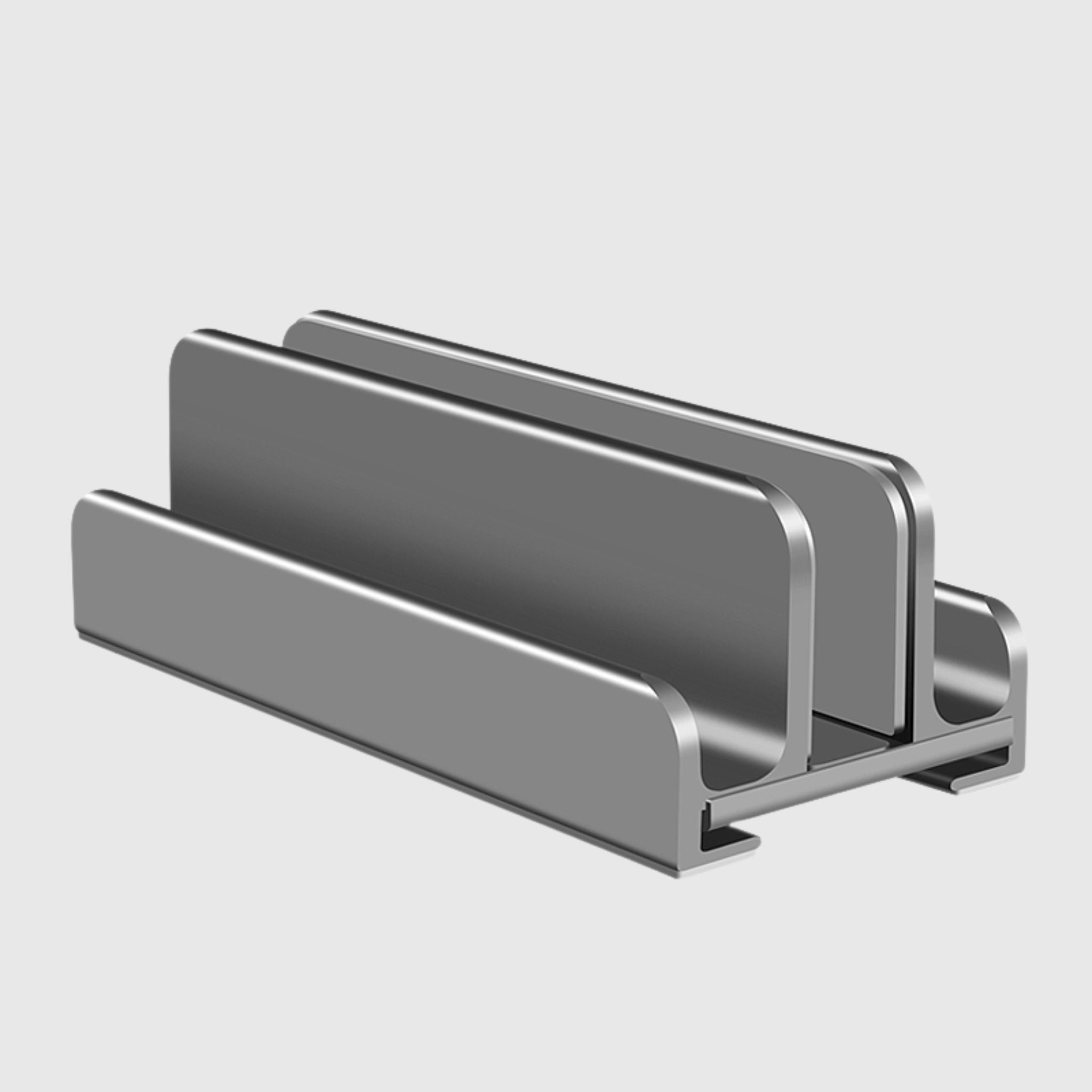
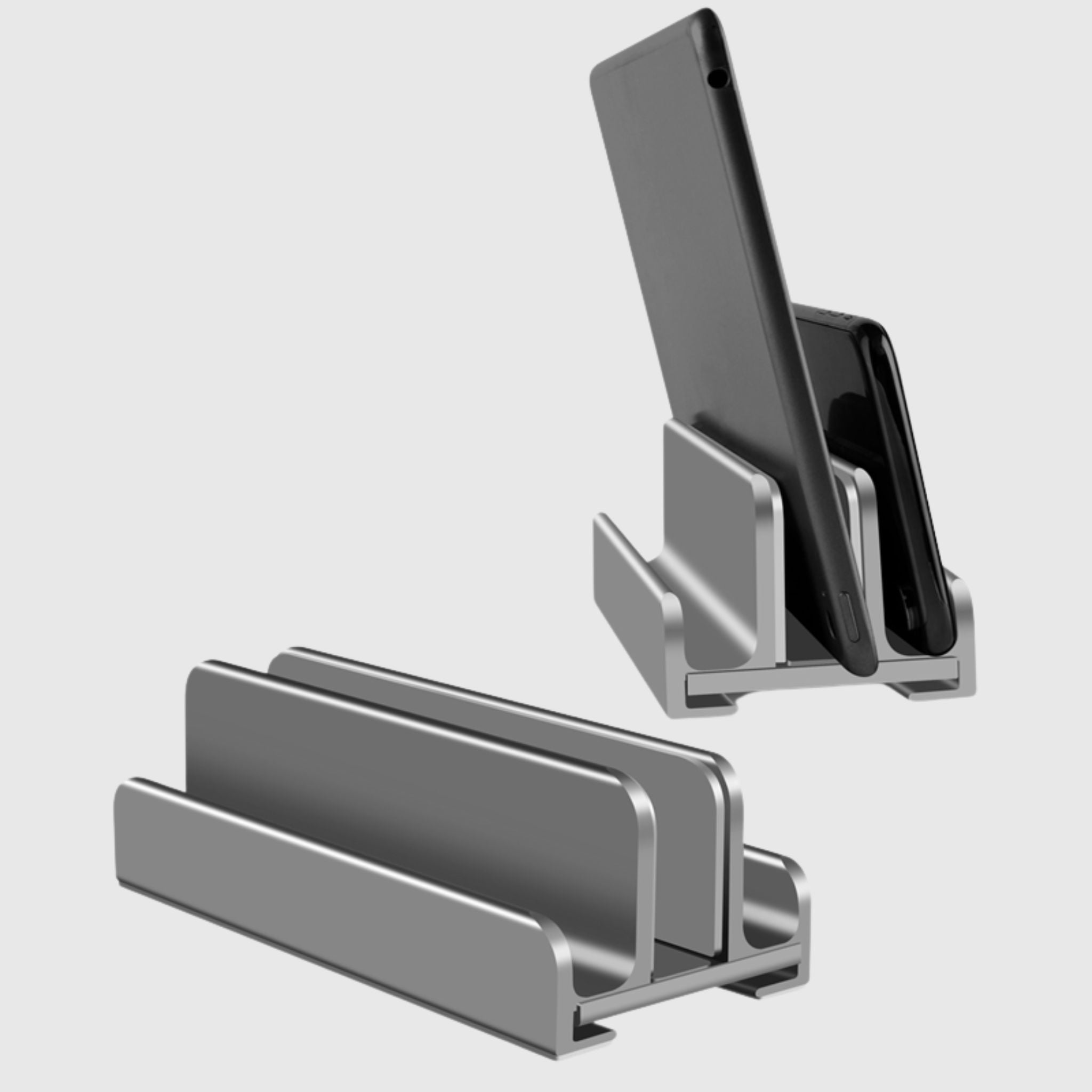
- Vertical stands/holders – when the laptop is connected to a monitor and needs to be kept closed, vertically, without taking up space.
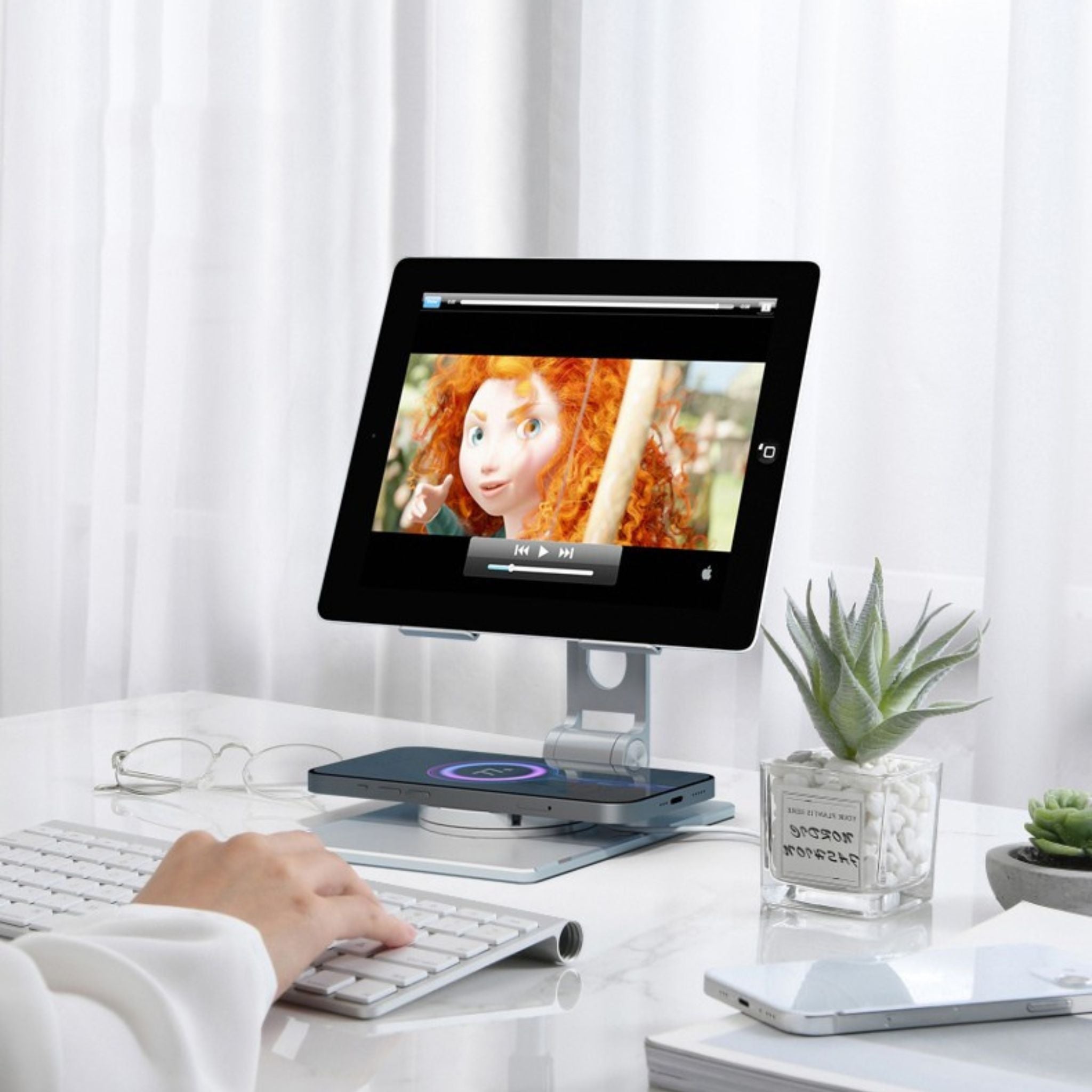
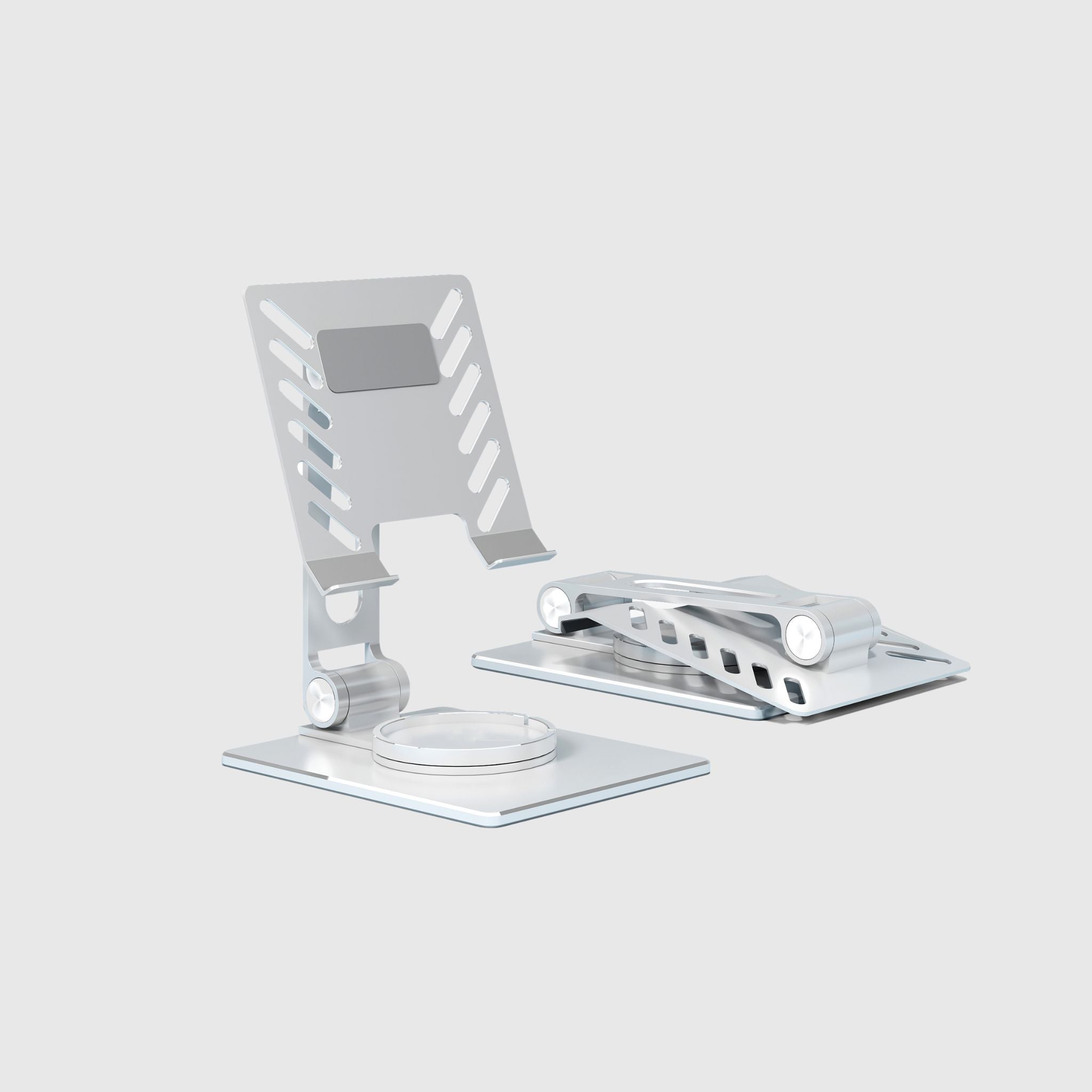
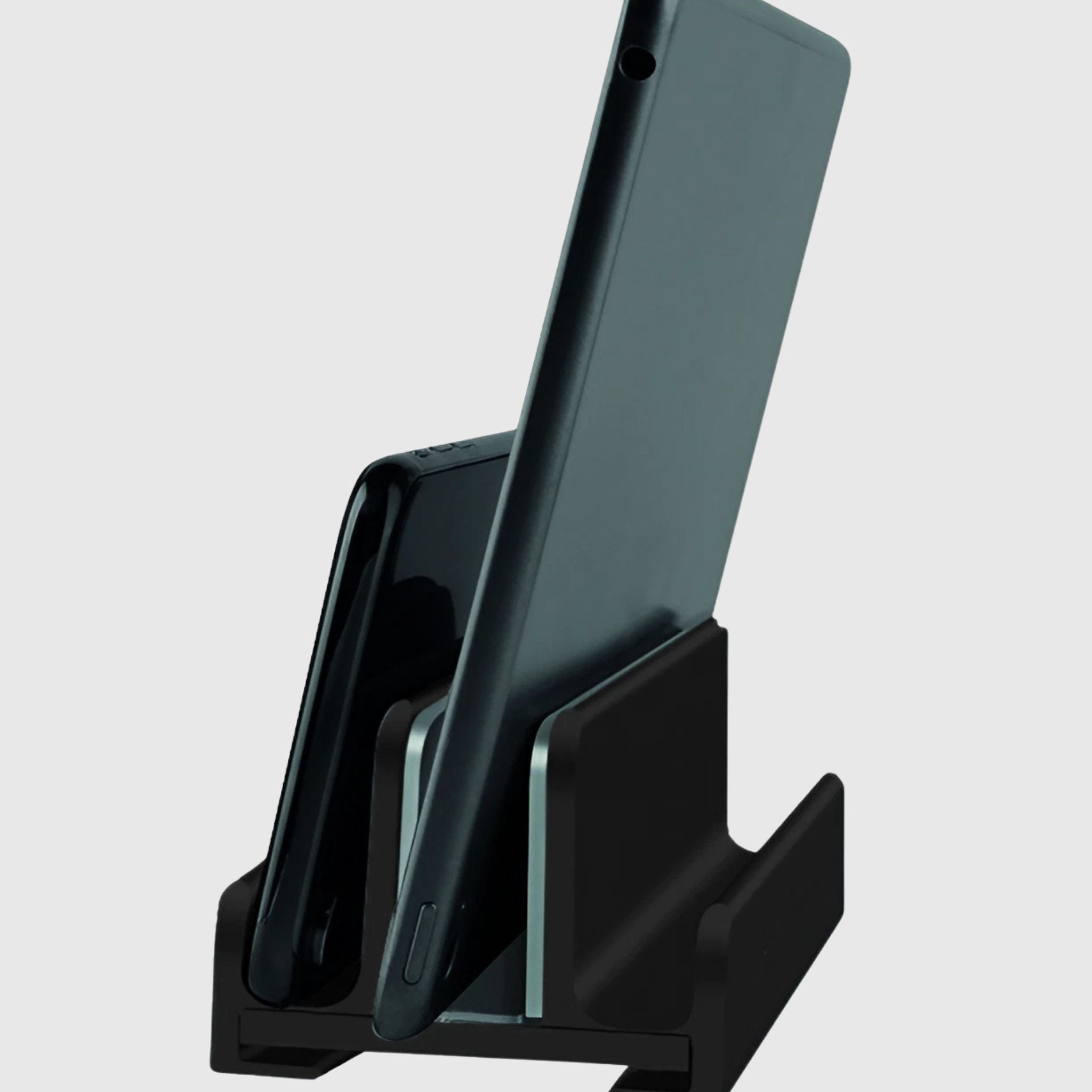
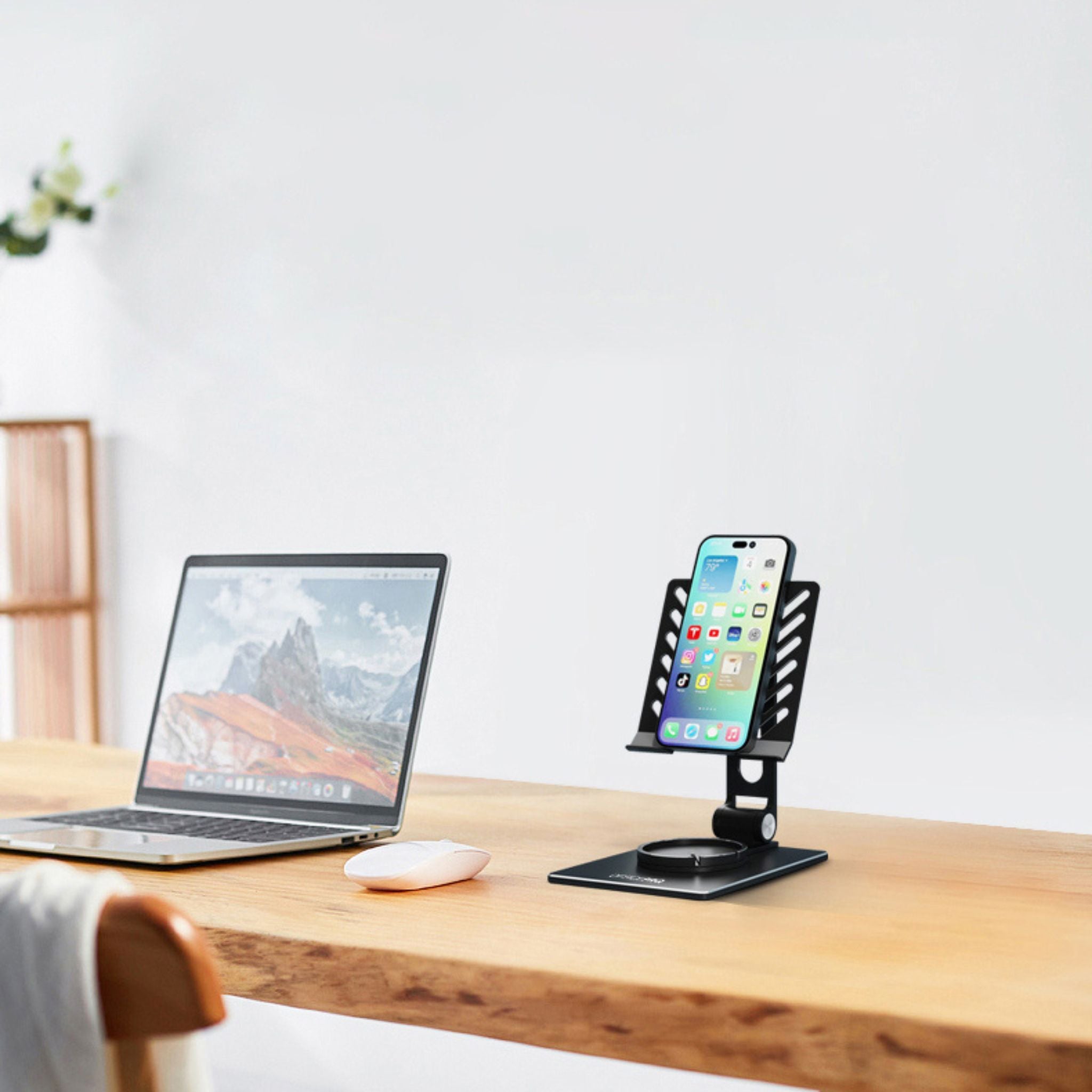
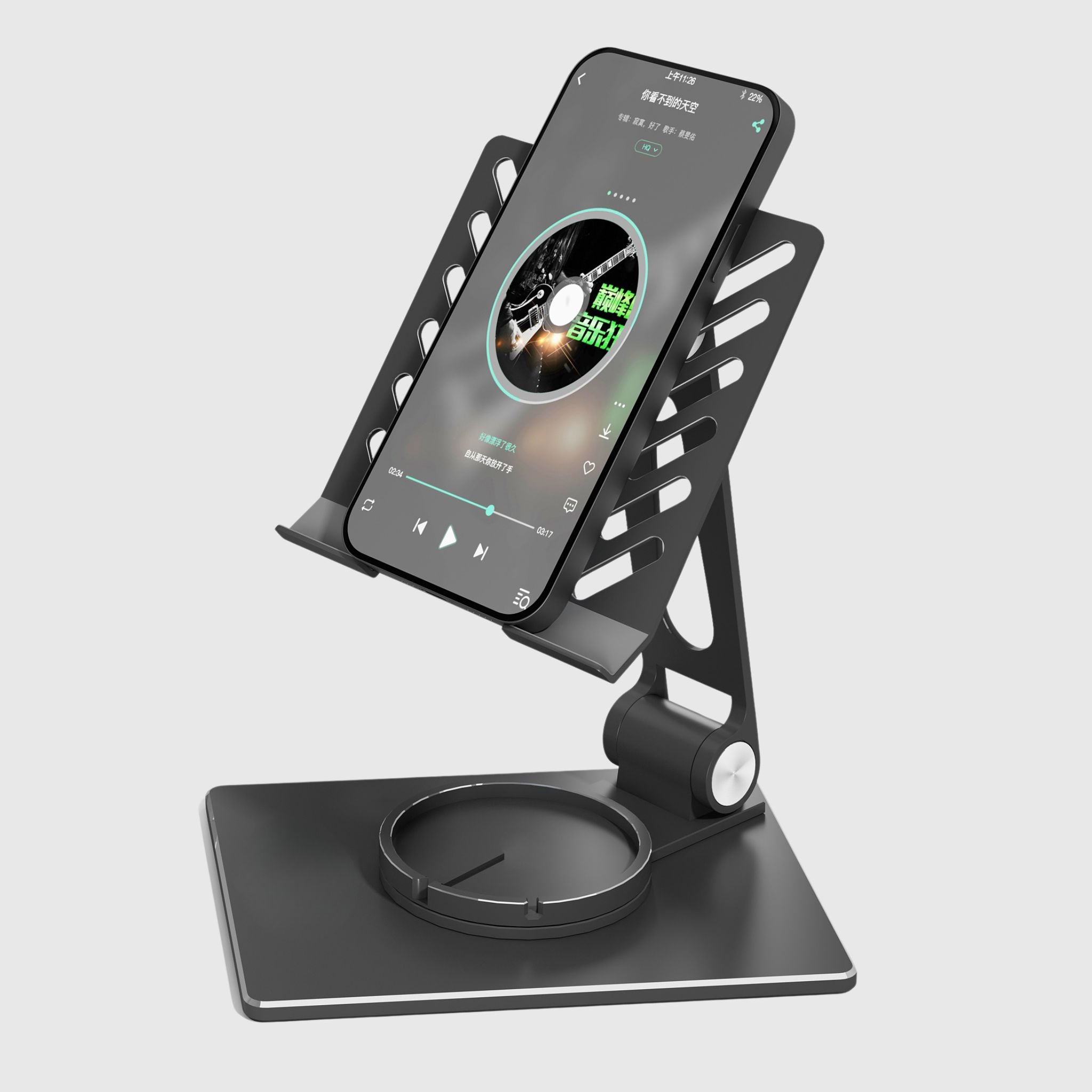
- Tablet and phone stands – hold the screen at a comfortable angle for calls, reading, or as a second display, breaking the habit of constantly leaning over your gadget.
How to Choose Yours
Start with your use case. If you work at a desk for 6+ hours – choose a model with height and angle adjustment to precisely raise the screen to eye level. If your laptop is powerful and gets hot under load – opt for active cooling with fans. If aesthetics are important – a wooden or designer aluminum stand. If you travel frequently – a lightweight, foldable metal one that fits in your bag. And check two things before buying: compatibility with your laptop's diagonal and the stability of the construction under its weight.
Ergonomics – More Than Just a Stand
A stand raises the screen, but then the laptop keyboard is too high – so an ergonomic setup includes an external keyboard and mouse. And to bring the entire workspace, not just the laptop, to a comfortable height, we have height-adjustable desks and monitor arms. Together, they create a truly healthy workspace.
About Production and Branding
Wooden stands are produced by TEHNOTABLE – our own Ukrainian production, so company or brand logos can be applied. This turns a useful item into a stylish corporate gift for partners or your team. Fast delivery throughout Ukraine, and you can see the models in person at our showroom in Vyshneve near Kyiv.