
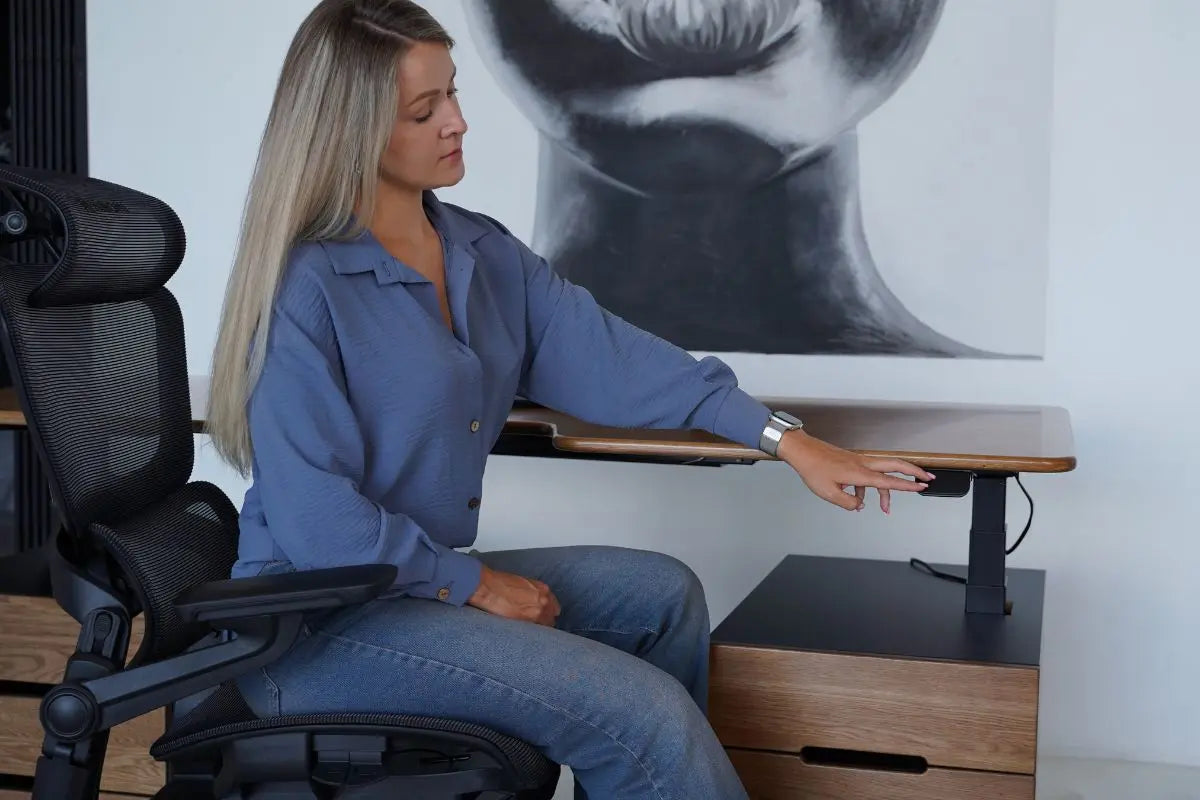
A comfortable workstation is rarely a coincidence. It’s usually the result of small but precise adjustments that ultimately produce a tangible effect – less fatigue, less back and neck strain, and more focus throughout the day. And one of the key parameters here is the height of the desk. It sets the basic "geometry" of your posture and determines whether your body will work in a relaxed mode or constantly compensate for discomfort.
Why desk height affects well-being more than it seems
Most people get used to their workspace and stop noticing discomfort. But the body continues to react — just gradually. First, there's a slight tension in the shoulders at the end of the day, then a feeling of stiffness in the neck, and then fatigue starts to set in earlier. And often, the reason is not the load itself, but the fact that the working height of the desk initially does not correspond to the natural position of the body.
When the desk is too high, the shoulders are constantly tense, and the arms seem to "hang" in the air. When it's too low, a person imperceptibly begins to slouch and reach forward. In both cases, the natural posture is disturbed, and the muscles go into a state of constant compensation, which leads to a feeling of fatigue even after a normal workday.
The basic adjustment point: posture, not the desk
A common mistake is trying to adjust everything around the desk. In fact, it's more correct to start with the body. First, a comfortable posture is formed, and only then is the height of the work surface adjusted to it.
When sitting in a relaxed position, your feet should be flat on the floor, your knees should be at approximately a right angle, and your back should have natural support. Your forearms should rest freely on the desk, forming an angle of about 90° at the elbows. At the same time, your shoulders should remain relaxed, without elevation or tension. This position helps determine the correct desk height – it should ensure comfortable work for your hands without the need to lean forward or reach for the keyboard and mouse.

Work surface and hands: the main guide
The easiest way to understand if the height is set correctly is to pay attention to your hands while working. If everything is configured correctly, your forearms rest comfortably on the desk or armrests, and your wrists remain straight, without bending up or down. In this position, there is no feeling of tension – your hands don't "hold" the desk, they simply rest on it.
If the desk is too high, your shoulders gradually rise, and this tension begins to accumulate in your upper back. If it's too low, you develop a habit of leaning forward, which over time overloads your neck and lower back. Both scenarios yield the same result: reduced comfort and rapid fatigue.
Chair and monitor: adjustments won't work without them
Even an ideally chosen desk height won't solve the problem if the chair and monitor are outside the overall system. These elements only work together. The chair sets the basic posture, the desk adjusts to it, and the monitor completes the composition, forming the correct head position.
Special attention should be paid to the screen. If it's positioned too low, your head constantly tilts forward, and this quickly turns into habitual neck tension. If it's too high, the opposite overload occurs. Ideally, your gaze should be directed straight ahead or slightly downwards, without the need to change your head position during work.
Standing work: the same principle, a different position
If a height-adjustable desk is used, it’s important to understand that standing mode is not a separate "alternative posture," but a continuation of the same ergonomics. The principles remain the same: elbows at a comfortable angle, shoulders relaxed, screen at eye level.
The only difference is that the load is distributed differently. Therefore, you don't need to stand all day – the body responds better to changing positions than to trying to completely replace sitting with standing.

How to tell if everything is set up correctly
There's a simple criterion that works better than any instructions: the absence of a need to constantly "adjust" your body to the workstation. If you don't feel the urge to constantly change your posture, reach for the keyboard, or adjust your shoulders, then the basic setup is correct.
In such a position, the body is not distracted by discomfort and can stay in a working rhythm longer without feeling premature fatigue.
Instead of a conclusion
The height of your desk is not a technical detail or a minor parameter. It is the foundation of your entire posture, affecting your stance, fatigue levels, and how you feel at the end of the day. A well-adjusted workstation doesn't require effort – it simply stops hindering your work.
to share:
Electric vs. Manual Height-Adjustable Desks: What Truly Matters in Daily Use
Why you should choose a height-adjustable desk: impact on health and posture