

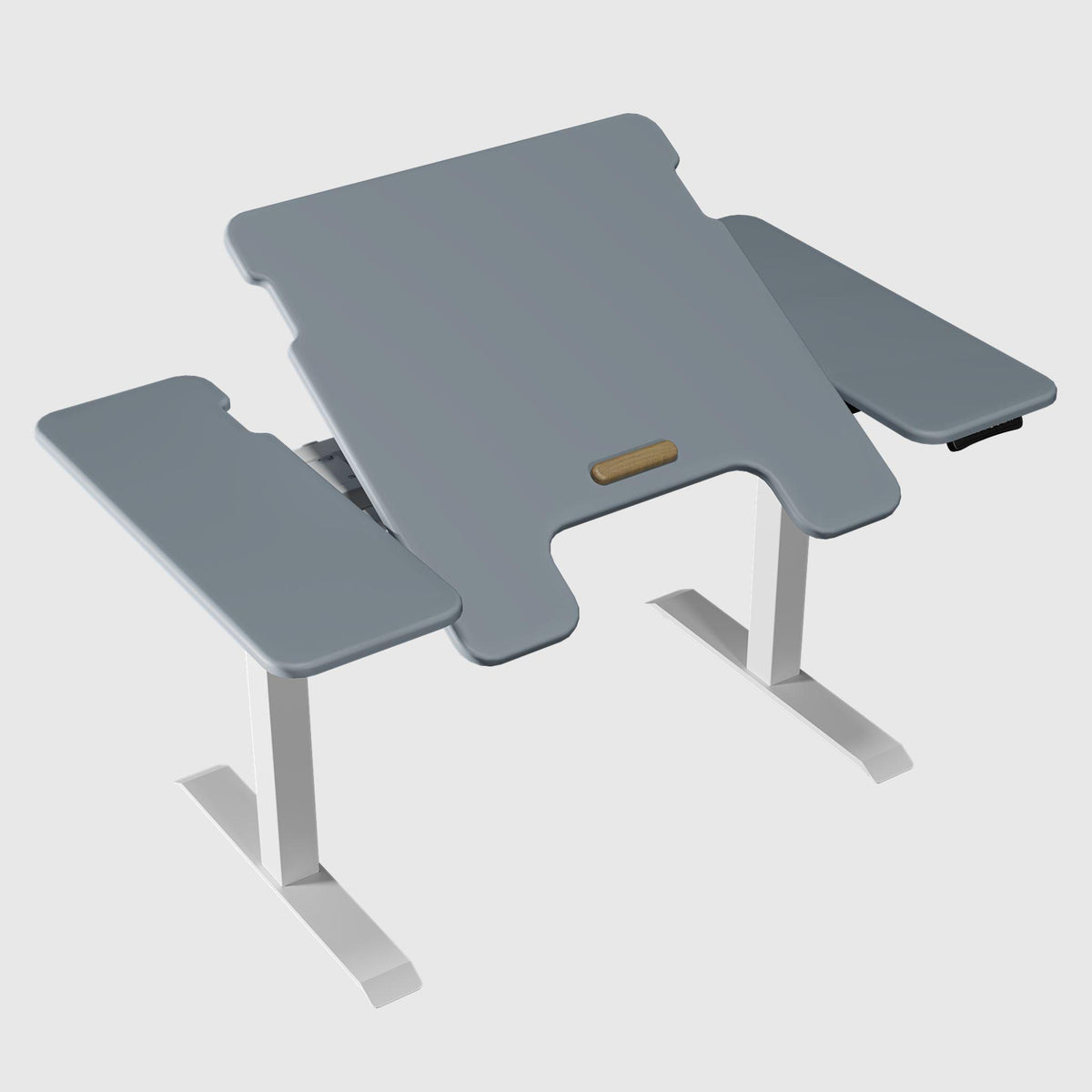
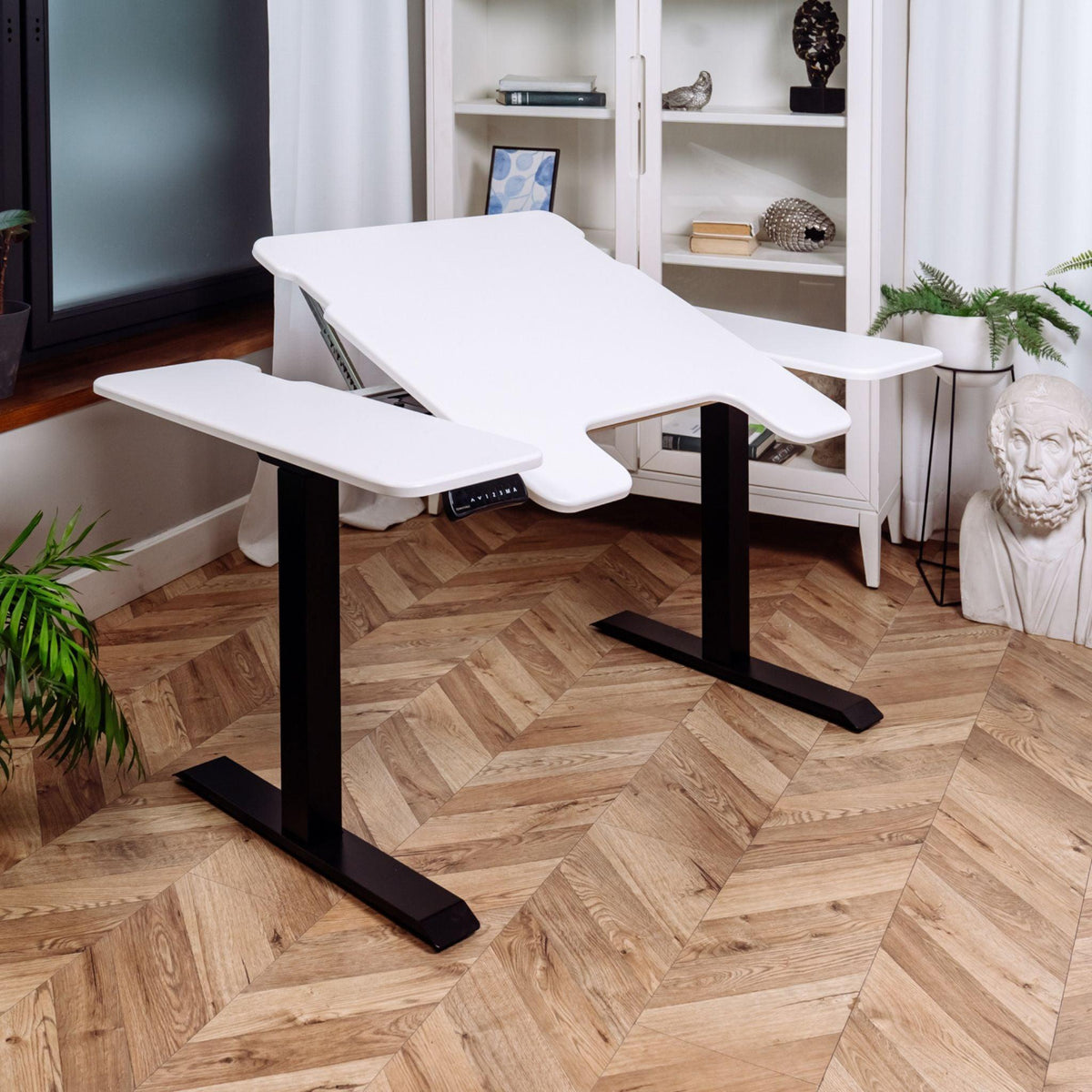
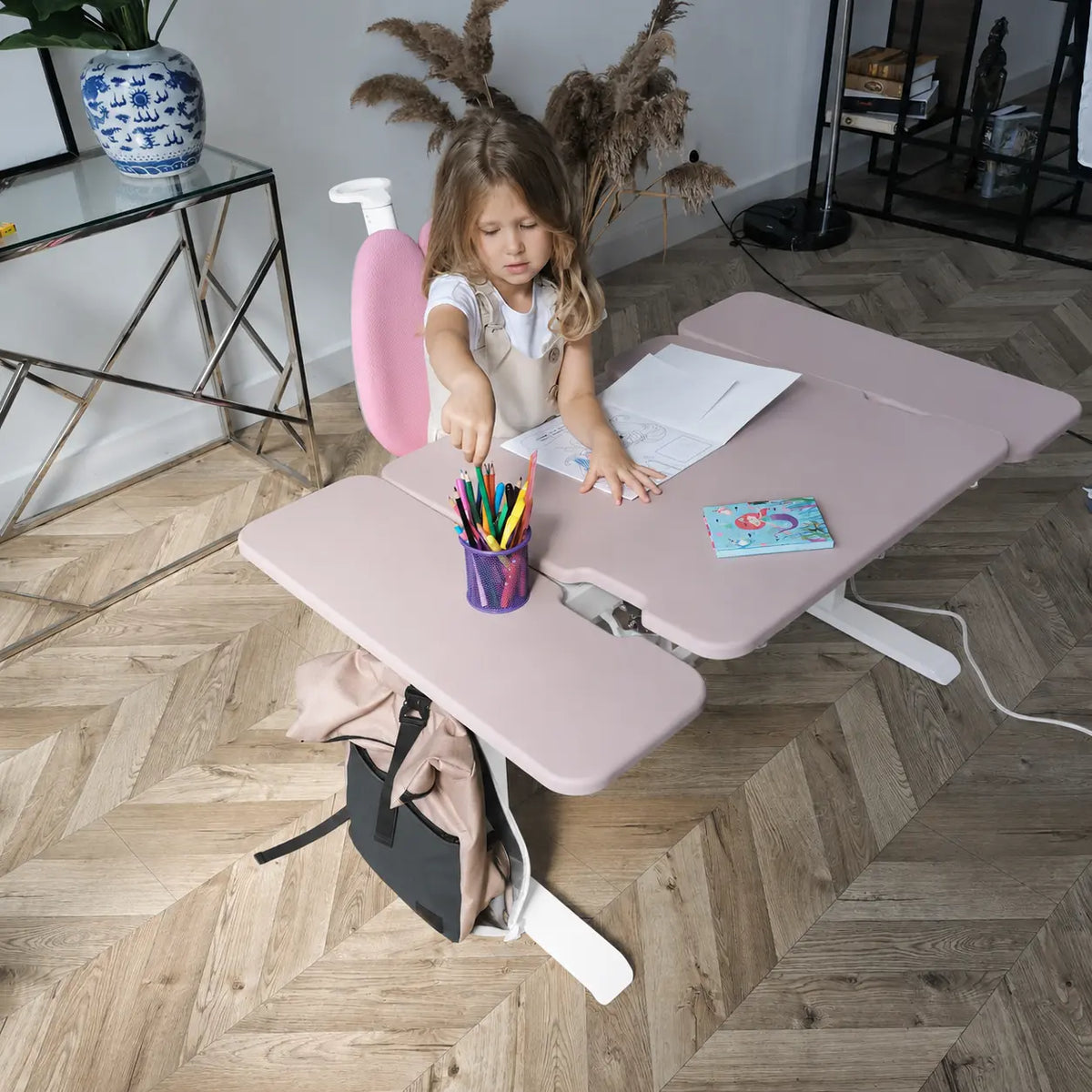
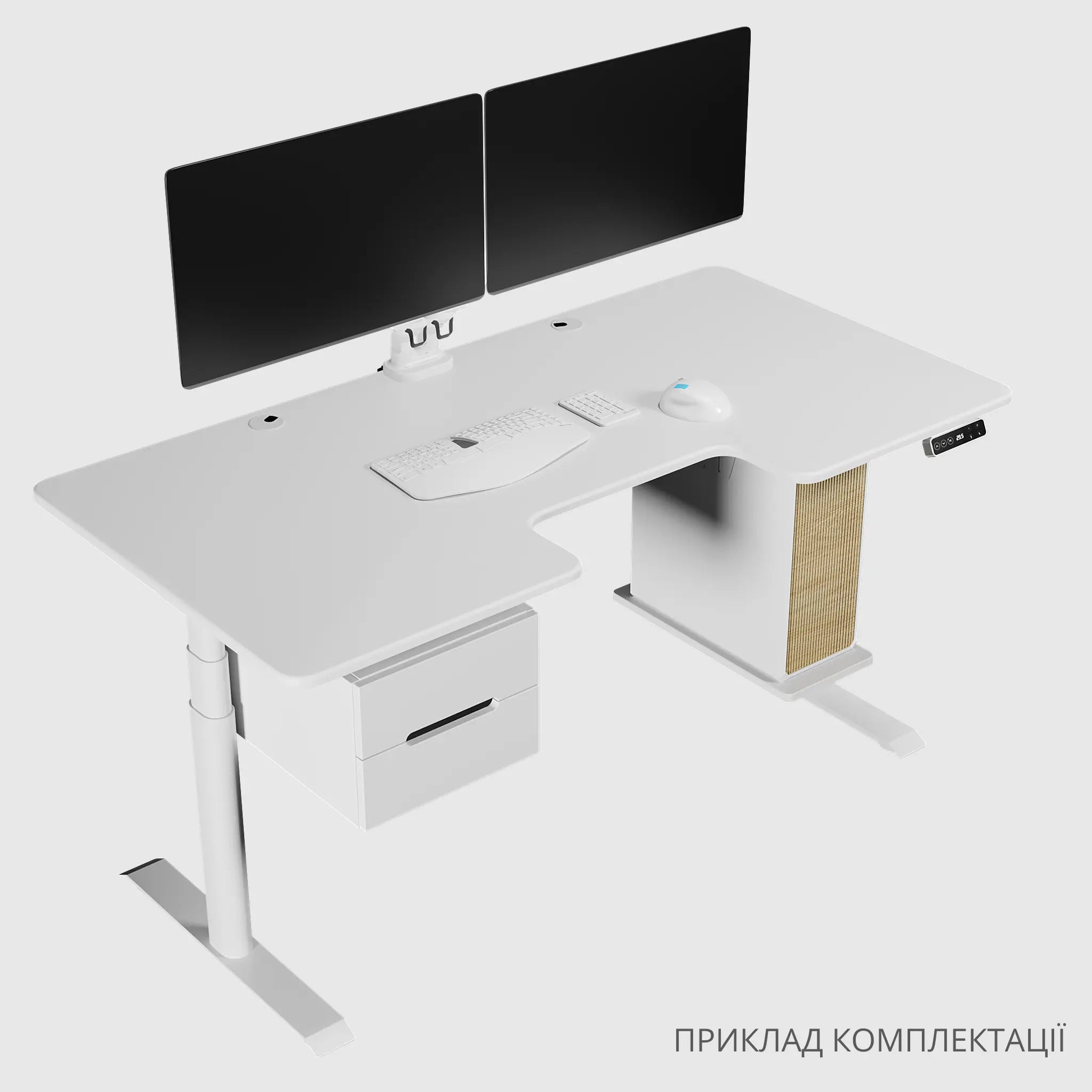
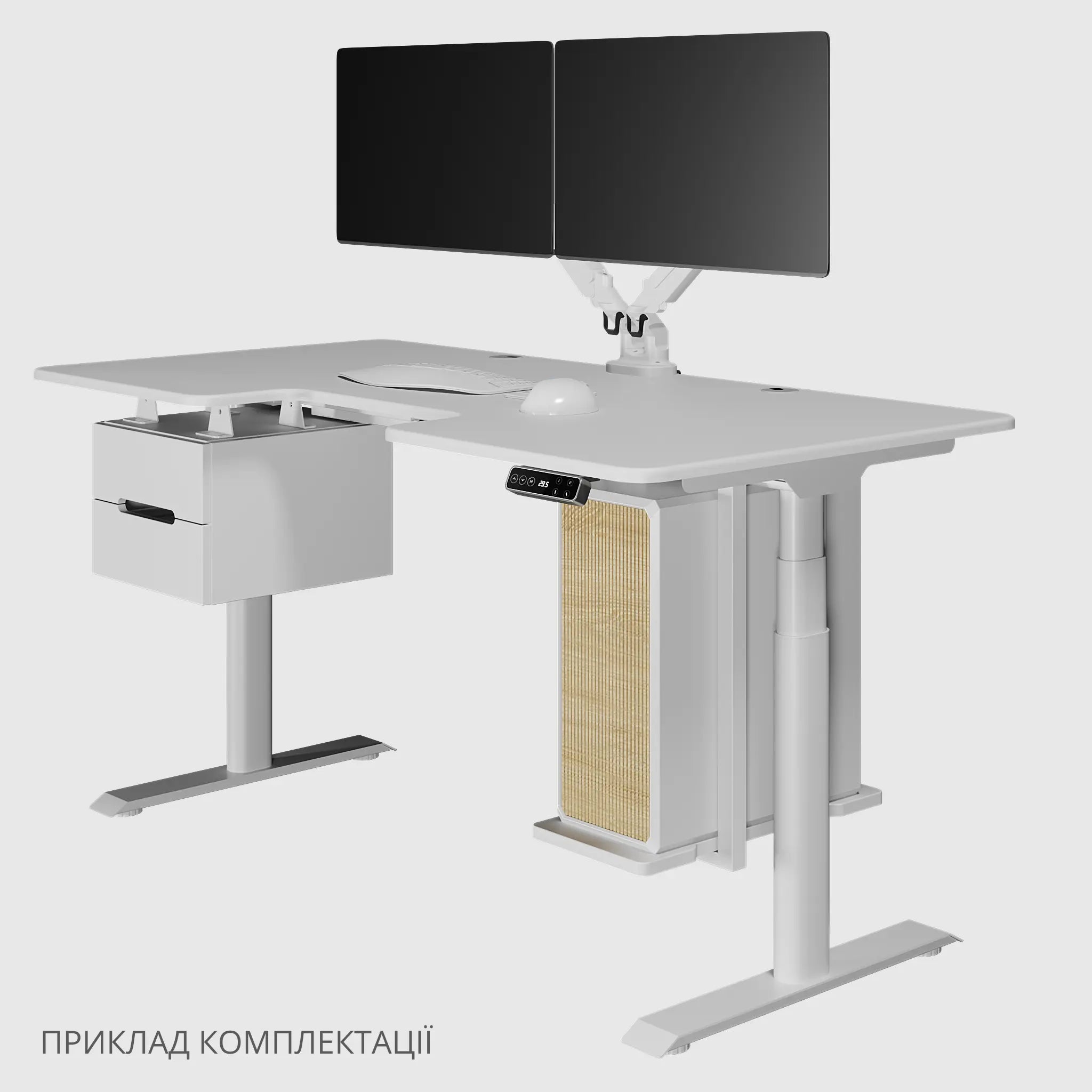
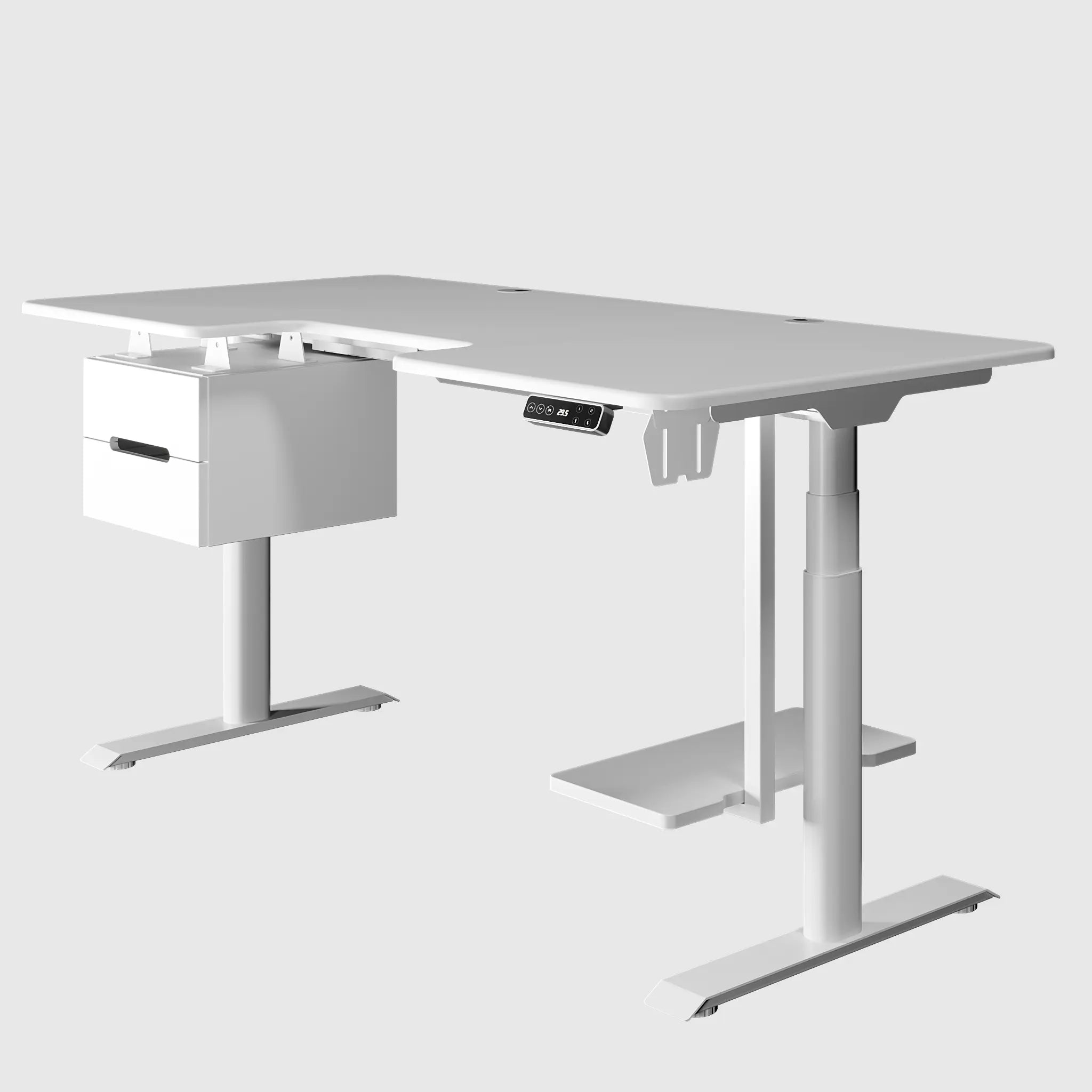
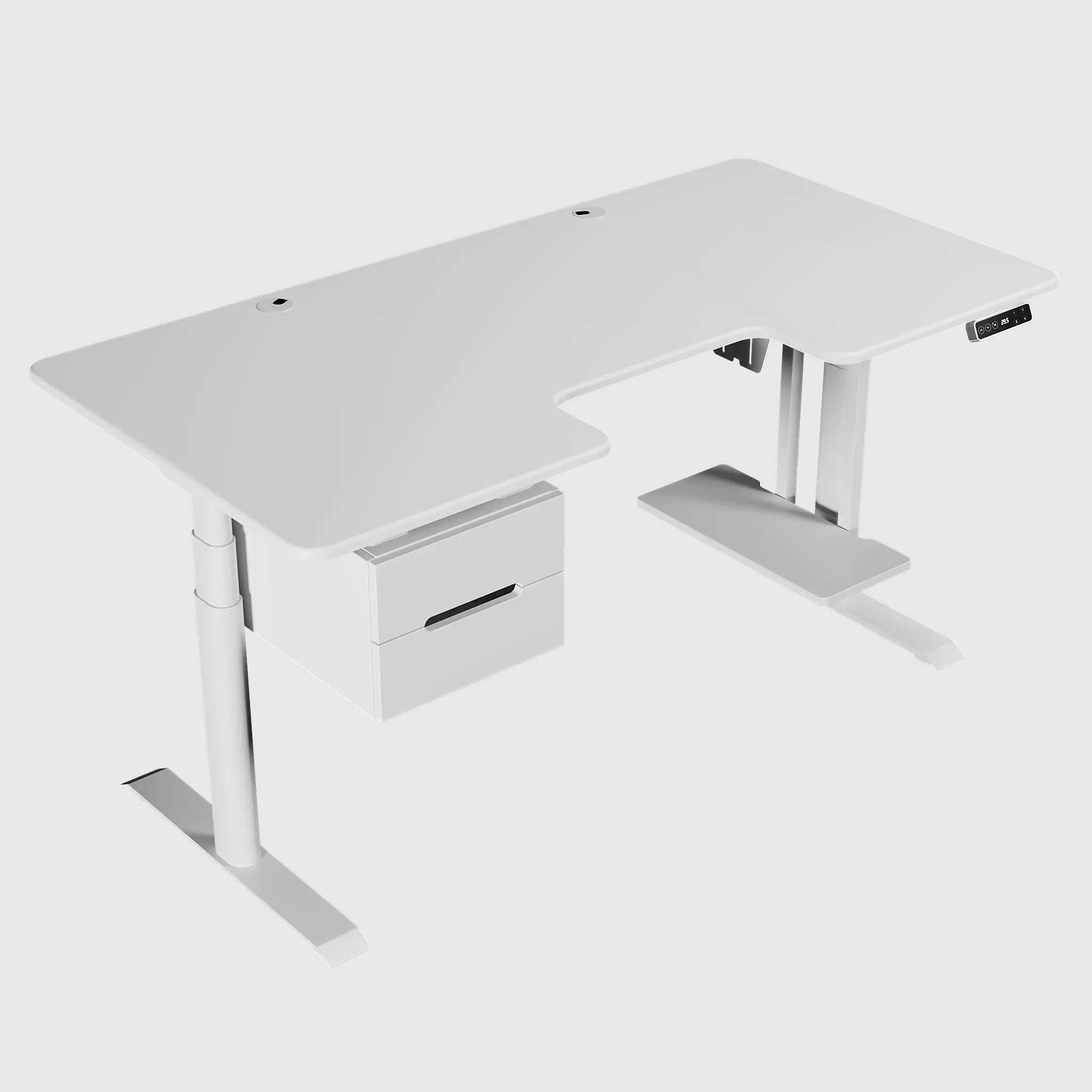
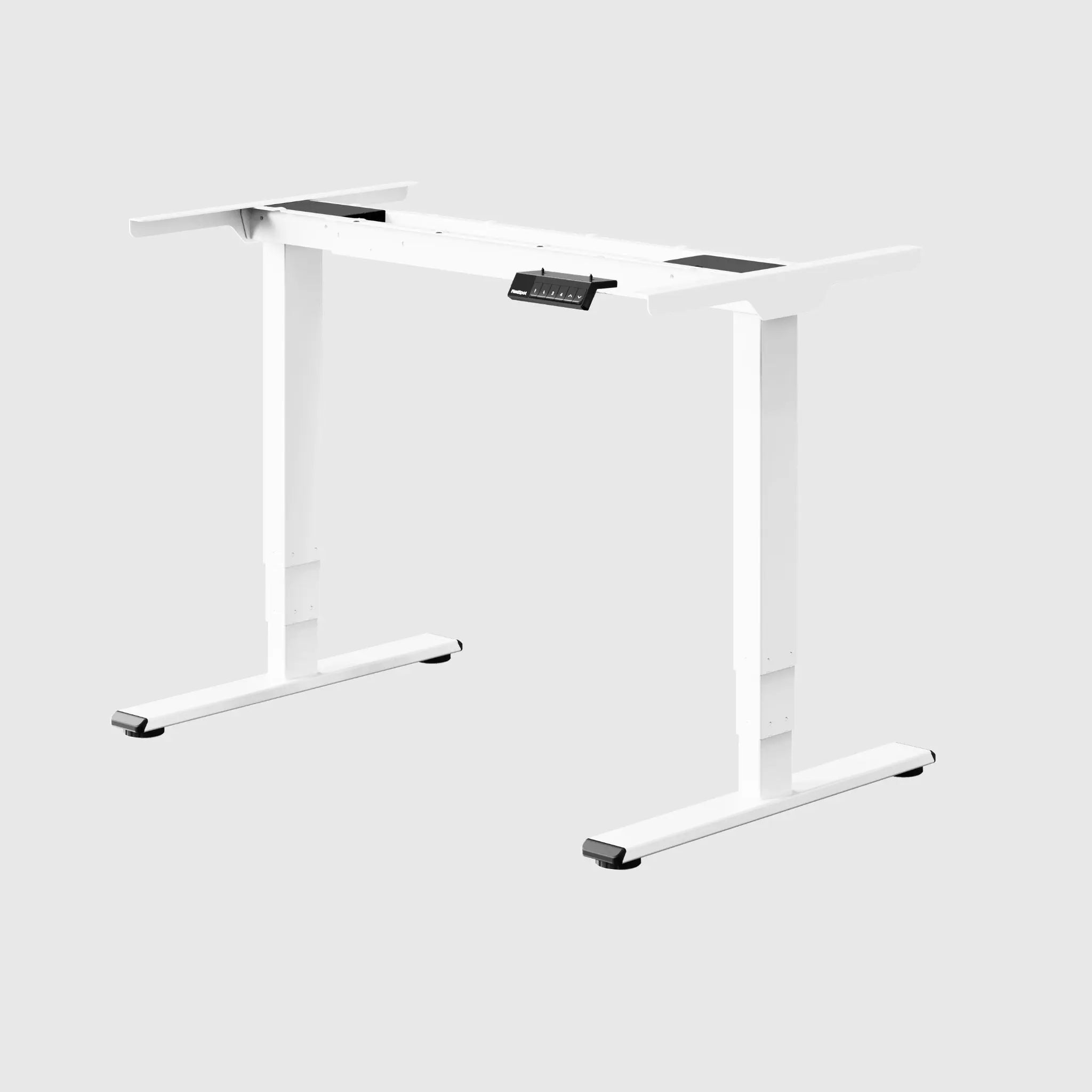
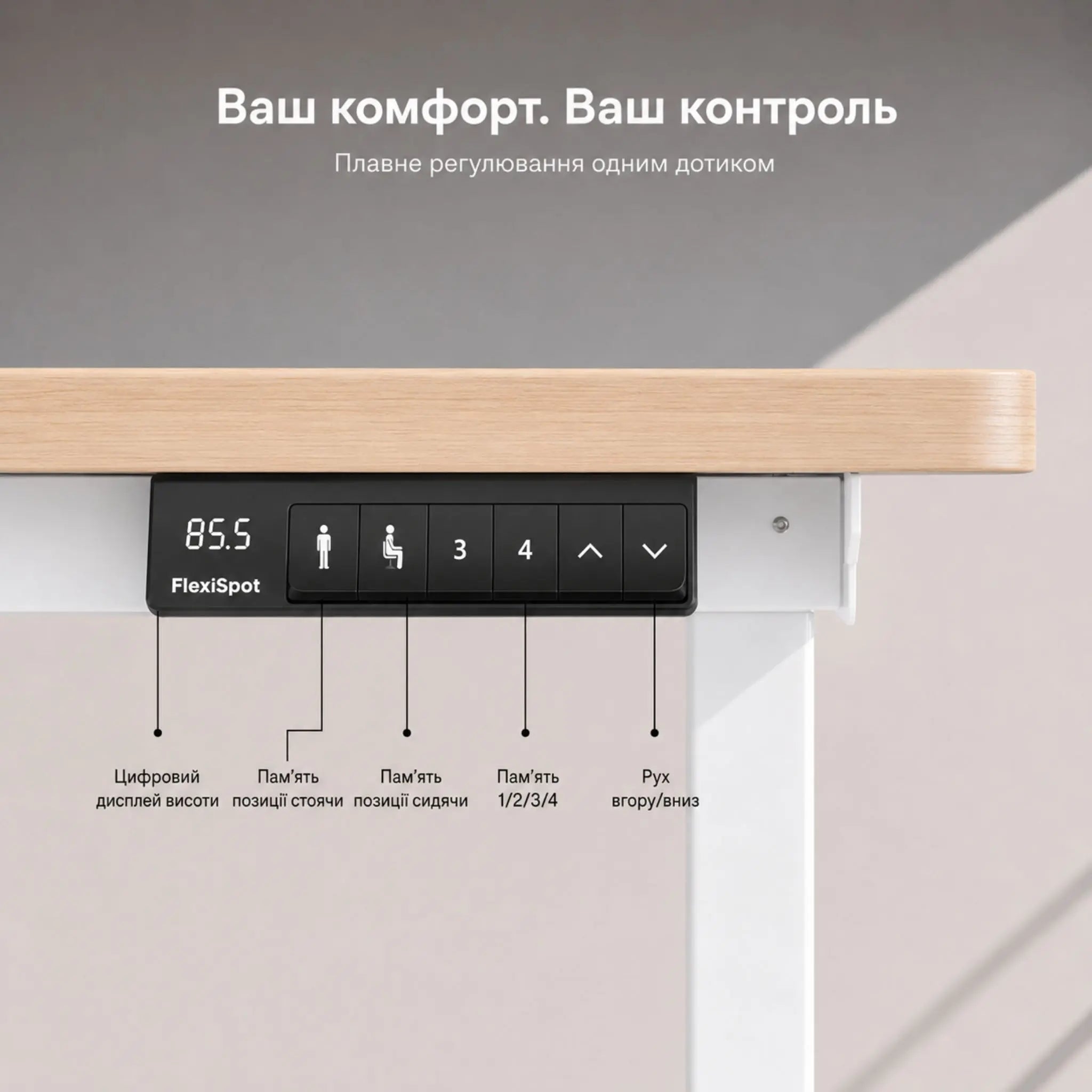
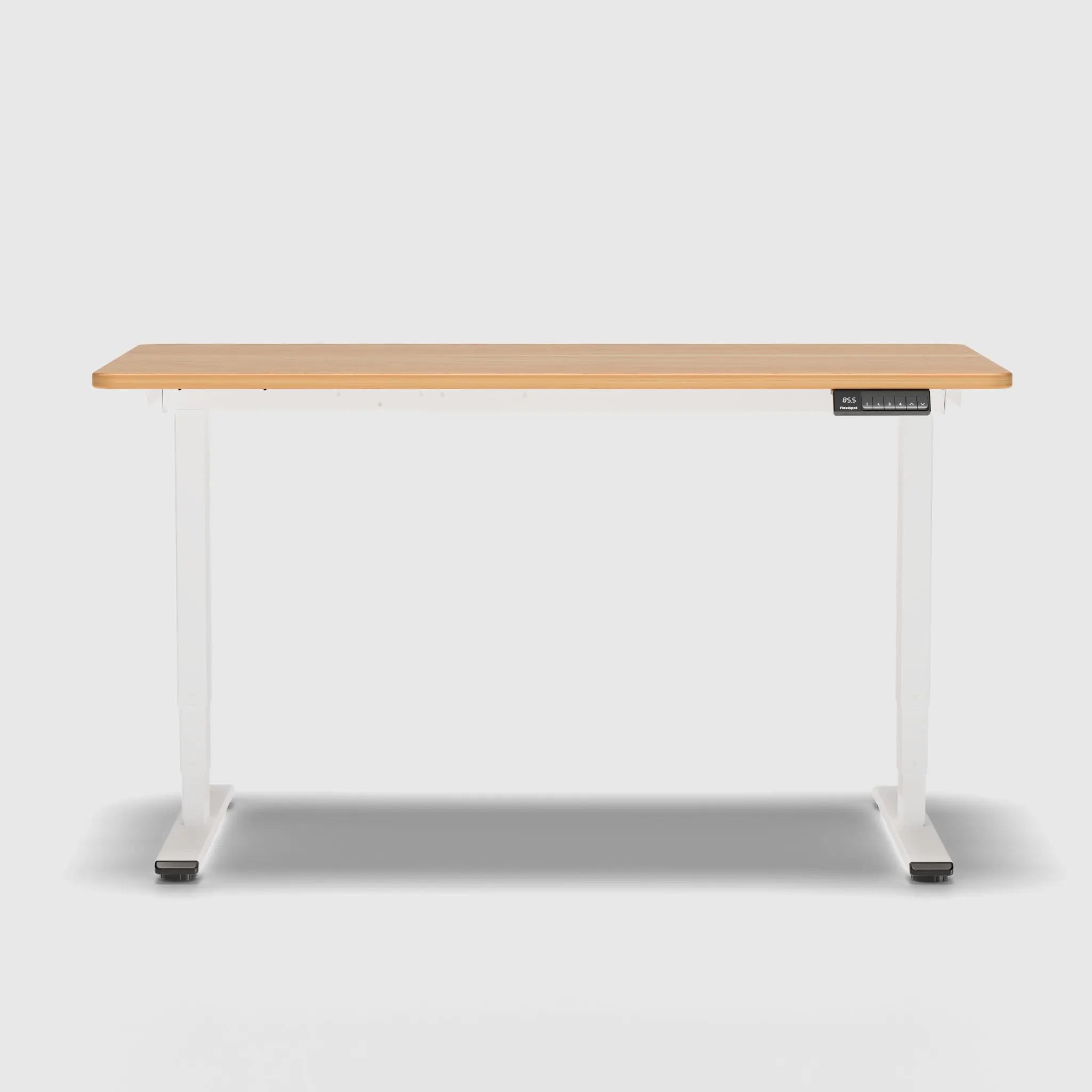
Floor-standing table stand with height adjustment
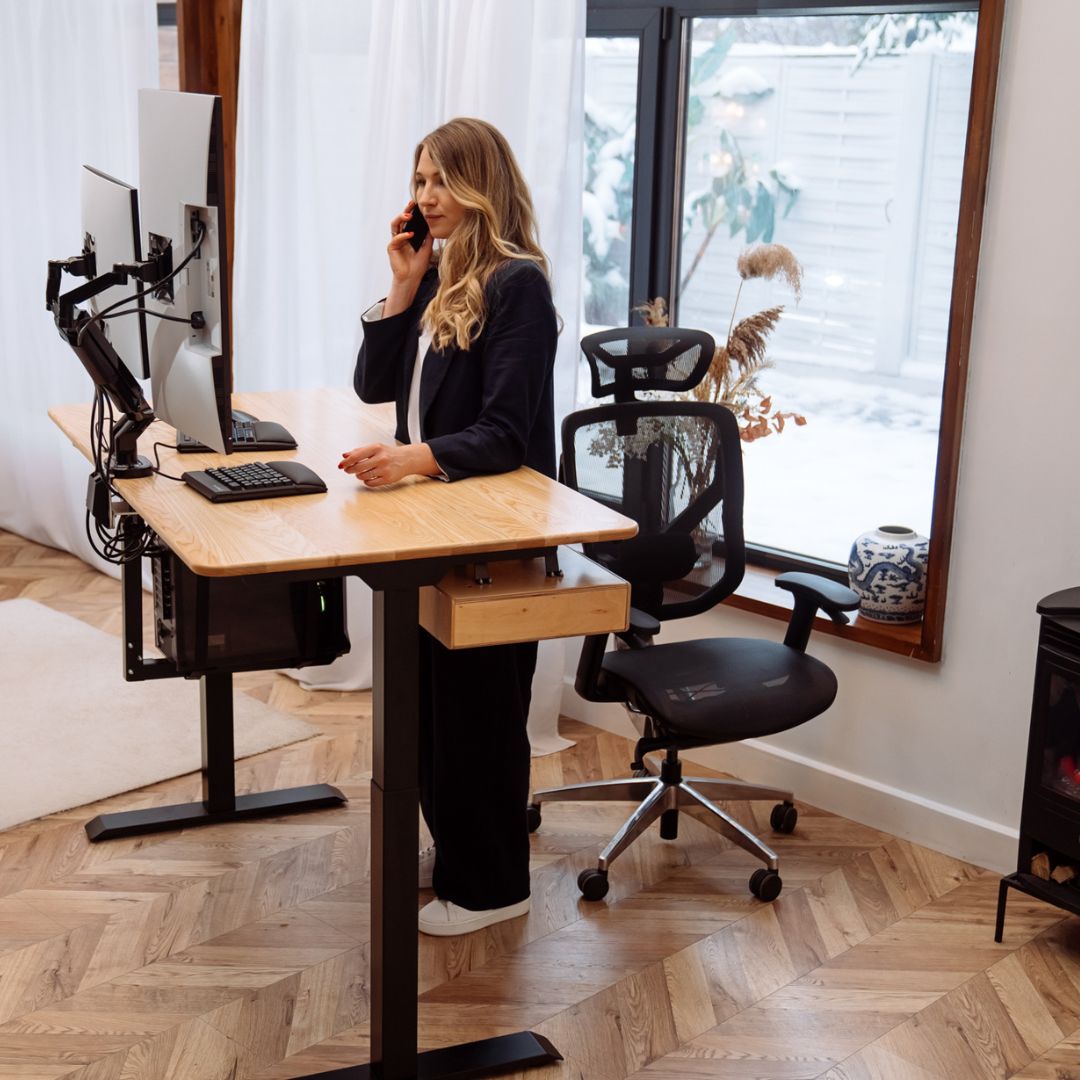
Create the height-adjustable desk of your dreams
With our hands!
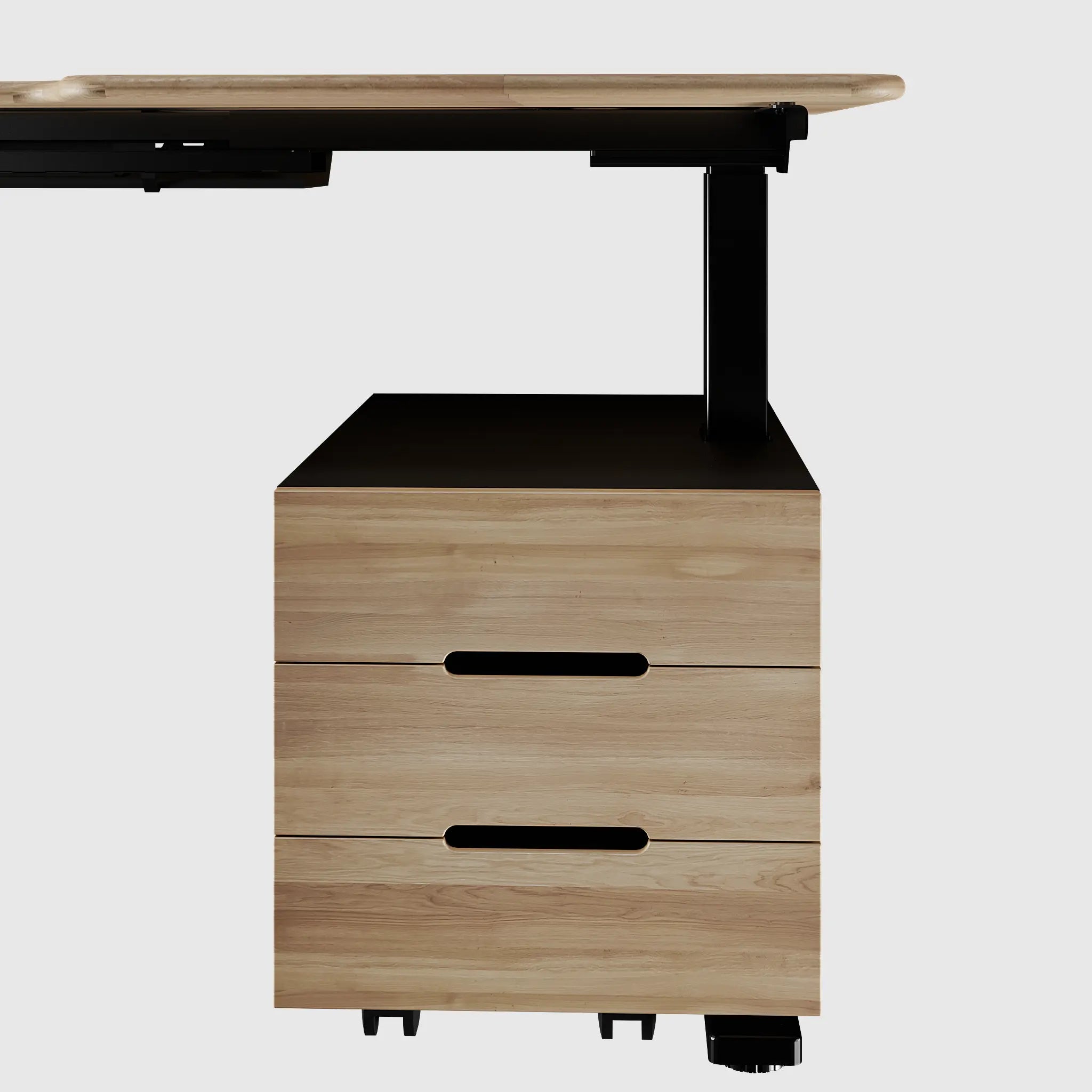
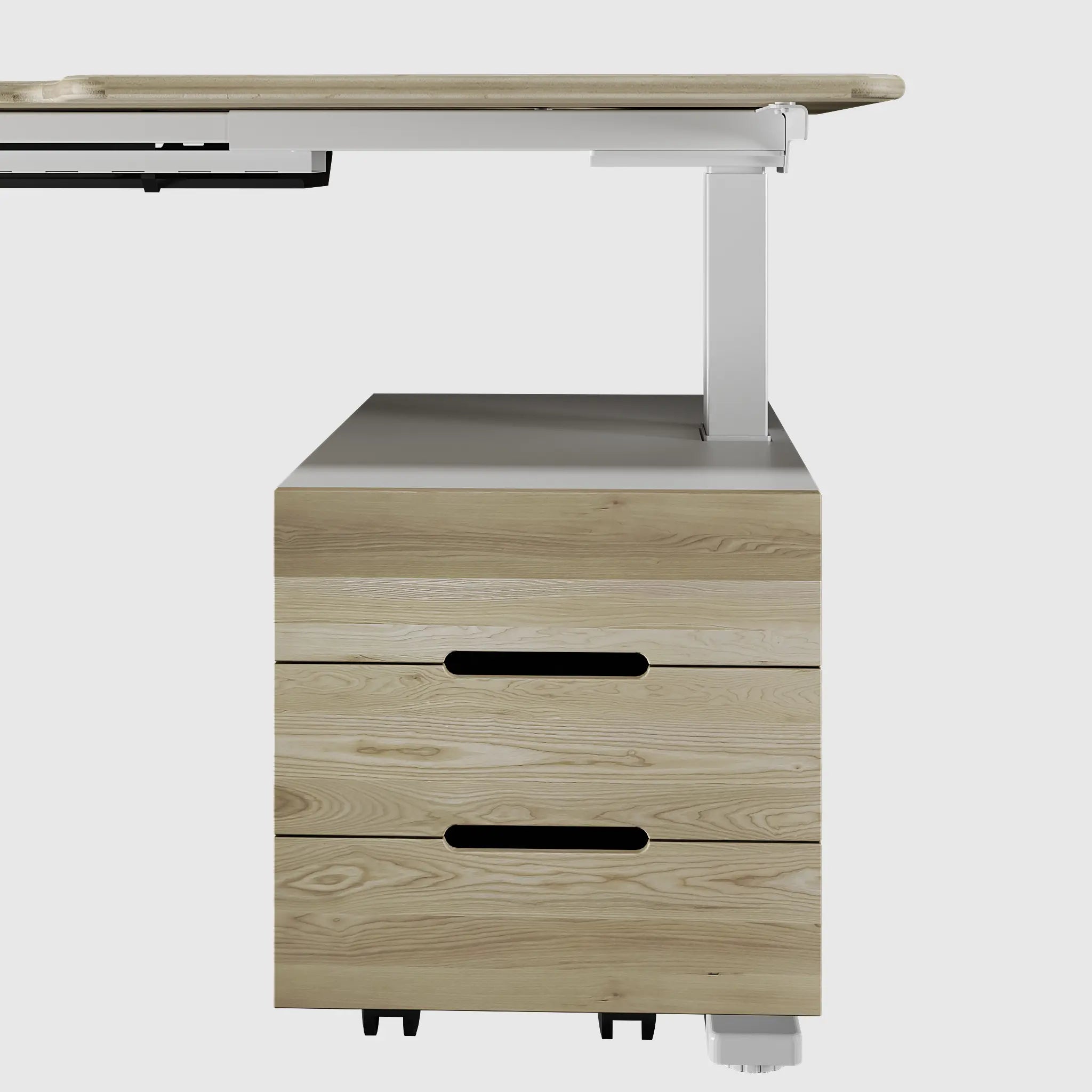
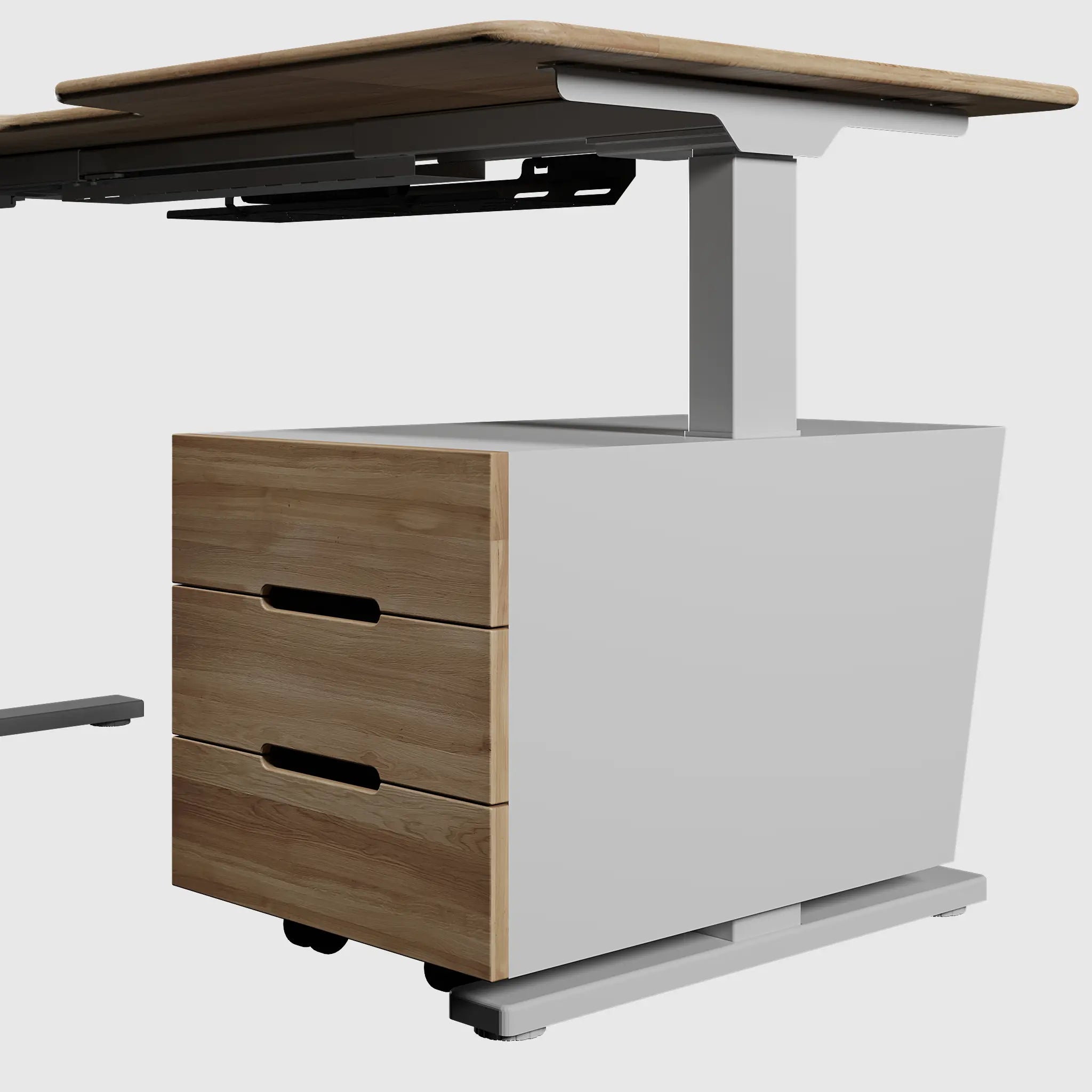
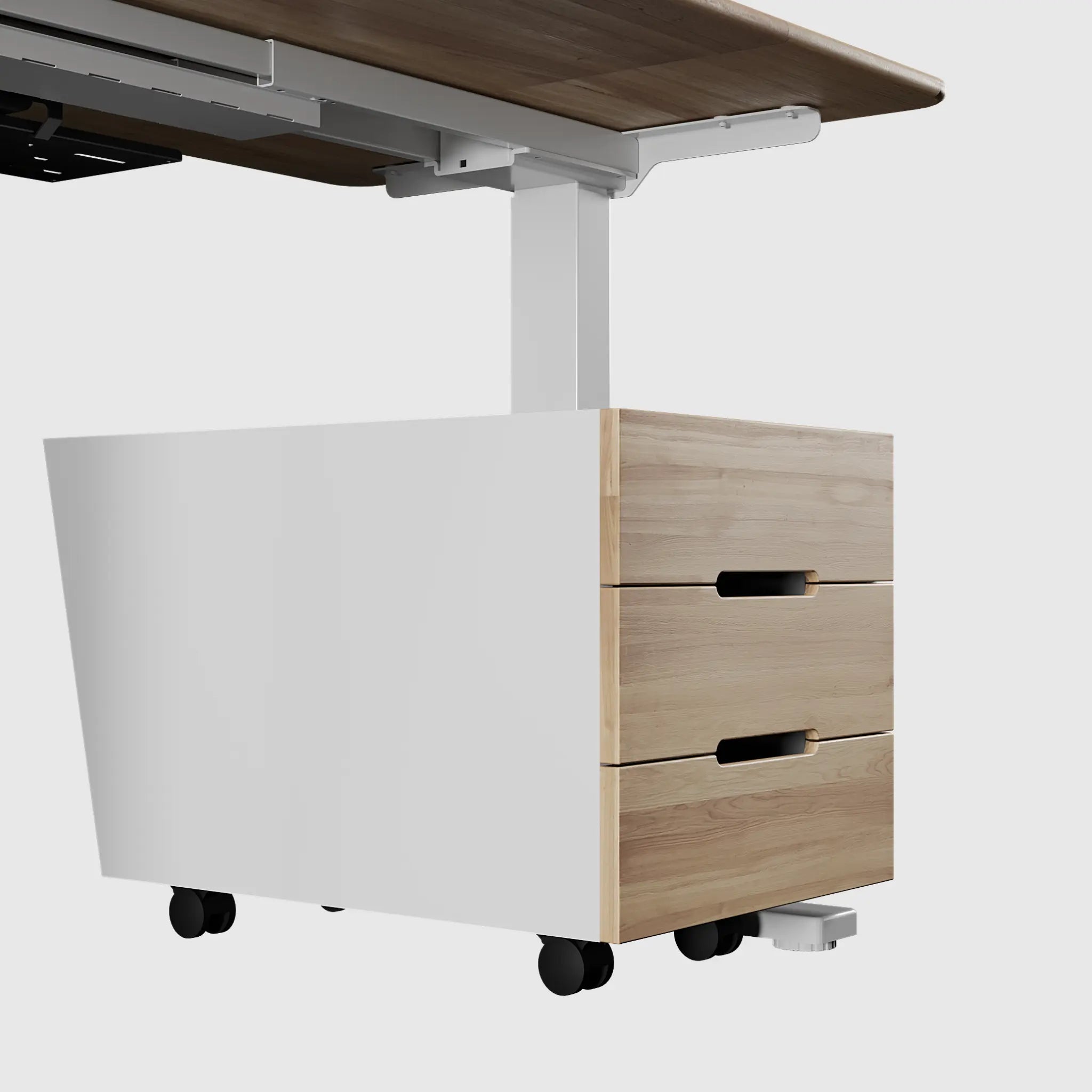
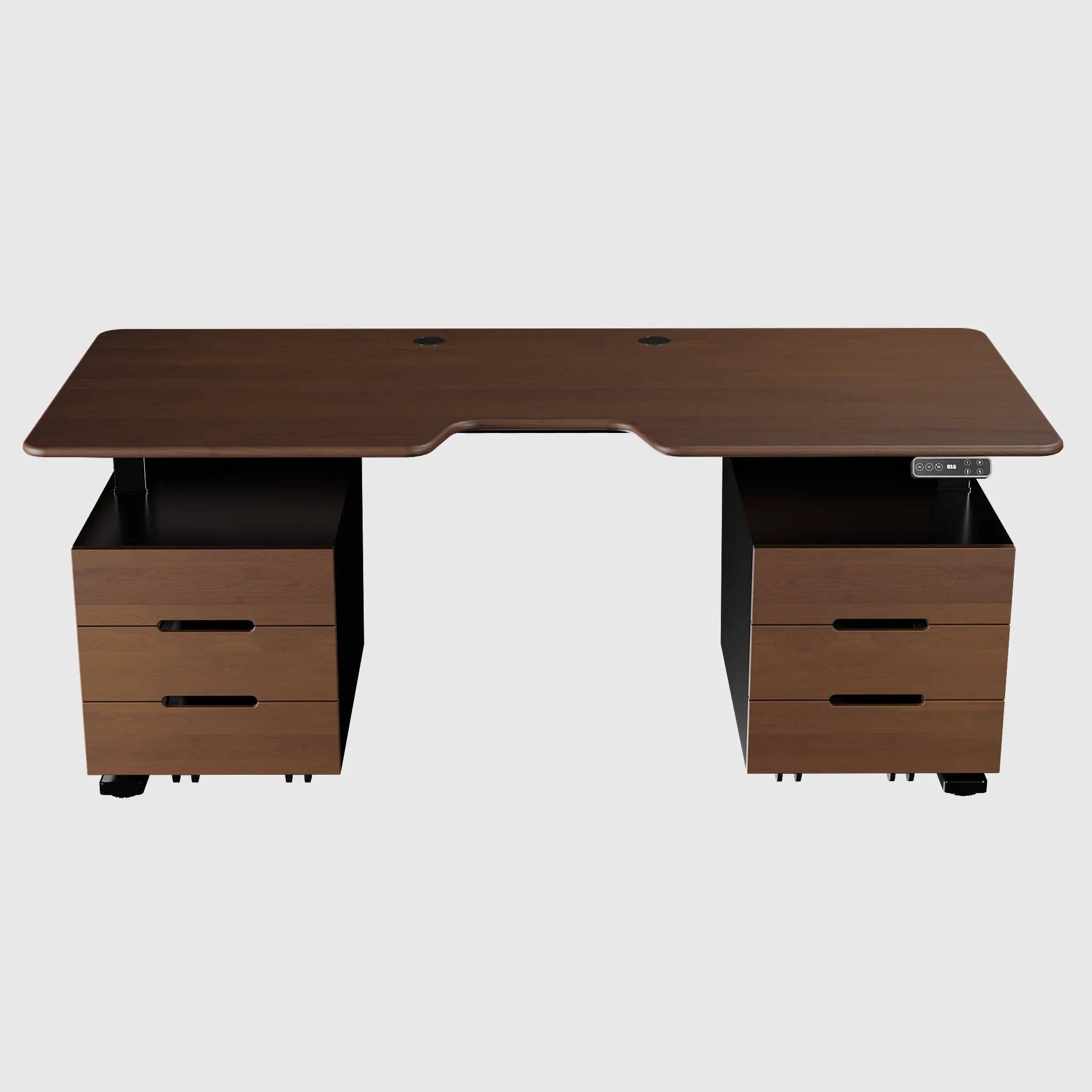
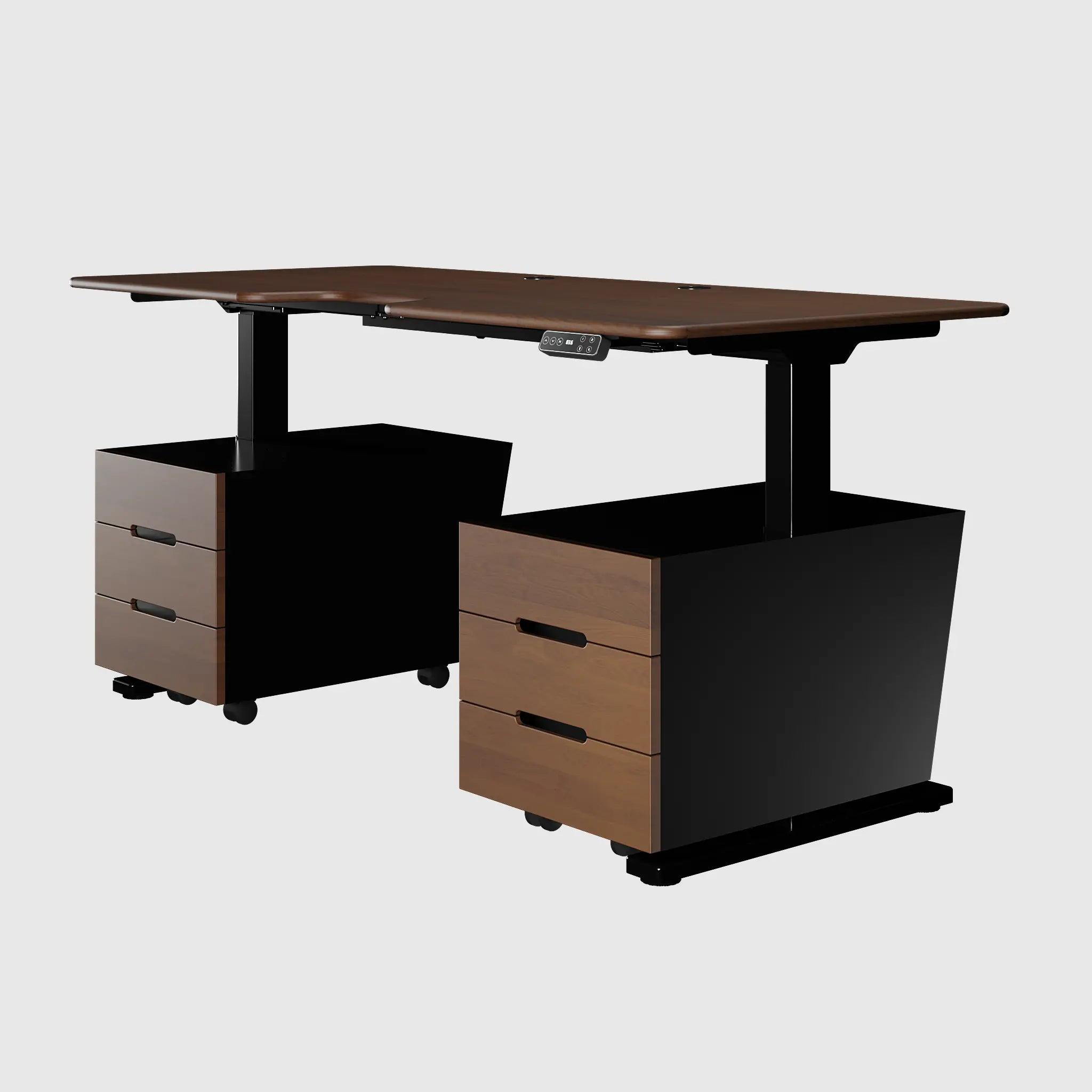
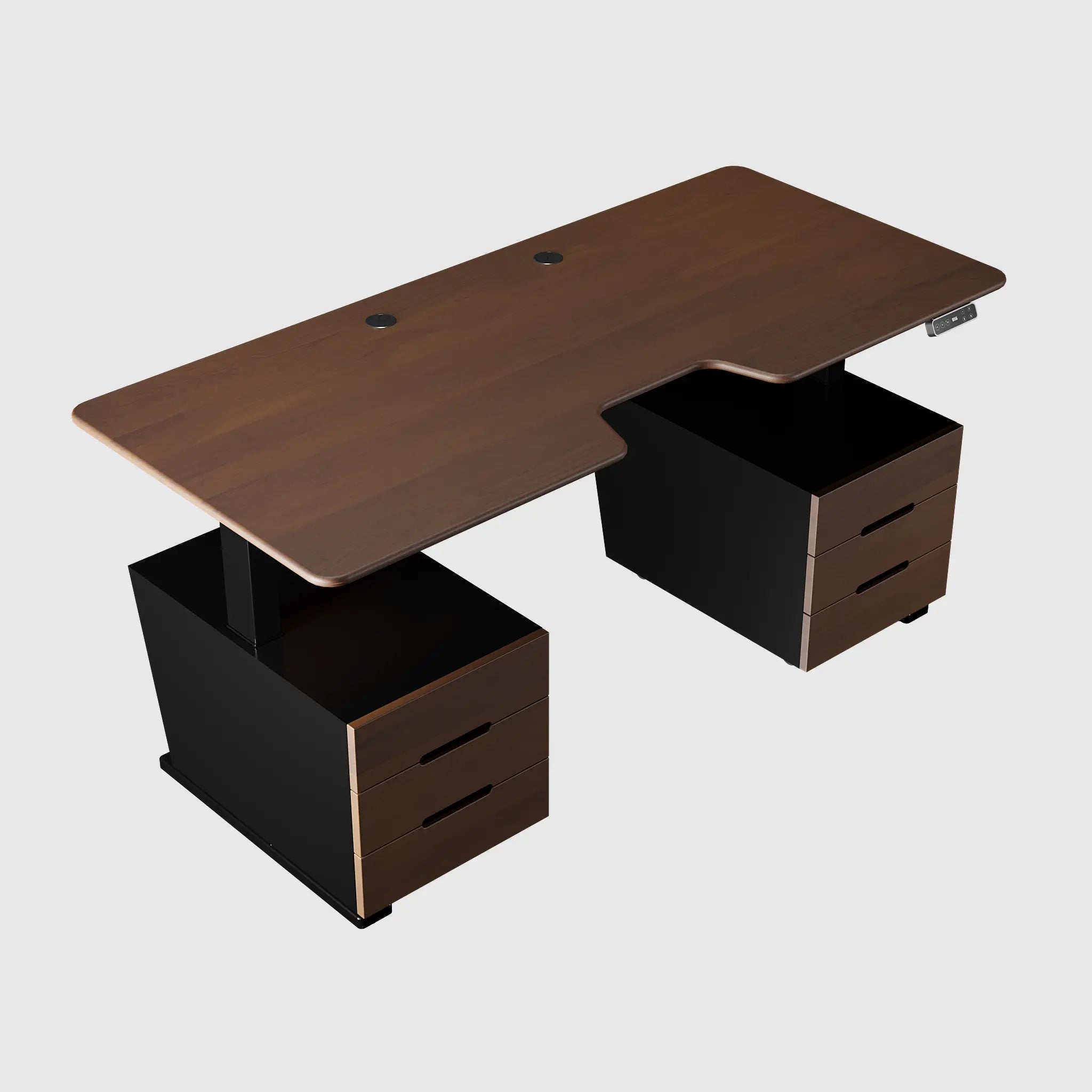
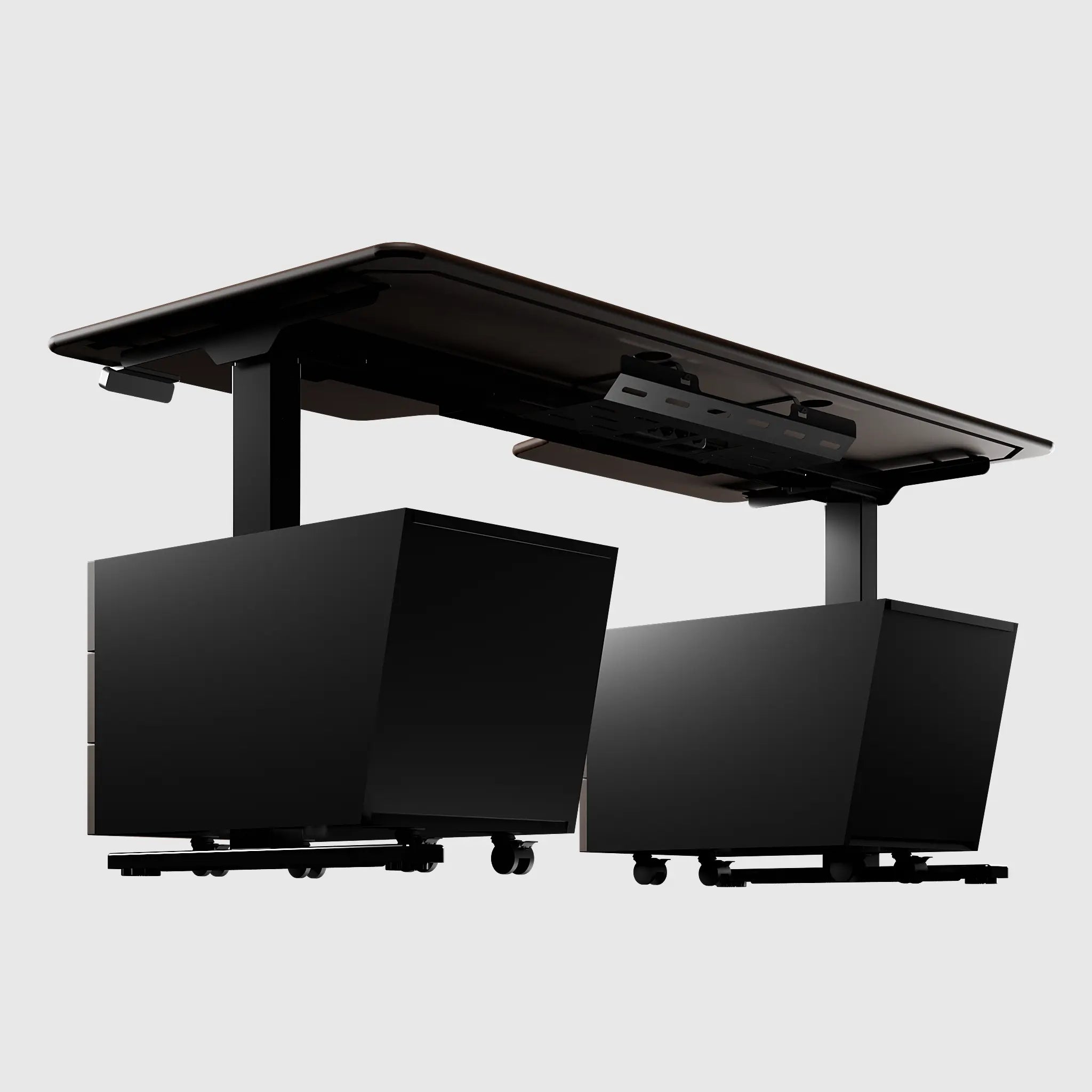
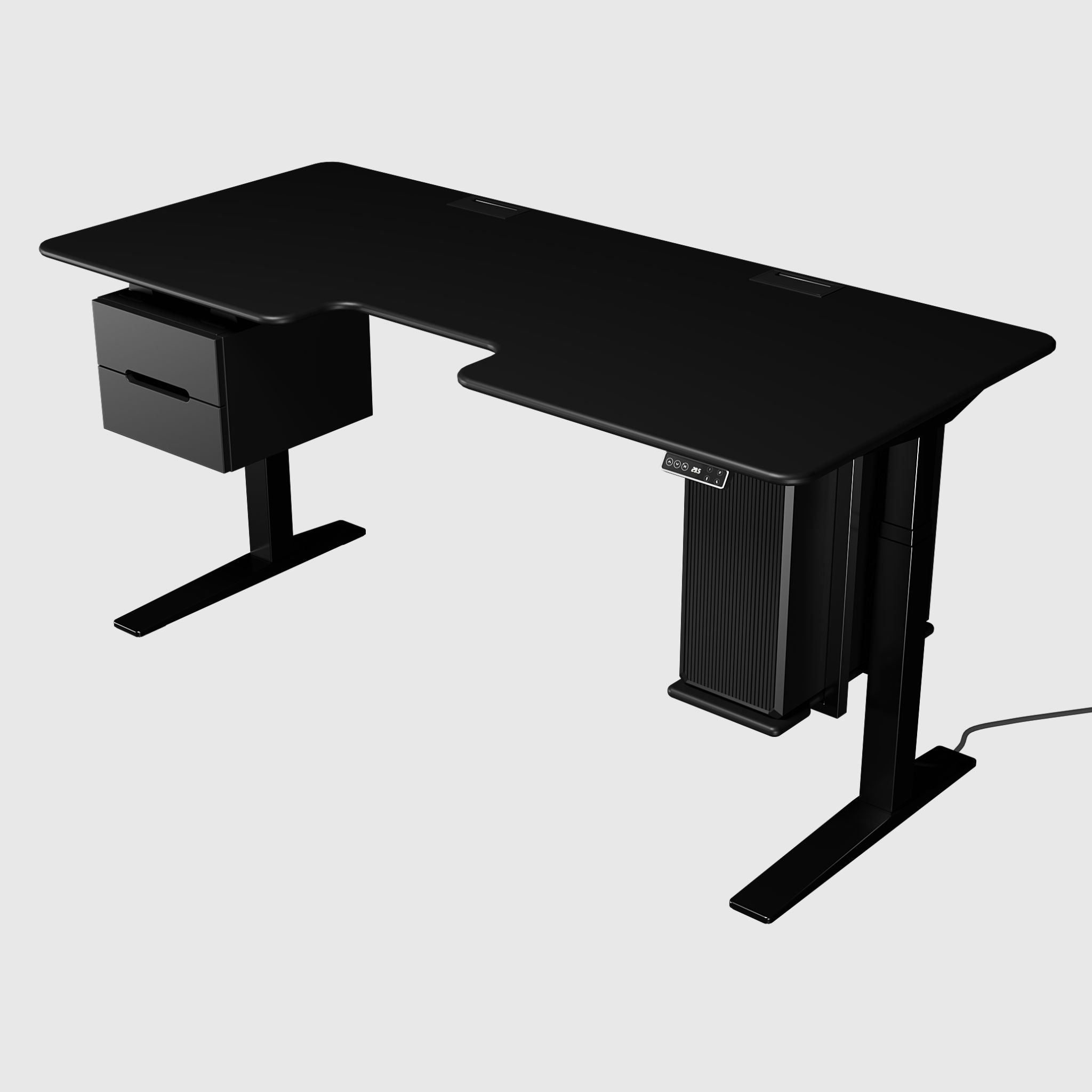
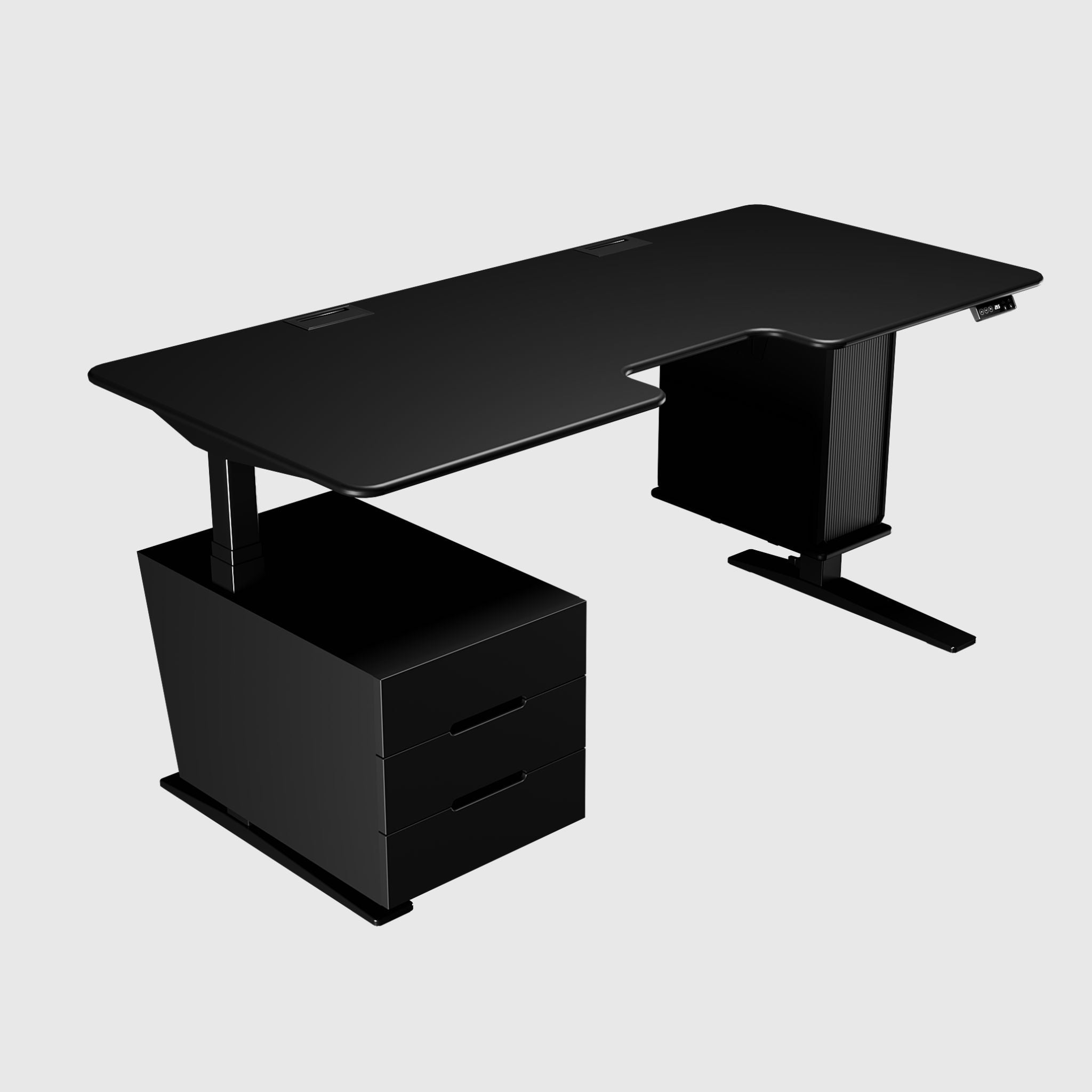
BestFit Pro Height Adjustable Desk with Floor Stands
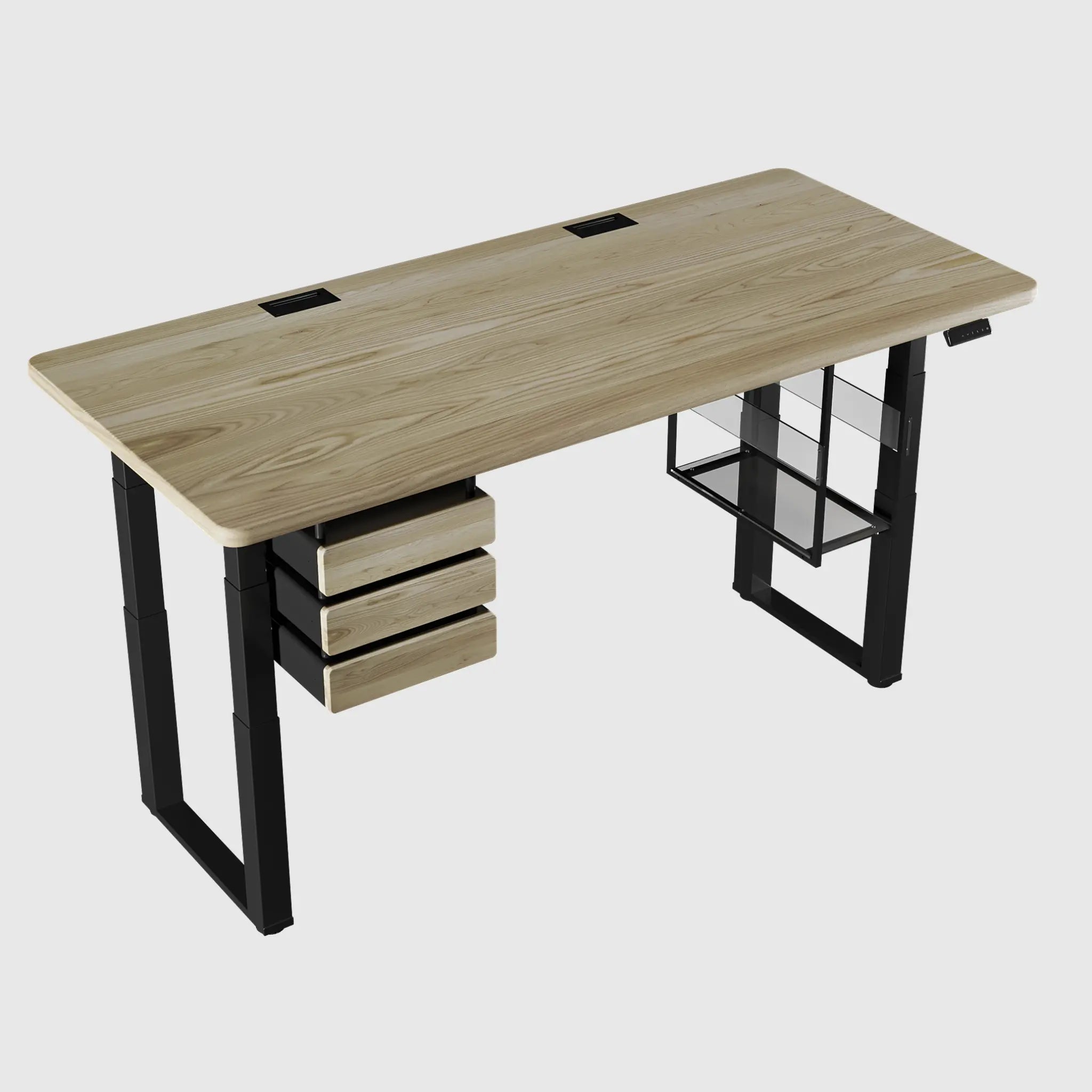
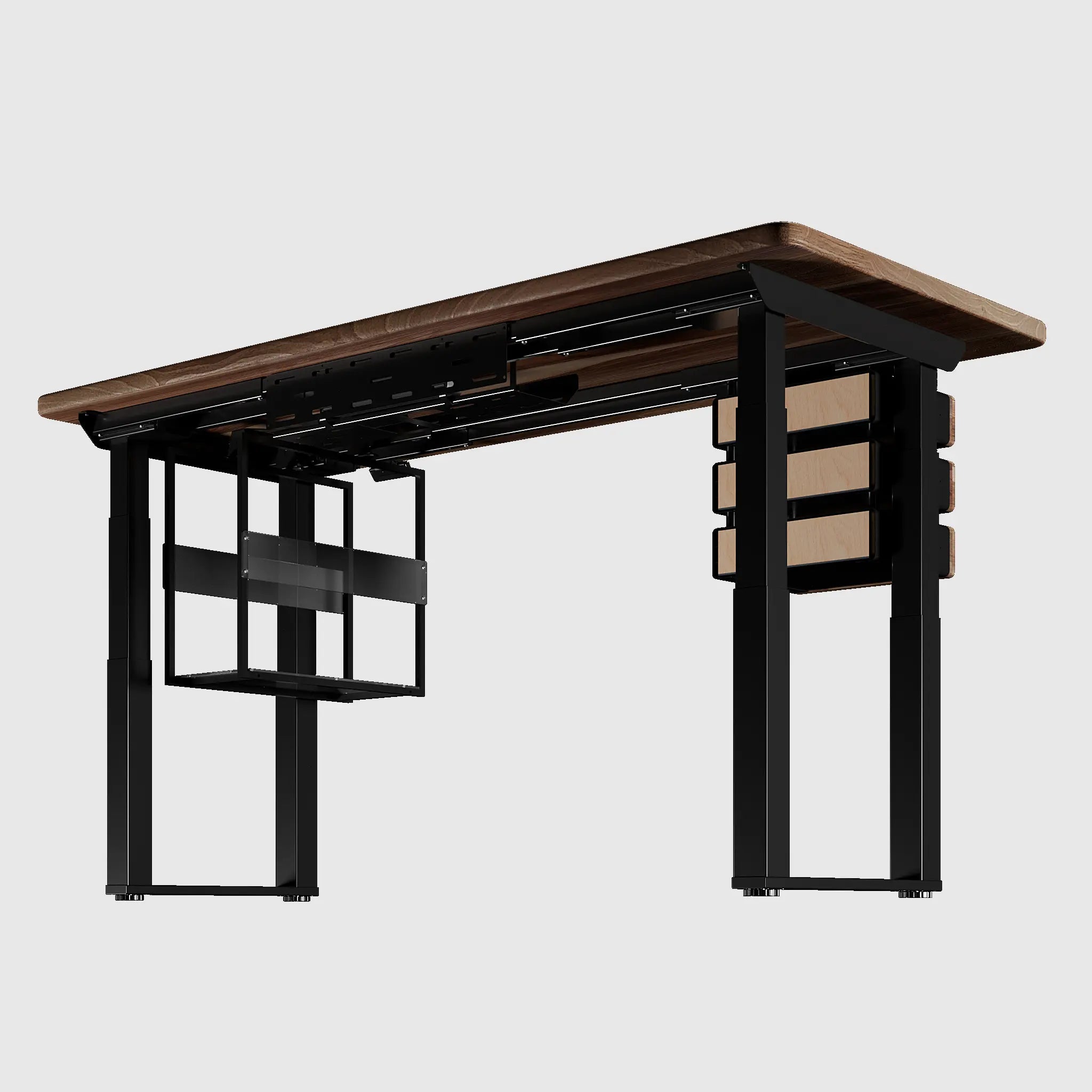
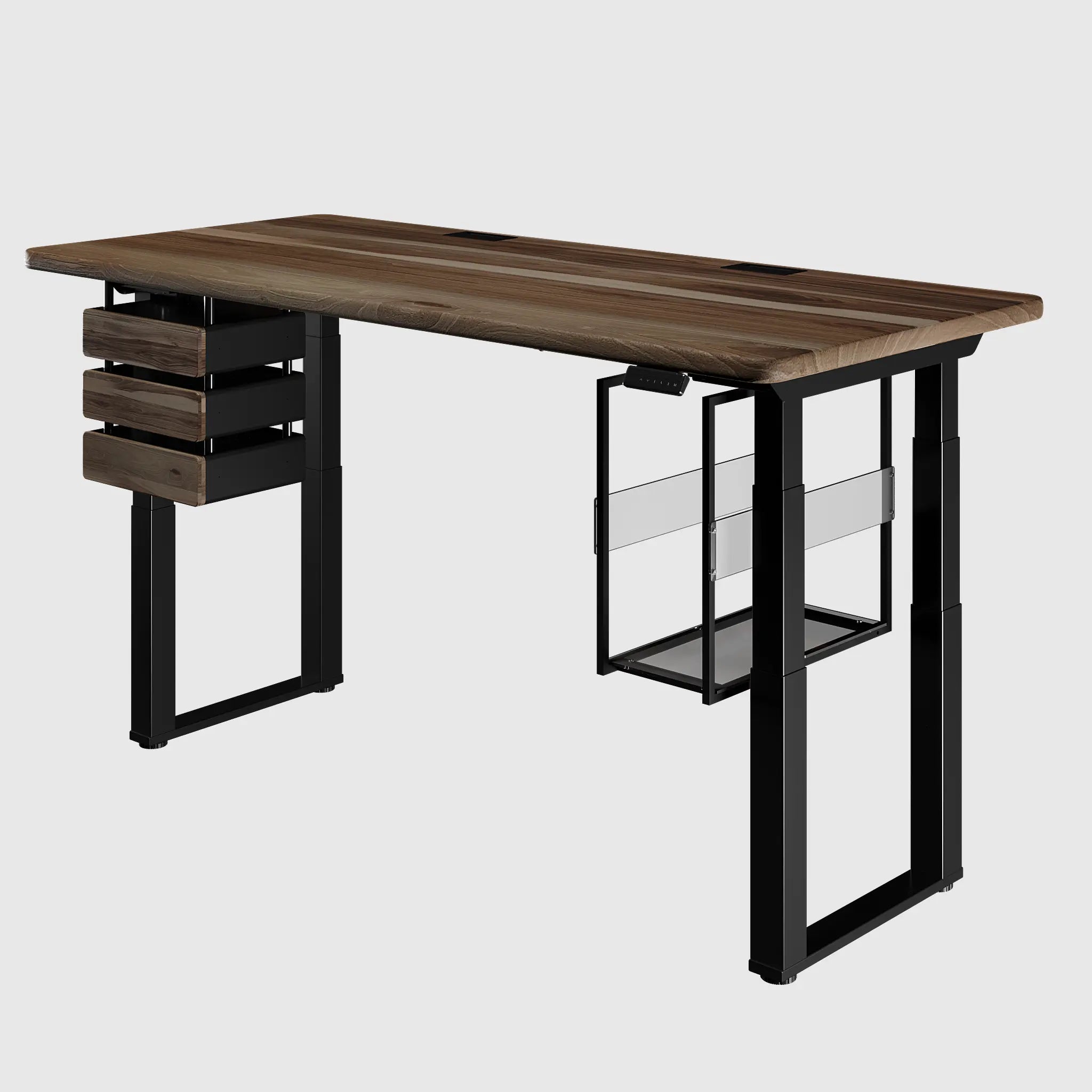
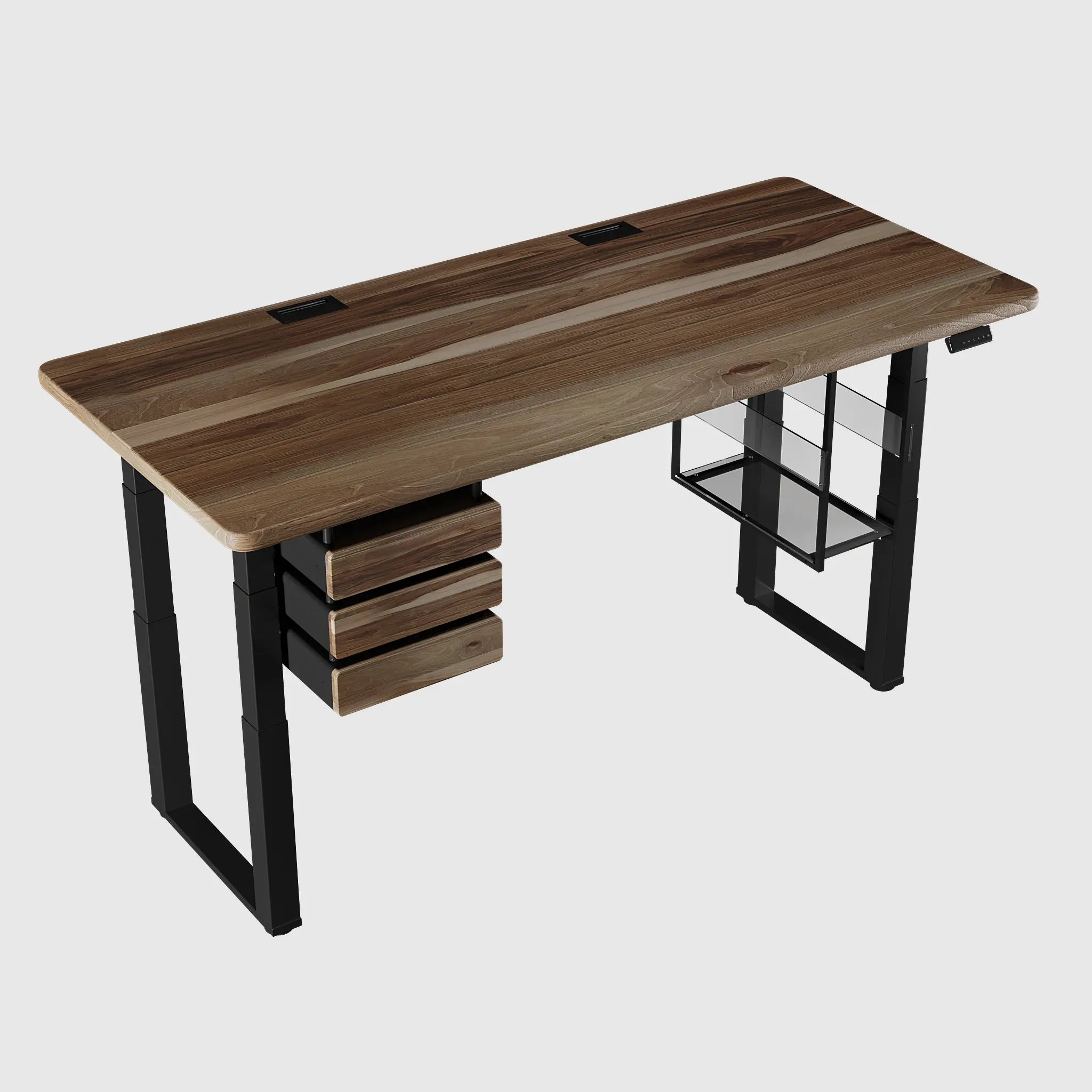
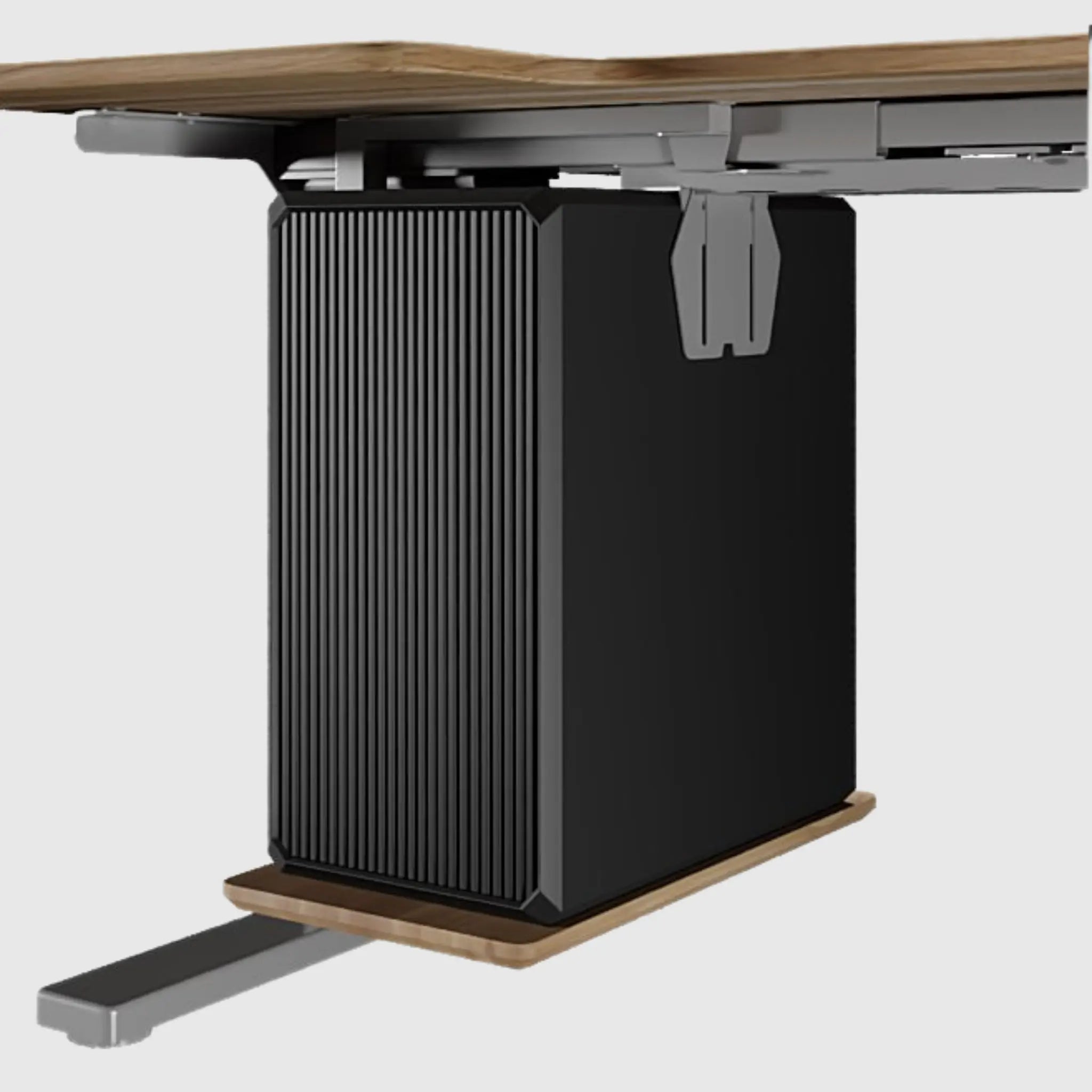
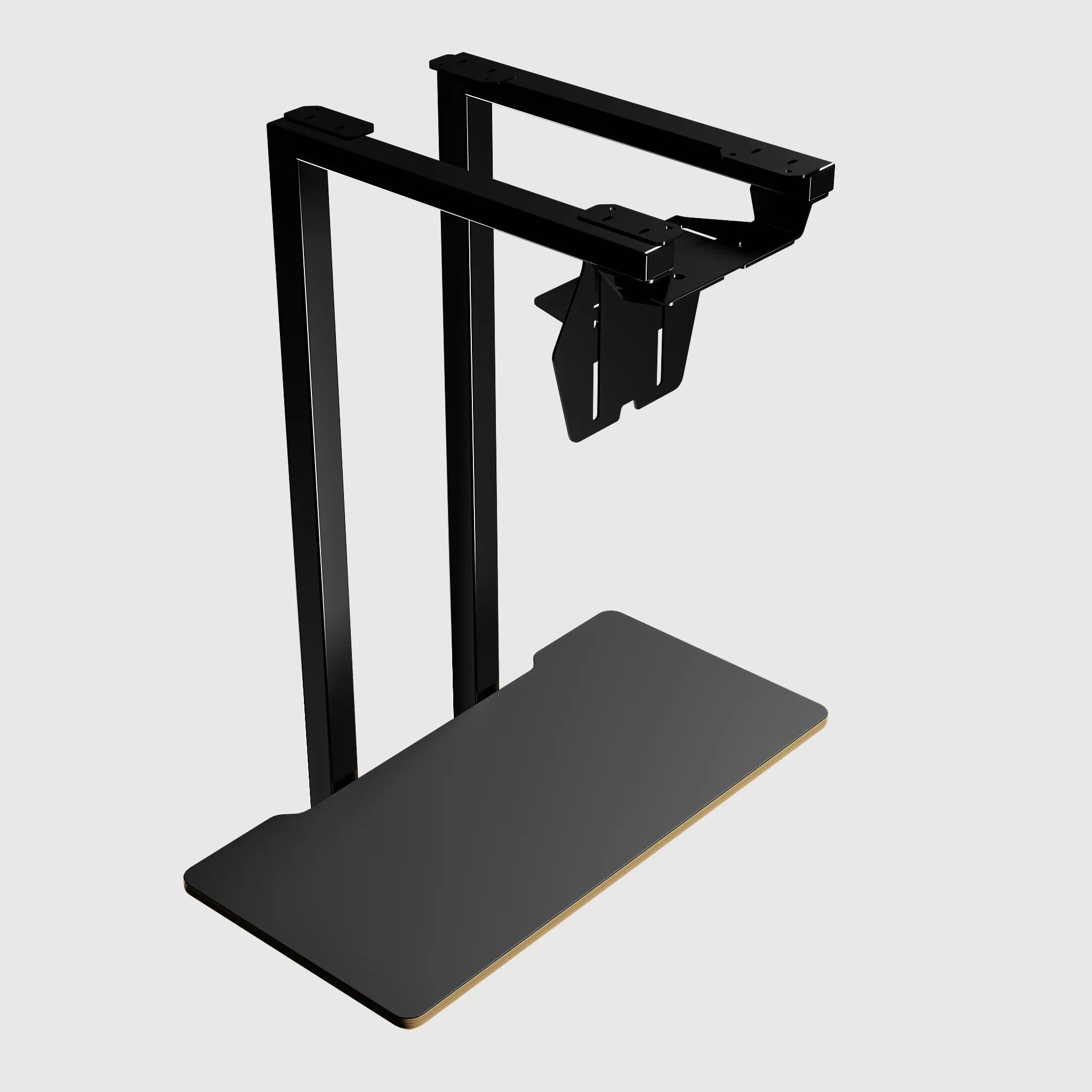
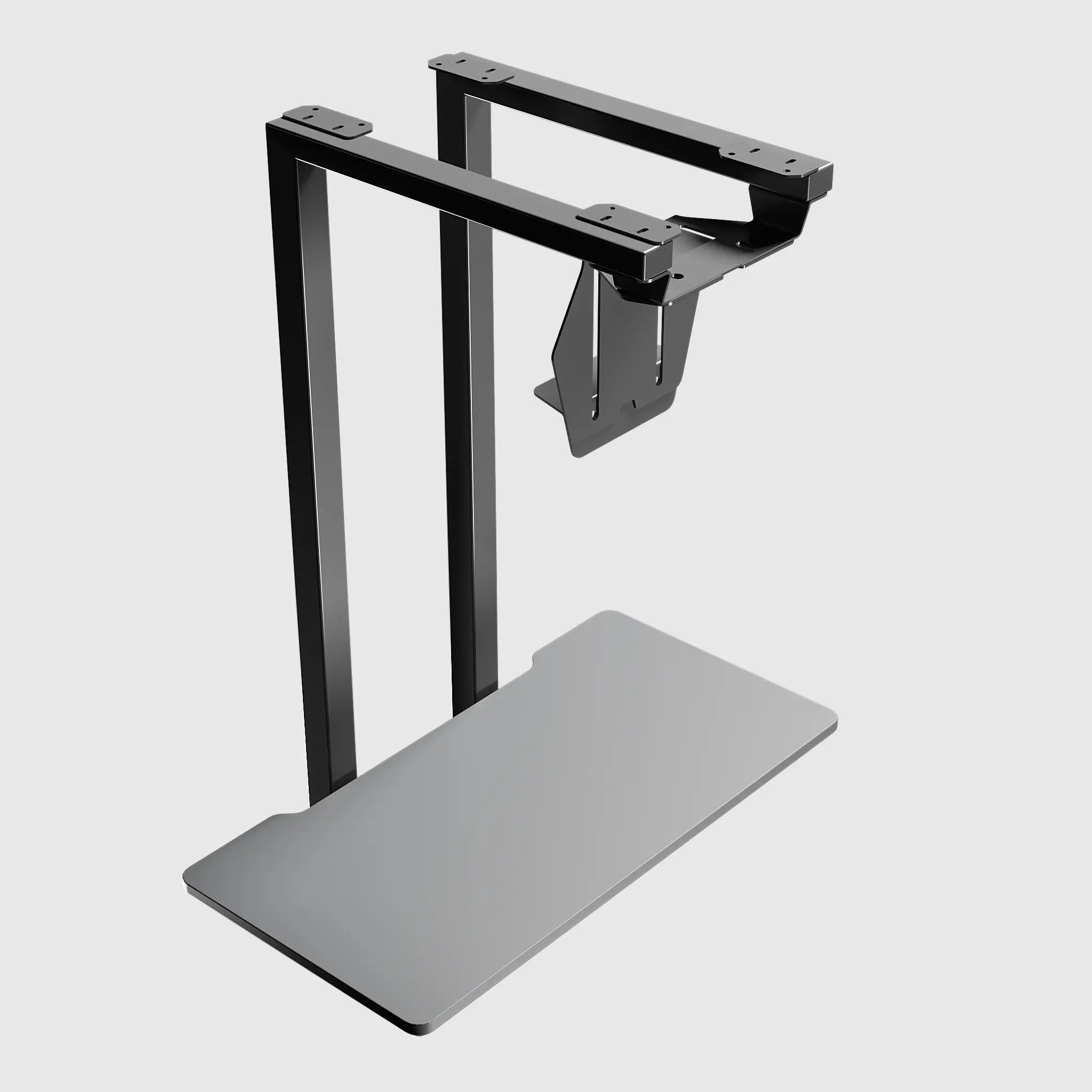
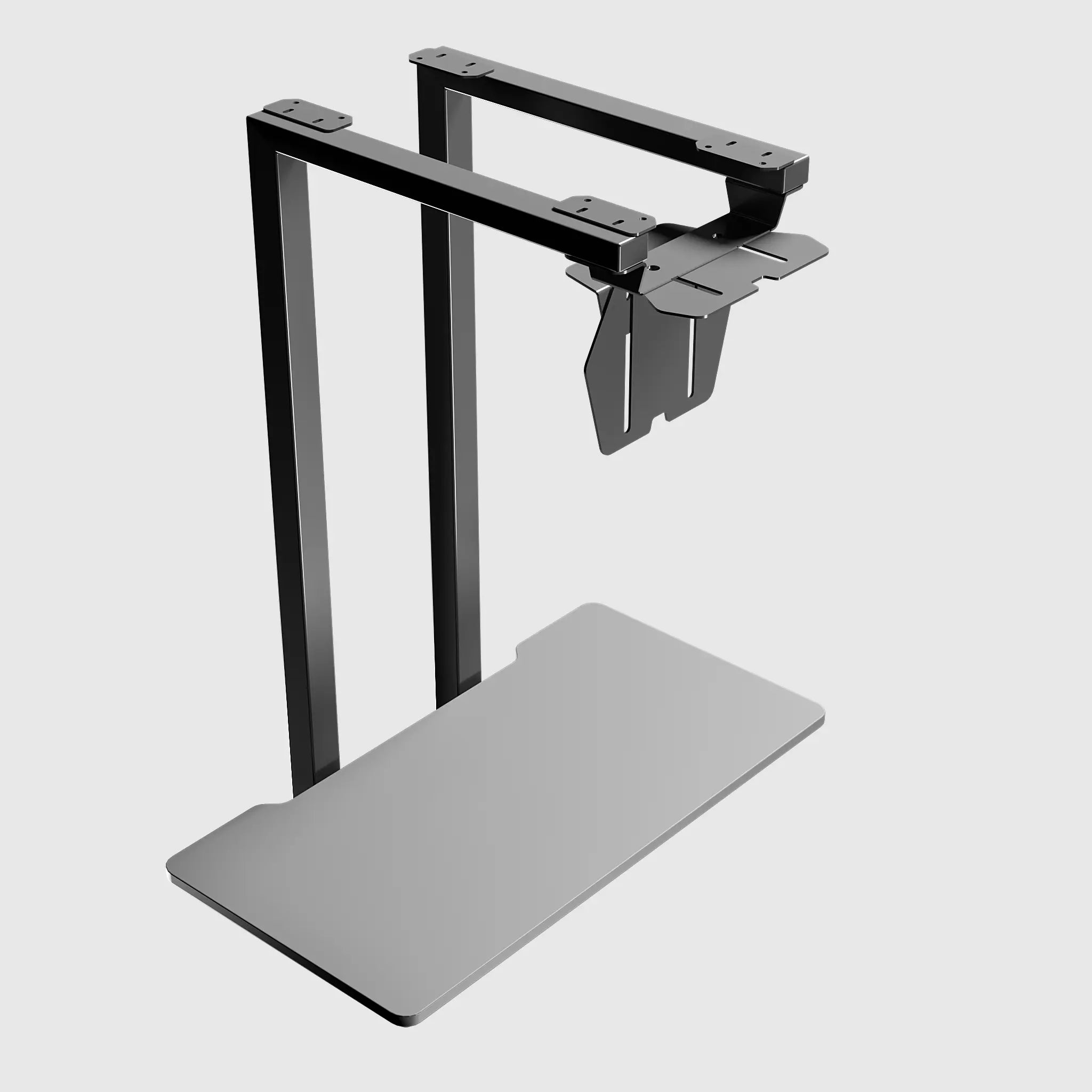
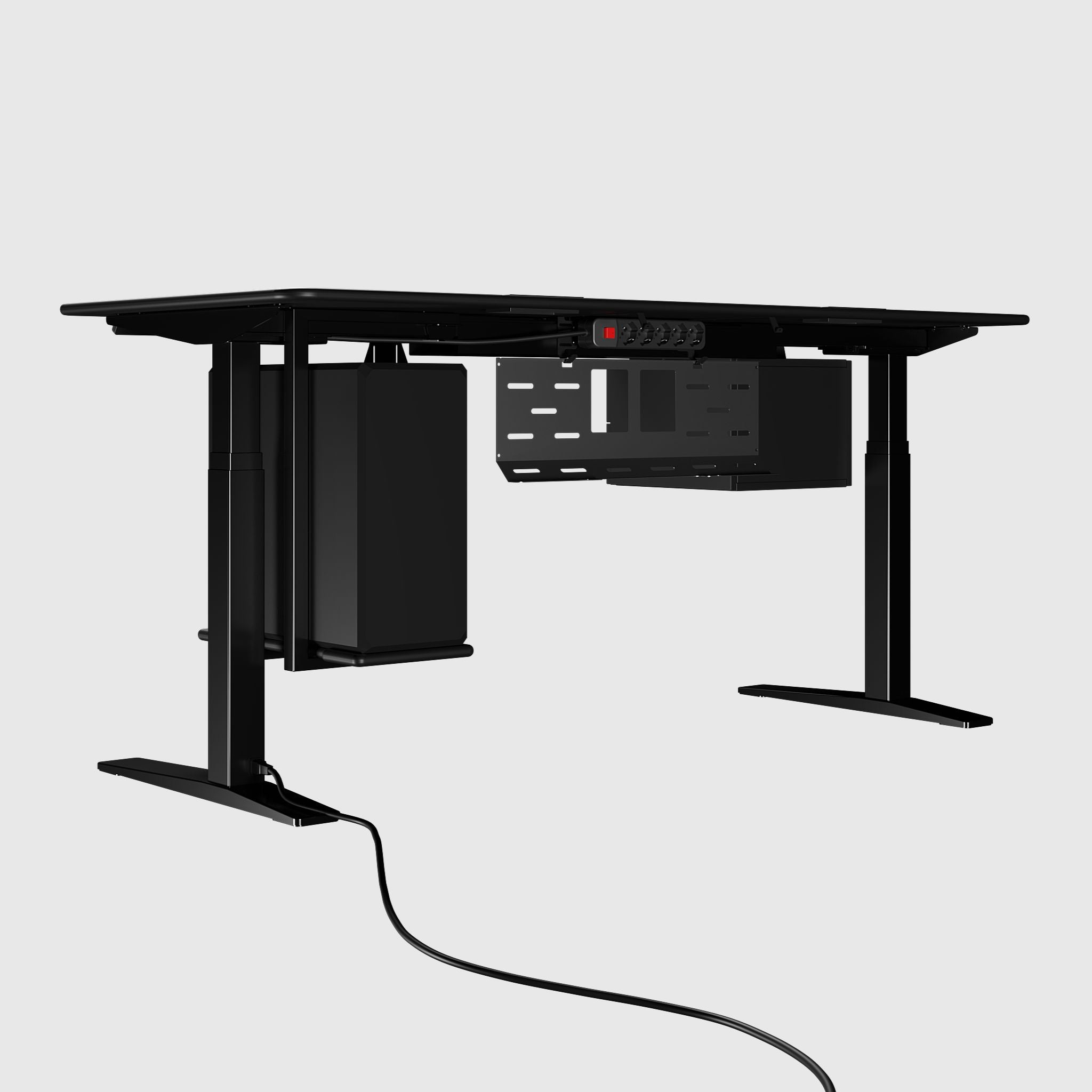
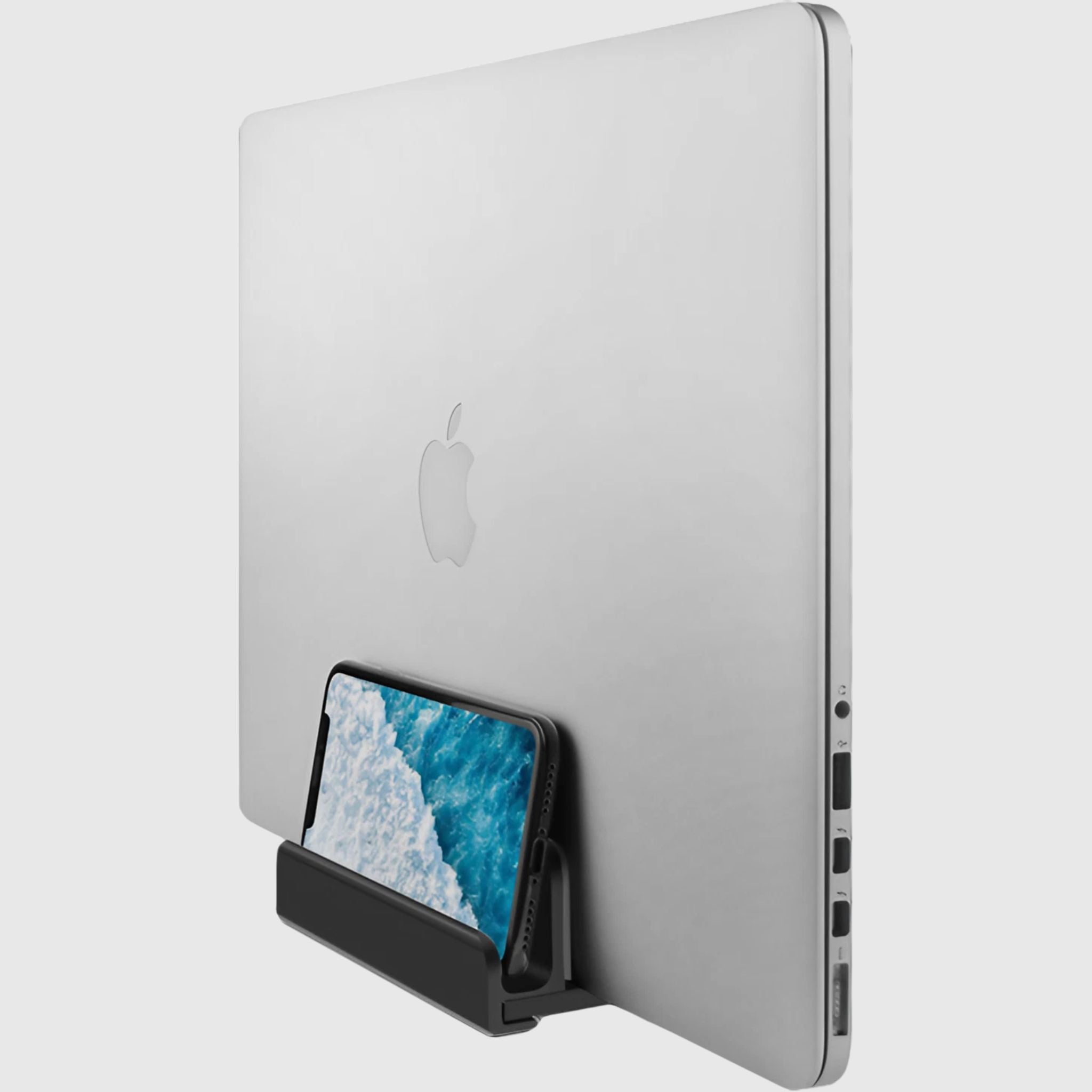
PC Wing PC stand with adjustable size and desk mount
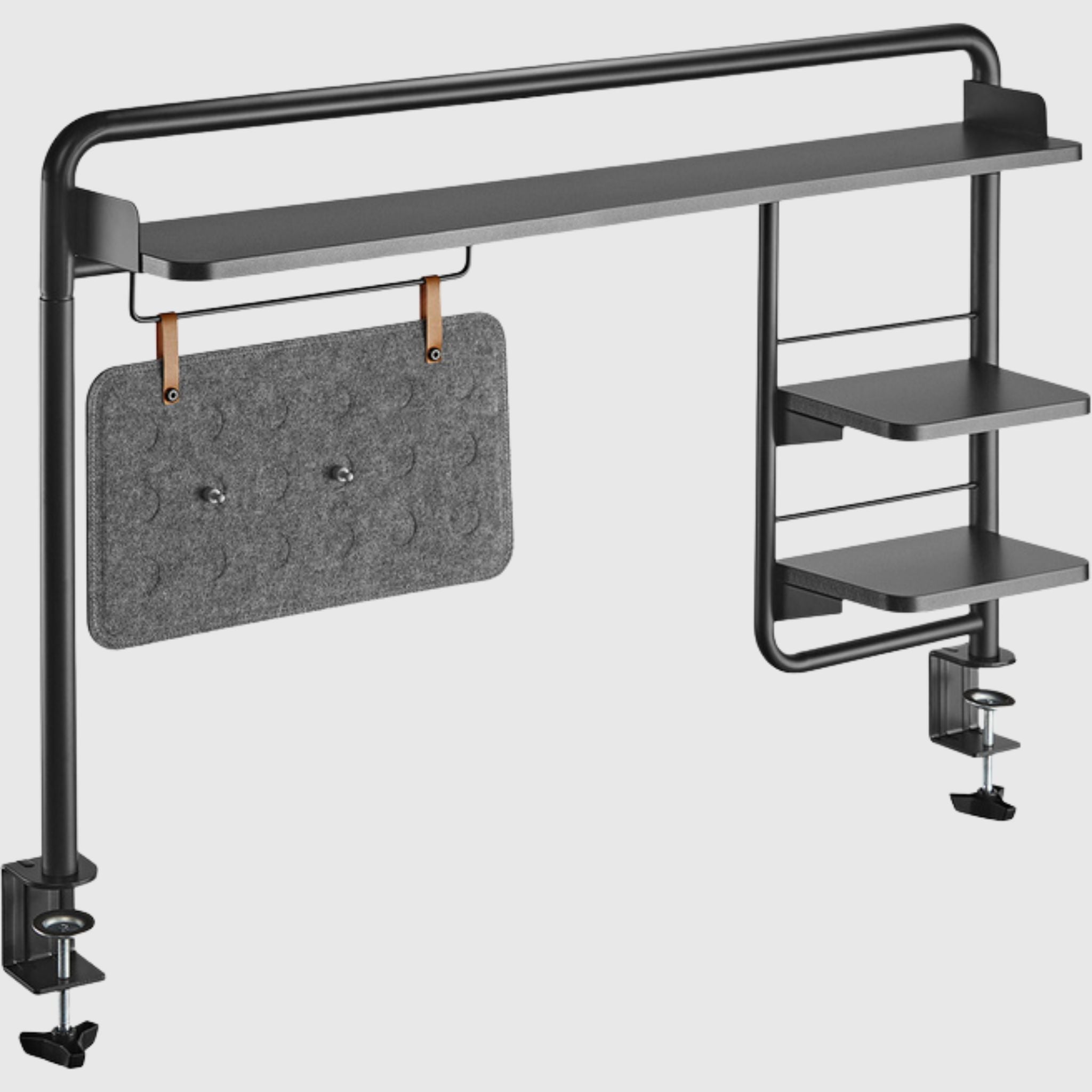
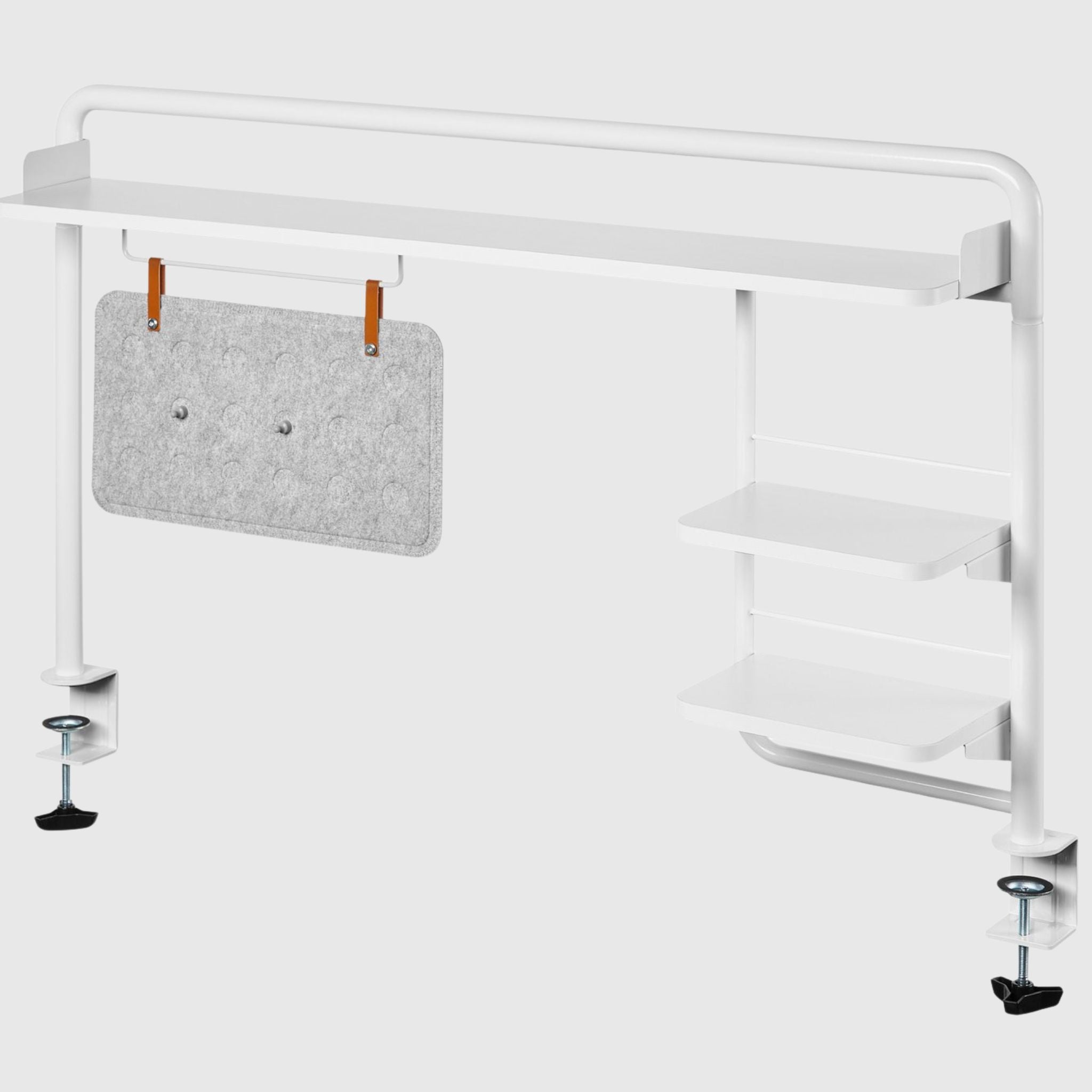
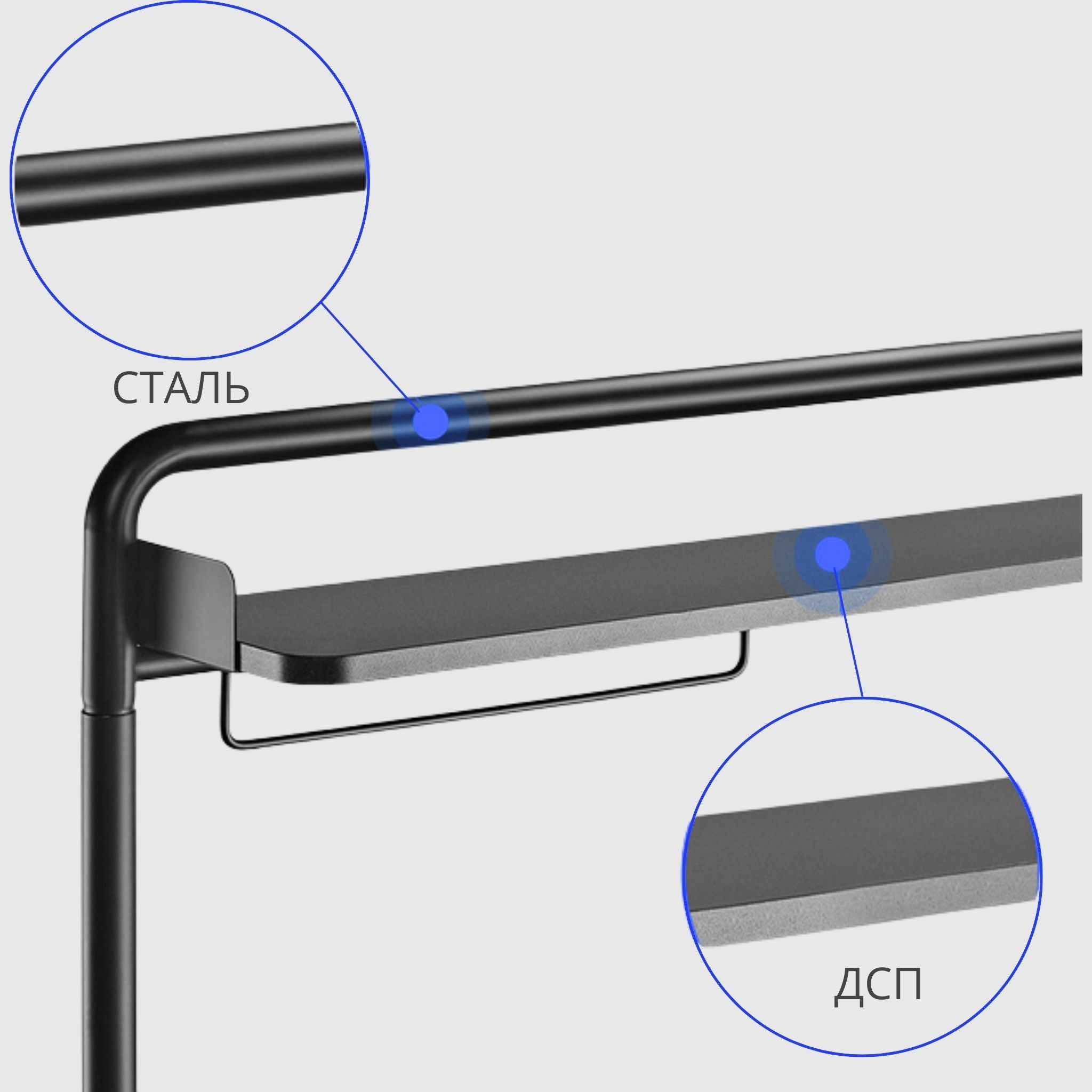
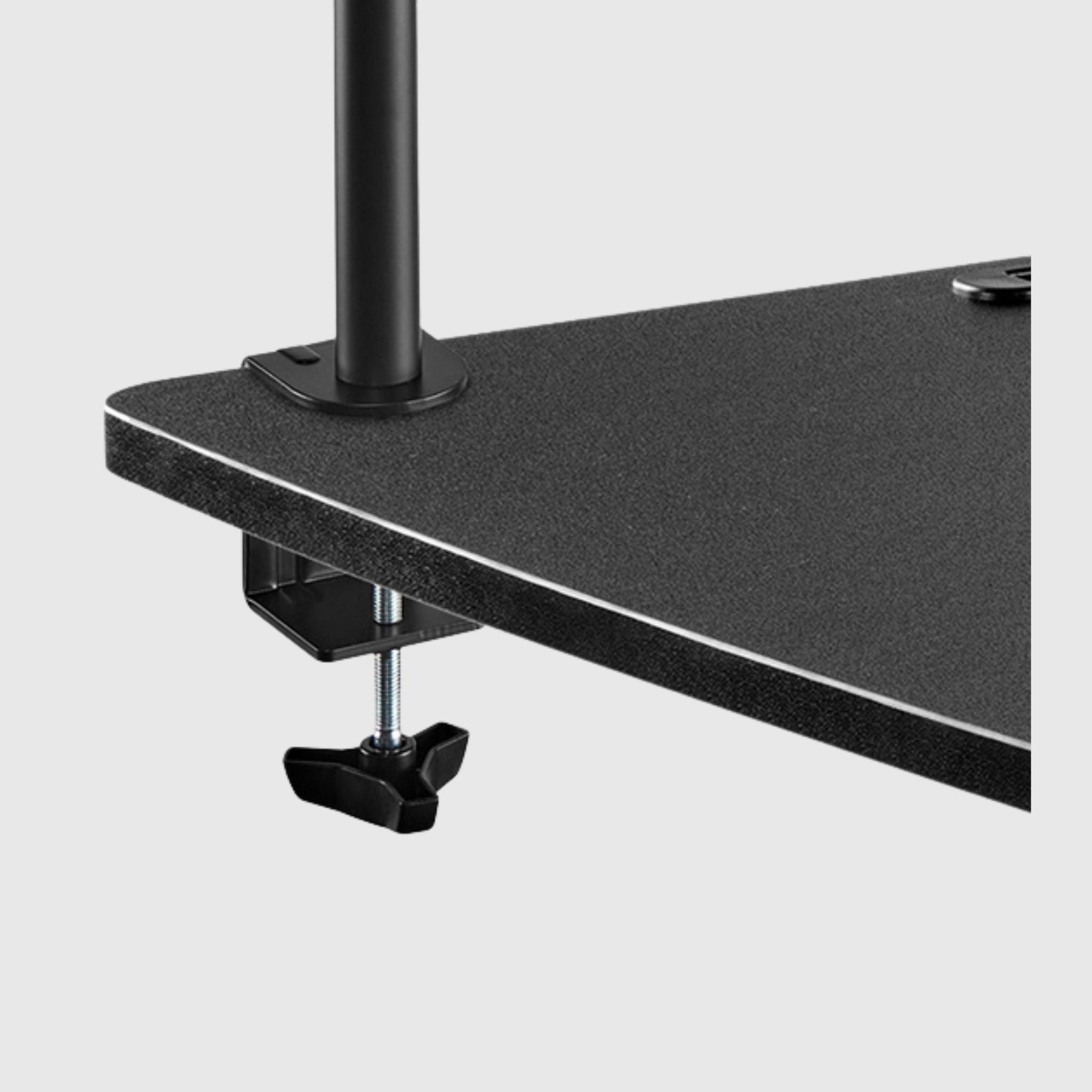
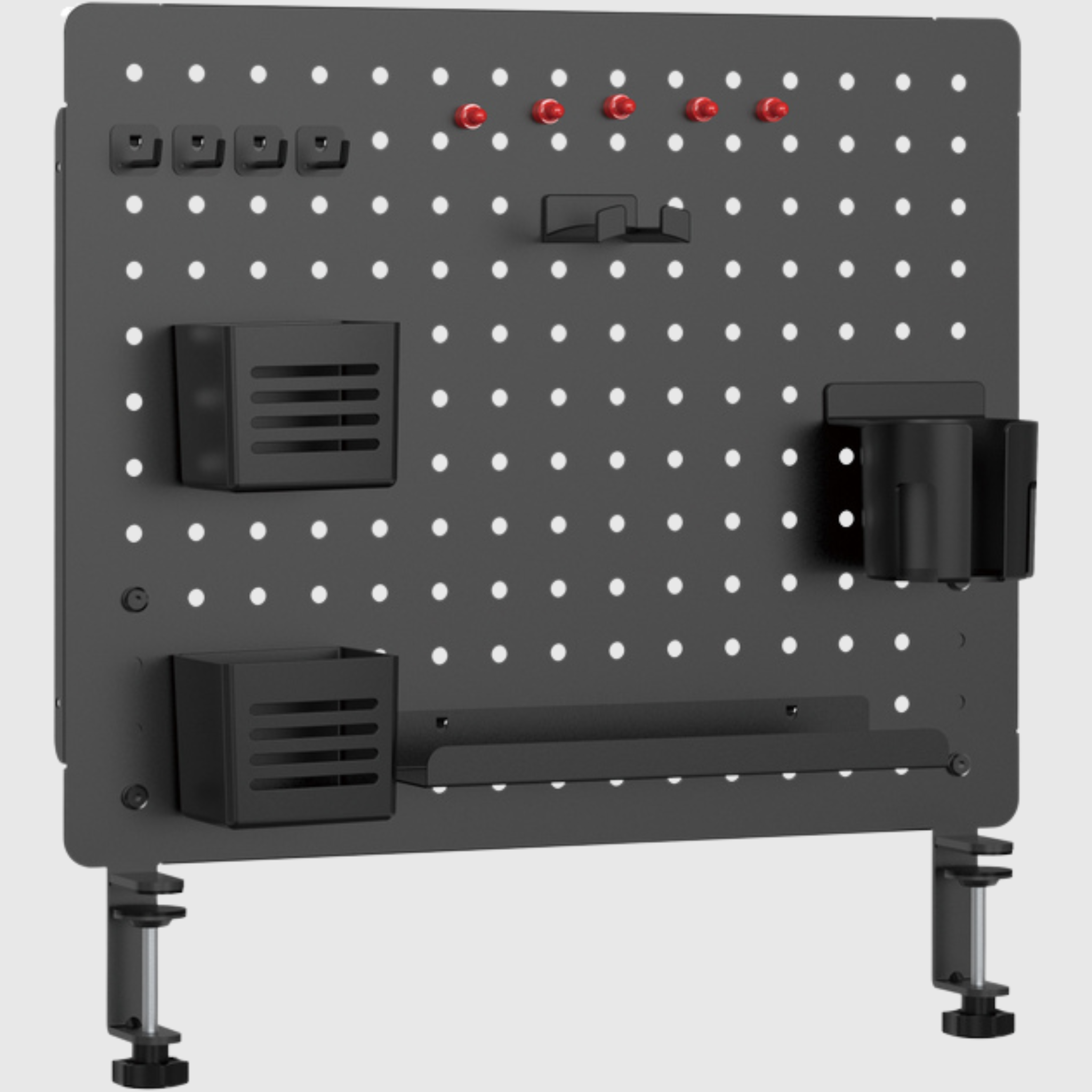
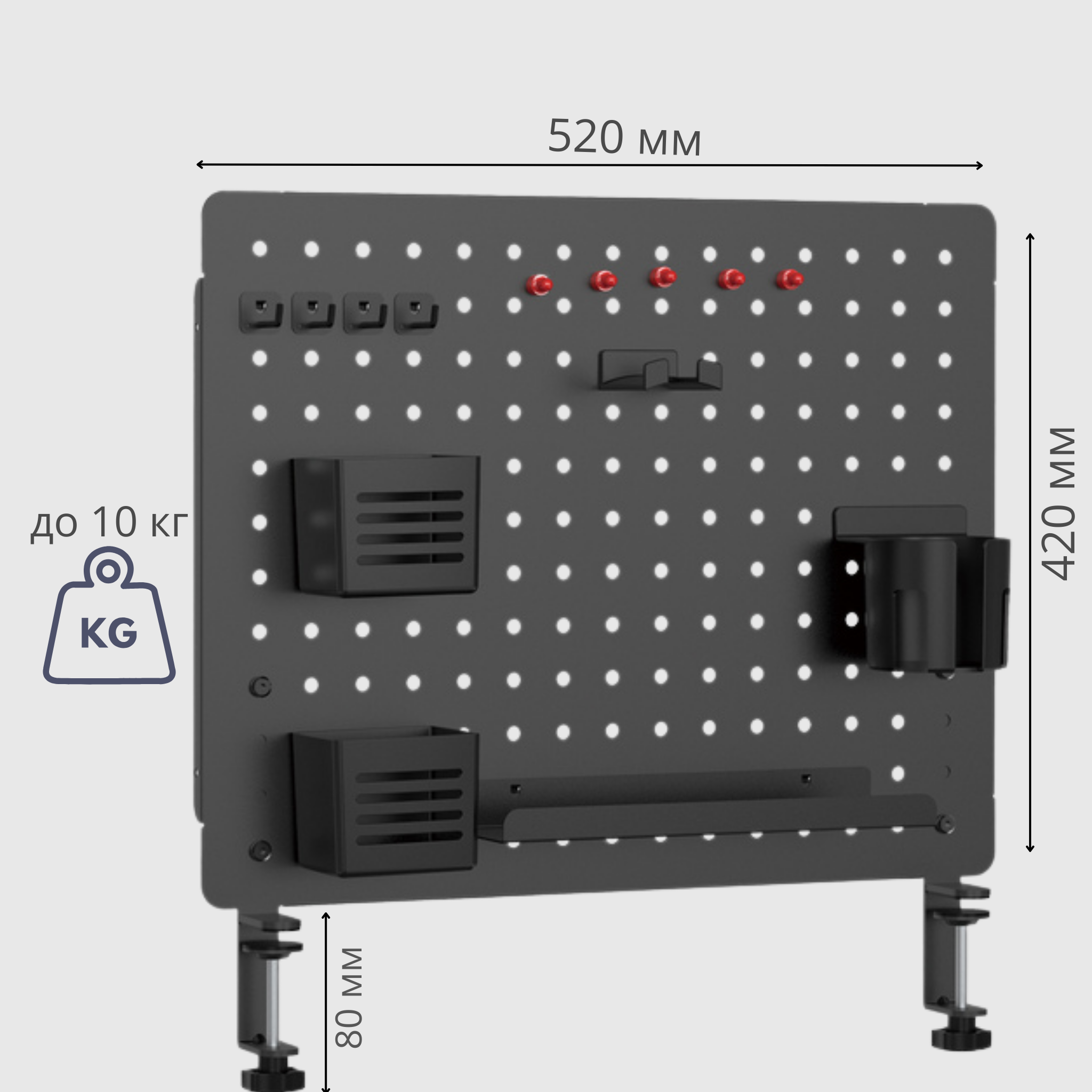
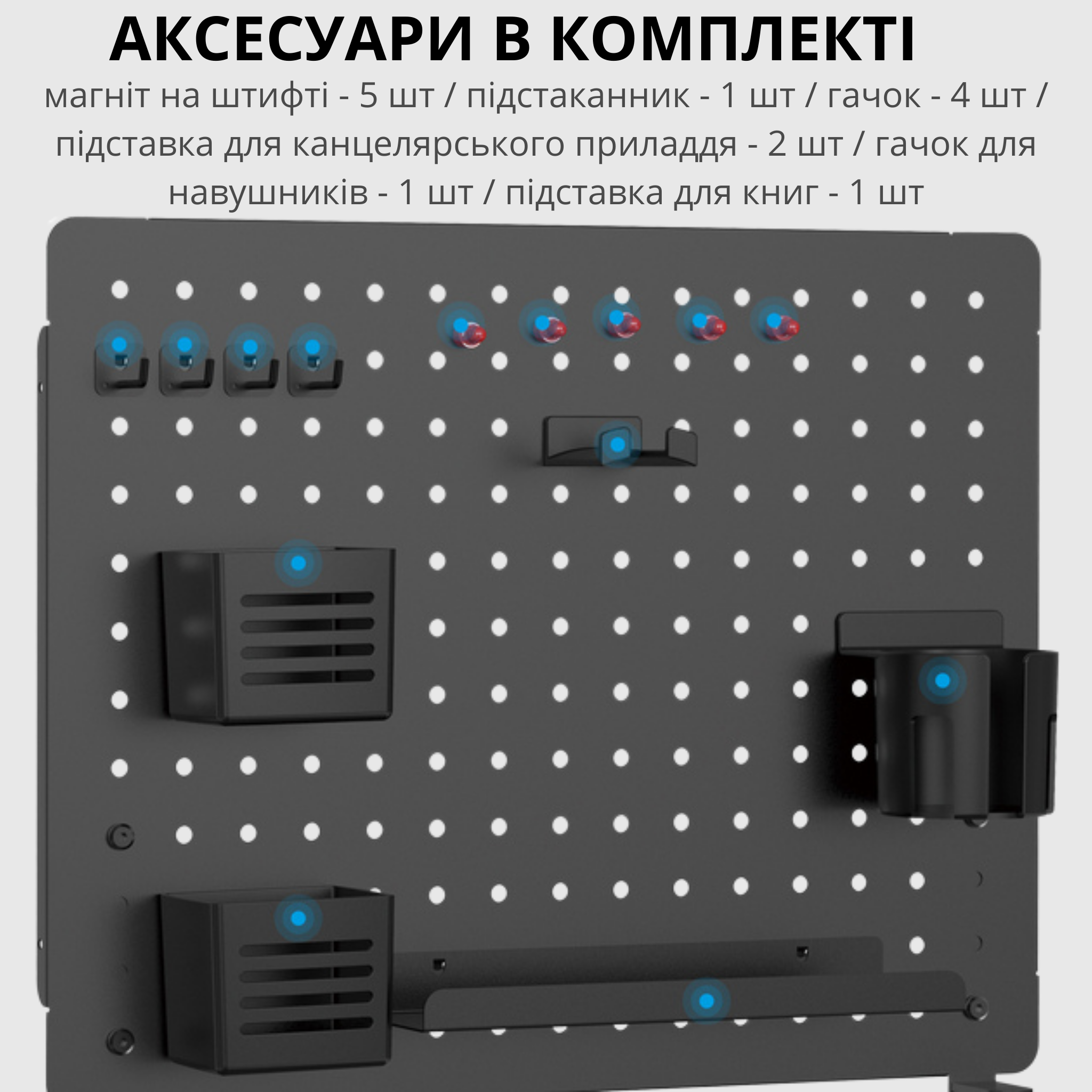
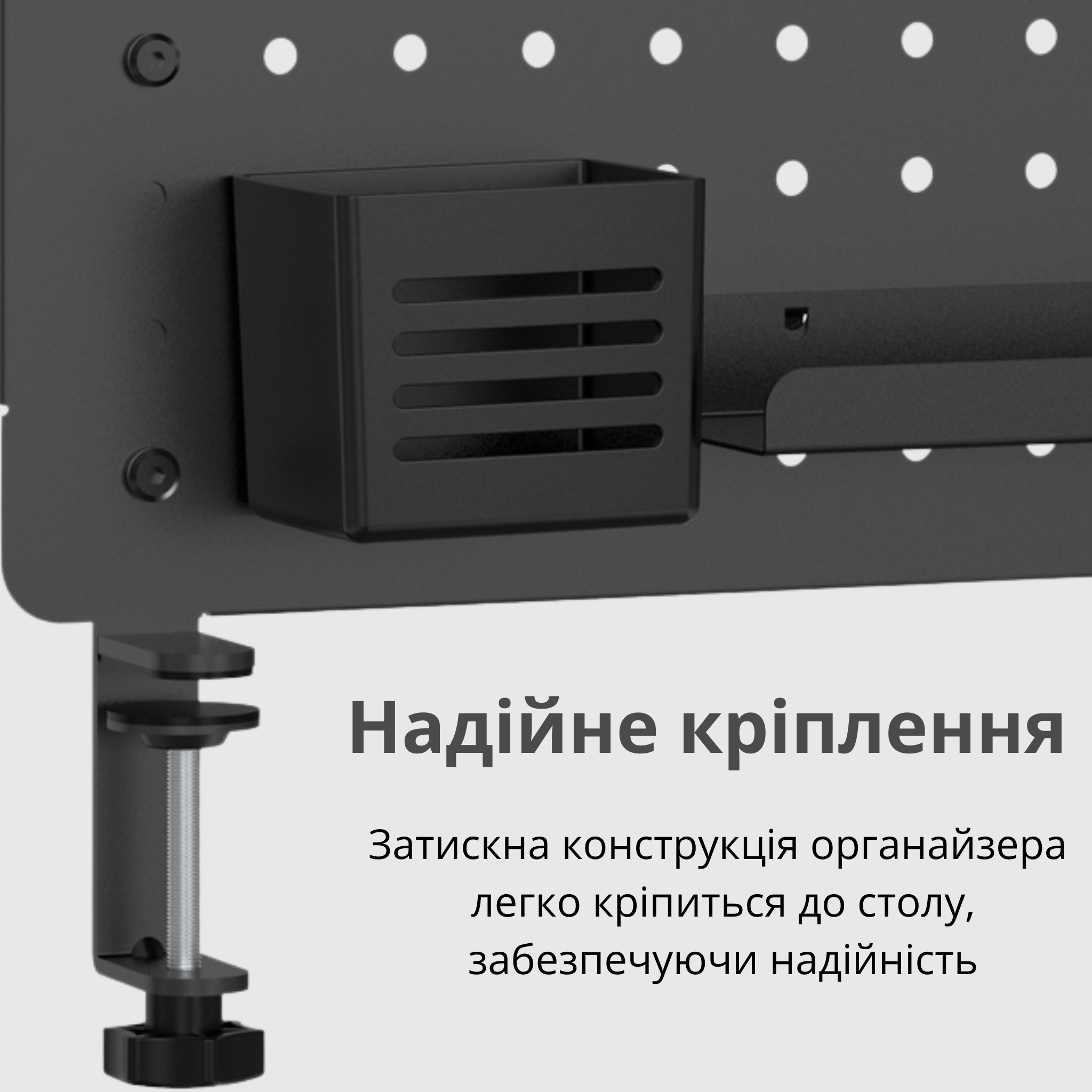
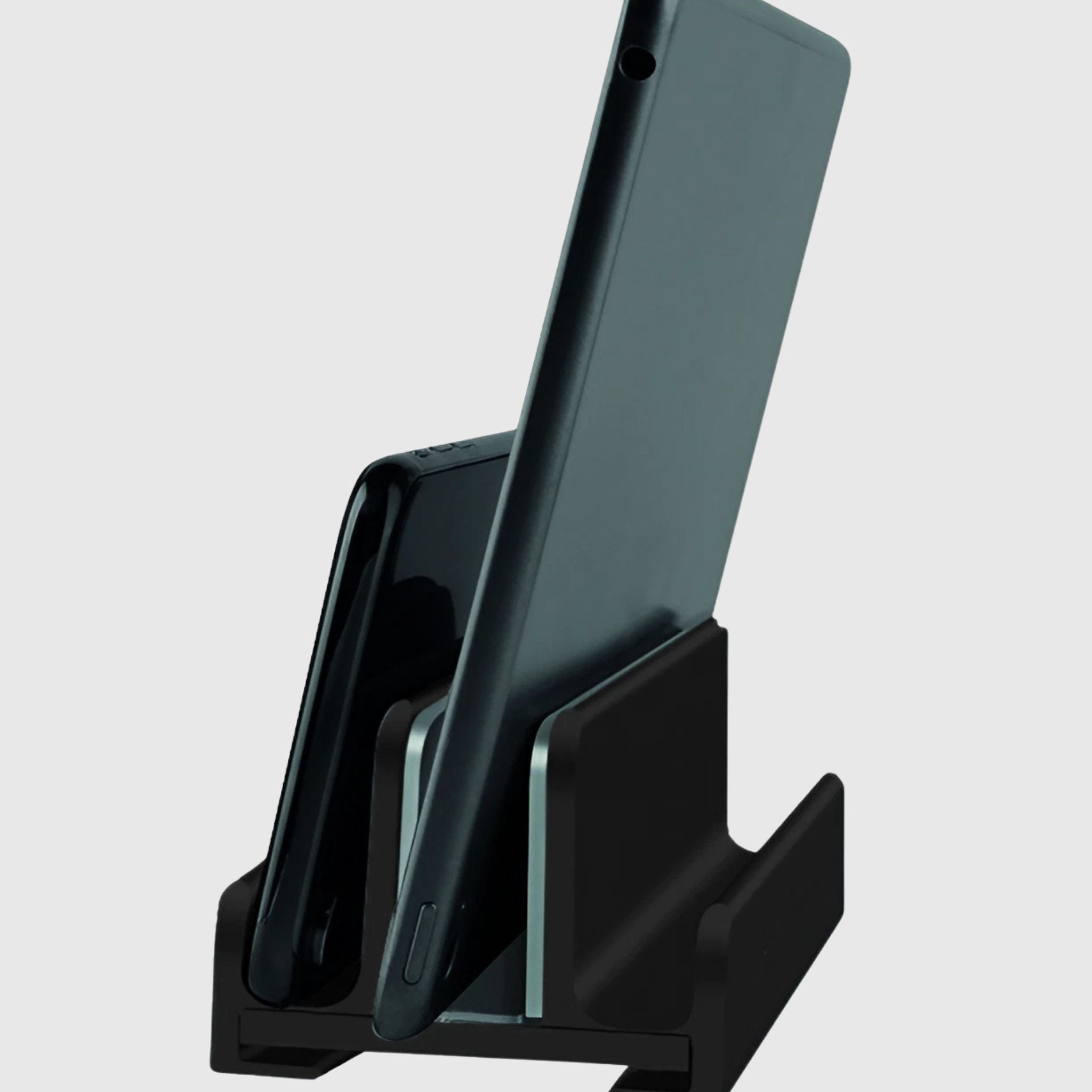
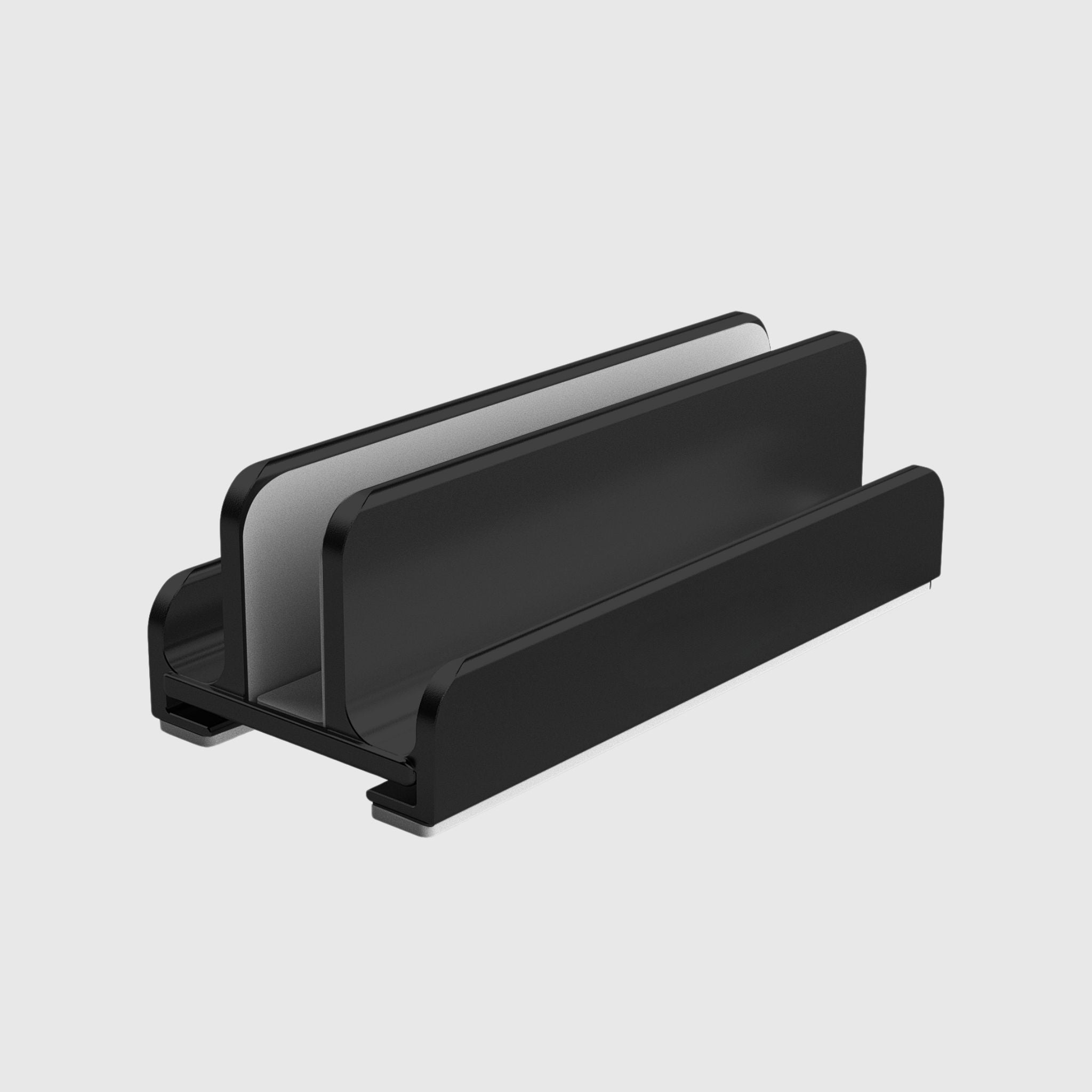
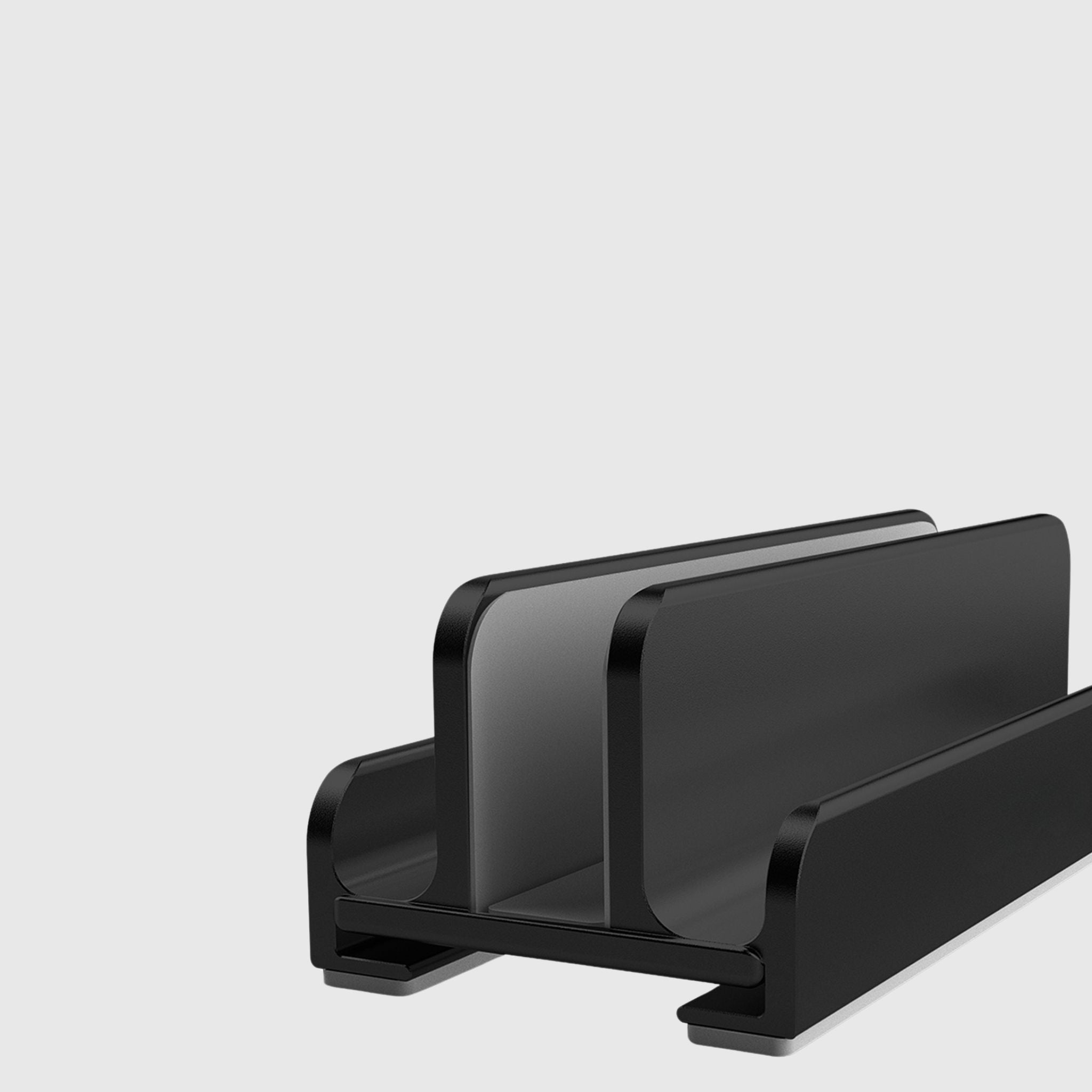
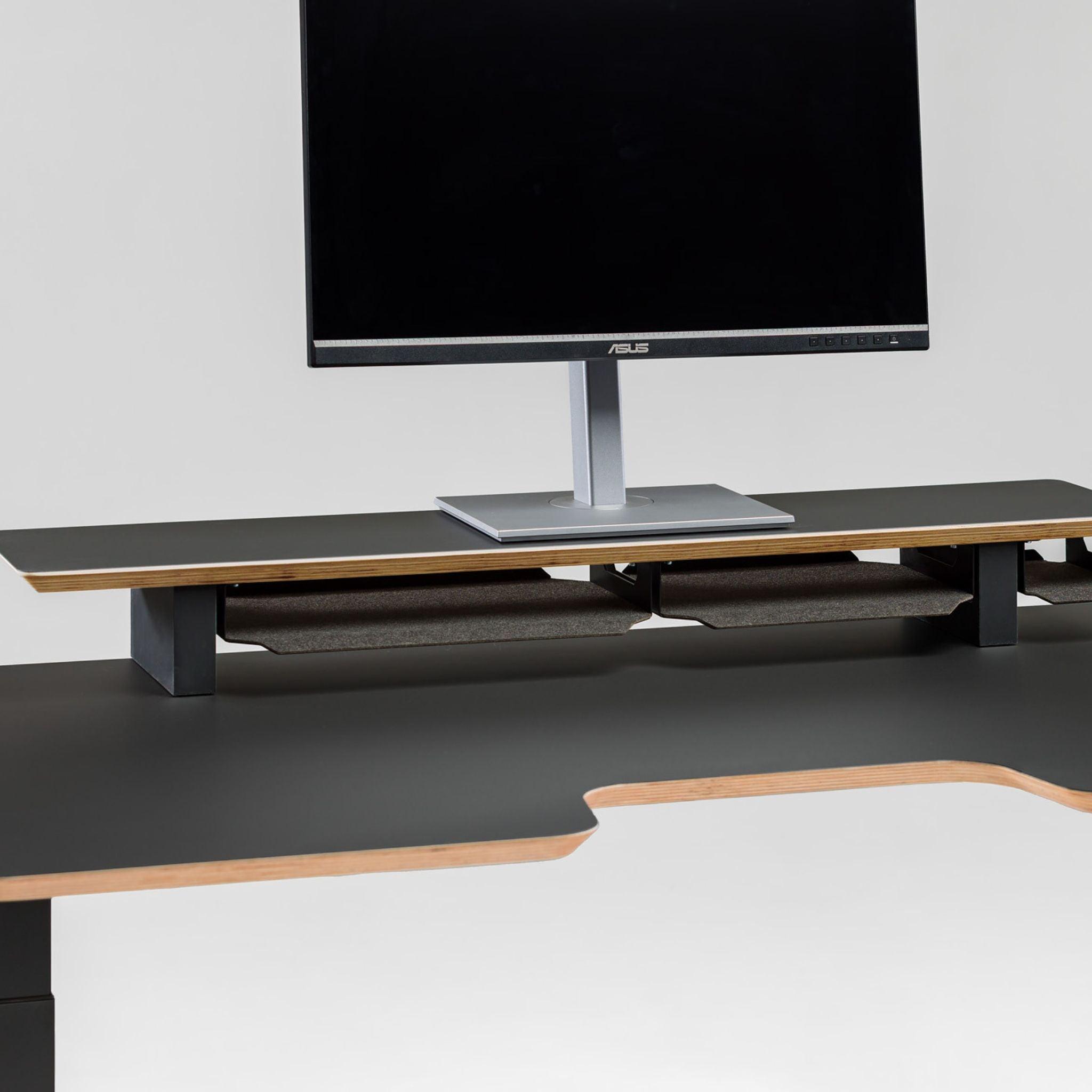
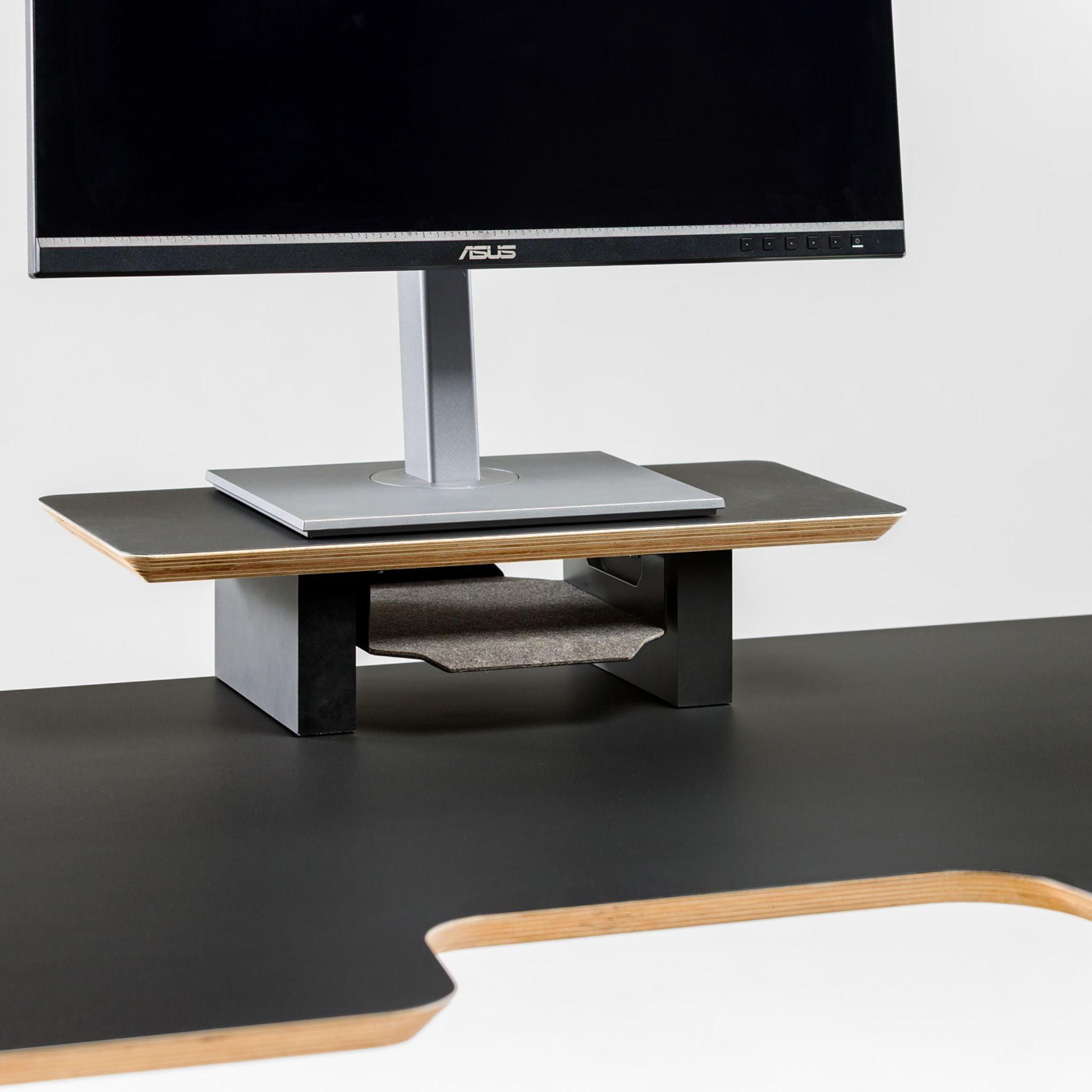
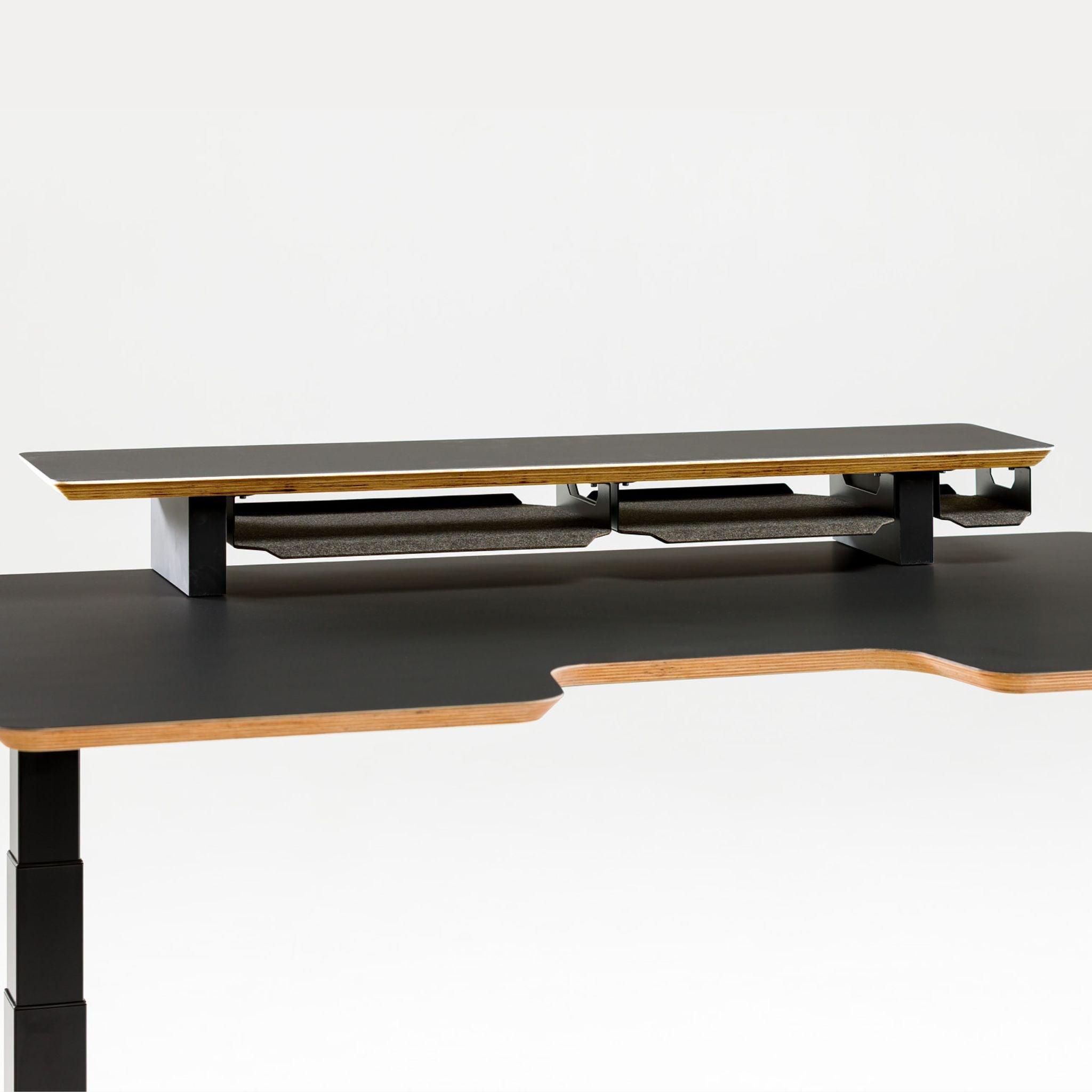
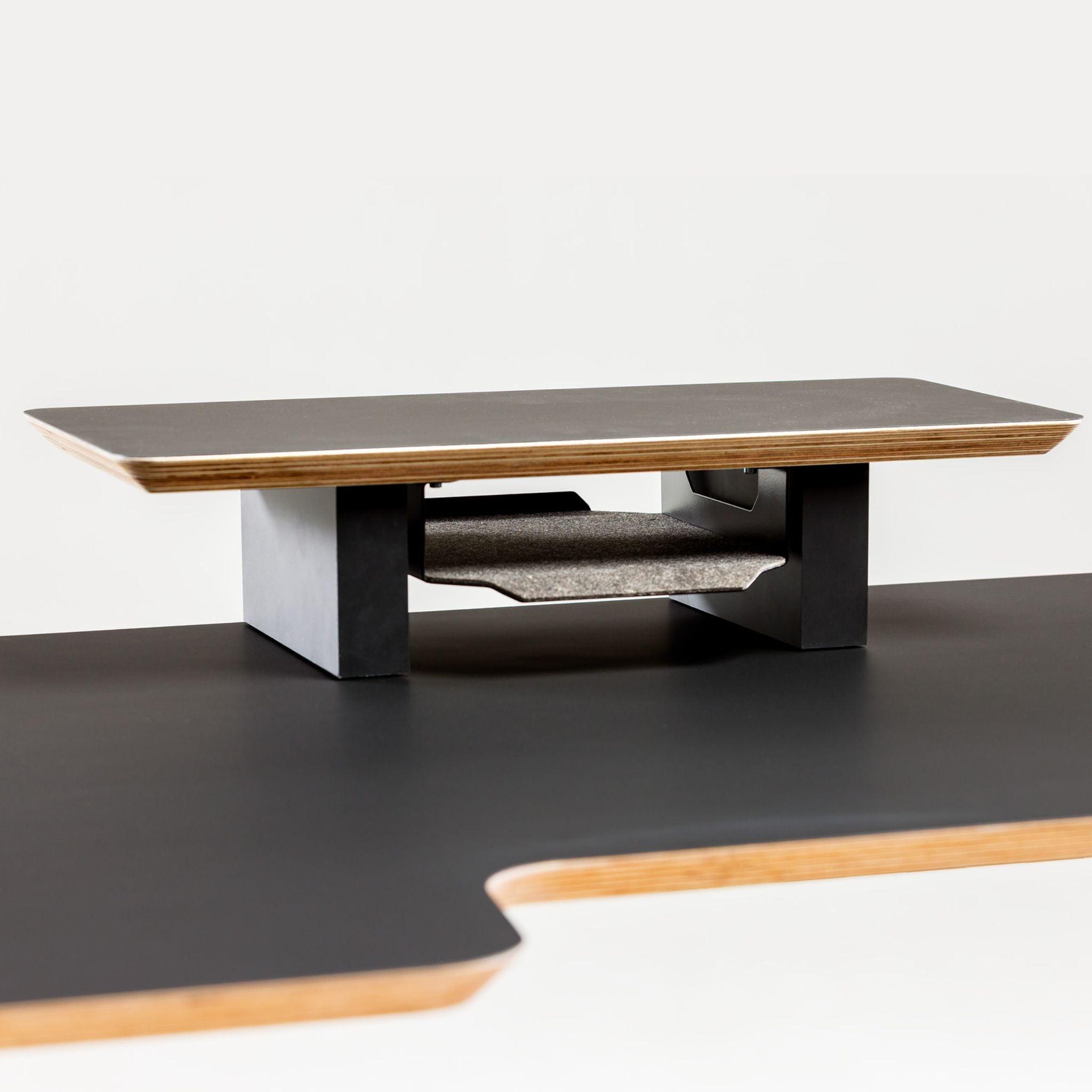
Desktop organizer with shelf for accessories
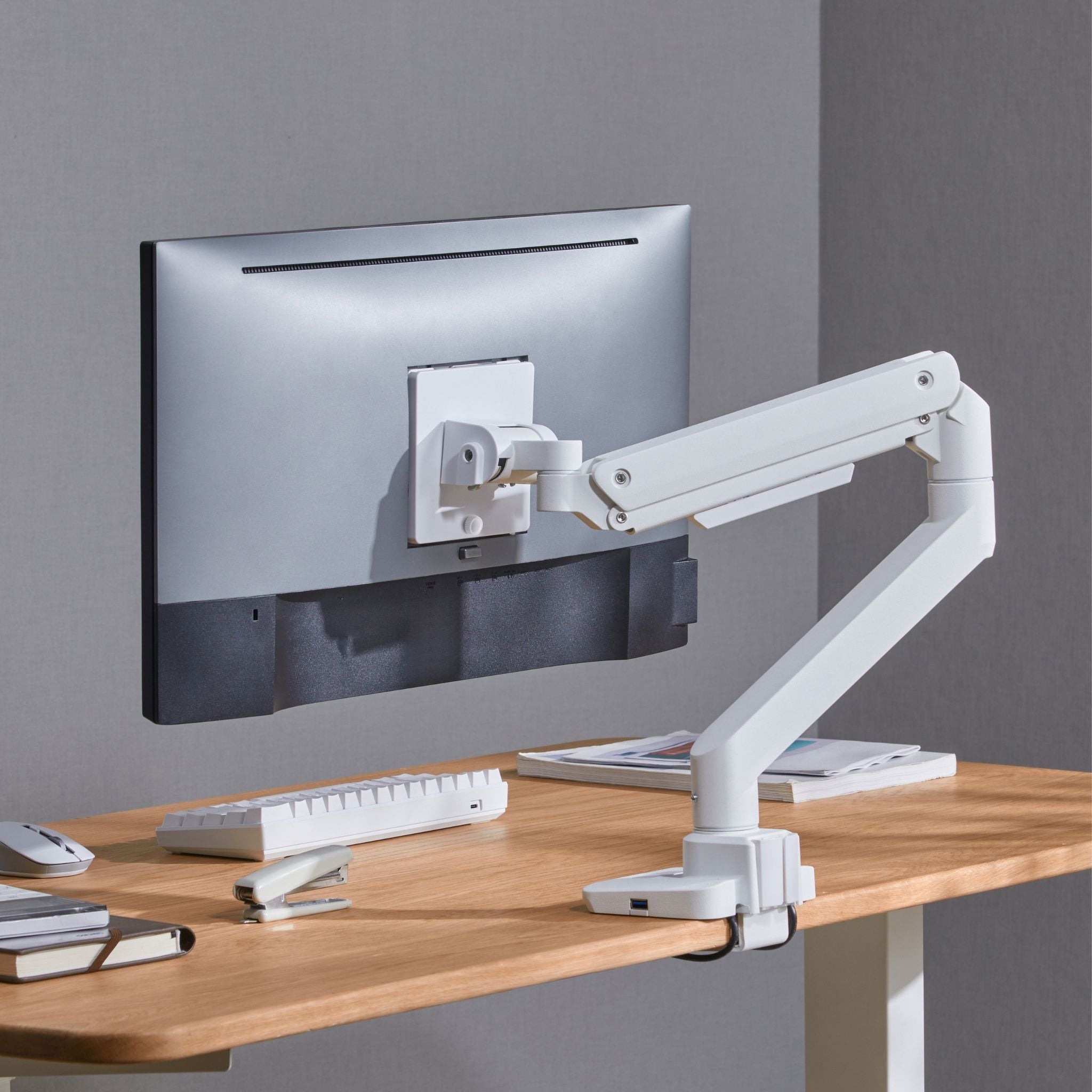
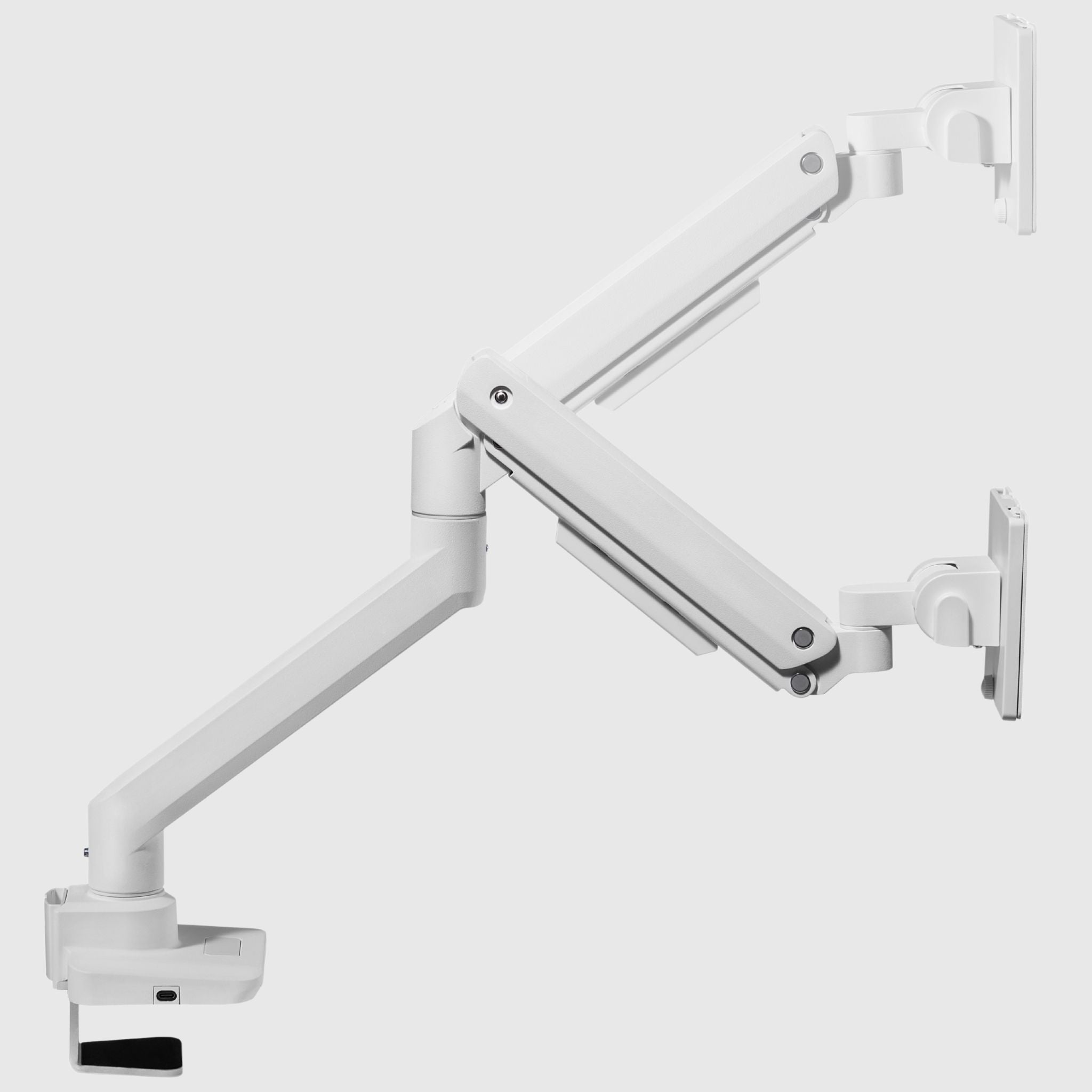
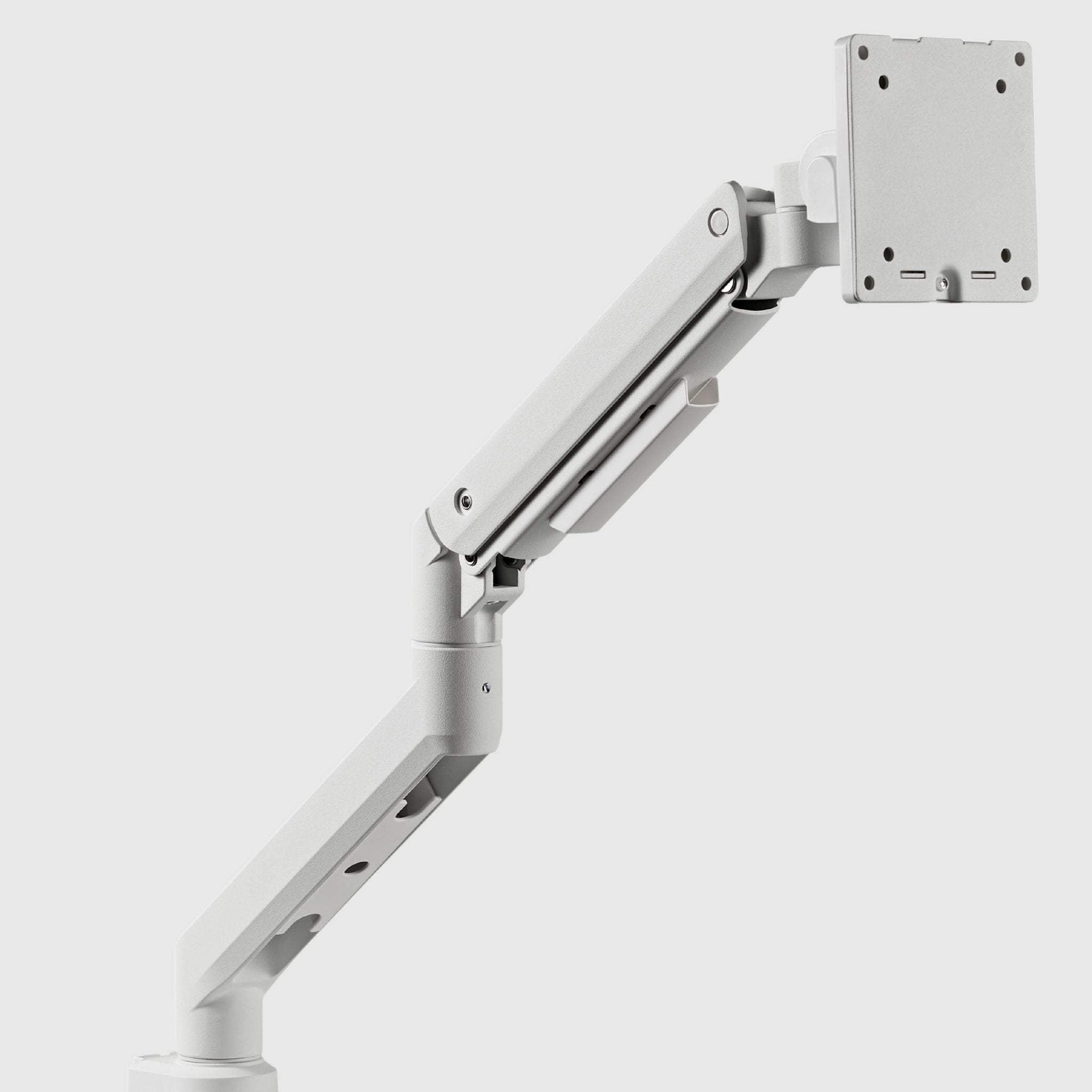
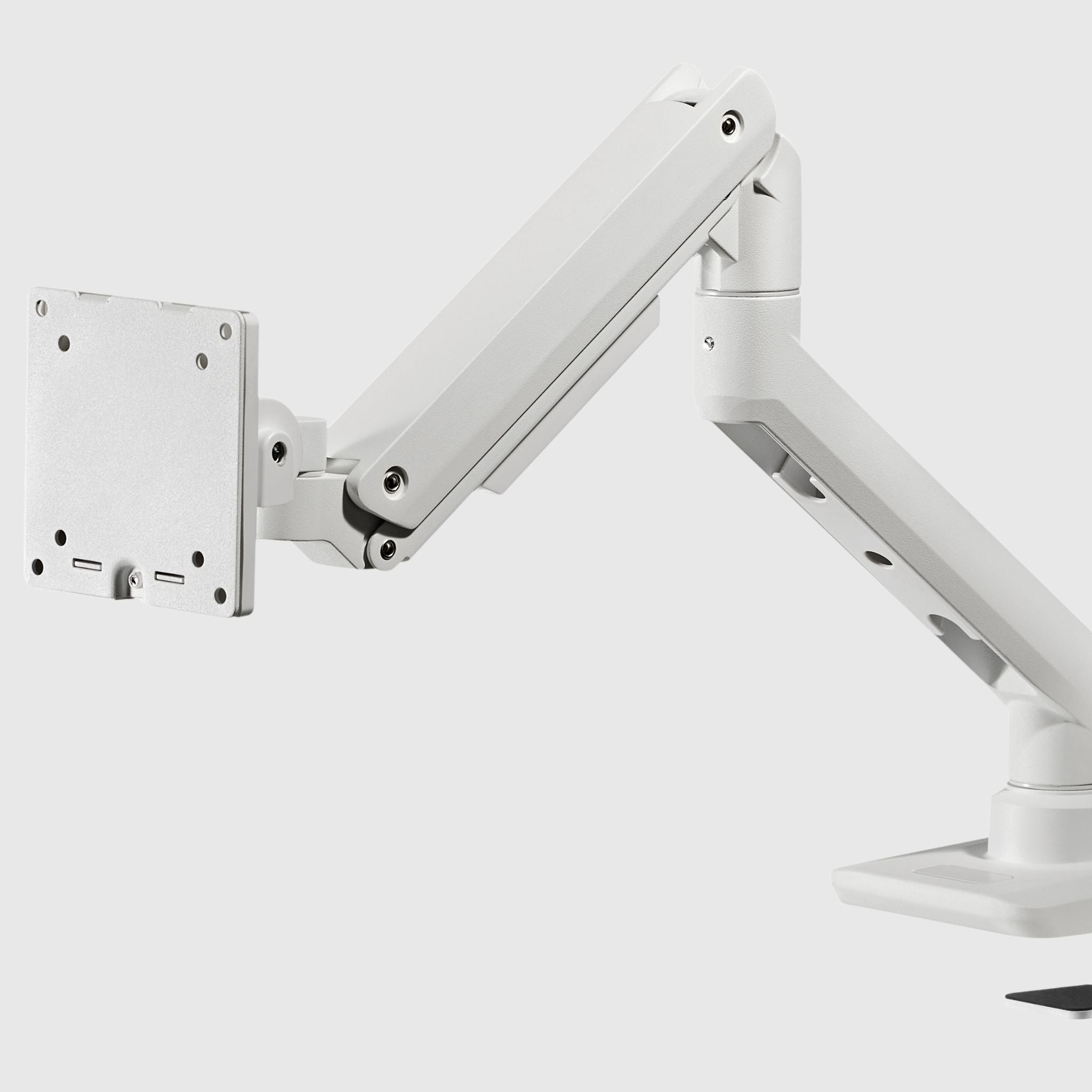
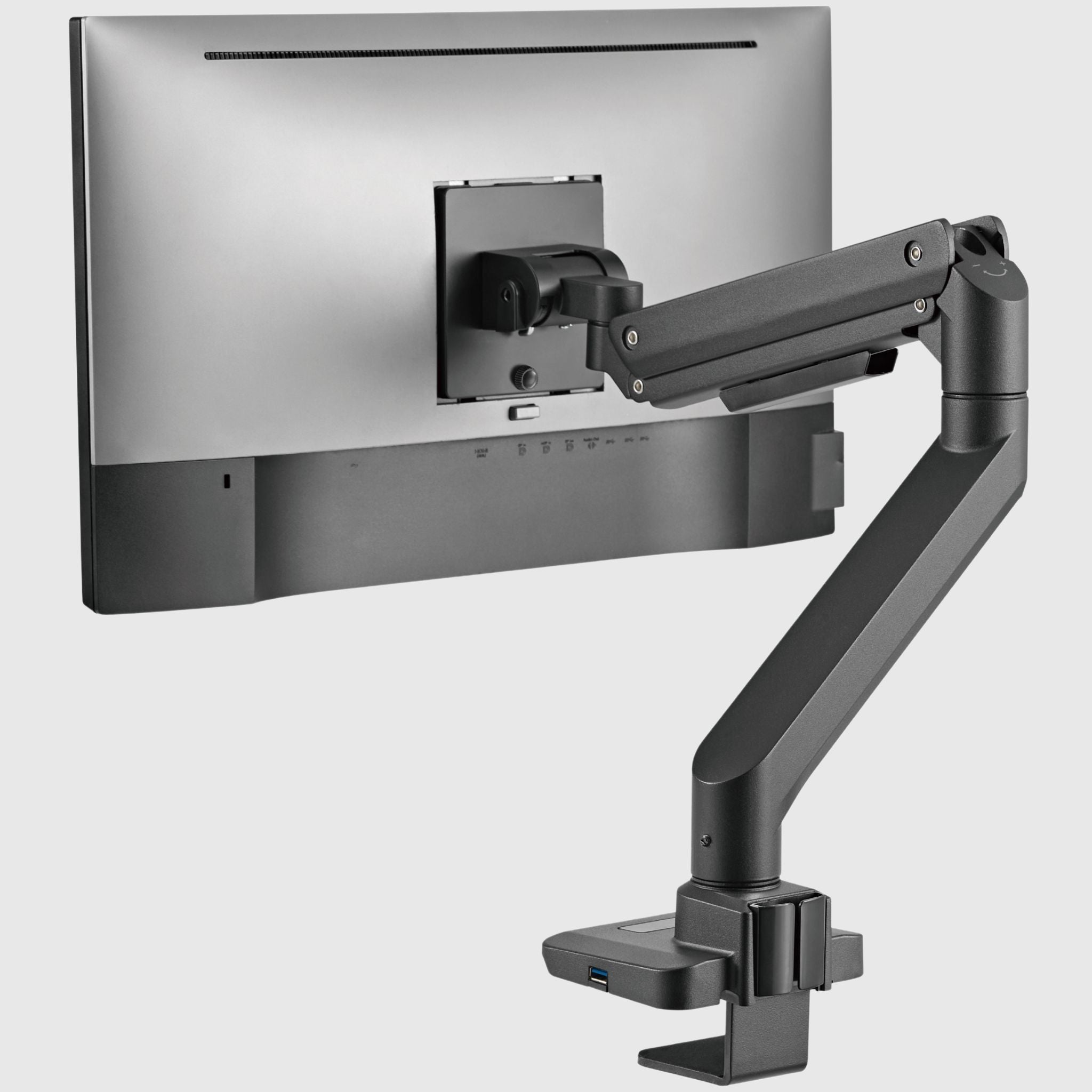
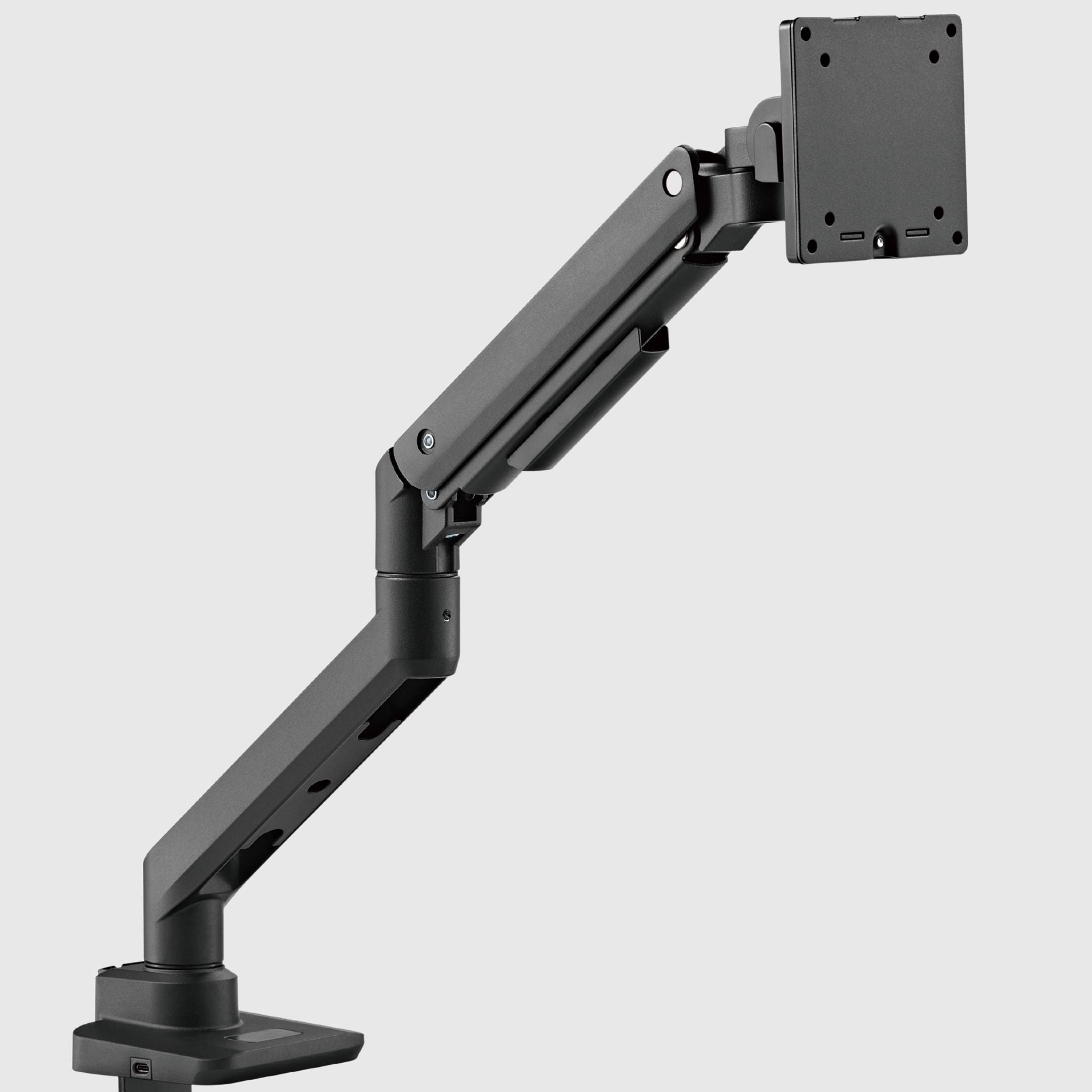
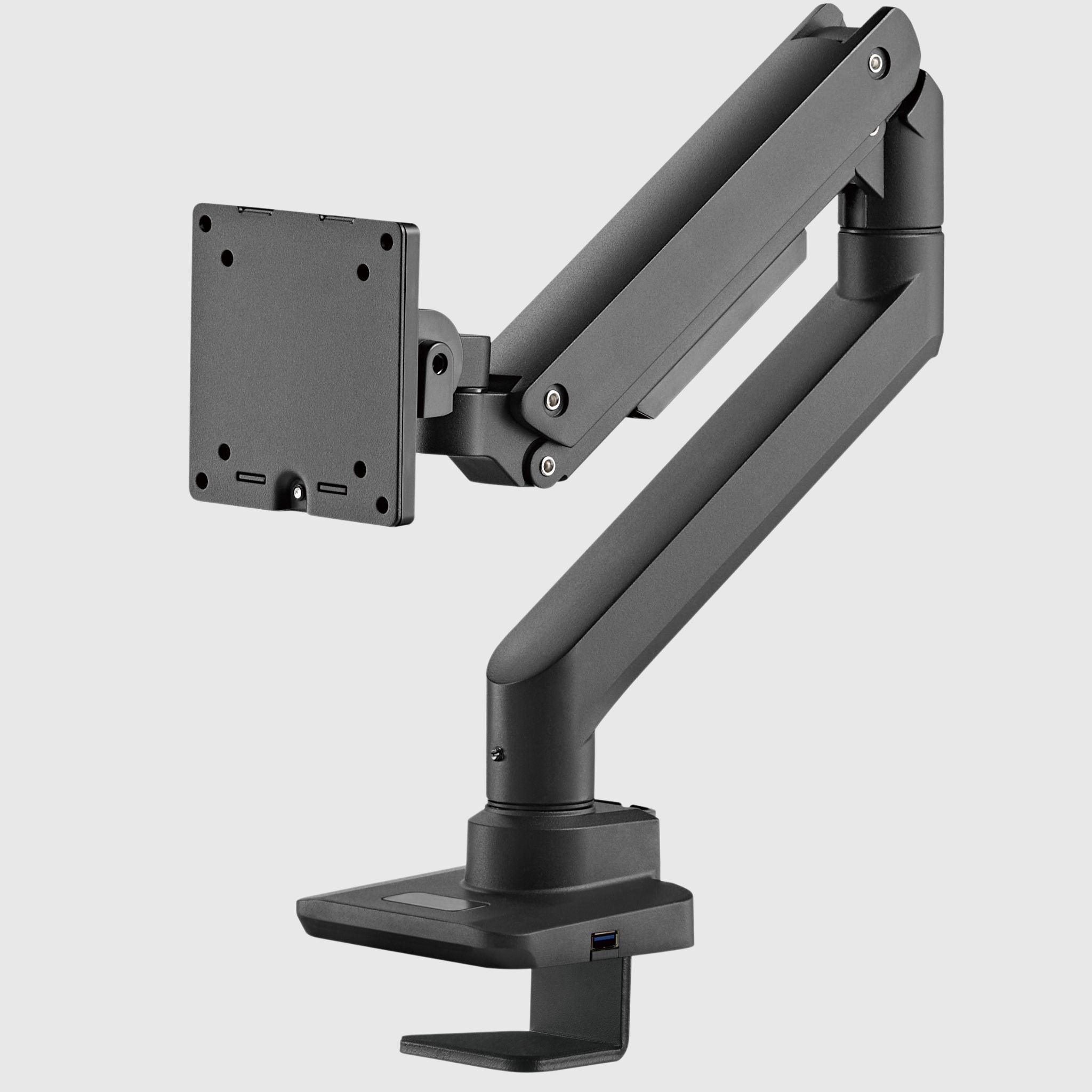
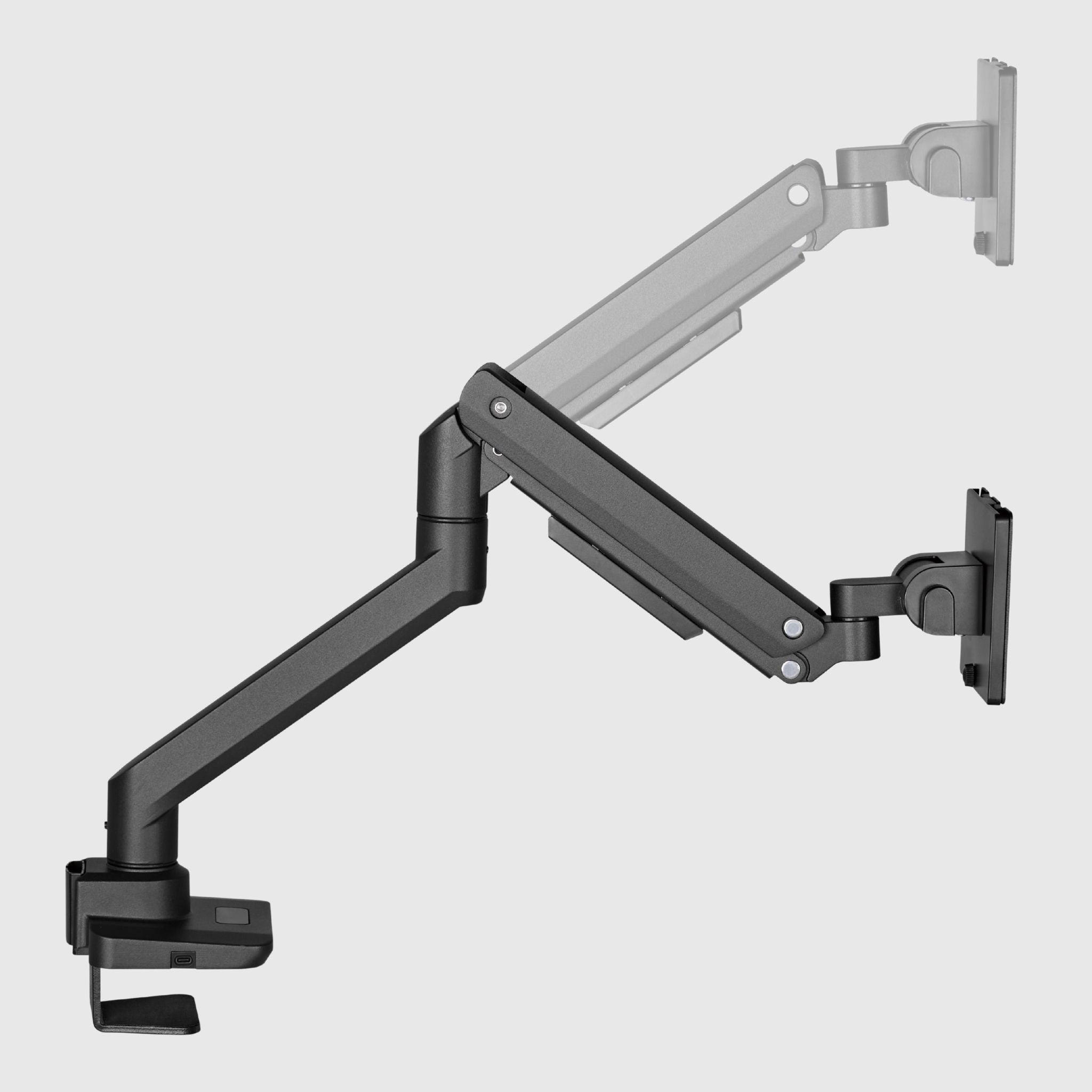
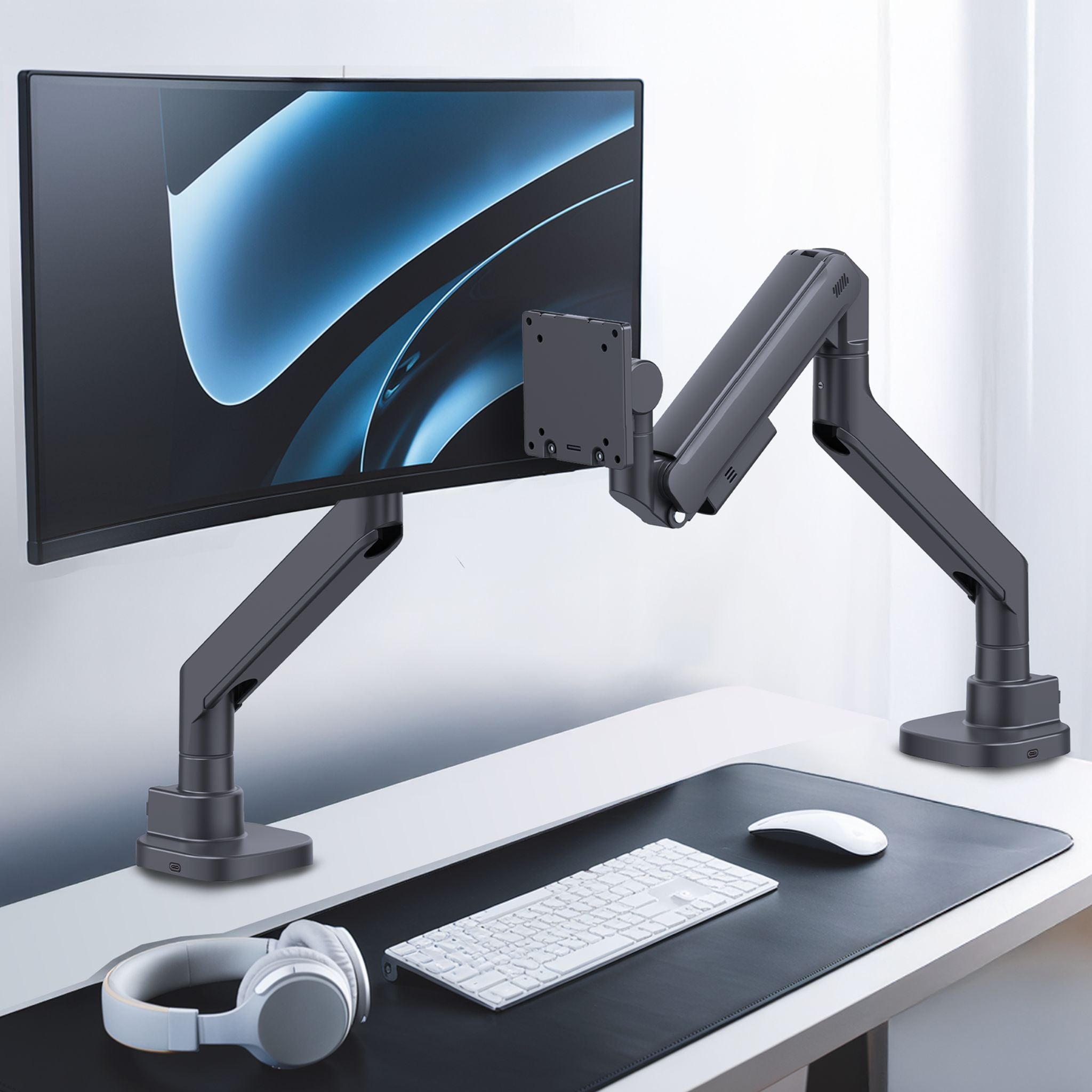
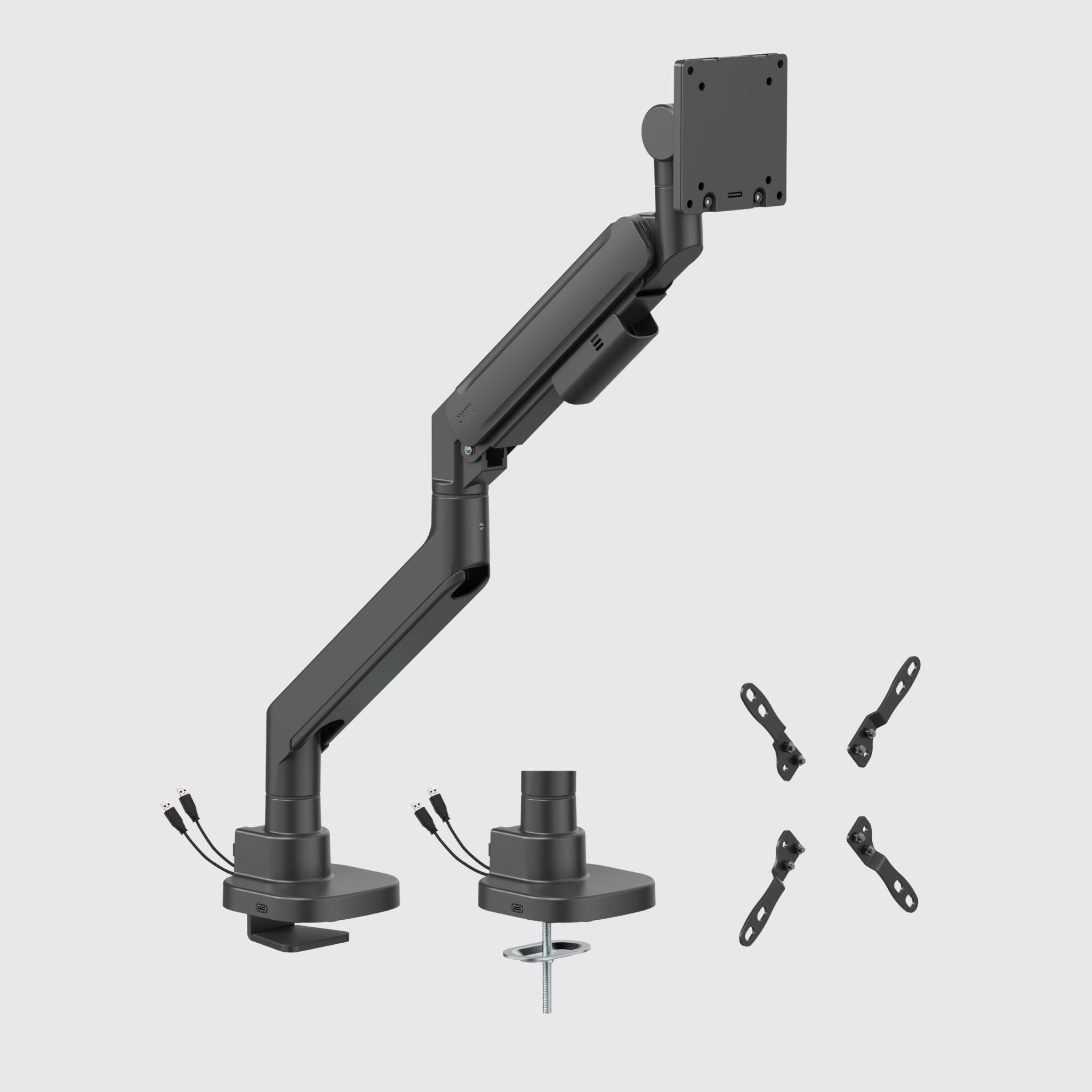
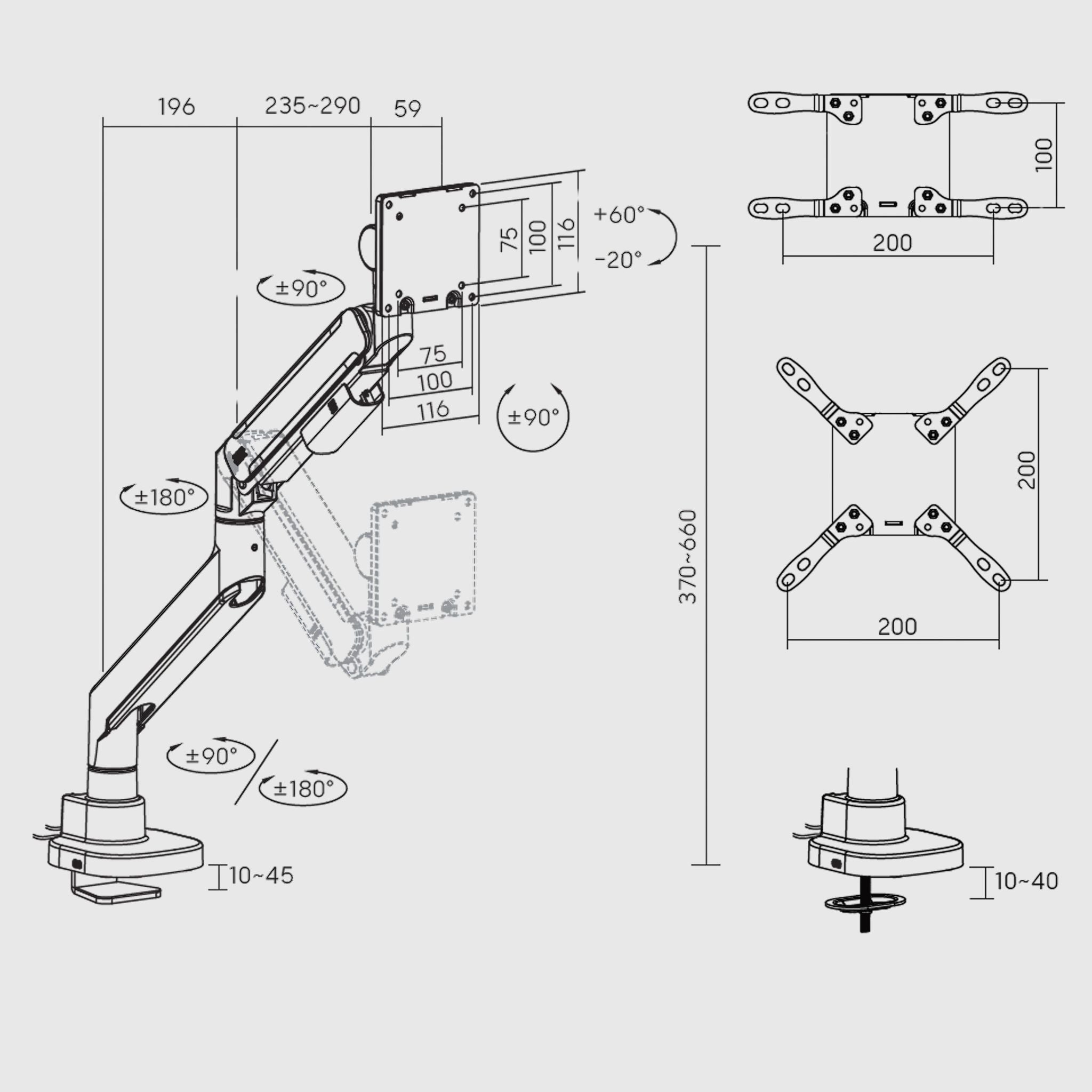
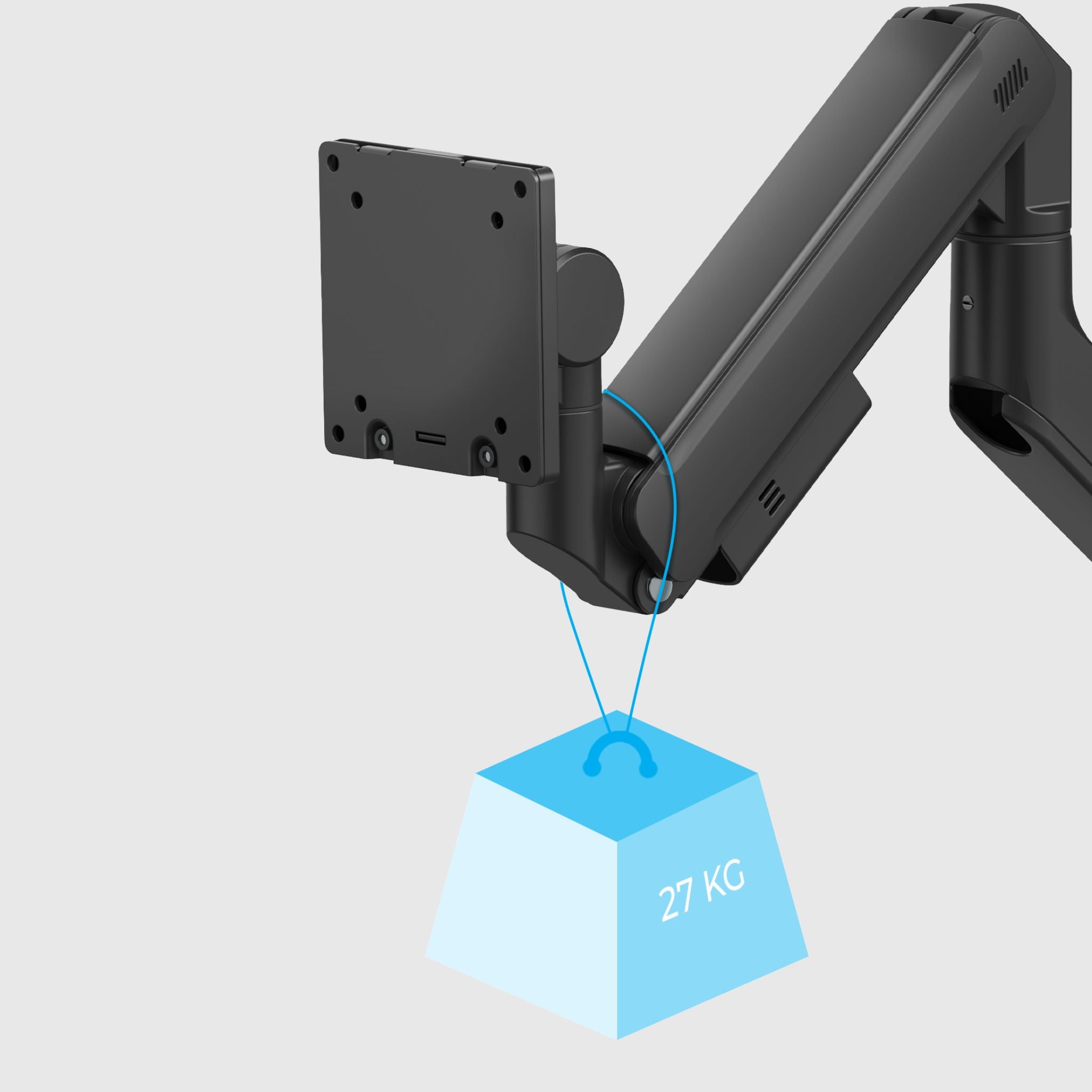
17-49" Curved Monitor Mount with Tilt and Swivel Adjustment and Cable Management
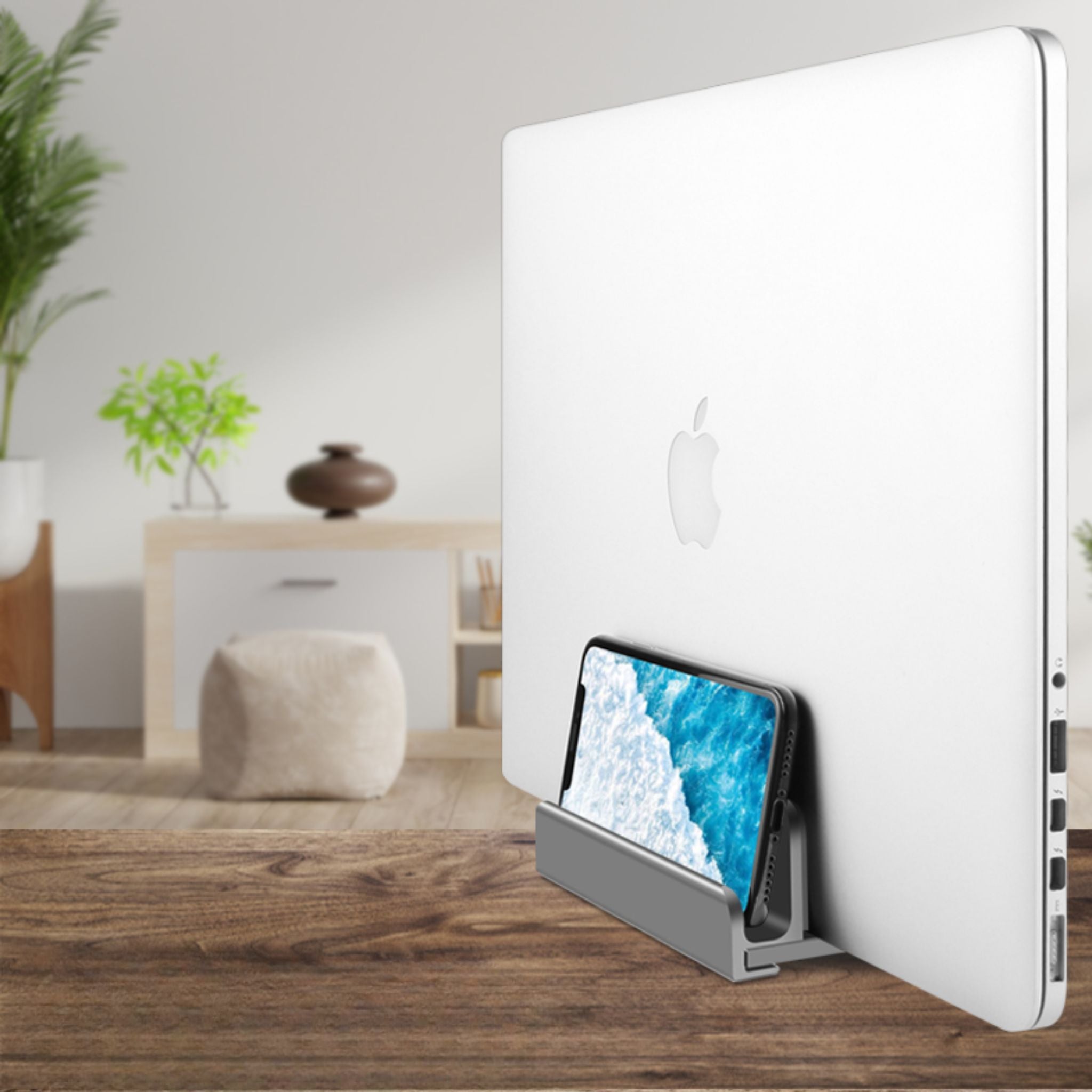
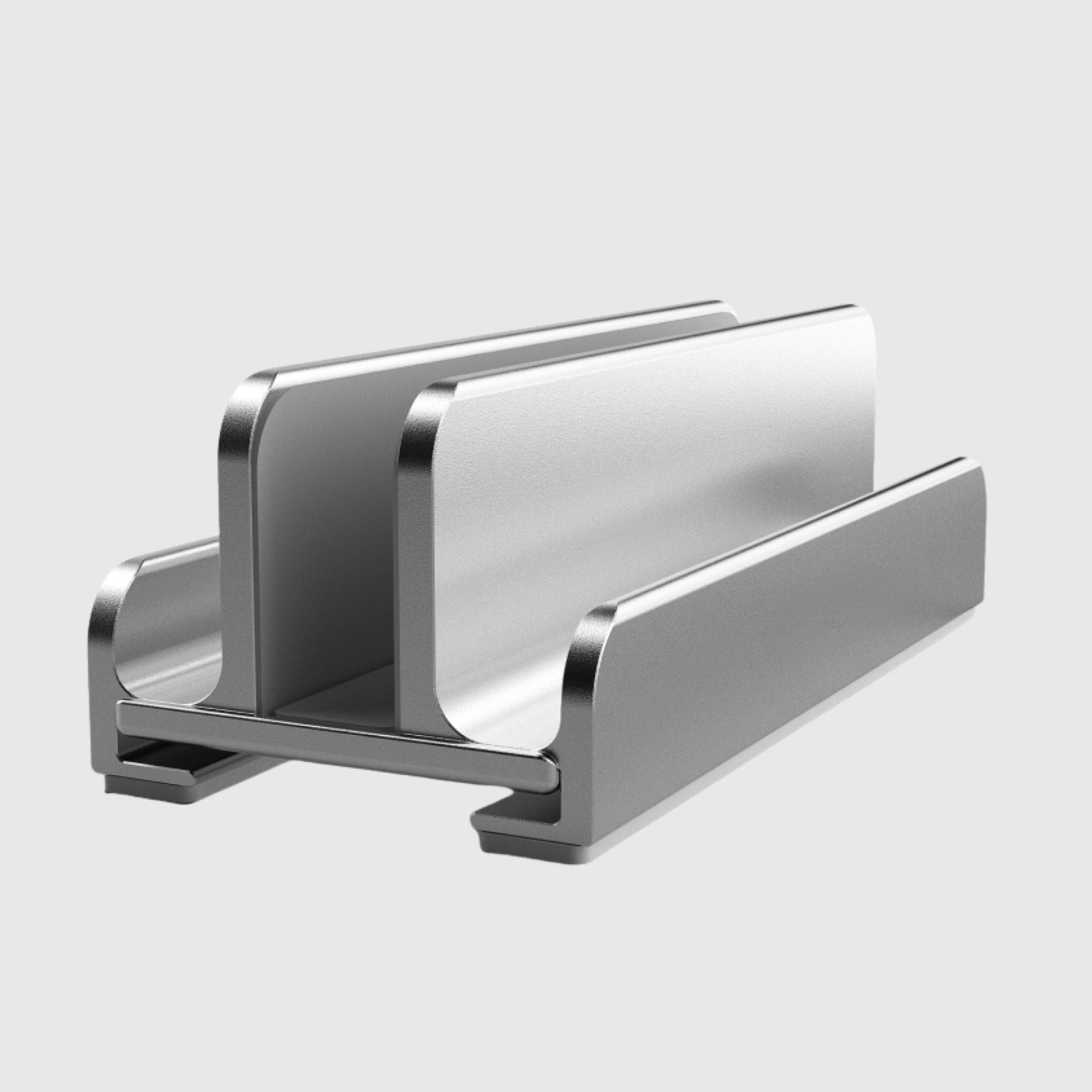
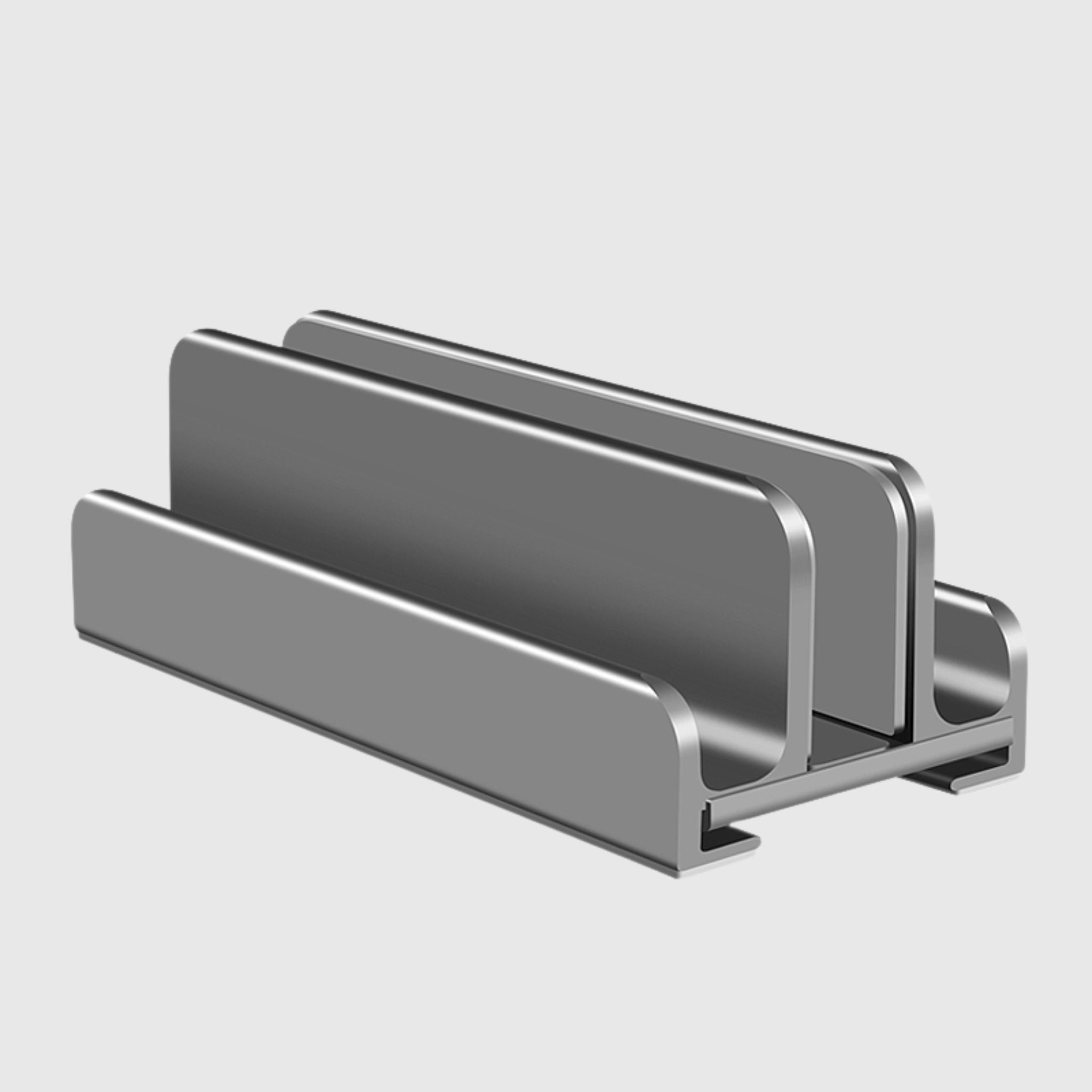
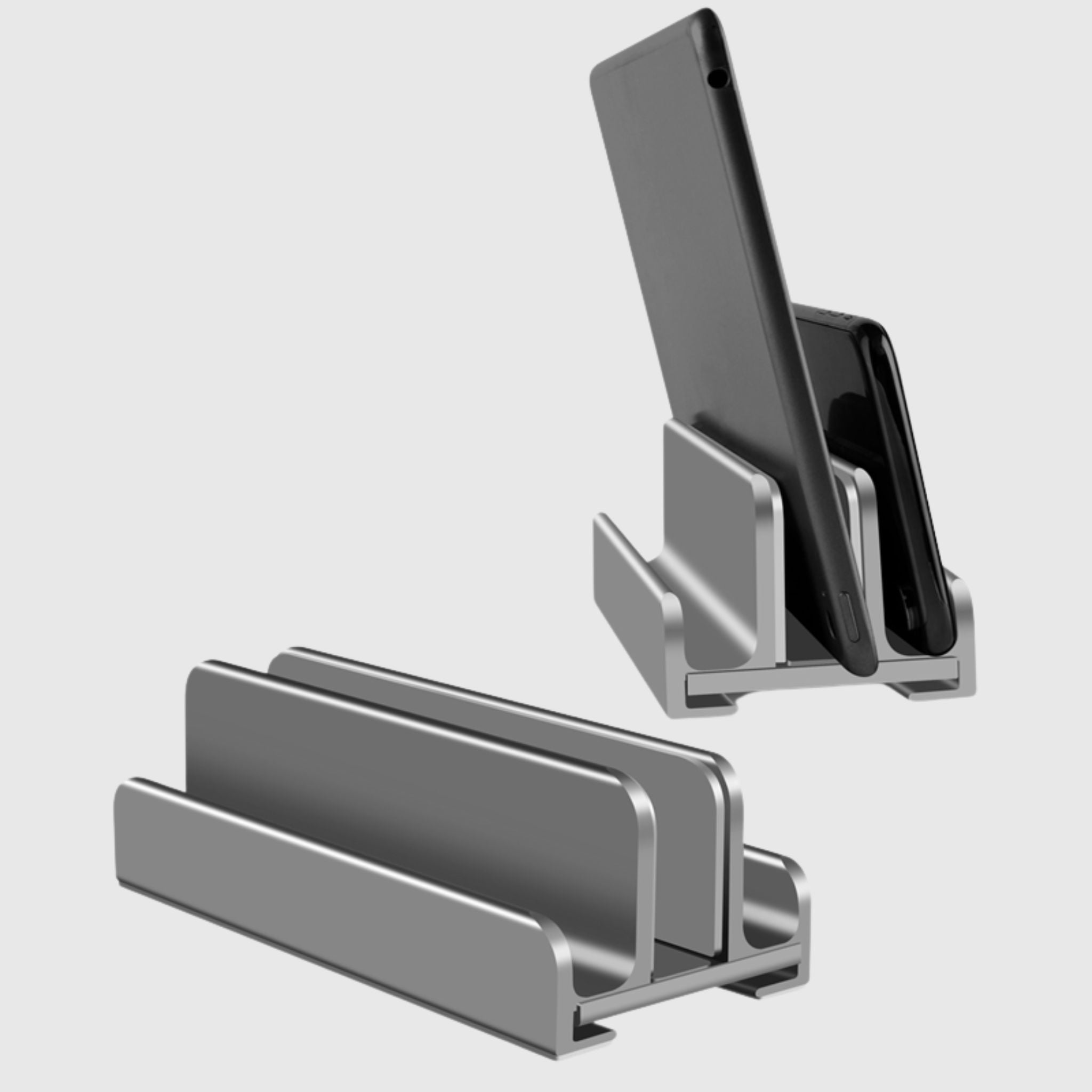
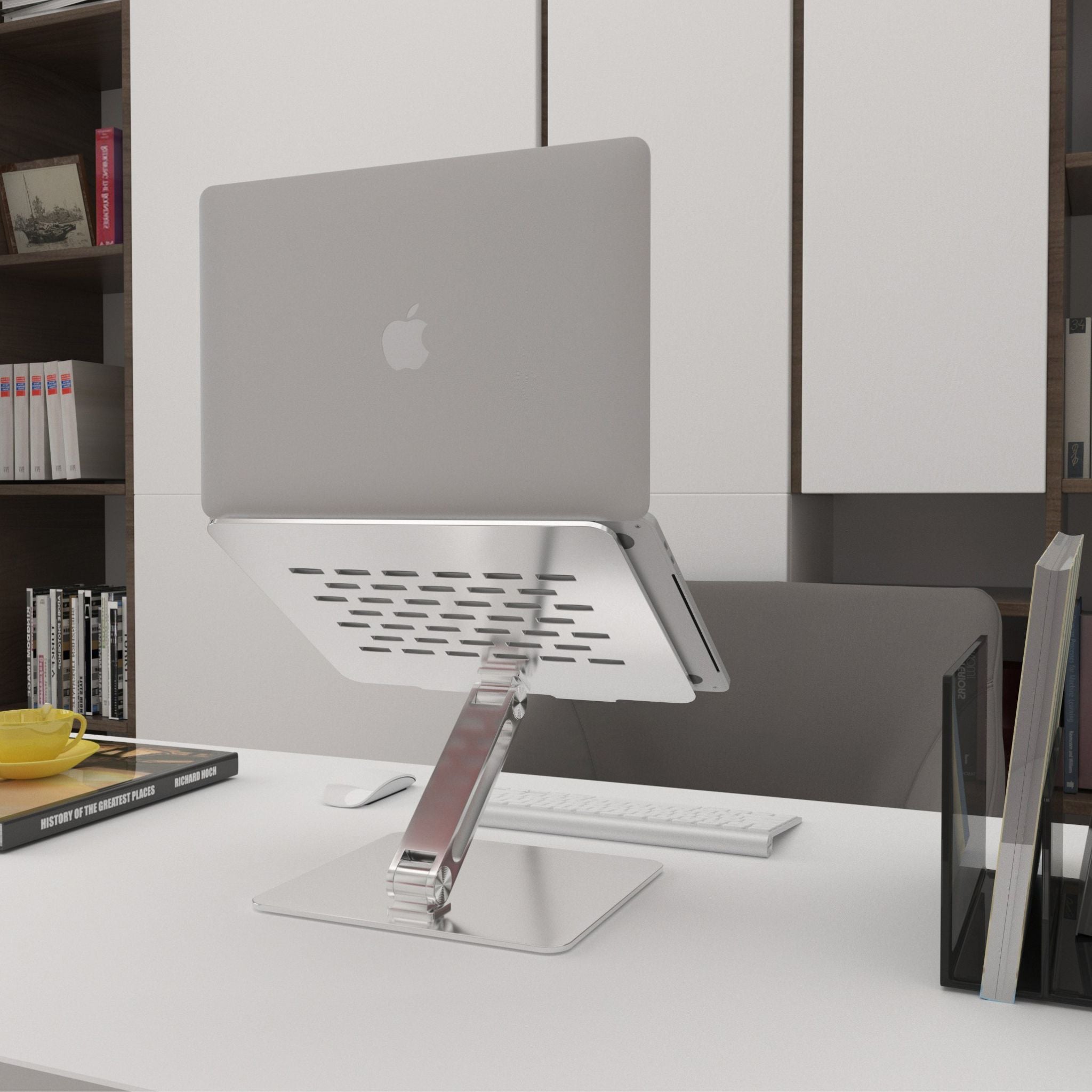
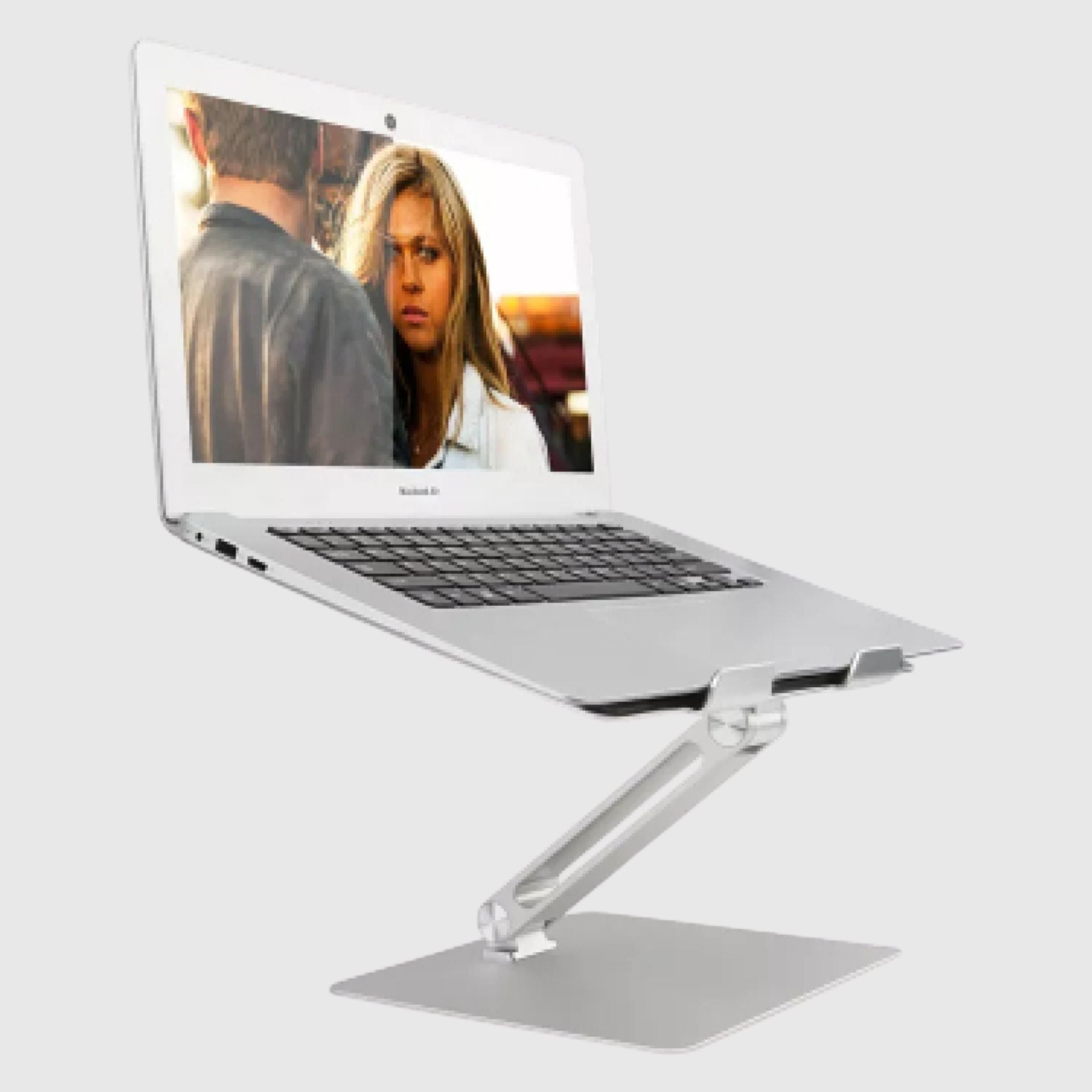
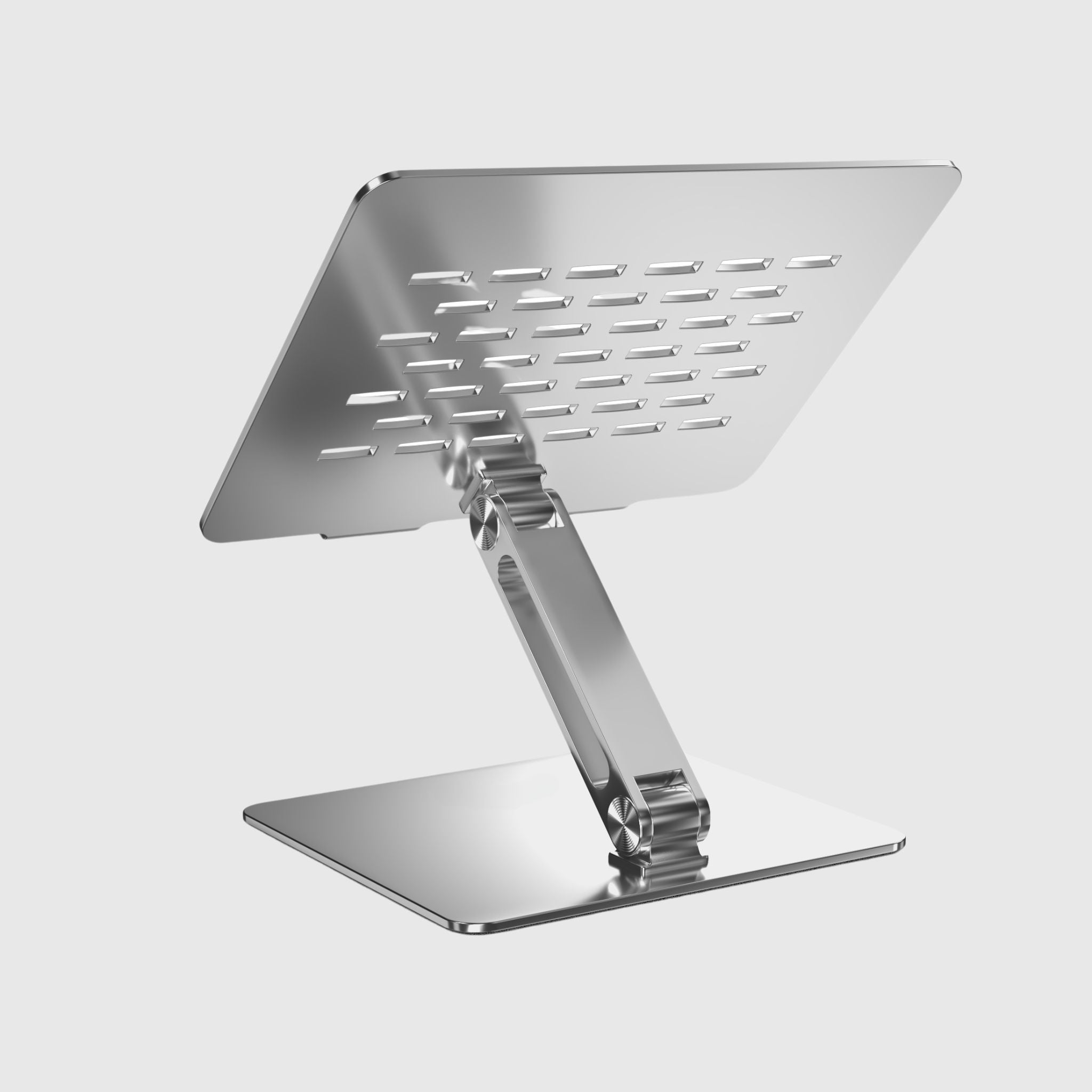
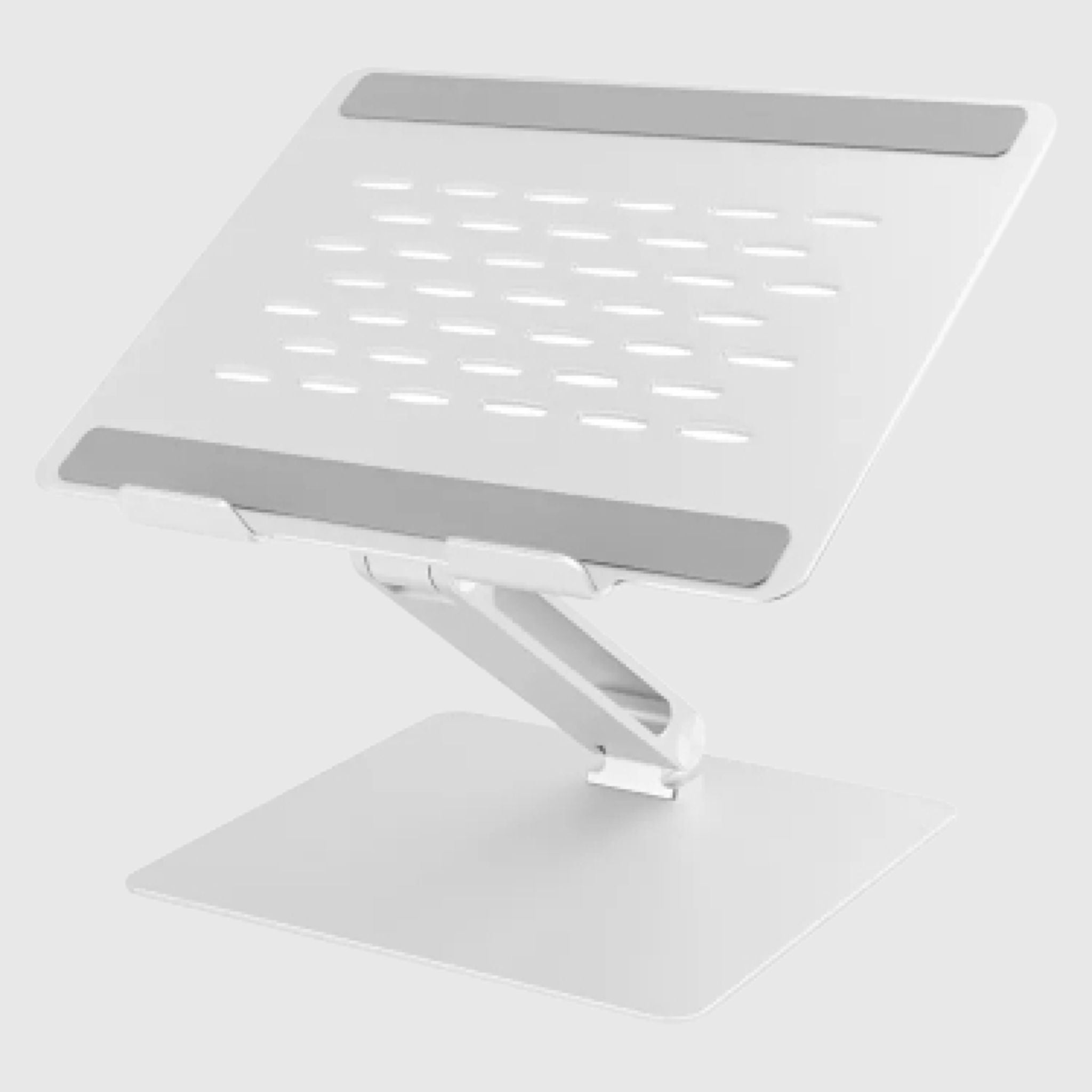
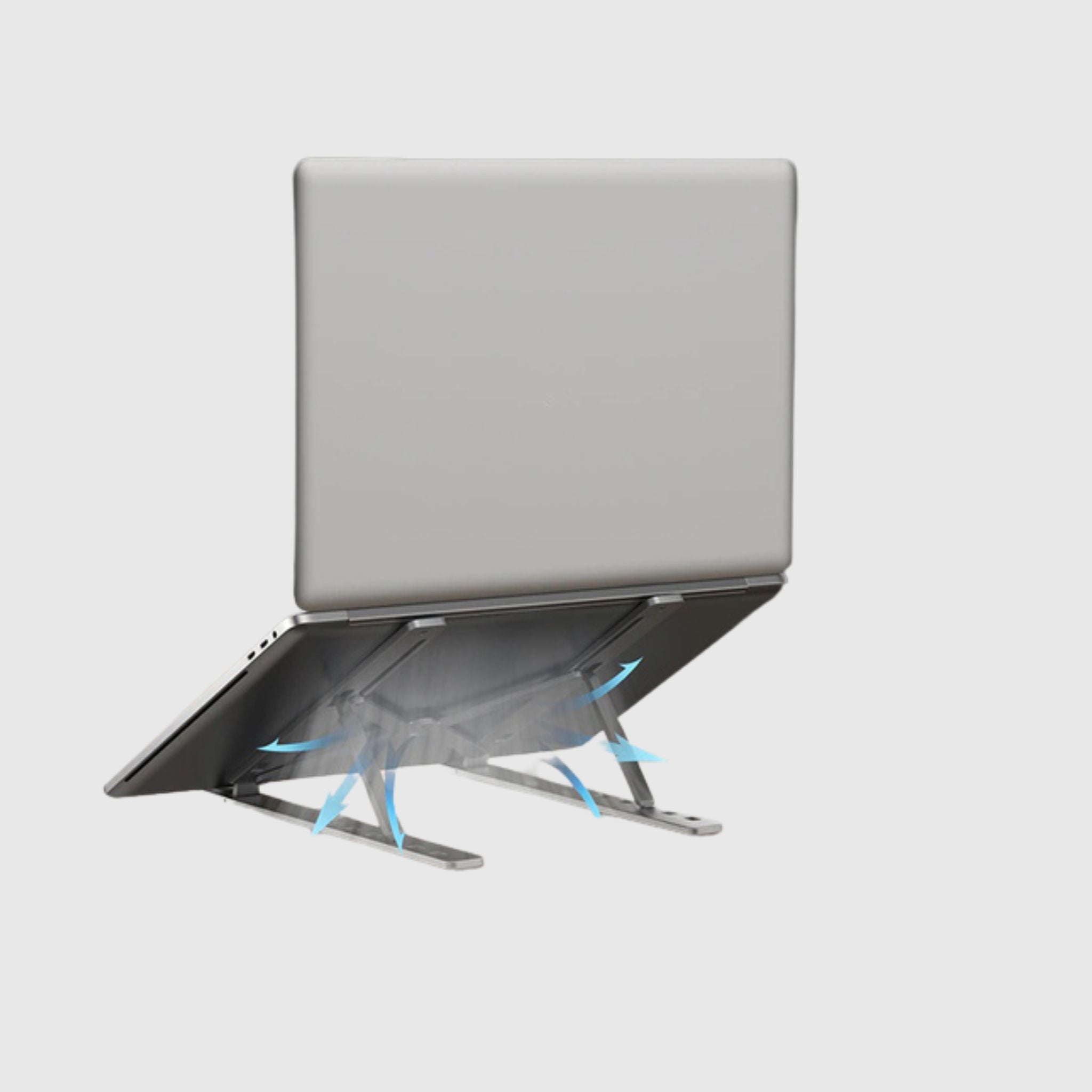
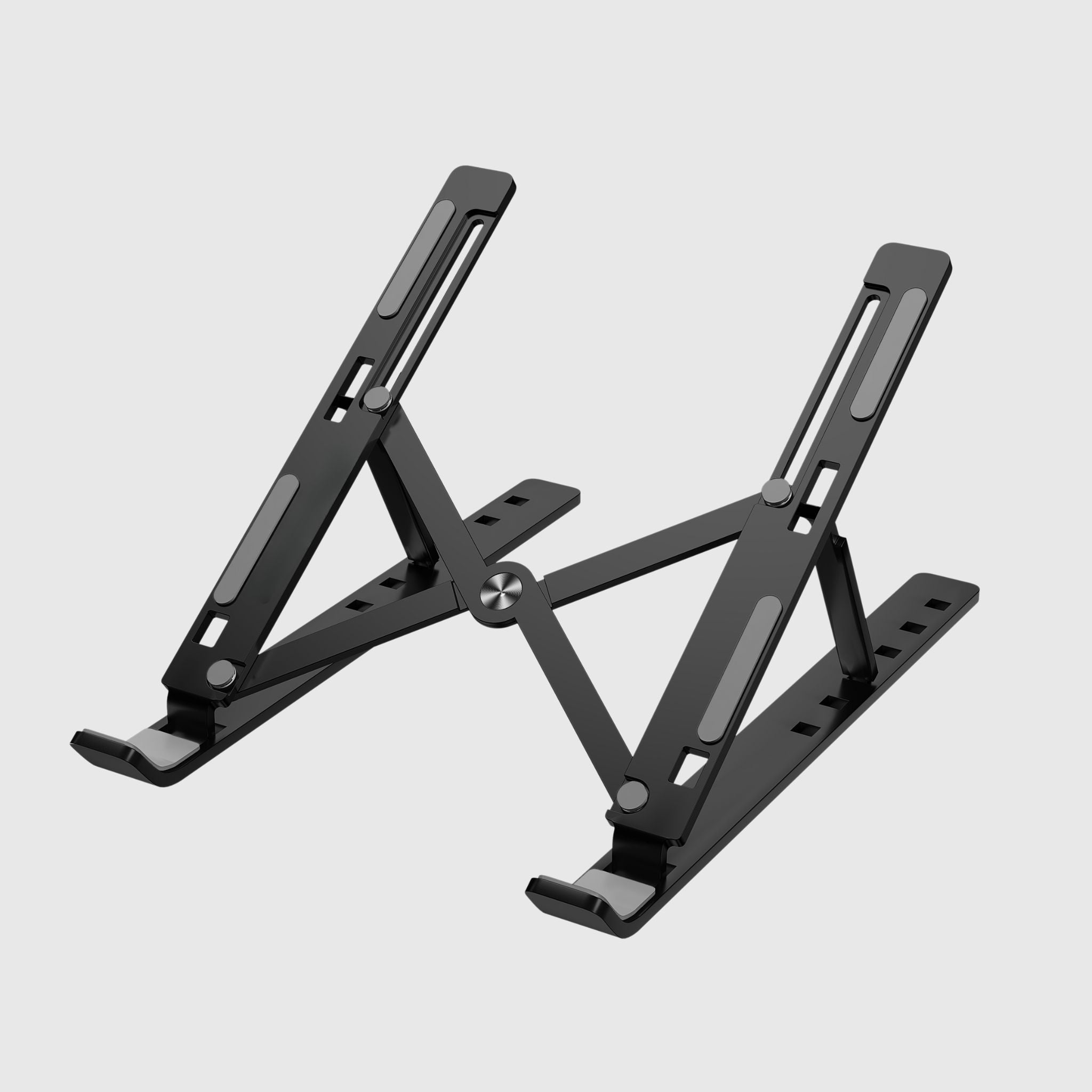
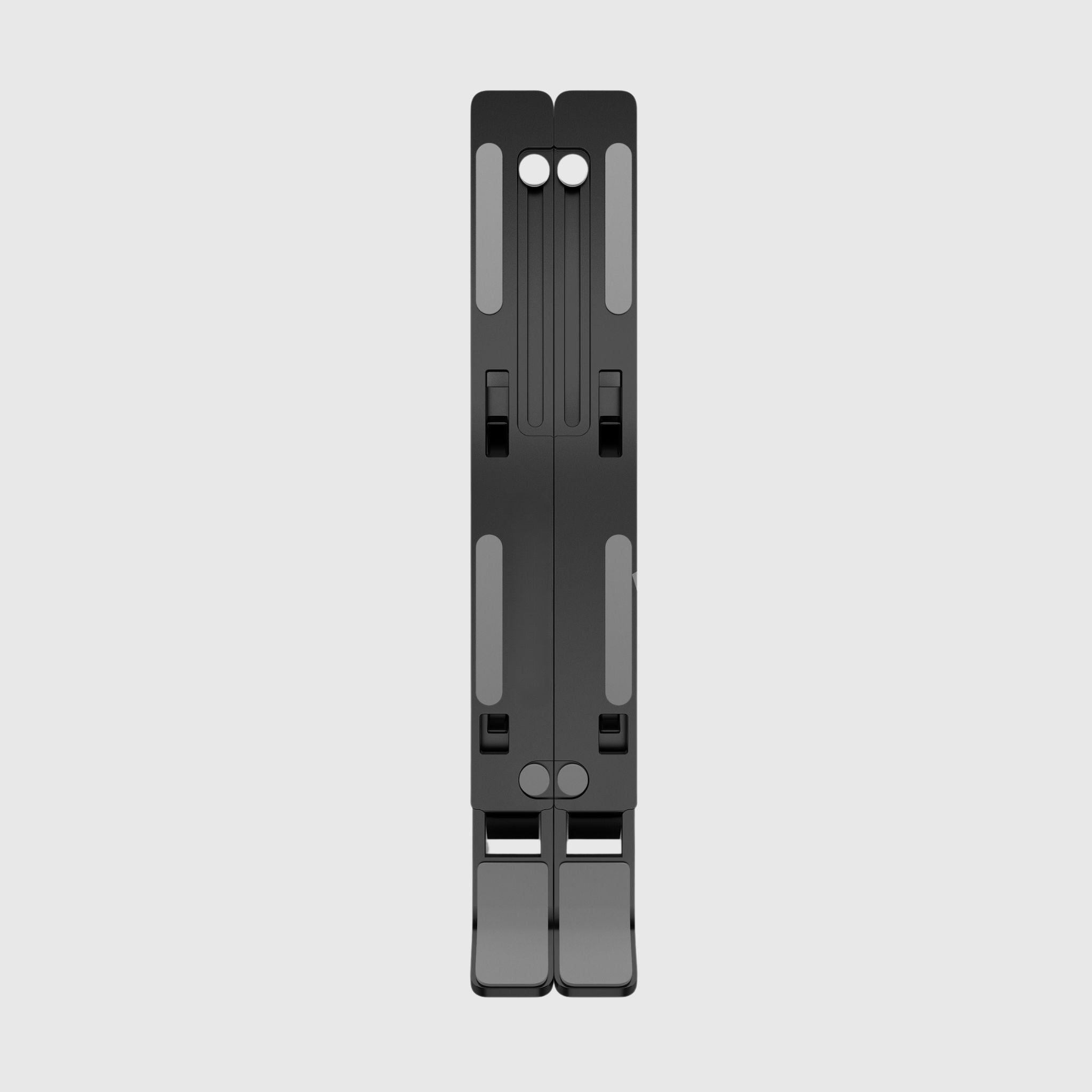
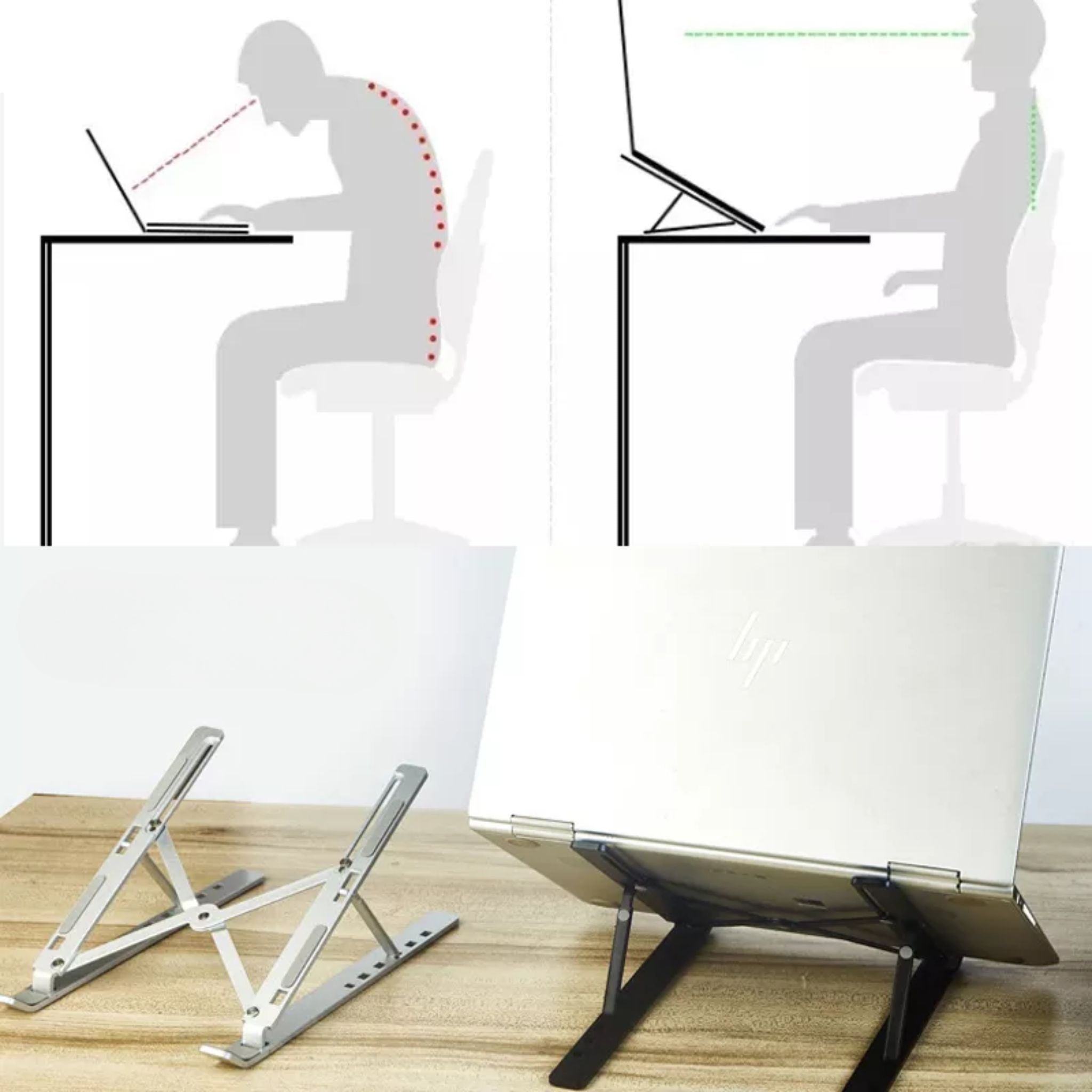
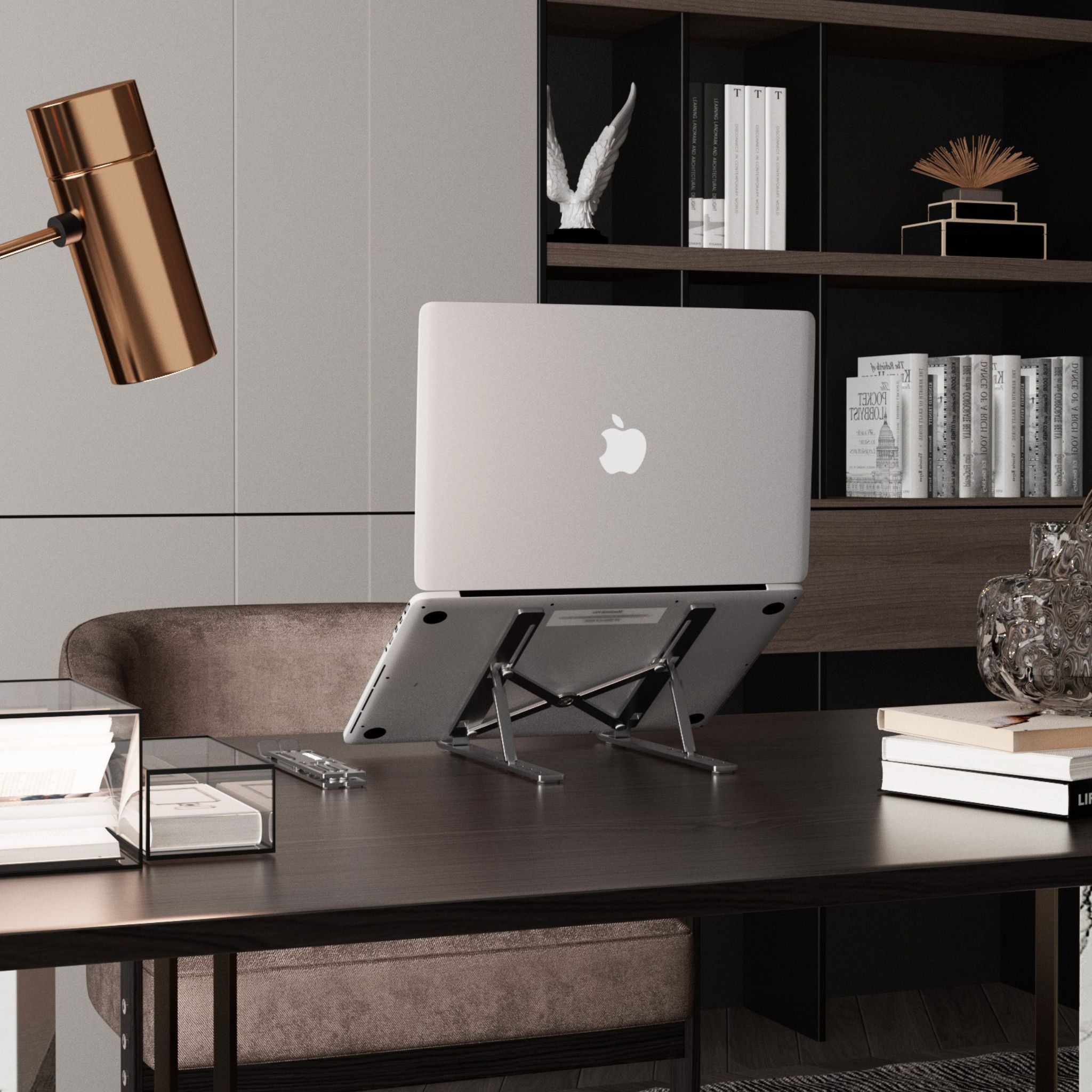
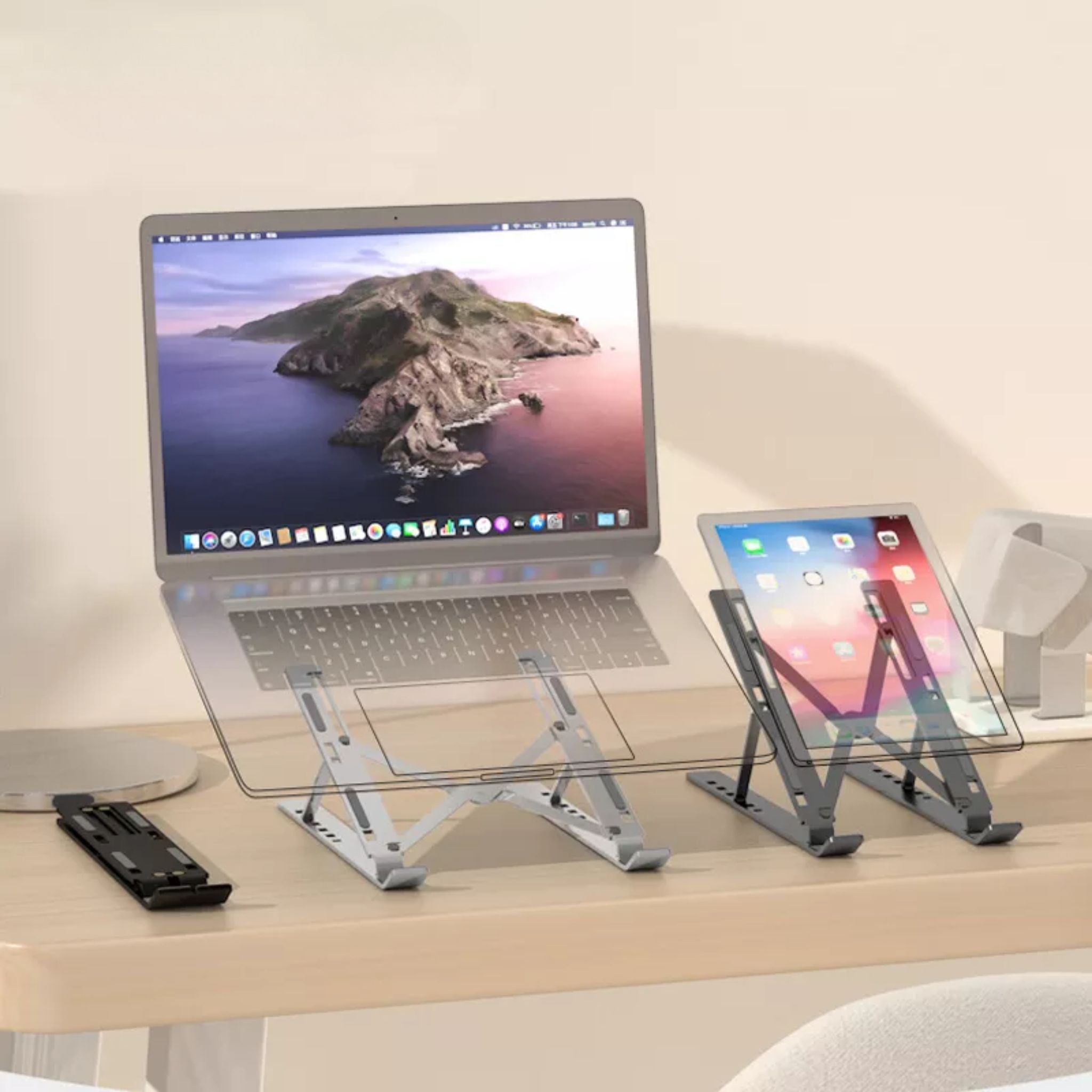
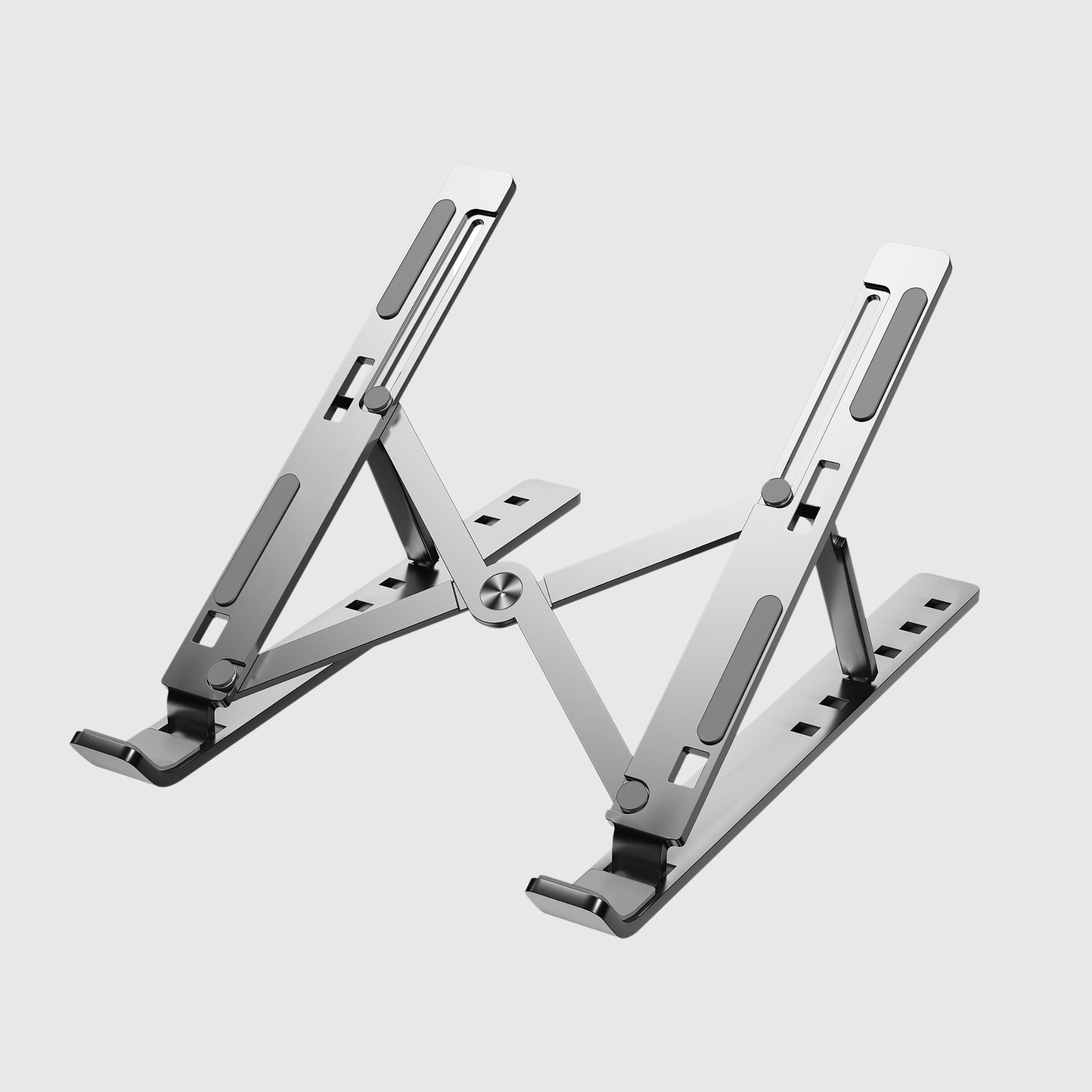
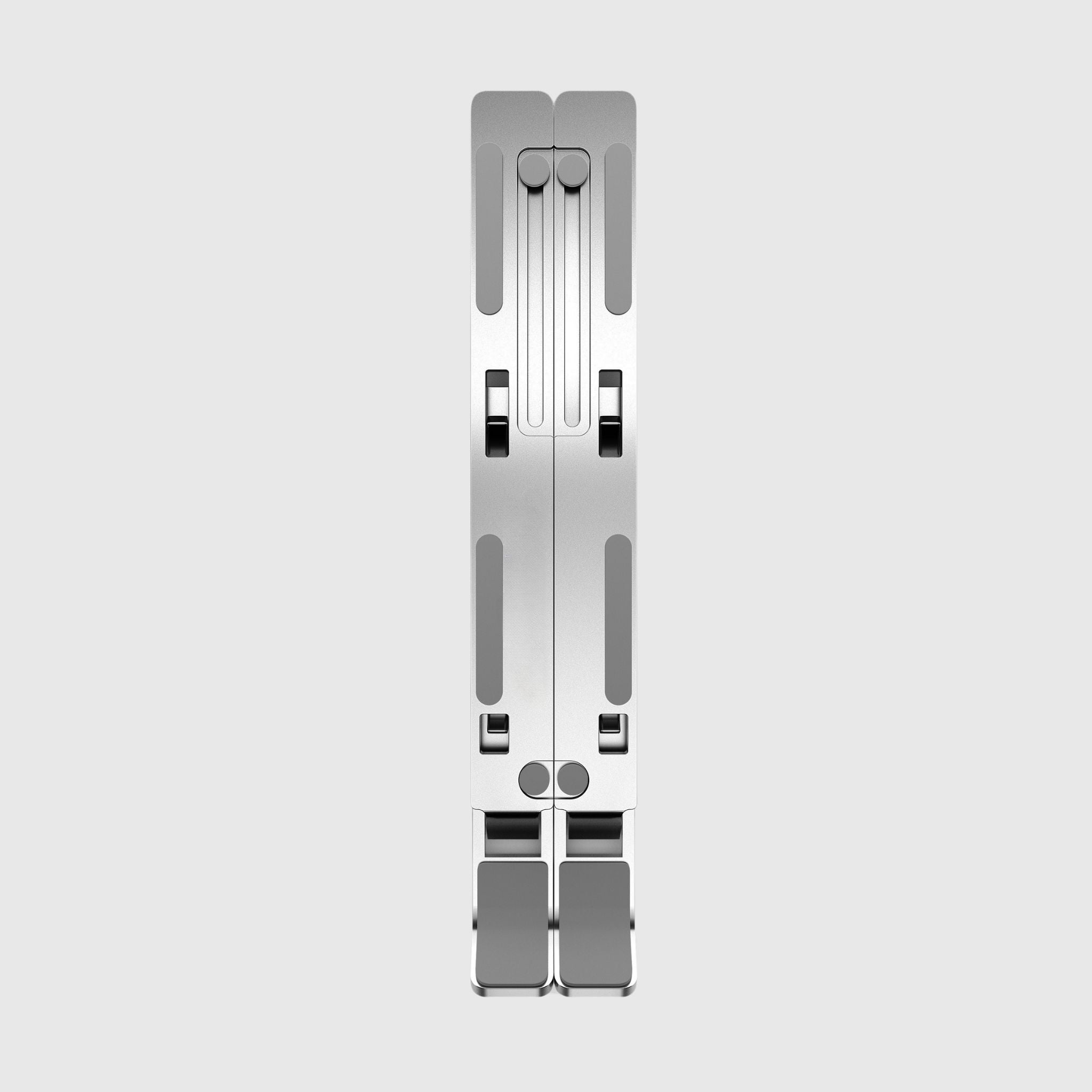
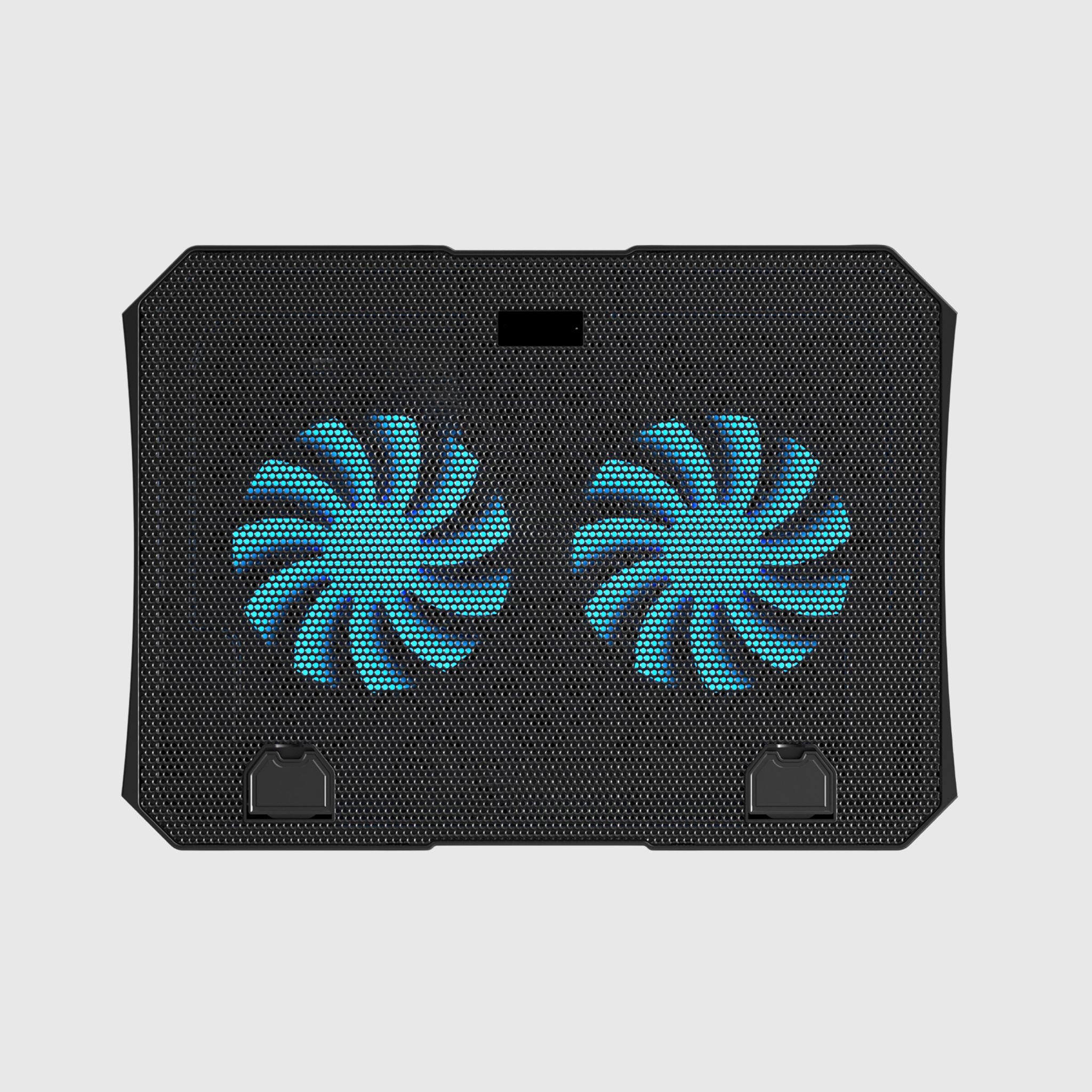
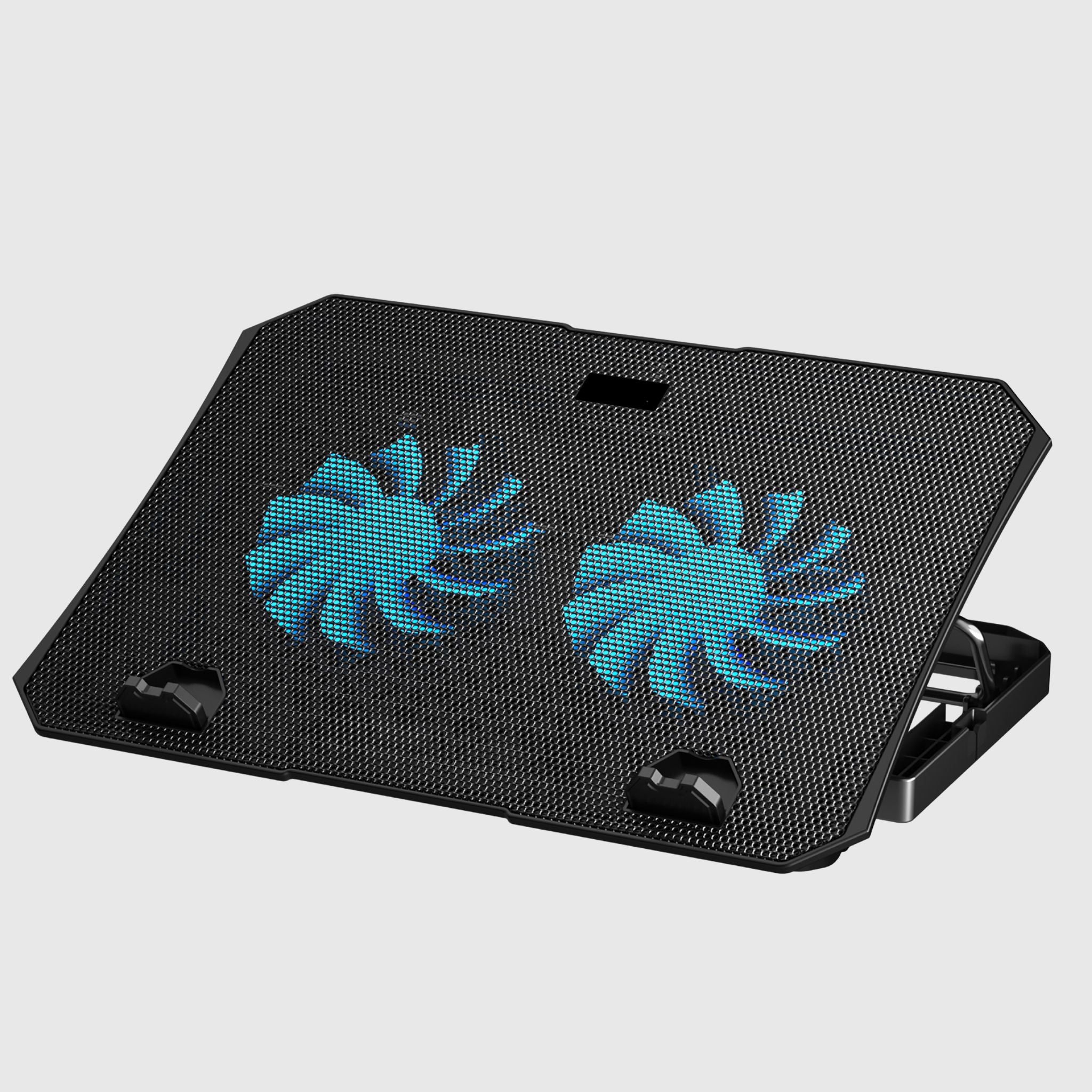
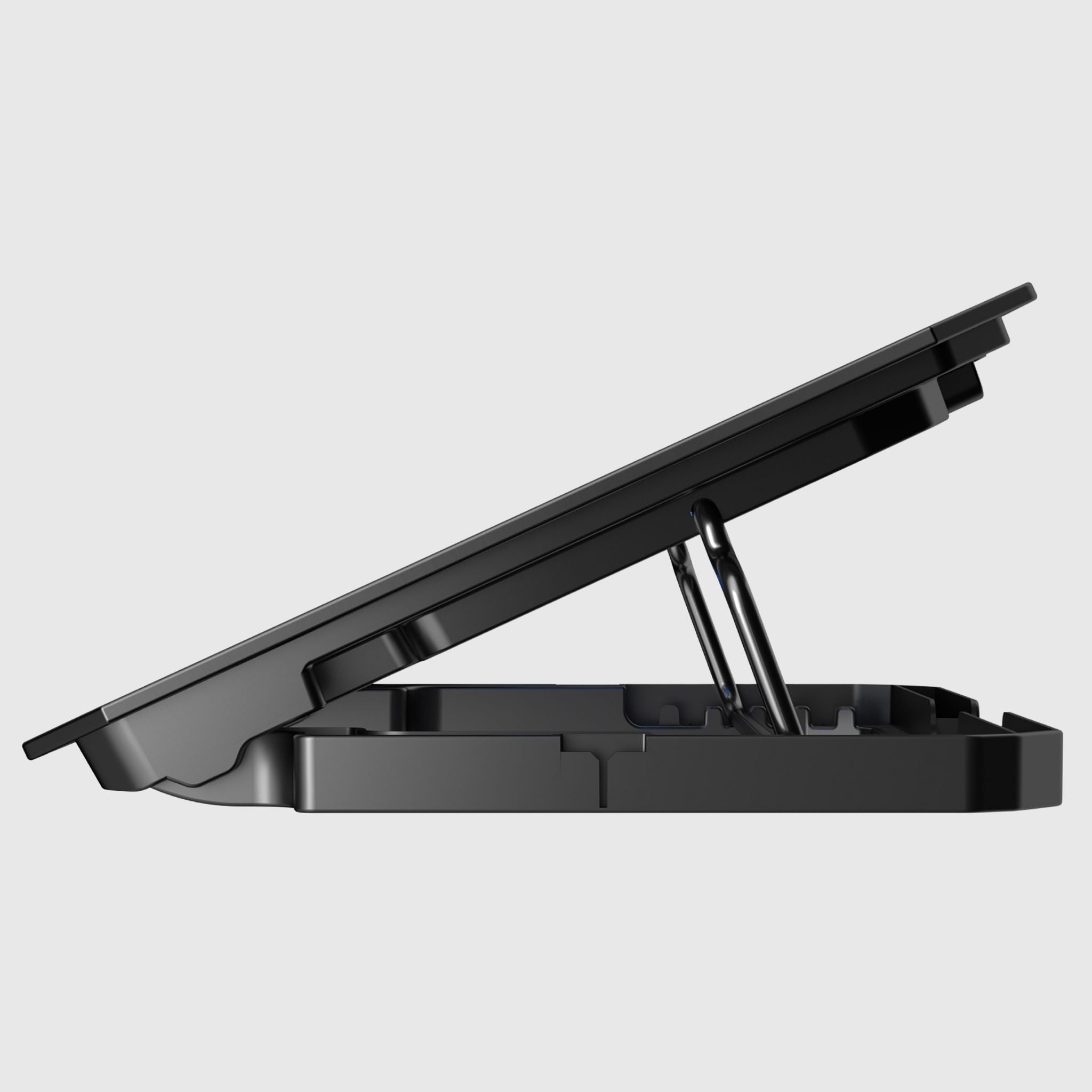
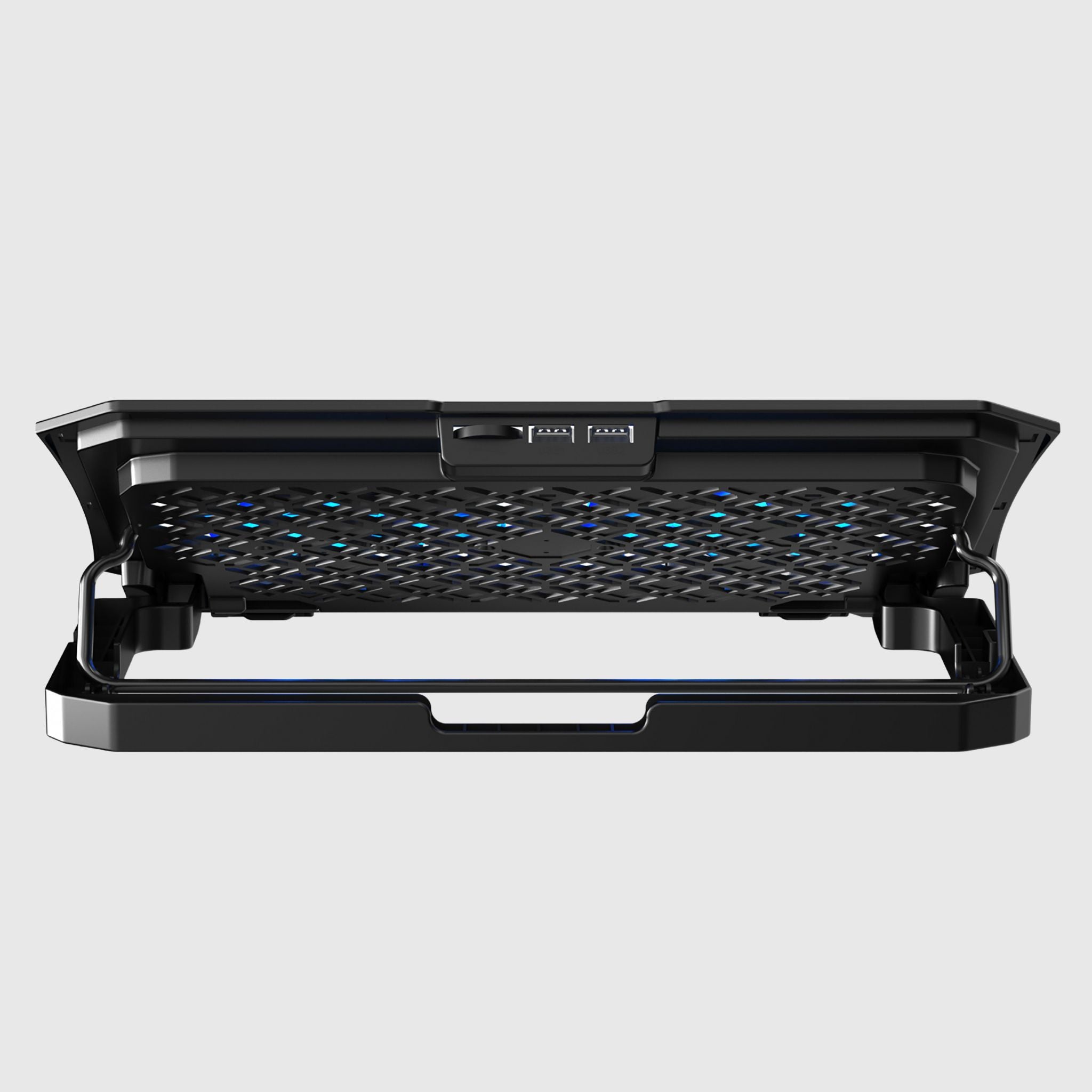
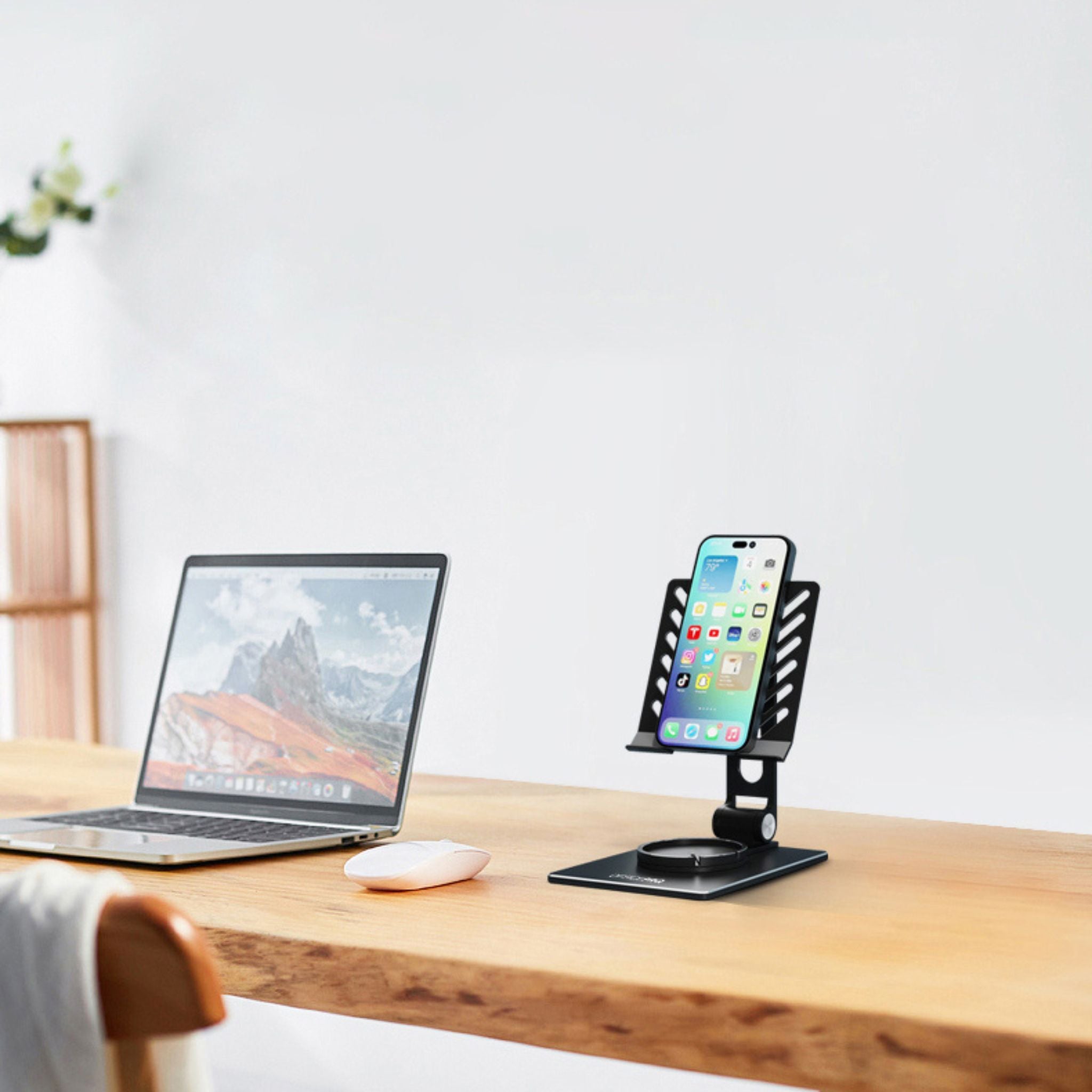
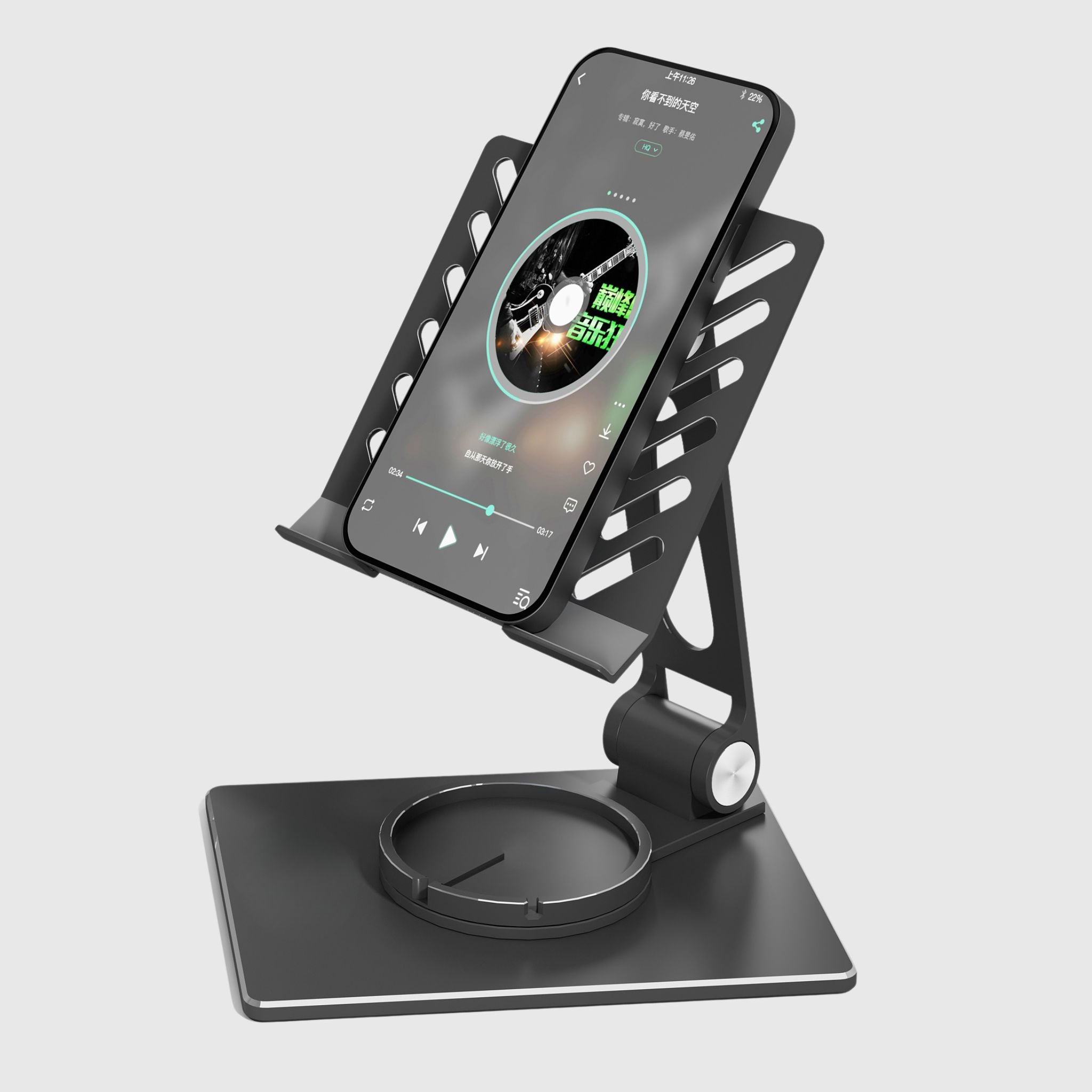
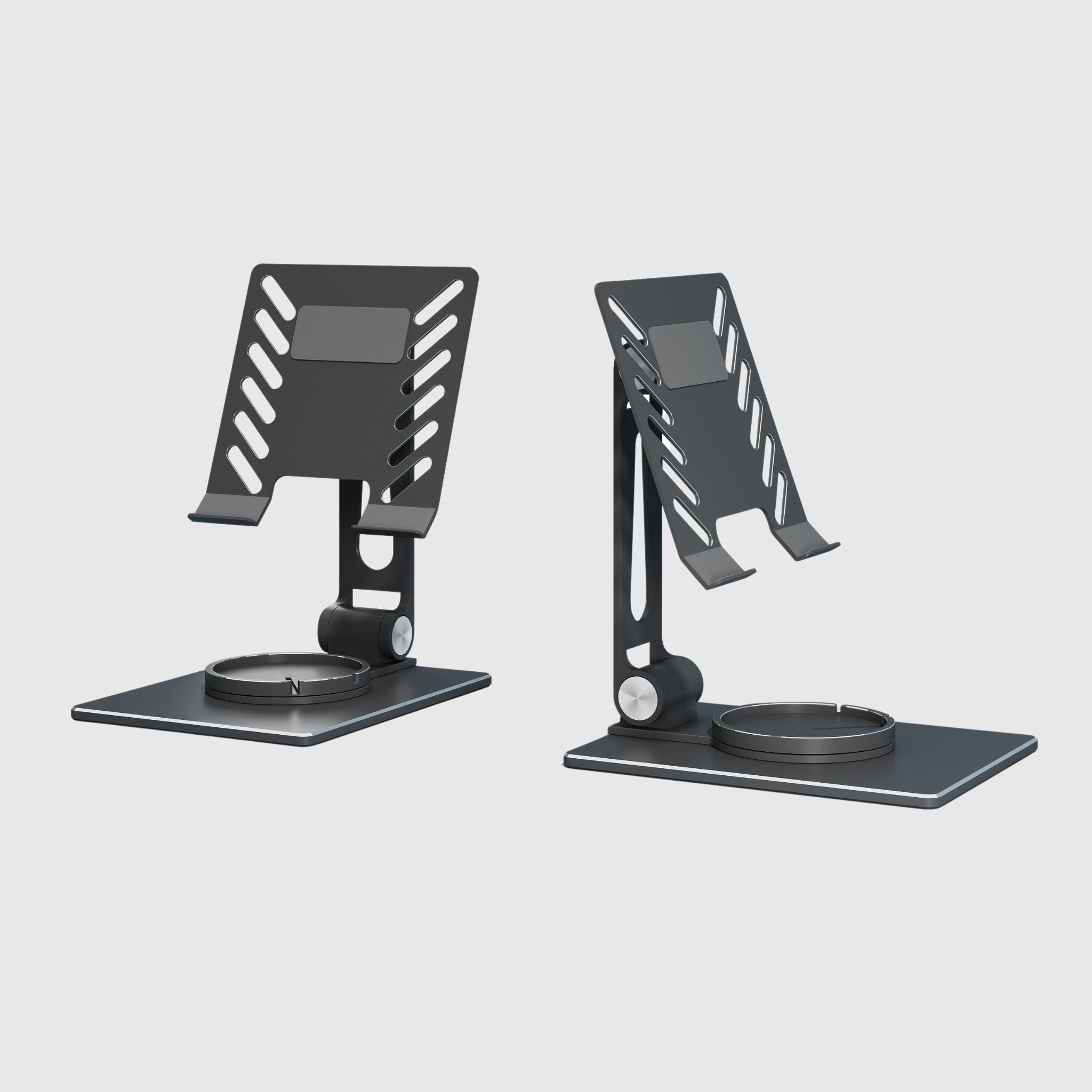
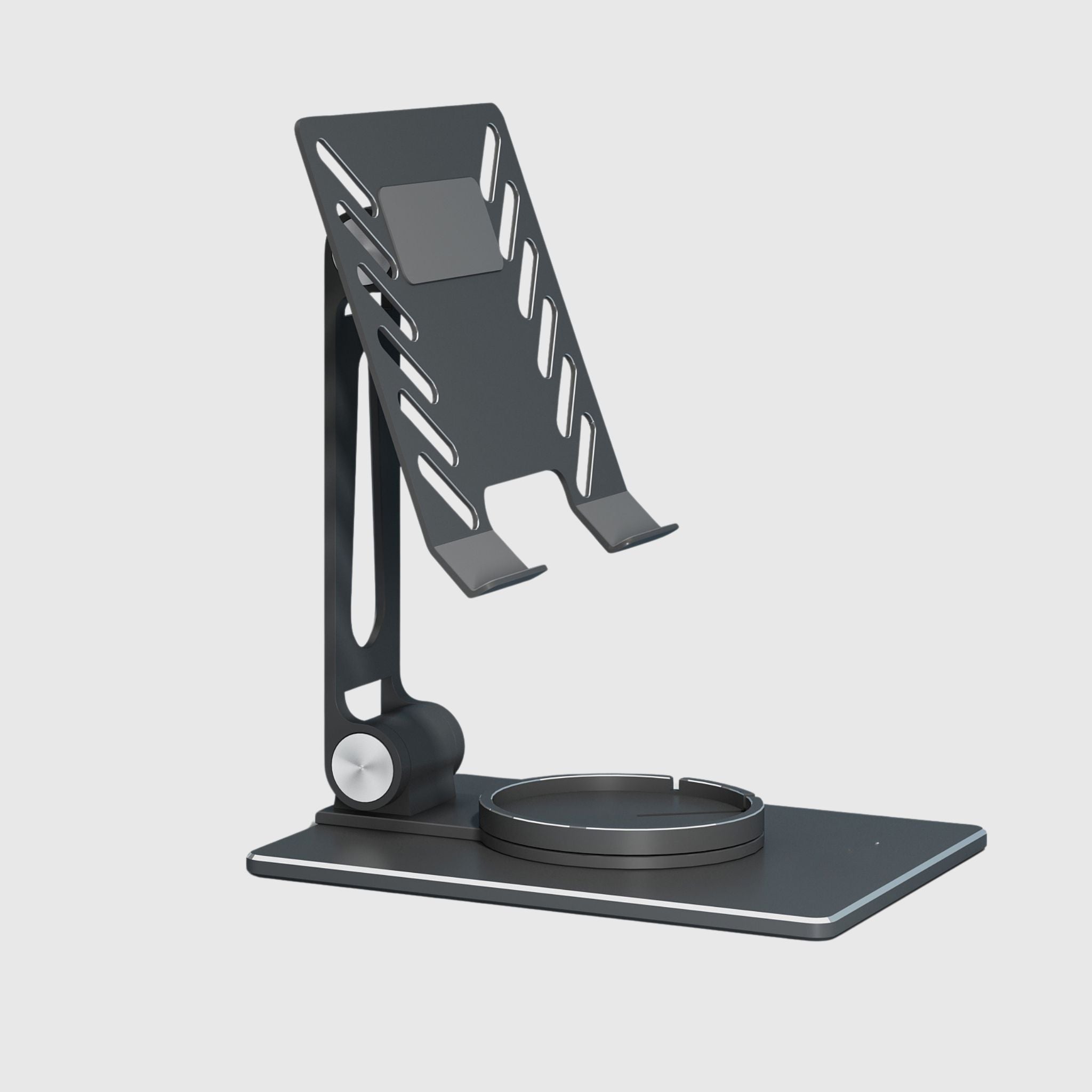
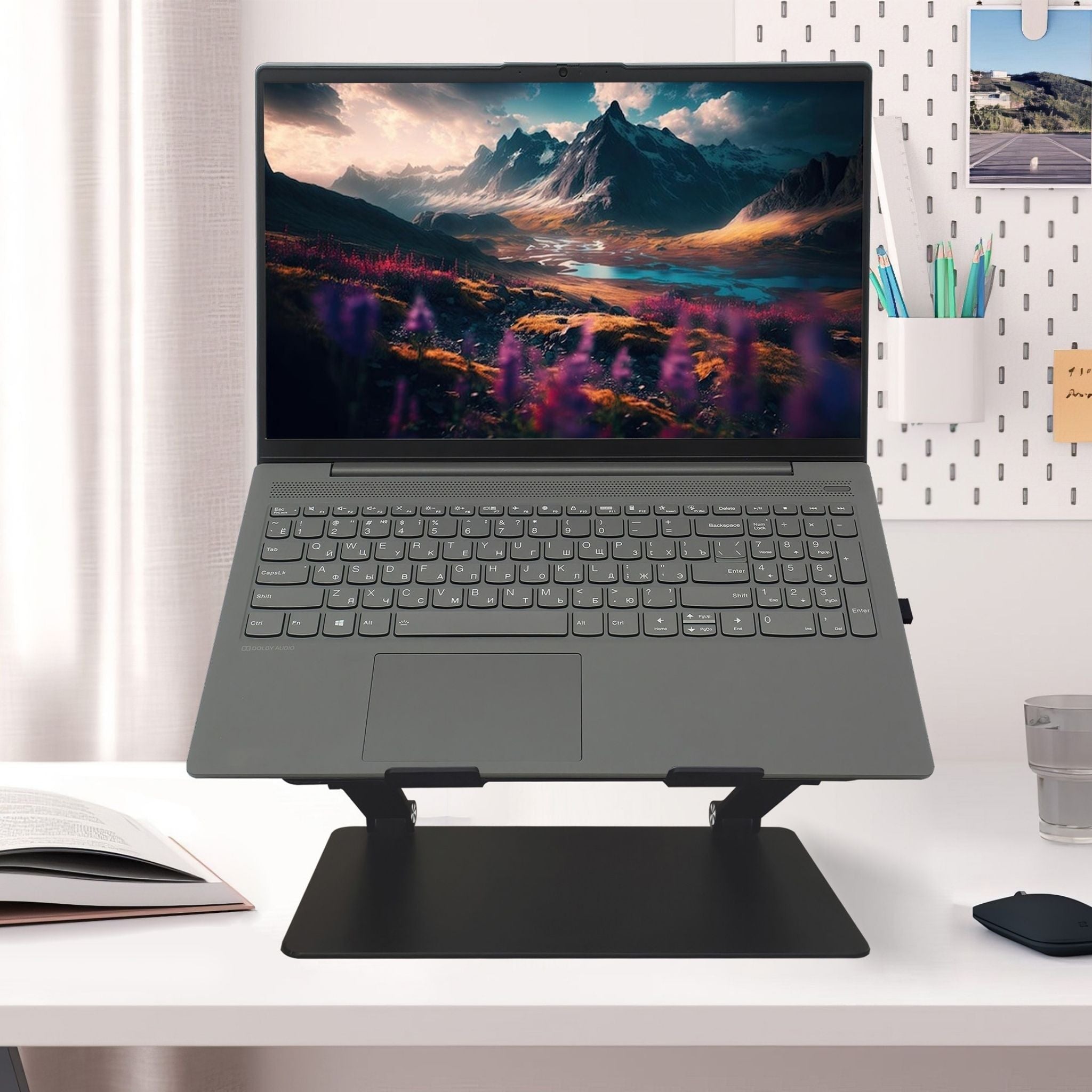
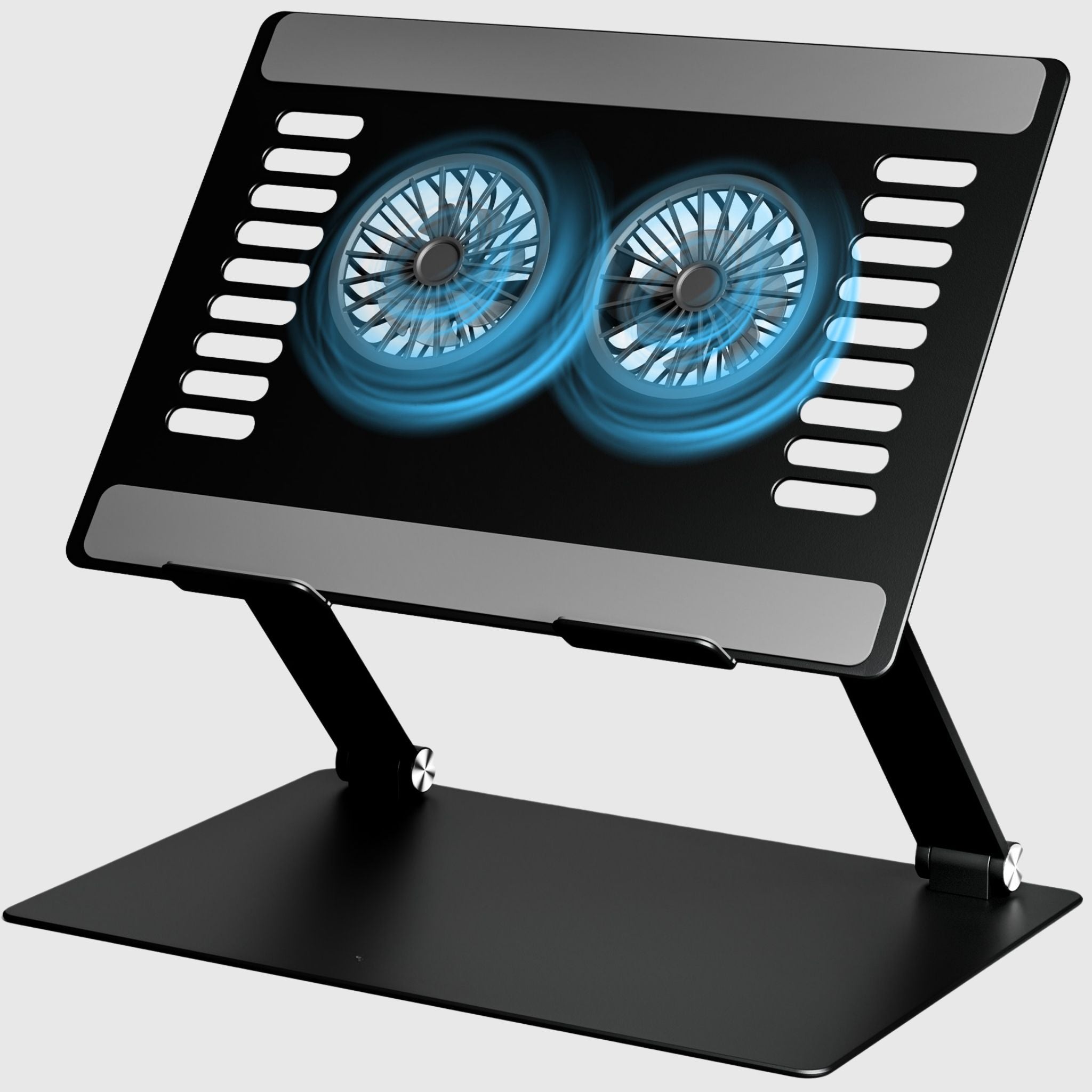
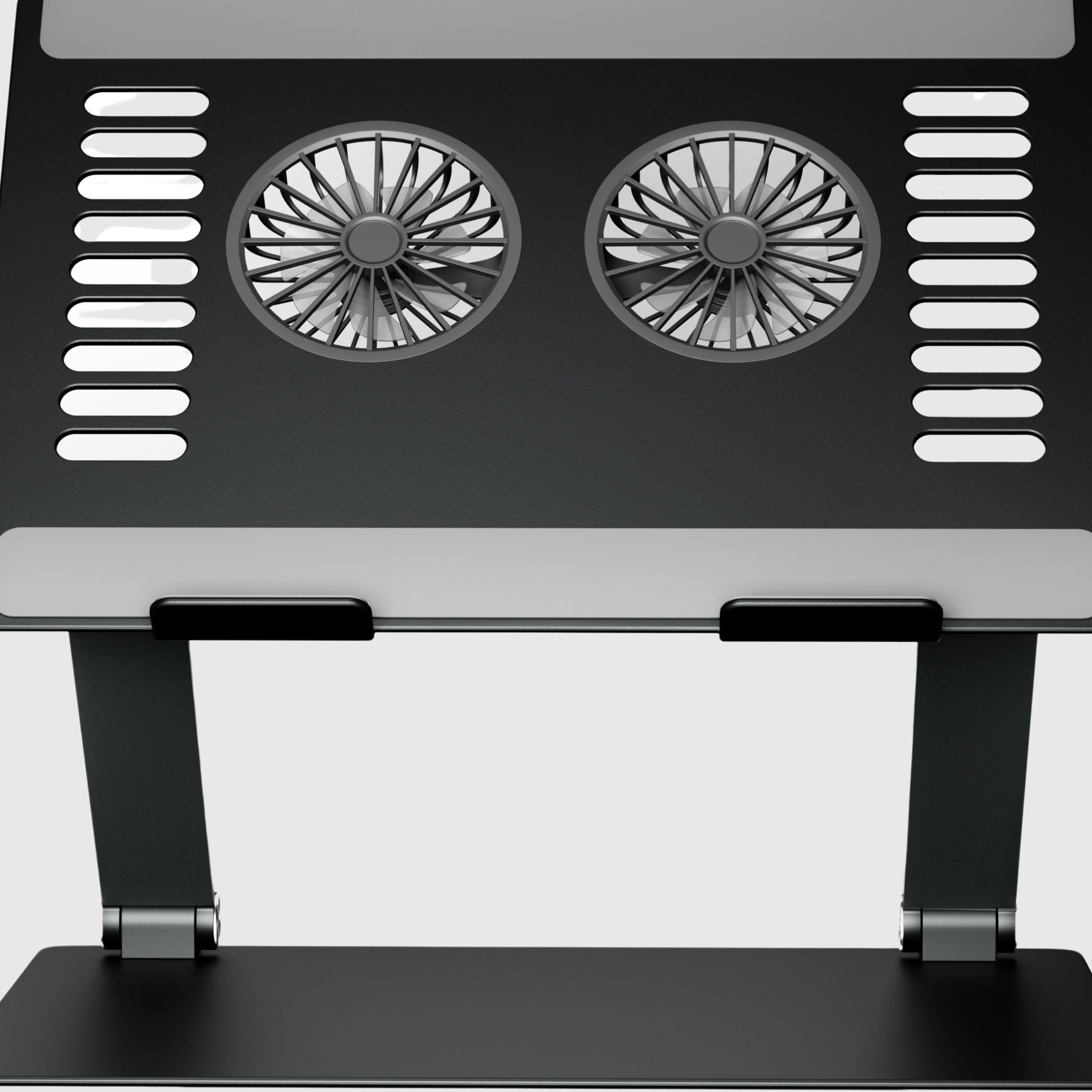
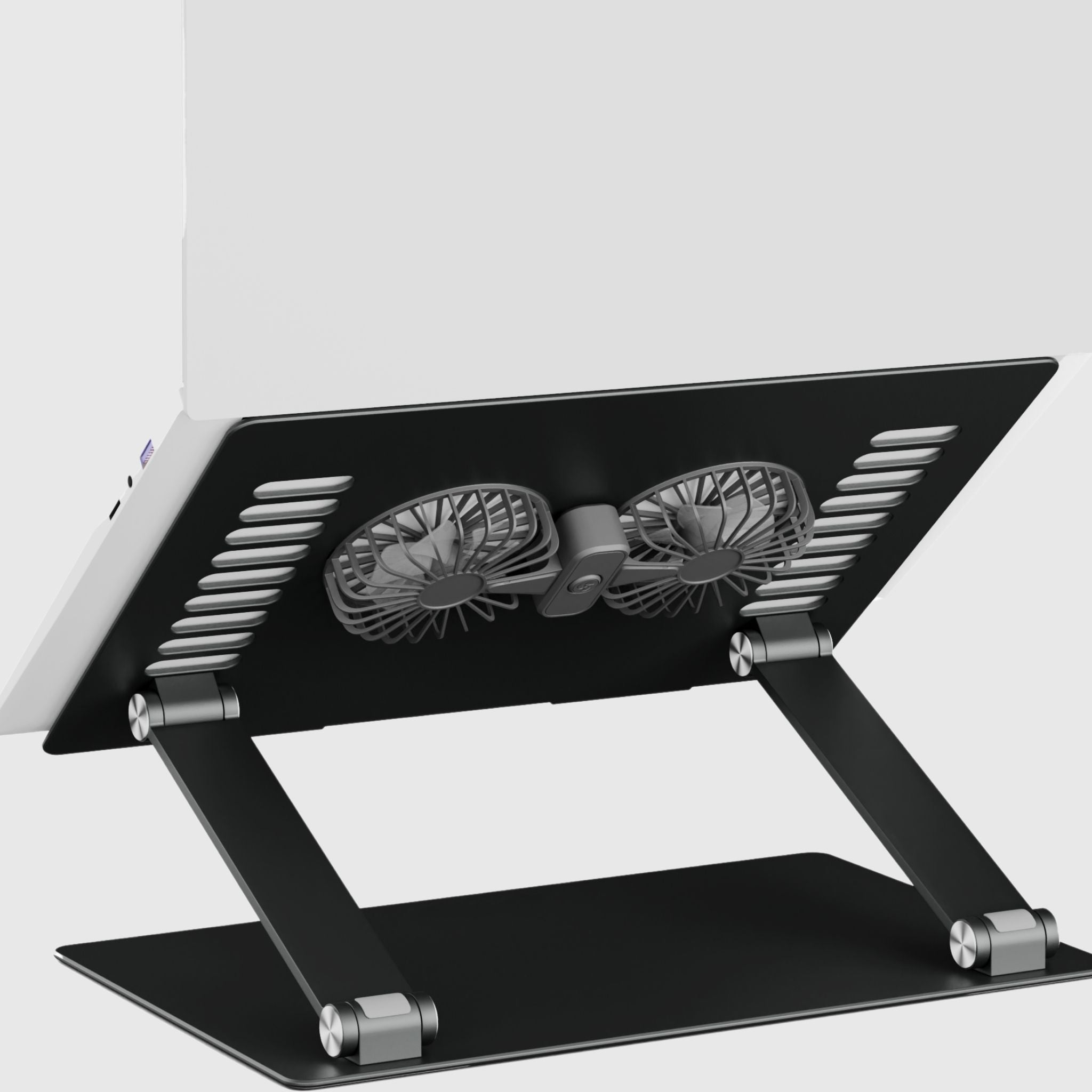
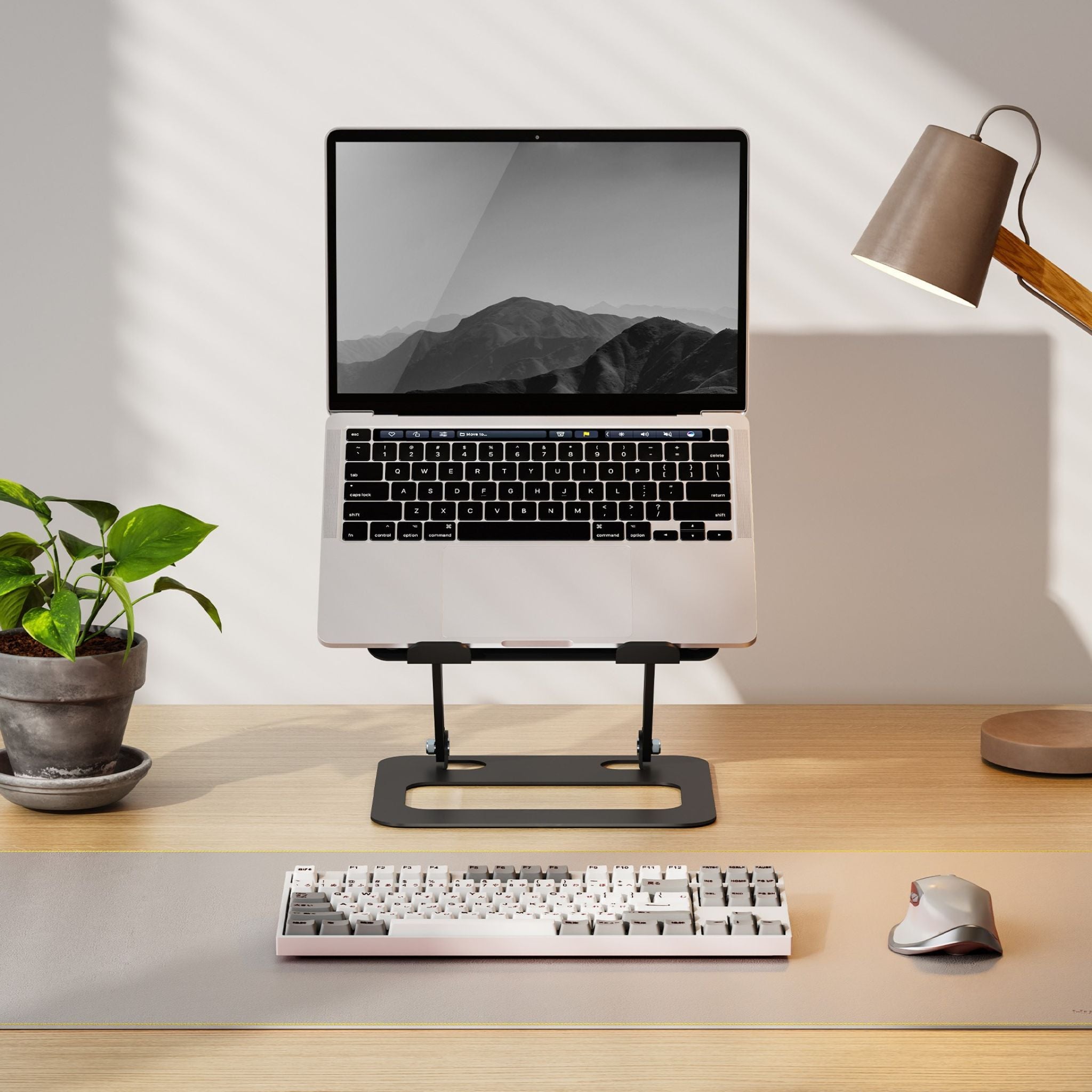
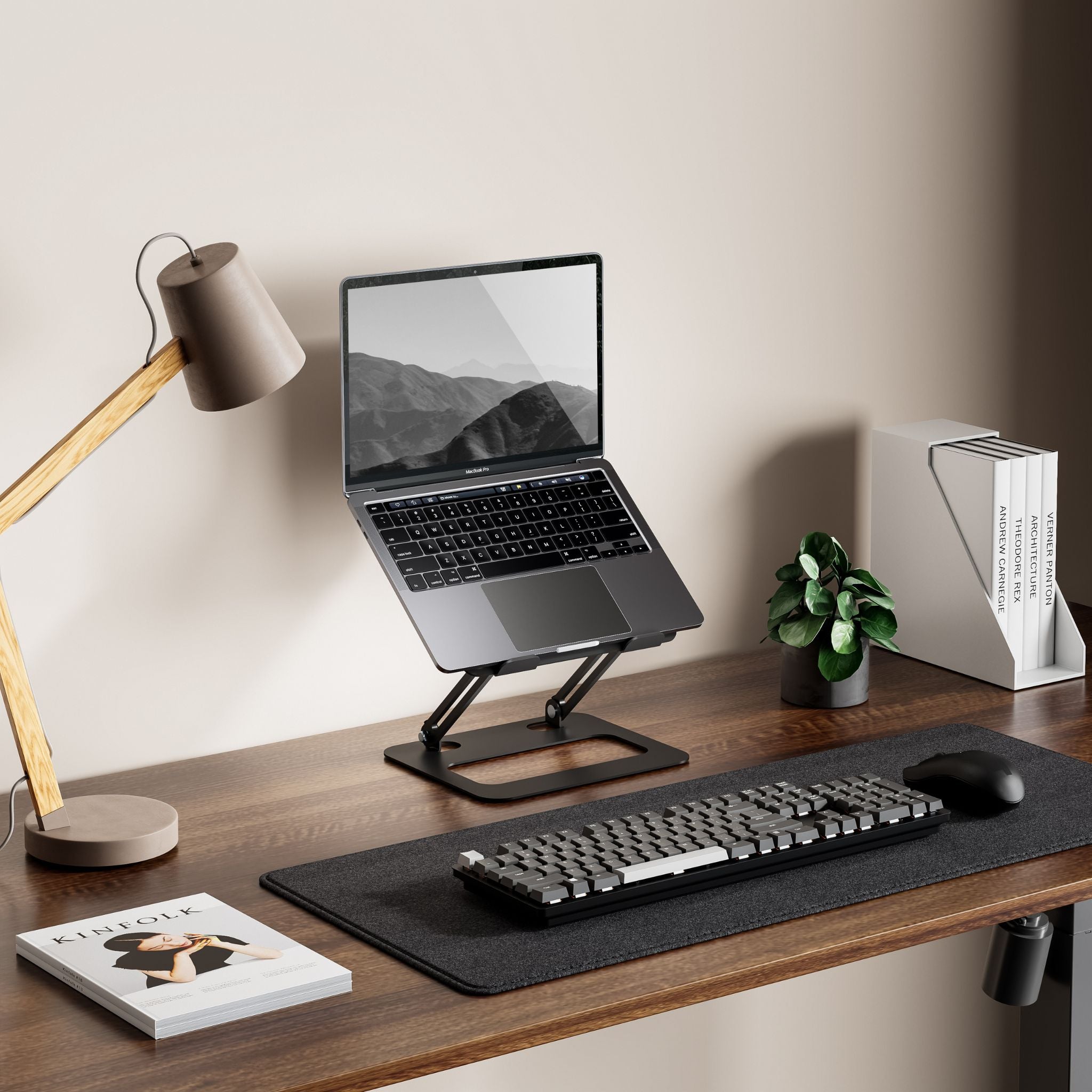
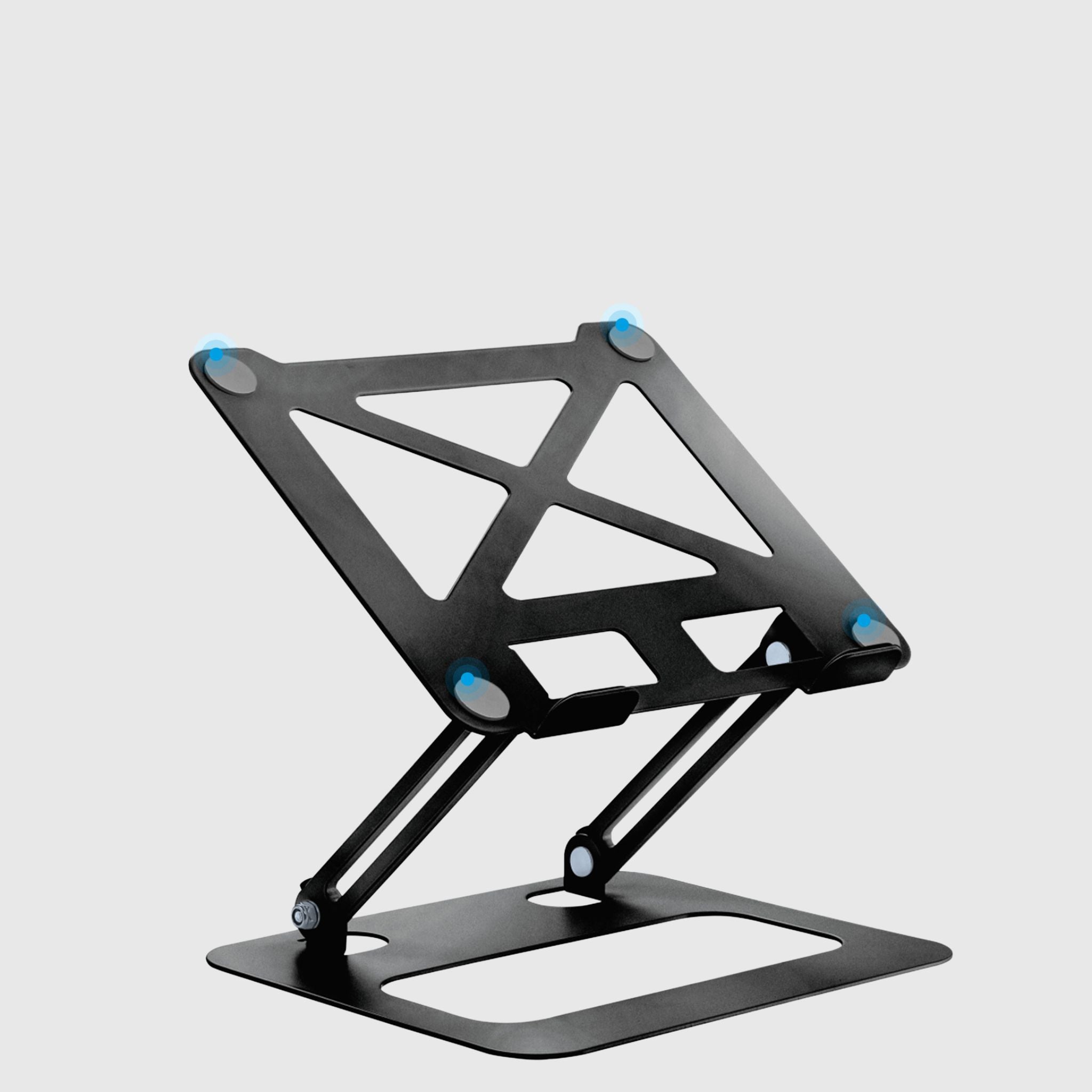
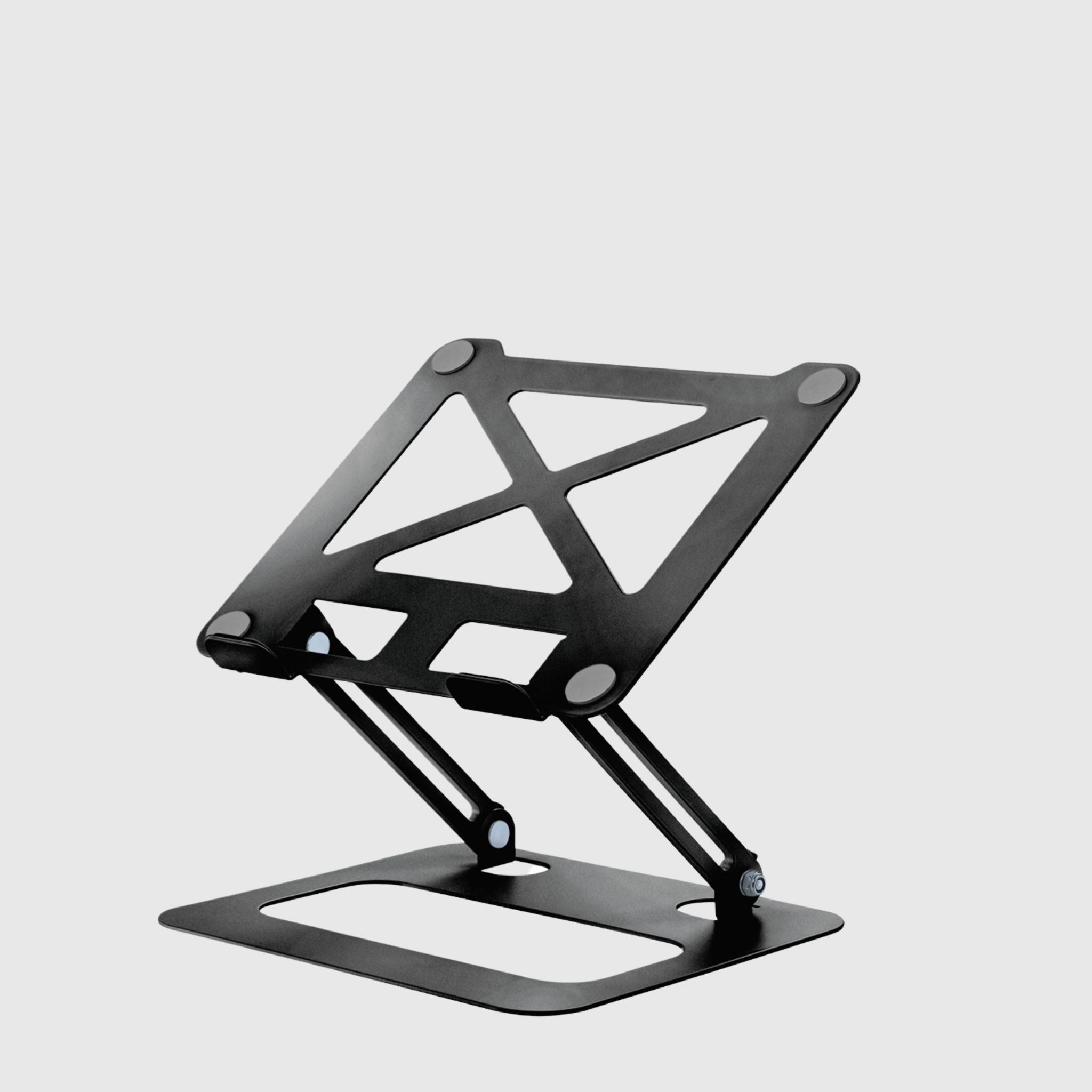
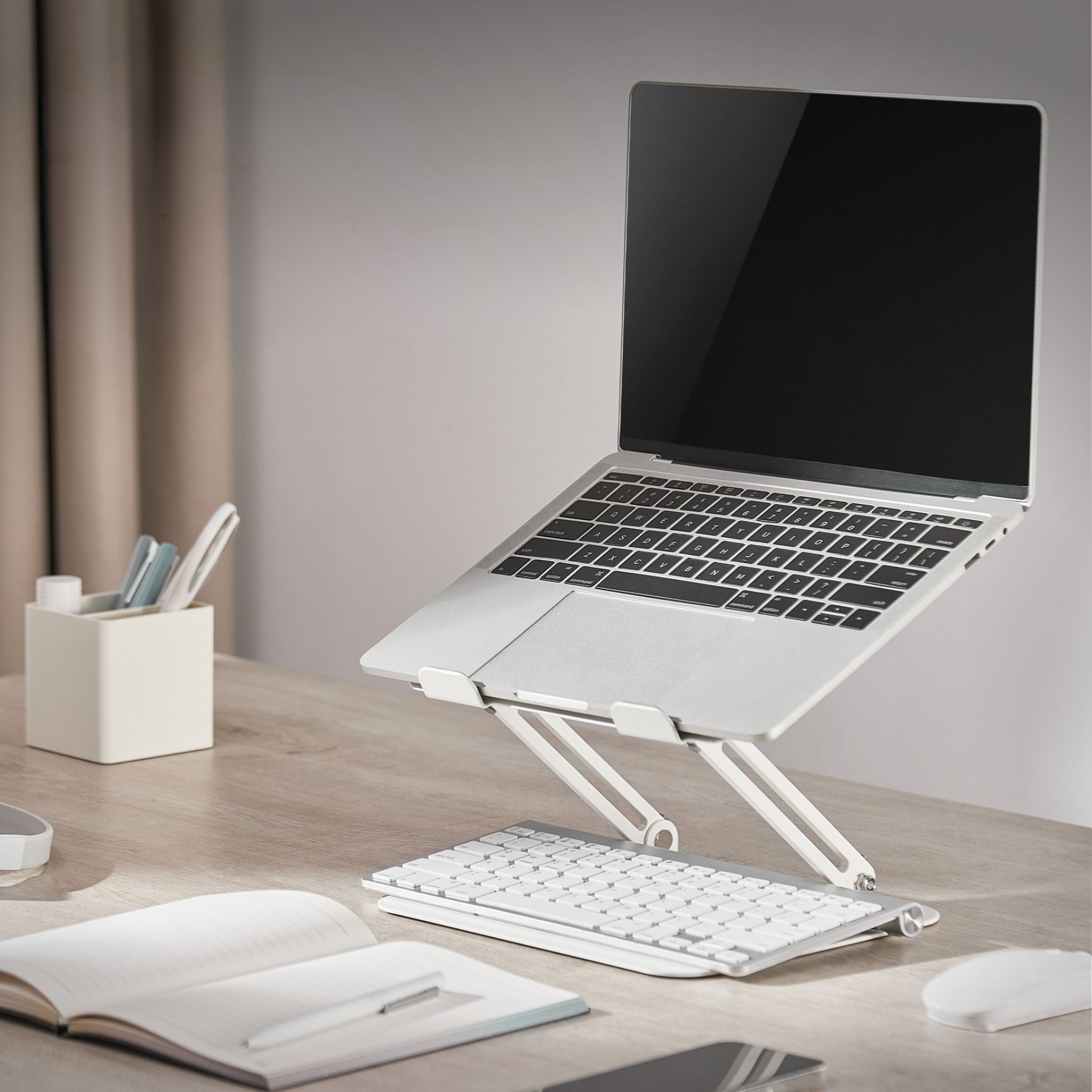
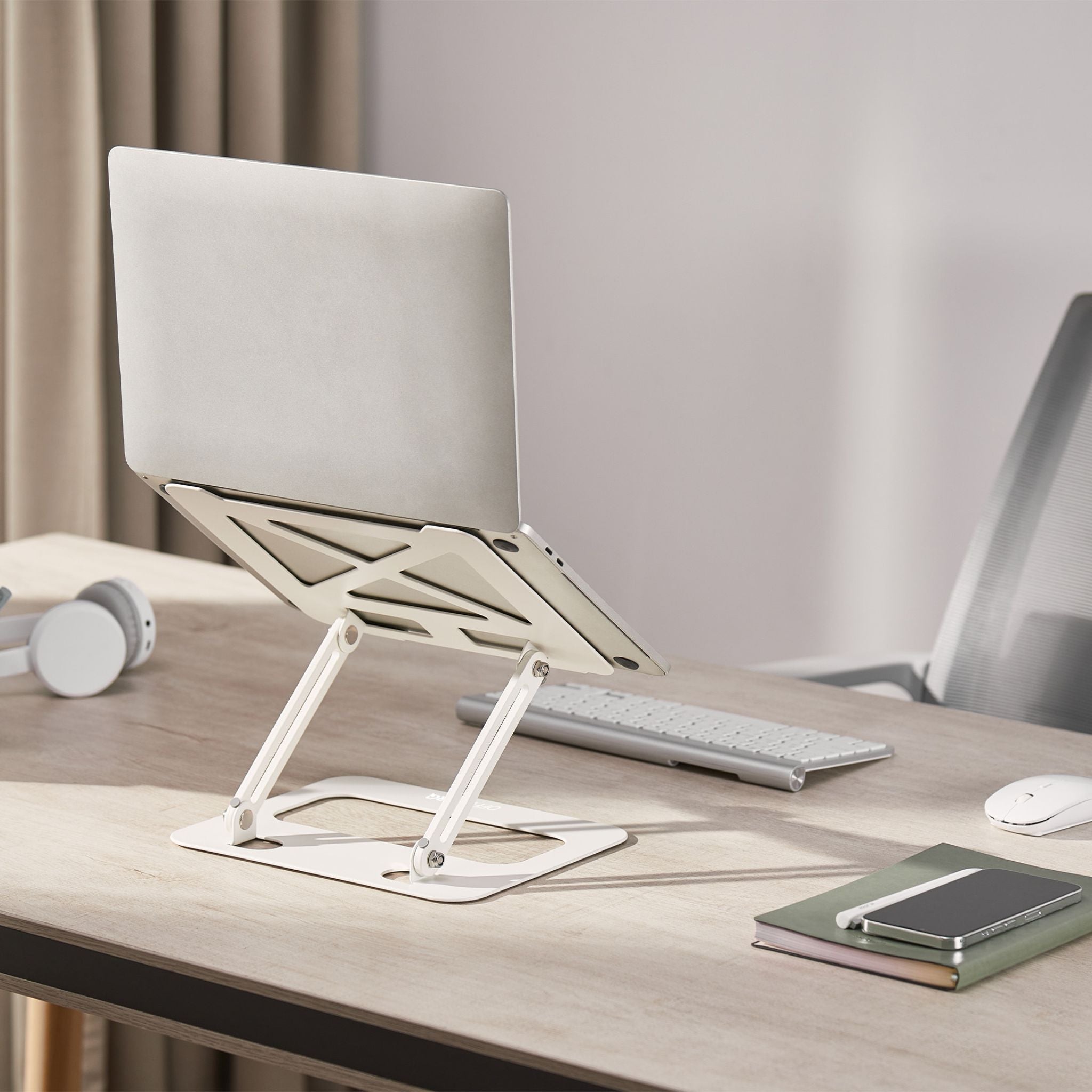
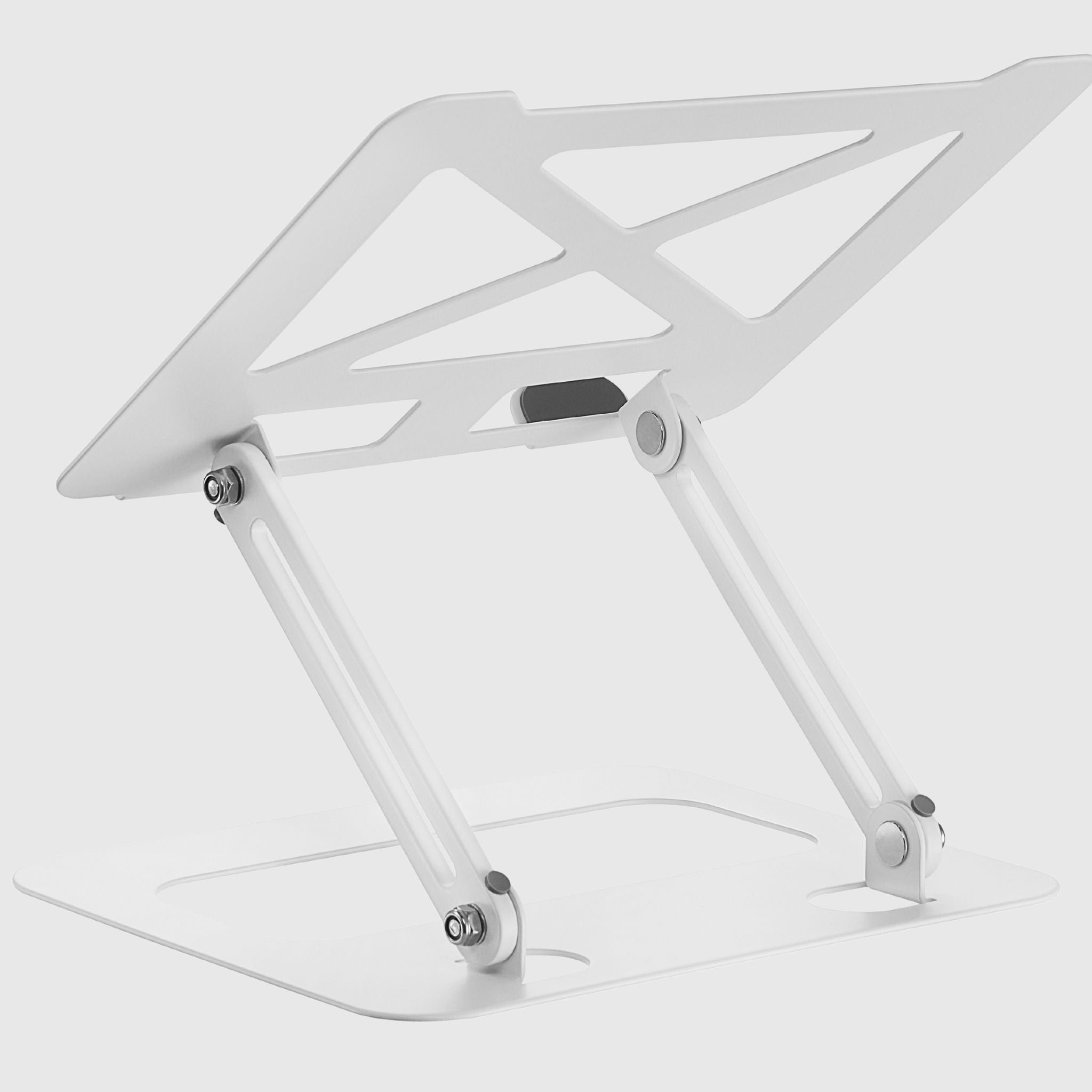
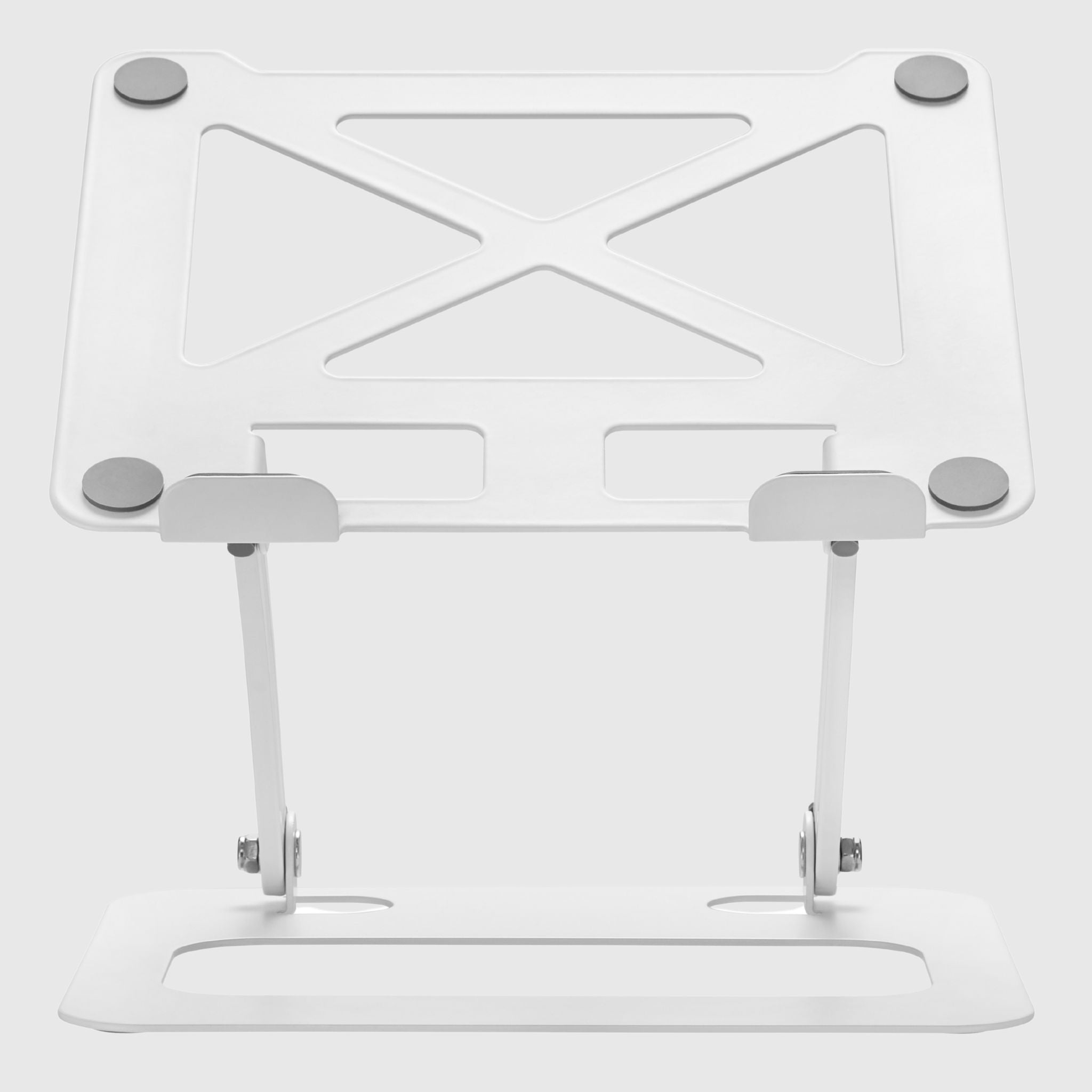
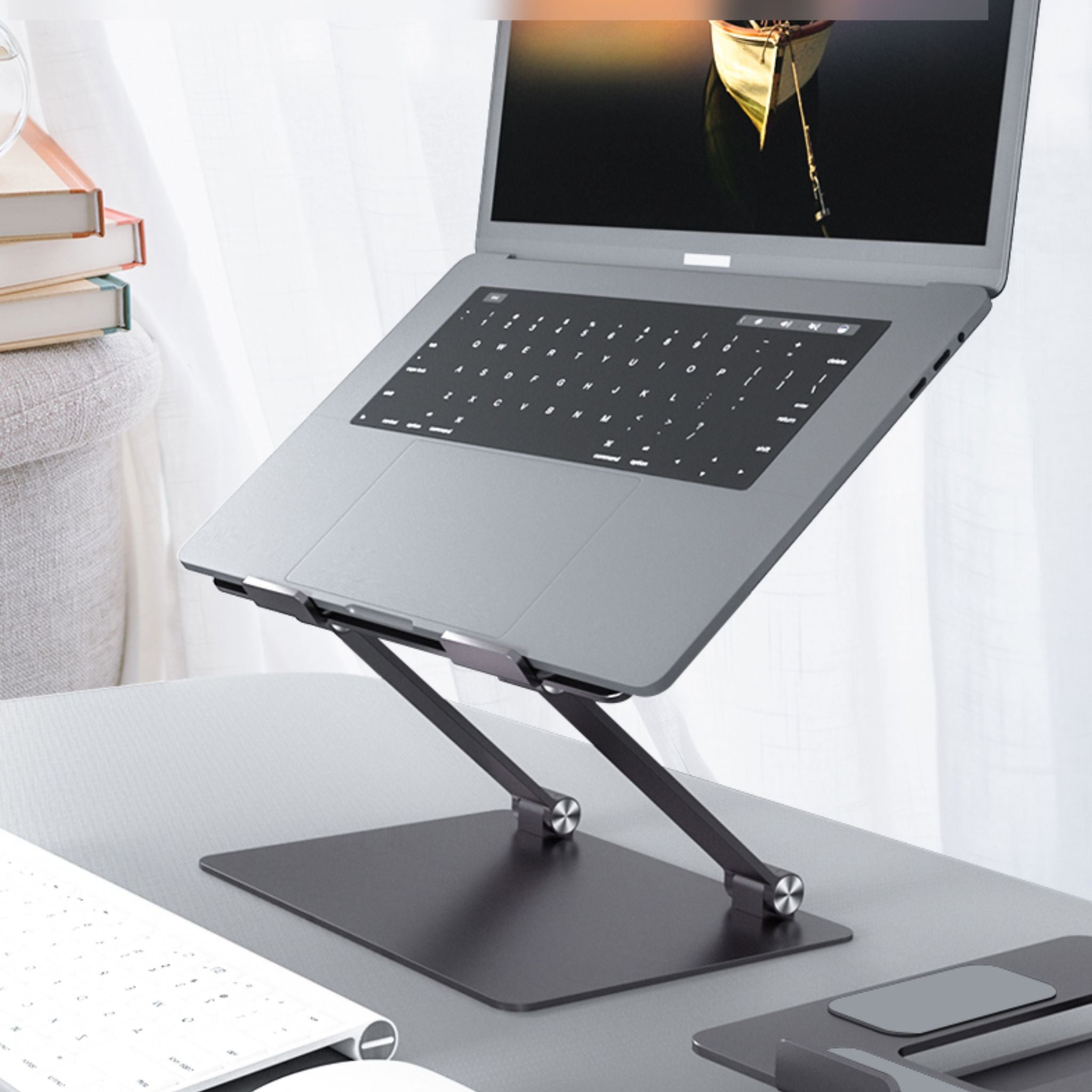
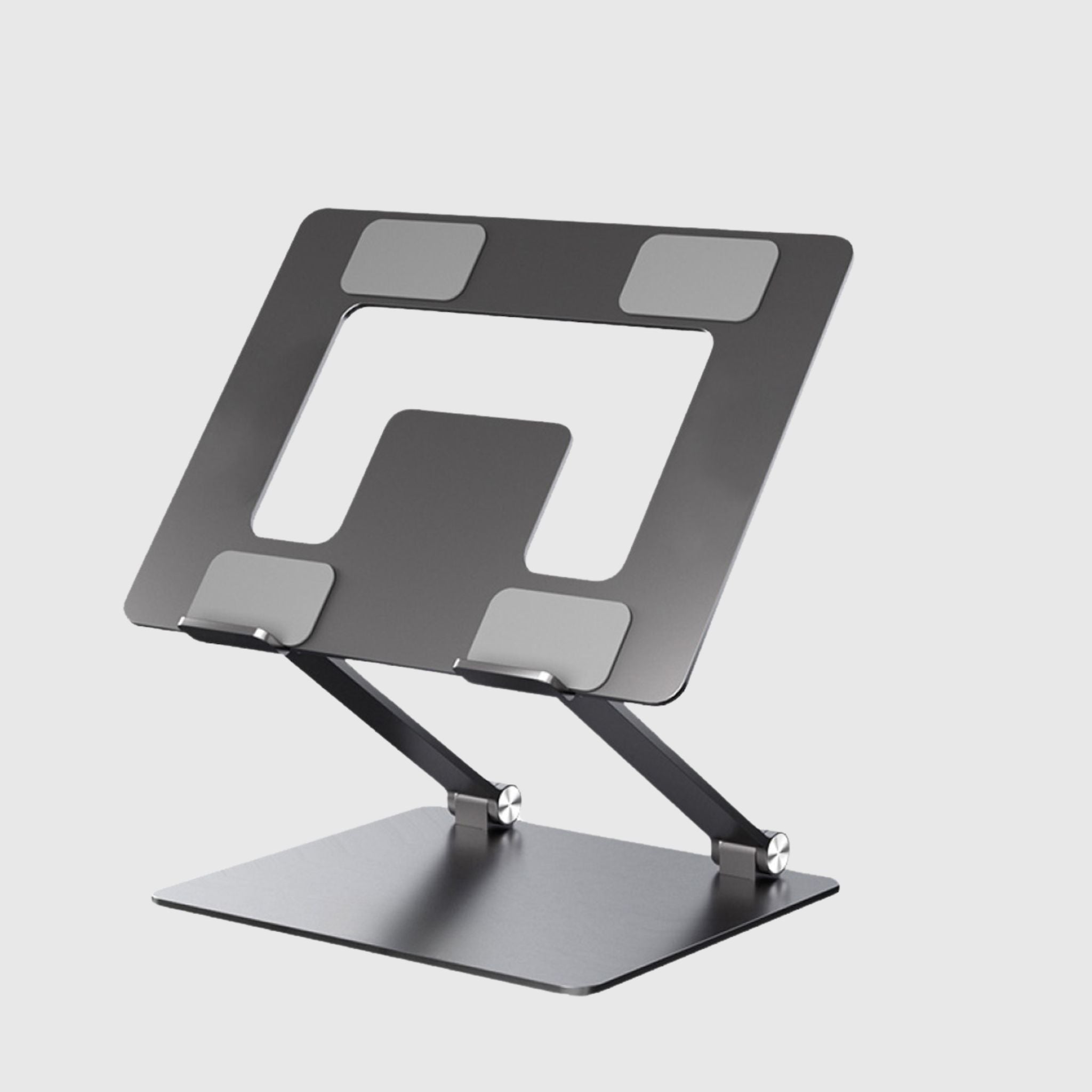
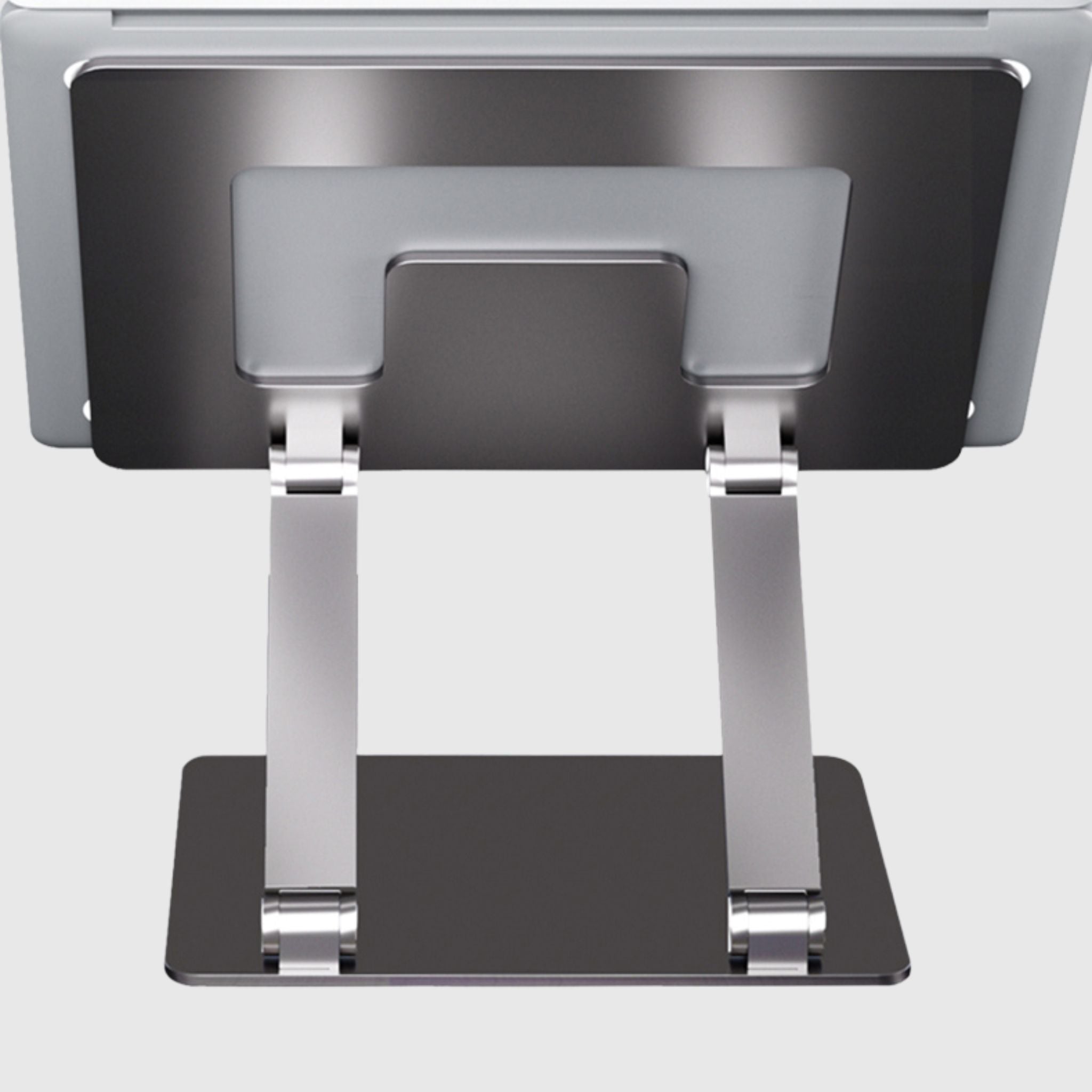
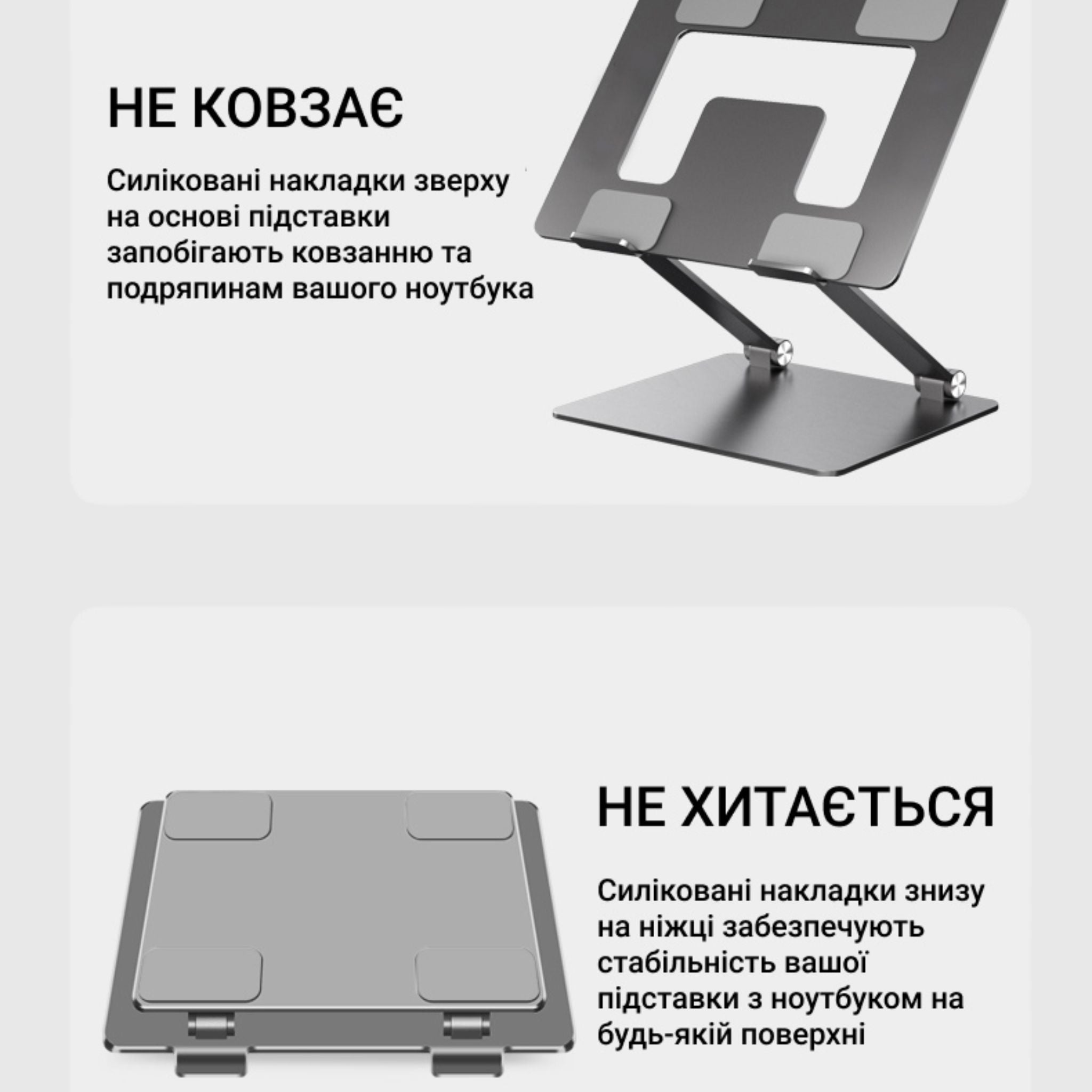
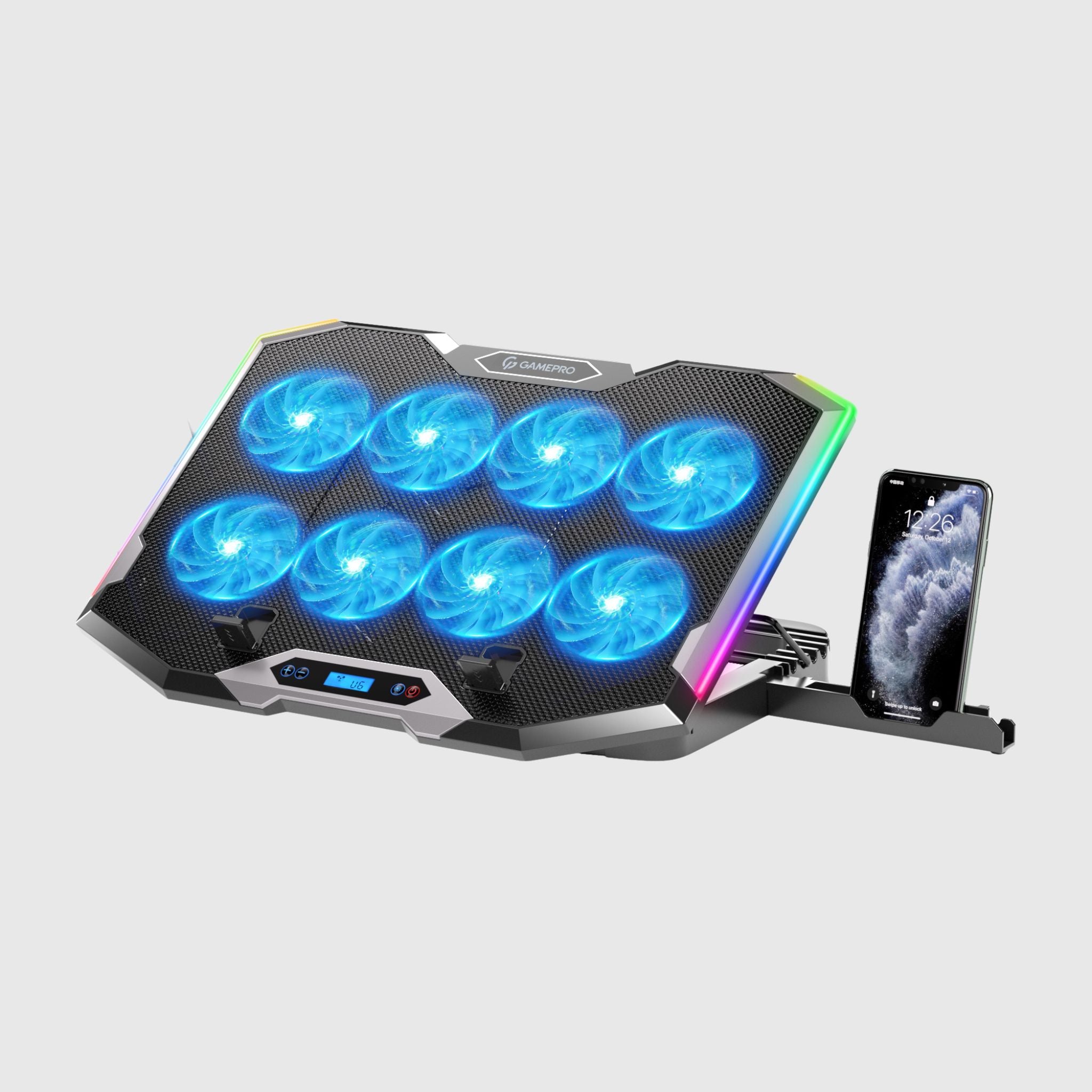
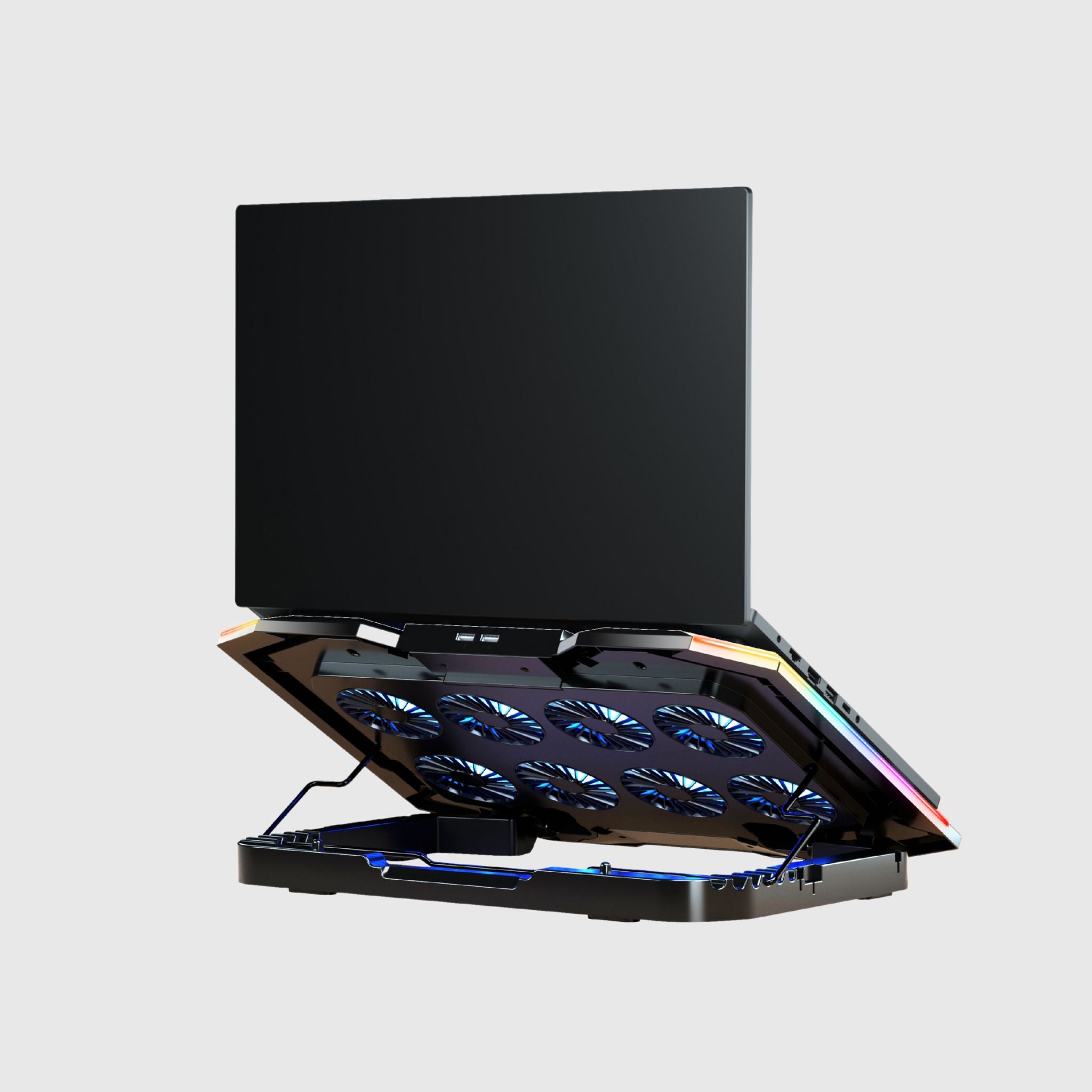
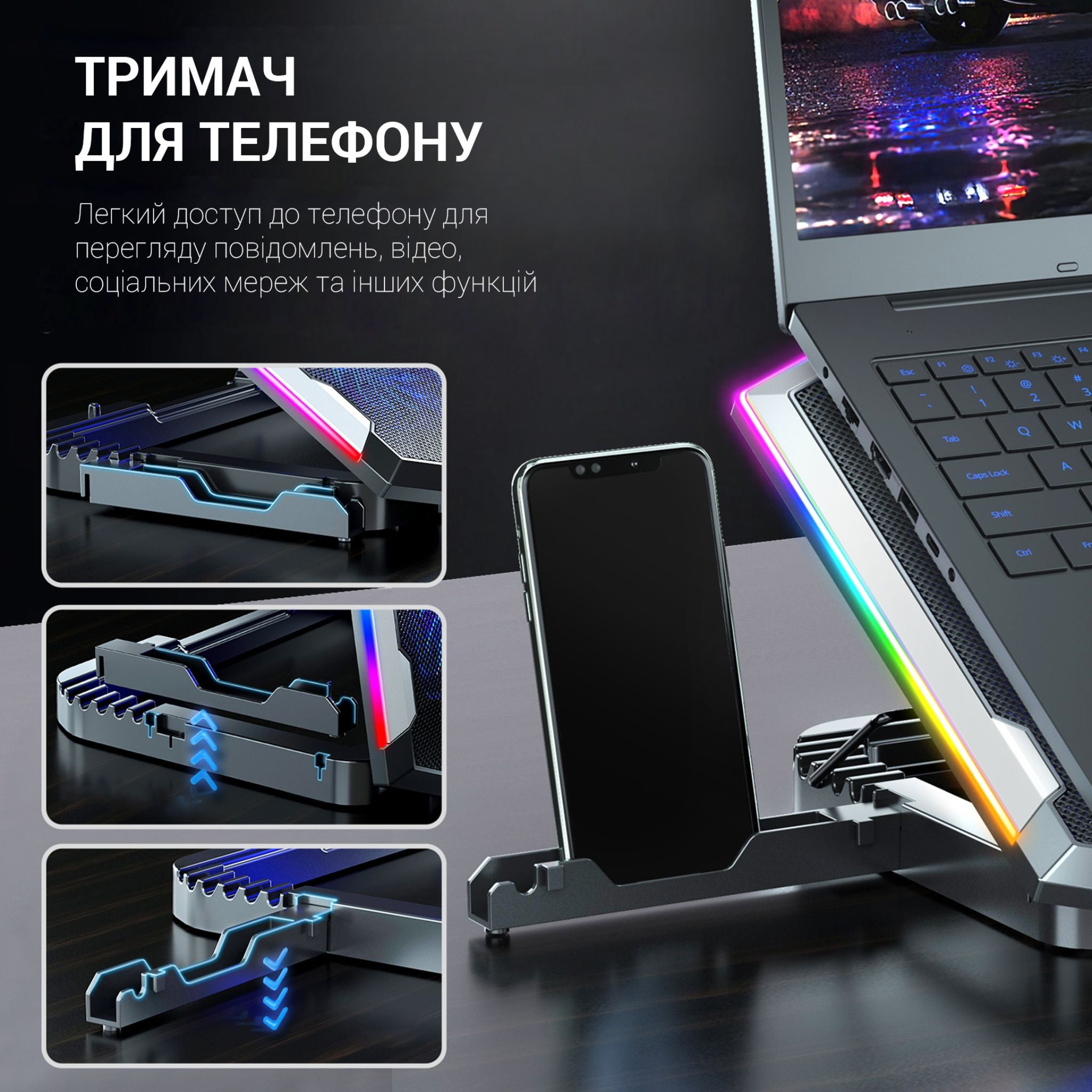
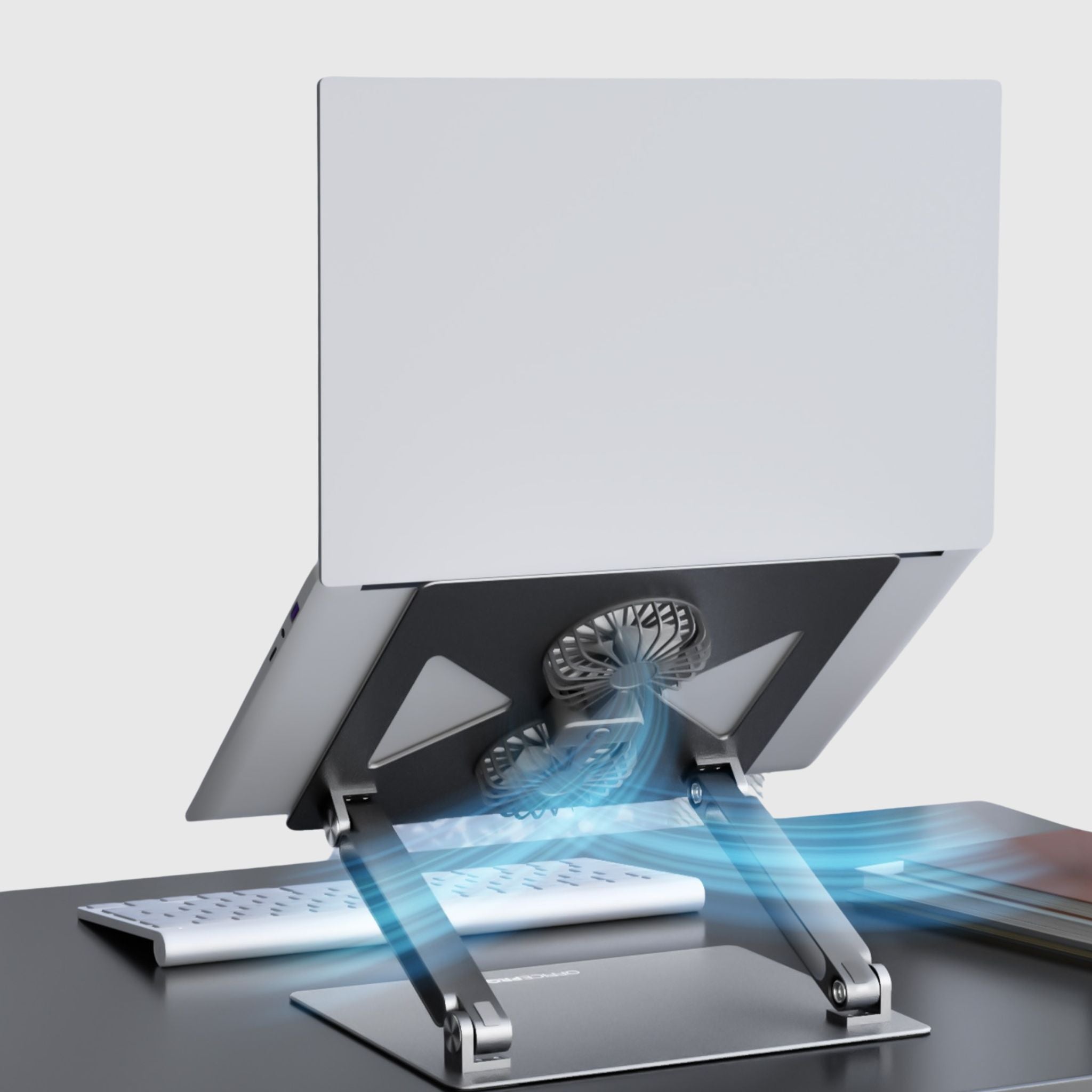
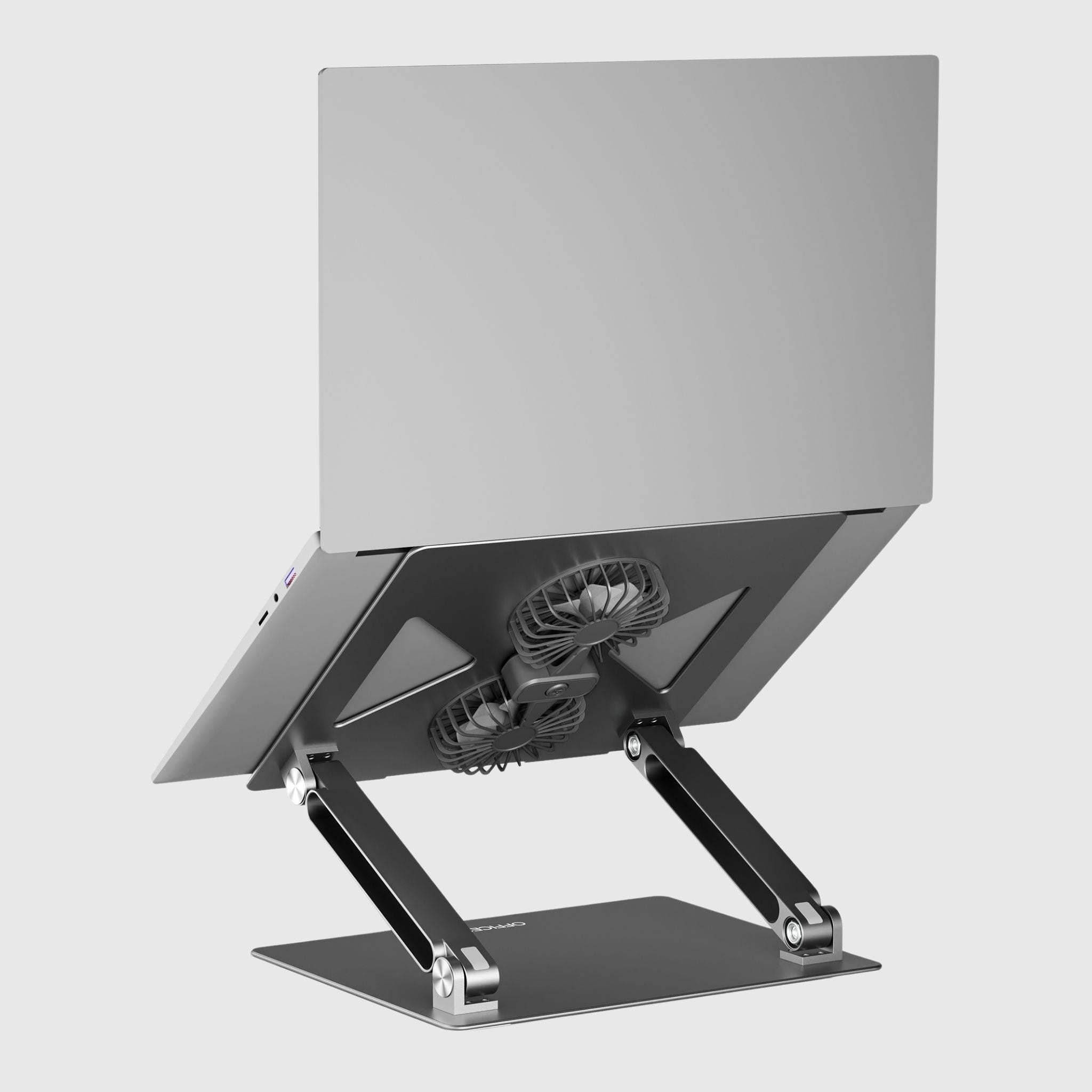
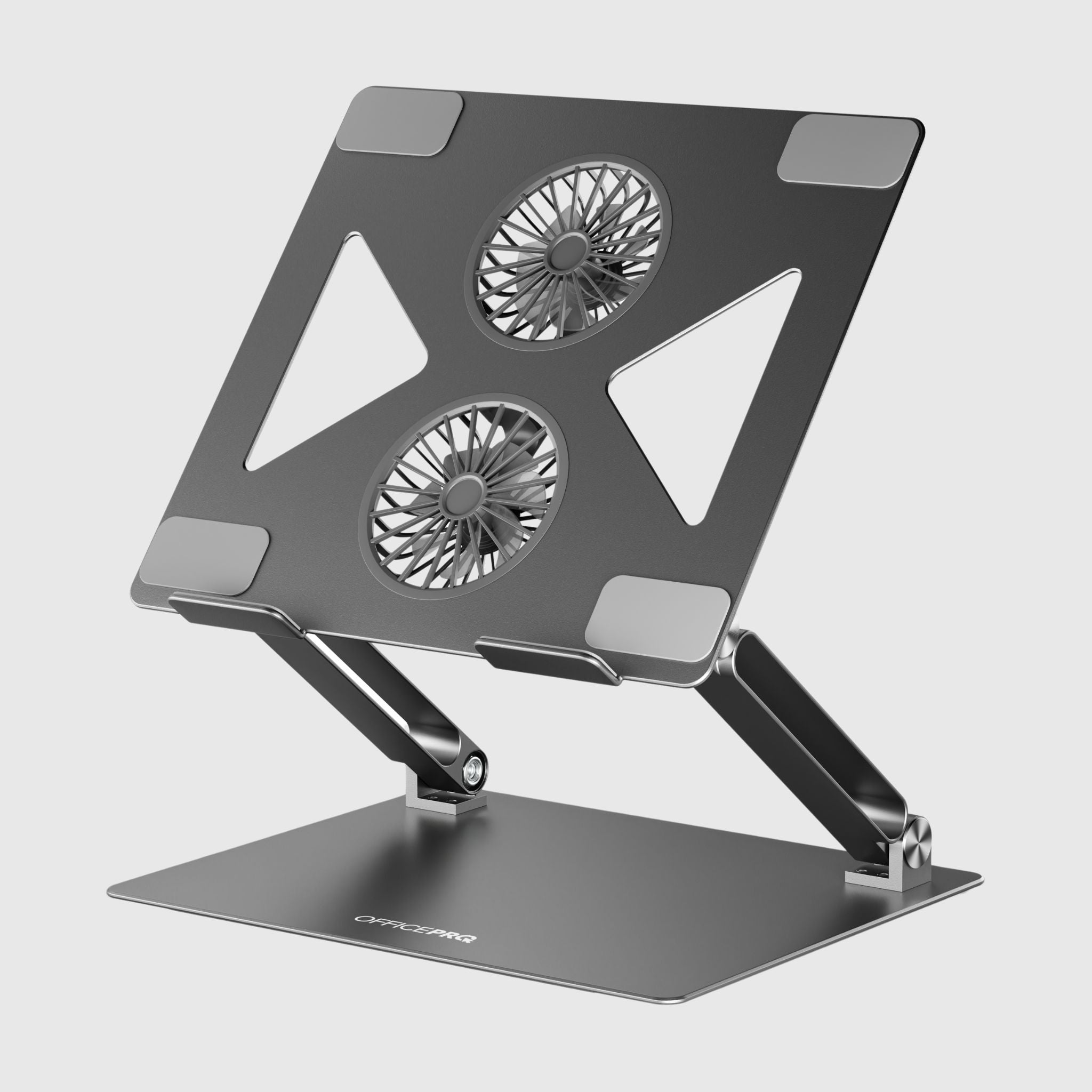
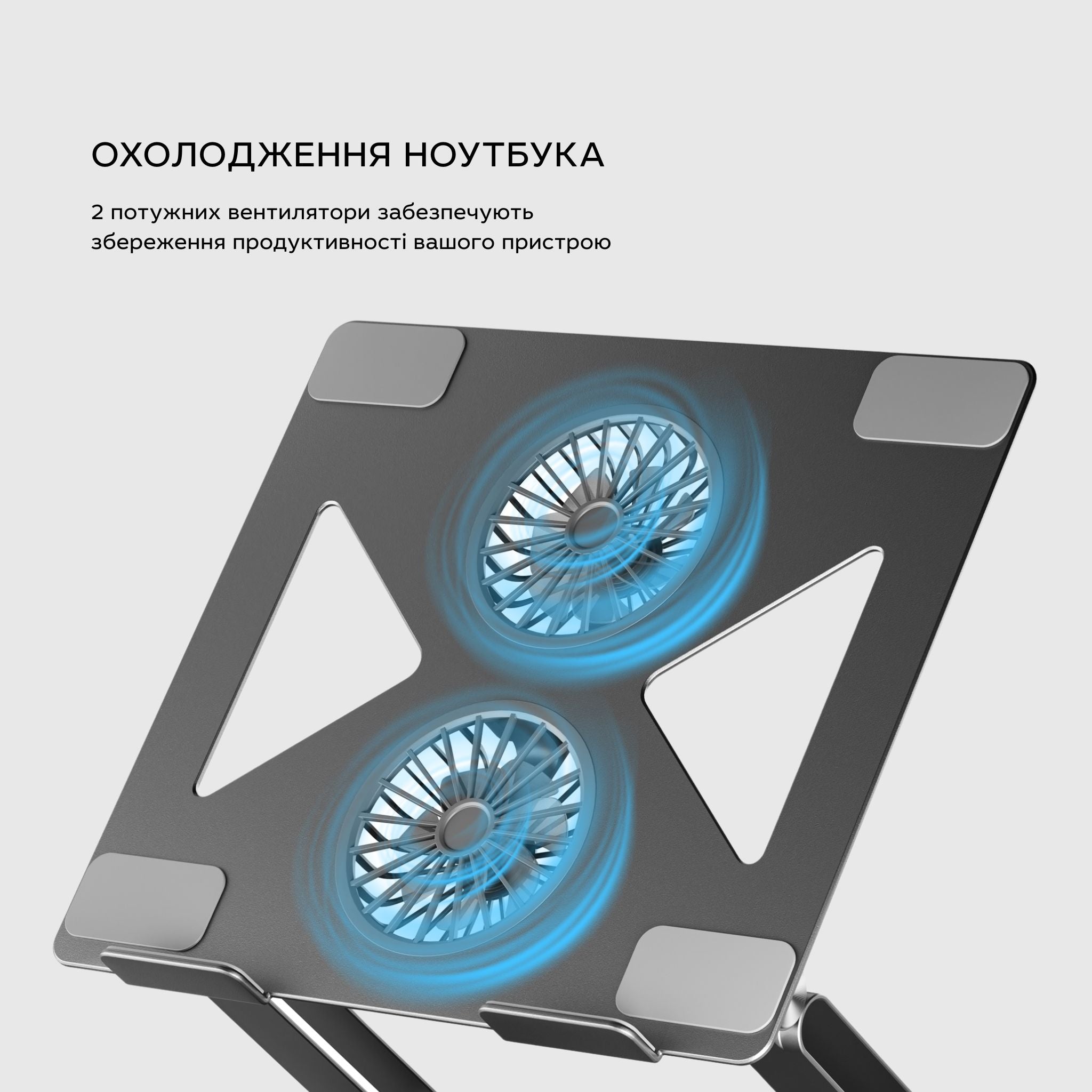
Adjustable laptop cooling stand

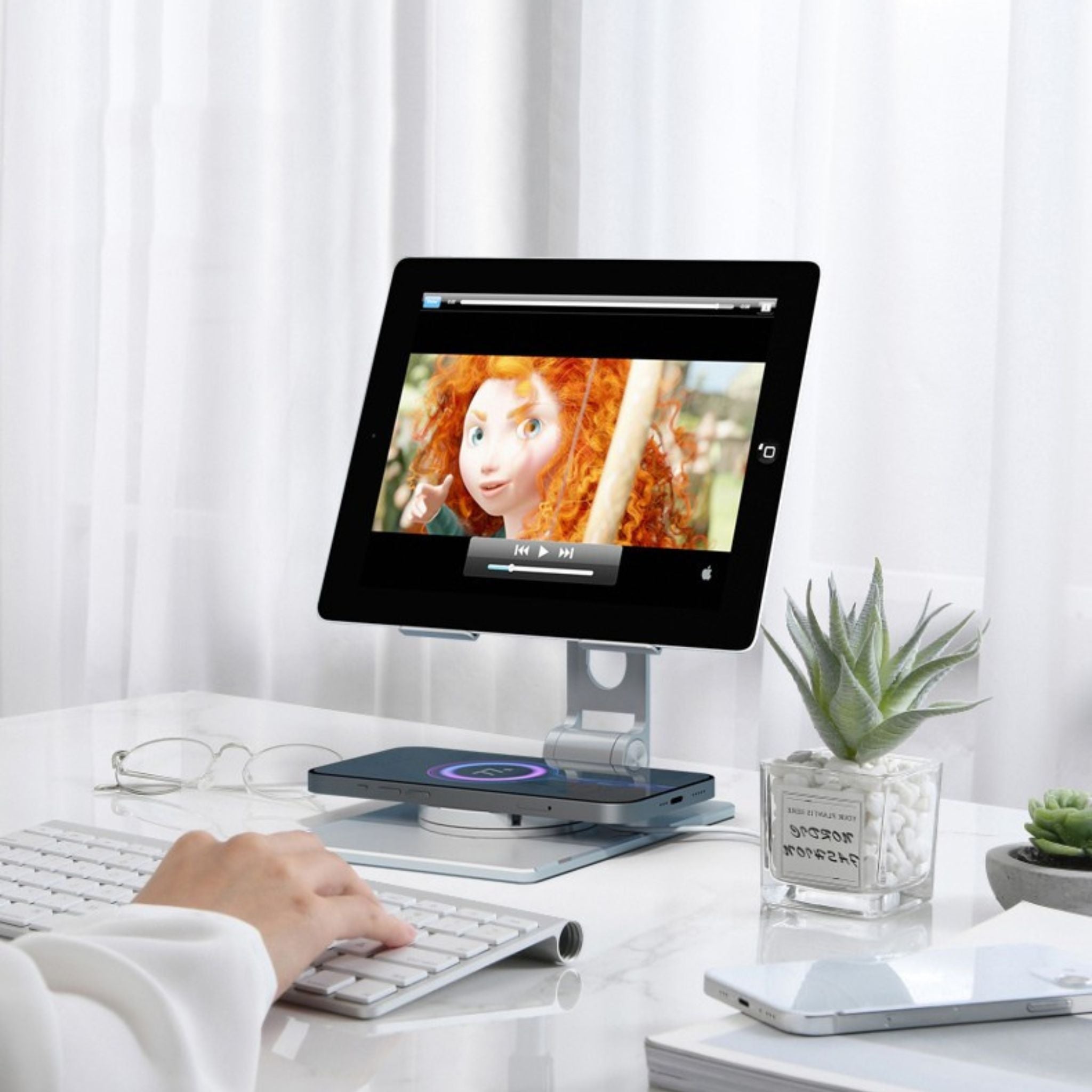
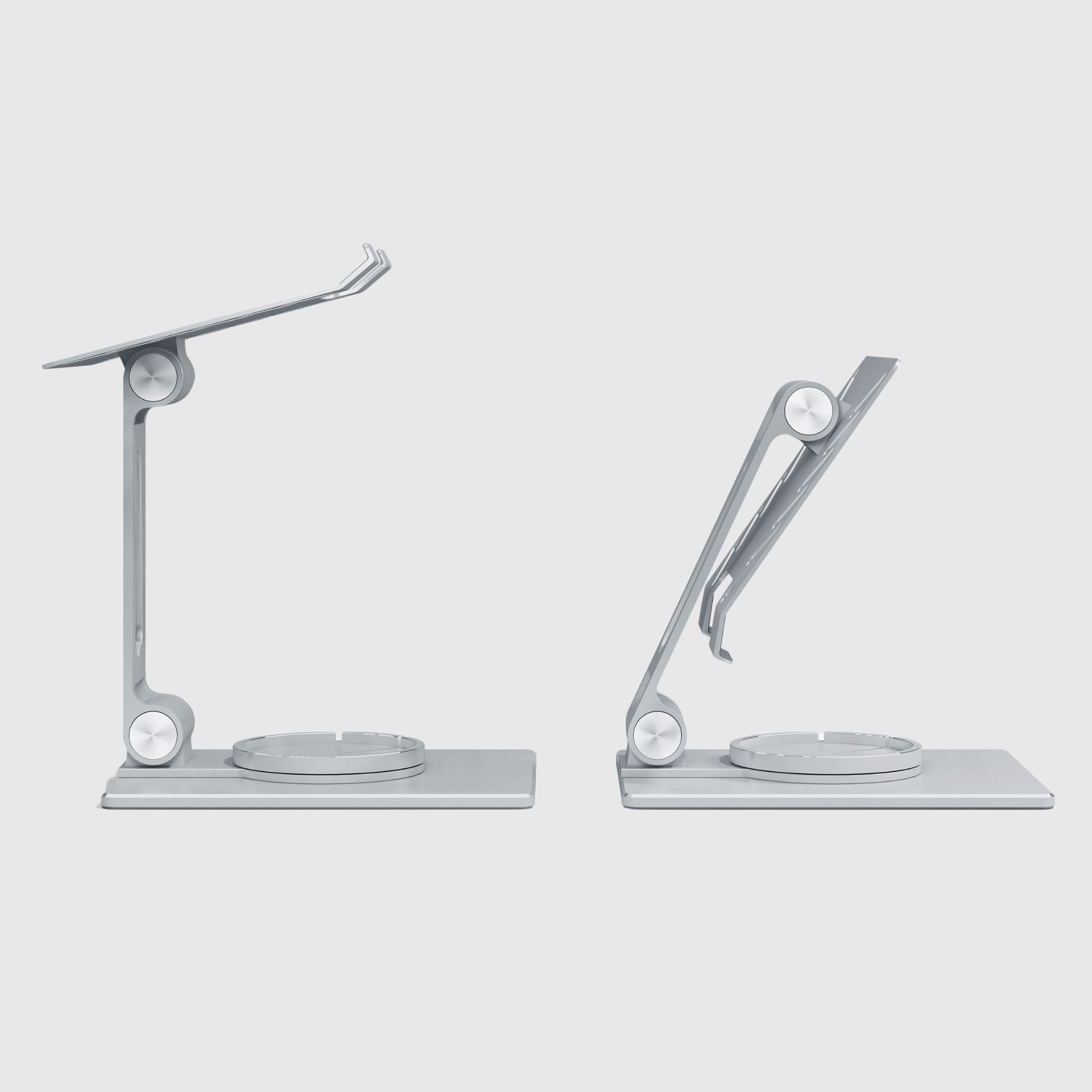
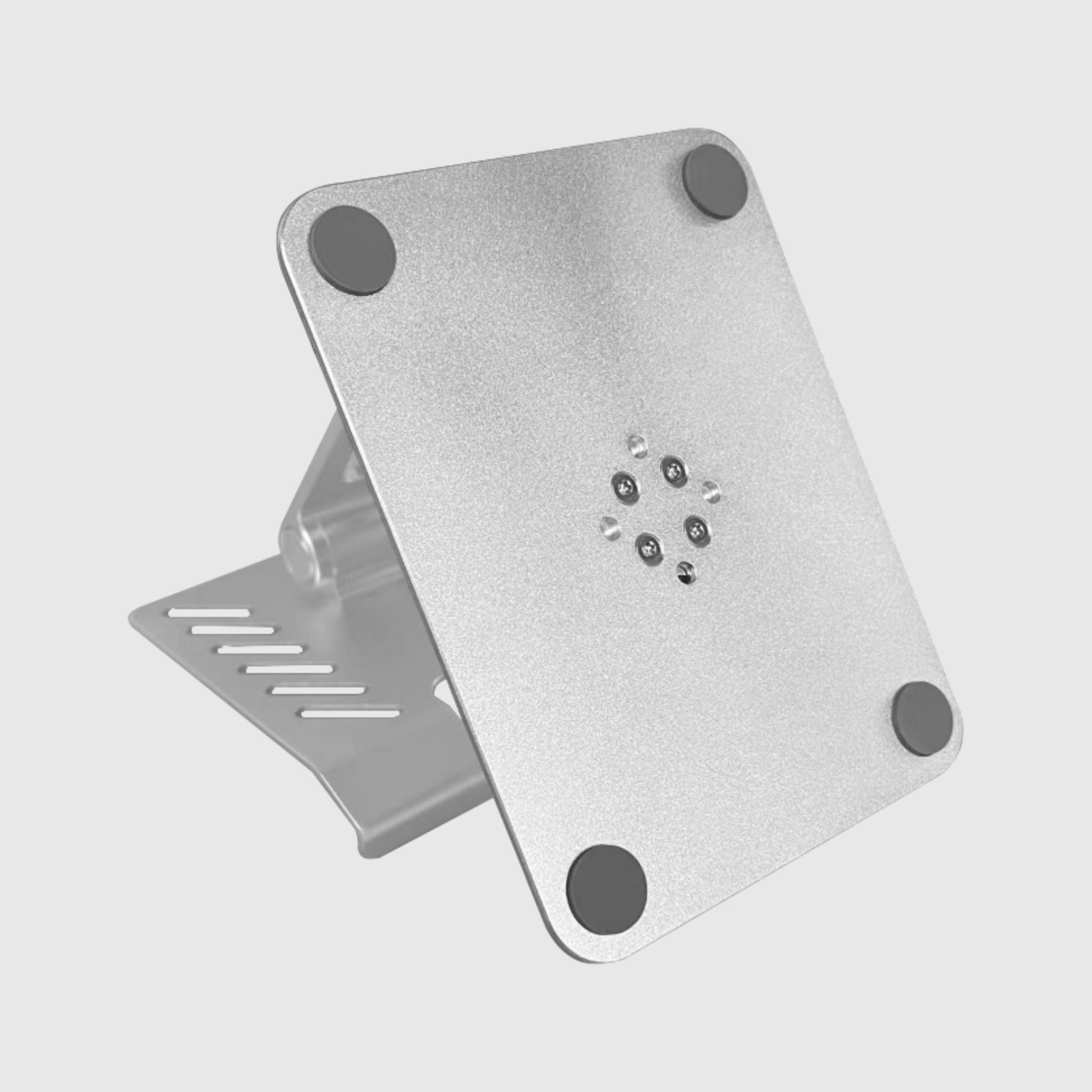
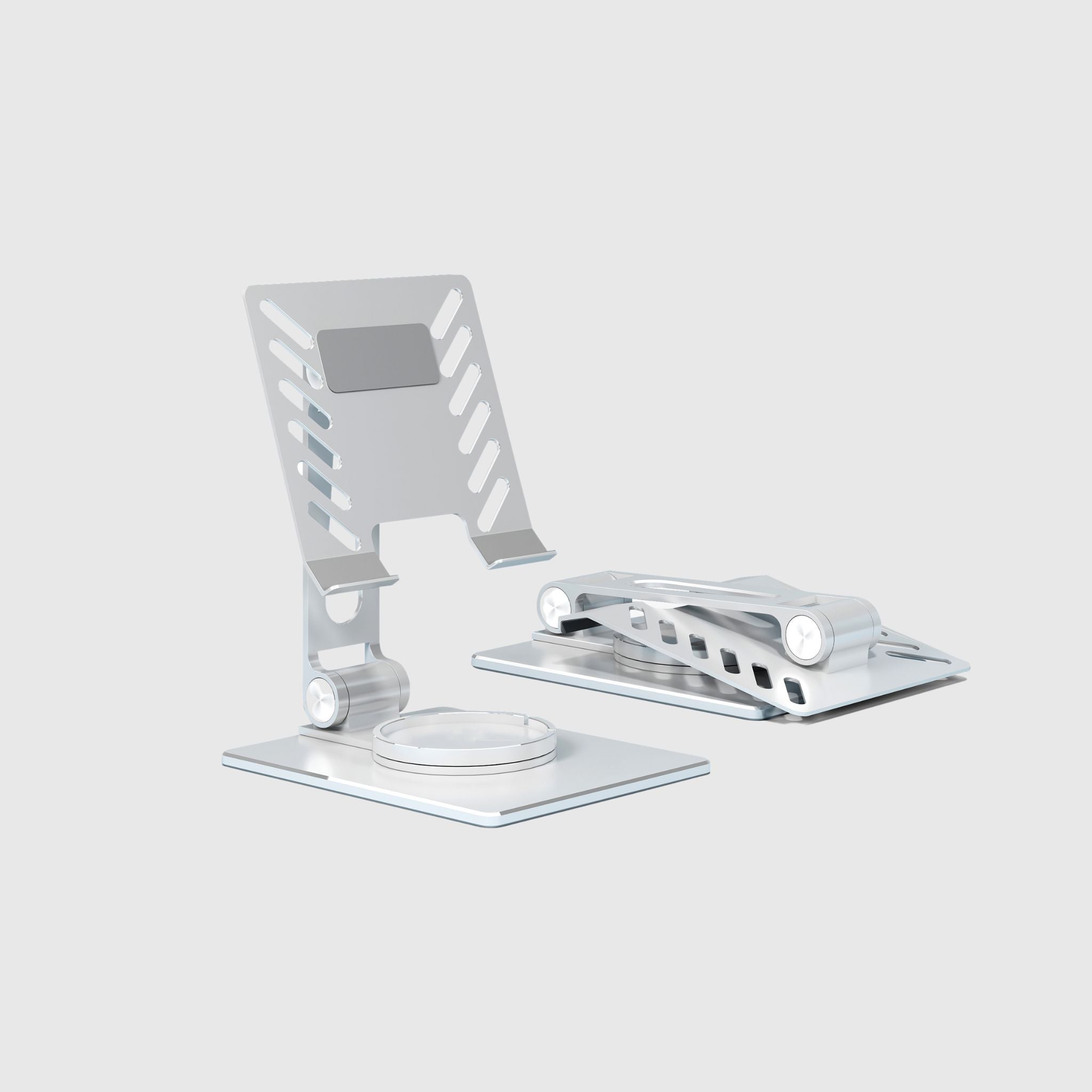
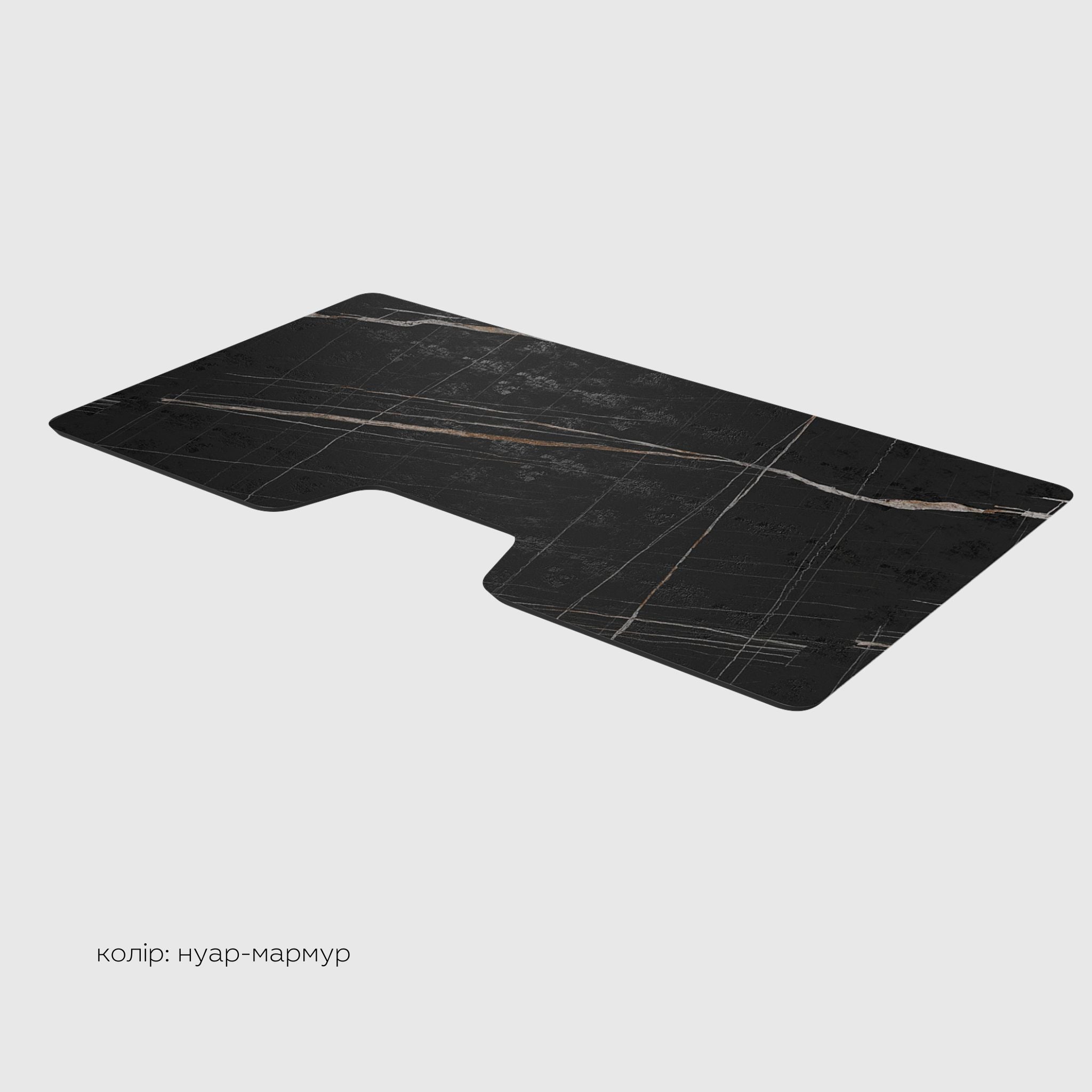
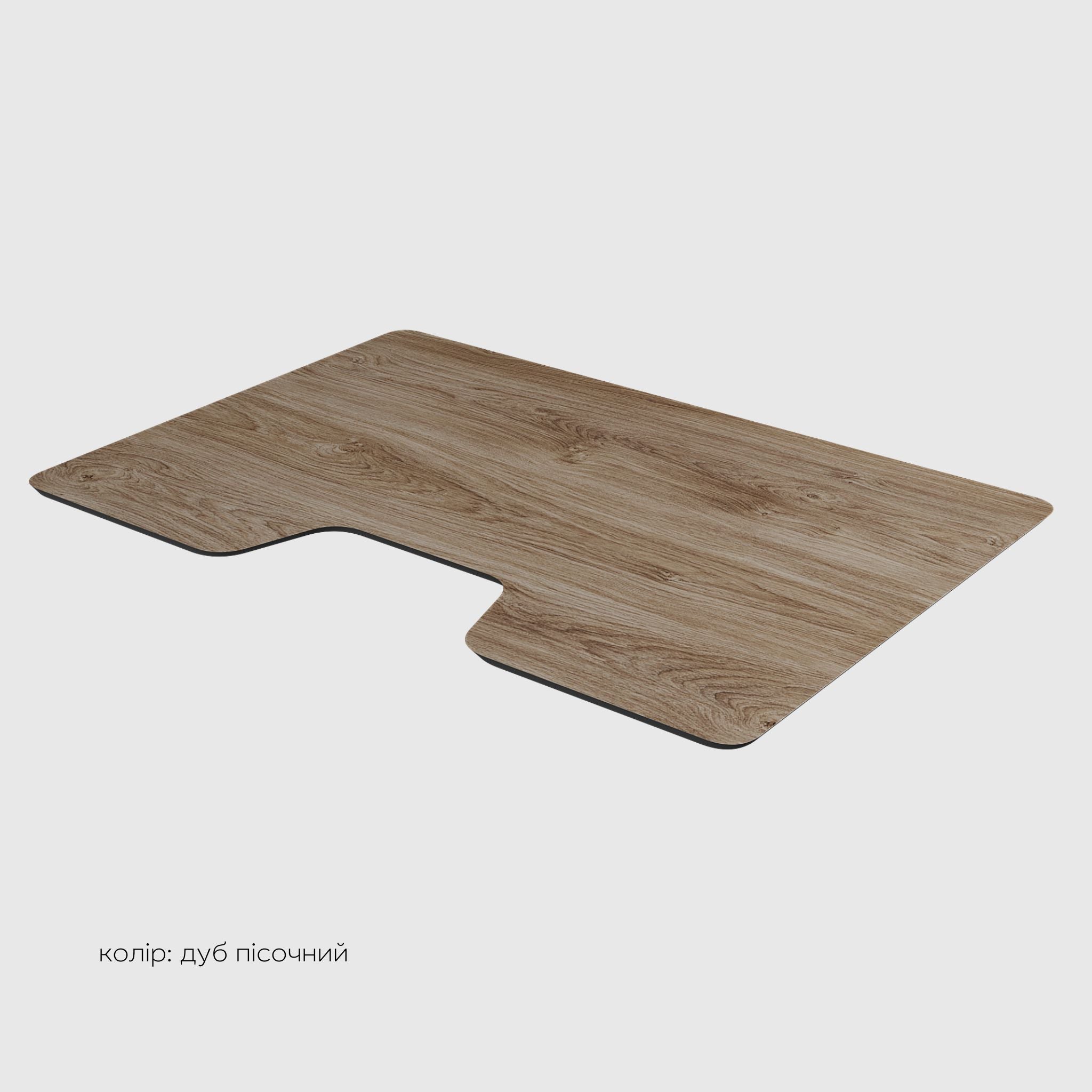
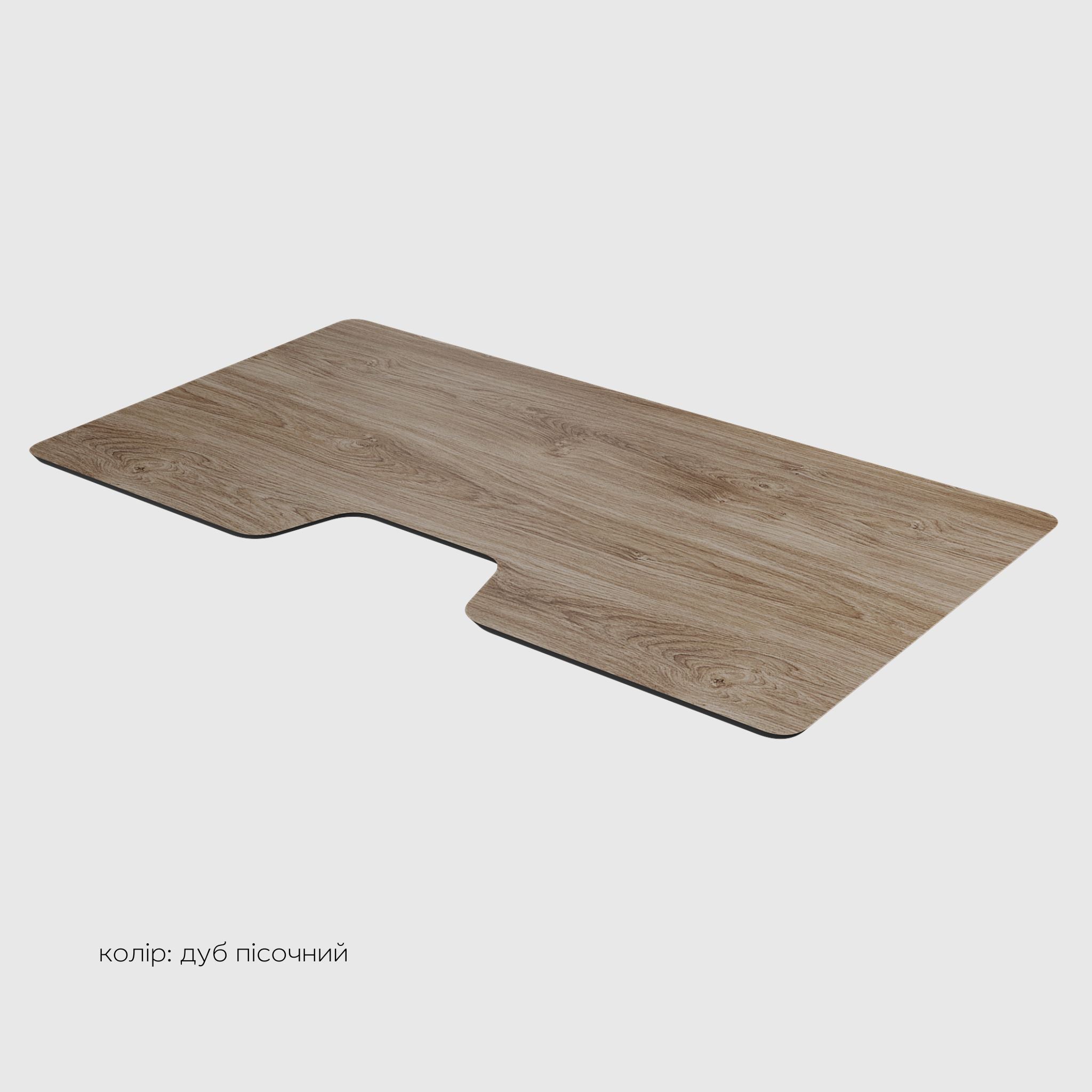
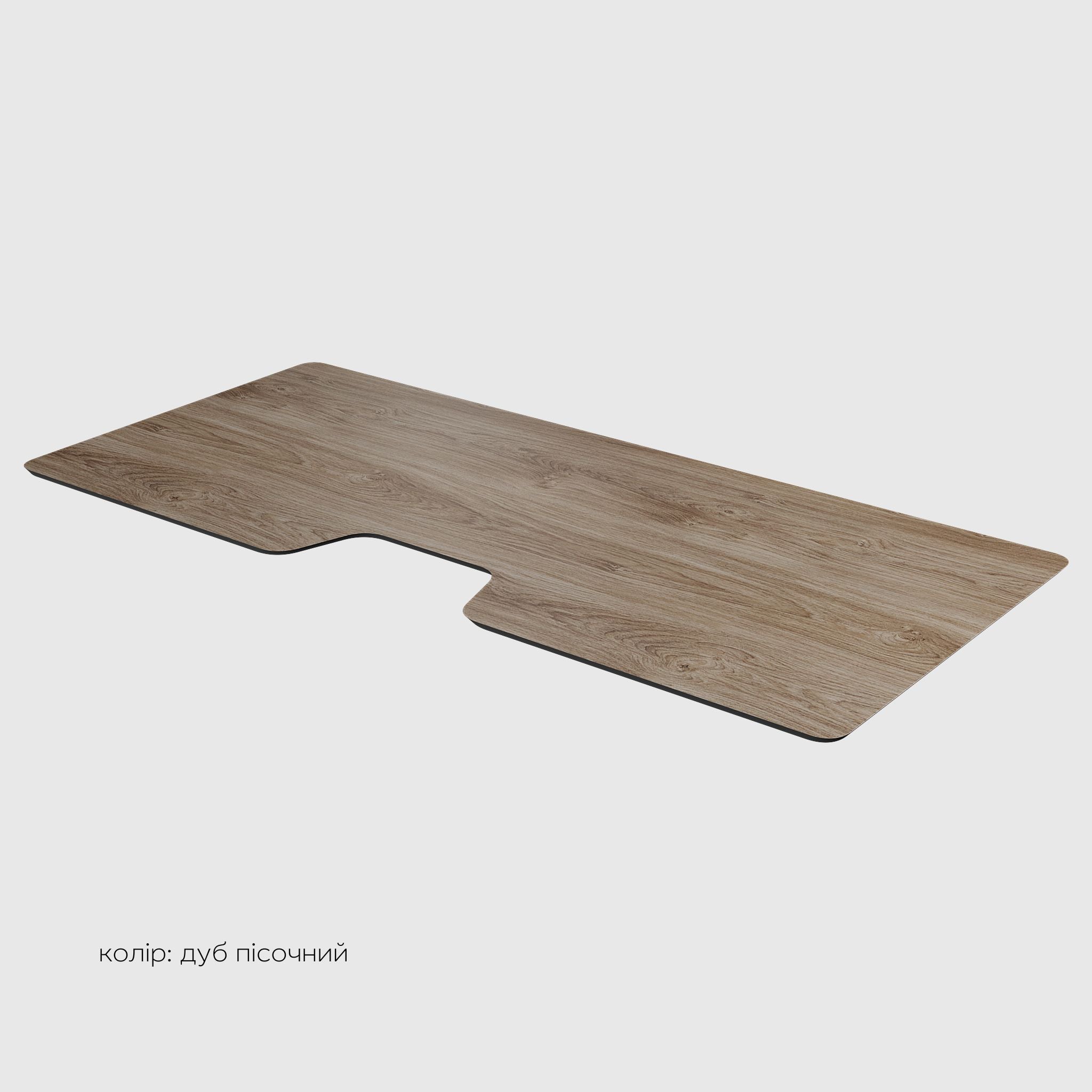
HPL table top for computer desk
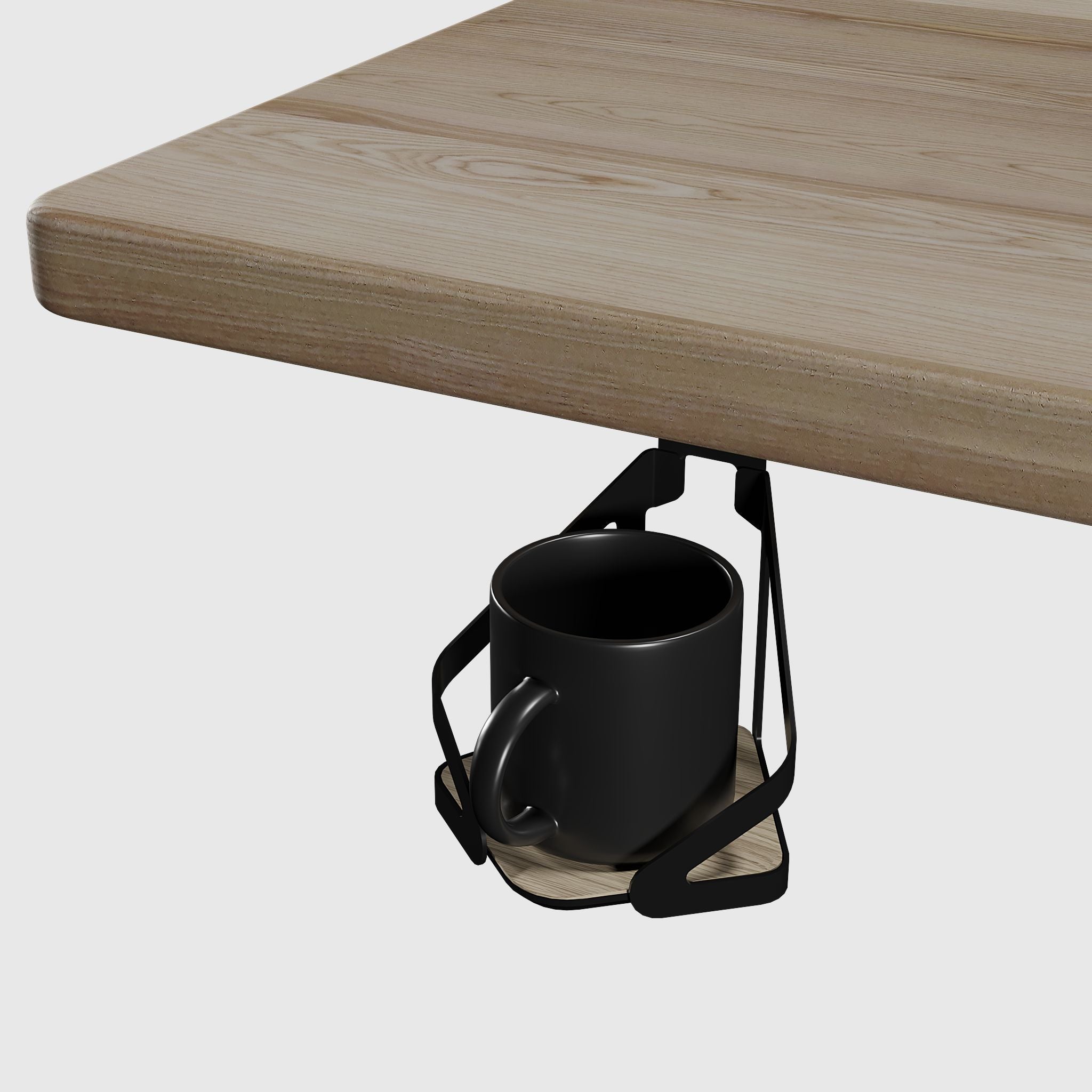
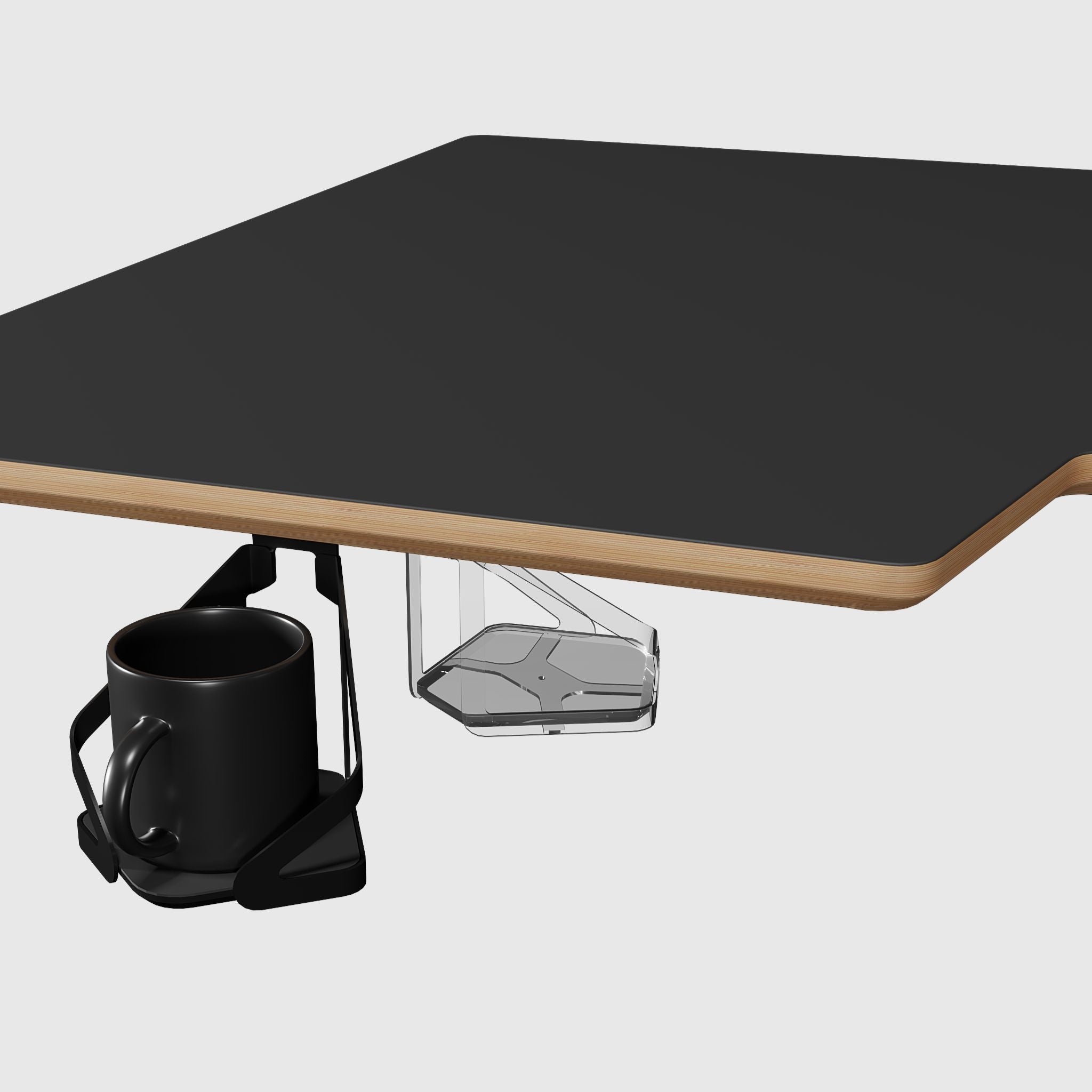
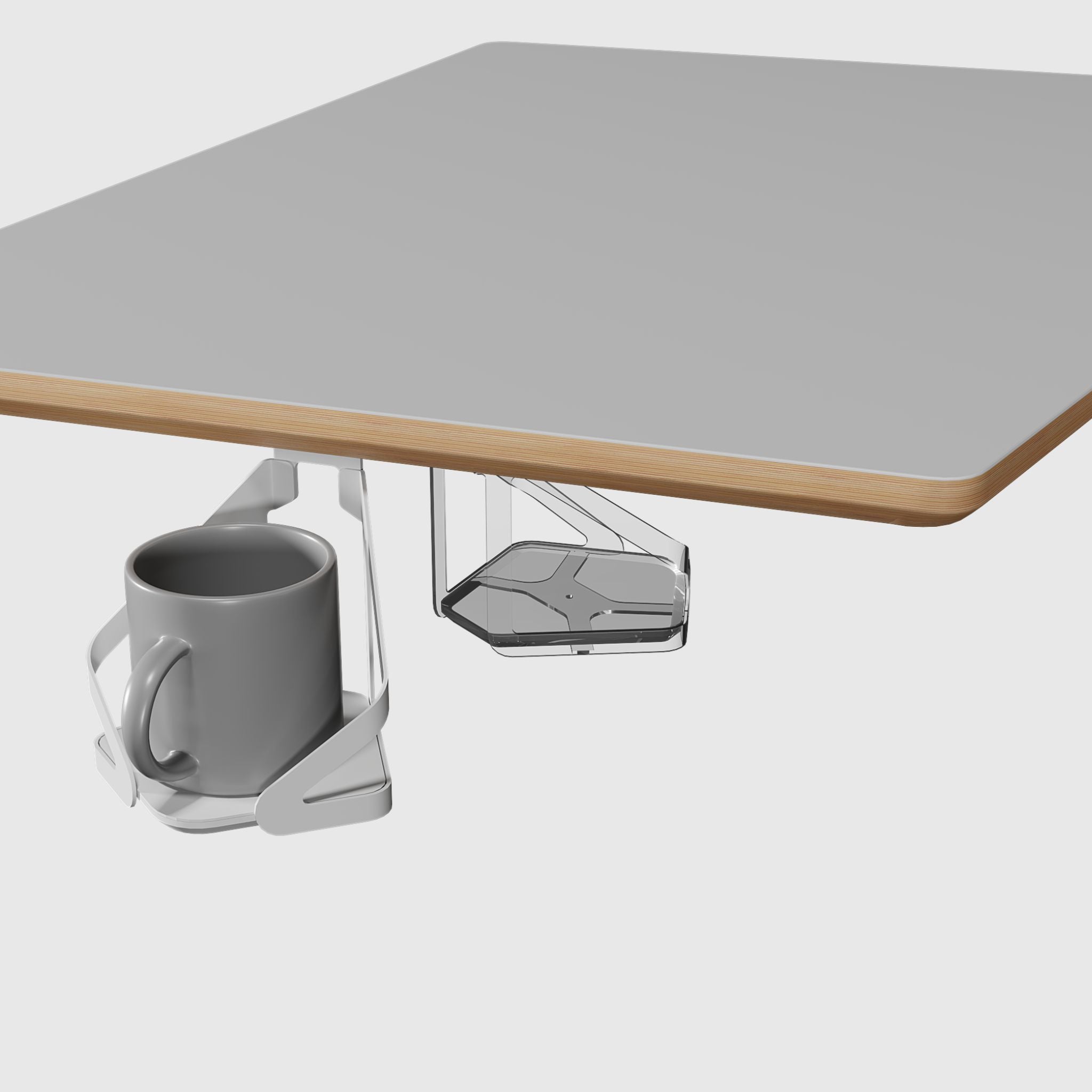
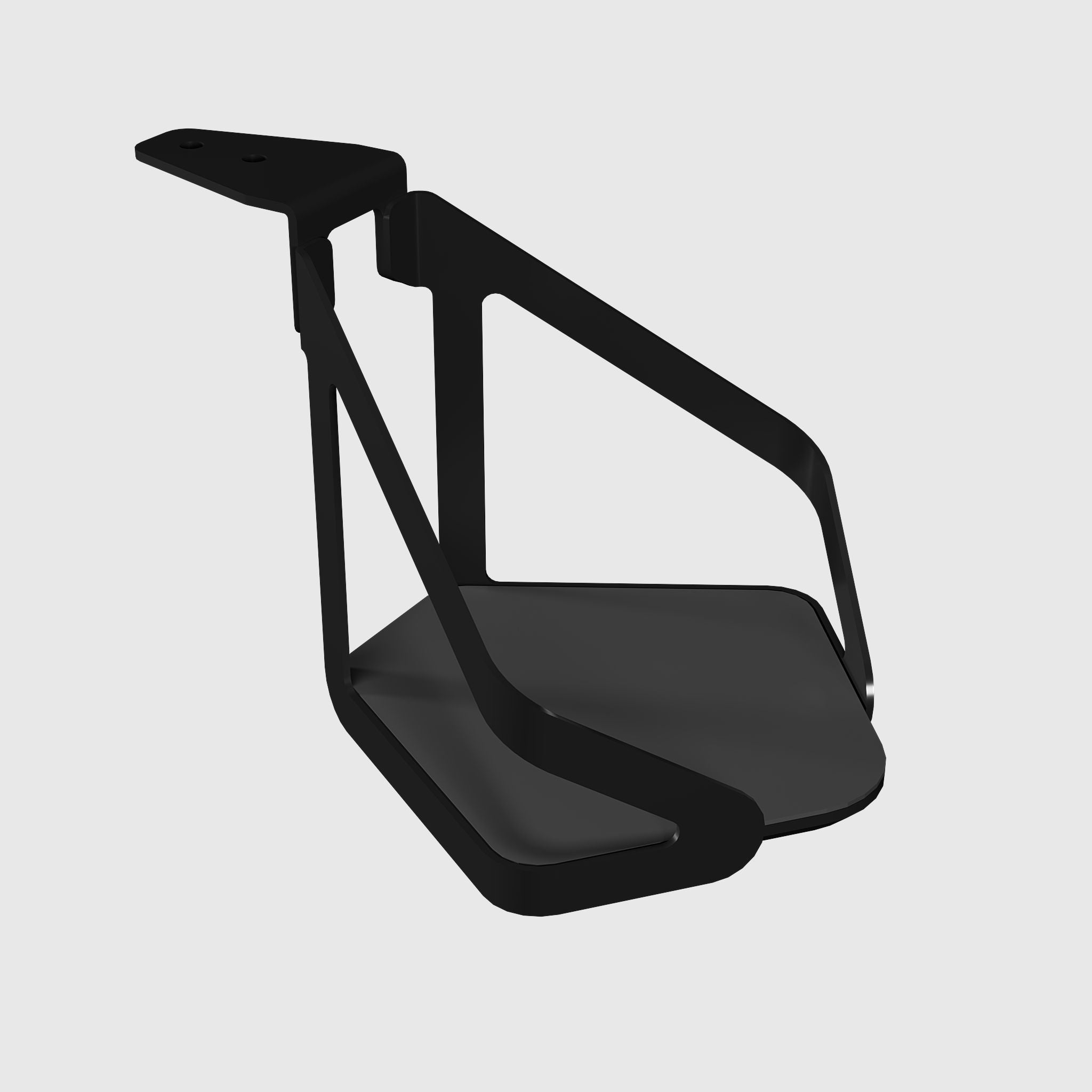
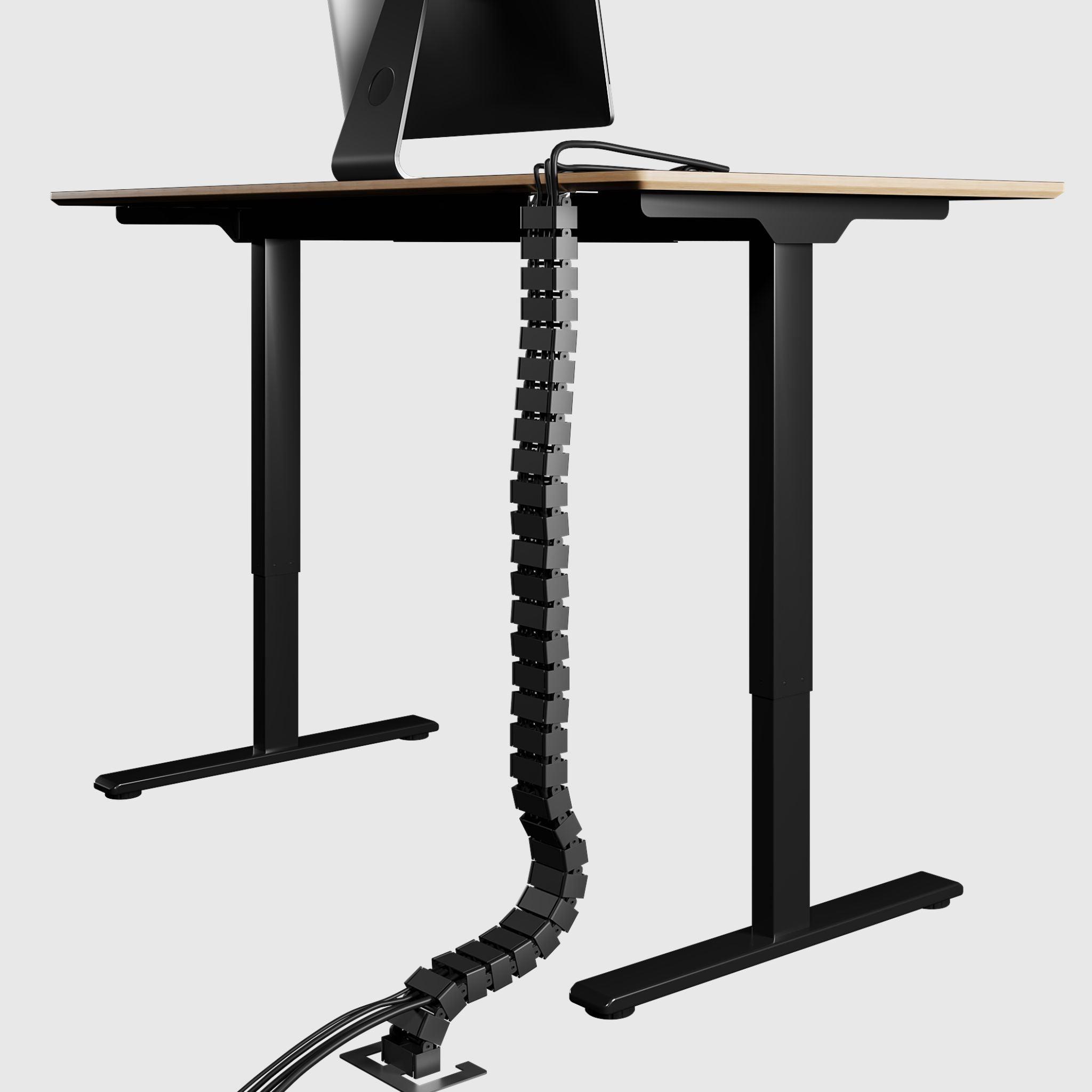
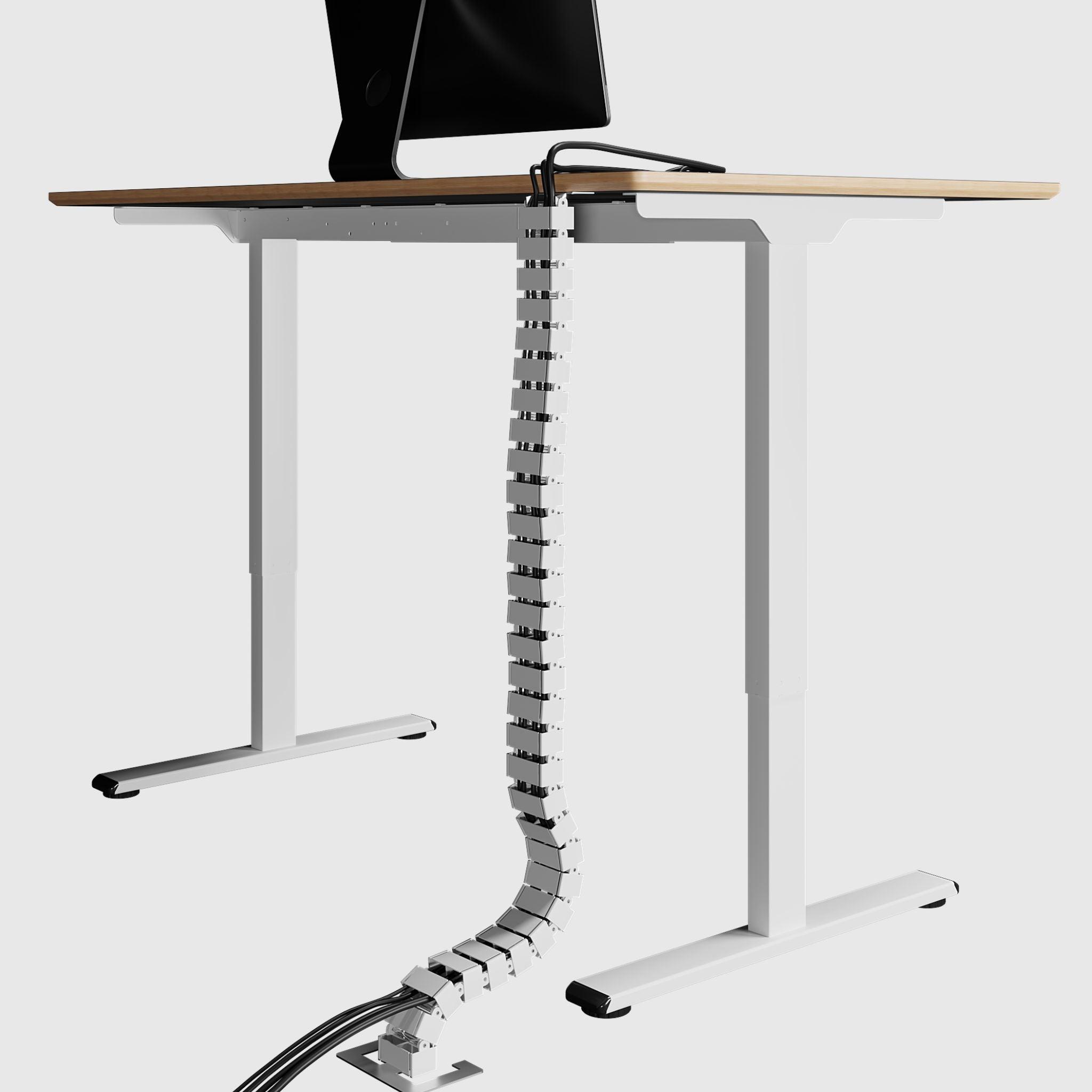
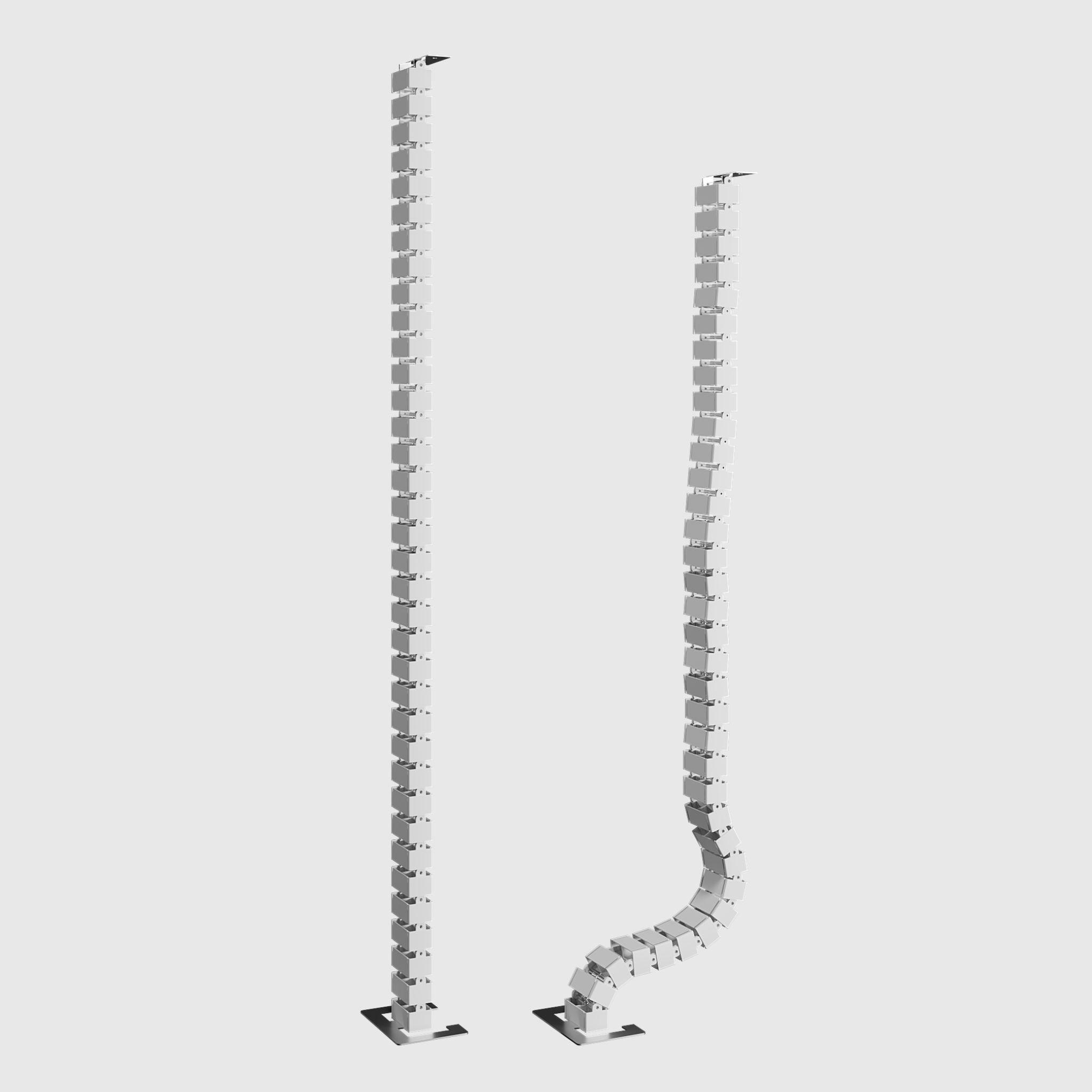
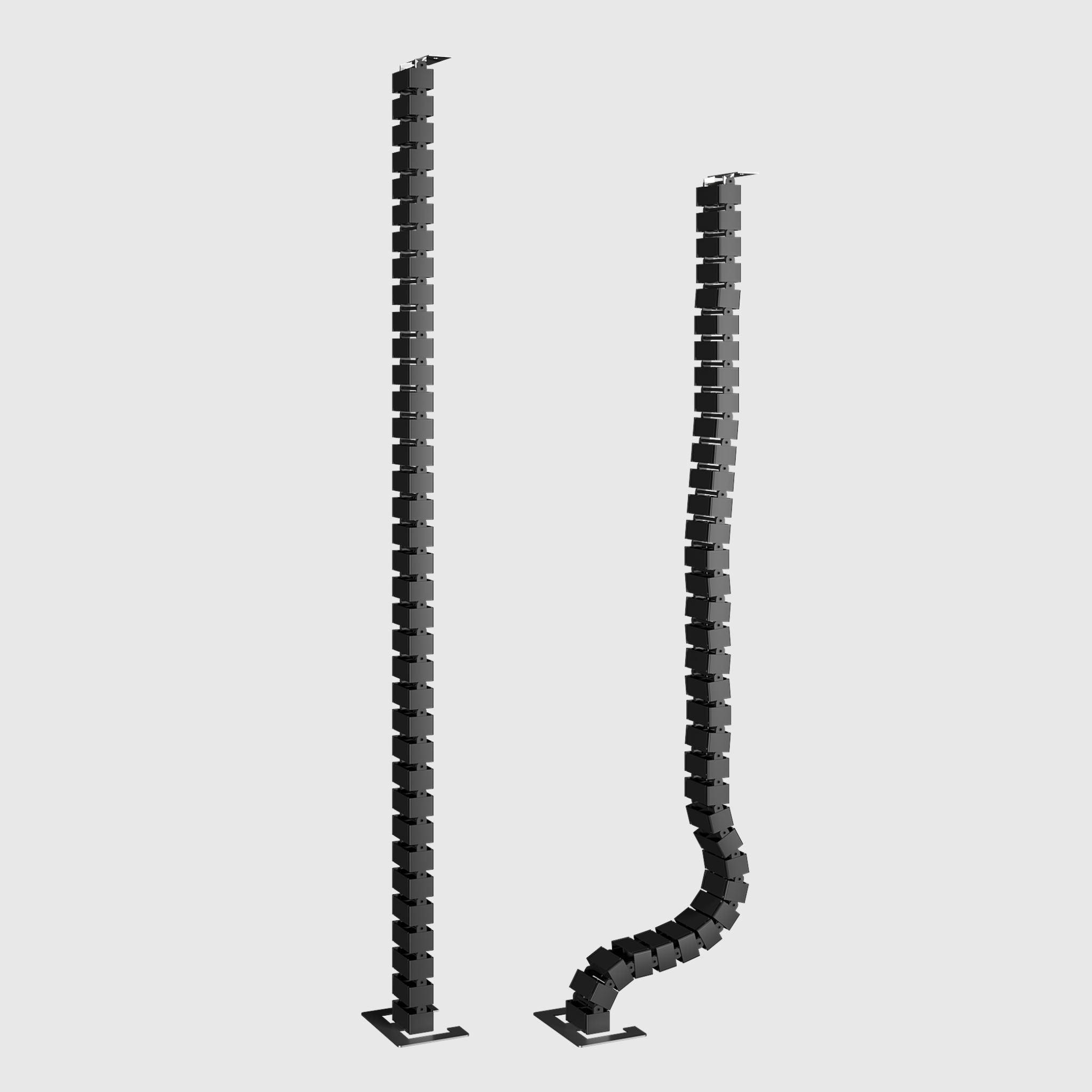
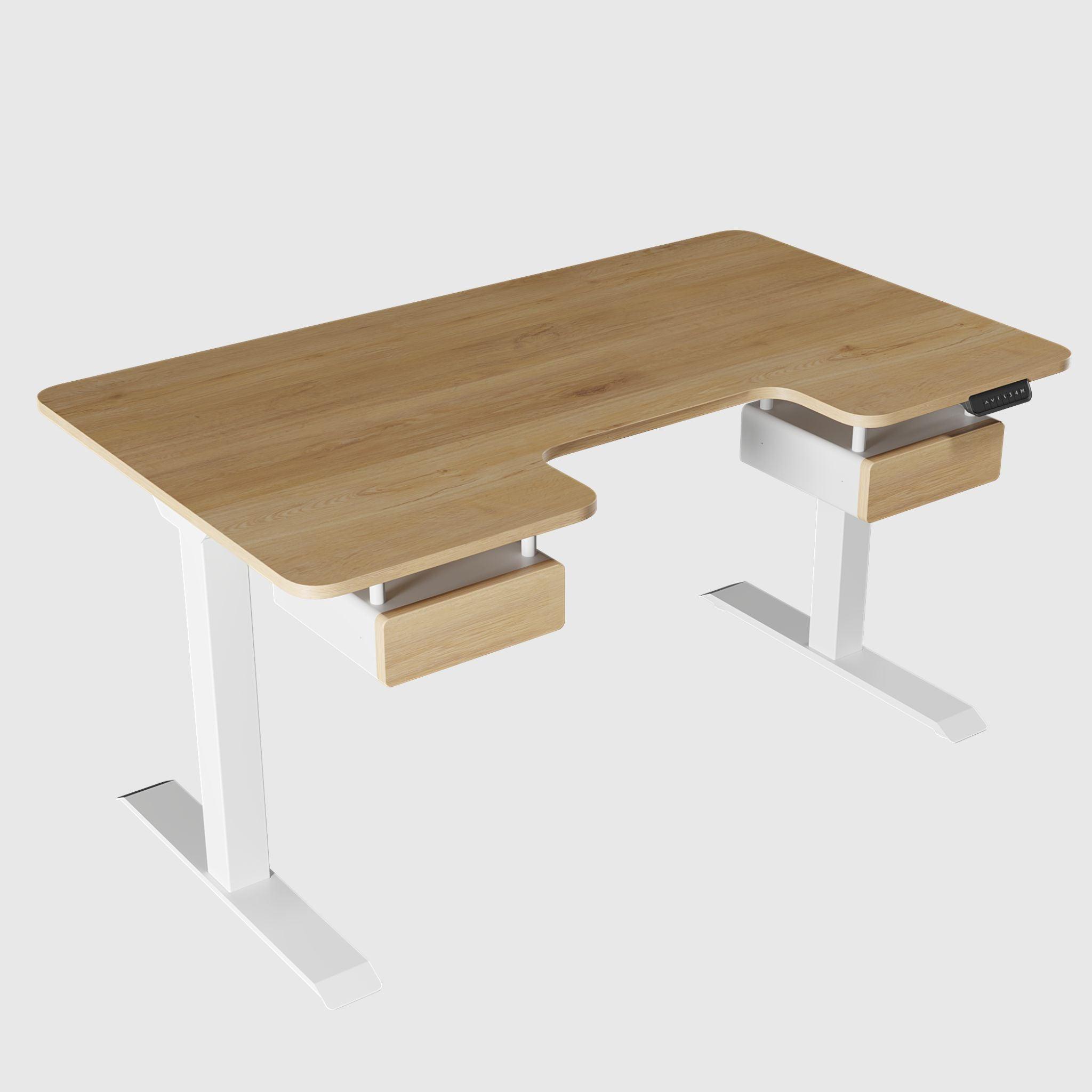
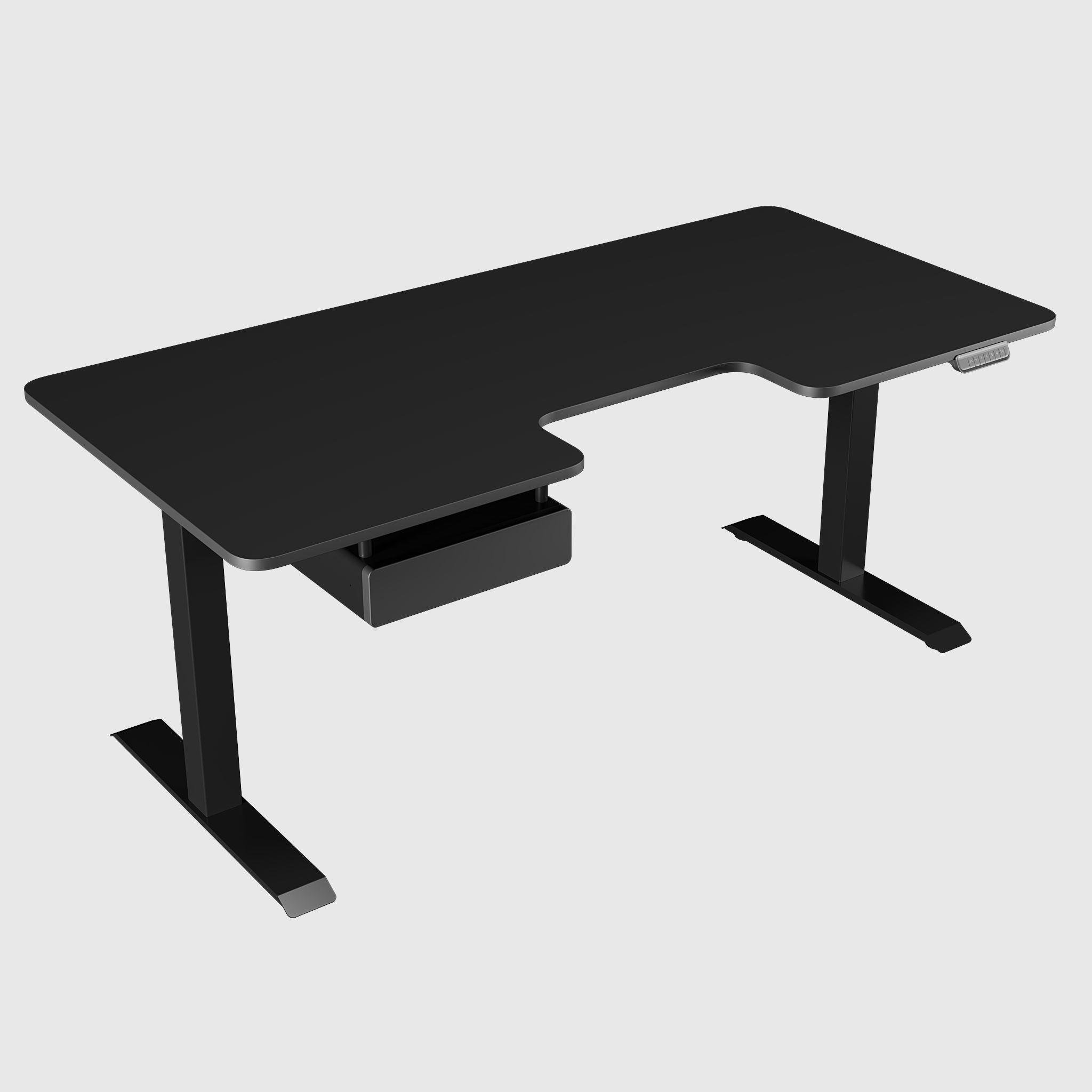
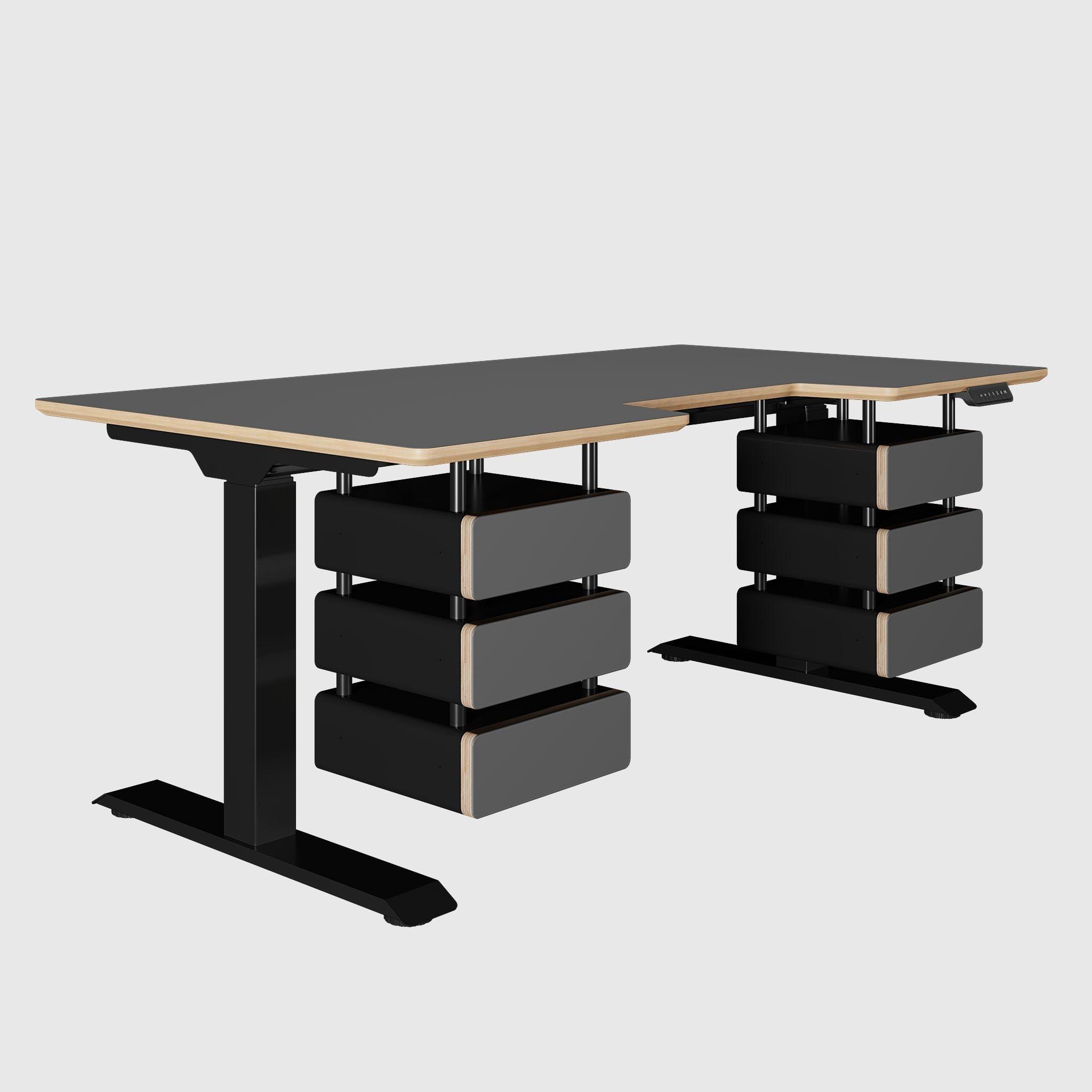
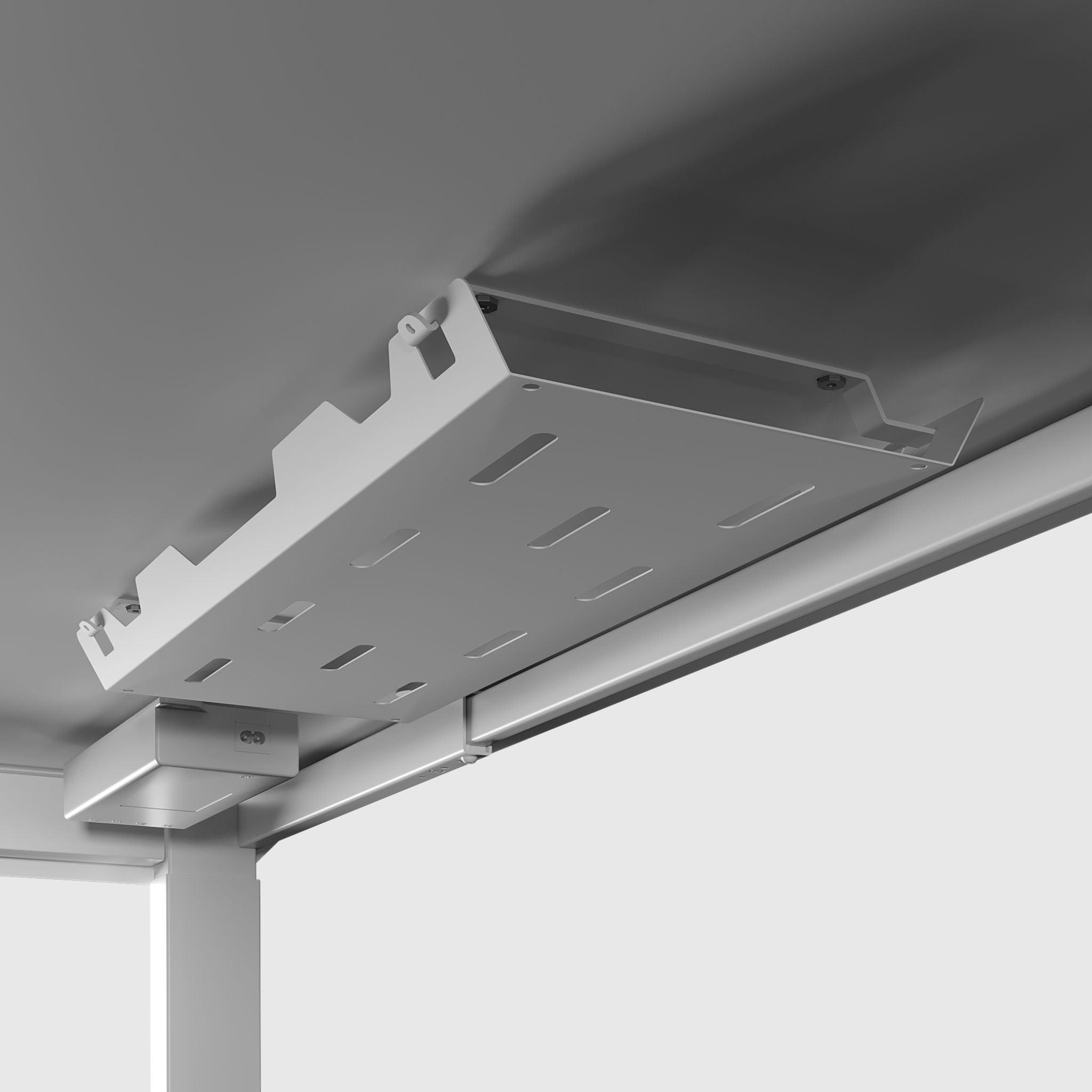
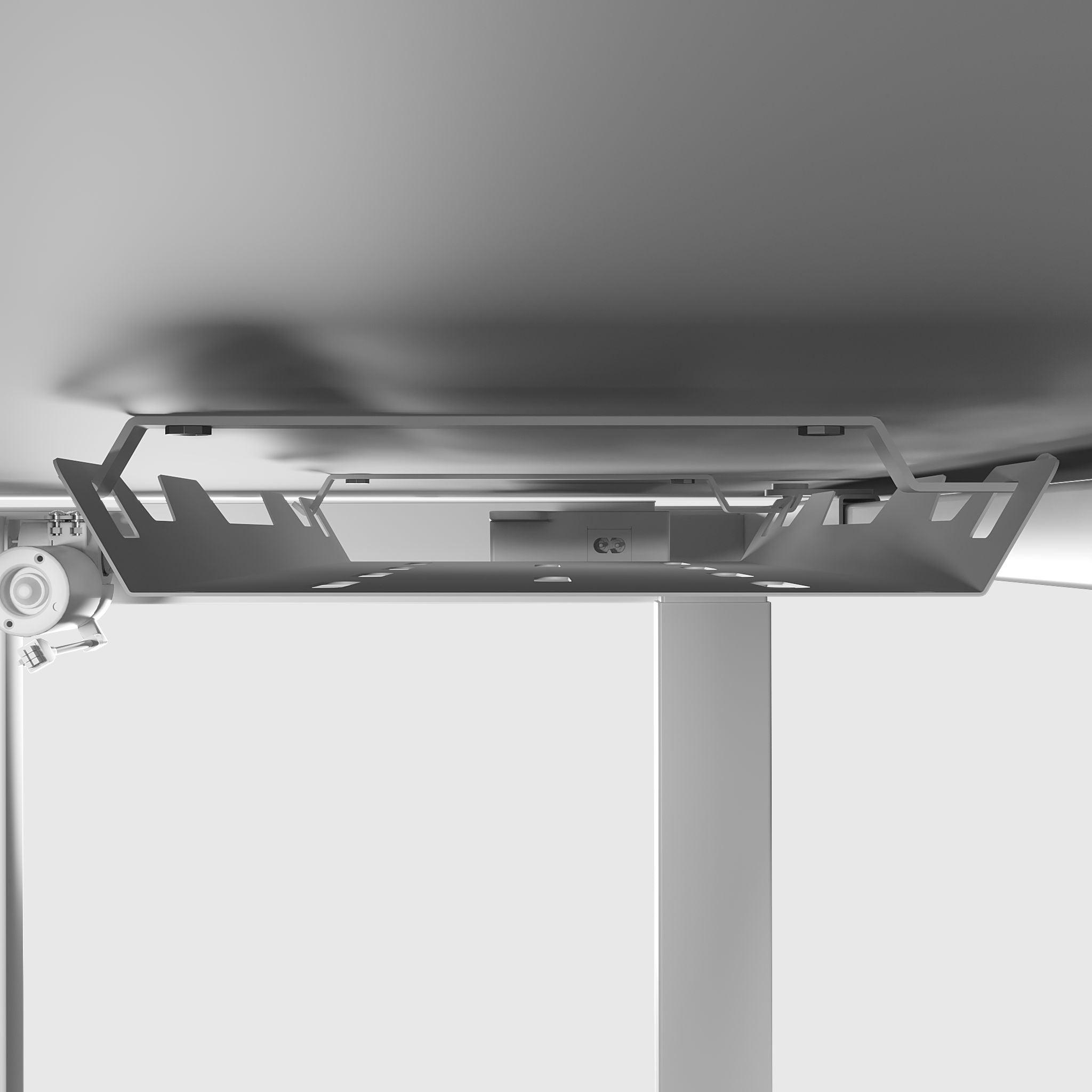
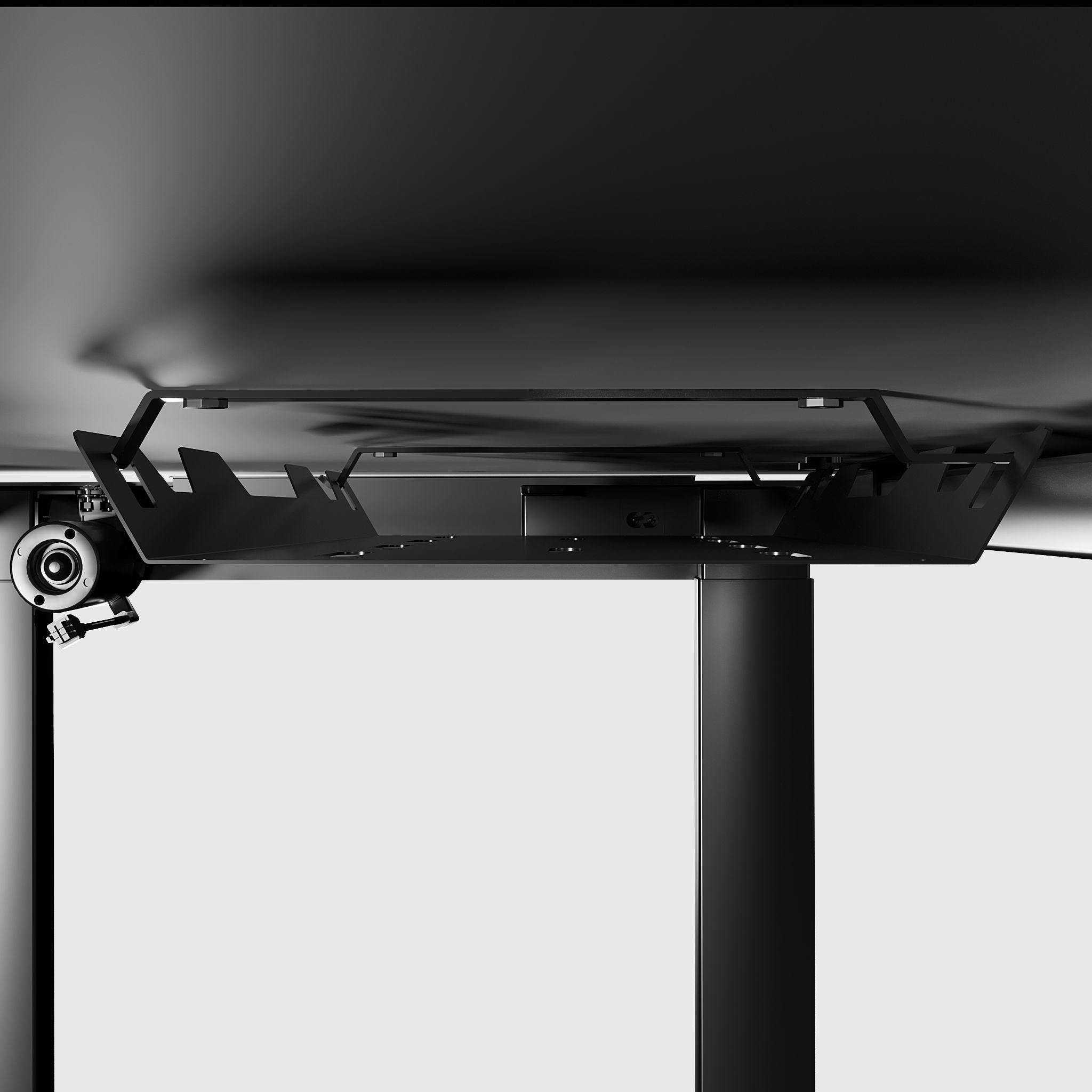
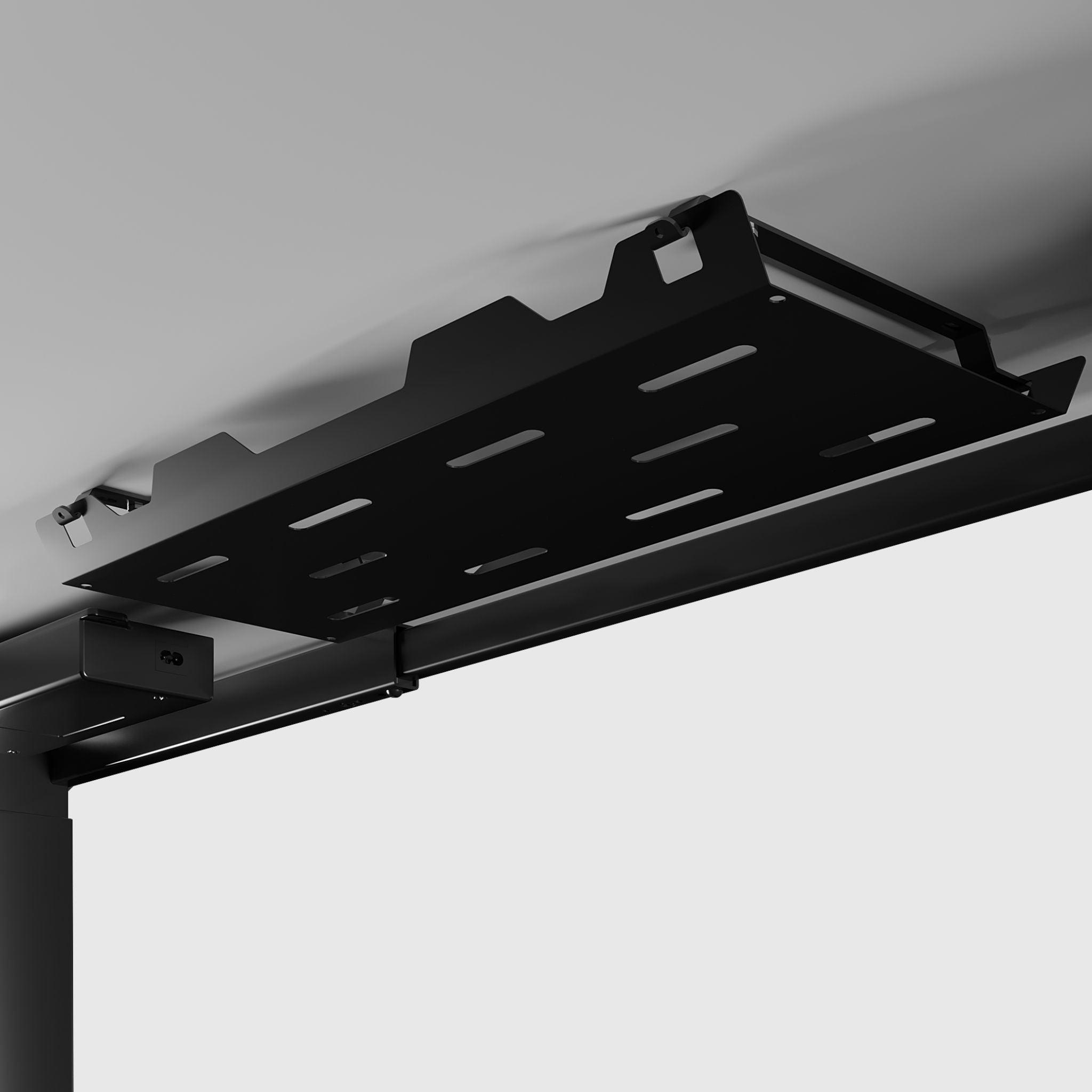
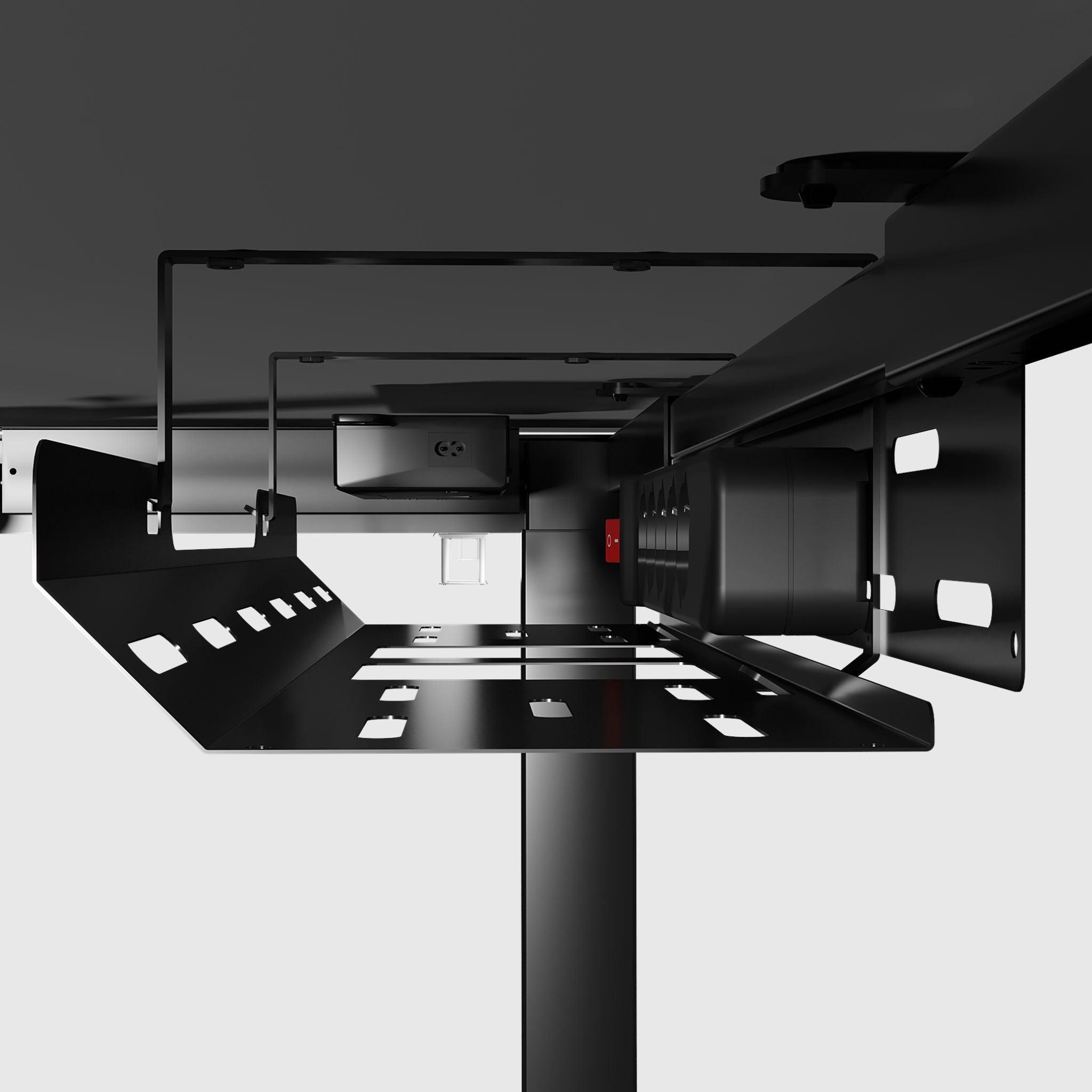
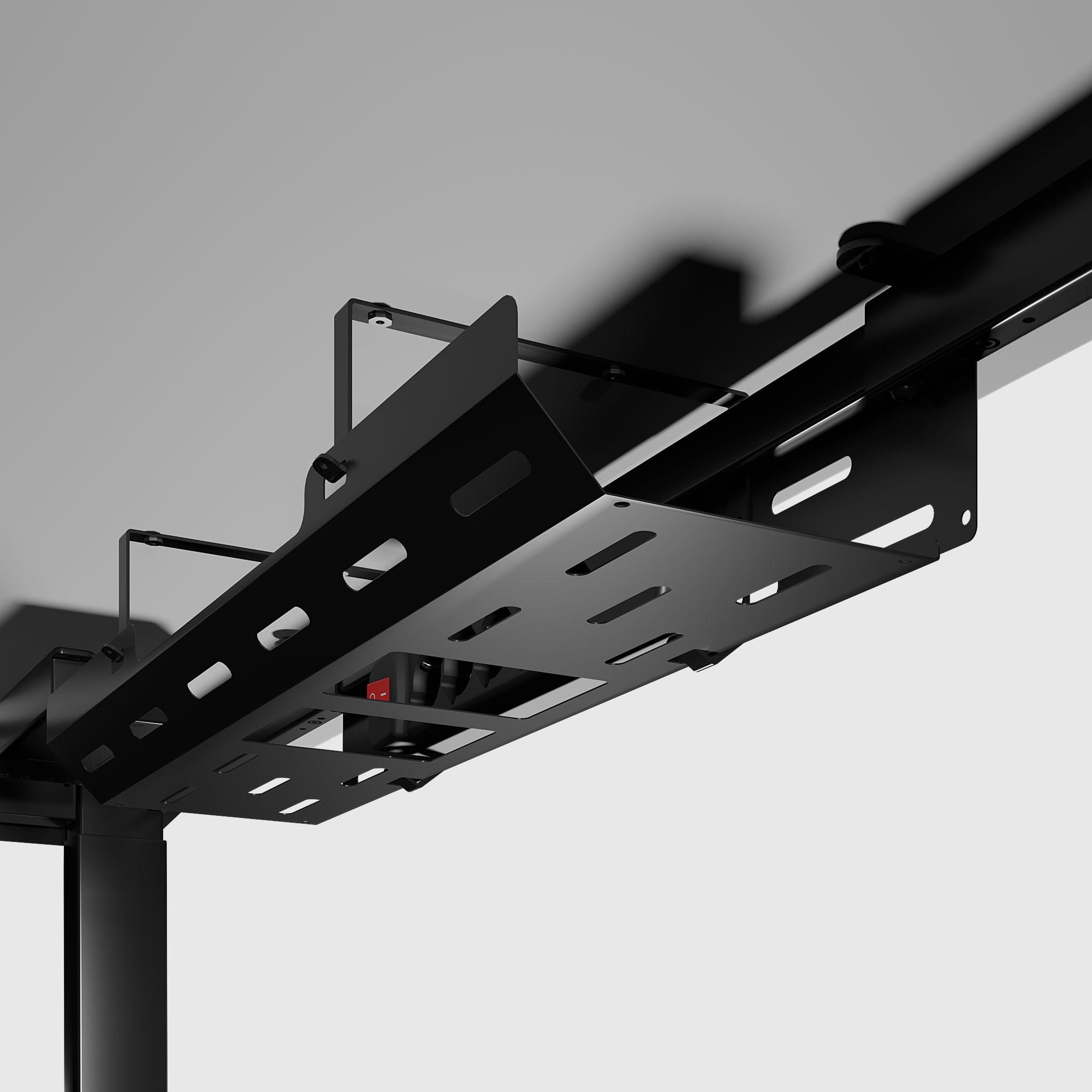
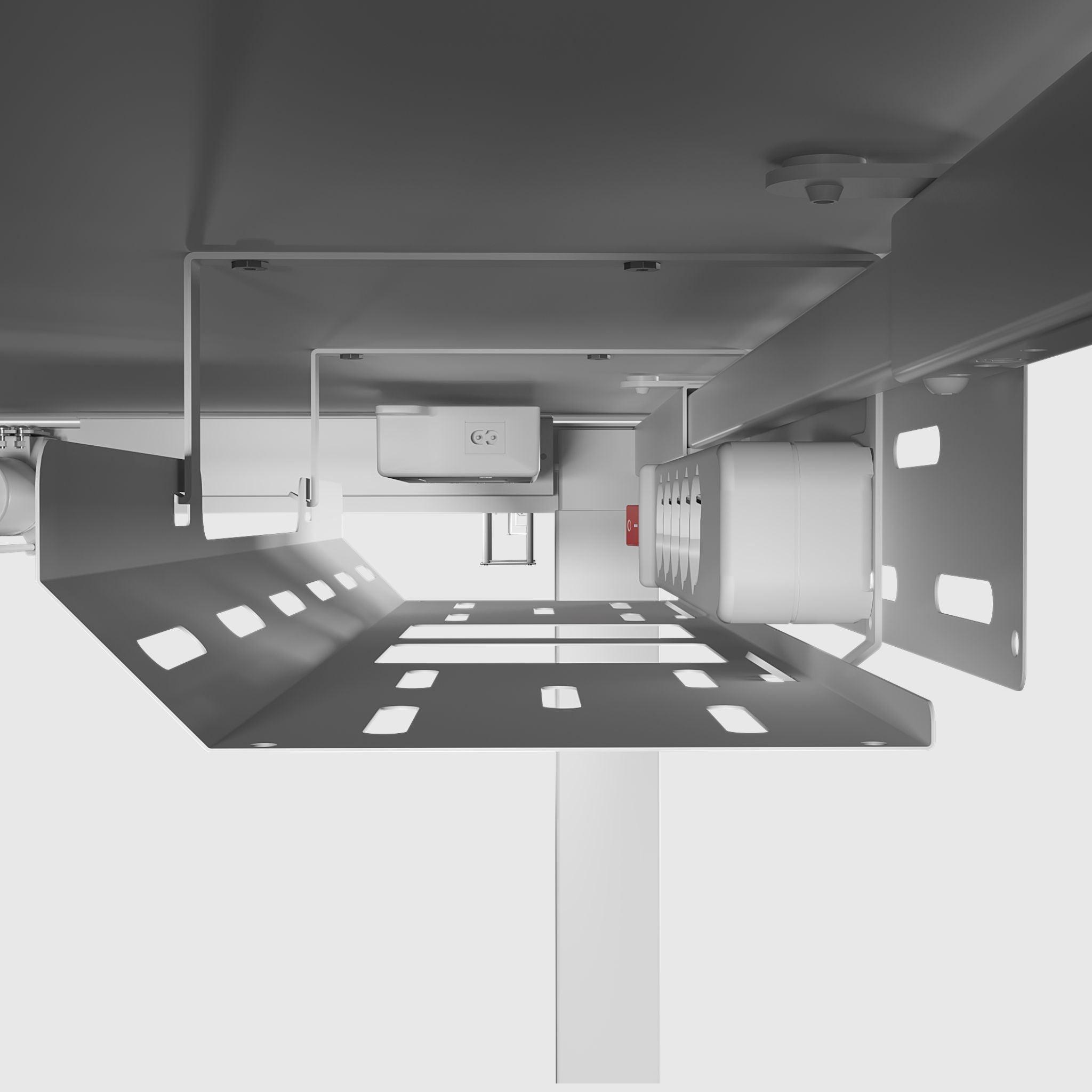
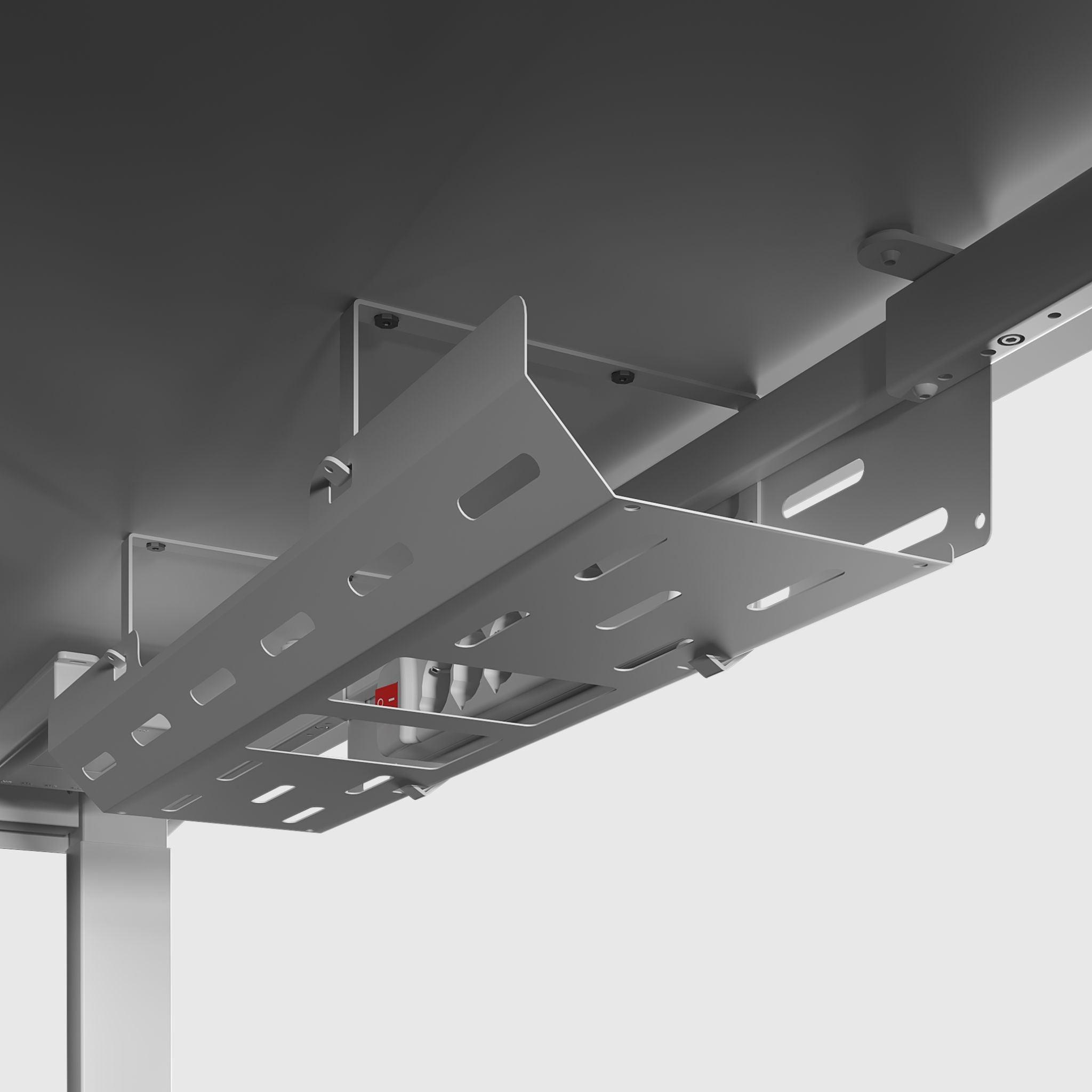
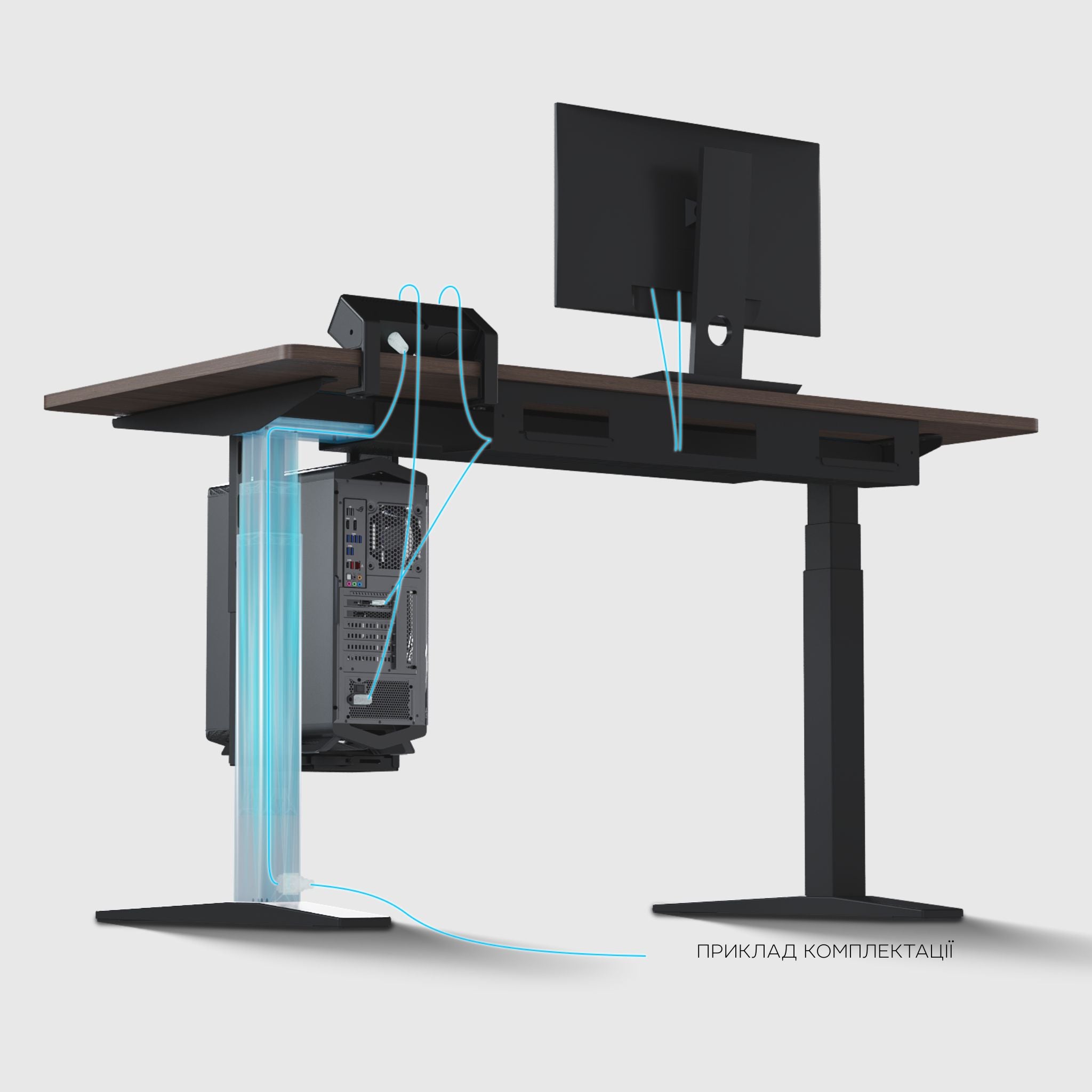
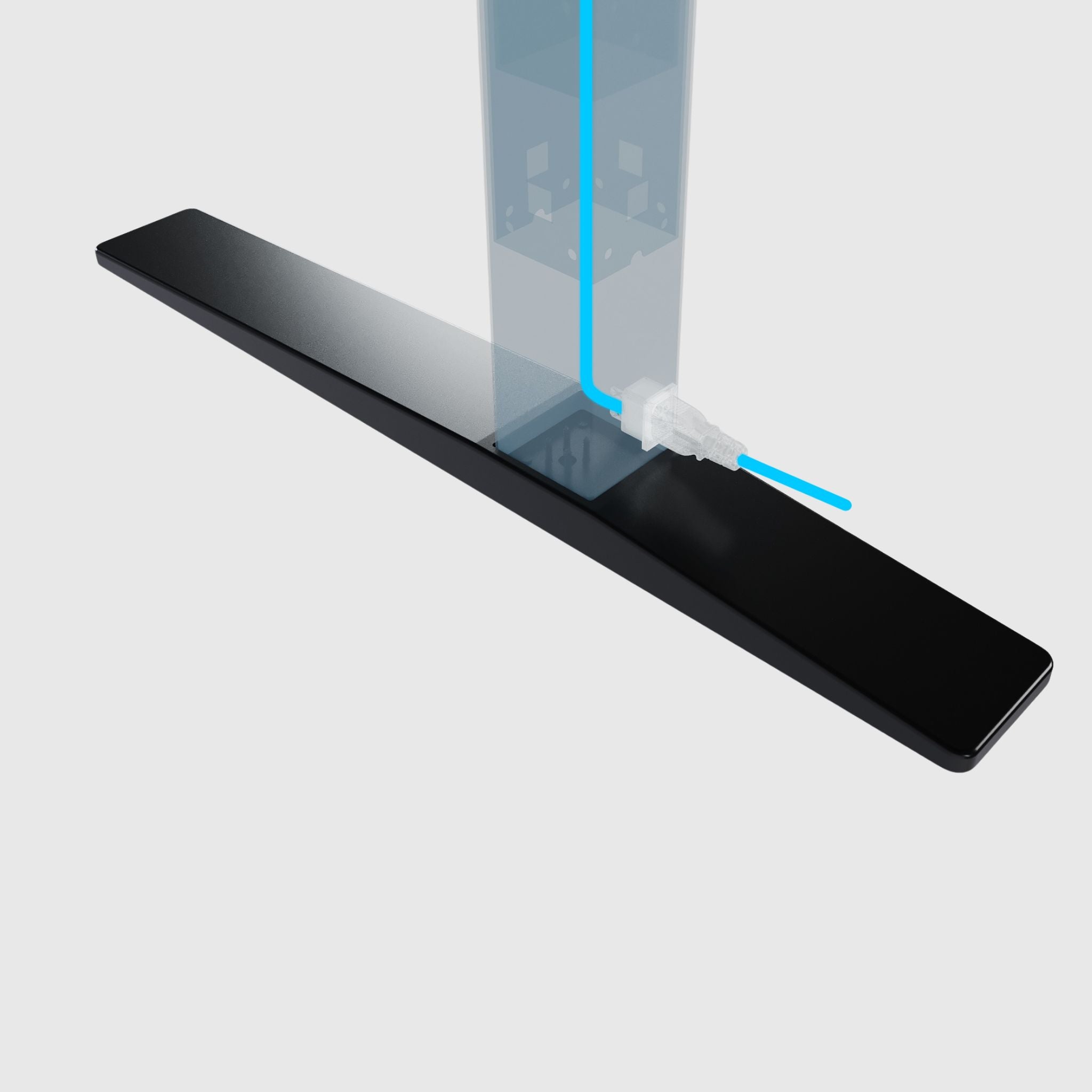
Cable management for 4-post height adjustable table frame
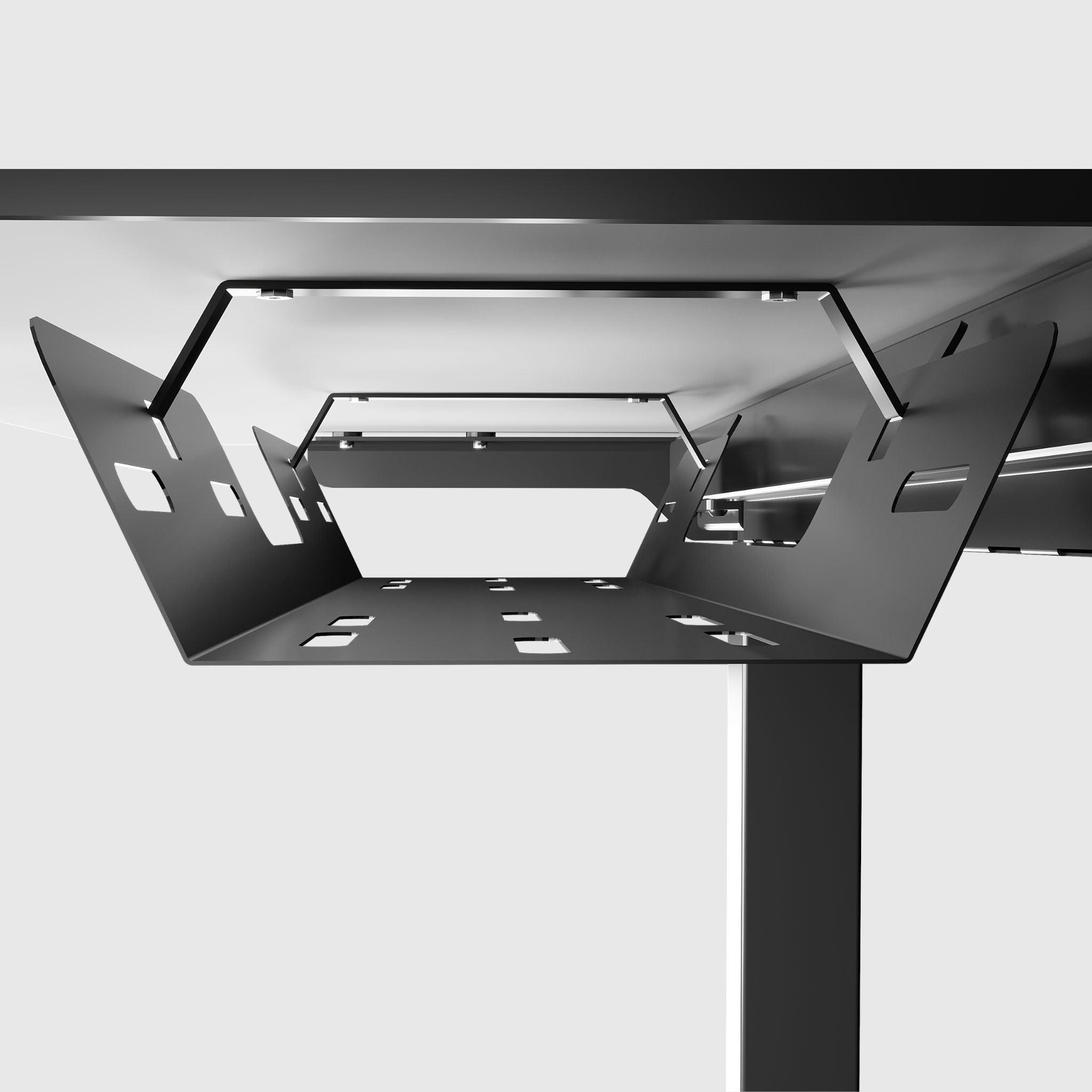
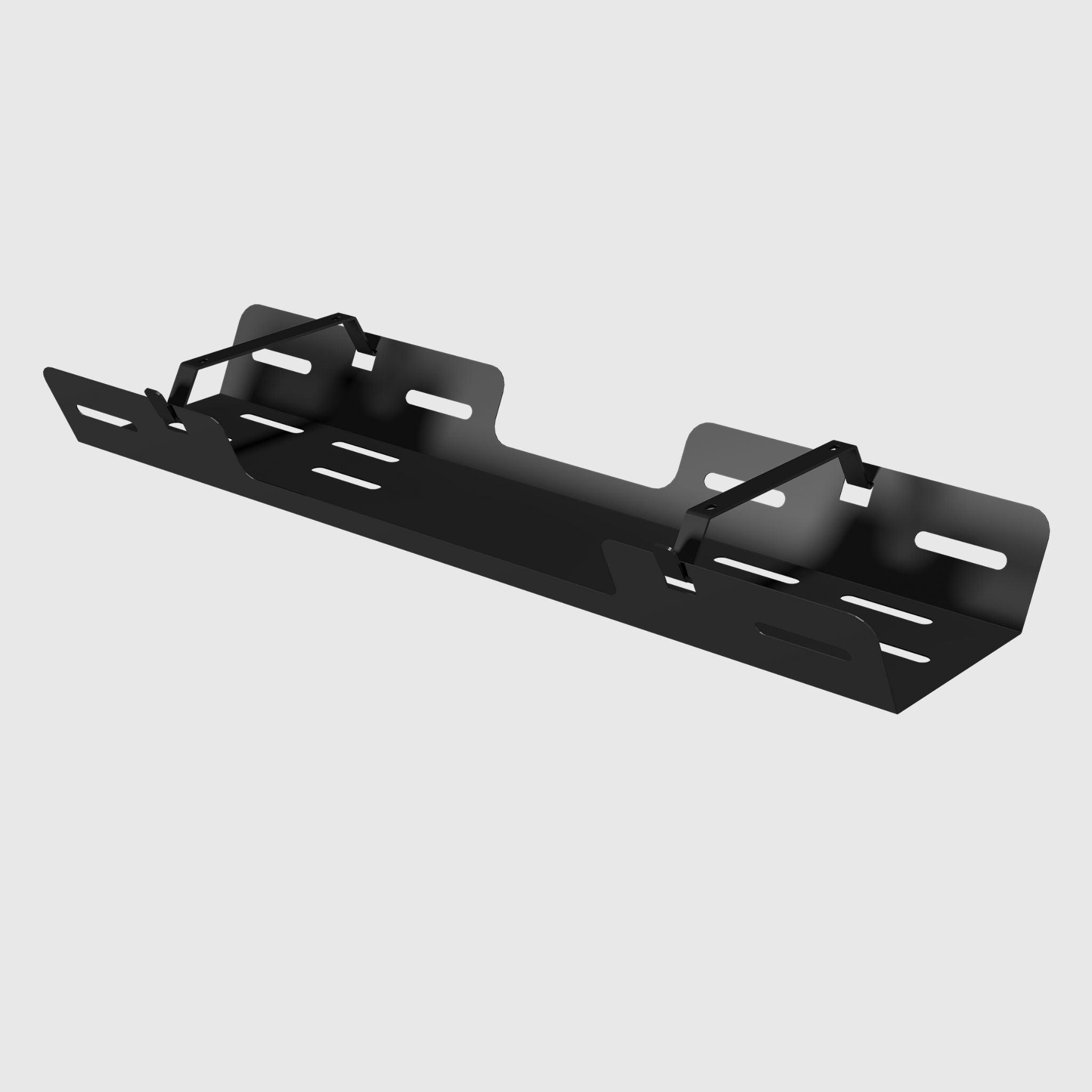
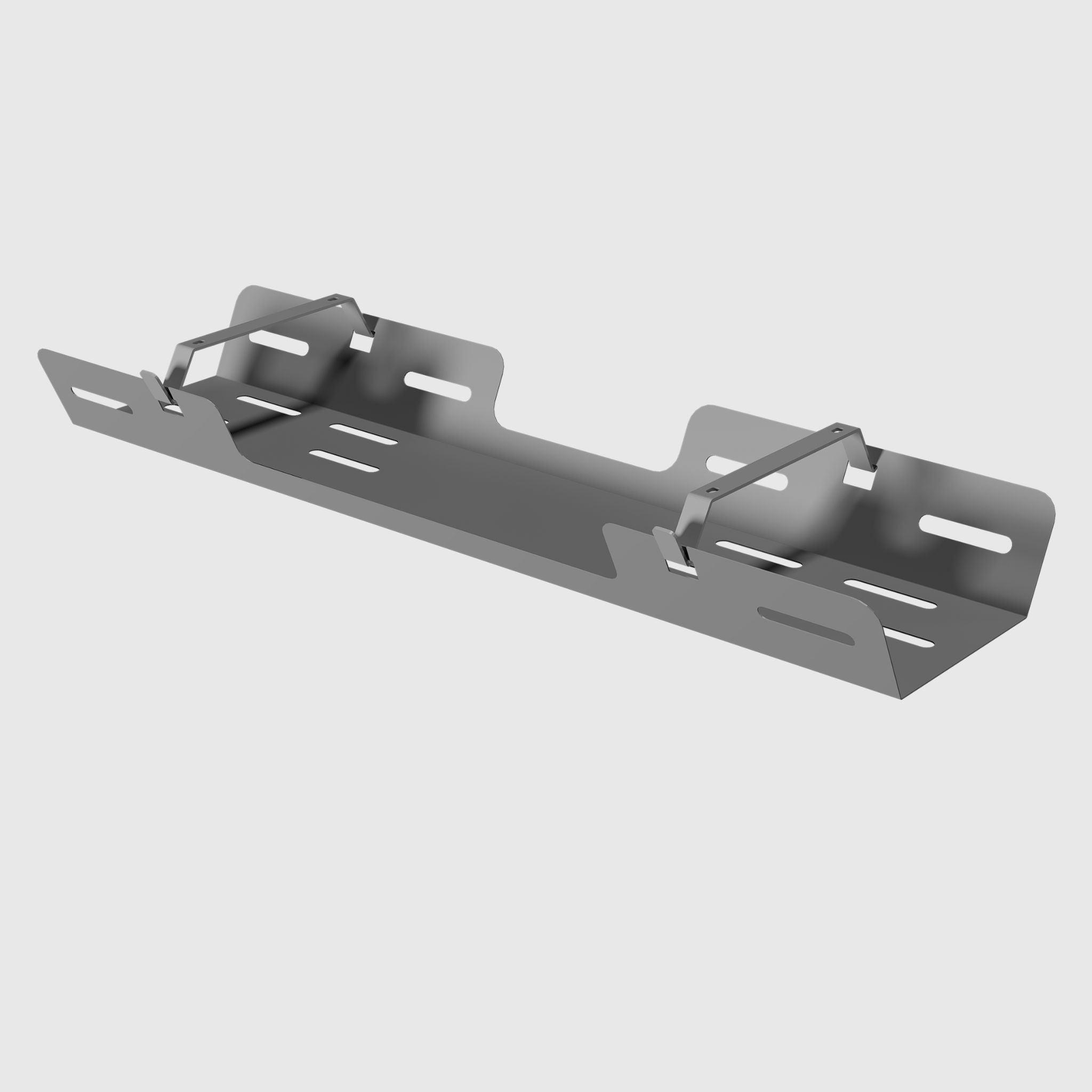
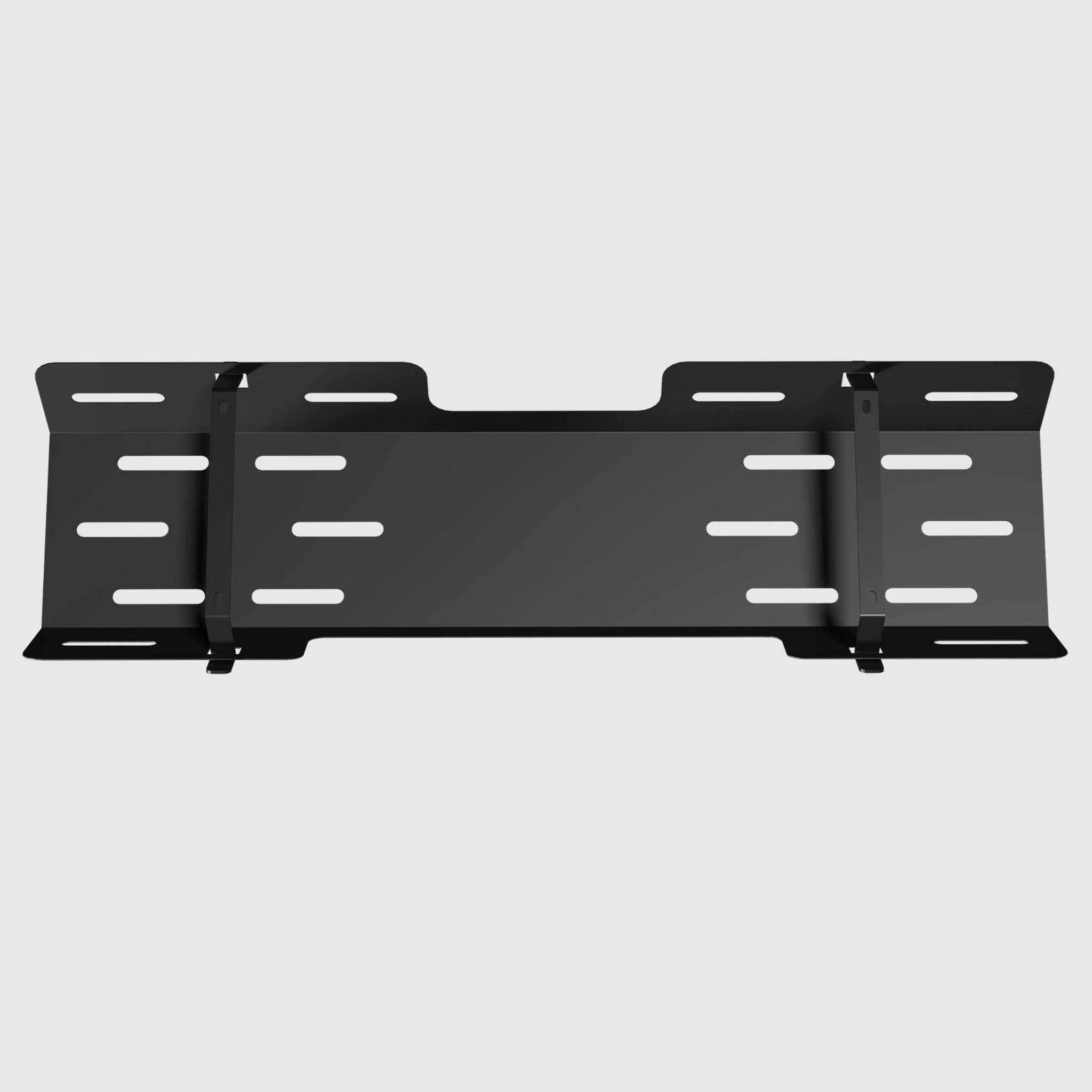
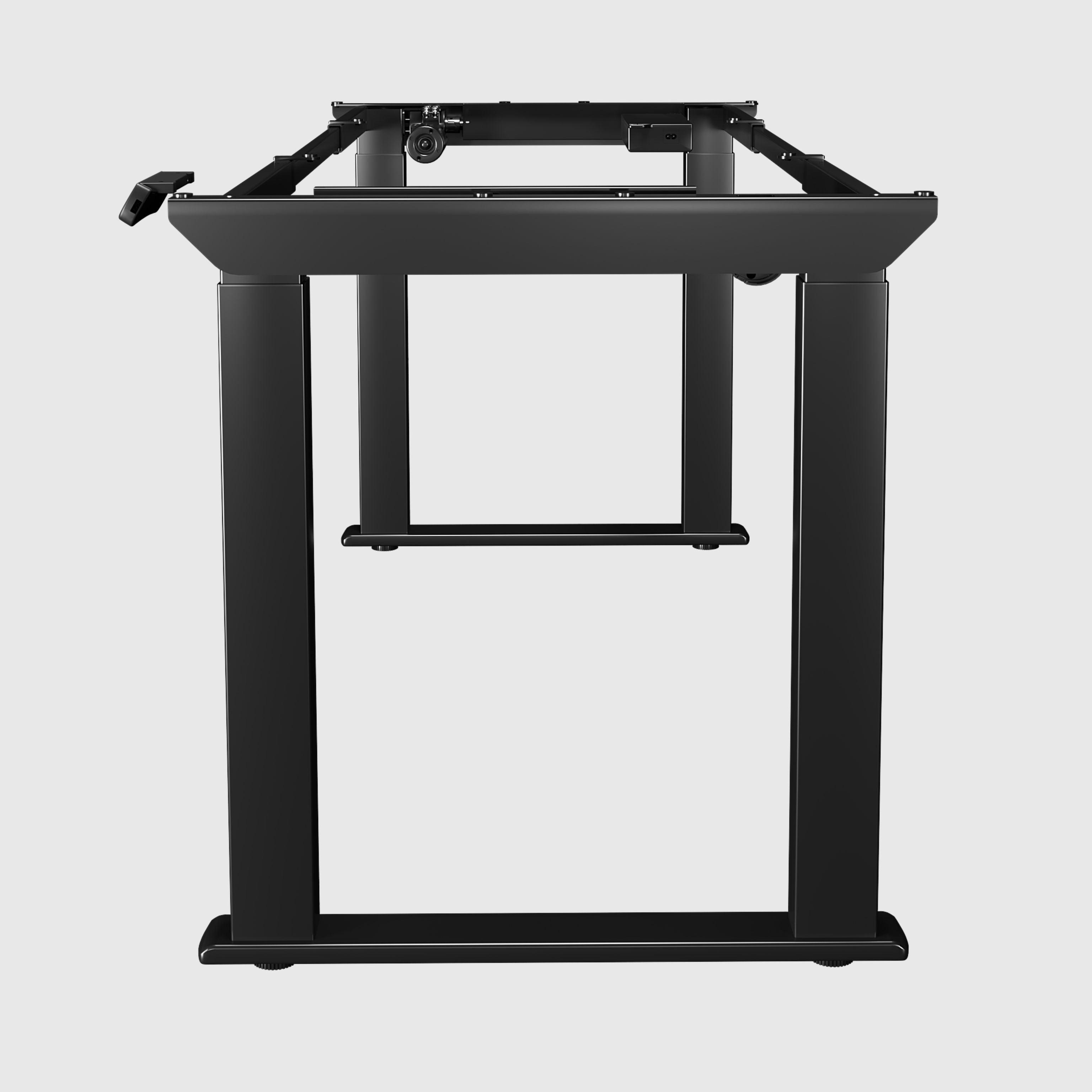
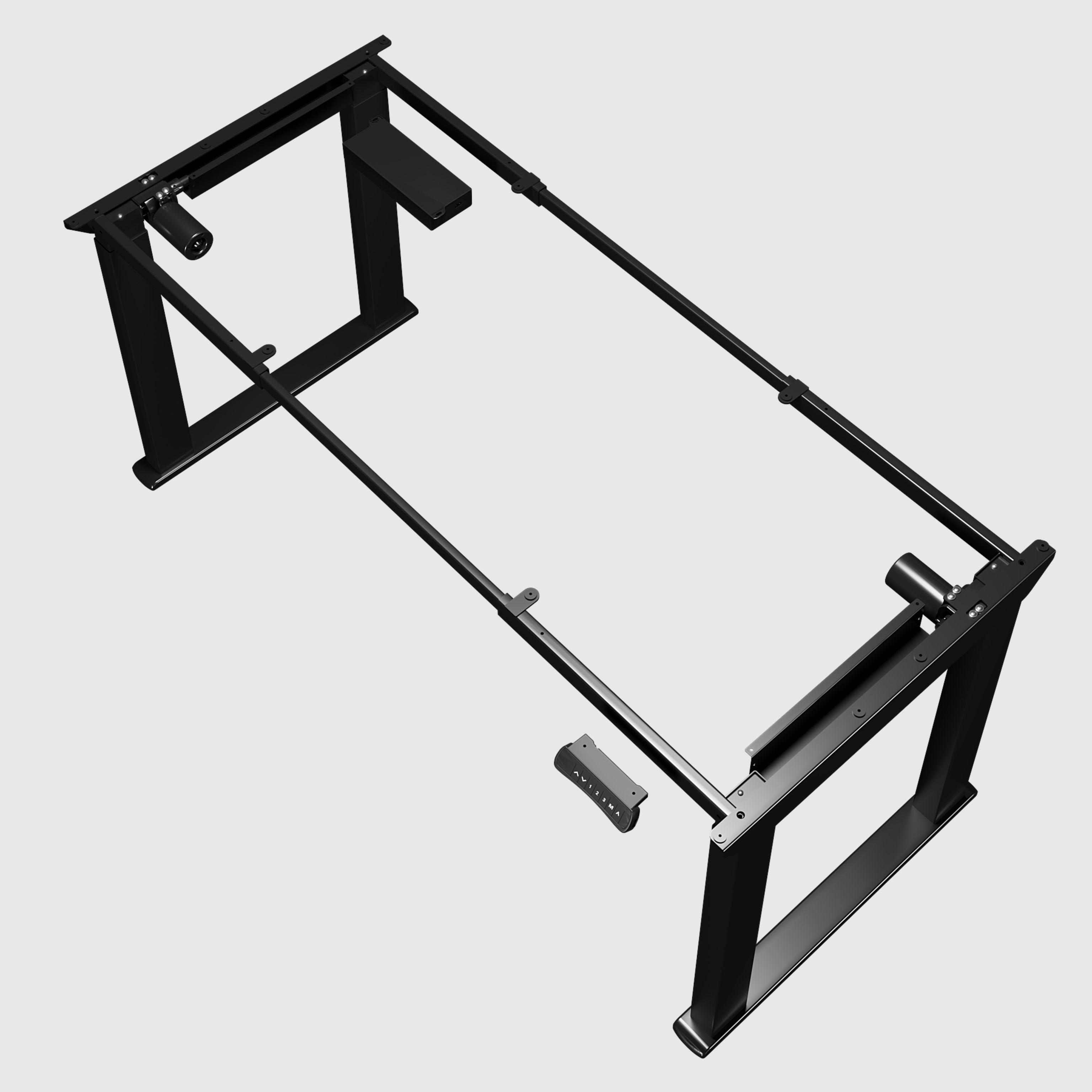
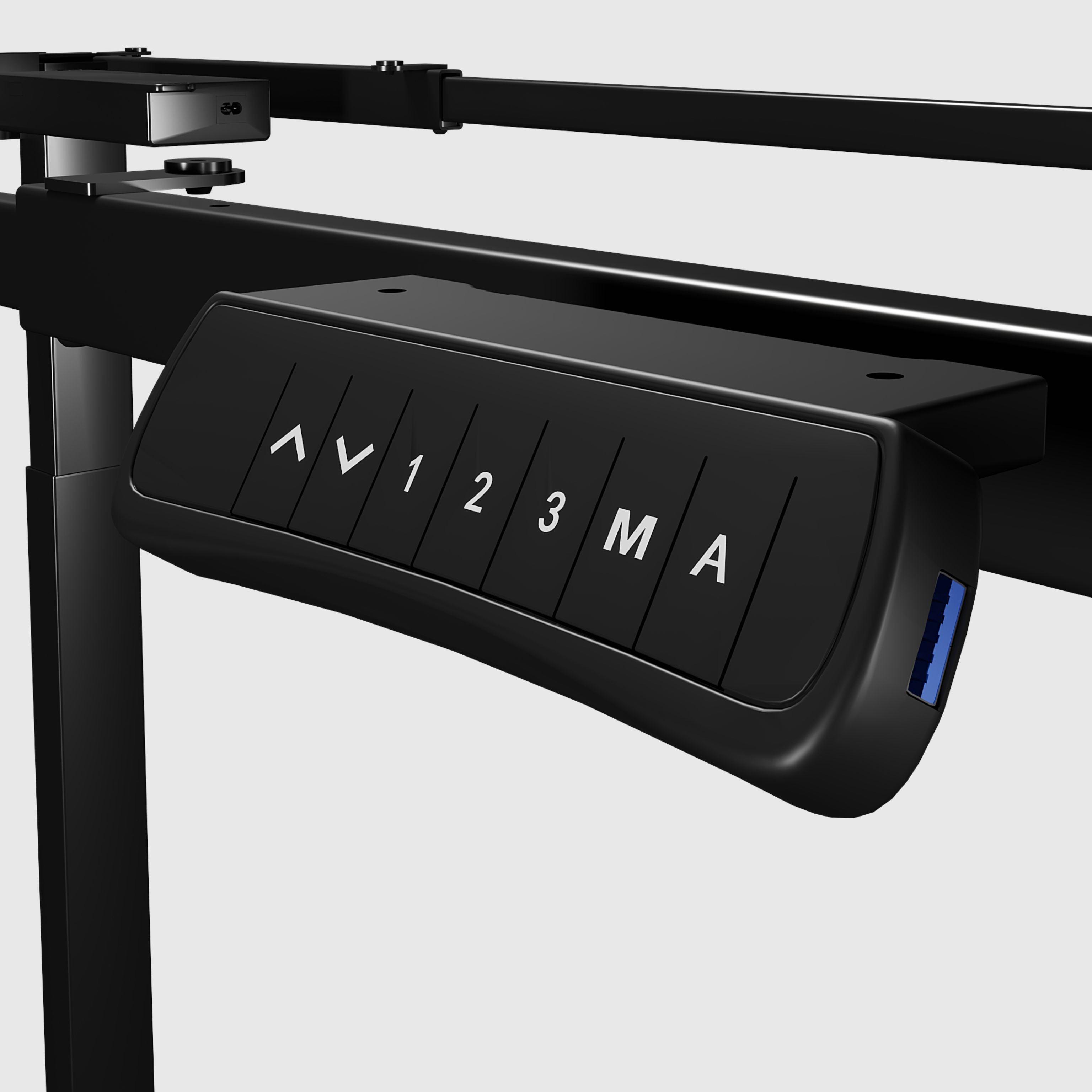
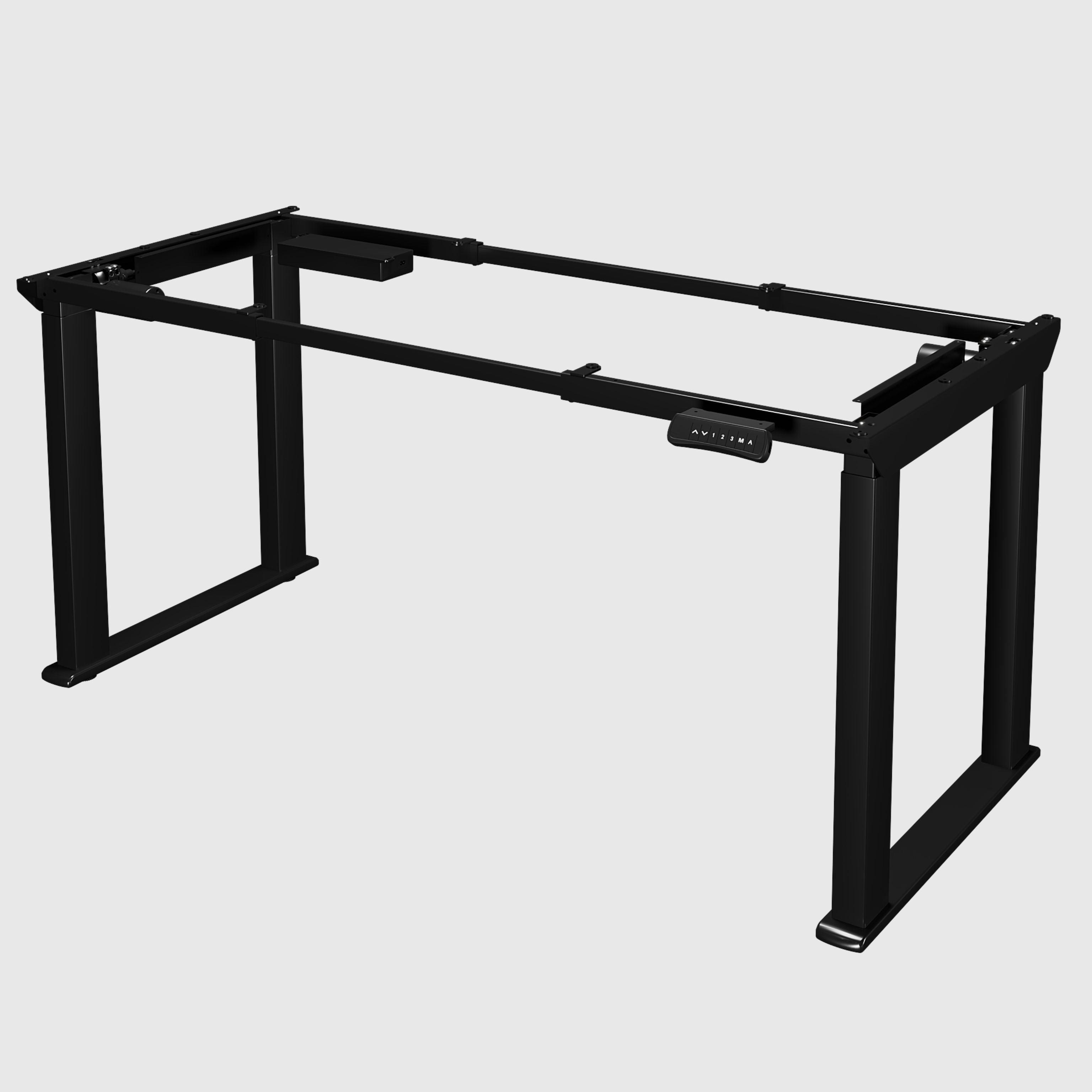
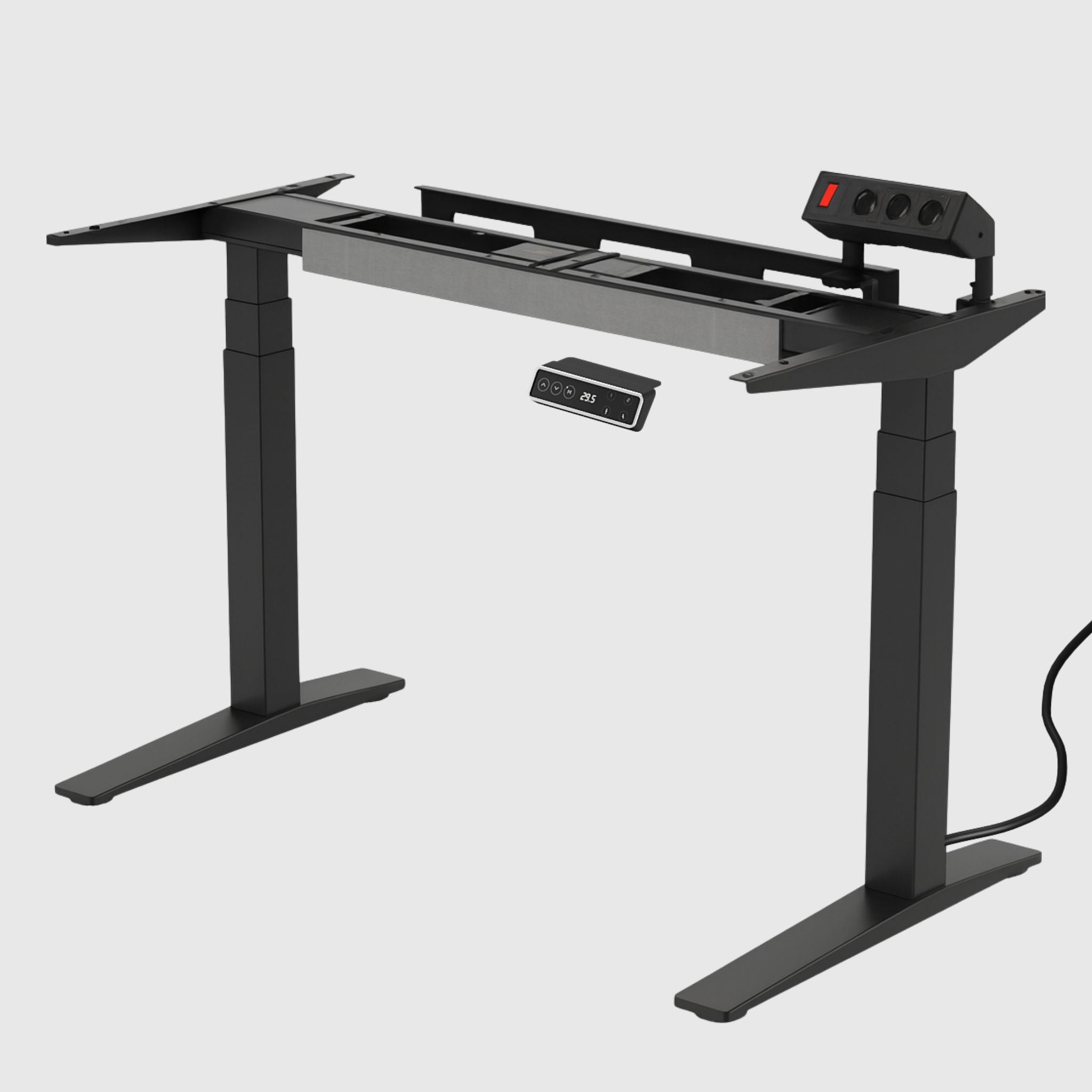
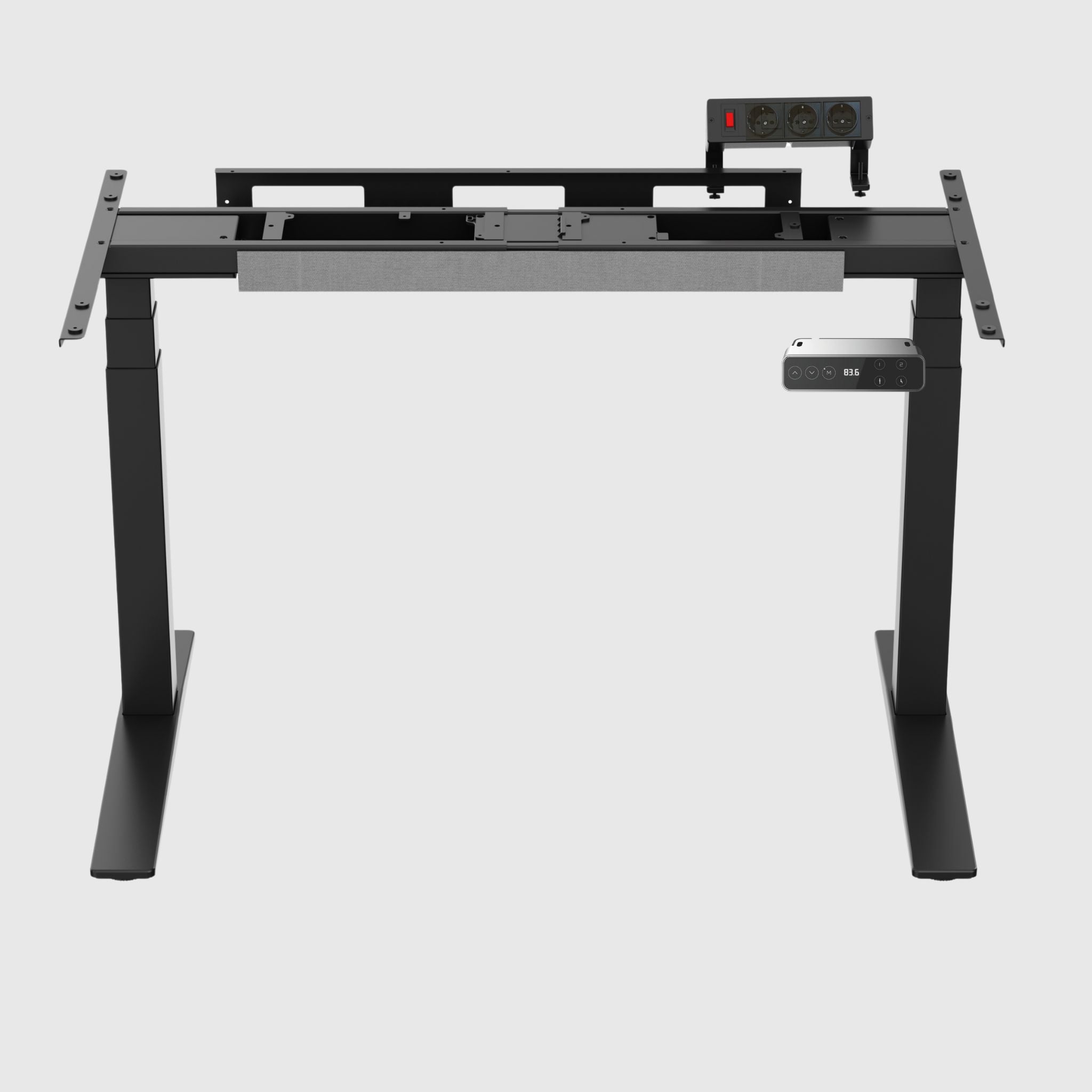
LiteQuad dual-motor height-adjustable table frame
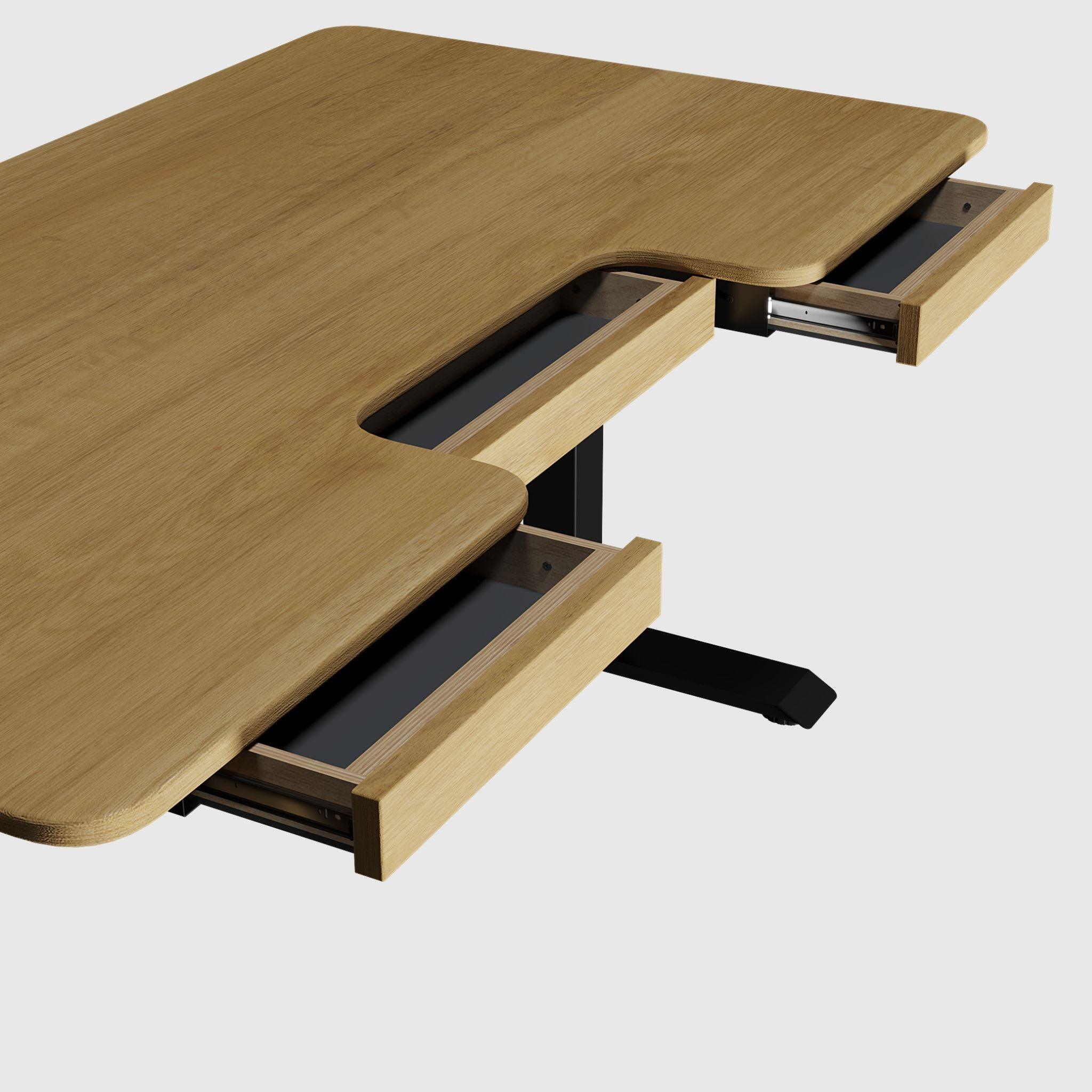
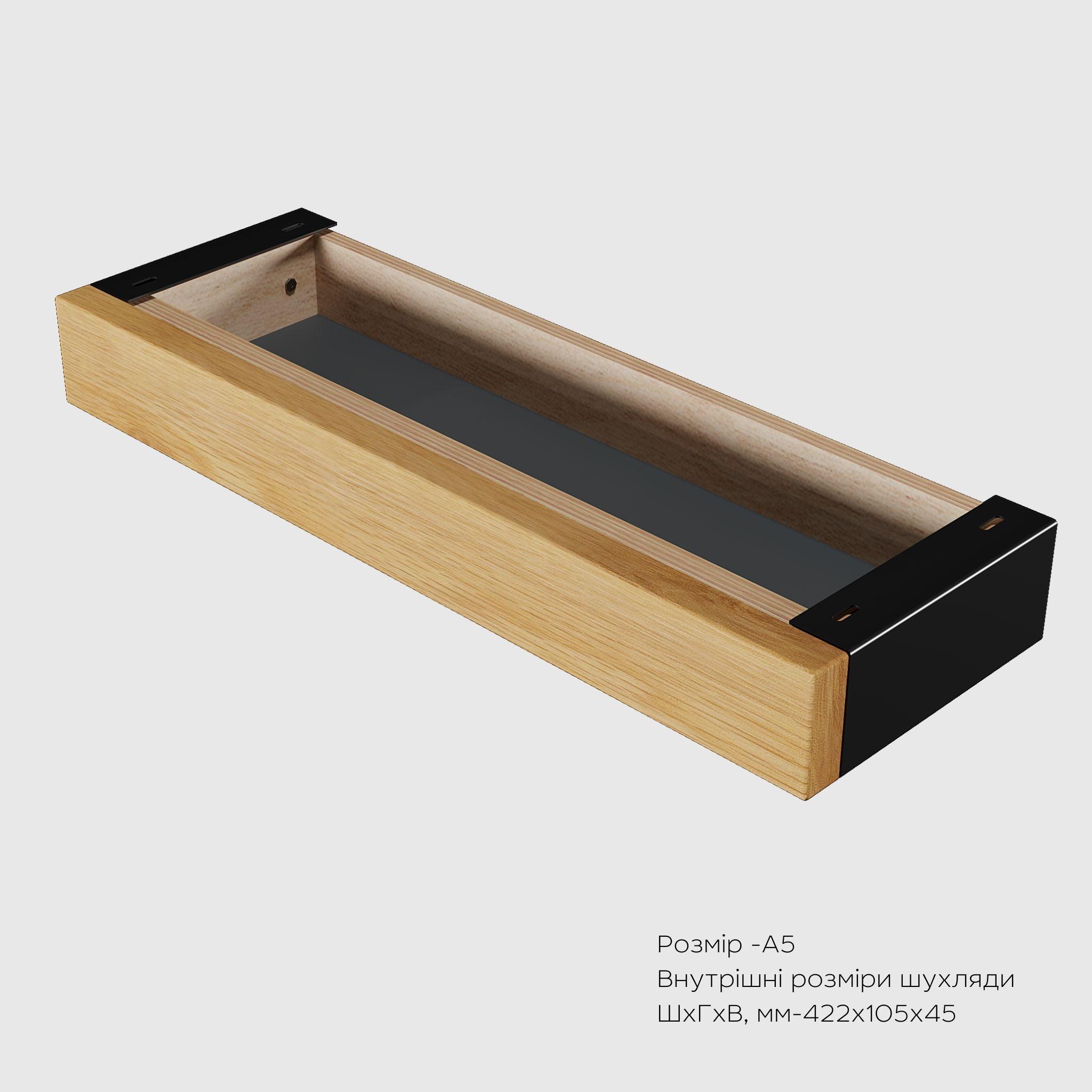
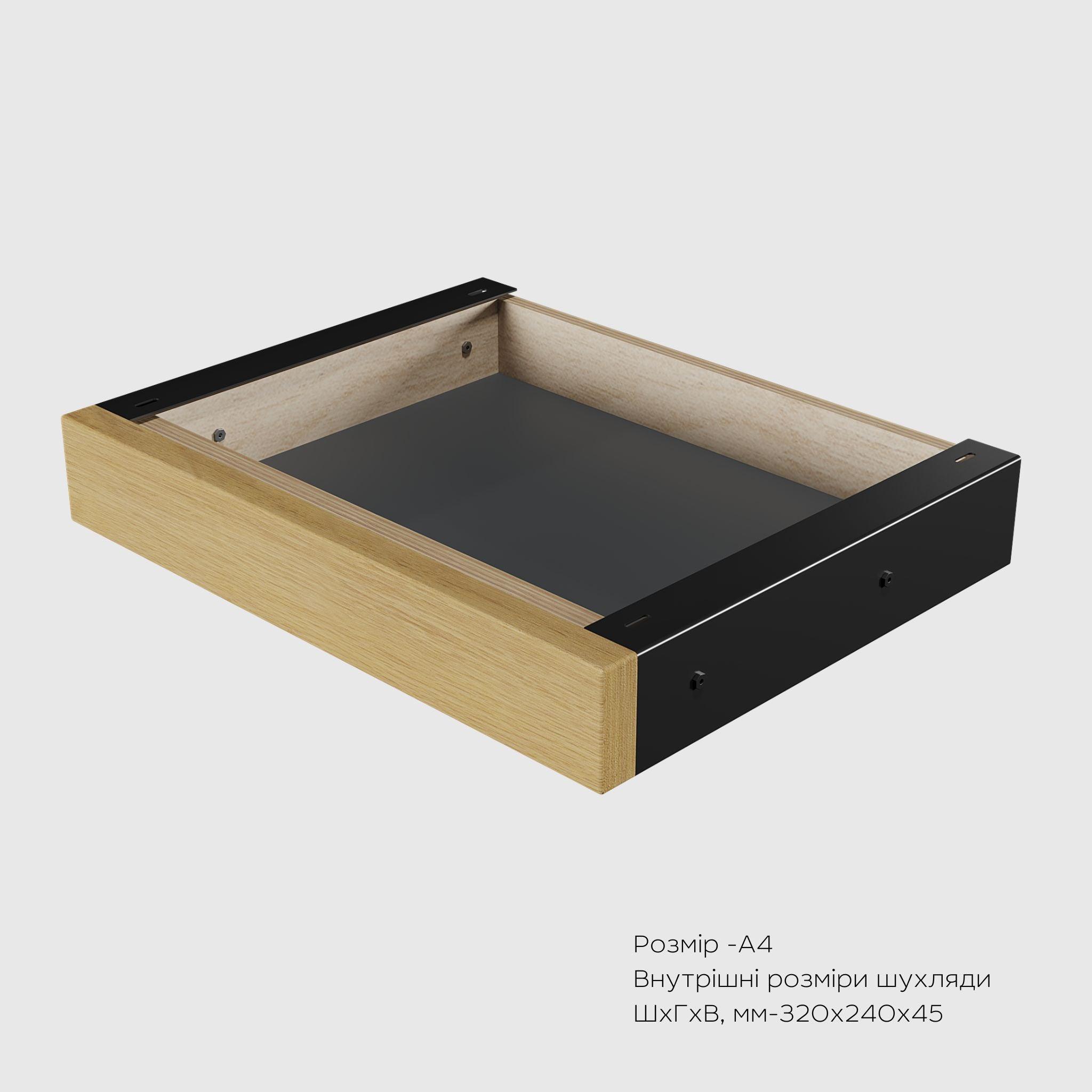
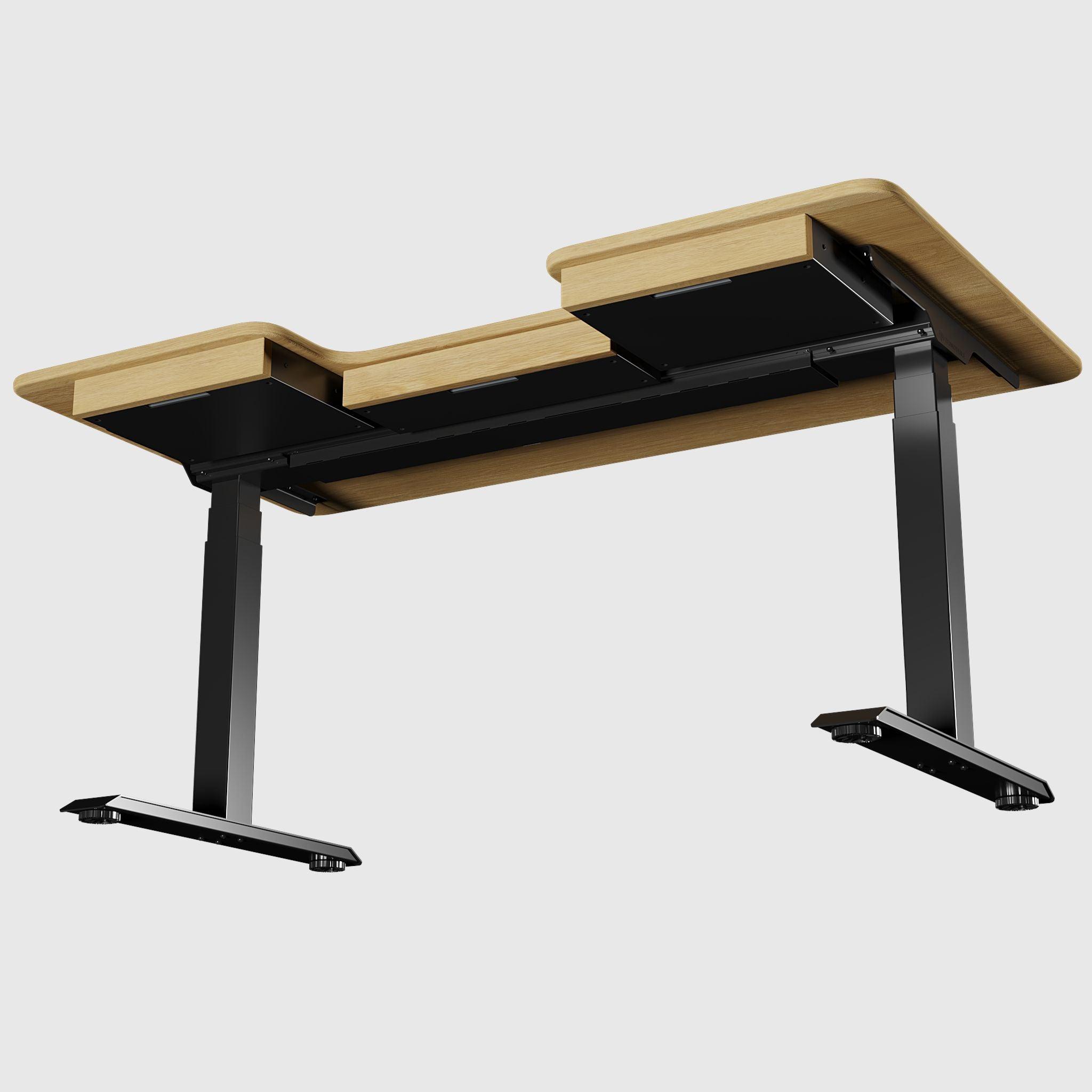


HPL table tops for height-adjustable tables
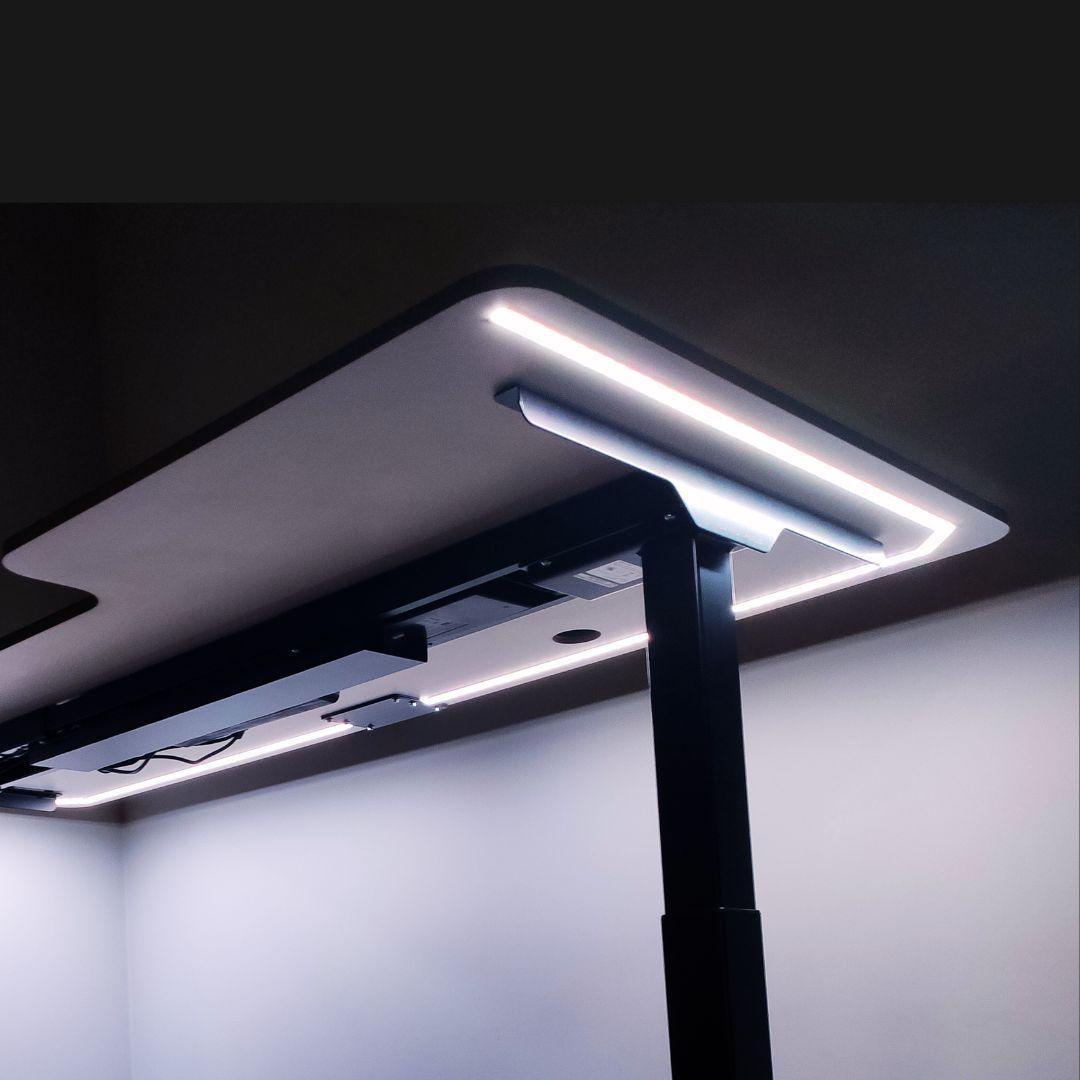
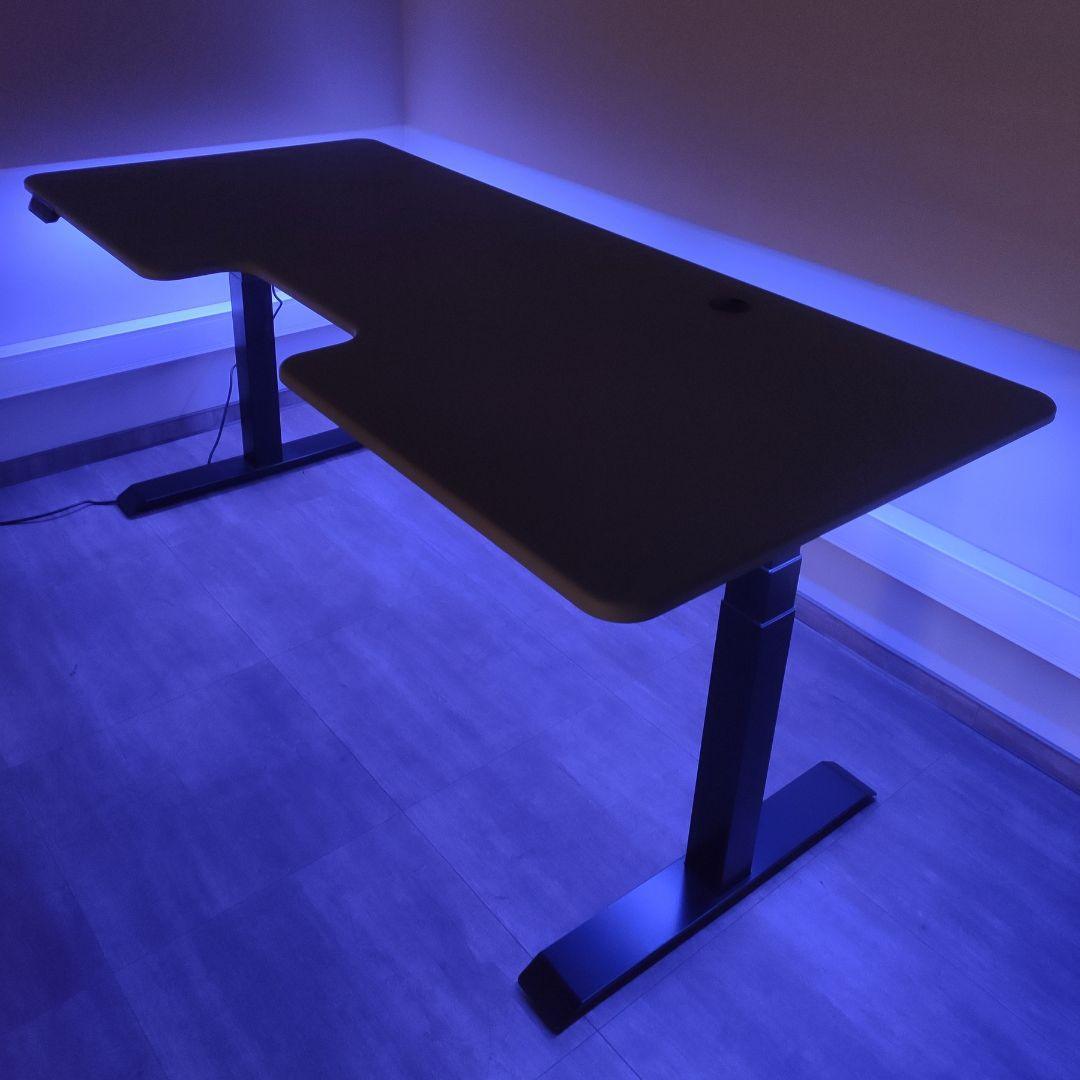
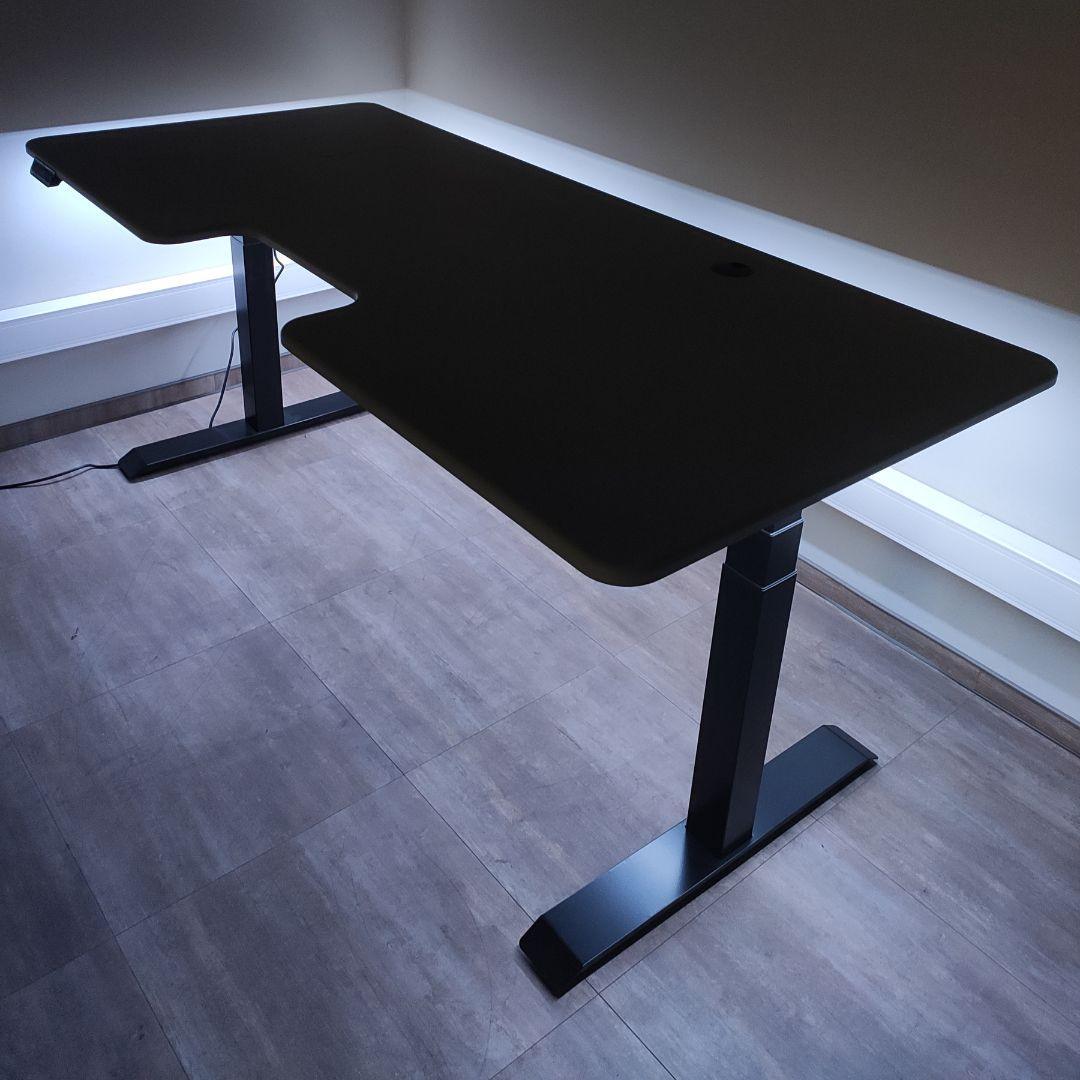
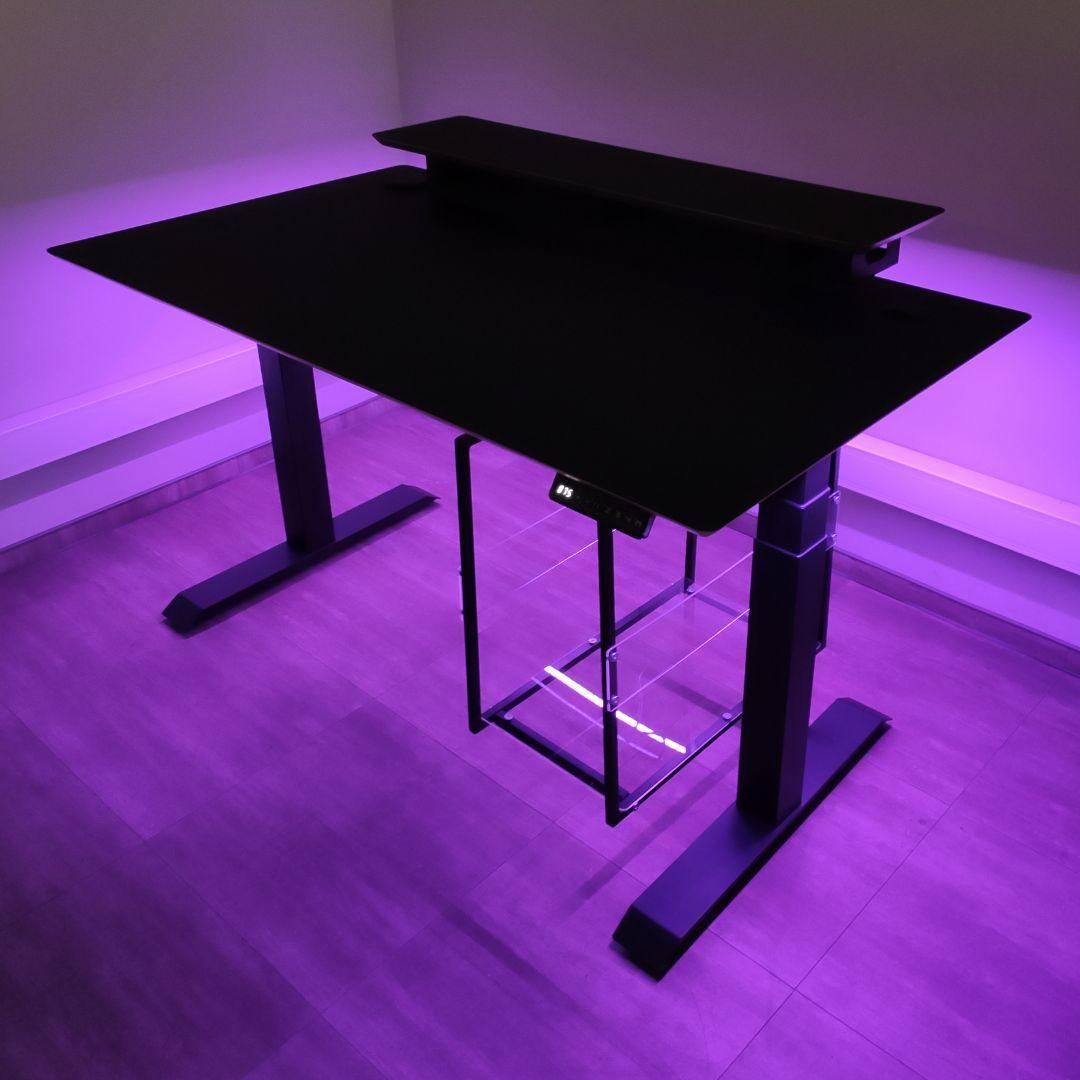

Frames, Tabletops, and Accessories: Assemble Your Height-Adjustable Desk
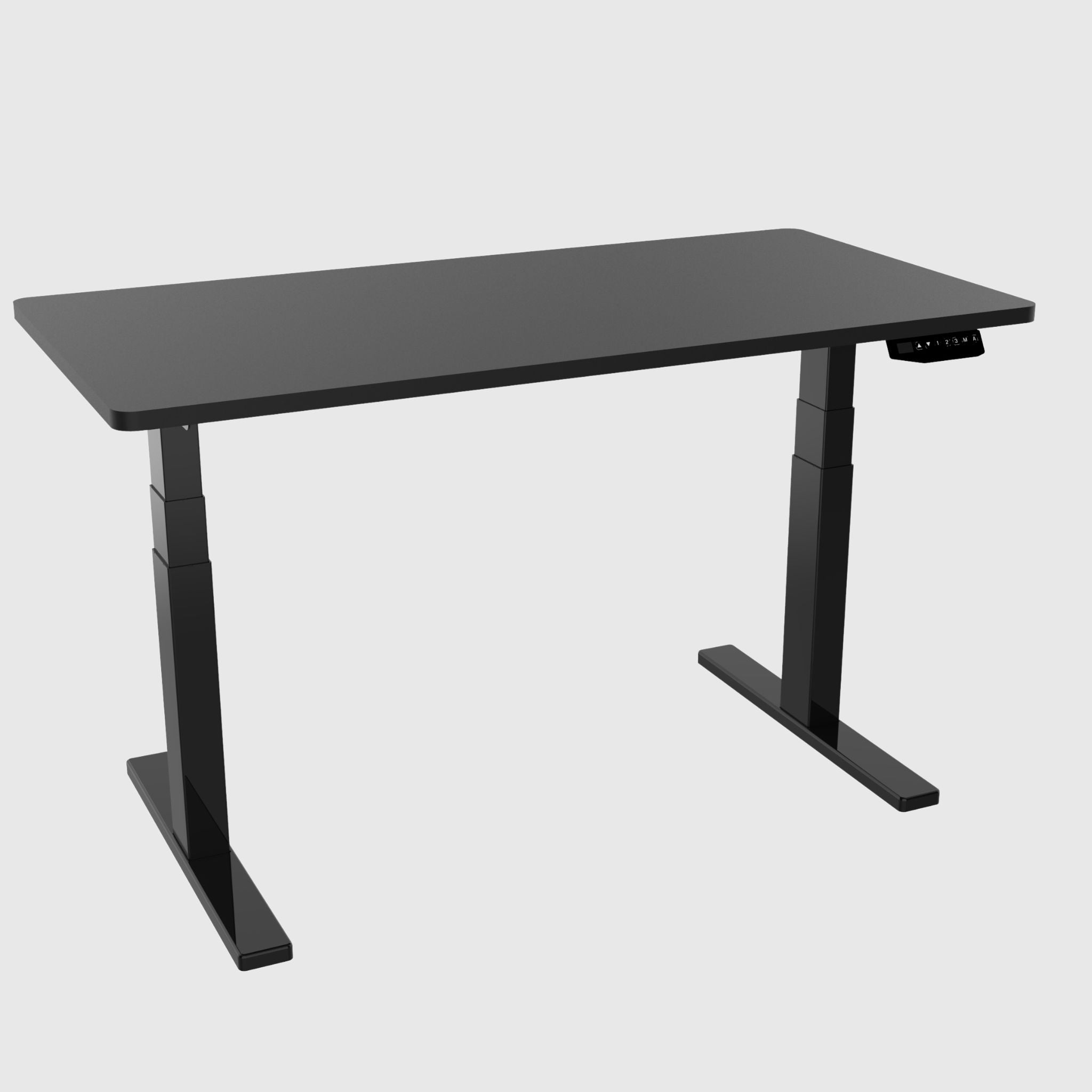
A height-adjustable desk isn't a single purchase, but a three-level constructor: a frame that raises and lowers the work surface, a tabletop where you work, and accessories that turn a simple desk into a well-thought-out workspace. This collection brings all three levels together in one place – from steel frames to cable management and stands. Below is a brief guide on how to assemble your desk step-by-step and not miss any important details.
Step 1. Choose a Frame — It's the Foundation of Everything
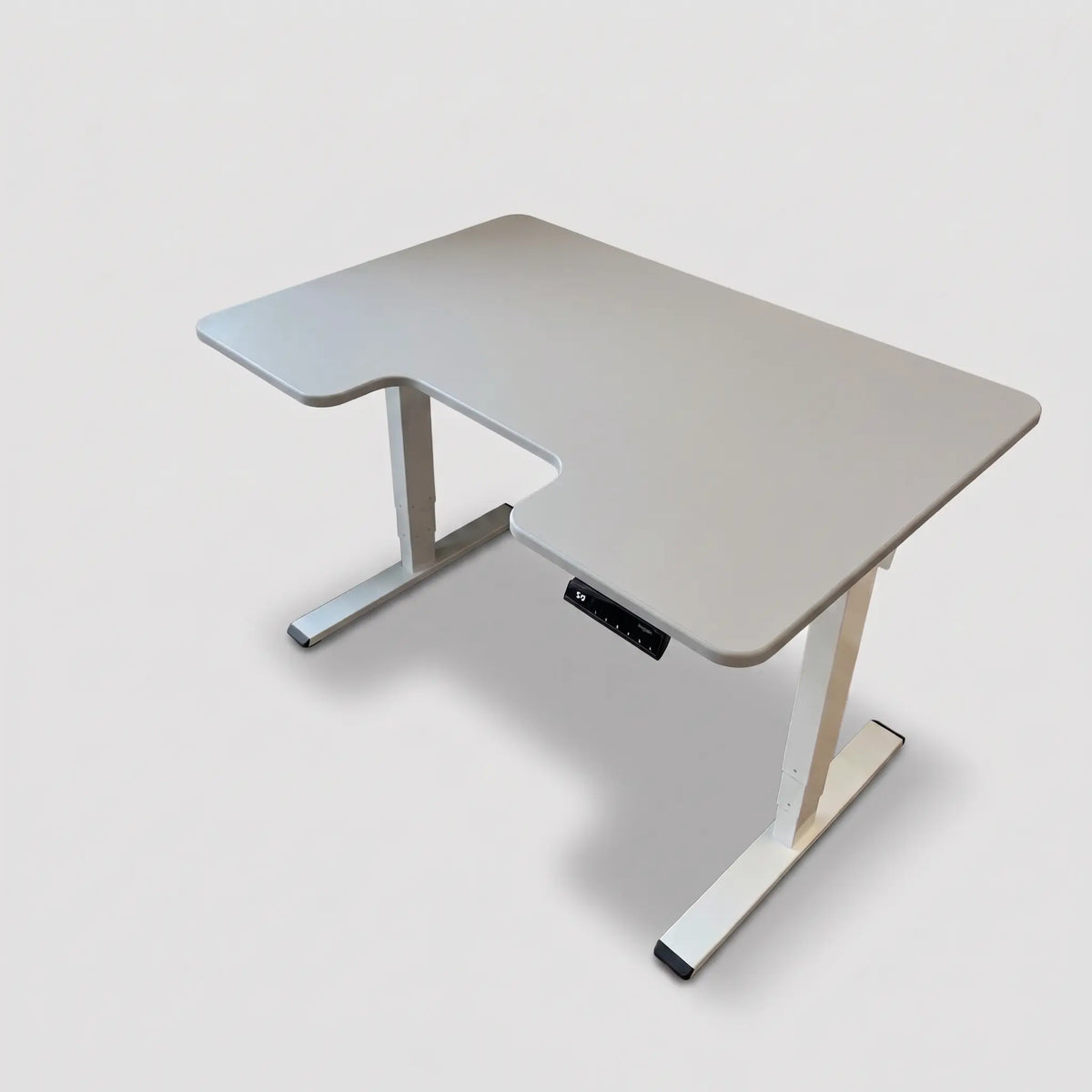
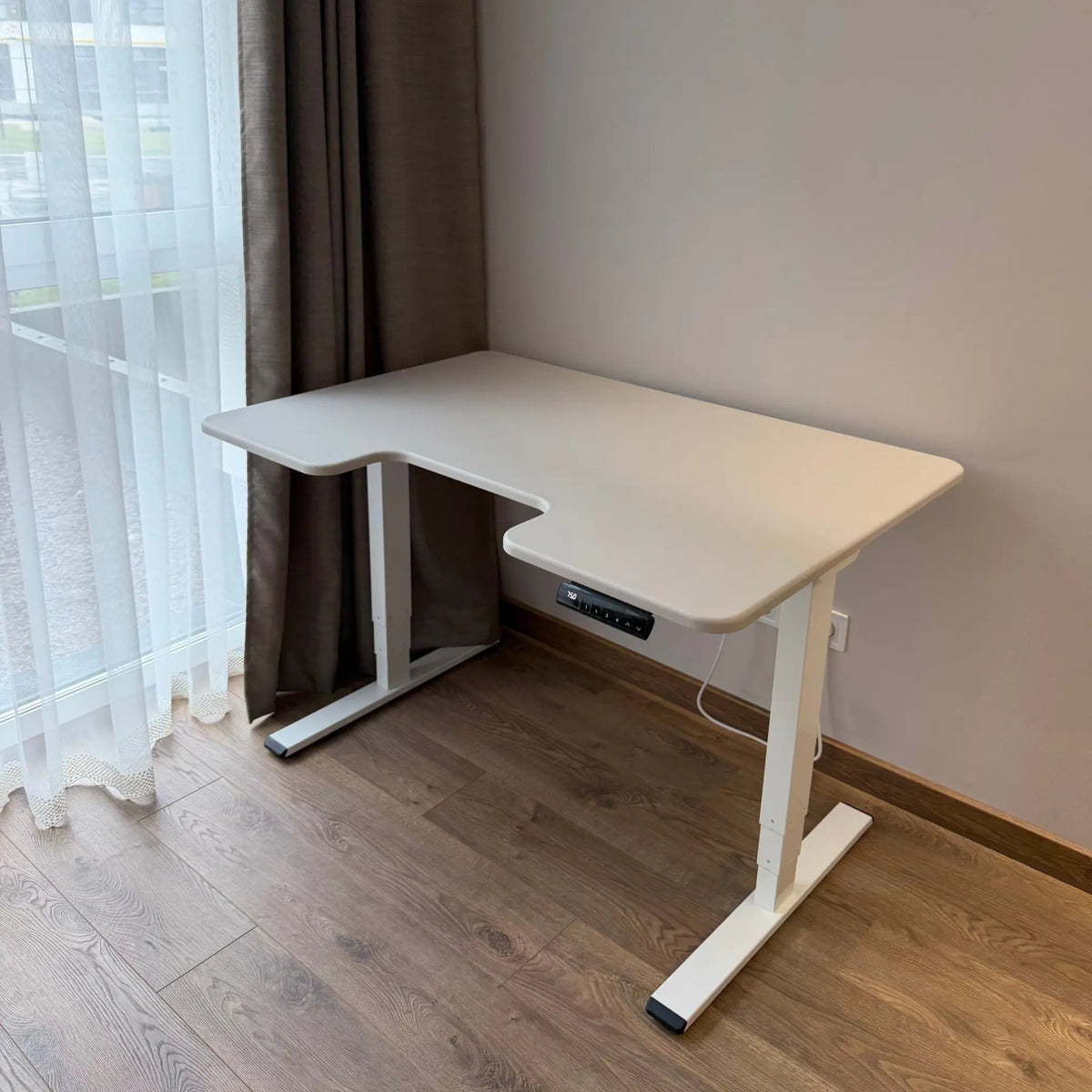
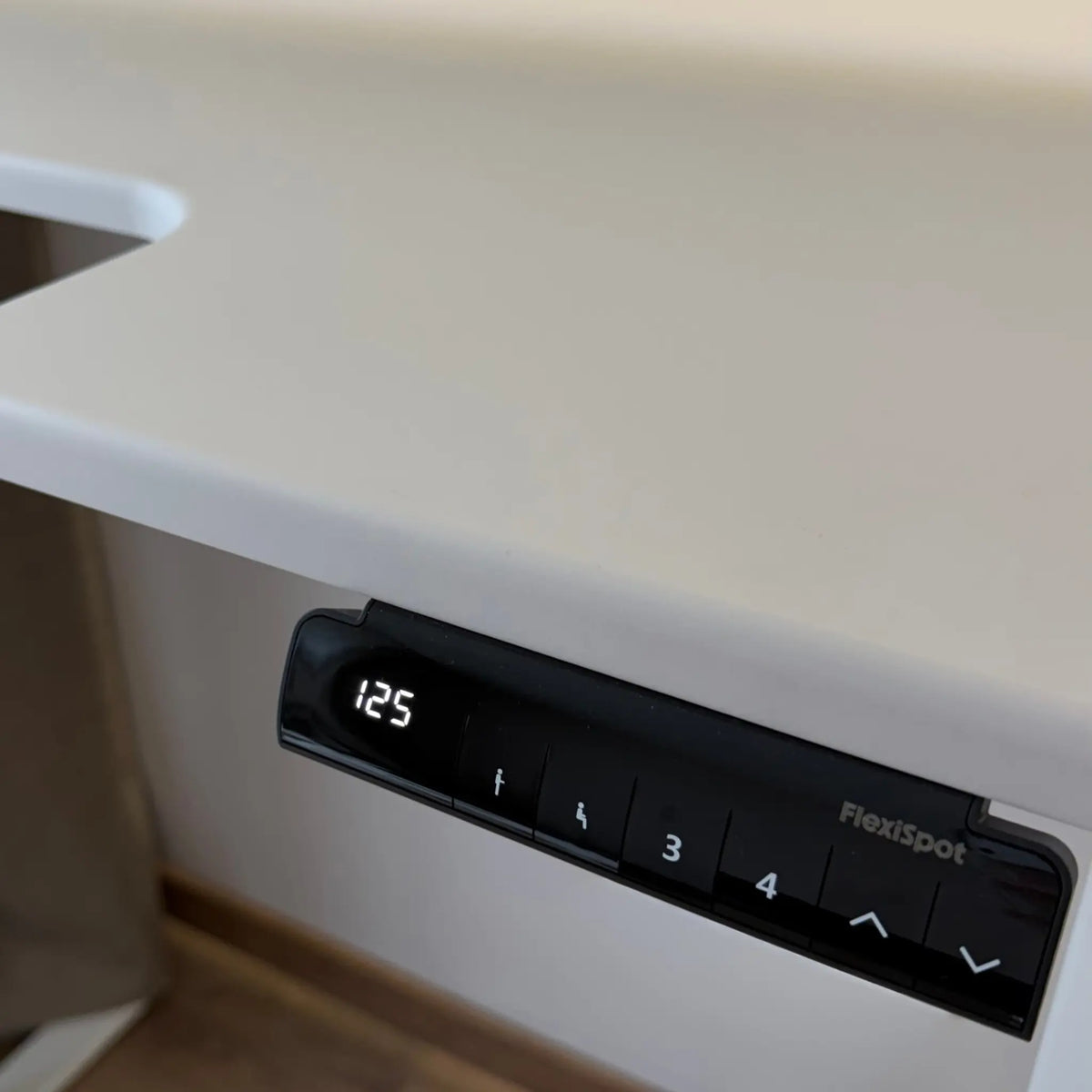
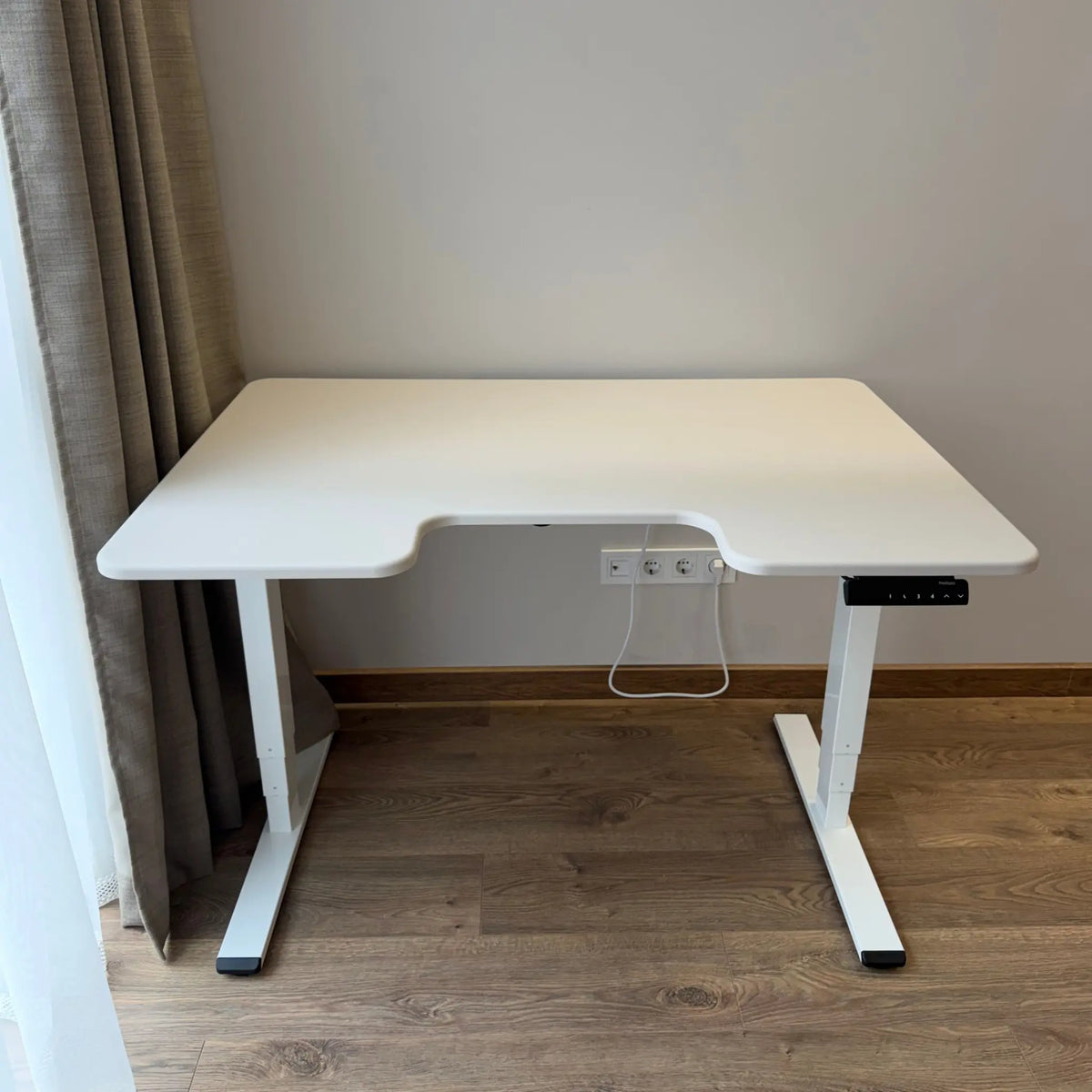
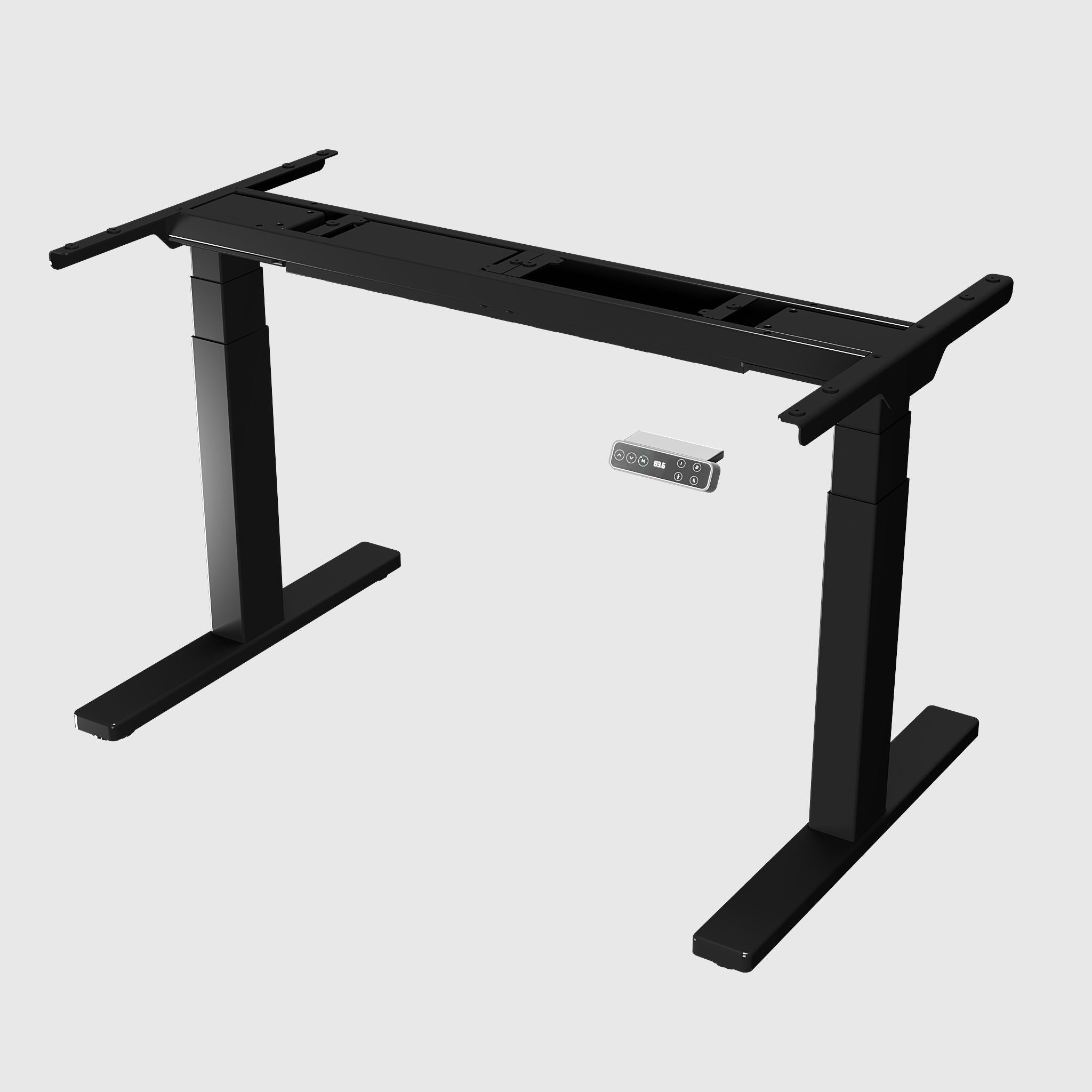
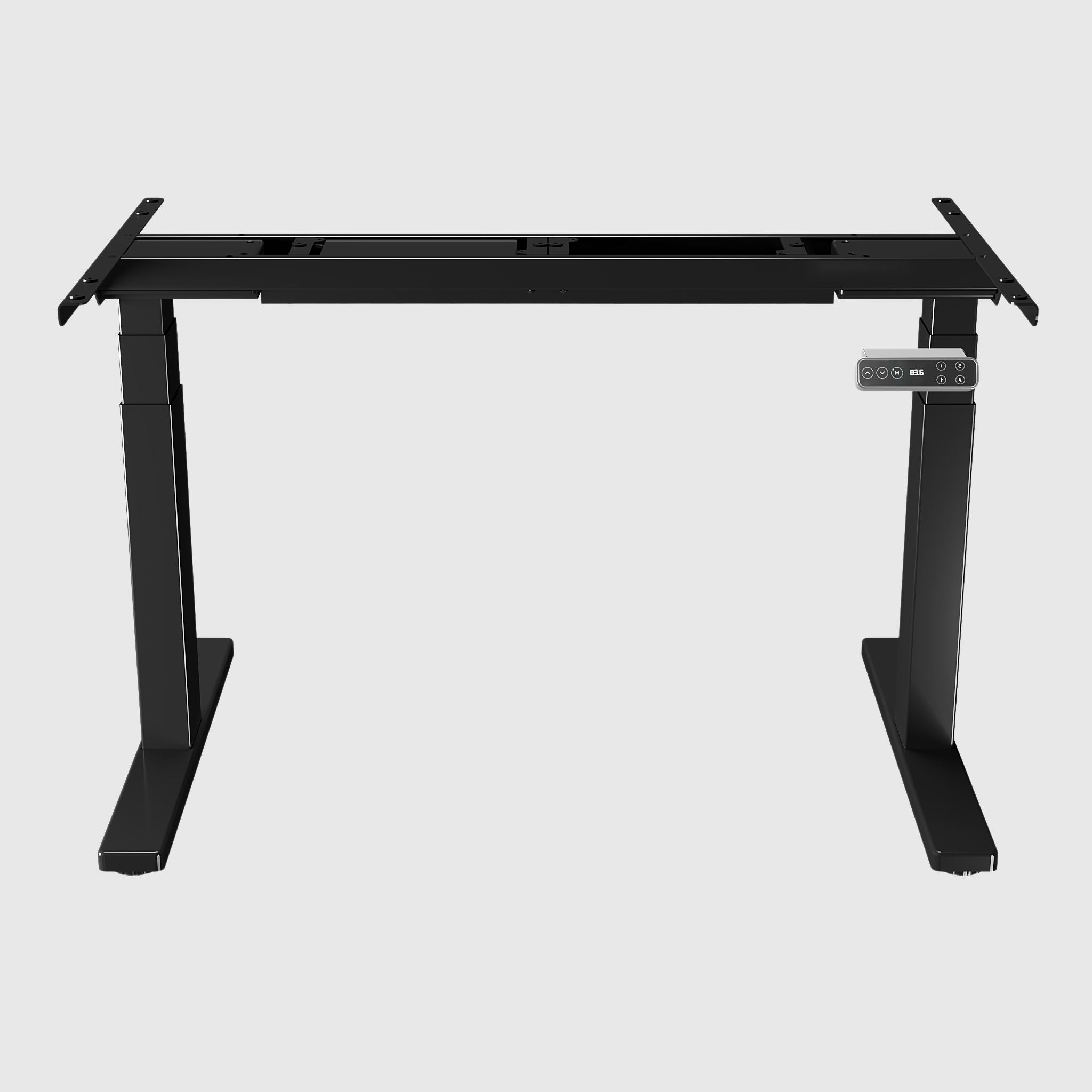
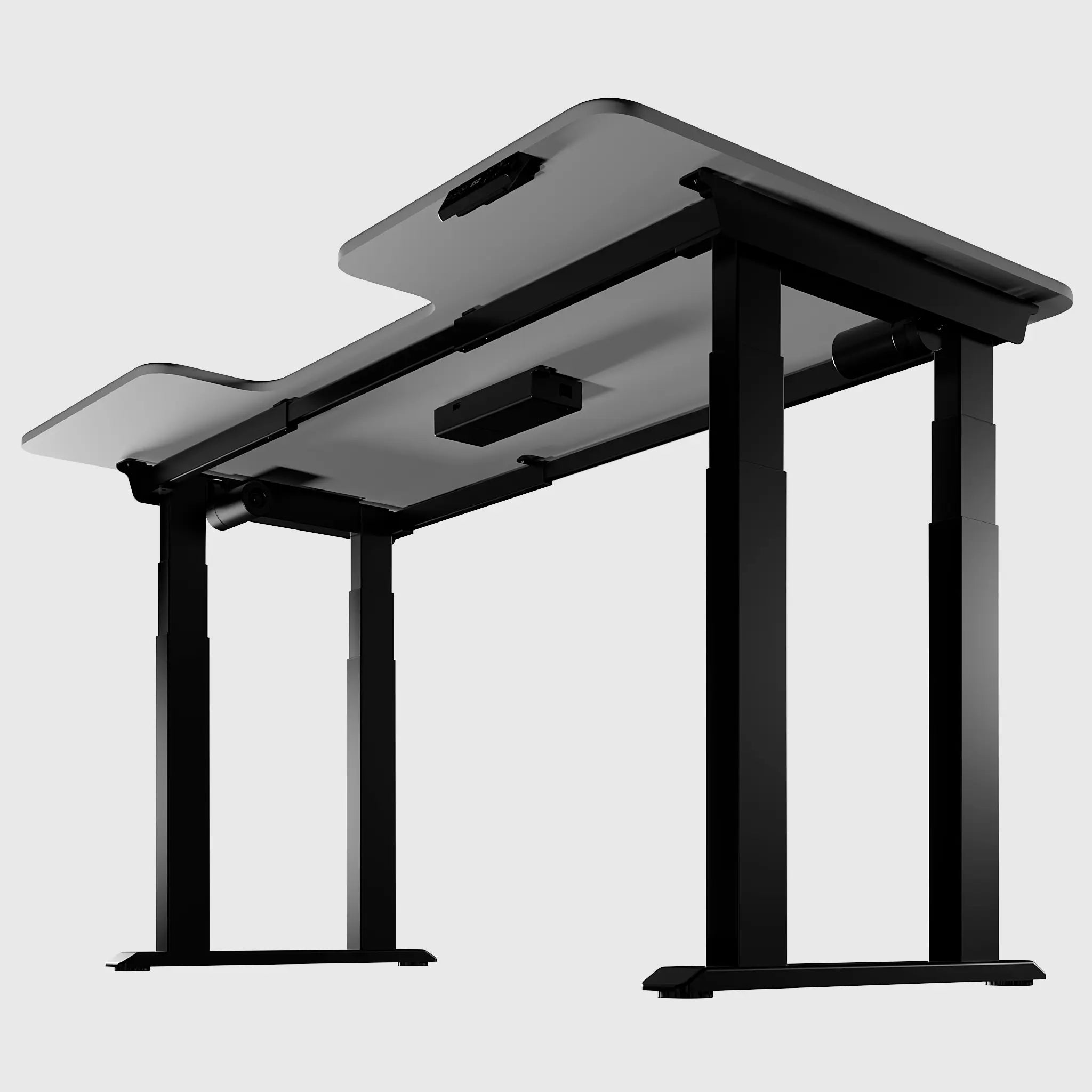
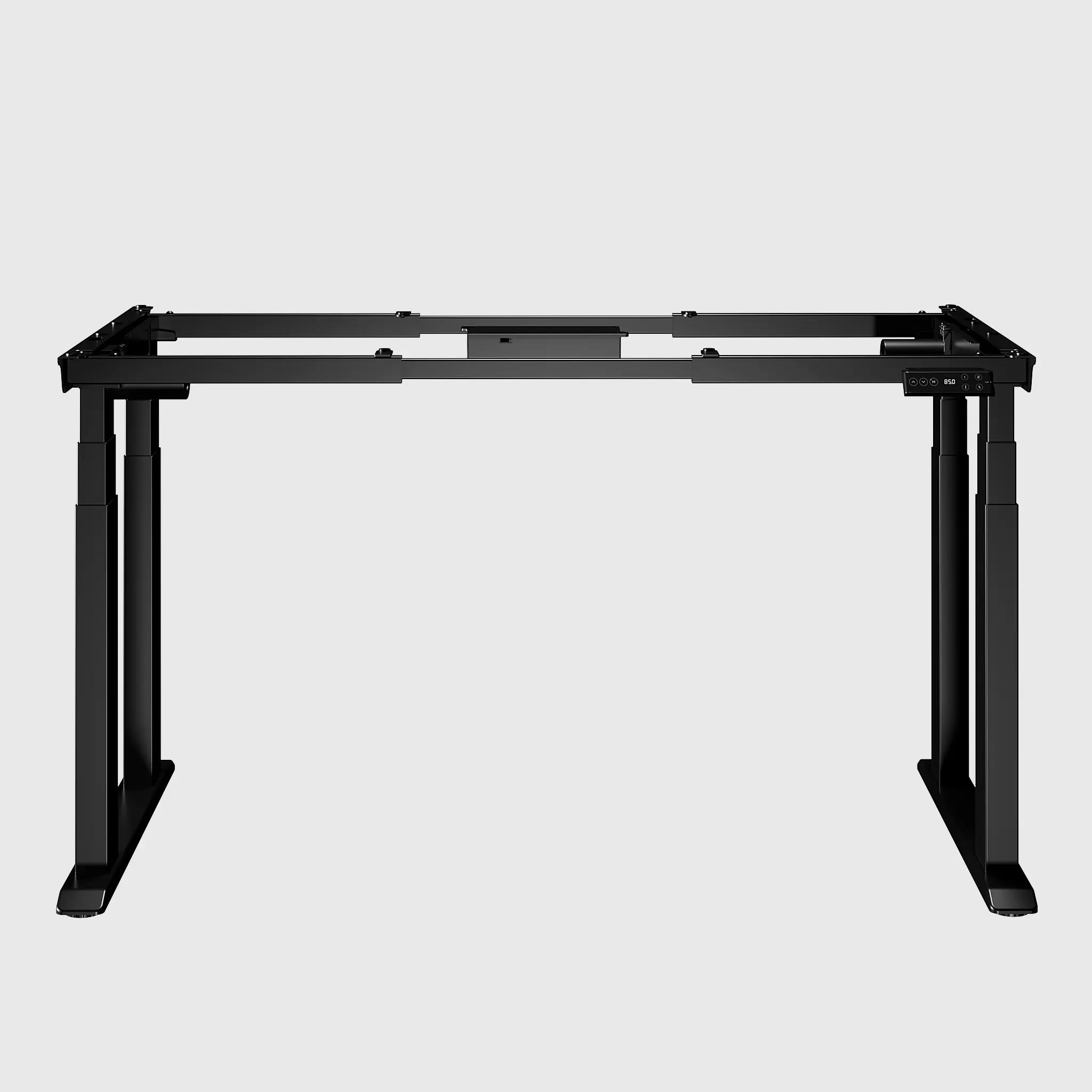
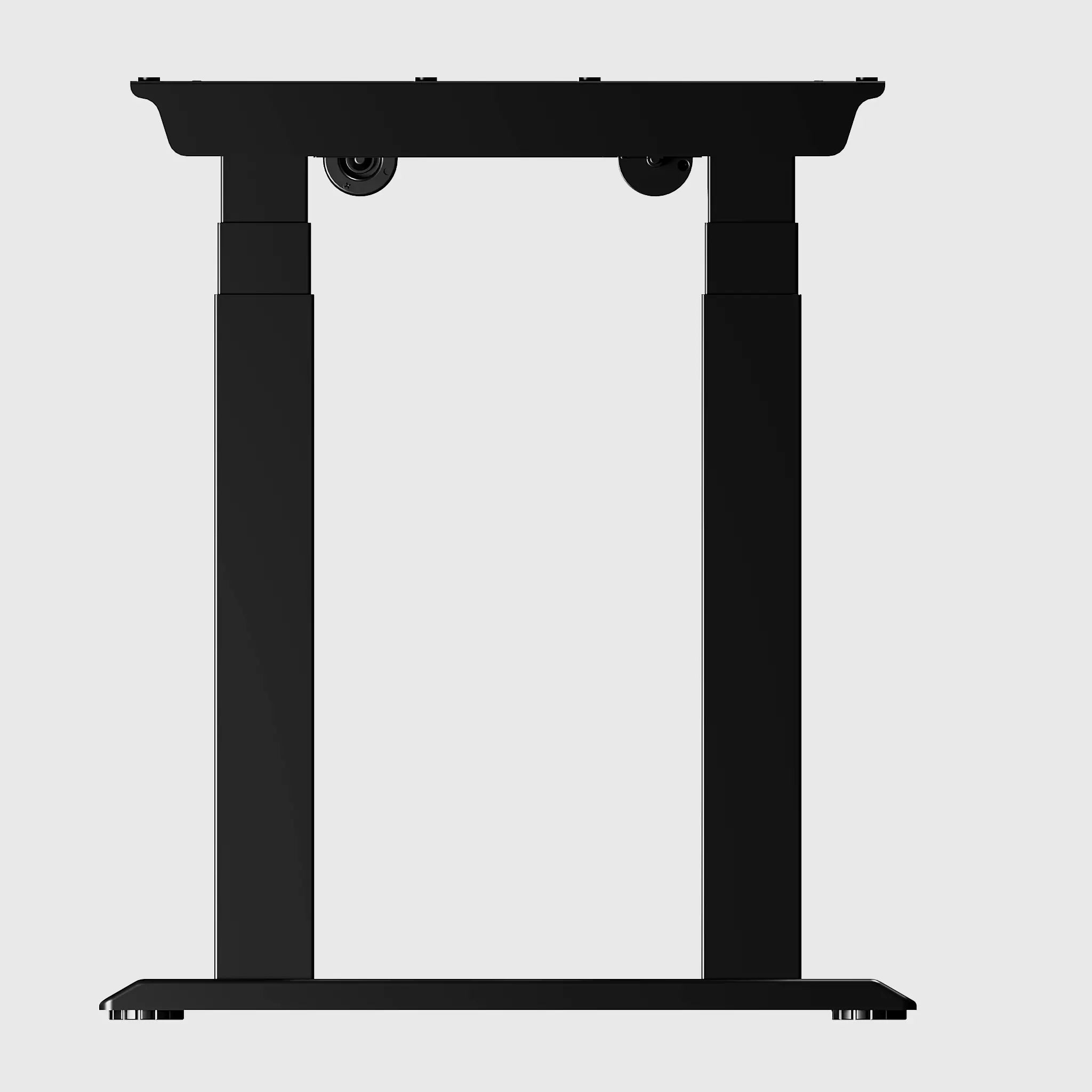
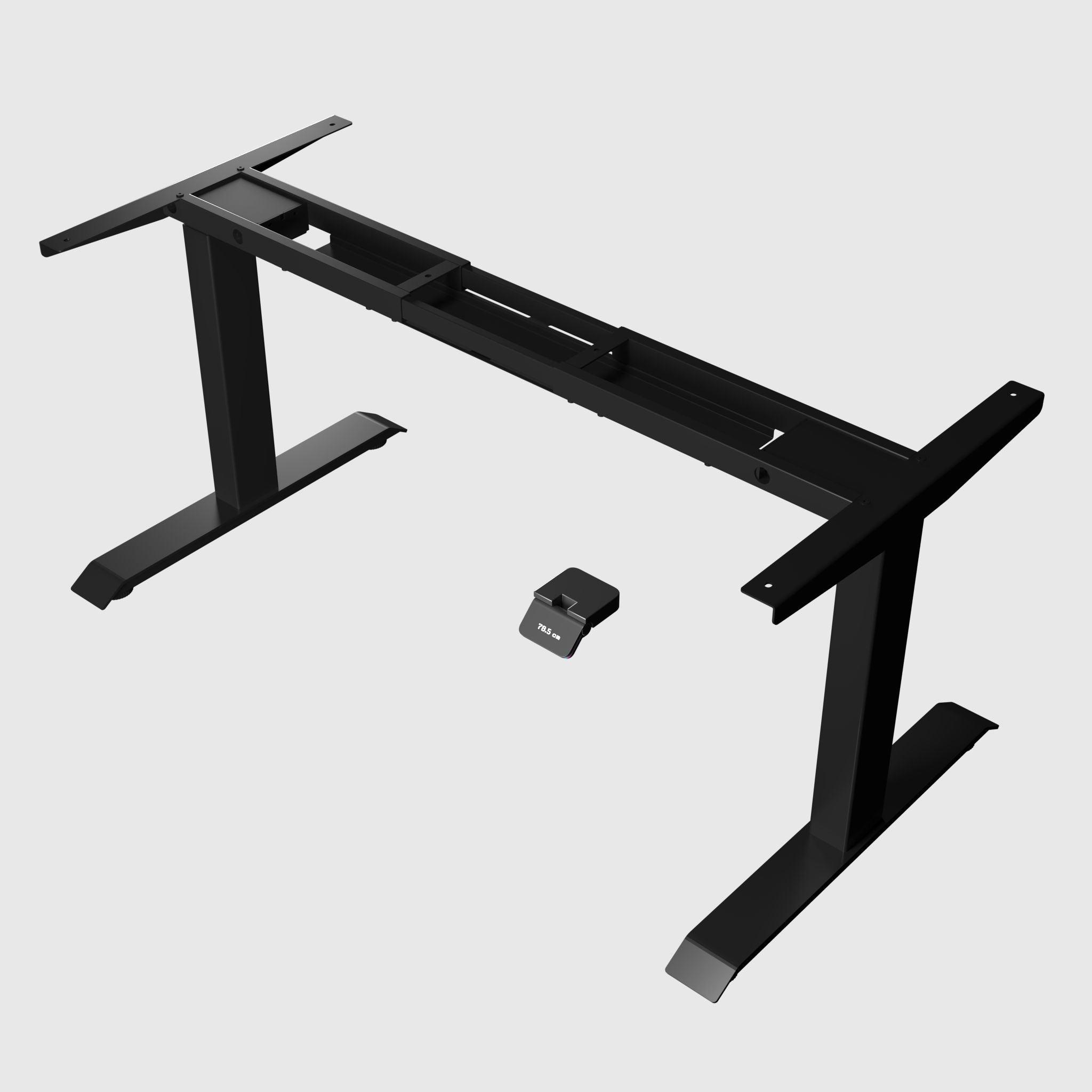
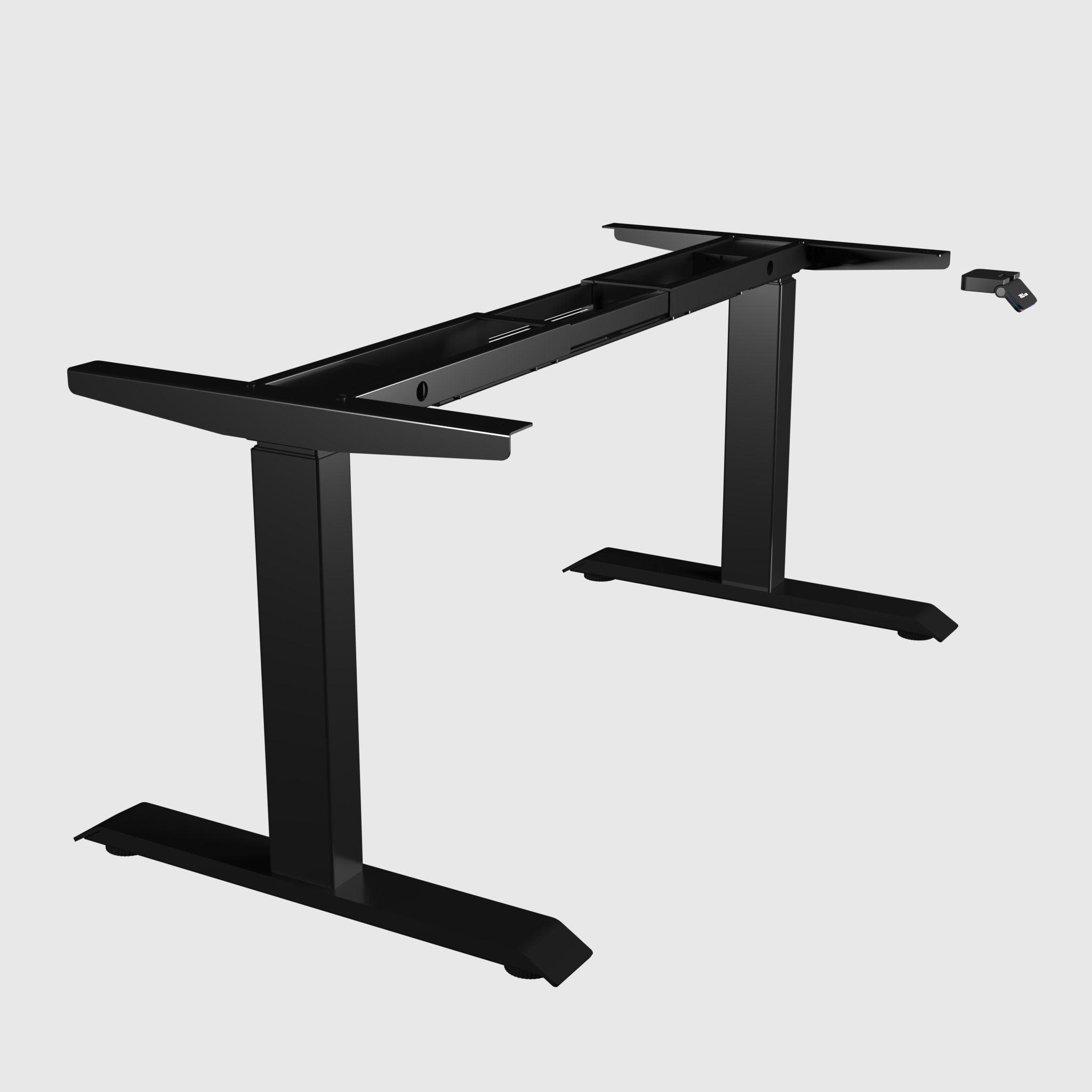
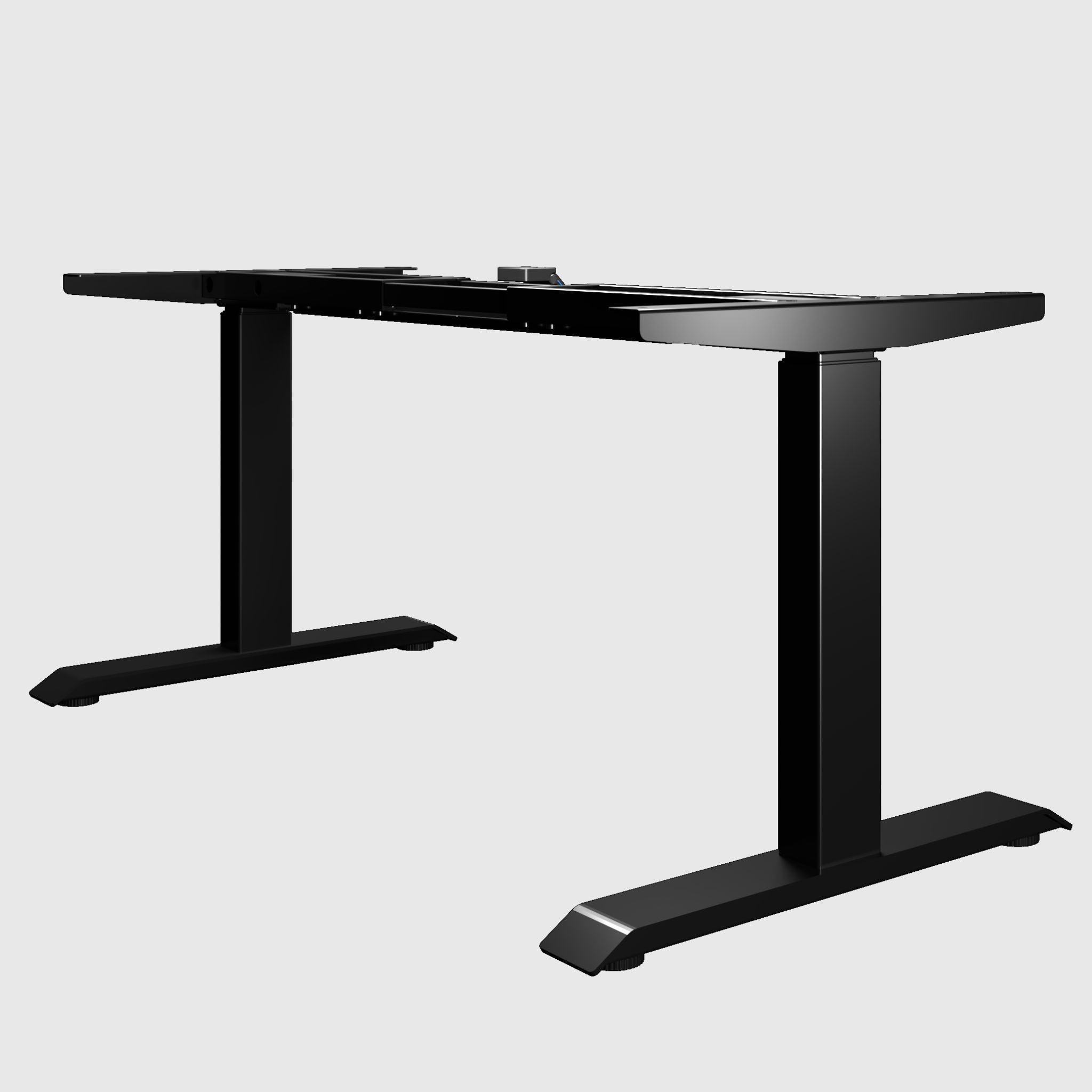
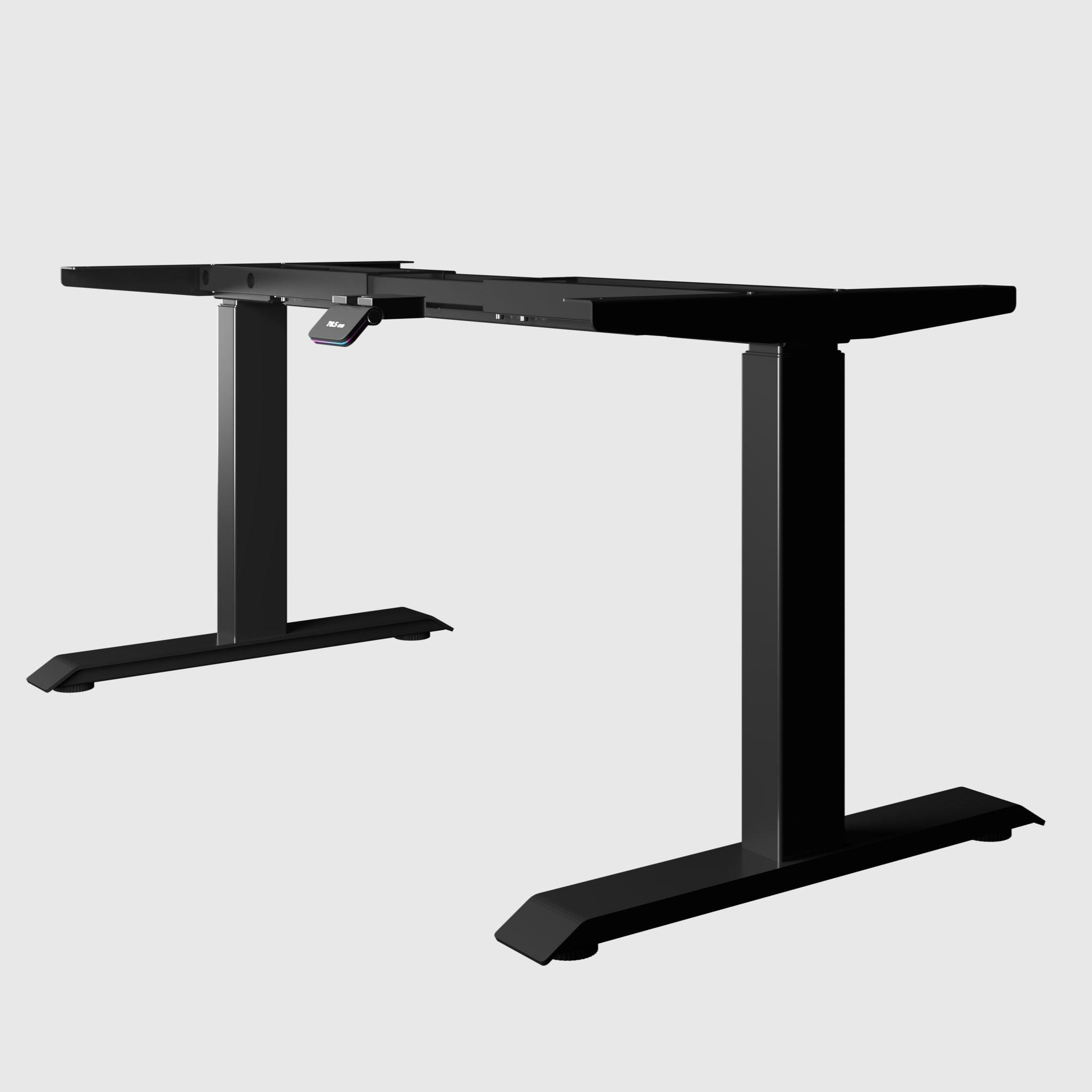
The frame determines the stability, load capacity, and height range of your future desk, so the choice begins with it. Two-leg frames are a universal standard for most workspaces: an optimal balance of price, appearance, and stability. Four-leg frames are for when you need maximum stability for heavy setups with multiple monitors and equipment. And for non-standard rooms, there are three-leg and corner solutions. Choose from two-leg, four-leg, or three-leg and corner categories – in each, we detail how models compare.
Step 2. Select a Tabletop
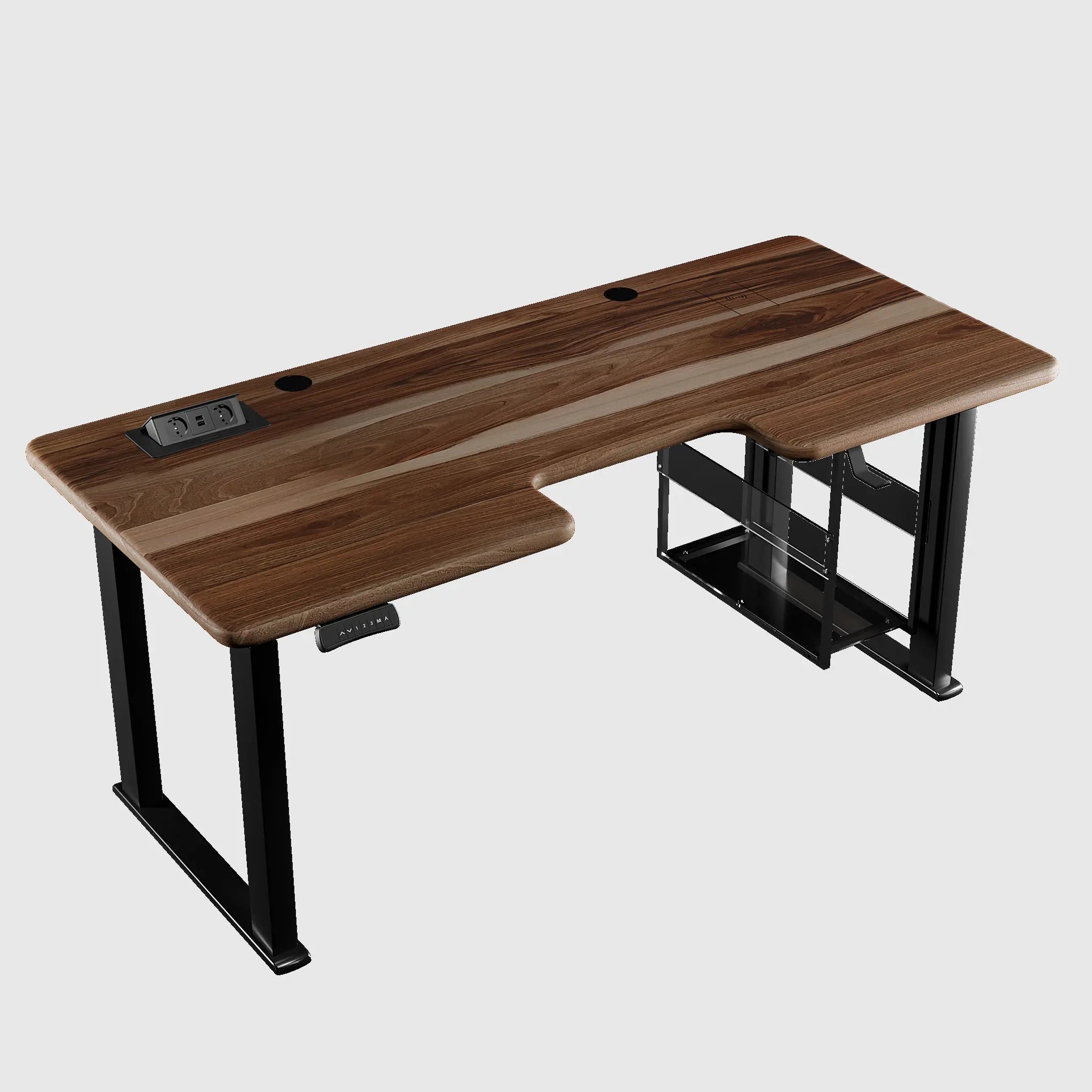
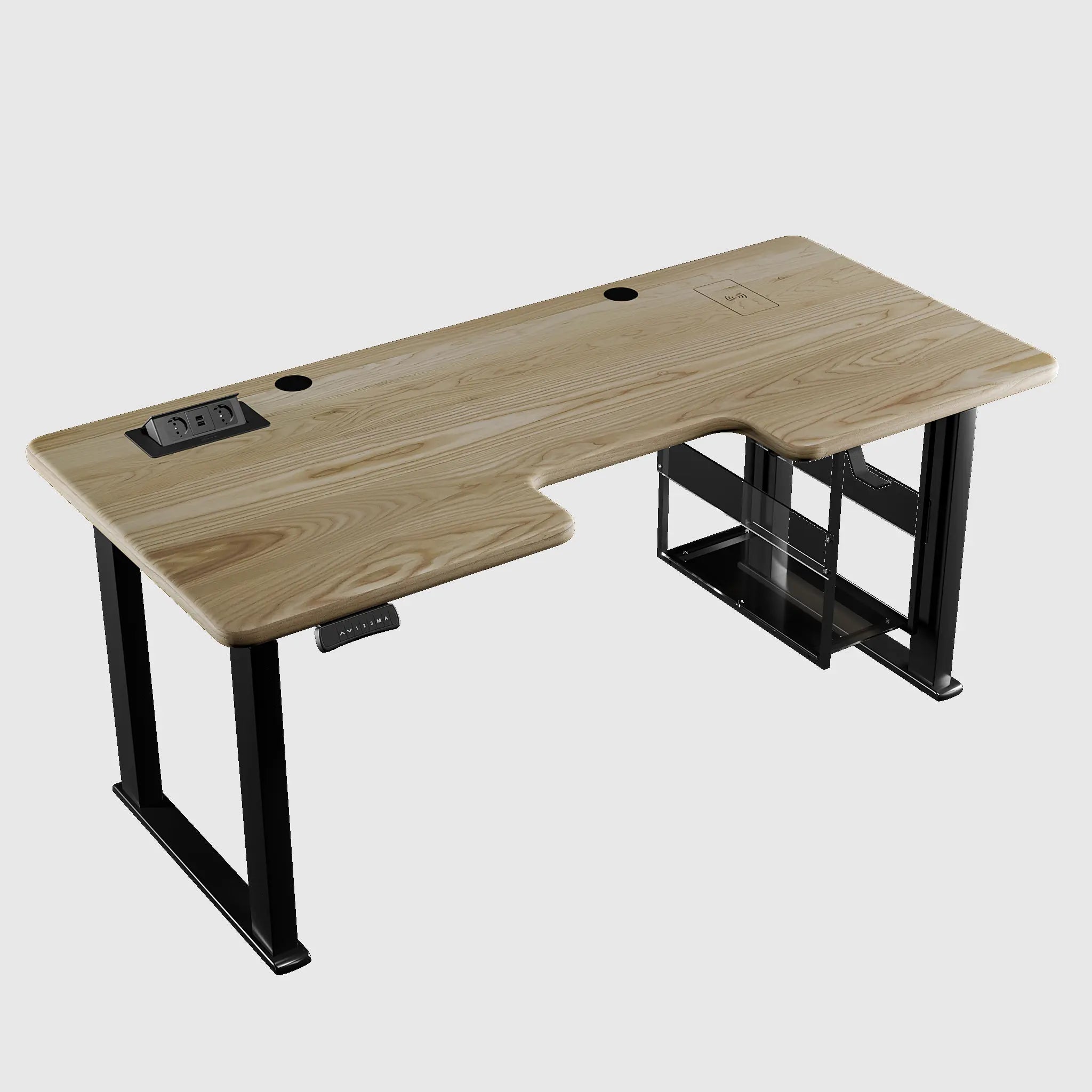
The tabletop is what you touch every day and what shapes the look of your entire workspace. The tabletop collection includes options made from natural oak, ash, walnut, as well as practical surfaces with HPL coating and budget-friendly options made of chipboard and MDF. HPL is an extremely scratch, moisture, and heat-resistant coating, ideal for intensive work; solid wood offers tactility and status. Sizes range from 1200 to 1800 mm in width, and if needed, we can make a custom tabletop to your size and shade. Important: ensure the tabletop width matches the width adjustment range of your chosen frame.
Step 3. Add Accessories That Make the Desk a Workspace
It's the small details that turn a desk into a well-thought-out system. Here's what to consider immediately, rather than buying later:
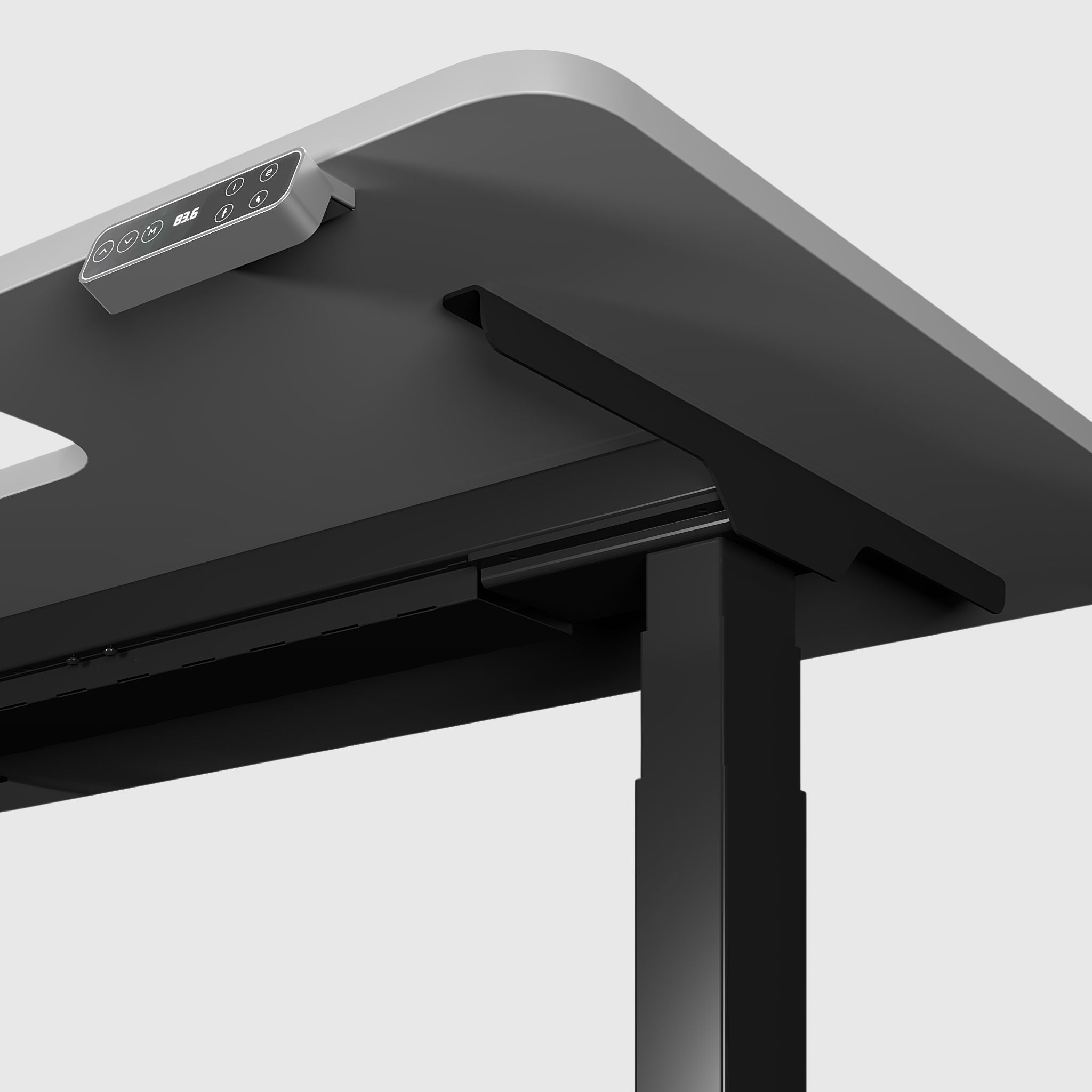
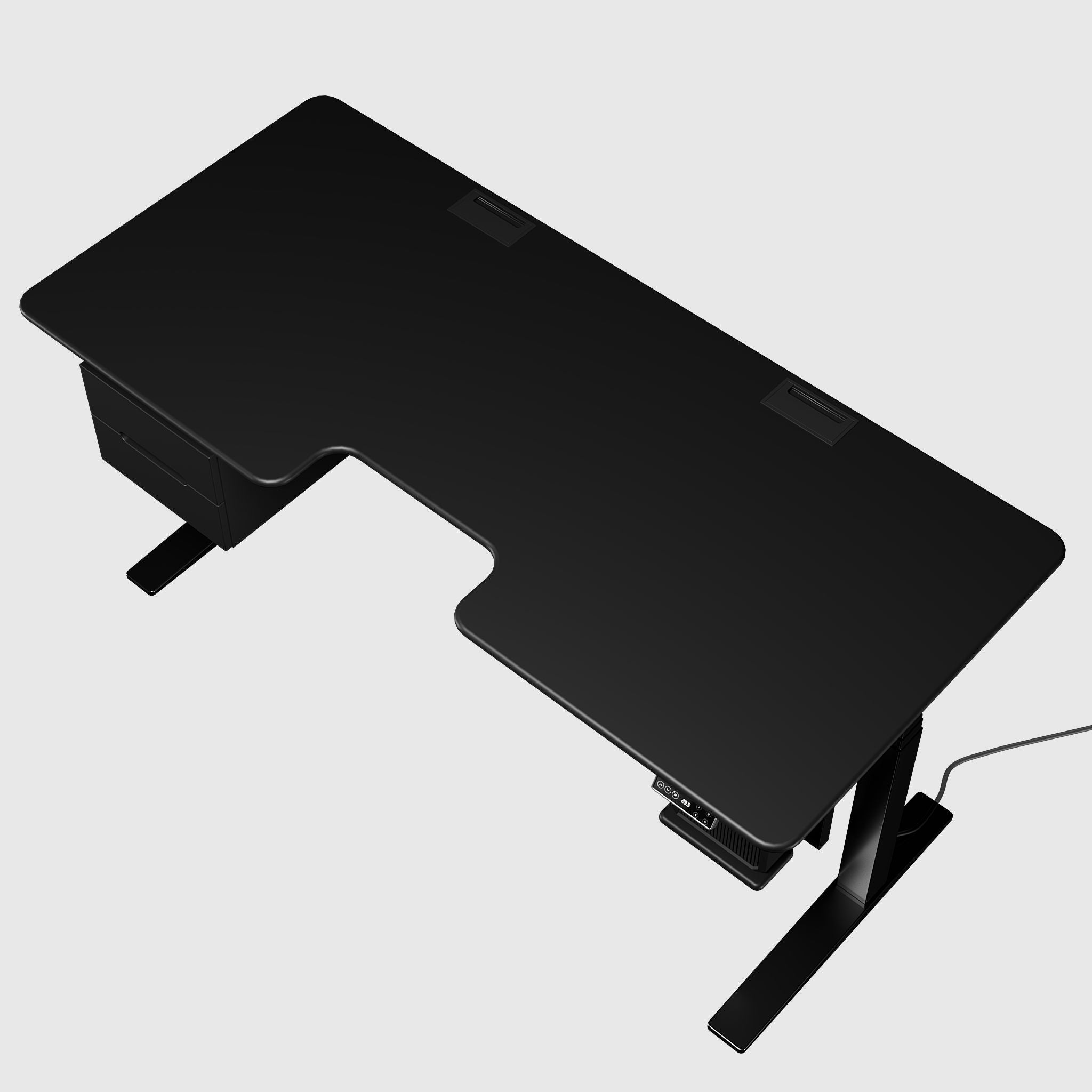
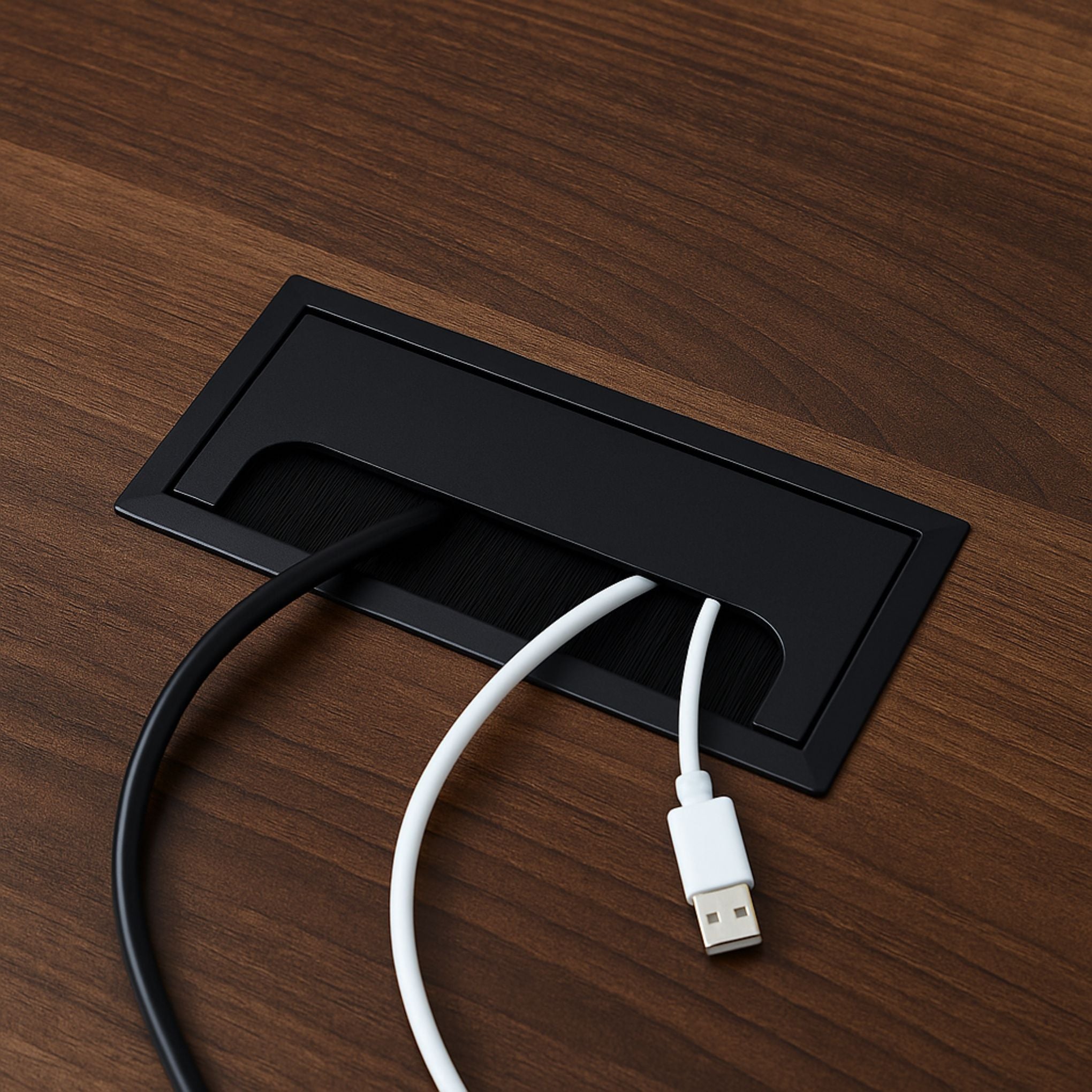
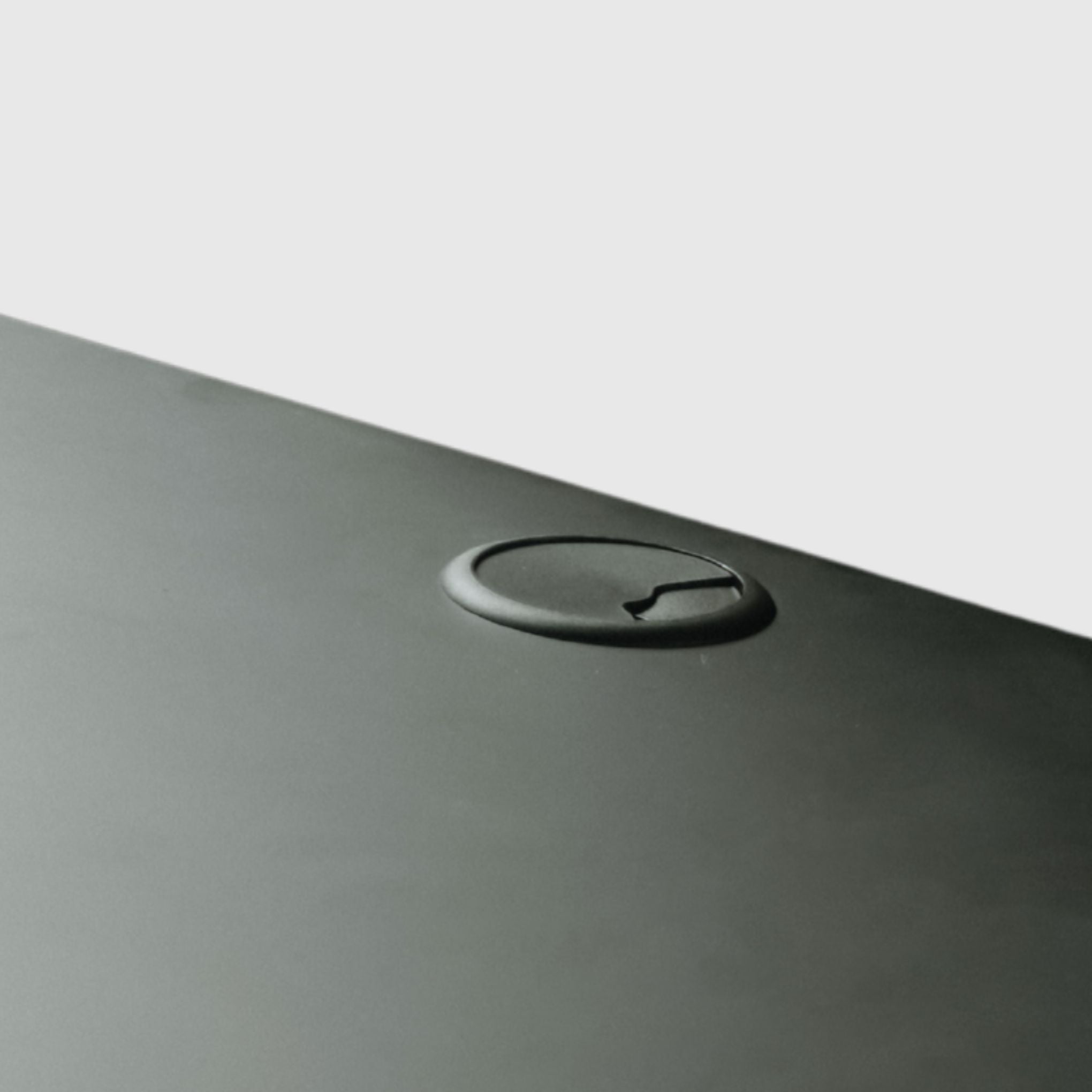
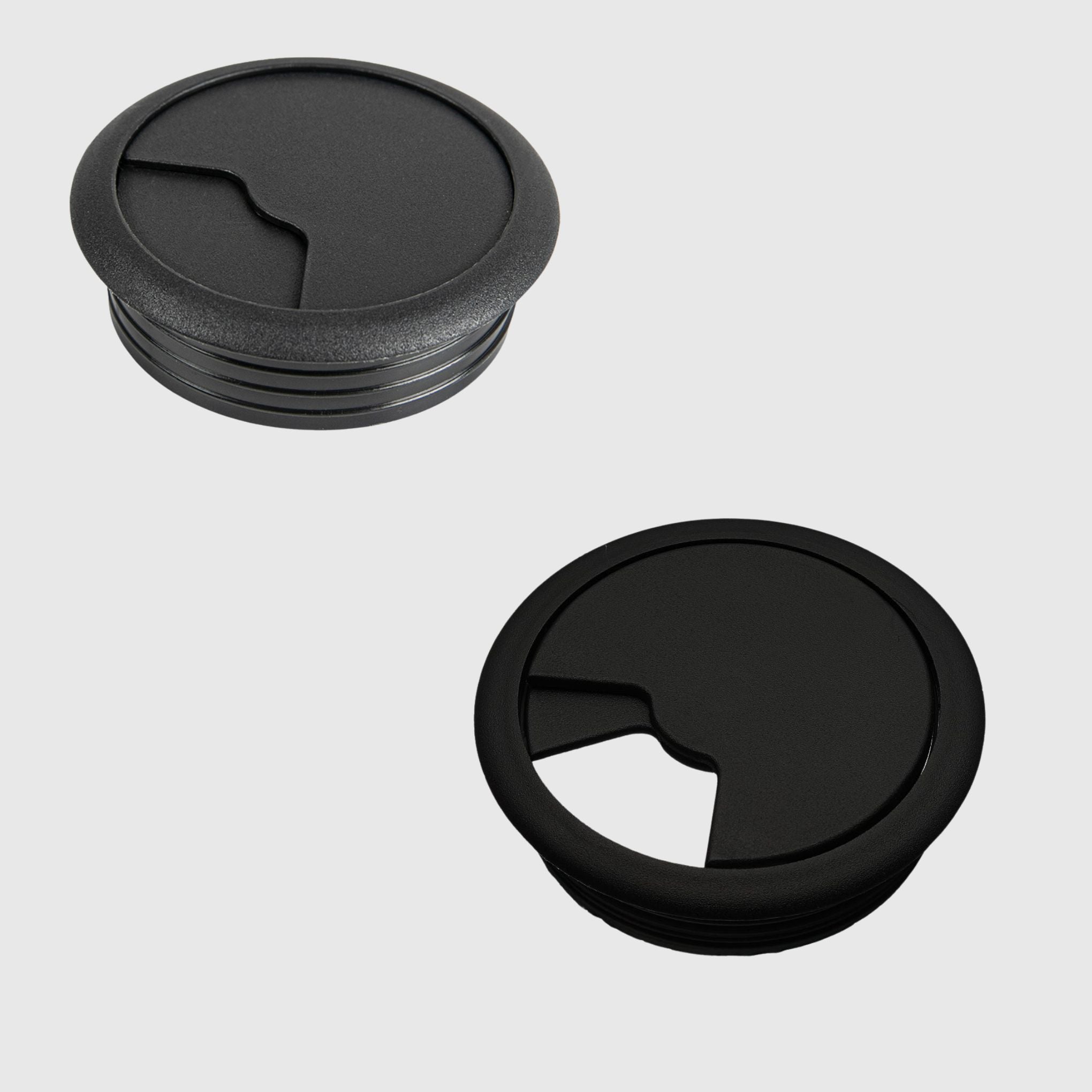
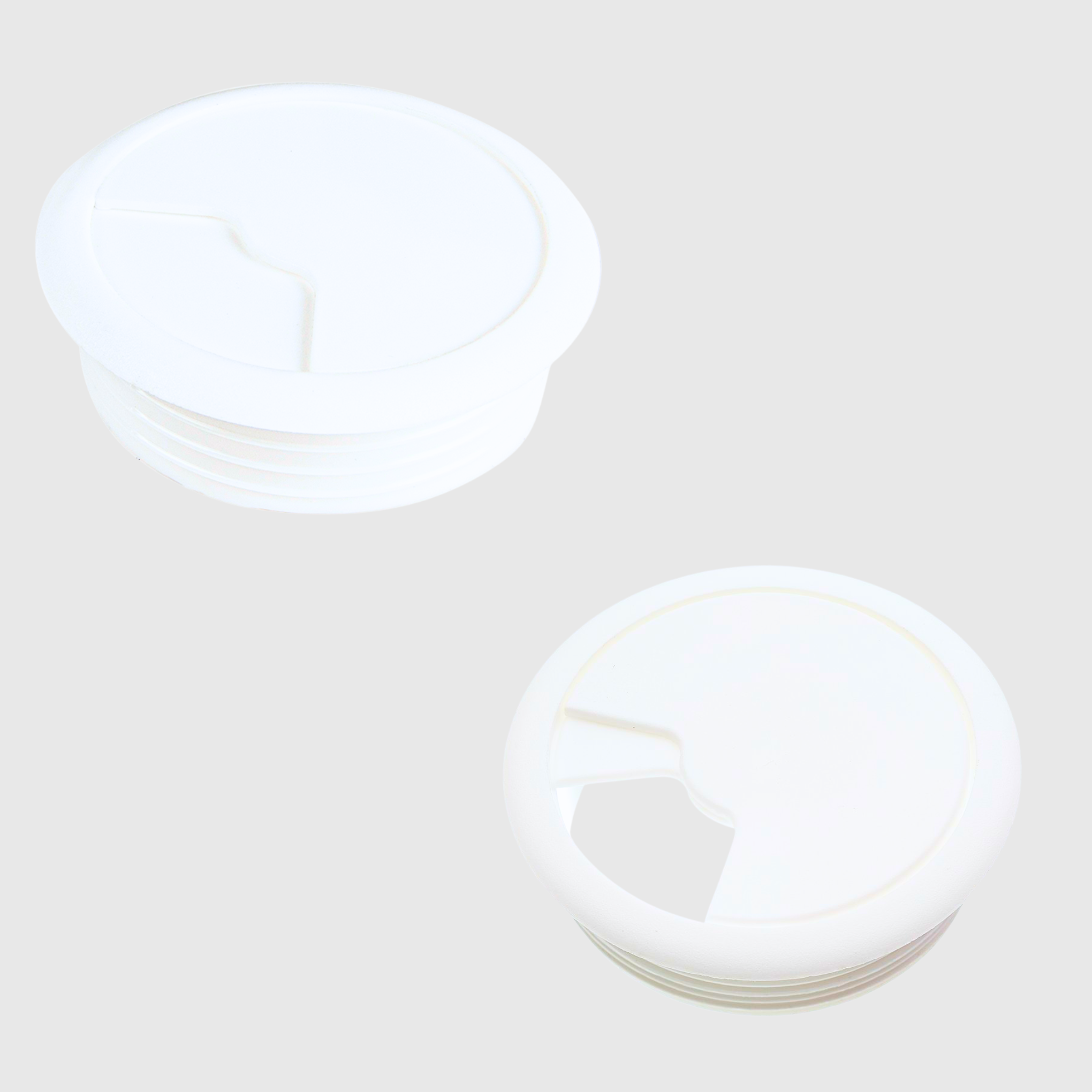
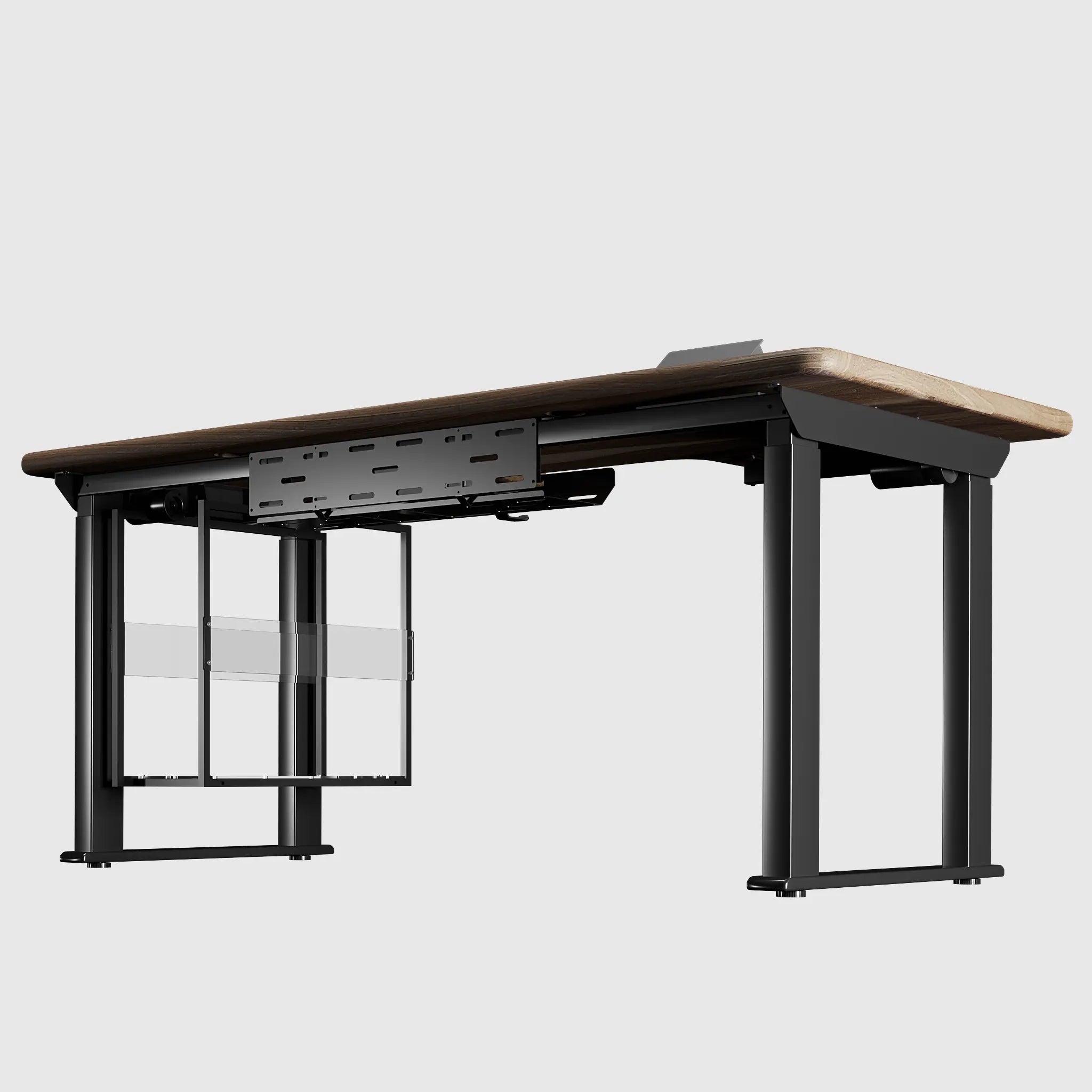
- Cable management — essential for a desk that moves up and down: without organization, cables will pull during elevation. Solutions are available separately for two- and four-leg frames.
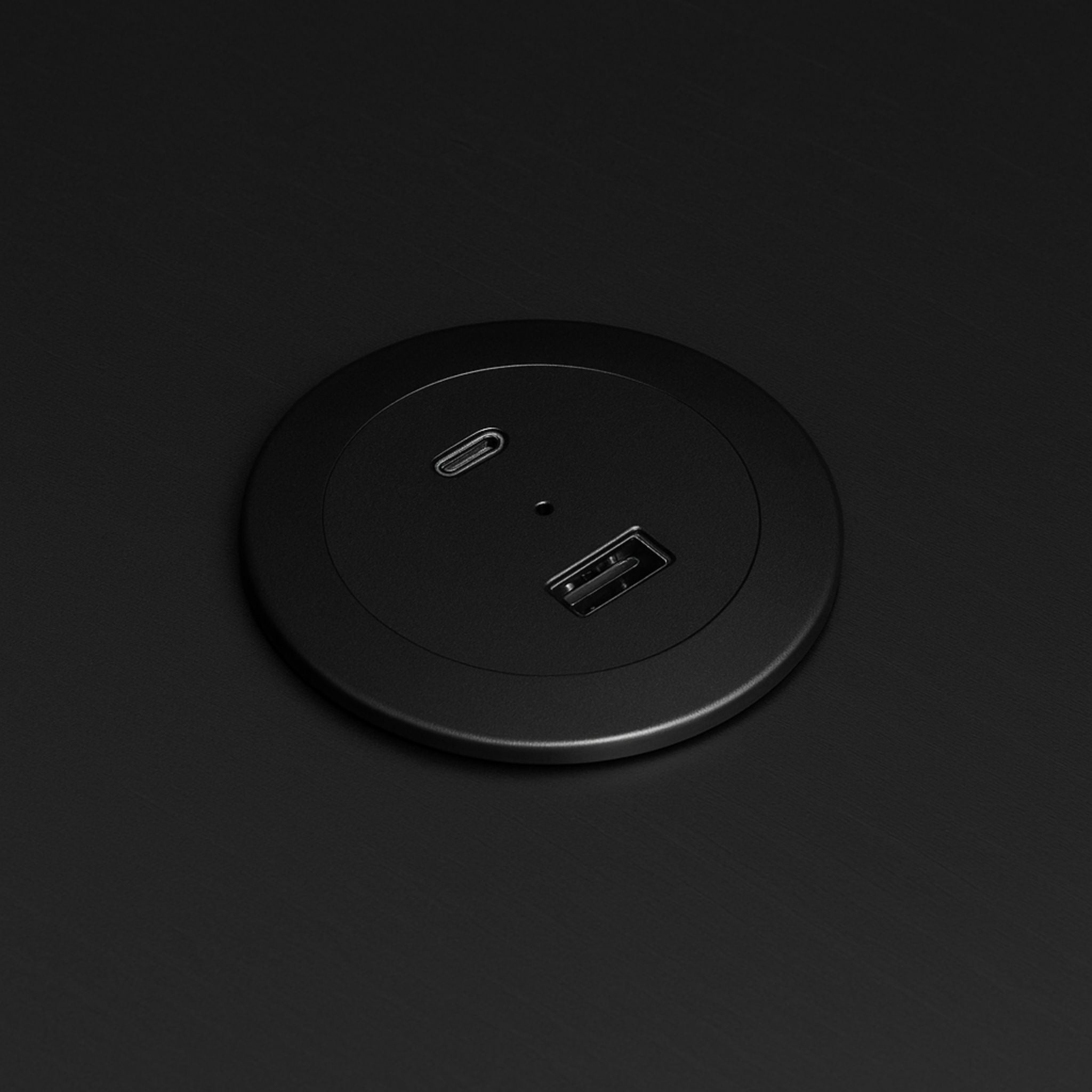
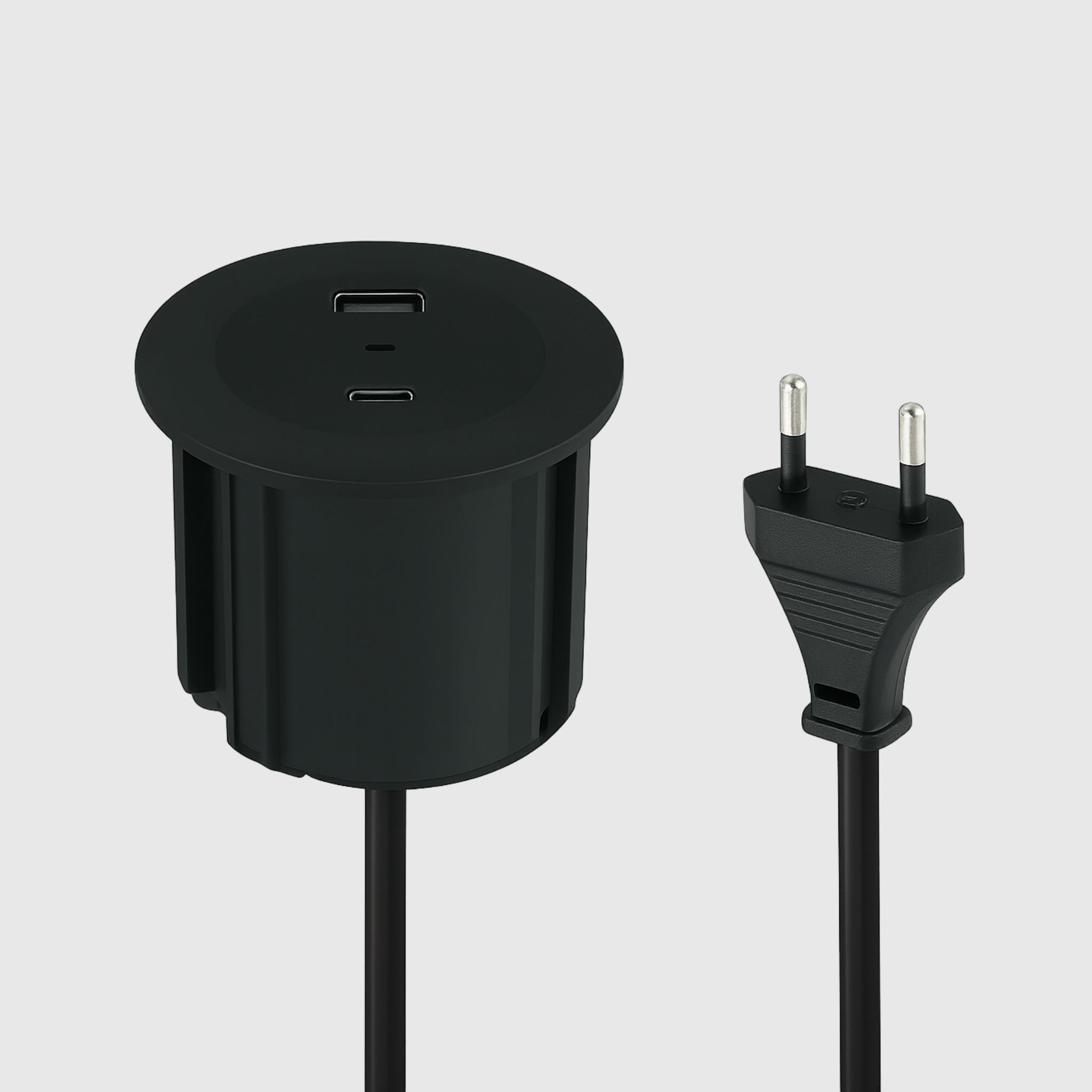
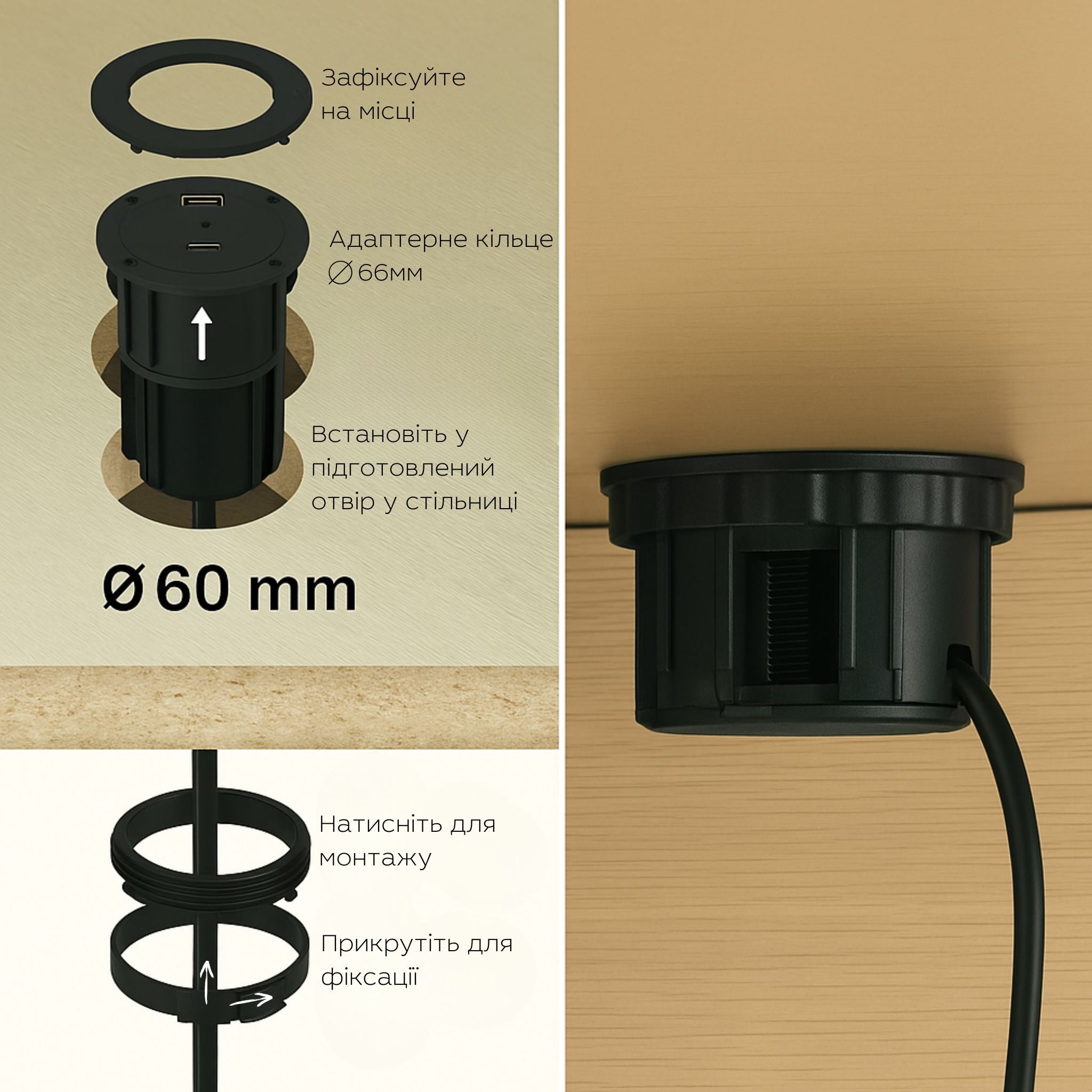
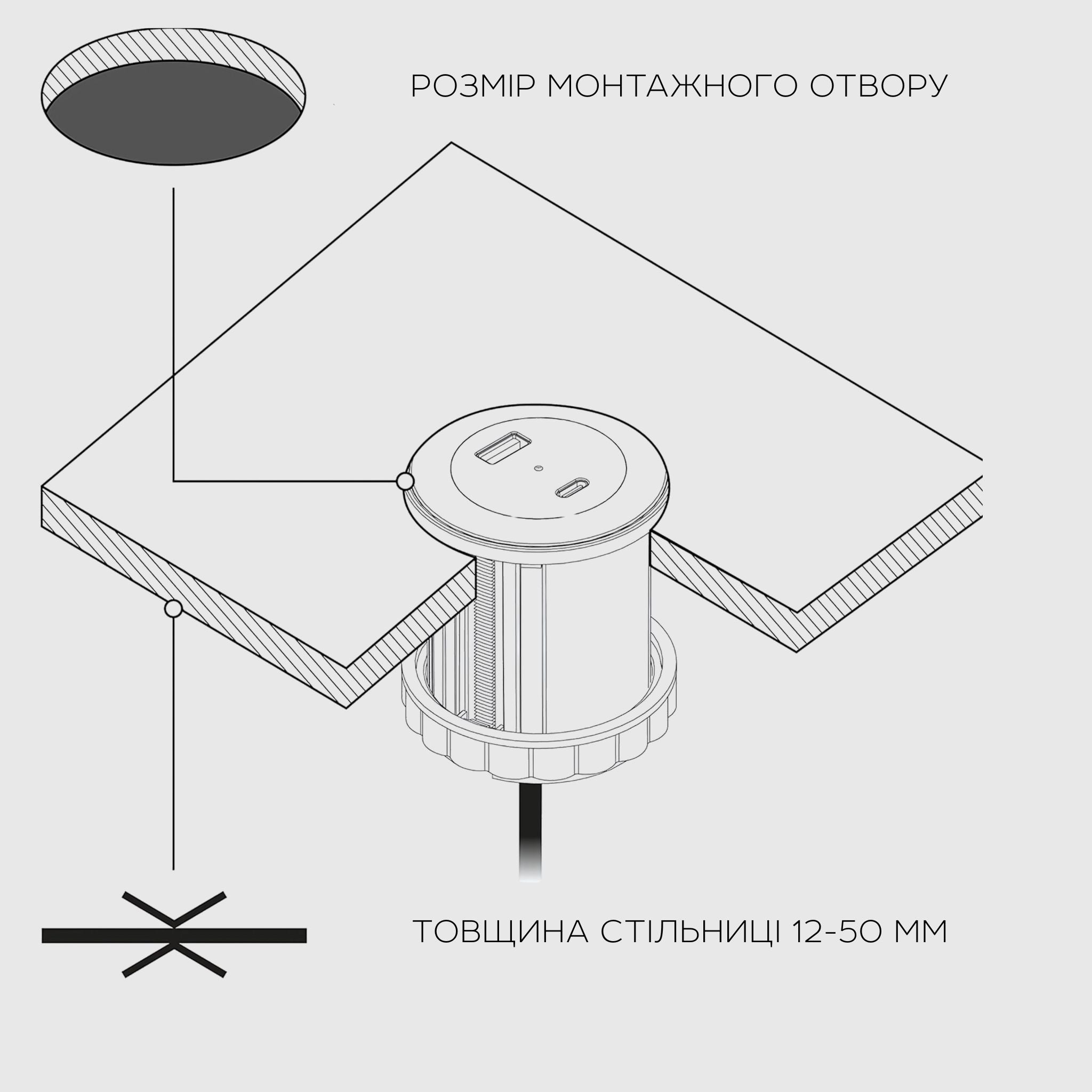
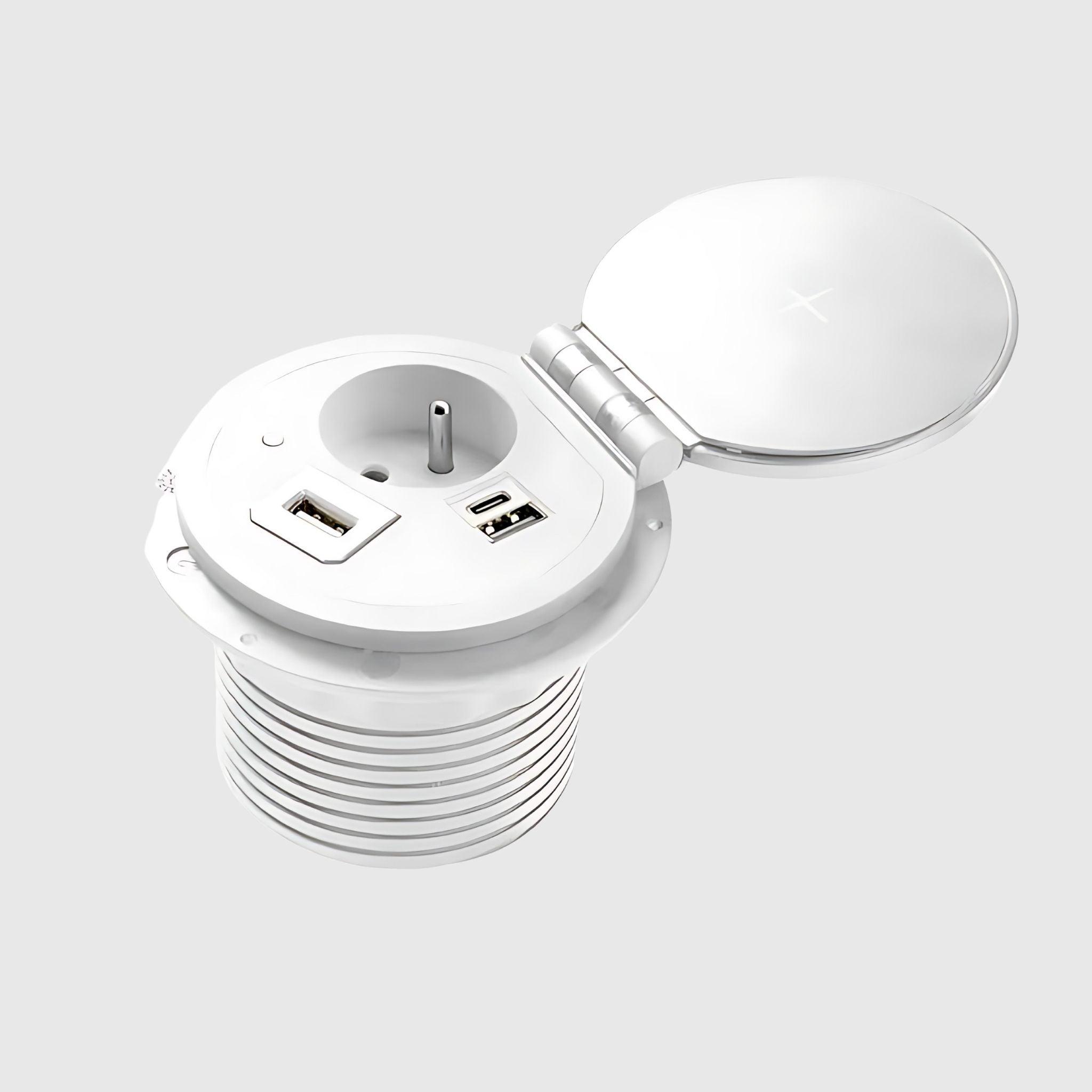
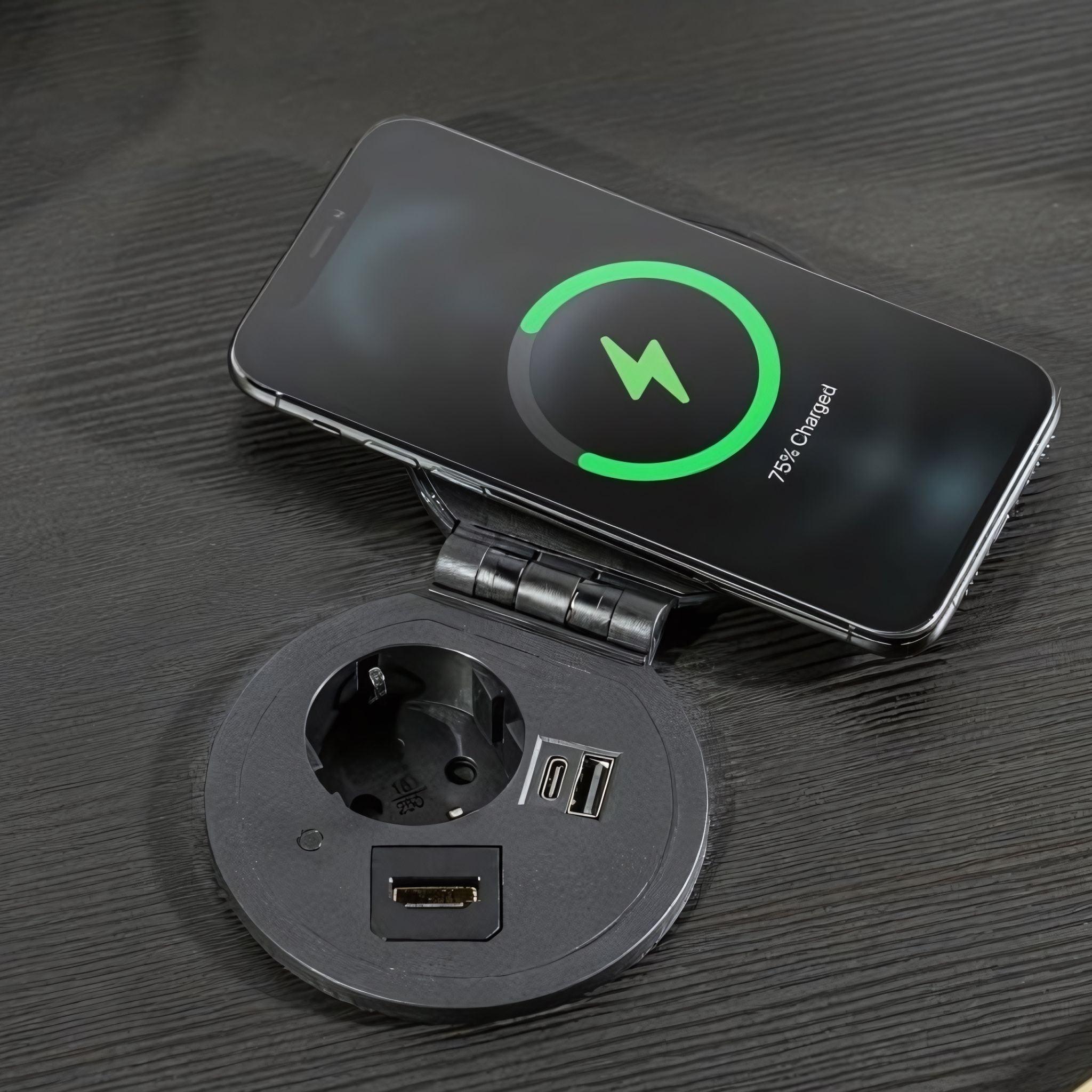
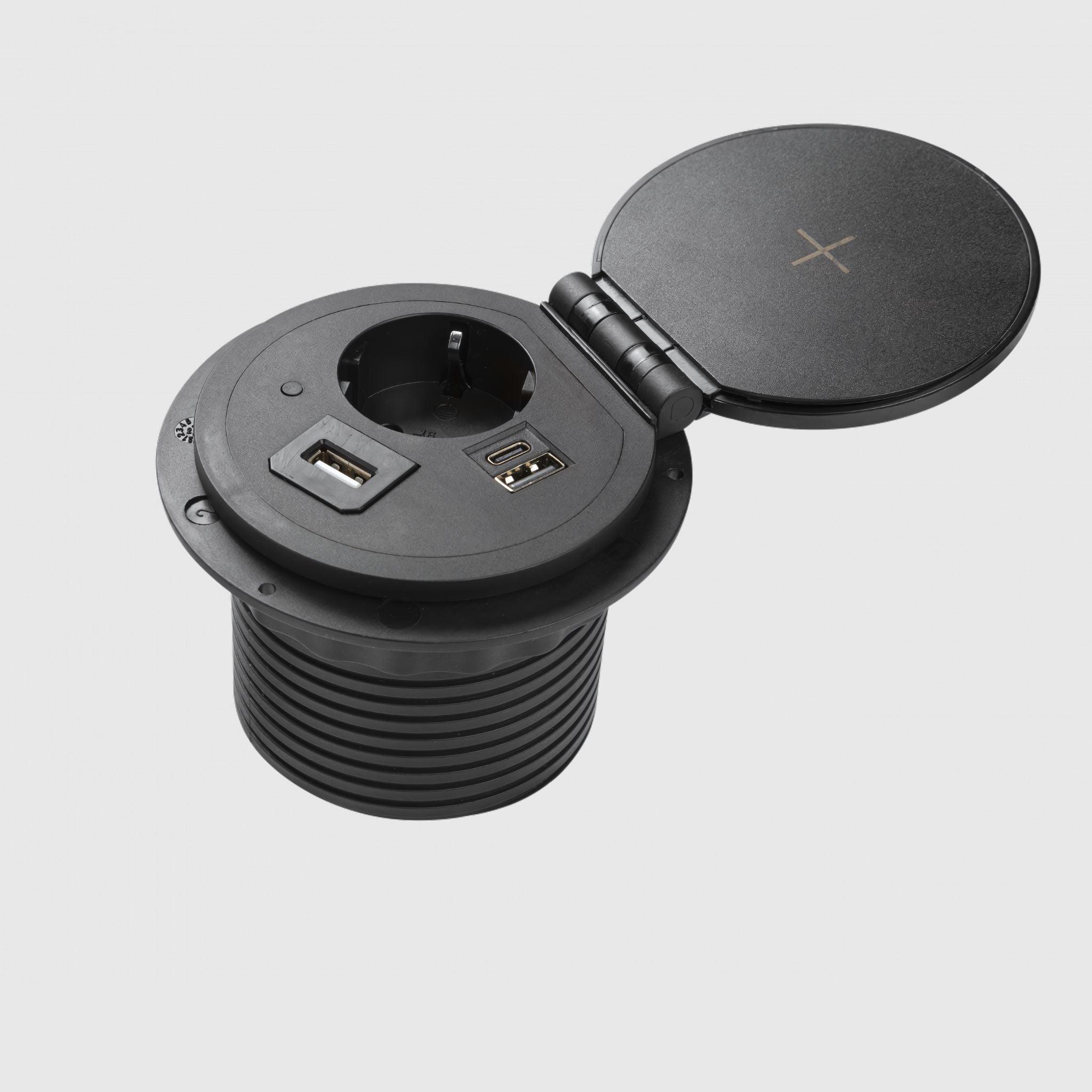
- Sockets and chargers — built-in power blocks, USB hubs, and wireless charging directly in the tabletop, so power is always at hand.
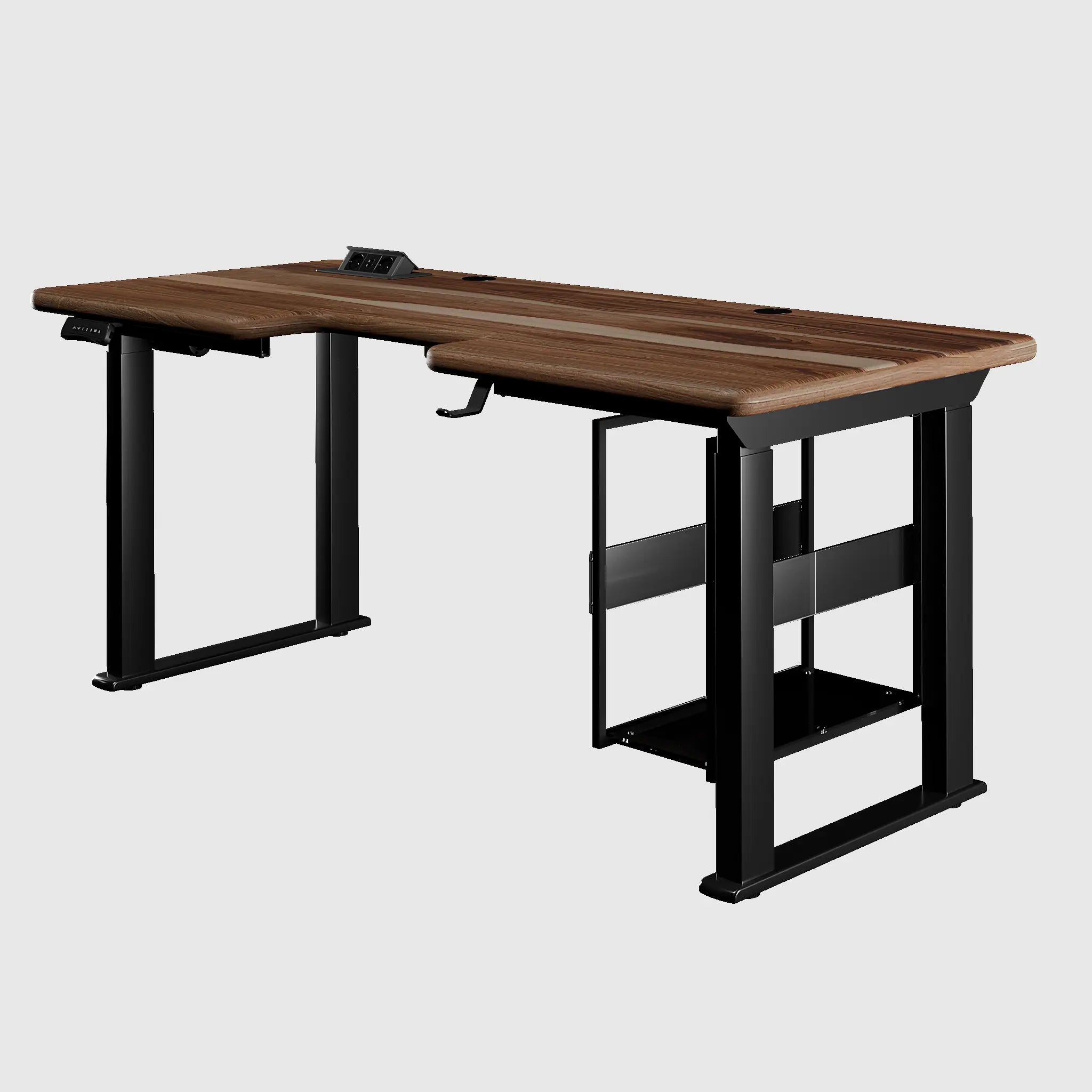
- PC case holders — suspend the PC from the tabletop, so it rises with the desk and doesn't sit on the floor.
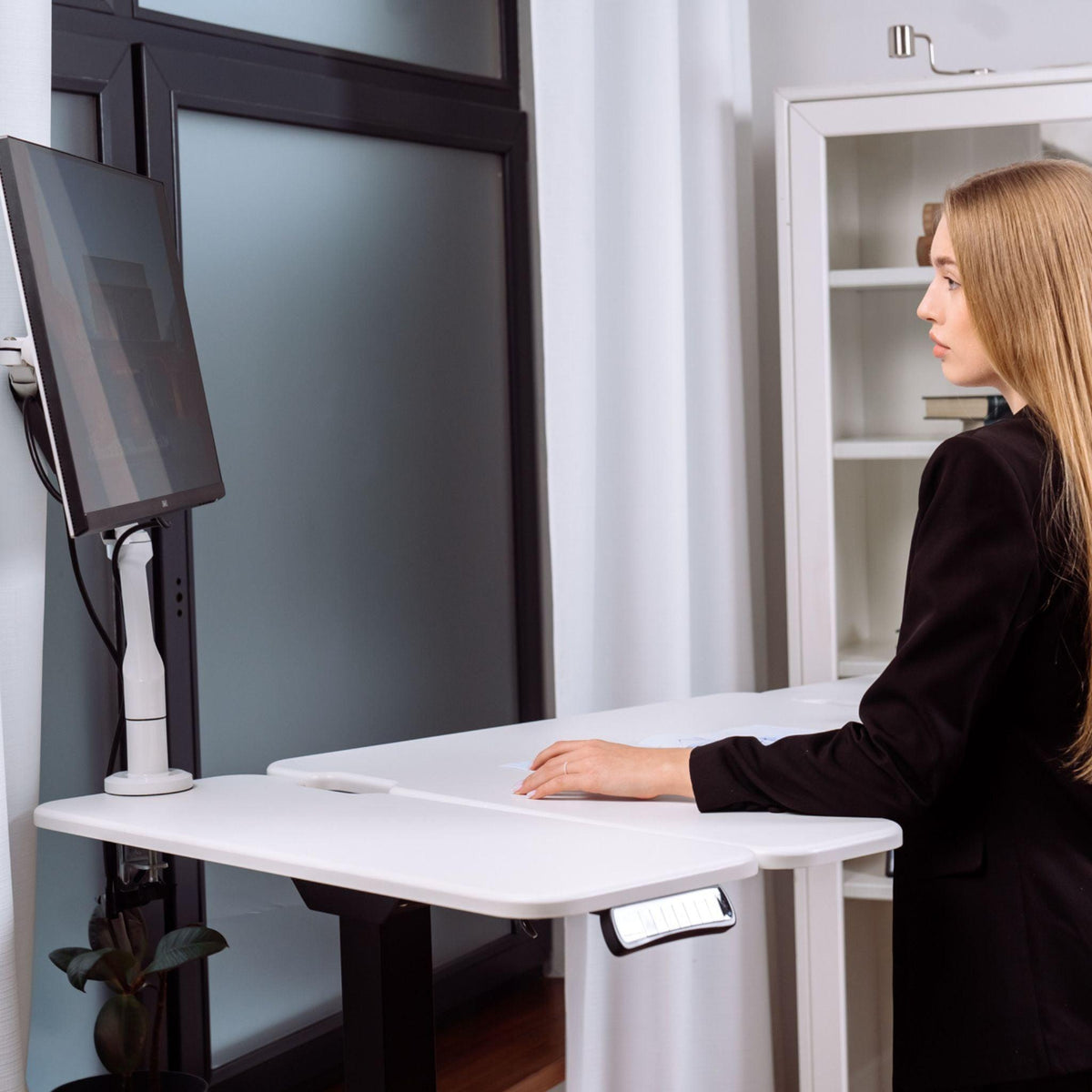
- Monitor shelves and monitor arms — raise the screen to eye level; a monitor arm mounted to the tabletop also reduces screen wobble.
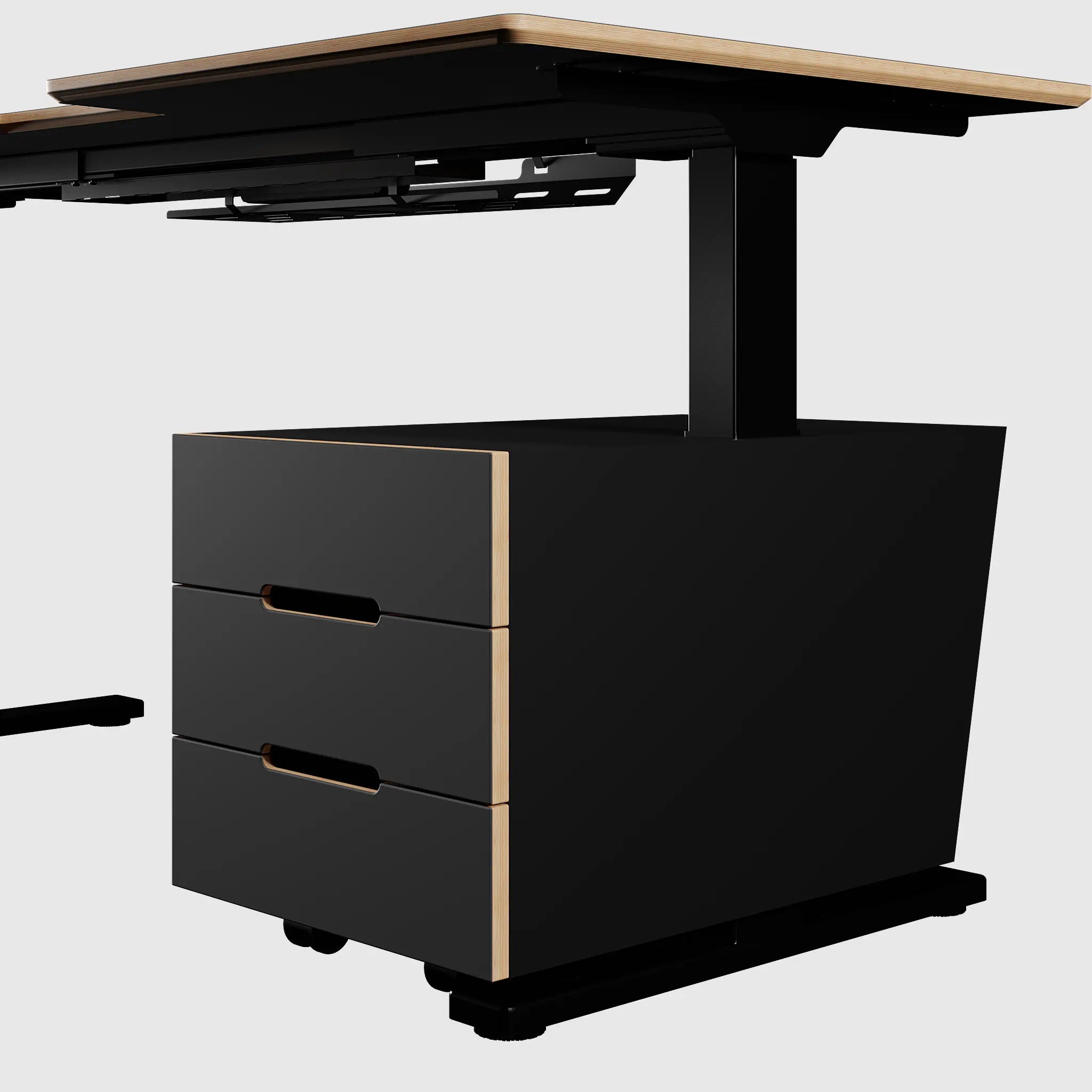
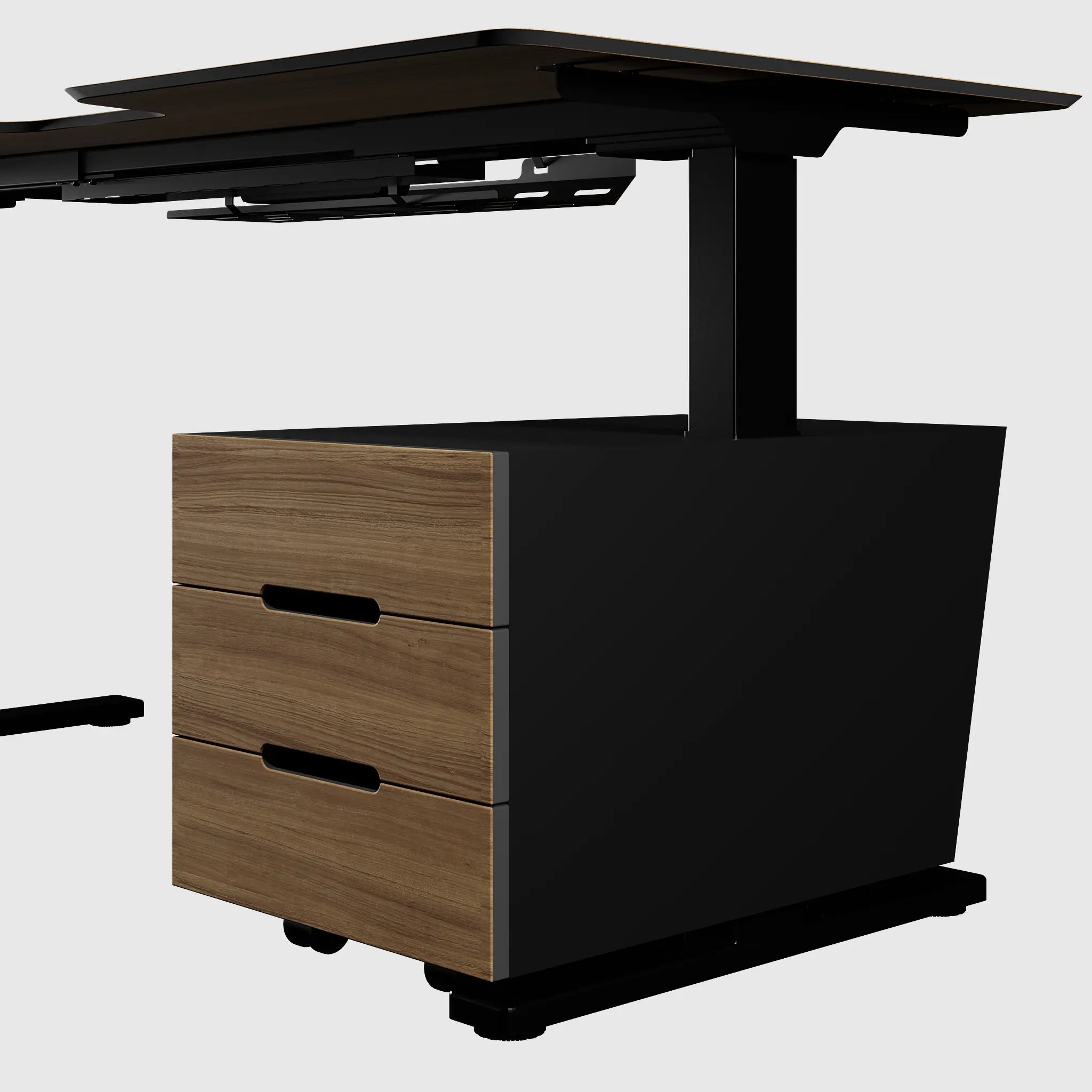
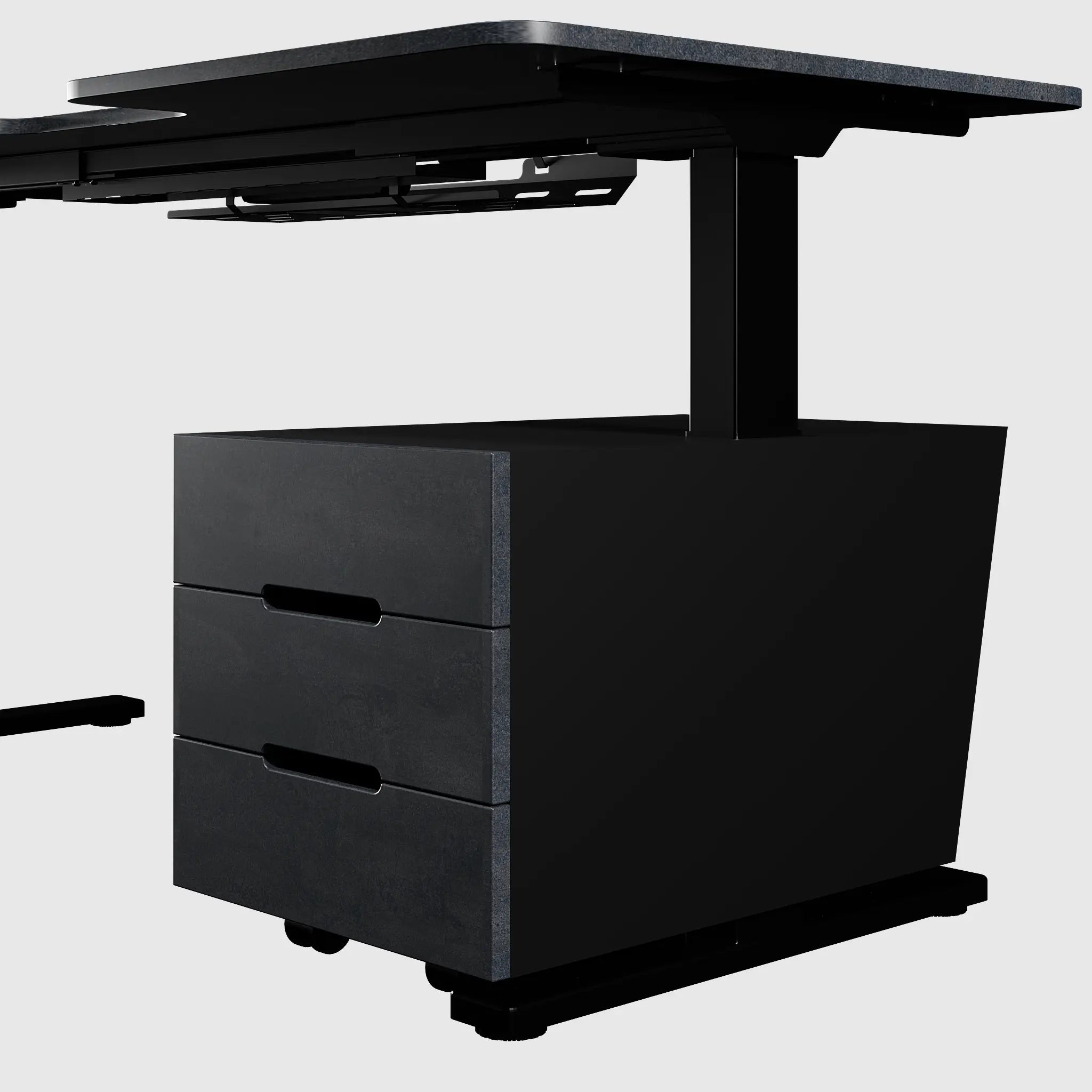
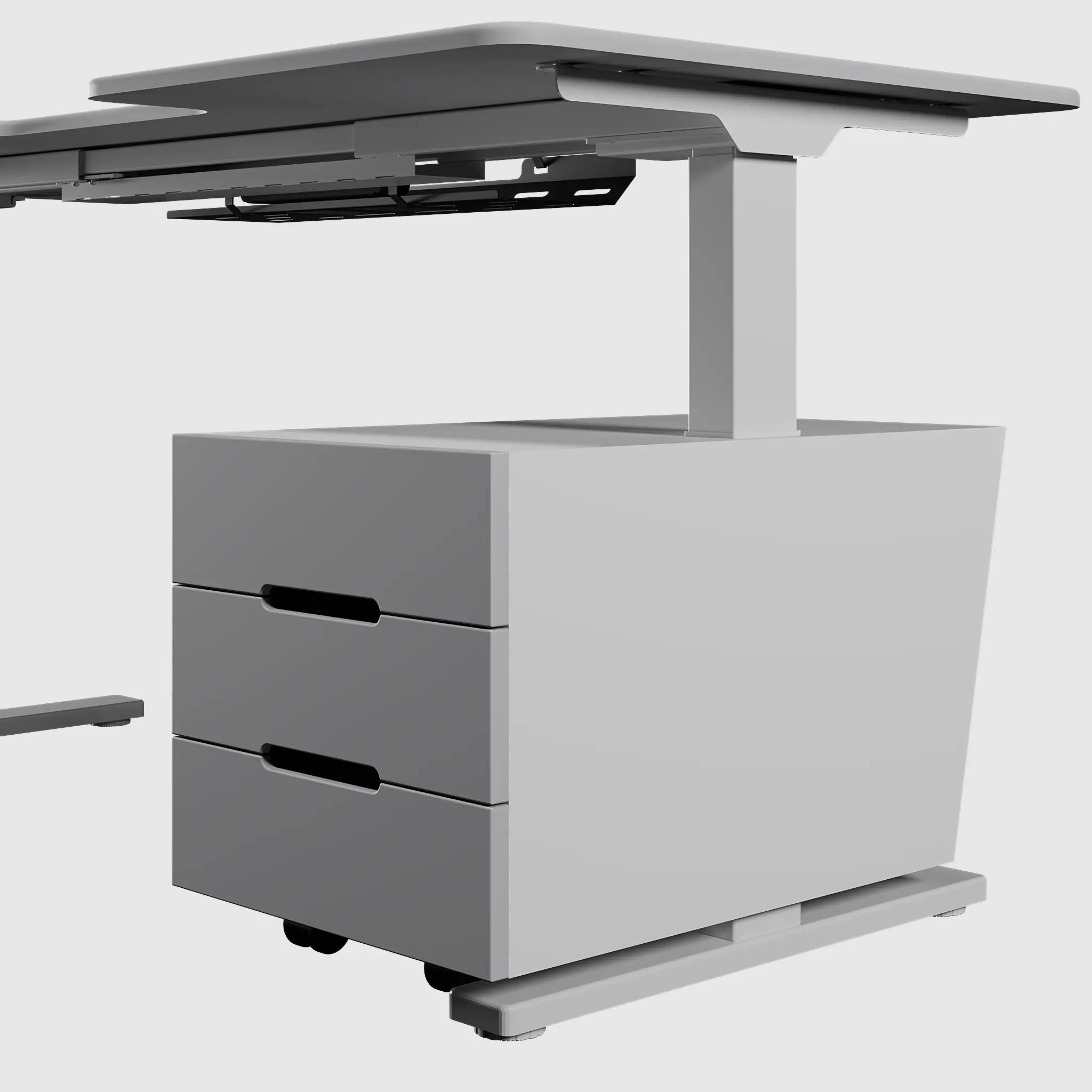
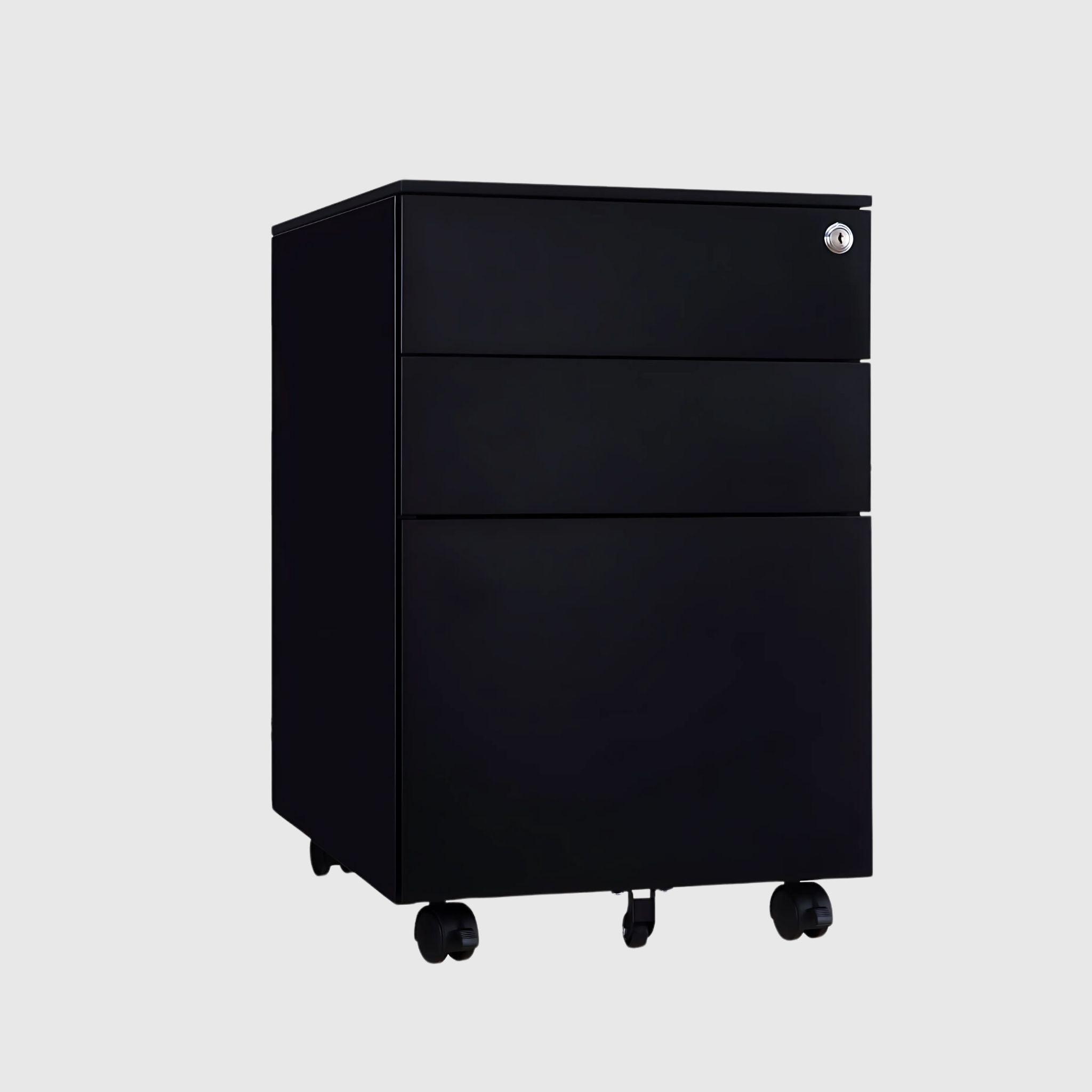
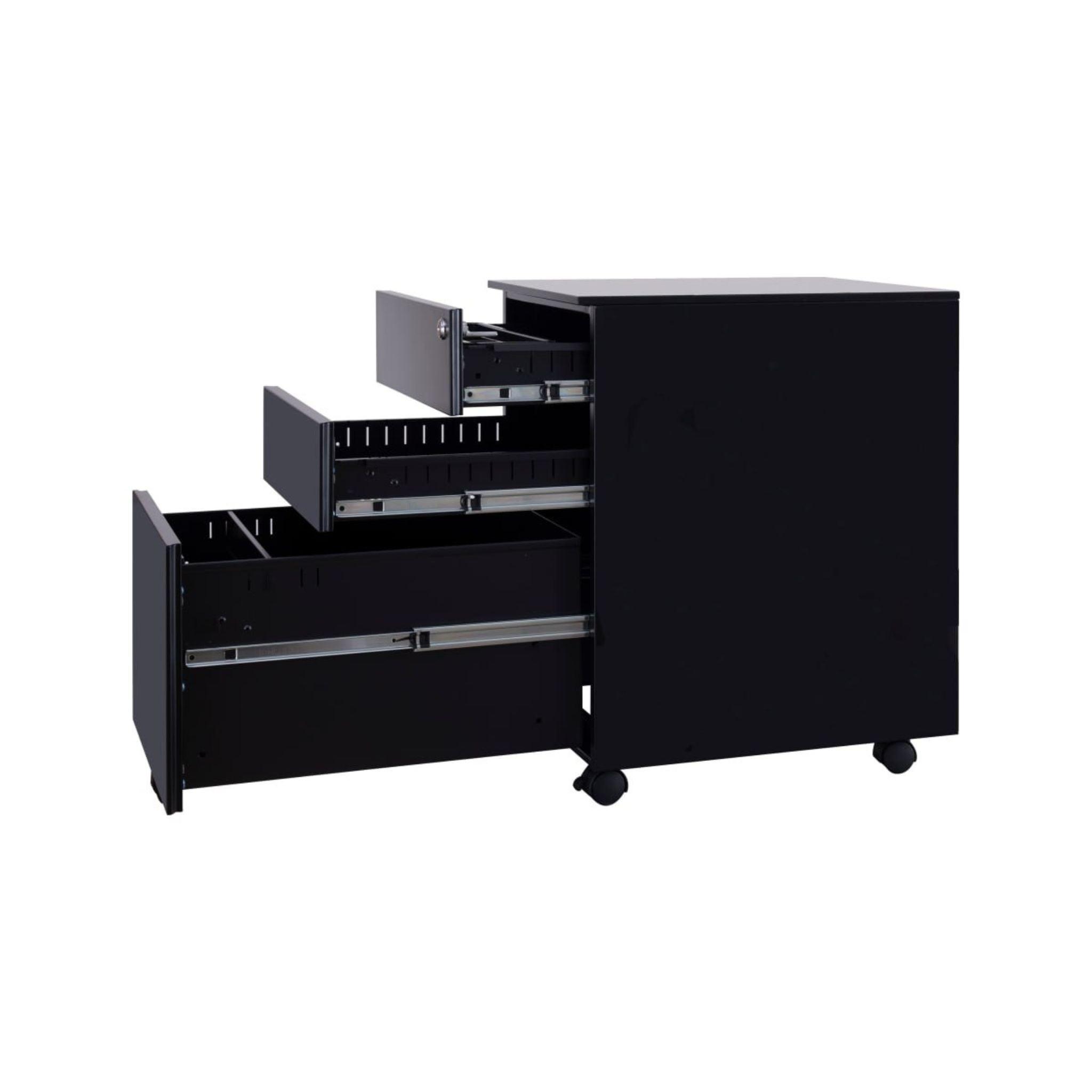
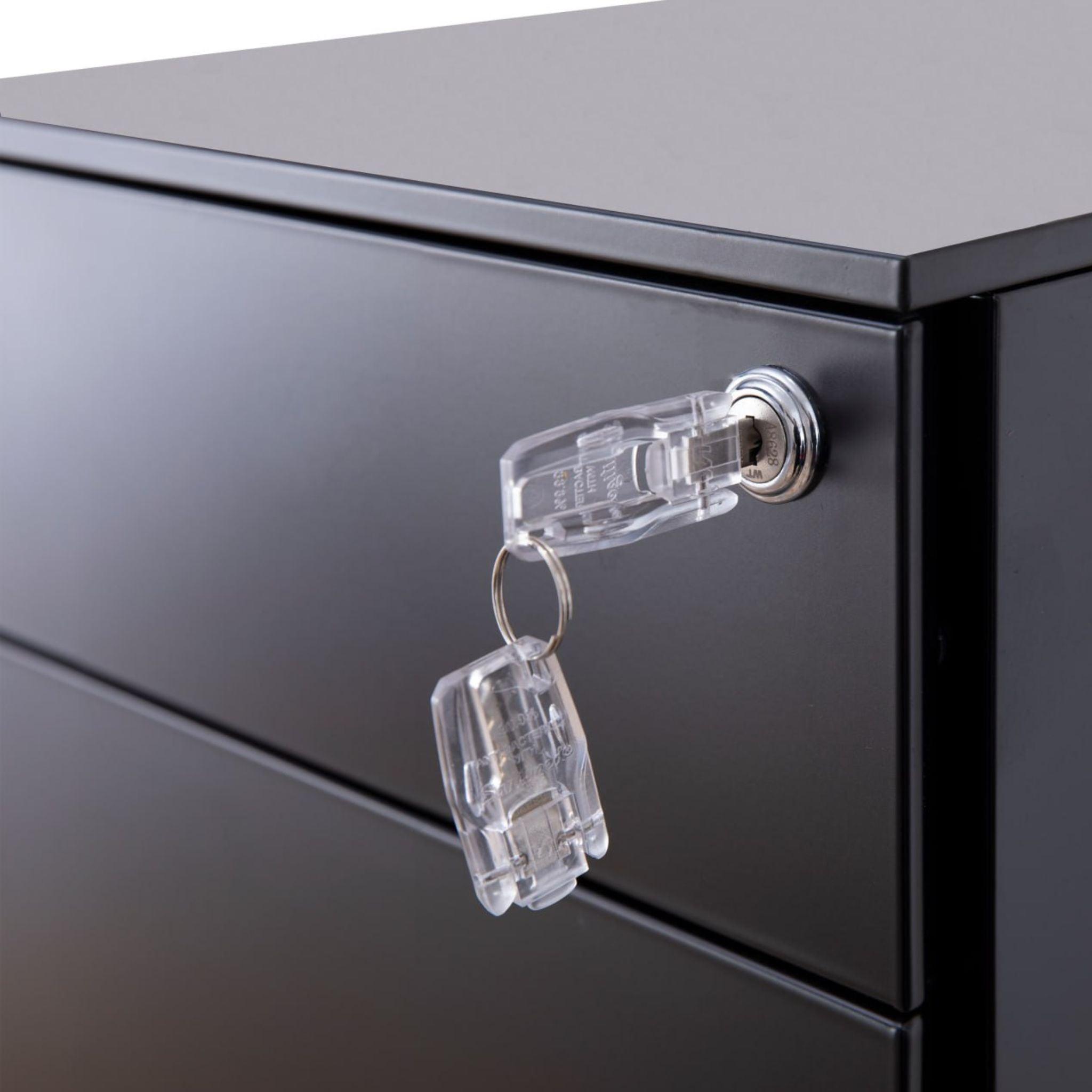
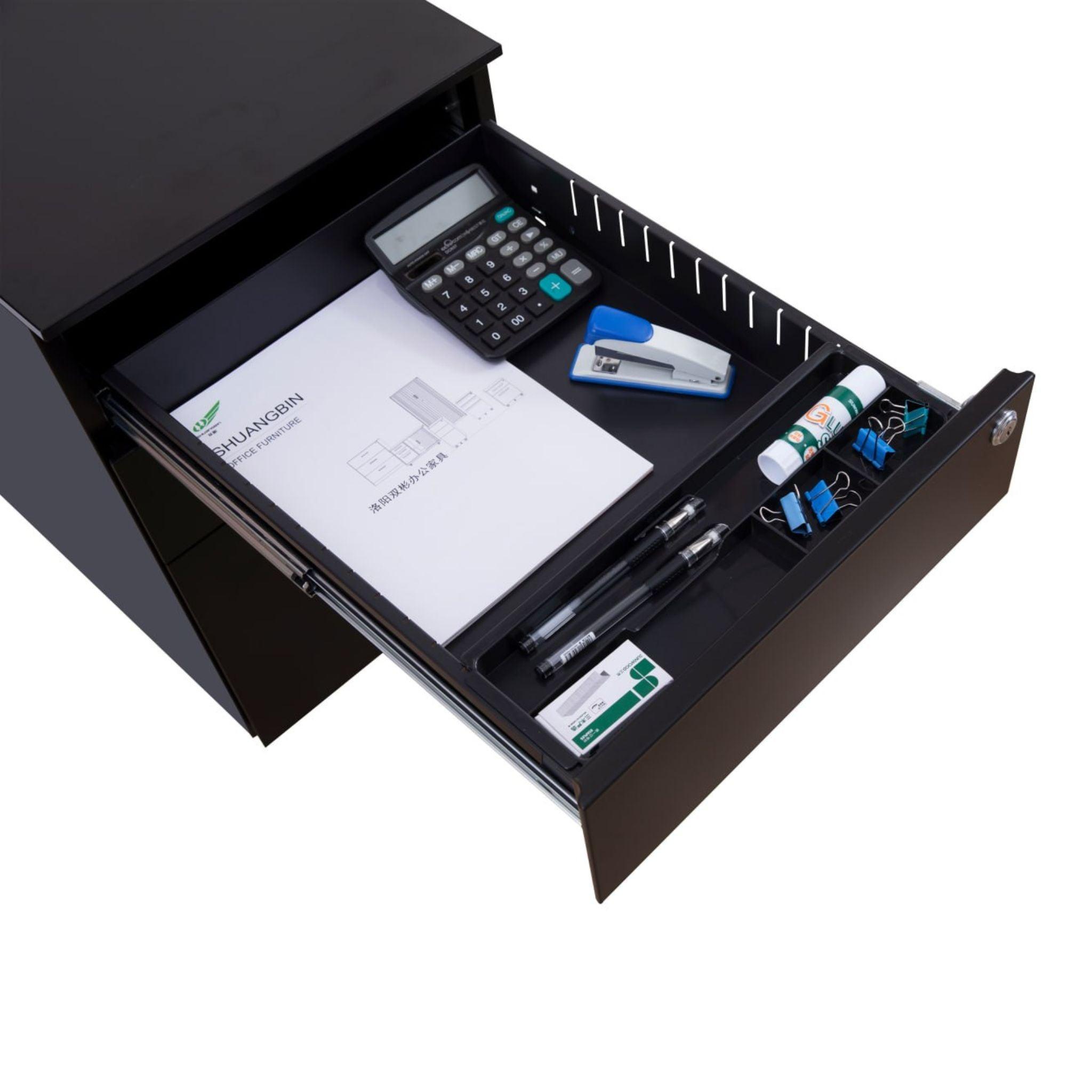
- Pedestals, drawers, and organizers — storage systems designed for the desk's movable geometry.
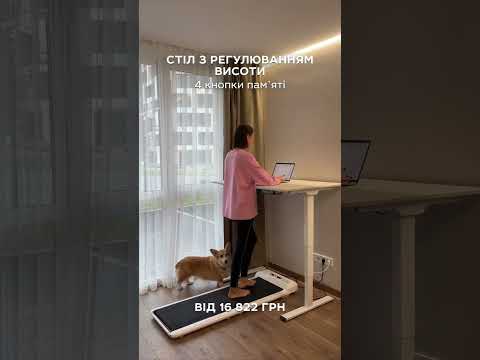
- Lighting and movement products — LED backlighting, screen-bar lamps, active standing boards, and under-desk treadmills.
Don't Want to Assemble It Yourself? Get a Ready-Made Setup
If you don't want to pick components one by one, we have ready-made setups — a frame, tabletop, and accessories already assembled into a kit and coordinated in terms of size, color, and load. And in the discounted items section, you can assemble a workspace more affordably.
Why TEHNOTABLE
We are a Ukrainian full-cycle production facility: we design, cut, paint, and assemble ourselves. This offers three things that resellers don't. First – customization: the size of the tabletop, shade, and configuration of pedestals can be ordered to match your interior. Second – quality control at every stage and a 5-year warranty on frames. Third – the opportunity to visit our showroom in Vyshneve near Kyiv, try out the frames live, and feel the difference with your hands. Free delivery across Ukraine, consultation via Telegram, and installation in Kyiv are included by default.